Display Calibration
Technische Hintergrunddienste
3.9 ★
store rating
10,000+
downloads
Free
AppRecs review analysis
AppRecs rating 3.7. Trustworthiness 84 out of 100. Review manipulation risk 25 out of 100. Based on a review sample analyzed.
★★★☆☆
3.7
AppRecs Rating
Ratings breakdown
5 star
51%
4 star
14%
3 star
14%
2 star
14%
1 star
7%
What to know
✓
Low review manipulation risk
25% review manipulation risk
✓
Credible reviews
84% trustworthiness score from analyzed reviews
✓
Good user ratings
65% positive sampled reviews
About Display Calibration
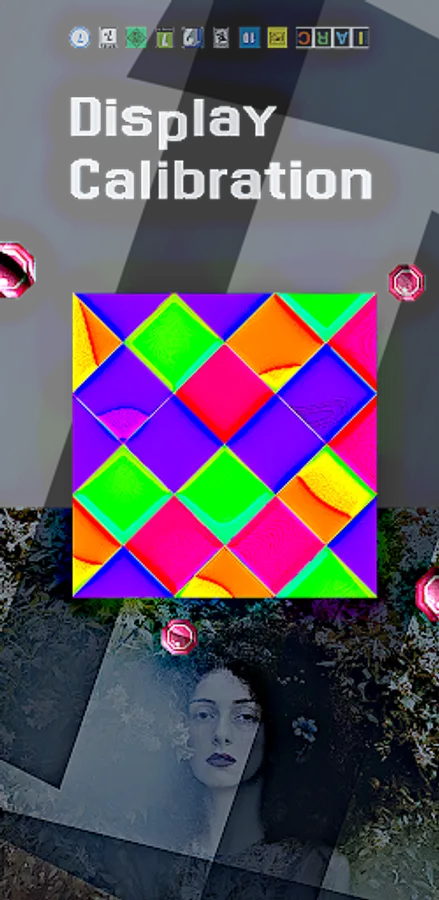
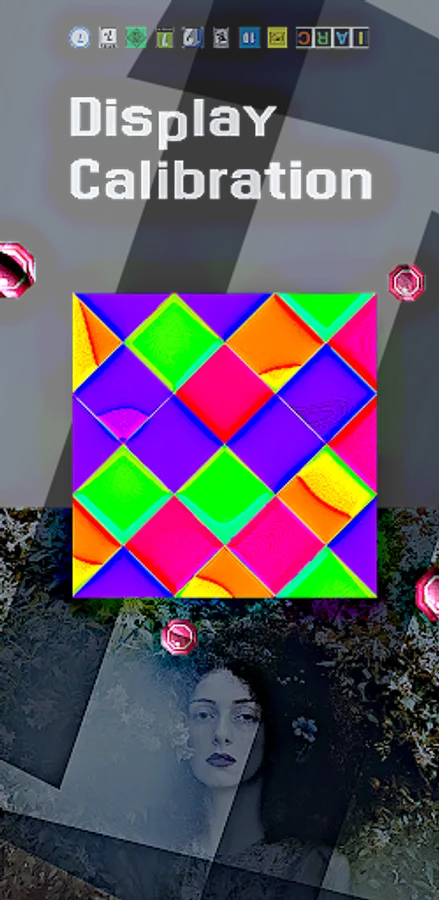
Find display/monitor/touchscreen, image and color calibration/dead pixels
Then this application is made for you if your screen/ monitor/ display/ touch screen does not show a good picture, if pixels are uneven, too bright or too dark, bad pixels, ...
As screens are burned in differently, there is no time specification/percentage display. The calibration runs without interruption until terminated by the user. If several devices are to be calibrated, it is practical that the previous calibration time is measured and output across program starts.
Attention, there are many fun apps on this topic that do nothing at all, so the app manufacturers do not seem to know and cannot explain under what circumstances such a calibration is possible or which measures actually work. In any case, the display of colorful images and flickering lines is not enough, not even for measures that are supposed to take place within seconds.
FEATURES: (not every device if device supports)
-> now: no root required!
-> Removes dead pixels
-> Remap screen/ resize (!)
-> Improves the resolution of the touchscreen display (not every device!)
-> Calibration of all pixels on the screen
-> Images should not appear more realistic and appealing
-> smallest application, newest code!
+ The app achieves very good results on various screens, insofar as unused pixels/colors often react chemically/physically differently than pixels/areas that are constantly used.
+ The app is designed to stimulate your display's electronics and chemistry and change metrics that can make for a significantly better picture.
+ Source code for minimum battery consumption during the calibration process.
+ Some operating systems support pixel blinding if the device has the appropriate hardware.
Then this application is made for you if your screen/ monitor/ display/ touch screen does not show a good picture, if pixels are uneven, too bright or too dark, bad pixels, ...
As screens are burned in differently, there is no time specification/percentage display. The calibration runs without interruption until terminated by the user. If several devices are to be calibrated, it is practical that the previous calibration time is measured and output across program starts.
Attention, there are many fun apps on this topic that do nothing at all, so the app manufacturers do not seem to know and cannot explain under what circumstances such a calibration is possible or which measures actually work. In any case, the display of colorful images and flickering lines is not enough, not even for measures that are supposed to take place within seconds.
FEATURES: (not every device if device supports)
-> now: no root required!
-> Removes dead pixels
-> Remap screen/ resize (!)
-> Improves the resolution of the touchscreen display (not every device!)
-> Calibration of all pixels on the screen
-> Images should not appear more realistic and appealing
-> smallest application, newest code!
+ The app achieves very good results on various screens, insofar as unused pixels/colors often react chemically/physically differently than pixels/areas that are constantly used.
+ The app is designed to stimulate your display's electronics and chemistry and change metrics that can make for a significantly better picture.
+ Source code for minimum battery consumption during the calibration process.
+ Some operating systems support pixel blinding if the device has the appropriate hardware.