
With this email app, you can send, receive, and organize messages efficiently, utilizing features like quick sorting and junk removal. Includes account management, package tracking, security alerts, and accessibility options.
AppRecs review analysis
AppRecs rating 4.0. Trustworthiness 63 out of 100. Review manipulation risk 23 out of 100. Based on a review sample analyzed.
★★★★☆
4.0
AppRecs Rating
Ratings breakdown
5 star
70%
4 star
11%
3 star
5%
2 star
3%
1 star
11%
What to know
✓
Low review manipulation risk
23% review manipulation risk
✓
High user satisfaction
81% of sampled ratings are 4+ stars (4.3★ average)
⚠
Ad complaints
Many low ratings mention excessive ads
About Yahoo Mail
Download now to experience the most efficient features yet.
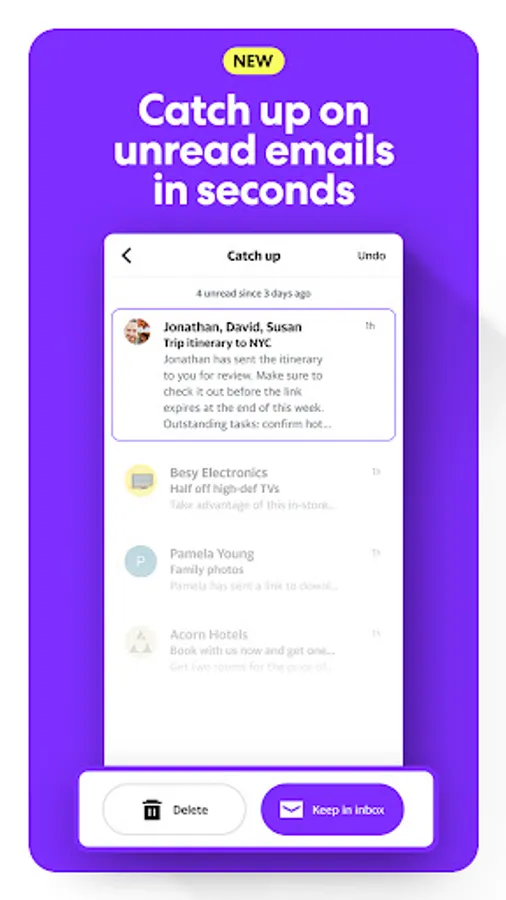
CATCH UP IN SECONDS
Quickly sort through unread emails with a tap — keep or delete in a fast, gamified view that makes inbox cleanup effortless.
ELIMINATE JUNK
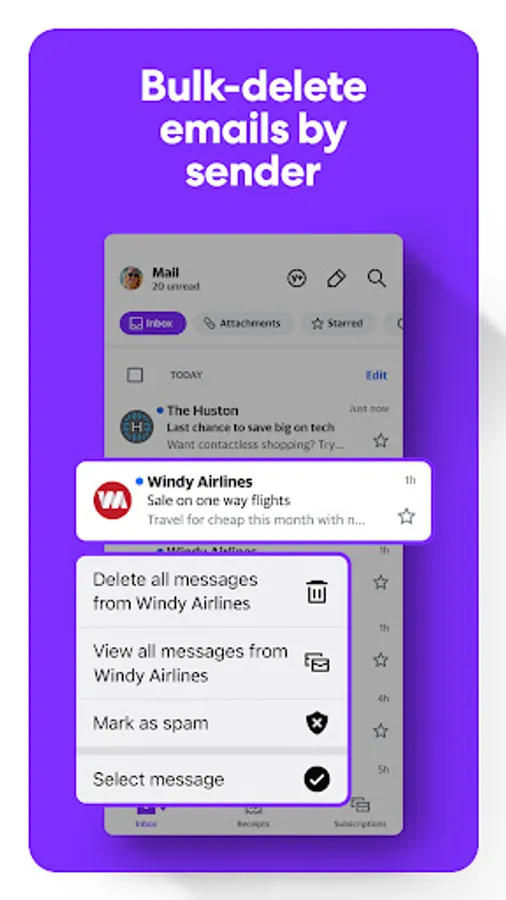
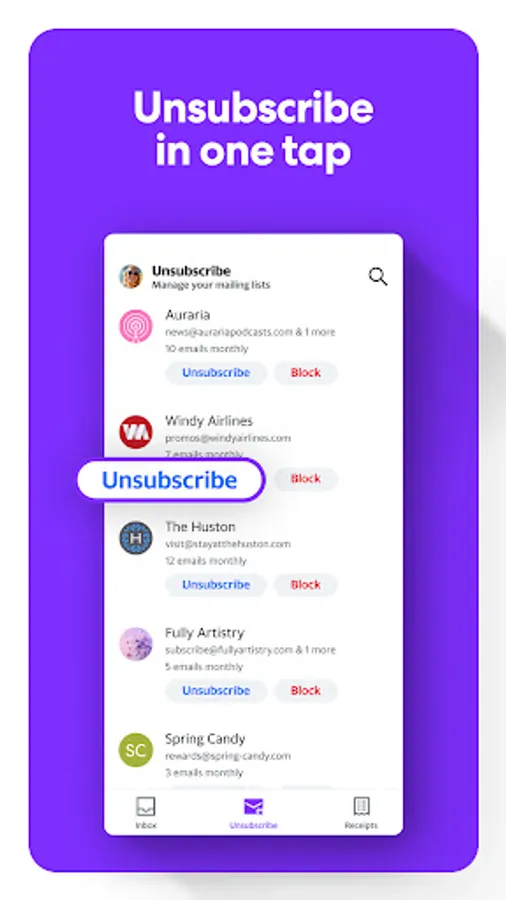
Instantly declutter your inbox with delete by sender and one-tap unsubscribe shortcuts.
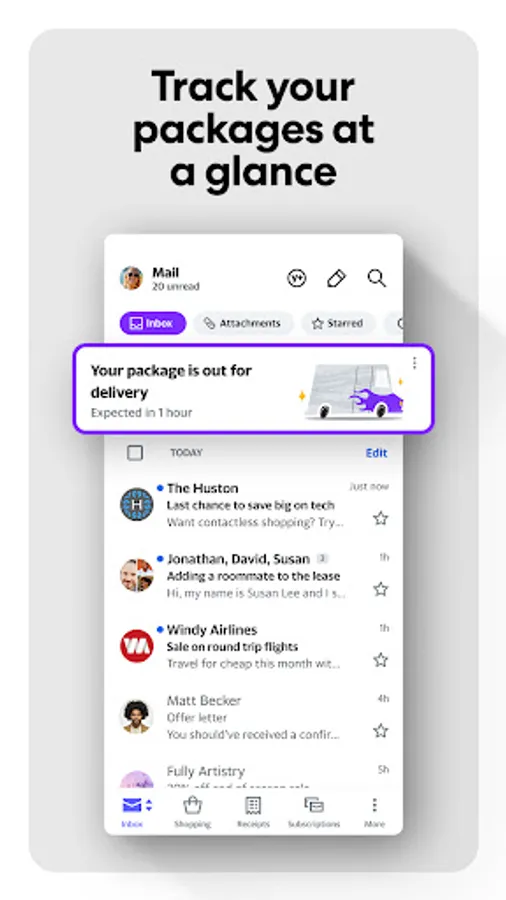
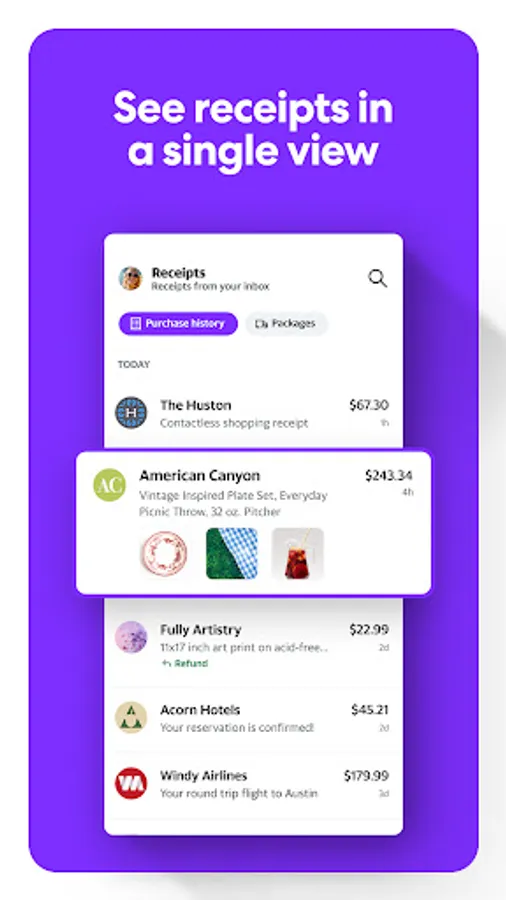
TRACK PACKAGES AND FIND RECEIPTS
Easily view order status at the top of your inbox and keep track of recent purchases in a single spot.
SECURE YOUR INBOX
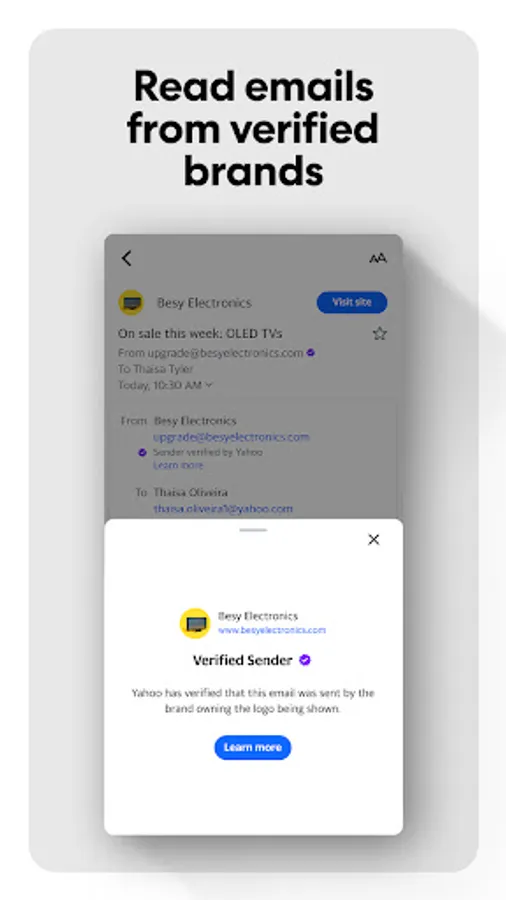
Enjoy peace of mind with advanced security features like getting warned about suspicious emails.
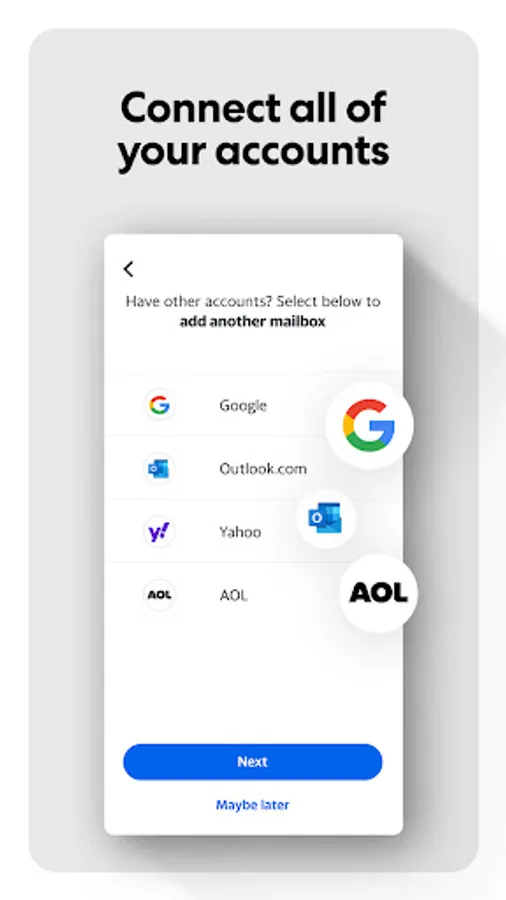
CONNECT YOUR ACCOUNTS
Add your Gmail, Outlook, AOL or Hotmail so you can manage all of your accounts in one app.
ACCESSIBILITY
Discover high contrast themes, dynamic text resizing and VoiceOver screen reader compatibility to help users navigate their inboxes effortlessly.
YAHOO MAIL+
Get ad-free mail, extra organization and privacy features, and 24/7 tech support across your mobile devices.
+ Available as an in-app purchase at $1.99/month charged to your Google Play account
+ Subscription will auto-renew each month within 24 hours of your renewal date
+ Manage or cancel your subscription via Account Settings
Terms of service: https://legal.yahoo.com/us/en/yahoo/terms/otos/index.html
Privacy policy: https://legal.yahoo.com/us/en/yahoo/privacy/index.html
Yahoo Mail Screenshots
Tap to Rate:
Reviews for Yahoo Mail
Staci Balsan
2/23/2026
It irritates me that you have delete each email one at a time. Before it updated the format, you could chose Select All and the trash can icon. Not anymore, it is a hit and miss if the delete trash option will appear. So you have to wait until your email reaches over 100 emails and maybe the trashcan will show up so you can delete the emails.
Mary Lynn Copan
2/23/2026
Hate it. They change things for the sake of changing them. Would like to go back to the old format. I can't seem to find emails that I want when I search on my phone. Laptop is okay, phone is ridiculous.