All-in-one PDF Editor
Y Mobile Solution
500+
downloads
Free
+ in-app
AppRecs review analysis
AppRecs rating 4.0. Trustworthiness 55 out of 100. Review manipulation risk 52 out of 100. Based on a review sample analyzed.
★★★★☆
4.0
AppRecs Rating
Ratings breakdown
5 star
100%
4 star
0%
3 star
0%
2 star
0%
1 star
0%
What to know
⚠
Questionable review patterns
52% review manipulation risk - some review patterns appear unusual
⚠
Unusually uniform ratings
100% of sampled ratings are 5 stars with very little variation
About All-in-one PDF Editor
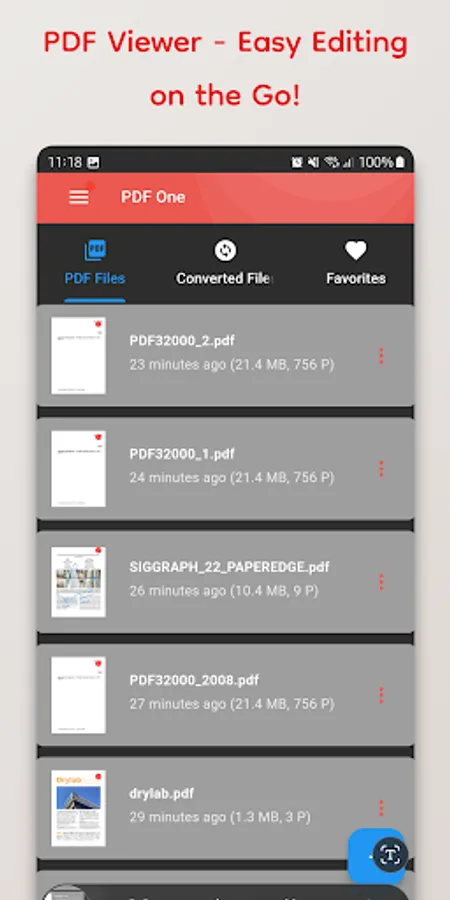
Go beyond a simple PDF viewer and experience expert-level editing features right in your hands. Read documents, merge or split files – all the basics are covered, plus powerful new tools designed to enhance your productivity.
✨ Powerful New Features Added! ✨
📄 Add Watermark: Easily insert custom text or image watermarks into important documents to protect copyright and clarify document origin. (Keywords: PDF Watermark, Copyright Protection, Document Security)
🔢 Insert Page Numbers: Automatically add page numbers to multi-page PDF documents for improved readability and organization. Essential for reports and academic papers!
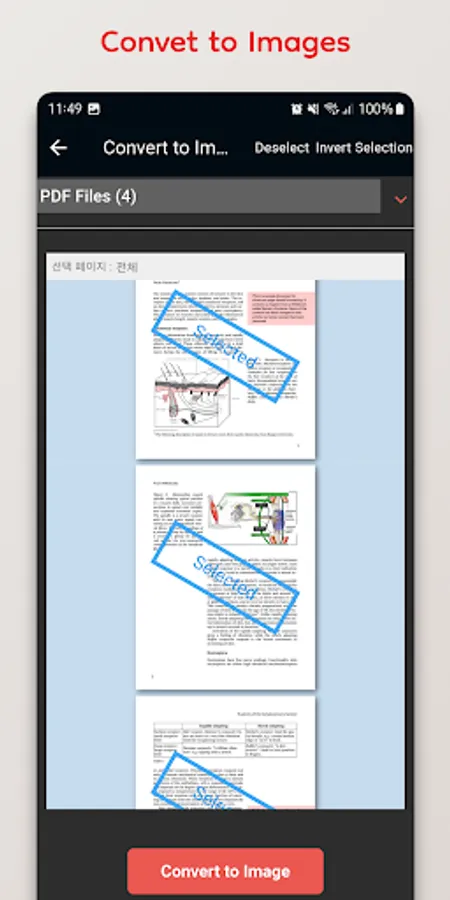
✂️ Extract Pages: Quickly select and save only the pages you need as a new PDF file. Easily share or archive just the essential parts of large documents.
🖼️ Crop Pages: Clean up your PDFs by cutting out unnecessary margins or specific areas, focusing only on the content you need. Great for tidying up scanned documents!
Key Features:
Crystal-clear PDF viewing and searching
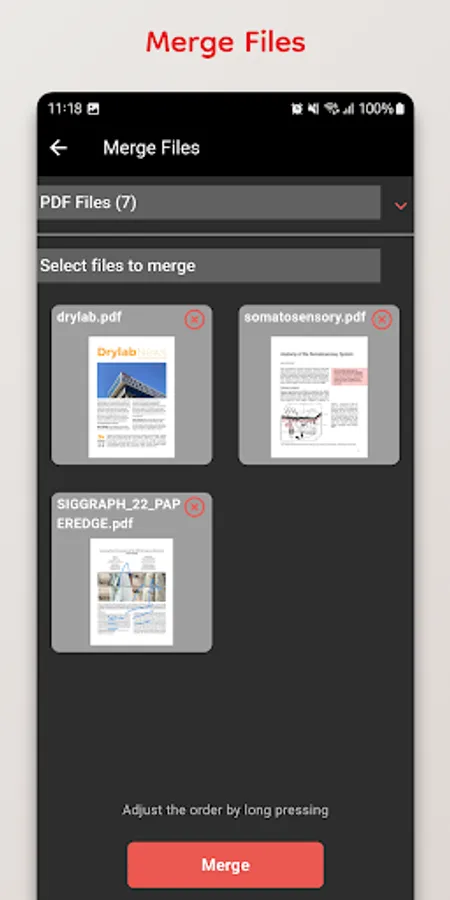
Merge multiple PDF files into one
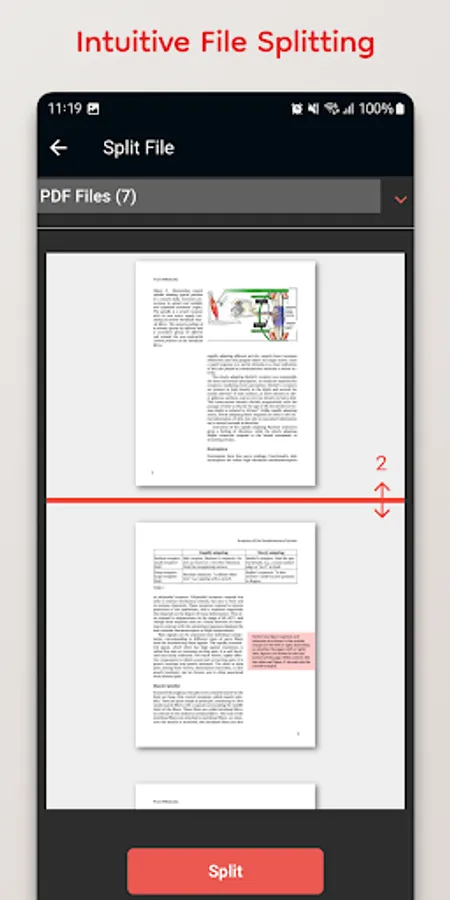
Split a single PDF into multiple files
Add Text/Image Watermarks (New!)
Insert Automatic Page Numbers (New!)
Extract Specific Pages to a New PDF (New!)
Crop Page Areas (New!)
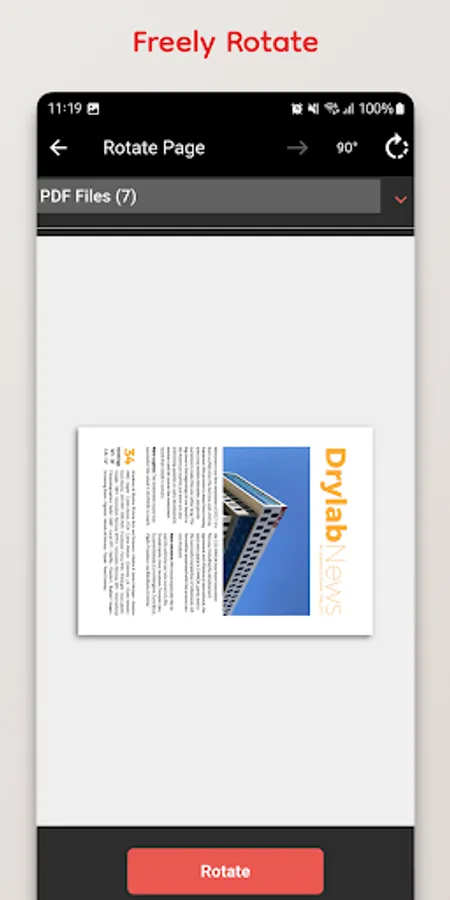
Rotate Pages (Portrait/Landscape)
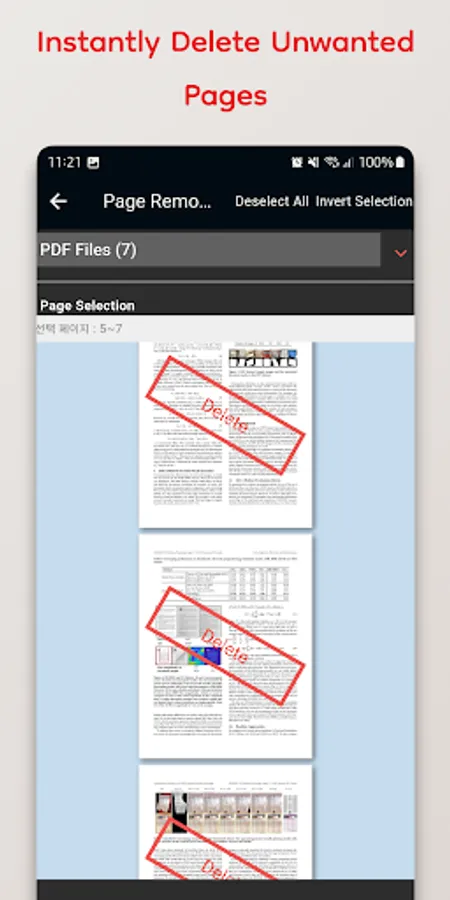
Delete unwanted pages easily
Intuitive and easy-to-use interface
✨ Powerful New Features Added! ✨
📄 Add Watermark: Easily insert custom text or image watermarks into important documents to protect copyright and clarify document origin. (Keywords: PDF Watermark, Copyright Protection, Document Security)
🔢 Insert Page Numbers: Automatically add page numbers to multi-page PDF documents for improved readability and organization. Essential for reports and academic papers!
✂️ Extract Pages: Quickly select and save only the pages you need as a new PDF file. Easily share or archive just the essential parts of large documents.
🖼️ Crop Pages: Clean up your PDFs by cutting out unnecessary margins or specific areas, focusing only on the content you need. Great for tidying up scanned documents!
Key Features:
Crystal-clear PDF viewing and searching
Merge multiple PDF files into one
Split a single PDF into multiple files
Add Text/Image Watermarks (New!)
Insert Automatic Page Numbers (New!)
Extract Specific Pages to a New PDF (New!)
Crop Page Areas (New!)
Rotate Pages (Portrait/Landscape)
Delete unwanted pages easily
Intuitive and easy-to-use interface