About iXm Uplink+
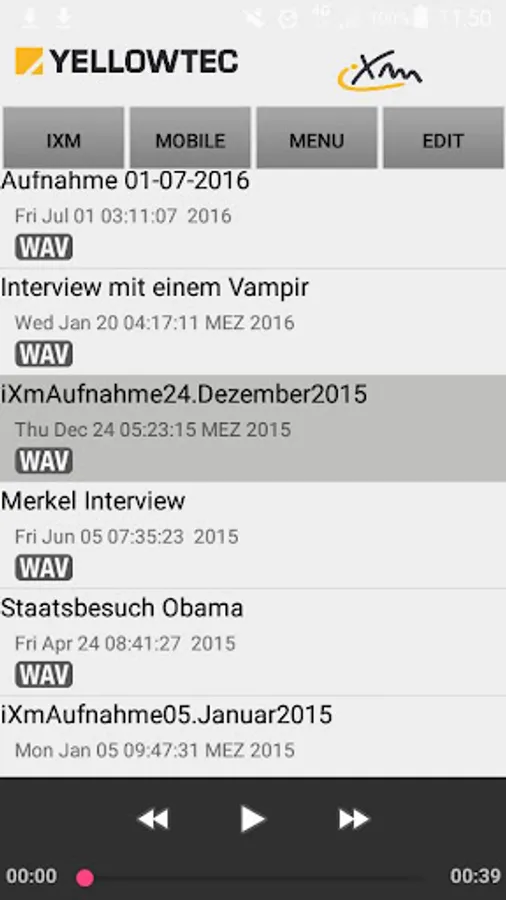
The app manages and transfers any audio clips recorded by the professional iXm Recording Microphone.
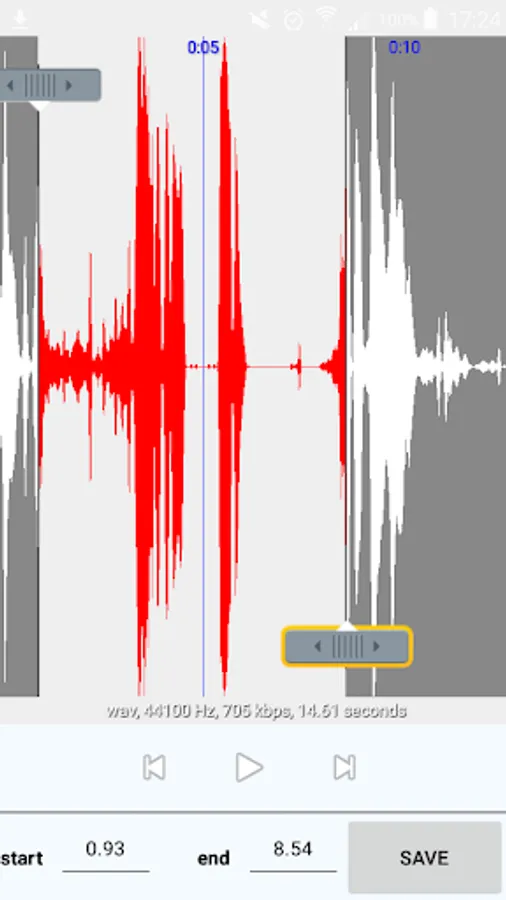
Playback, save, edit, and transfer your audio clips on your Android Device. Use a Toshiba Flash Air wireless SD Card (recommended) in your iXm to connect your iXm Recording Microphone to your Android Device via WiFi. Soundfiles can be downloaded from your iXm, edited and transferred via GSM or another WiFi link.
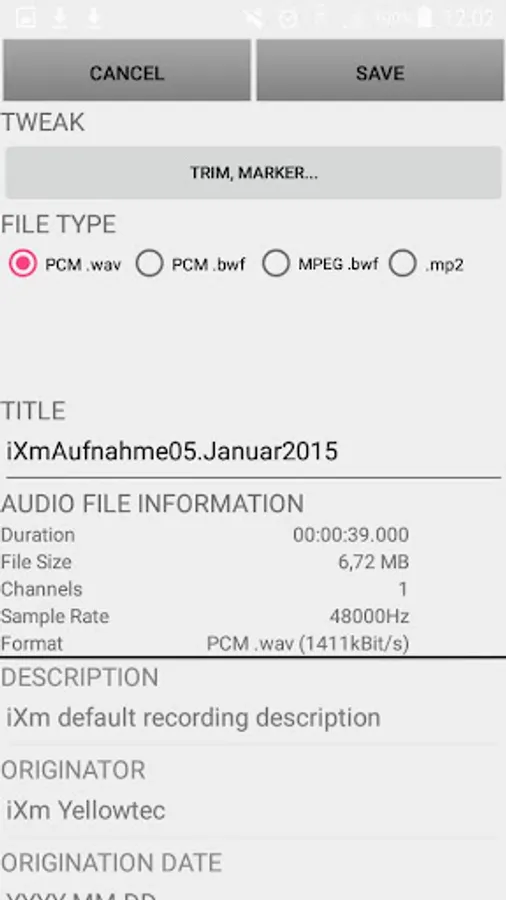
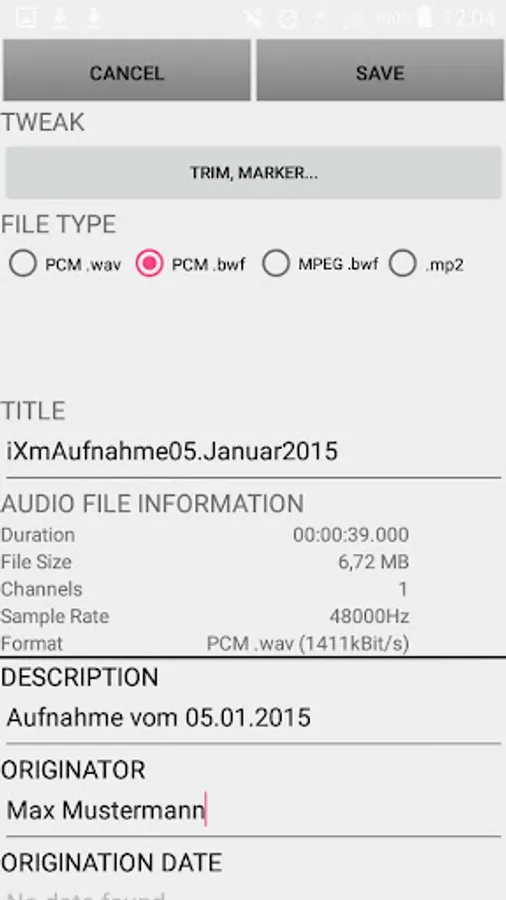
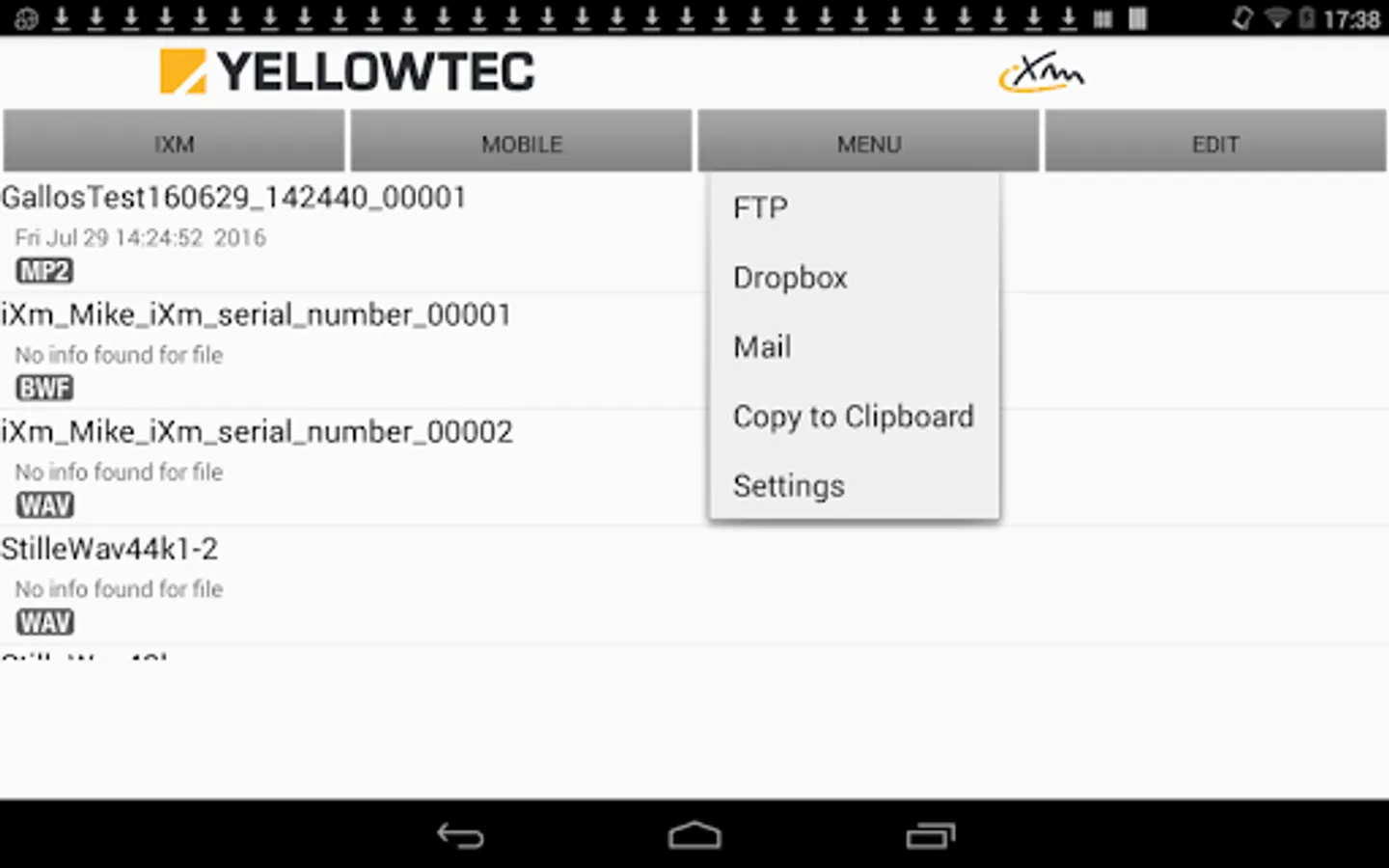
These file-formats can be used: *.WAV, *.BWF and MP2 (MPEG1 Layer2).
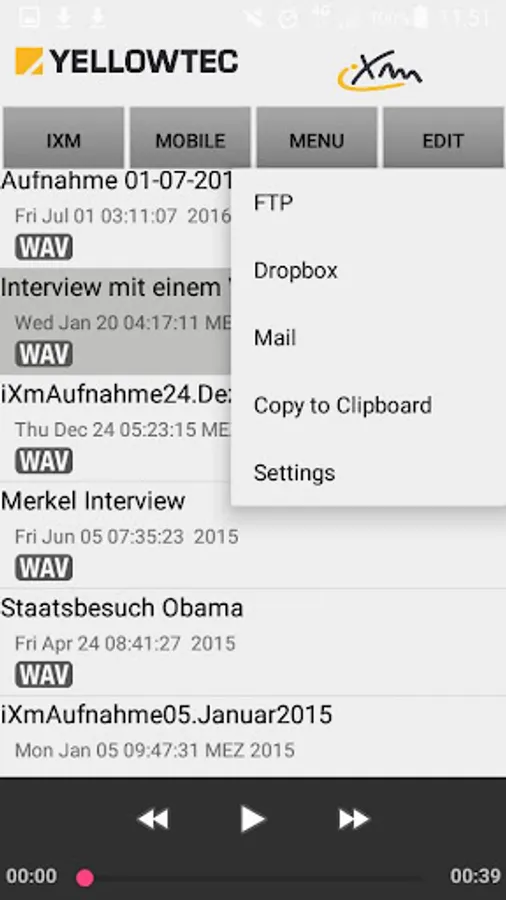
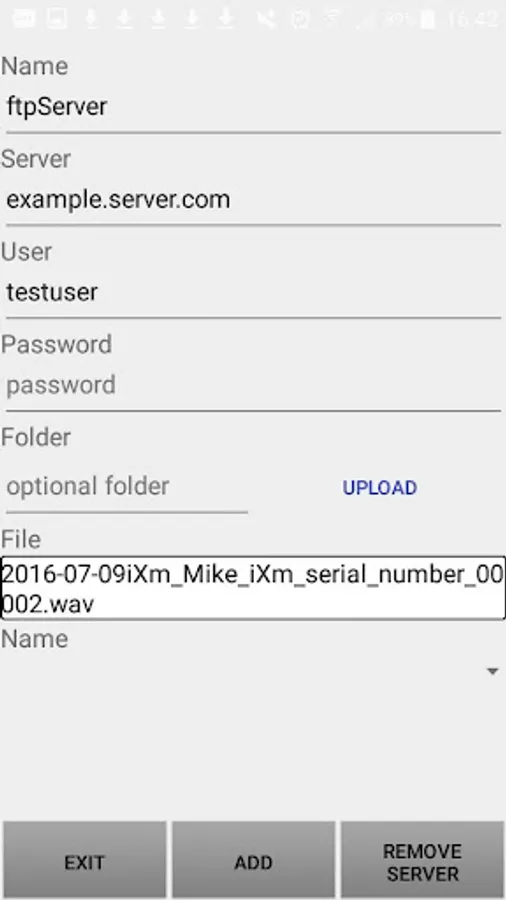
You can distribute your files via E-Mail, Dropbox and FTP.
Playback, save, edit, and transfer your audio clips on your Android Device. Use a Toshiba Flash Air wireless SD Card (recommended) in your iXm to connect your iXm Recording Microphone to your Android Device via WiFi. Soundfiles can be downloaded from your iXm, edited and transferred via GSM or another WiFi link.
These file-formats can be used: *.WAV, *.BWF and MP2 (MPEG1 Layer2).
You can distribute your files via E-Mail, Dropbox and FTP.