In this battery saver app, you can adjust brightness, volume, and lock functions to conserve power during gaming sessions. Includes features like automatic locking, black screen mode, and battery level alerts.
AppRecs review analysis
AppRecs rating 3.5. Trustworthiness 78 out of 100. Review manipulation risk 39 out of 100. Based on a review sample analyzed.
★★★☆☆
3.5
AppRecs Rating
Ratings breakdown
5 star
47%
4 star
13%
3 star
7%
2 star
0%
1 star
33%
What to know
✓
Credible reviews
78% trustworthiness score from analyzed reviews
✓
Authentic reviews
Natural distribution, no red flags
⚠
High negative review ratio
33% of sampled ratings are 1–2 stars
About Game Battery Saver
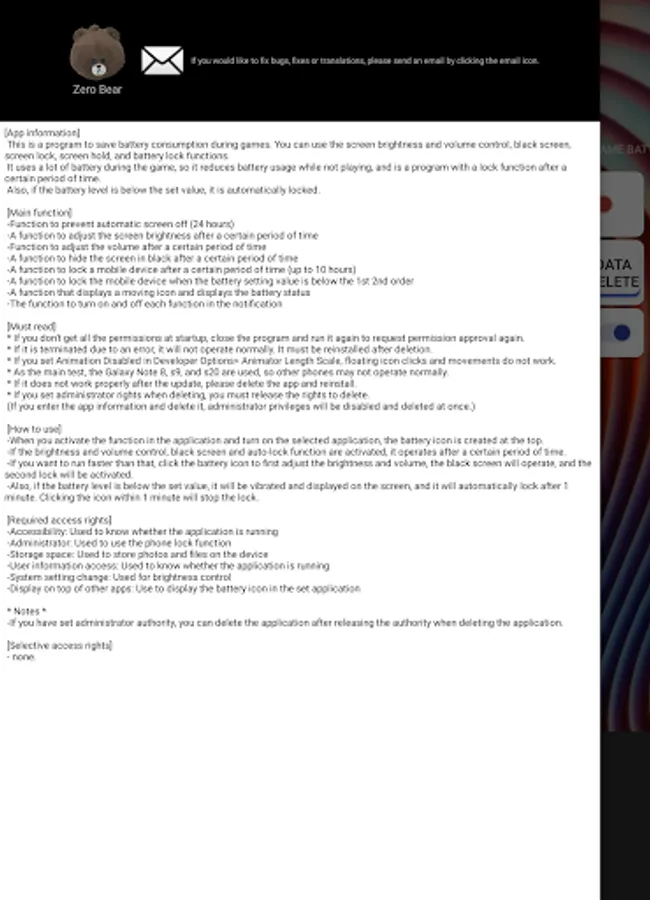
[App information]
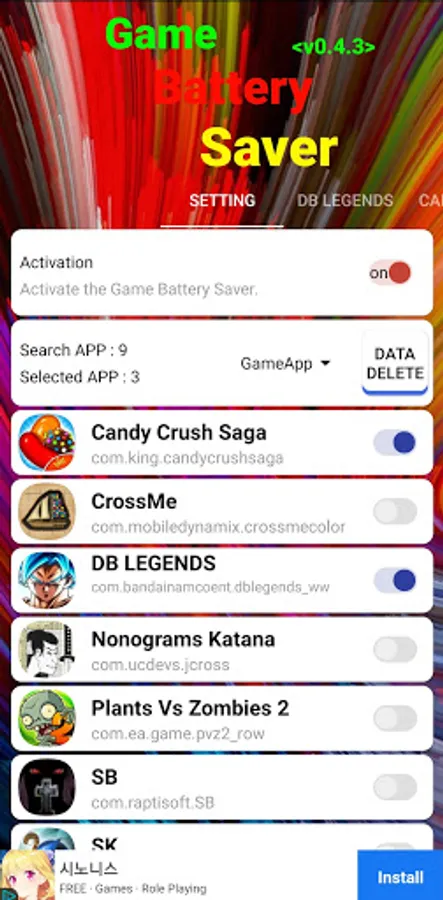
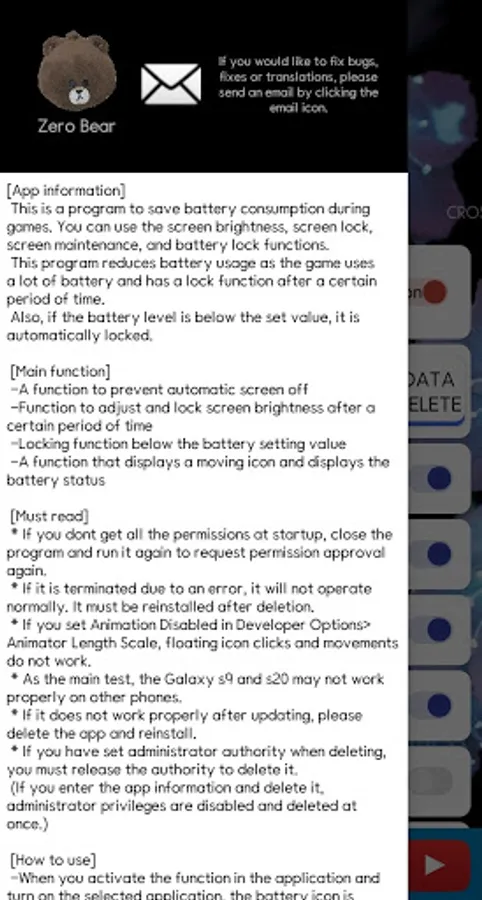
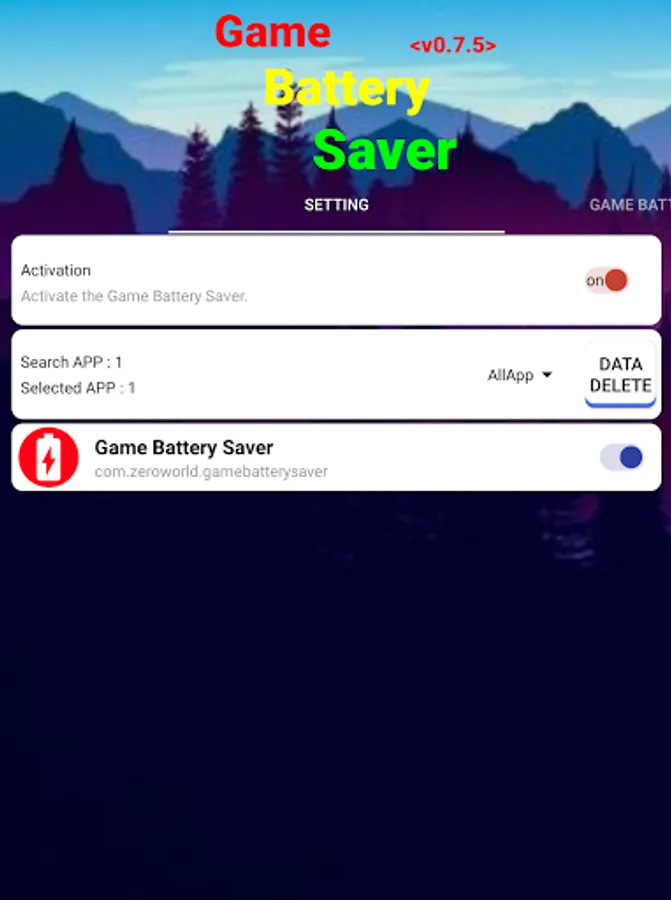
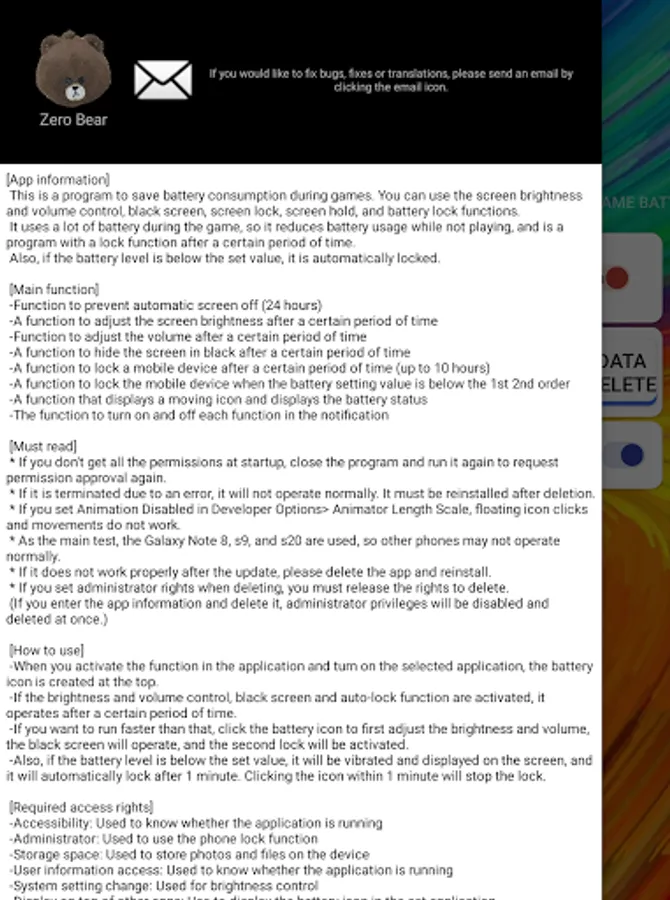
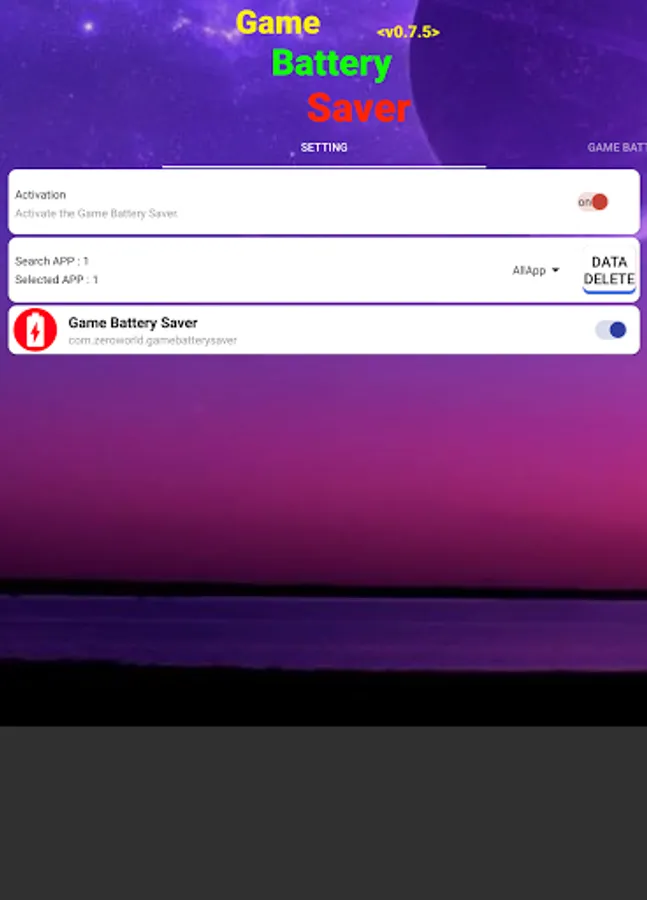
This is a program to save battery consumption during games. You can use brightness and volume settings, black screen, screen lock, screen retention, and battery lock functions.
This program reduces the brightness and volume while not playing because the battery usage is high during games, and has an automatic lock function according to the battery level to prevent discharge.
[main function]
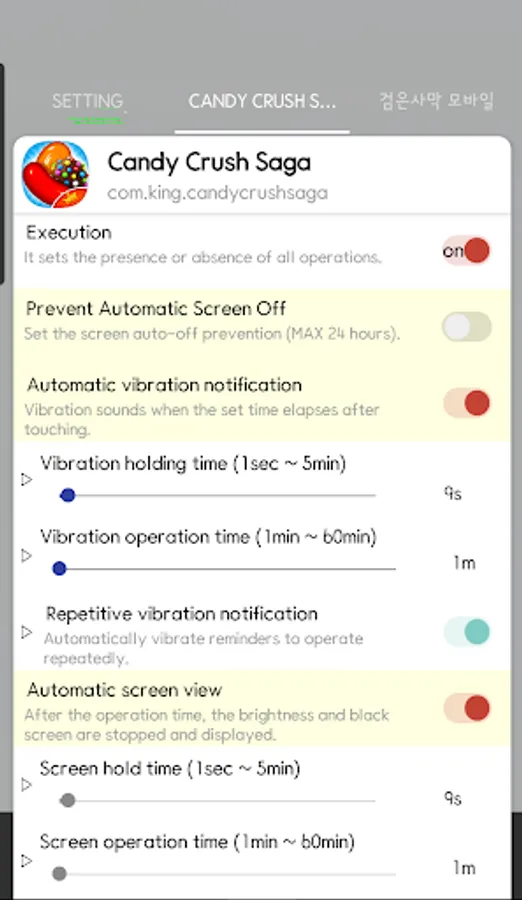
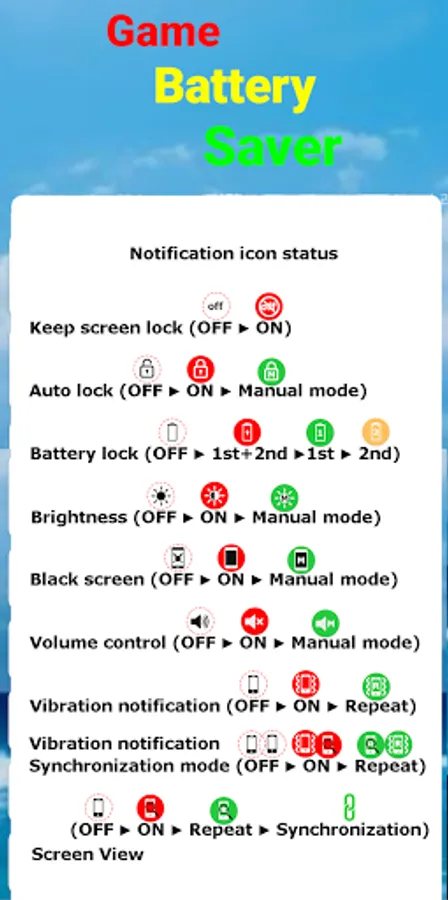
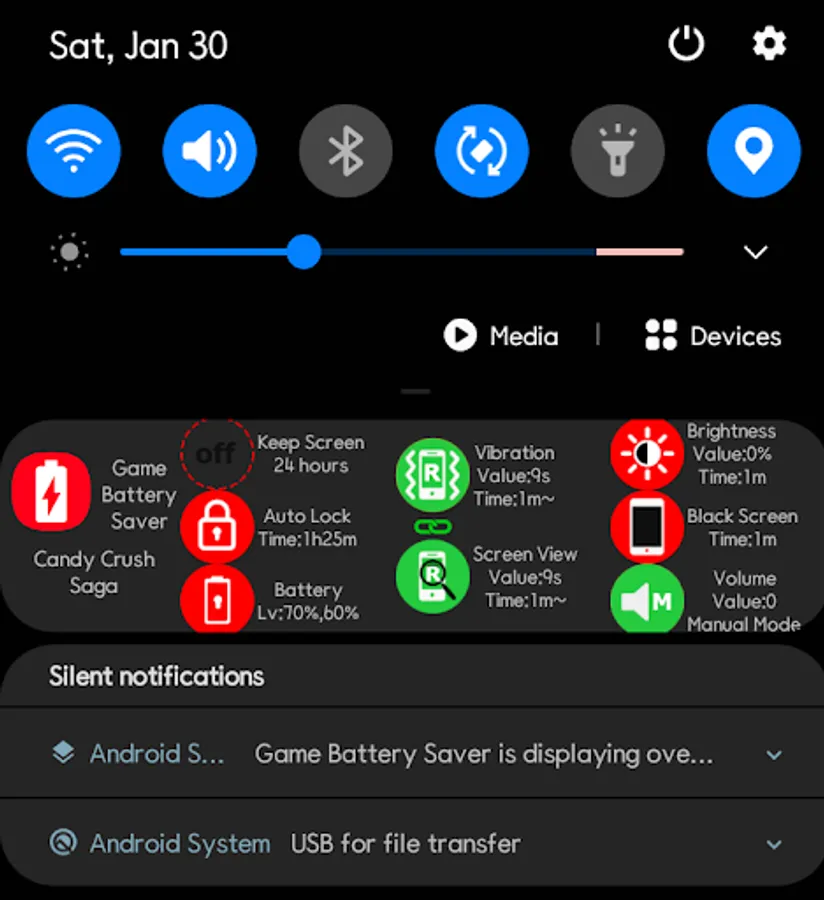
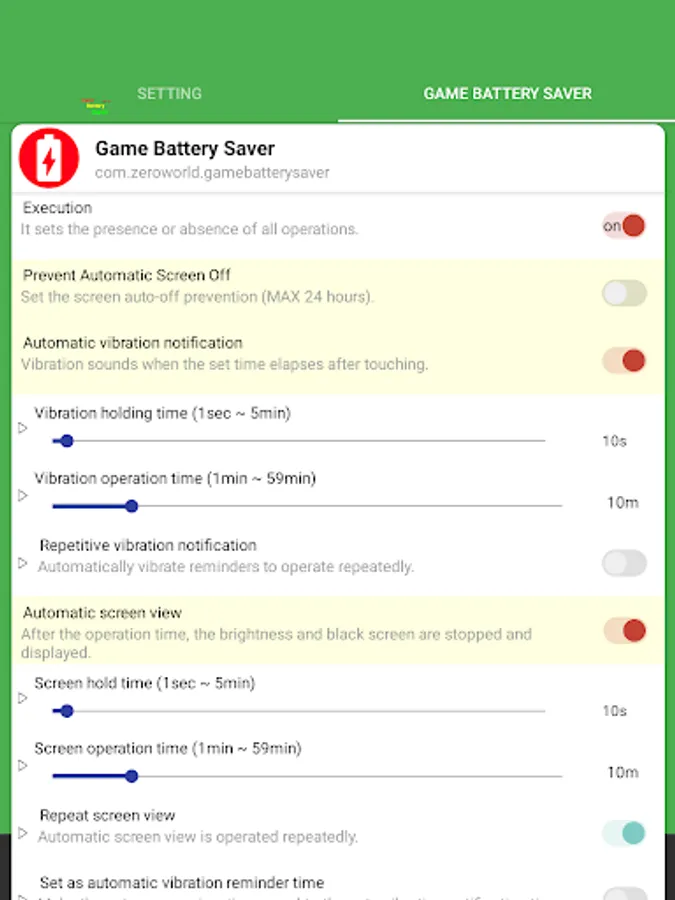
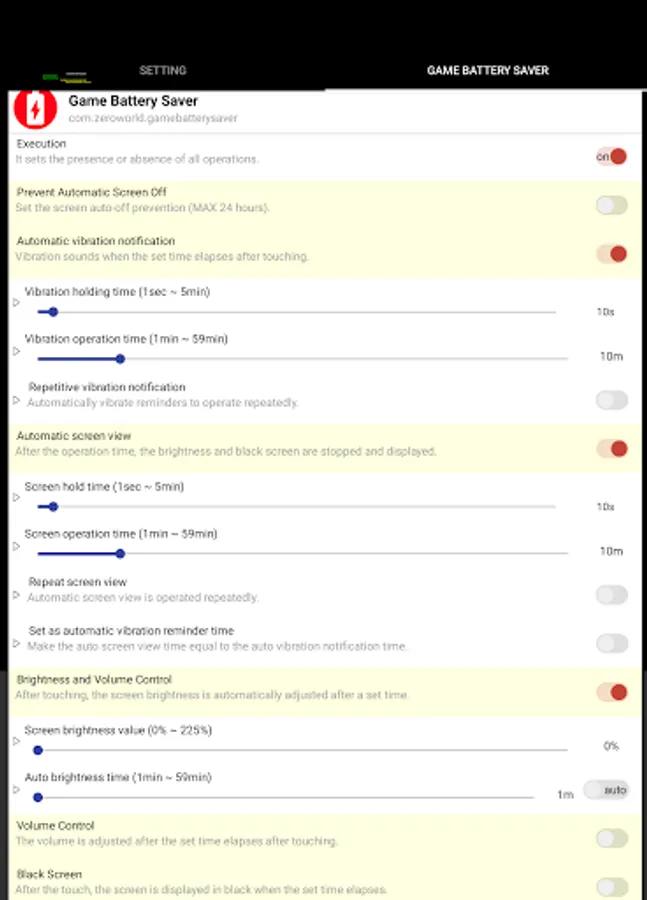
- Function to prevent the screen from turning off automatically (24 hours): The screen does not turn off for 24 hours.
- Vibration notification function after set time (can be repeated)
- Screen viewing function after set time (repeatable): This function pauses the function to show the screen when the brightness and black screen are executed.
- Ability to adjust screen brightness after set time
- Ability to adjust volume after set time
- Function to cover the screen in black after a set time
- Function to lock the mobile device after the set time (up to 10 hours): Ignore the screen auto-off prevention.
- The ability to lock the mobile device when the battery level 1st and 2nd reaches: Ignore the screen auto-off prevention. When the battery level drops to the set value, it vibrates and displays on the screen, and automatically locks after 1 minute. Clicking the icon within 1 minute will stop locking.
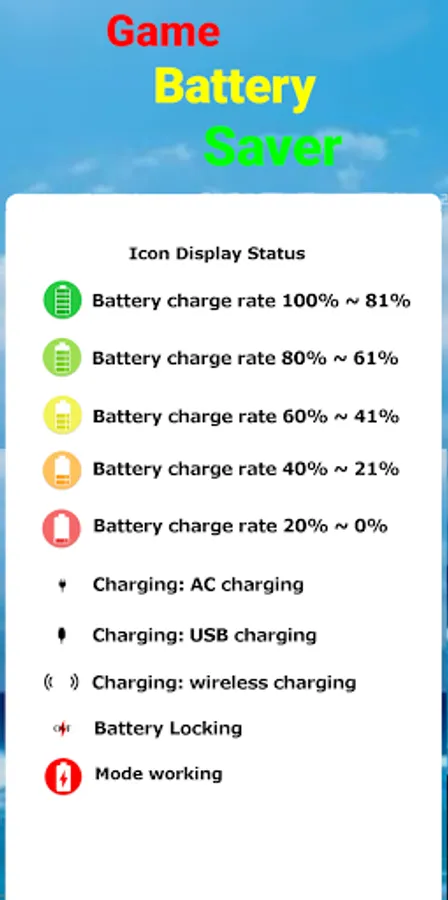
- Function to display a moving icon and display battery status: Clicking the battery icon firstly activates brightness and volume control and black screen, and clicking once more activates the second lock function.
[must read]
* caution *
- If you have set administrator privileges, you can delete them after releasing the privileges when deleting the app.
(If you go into app information and delete it, the administrator privileges will be disabled and deleted at once.)
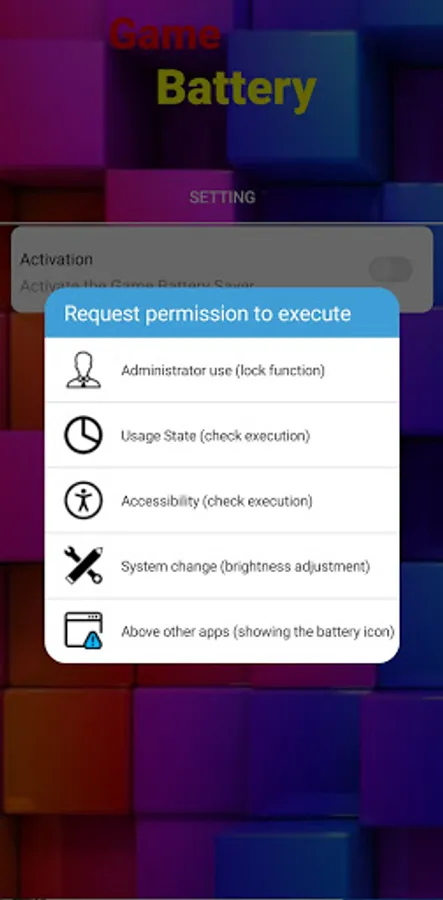
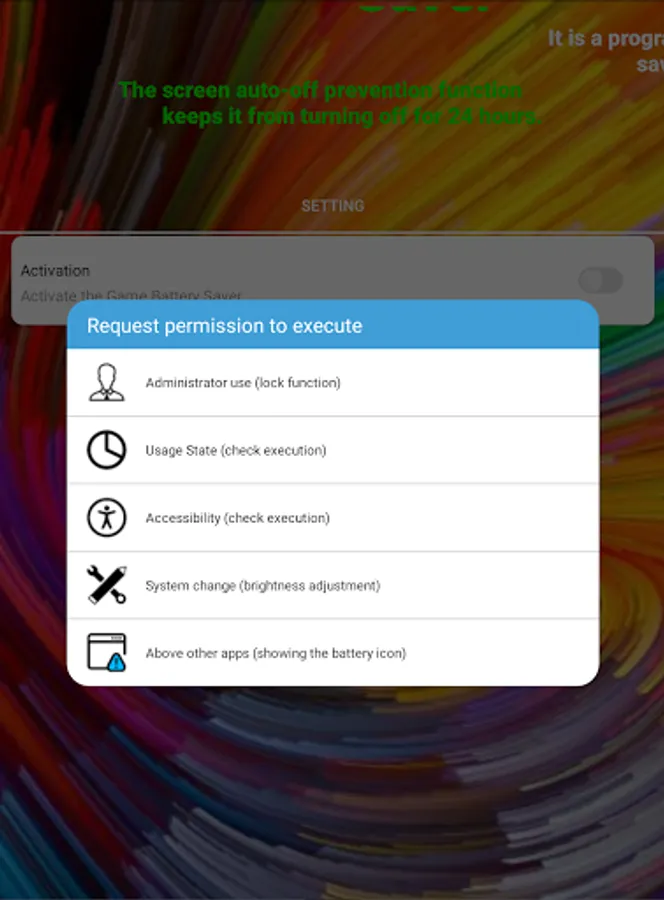
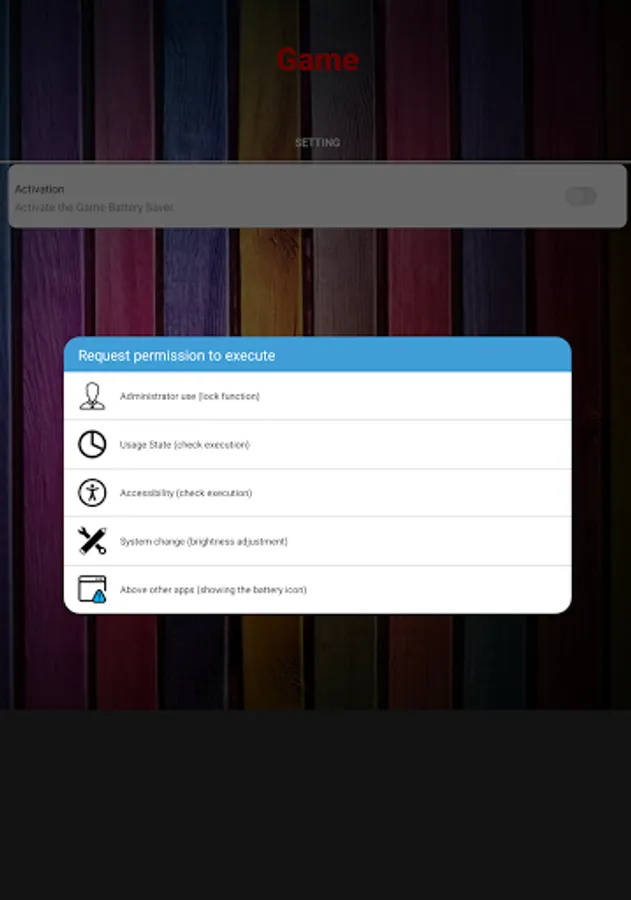
* Permission request requests the necessary permission when setting the function. Many permissions are required to use full functionality.
* In Developer Options > Animator Length Scale, clicking and moving the floating icon will not work if you set Animation Disabled.
* As the main test is conducted with Galaxy s9, s22, and Z flip 4, other phones may not operate normally.
* If it does not work normally after updating, please delete the app and reinstall it.
[Required access rights]
- Accessibility (required): Used to know whether the application is running
- User information access (required): Used to know the application icon and name
-Notification (required): Battery icon control
[Optional access rights]
- Display on top of other apps (optional): Use to display the battery icon in the set app
- Change system settings (optional): Used to adjust brightness and maintain screen
- Administrator (optional): Used to lock the phone and use the screen maintenance function
This is a program to save battery consumption during games. You can use brightness and volume settings, black screen, screen lock, screen retention, and battery lock functions.
This program reduces the brightness and volume while not playing because the battery usage is high during games, and has an automatic lock function according to the battery level to prevent discharge.
[main function]
- Function to prevent the screen from turning off automatically (24 hours): The screen does not turn off for 24 hours.
- Vibration notification function after set time (can be repeated)
- Screen viewing function after set time (repeatable): This function pauses the function to show the screen when the brightness and black screen are executed.
- Ability to adjust screen brightness after set time
- Ability to adjust volume after set time
- Function to cover the screen in black after a set time
- Function to lock the mobile device after the set time (up to 10 hours): Ignore the screen auto-off prevention.
- The ability to lock the mobile device when the battery level 1st and 2nd reaches: Ignore the screen auto-off prevention. When the battery level drops to the set value, it vibrates and displays on the screen, and automatically locks after 1 minute. Clicking the icon within 1 minute will stop locking.
- Function to display a moving icon and display battery status: Clicking the battery icon firstly activates brightness and volume control and black screen, and clicking once more activates the second lock function.
[must read]
* caution *
- If you have set administrator privileges, you can delete them after releasing the privileges when deleting the app.
(If you go into app information and delete it, the administrator privileges will be disabled and deleted at once.)
* Permission request requests the necessary permission when setting the function. Many permissions are required to use full functionality.
* In Developer Options > Animator Length Scale, clicking and moving the floating icon will not work if you set Animation Disabled.
* As the main test is conducted with Galaxy s9, s22, and Z flip 4, other phones may not operate normally.
* If it does not work normally after updating, please delete the app and reinstall it.
[Required access rights]
- Accessibility (required): Used to know whether the application is running
- User information access (required): Used to know the application icon and name
-Notification (required): Battery icon control
[Optional access rights]
- Display on top of other apps (optional): Use to display the battery icon in the set app
- Change system settings (optional): Used to adjust brightness and maintain screen
- Administrator (optional): Used to lock the phone and use the screen maintenance function
Game Battery Saver Screenshots
Tap to Rate:
Reviews for Game Battery Saver
Elvis Creer
10/10/2025
awsome its really does the job's to saves my android battery.. vote 5 stars rates..
Pabitra Barman
8/28/2025
niche