About Truck Detector PRO
Place the phone in the holder or lean it against the glass.
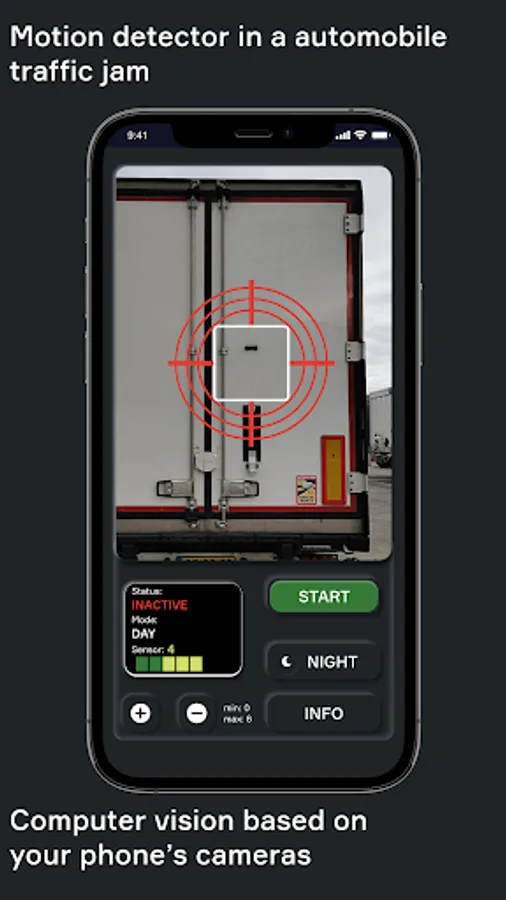
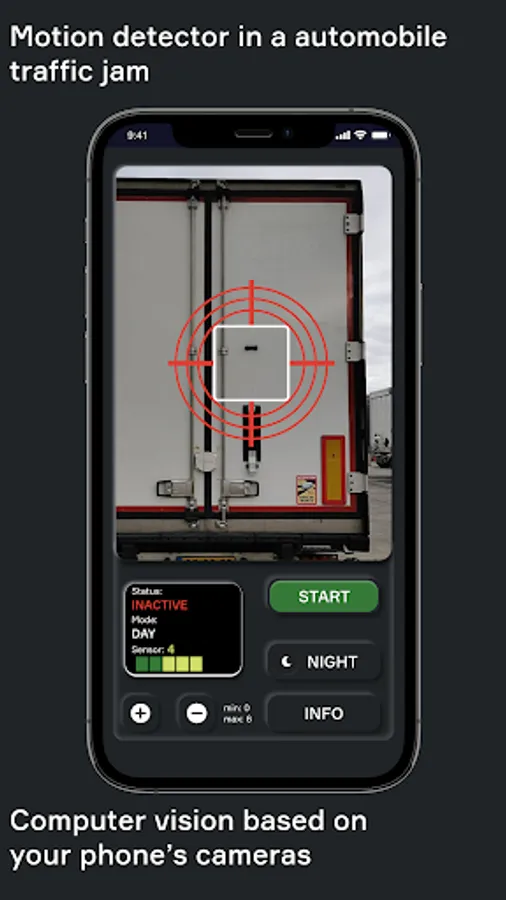
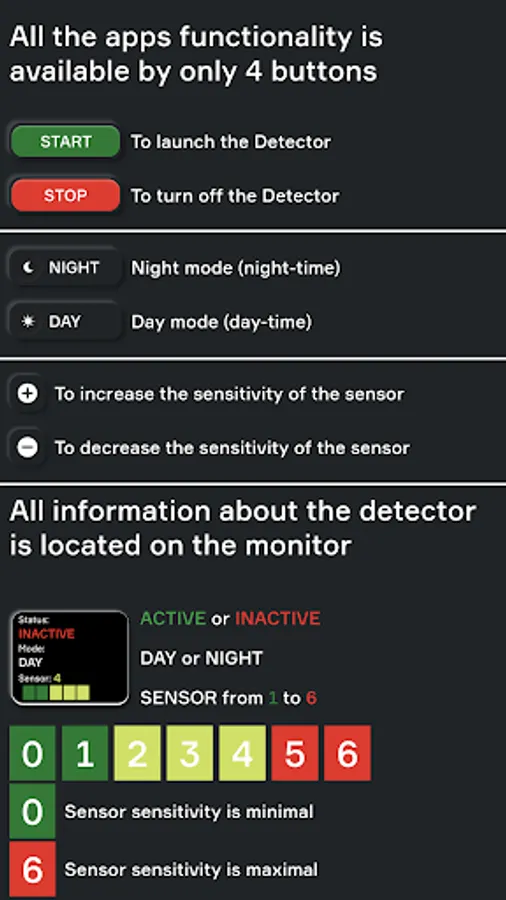
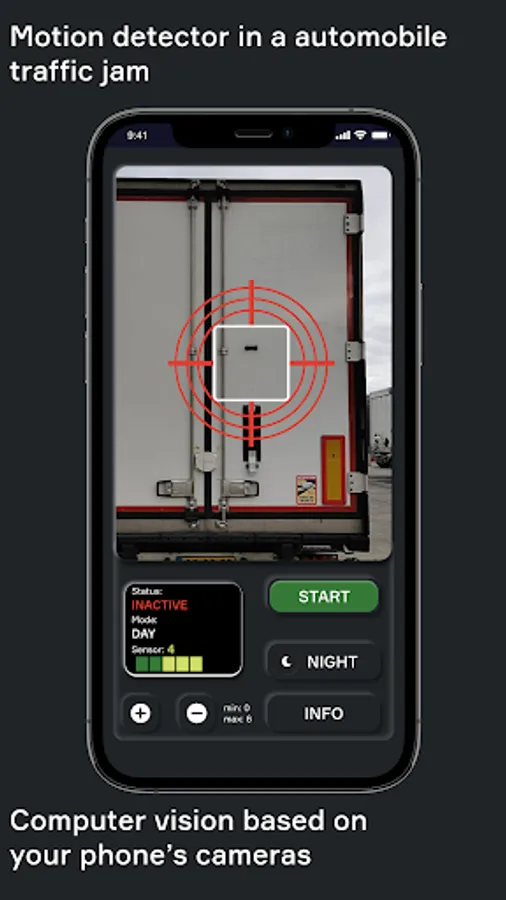
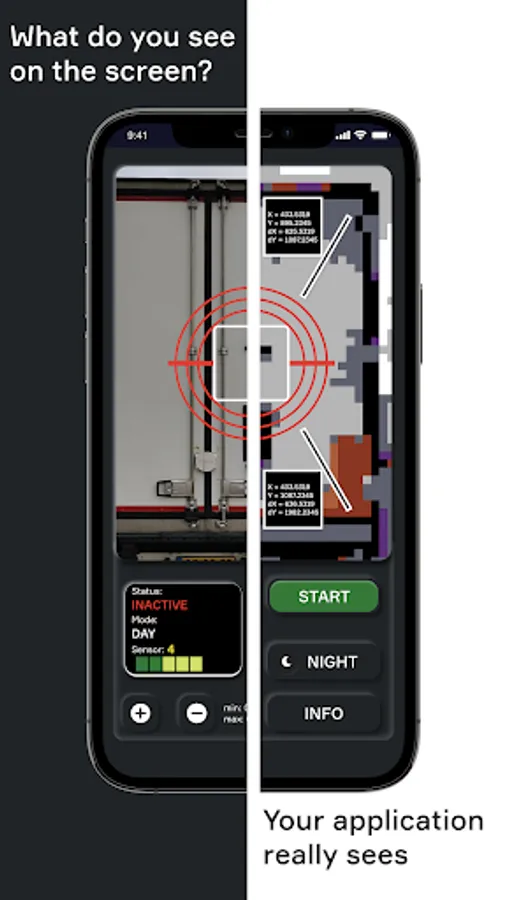
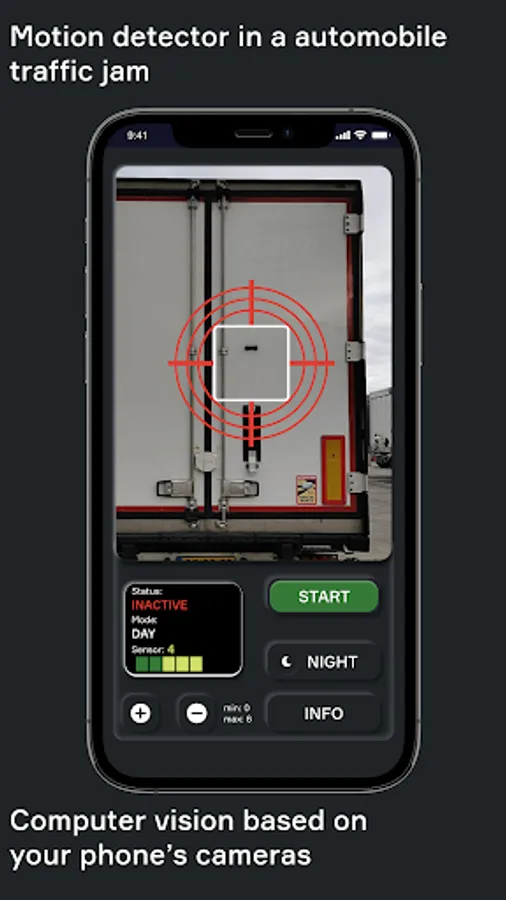
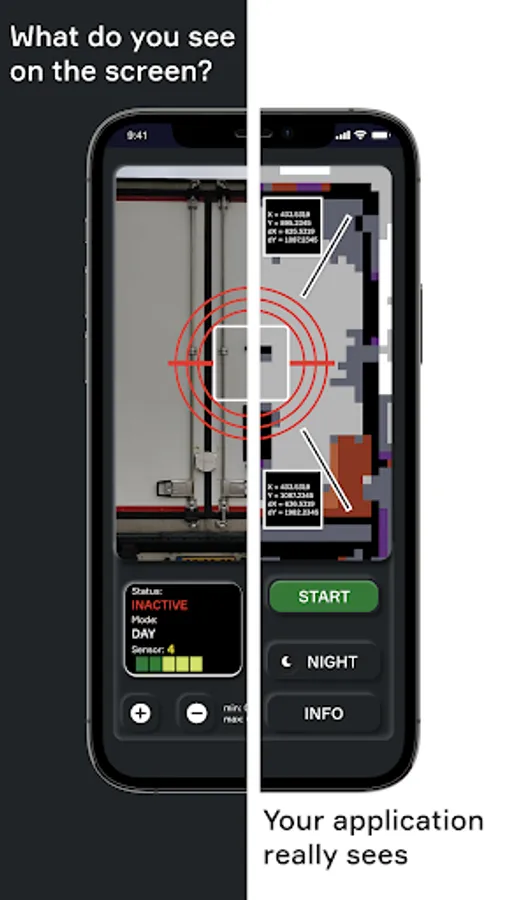
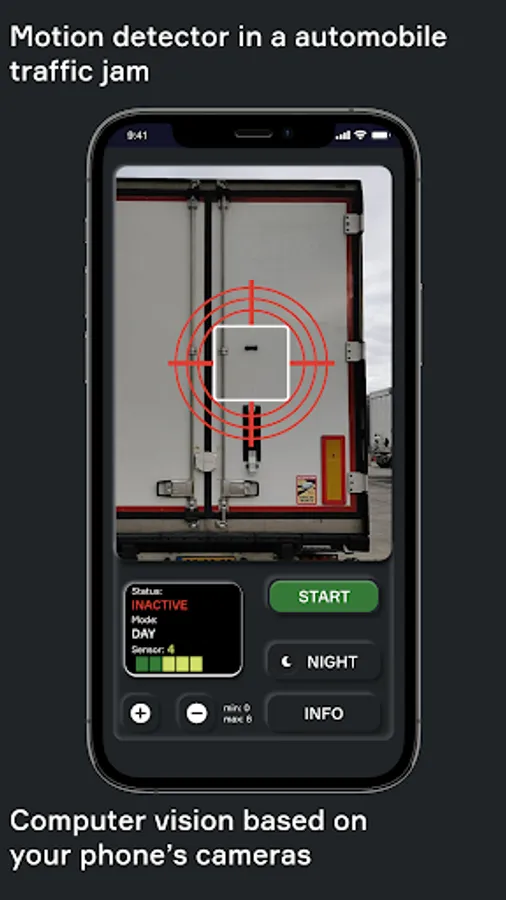
Aim at the vehicle in front of the vehicle and press START.
As soon as the machine that stands in front of you starts moving, the application will start beeping.
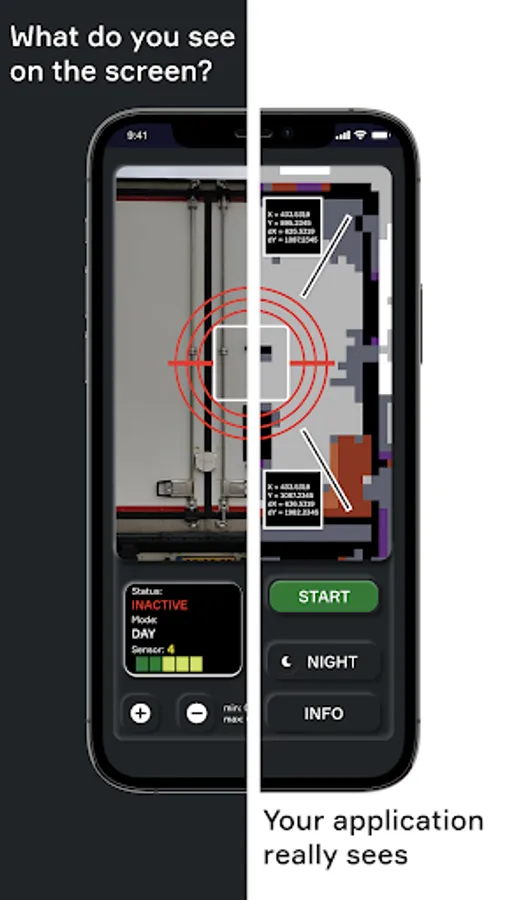
With two fingers you can increase and decrease the size of the aiming square. One finger can move it around the screen.
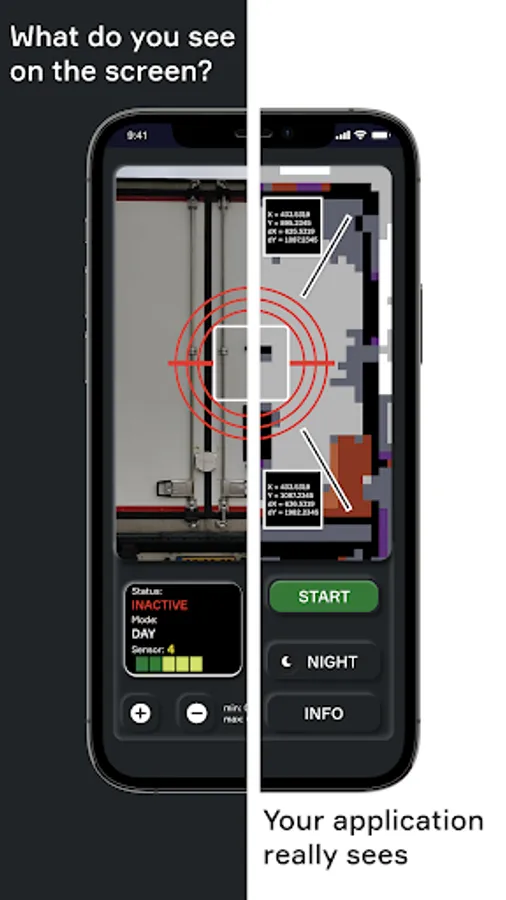
Movement is tracked only inside the aiming square.
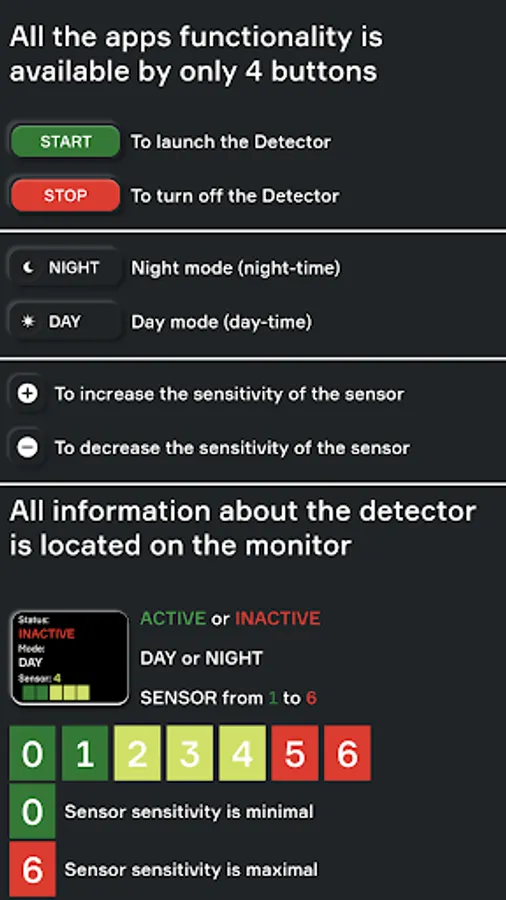
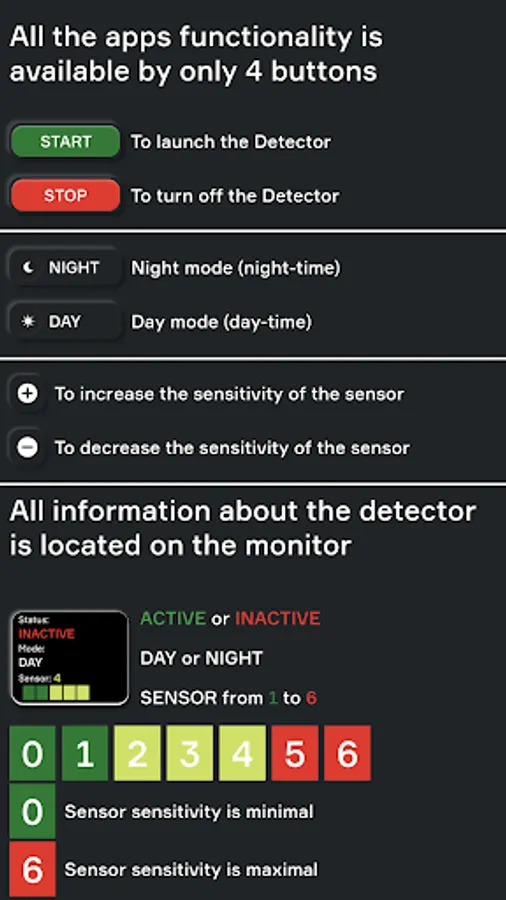
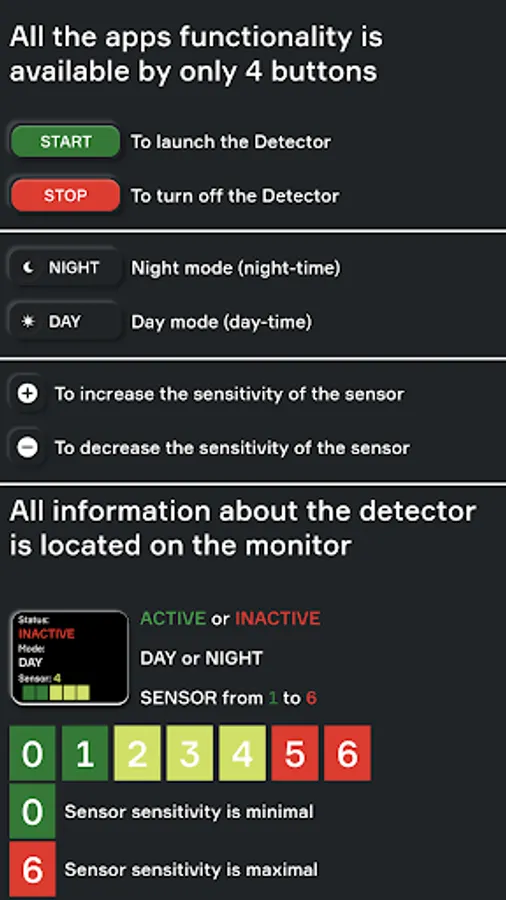
There is a scale setting intensity. If the car cabin is moving excessively from the wind and passing cars, then adjust the threshold of the signal with this slider.
Aim at the vehicle in front of the vehicle and press START.
As soon as the machine that stands in front of you starts moving, the application will start beeping.
With two fingers you can increase and decrease the size of the aiming square. One finger can move it around the screen.
Movement is tracked only inside the aiming square.
There is a scale setting intensity. If the car cabin is moving excessively from the wind and passing cars, then adjust the threshold of the signal with this slider.