
With this launcher, you can access contacts, settings, calling, messaging, alarms, and calculator functions from a unified interface. Includes gesture controls, notification support, and widget customization options.
AppRecs review analysis
AppRecs rating 3.8. Trustworthiness 72 out of 100. Review manipulation risk 28 out of 100. Based on a review sample analyzed.
★★★☆☆
3.8
AppRecs Rating
Ratings breakdown
5 star
49%
4 star
17%
3 star
17%
2 star
8%
1 star
11%
What to know
✓
Low review manipulation risk
28% review manipulation risk
✓
Credible reviews
72% trustworthiness score from analyzed reviews
✓
Good user ratings
65% positive sampled reviews
About Zen Launcher
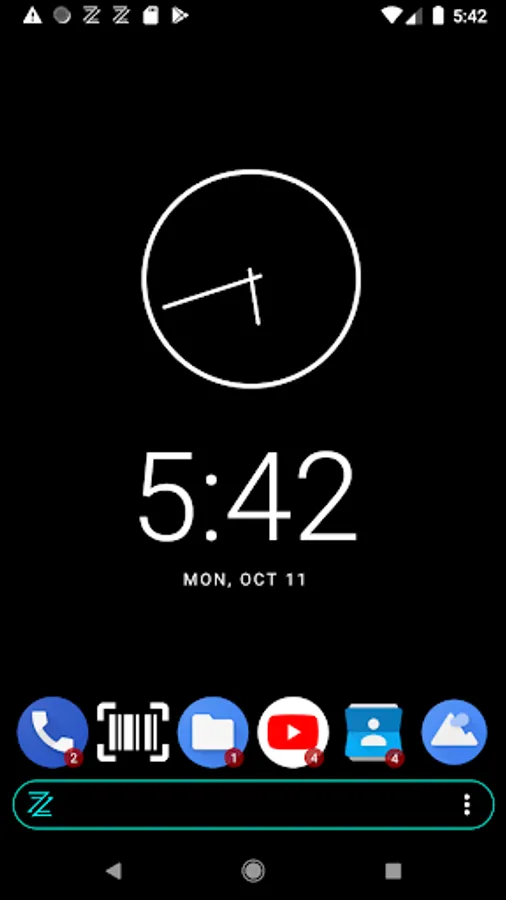
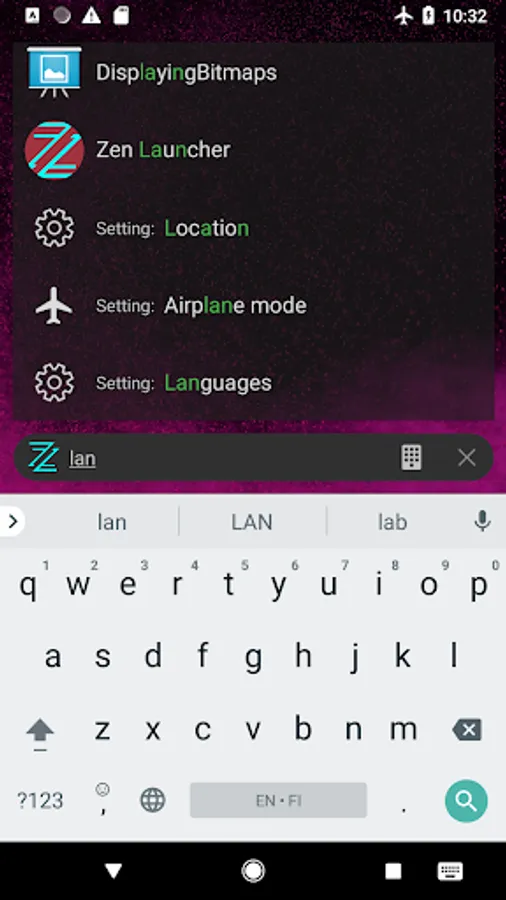
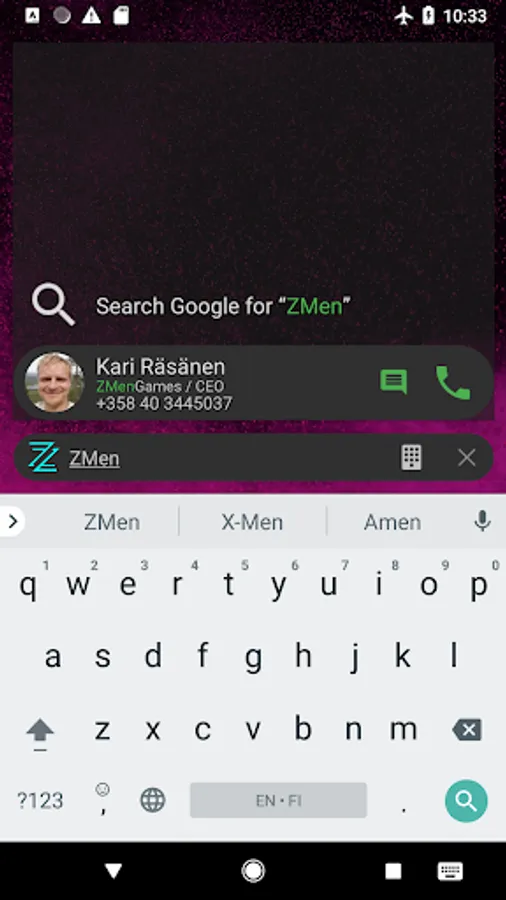
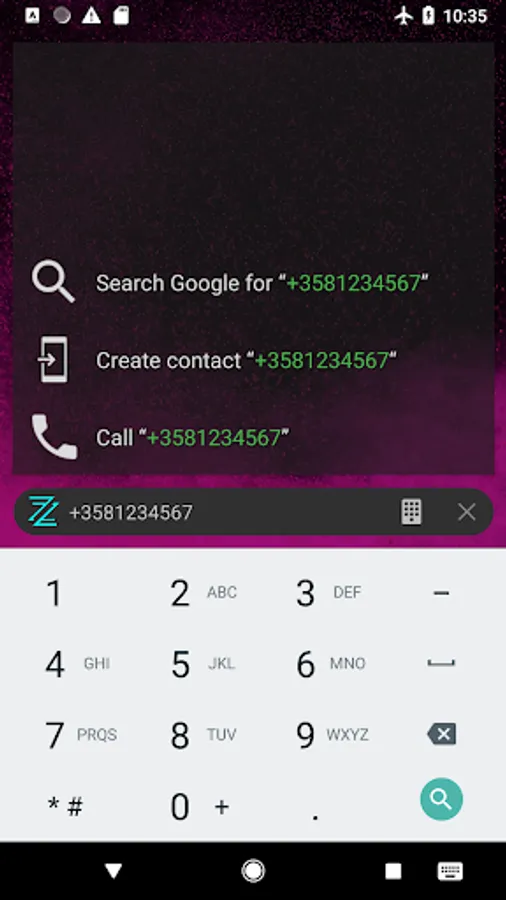
Zen Launcher aims to unite most daily actions to work via its search. Aiming to keep usage of phone or tablet as Zen as possible. No need to open different app for contacts, settings, calling, messaging, alarm, calculator etc.
Based on open source project, code available at: https://github.com/krasanen/zen-launcher
Recently added features:
Screen off with gesture like double click
QR and Barcode reader. Added to favorites by default.
Alarm clock. Type alarm, alarm 5, or alarm 7:00 to set alarms. Alarms that are set are visible in bell icon. Alarm 5 feed dog will include given "feed dog" when alarm goes off.
Lock feature after some time. Type lock 5, select 5 minutes or 5 hours.
Notification bubble support, also for contacts if name is same in contacts.
Supports multiple widgets. Long press to configure.
Lock device with proximity sensor or double click.
Blue light filter from 3 dots menu.
Wifi on/off toggle from long press menu.
Airplane mode shortcut from long press menu.
Layout storing to Google Drive, also widgets.
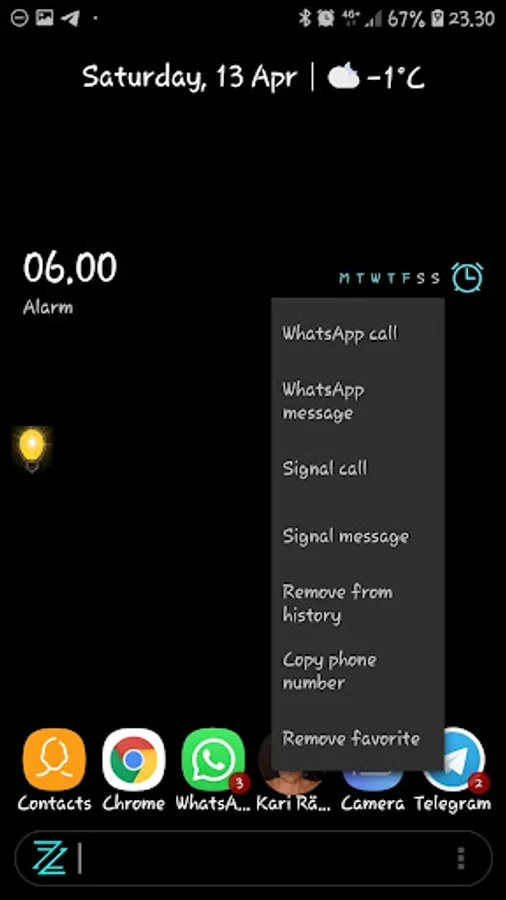
Direct dial or message to contact also with social media apps. Long pressing dial or msg button pops up menu to select app to handle event. Supports Signal, WhatsApp and Messenger.
Contacts can be searched by title or company.
Badge support (limited devices). Shows number of unread messages from your favorite apps.
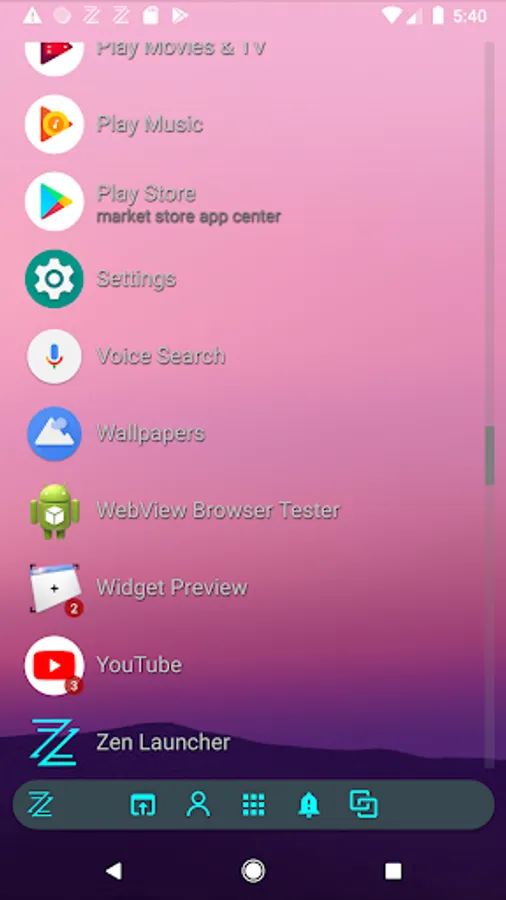
Button to quickly see apps that have unread notifications.
Improved calculator, can handle more complex equations.
Contacts can be shown separately in own list.
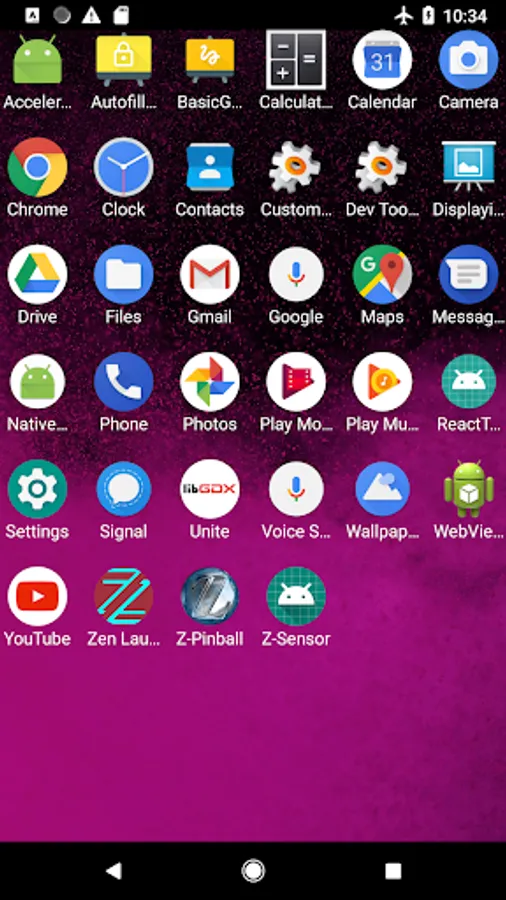
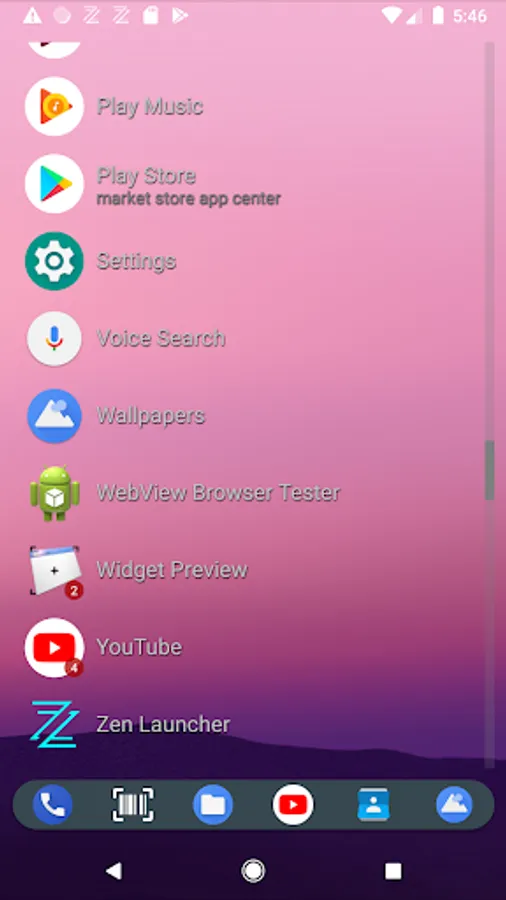
Apps can be shown in grid view.
Gesture support.
BONUS: Zen Flashlight widget included in the app!
Accessibility Service API Disclosure: Zen Launcher utilizes the Android Accessibility Service API mainly to provide the "Screen Off" functionality. This allows you to lock your device screen using gestures (such as a double-tap) or the proximity sensor.
Purpose: The service is used exclusively to perform the system lock action (GLOBAL_ACTION_LOCK_SCREEN). This is a convenience feature intended to reduce usage of the physical power button.
Data Privacy: Zen Launcher does not collect, monitor, store, or transmit any personal or sensitive user data through the Accessibility Service API.
User Control: Usage of this service is completely optional. It can be enabled or disabled at any time in your device's Accessibility Settings. If disabled, the screen lock gestures will not function, but all other app features will remain available.
Based on open source project, code available at: https://github.com/krasanen/zen-launcher
Recently added features:
Screen off with gesture like double click
QR and Barcode reader. Added to favorites by default.
Alarm clock. Type alarm, alarm 5, or alarm 7:00 to set alarms. Alarms that are set are visible in bell icon. Alarm 5 feed dog will include given "feed dog" when alarm goes off.
Lock feature after some time. Type lock 5, select 5 minutes or 5 hours.
Notification bubble support, also for contacts if name is same in contacts.
Supports multiple widgets. Long press to configure.
Lock device with proximity sensor or double click.
Blue light filter from 3 dots menu.
Wifi on/off toggle from long press menu.
Airplane mode shortcut from long press menu.
Layout storing to Google Drive, also widgets.
Direct dial or message to contact also with social media apps. Long pressing dial or msg button pops up menu to select app to handle event. Supports Signal, WhatsApp and Messenger.
Contacts can be searched by title or company.
Badge support (limited devices). Shows number of unread messages from your favorite apps.
Button to quickly see apps that have unread notifications.
Improved calculator, can handle more complex equations.
Contacts can be shown separately in own list.
Apps can be shown in grid view.
Gesture support.
BONUS: Zen Flashlight widget included in the app!
Accessibility Service API Disclosure: Zen Launcher utilizes the Android Accessibility Service API mainly to provide the "Screen Off" functionality. This allows you to lock your device screen using gestures (such as a double-tap) or the proximity sensor.
Purpose: The service is used exclusively to perform the system lock action (GLOBAL_ACTION_LOCK_SCREEN). This is a convenience feature intended to reduce usage of the physical power button.
Data Privacy: Zen Launcher does not collect, monitor, store, or transmit any personal or sensitive user data through the Accessibility Service API.
User Control: Usage of this service is completely optional. It can be enabled or disabled at any time in your device's Accessibility Settings. If disabled, the screen lock gestures will not function, but all other app features will remain available.
Zen Launcher Screenshots
Tap to Rate:
Reviews for Zen Launcher
mikko metso
12/6/2025
Nothing beats this one. Now with added gesture to turn off the screen, it minimizes the risk of wearing out phone buttons and provides the best user interface. Tags are a pro feature to find all apps in a blink of an eye. With useful widgets and all, strong recommendation 💪
Odogwu Nze
2/27/2025
The best luncher,fast, smooth, minimalistic.does the job.