
In this sheet music viewer, you can browse, annotate, and organize digital scores easily. Includes support for various file types, custom page ordering, and Bluetooth pedal control.
AppRecs review analysis
AppRecs rating 4.5. Trustworthiness 80 out of 100. Review manipulation risk 20 out of 100. Based on a review sample analyzed.
★★★★☆
4.5
AppRecs Rating
Ratings breakdown
5 star
78%
4 star
8%
3 star
7%
2 star
2%
1 star
5%
What to know
✓
Low review manipulation risk
20% review manipulation risk
✓
Credible reviews
80% trustworthiness score from analyzed reviews
✓
High user satisfaction
78% of sampled ratings are 5 stars
About MobileSheets
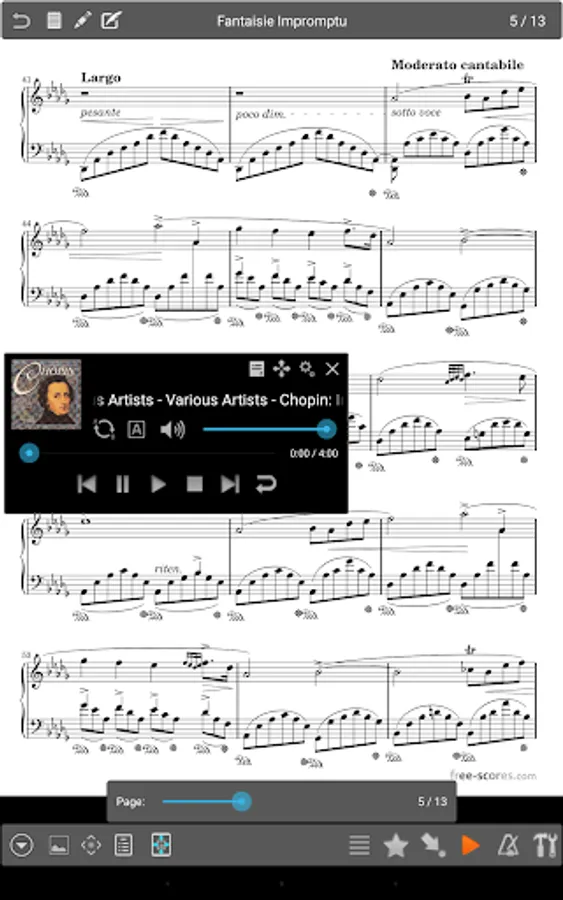
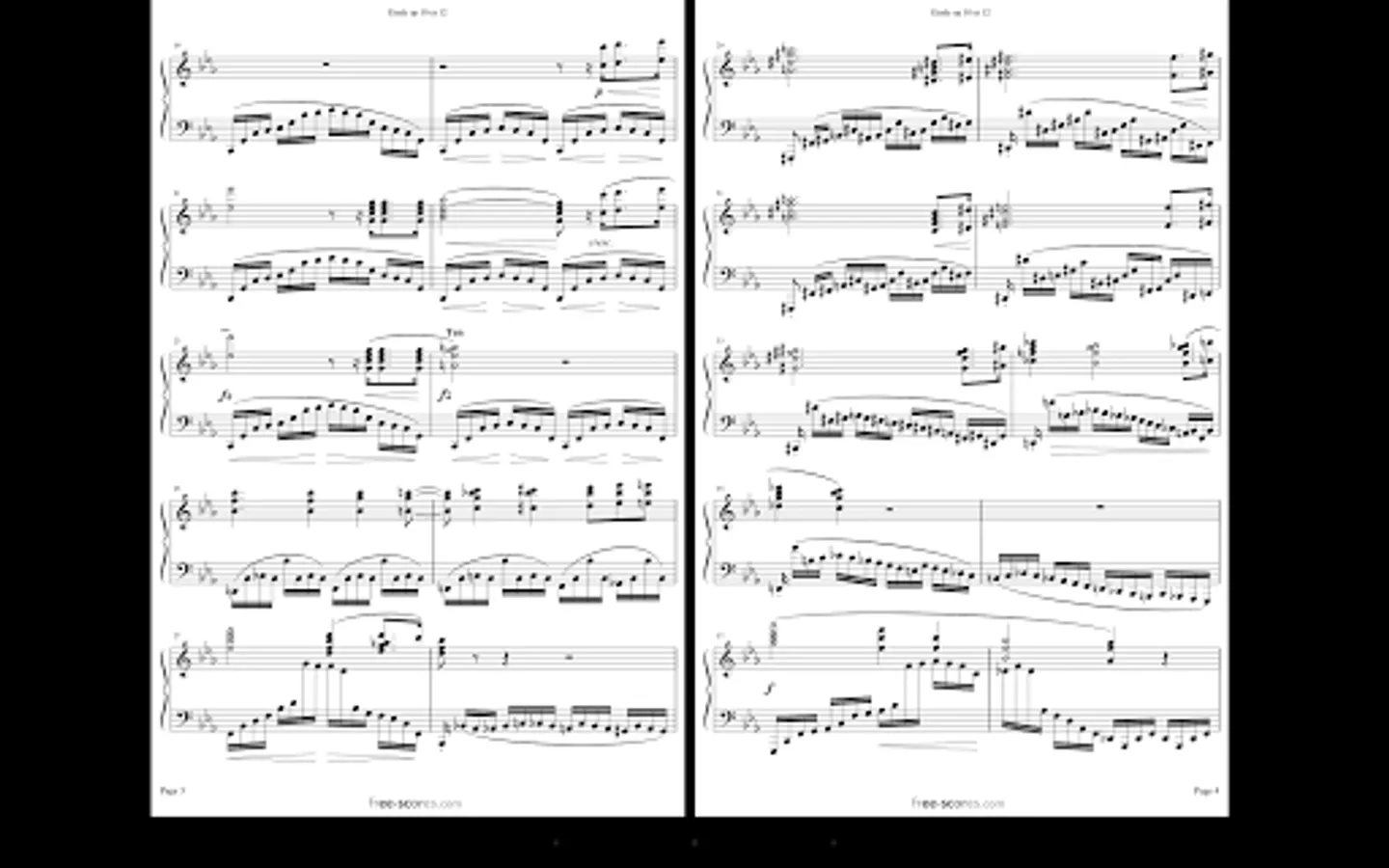
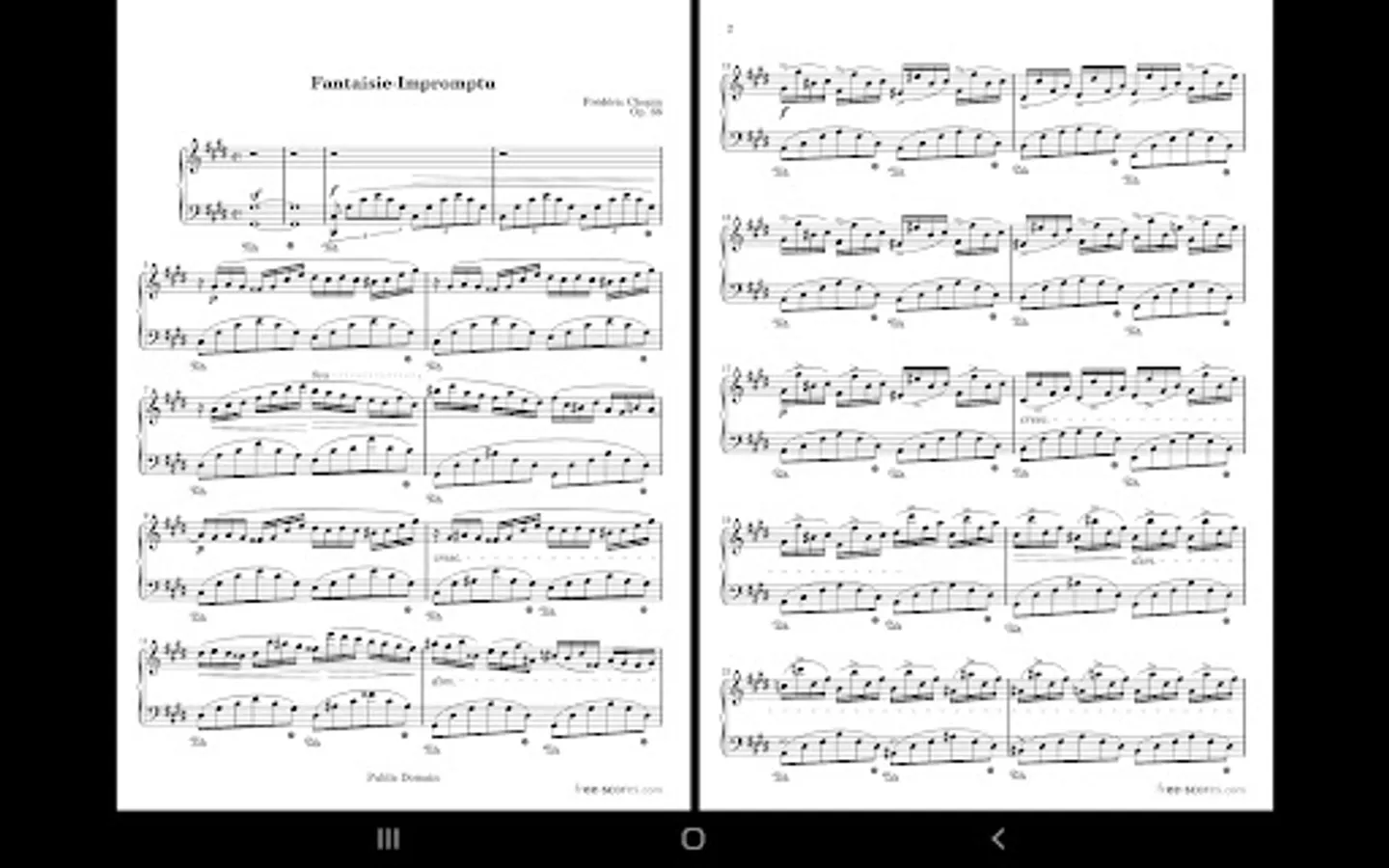
- Multiple modes of operation including two pages side-by-side, half page turns, and vertically scrolling pages.
- Hands-free page turns using any bluetooth or usb devices (including two and four pedal models), through the automatic scrolling feature, or through face gestures such as an open mouth or smile.
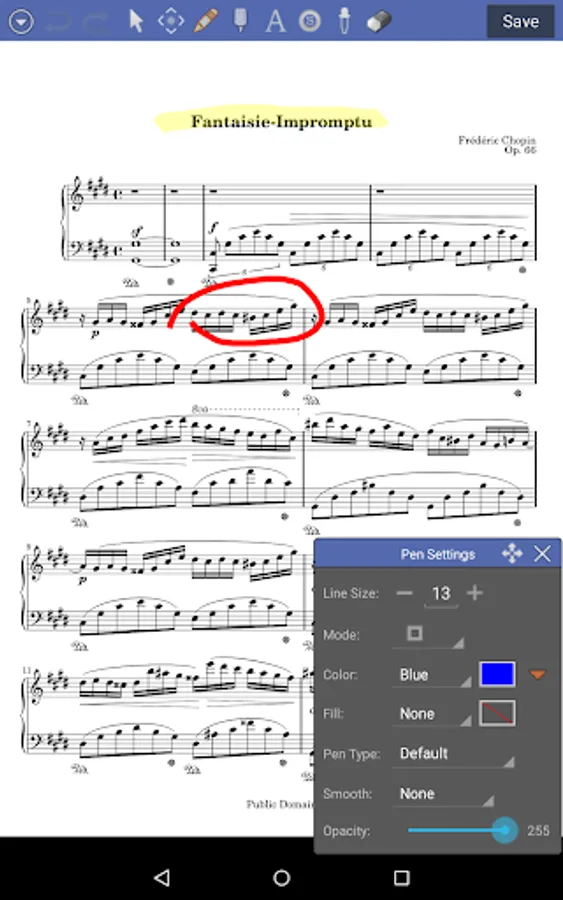
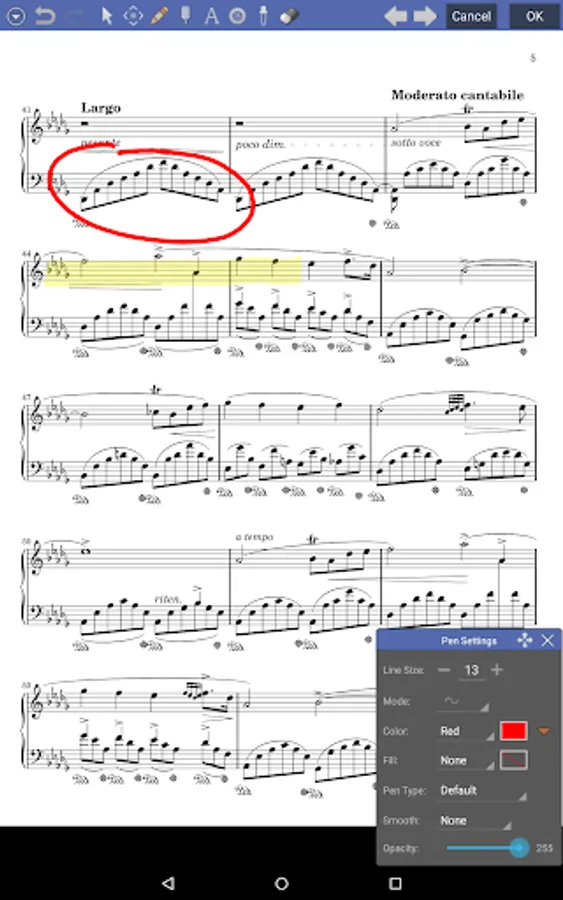
- Annotations for marking up music including support for freeform drawing, basic shapes, text and stamps
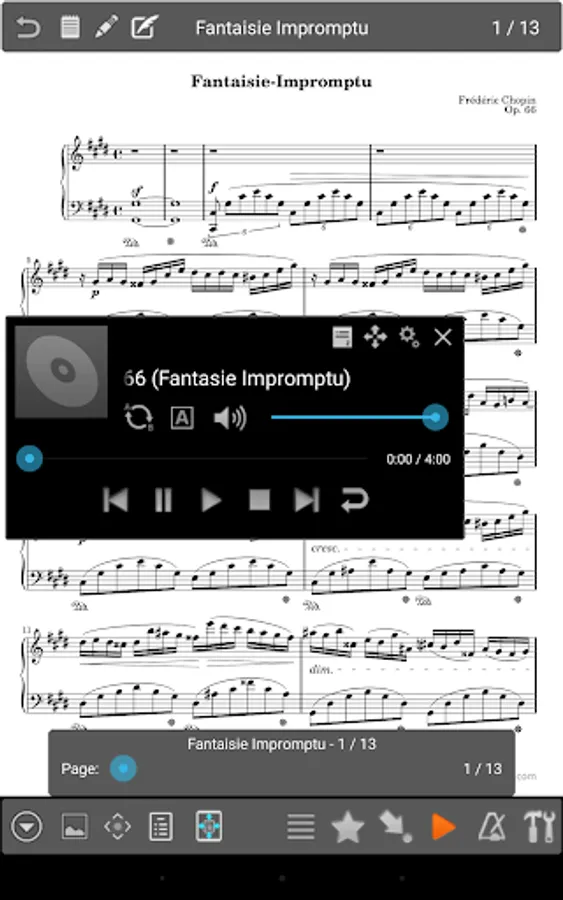
- A custom audio player for playing audio tracks with your scores. Audio player supports a-b looping and multiple sizes.
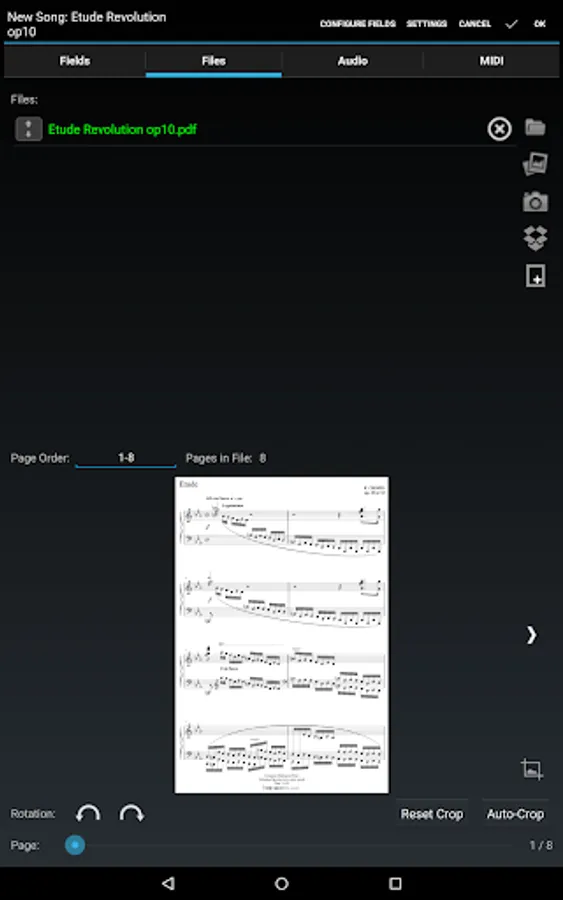
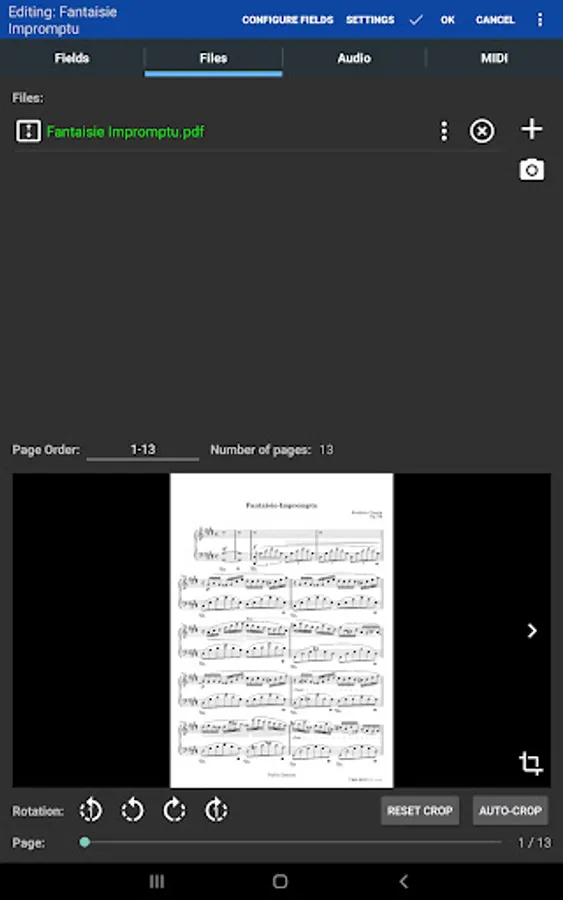
- Custom page ordering, making it easy to cut out unnecessary pages, repeat pages or change the sequence of pages without affecting the original document.
- A metronome with multiple display modes and sound effects
- Bookmarks for quick and easy access to sections in scores
- Link points for handling repeats and quickly jumping between pages
- Smart buttons that can be placed on a score to activate configurable actions when pressed
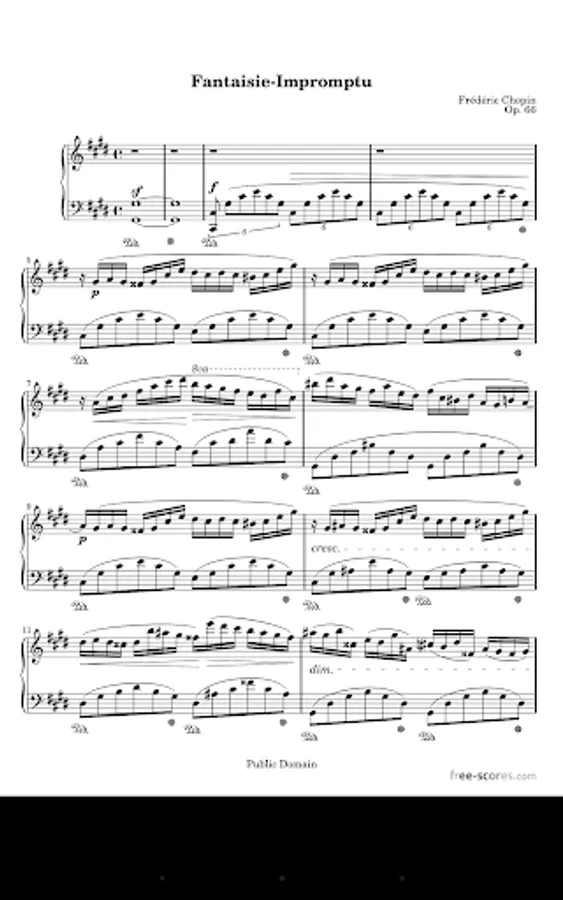
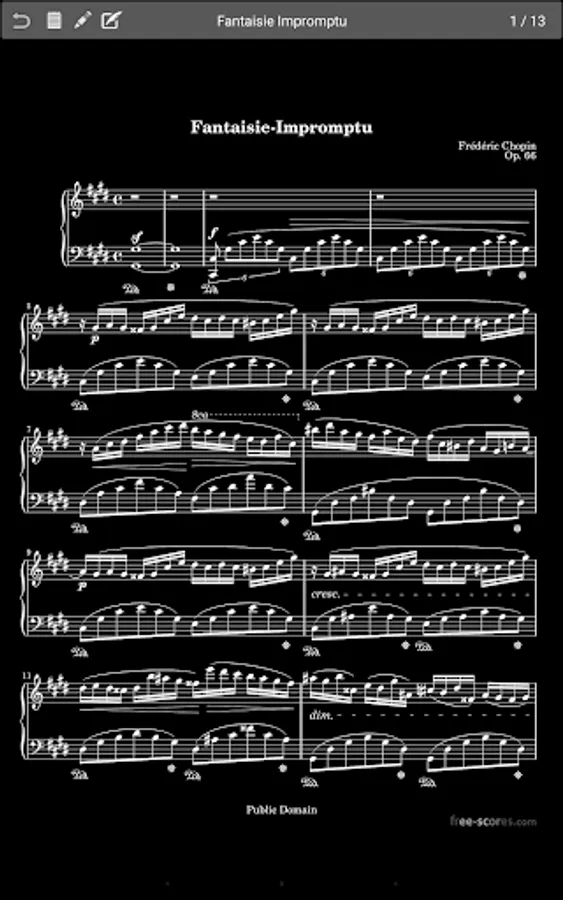
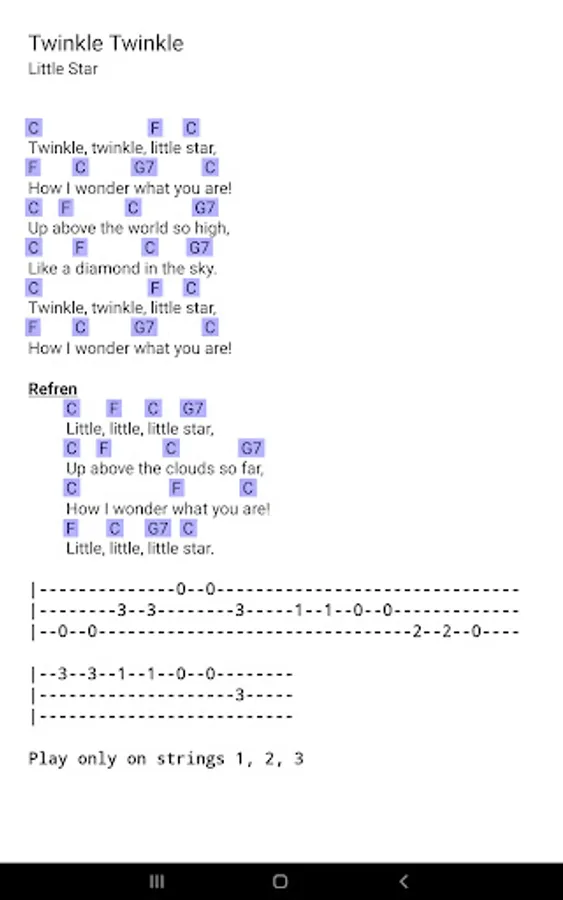
- Support for multiple file types including images, PDFs, text files and chord pro files.
- Support for importing CSV index files to break up large PDF songbooks
- Support for communicating with MIDI devices over USB to load songs or trigger actions.
- The ability to transpose chords in text and chord pro files.
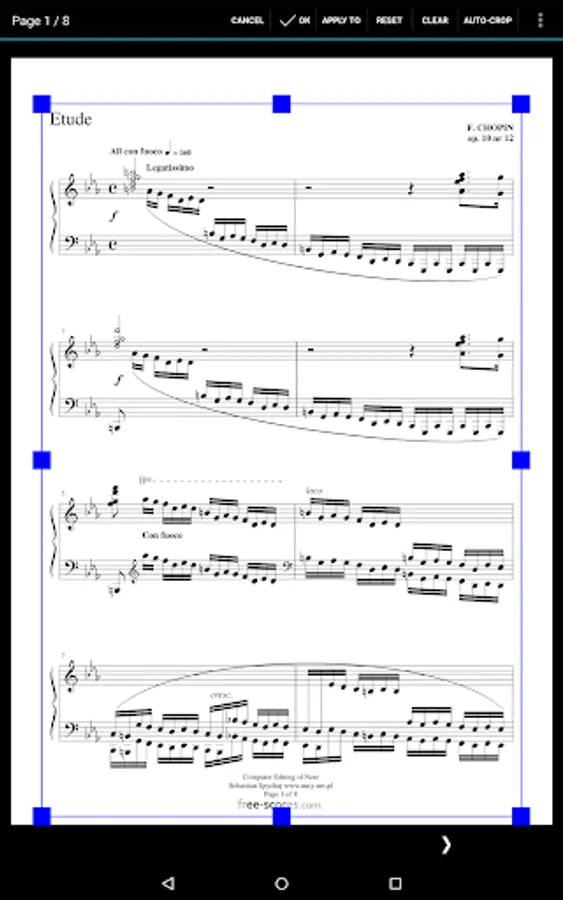
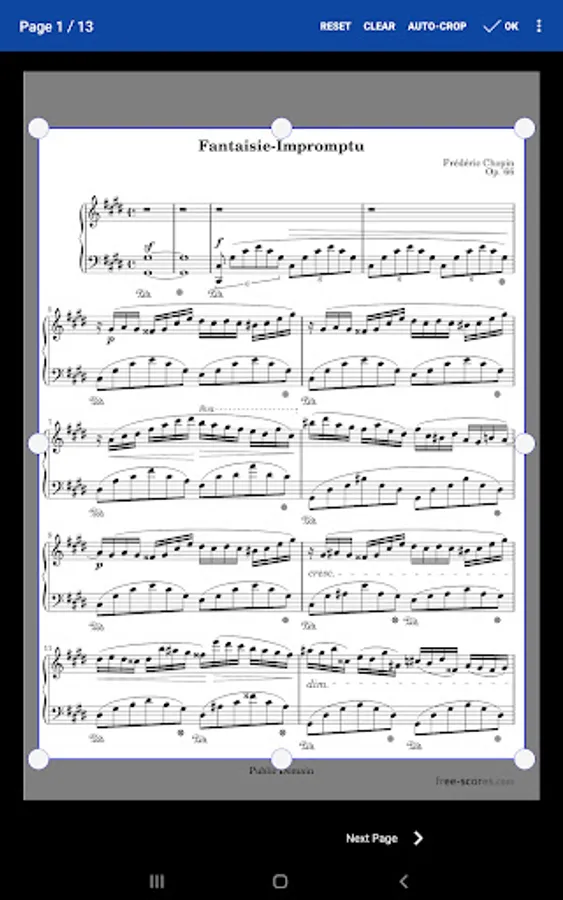
- Manual and automatic cropping to completely eliminate unnecessary margins
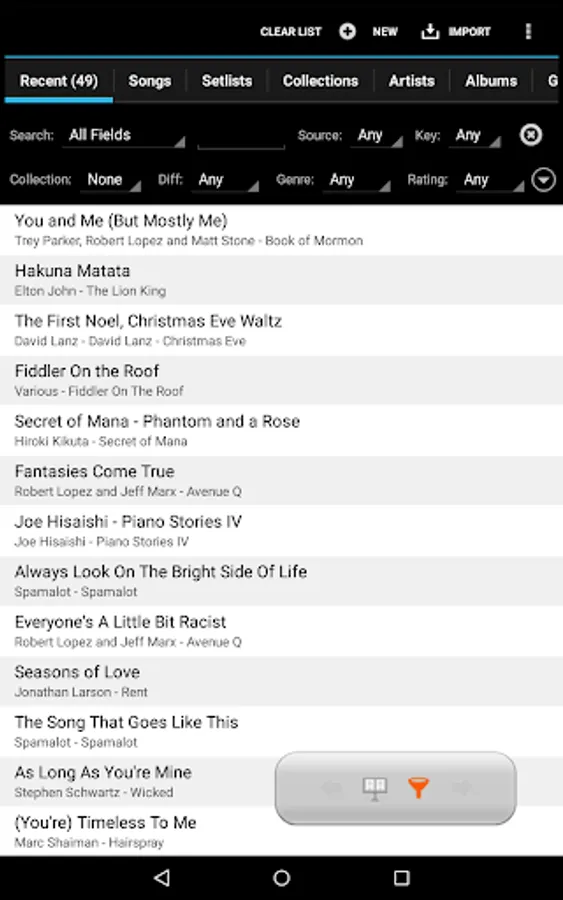
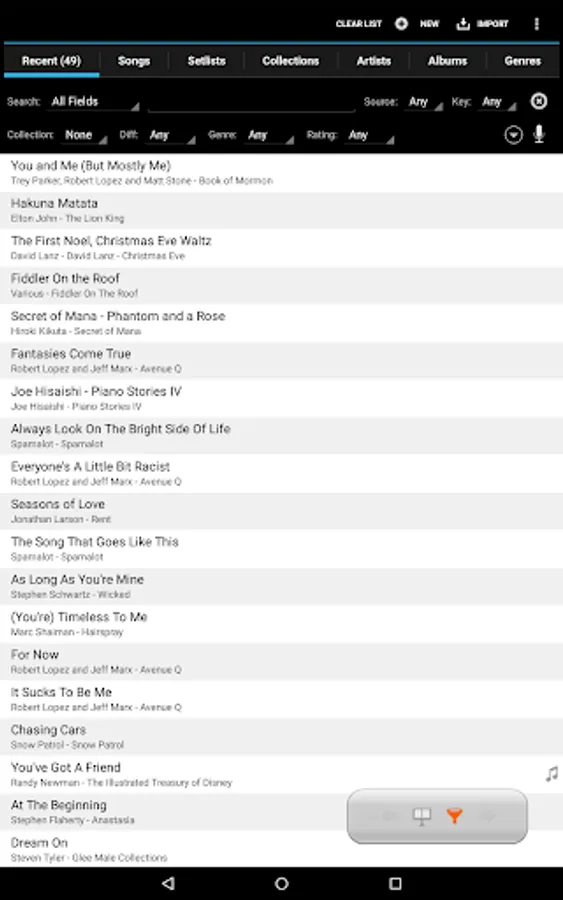
- Support for setlists and collections to efficiently group songs for playback.
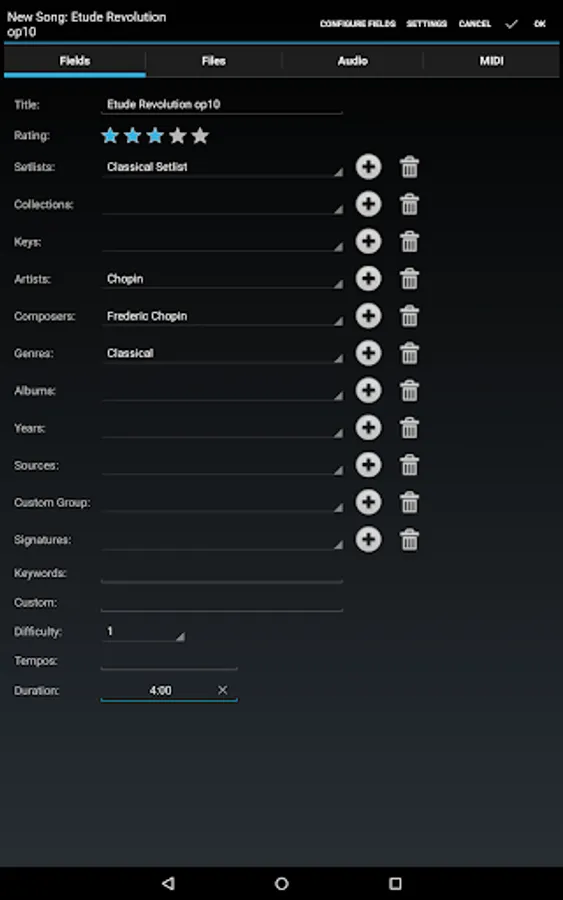
- Powerful library management features with a huge list of supported metadata fields, giving you complete control over the data in your library
- A free companion application for the PC that makes it a breeze to create and edit songs
MobileSheets acts as a file manager for your sheet music files (PDFs, images or text/chord pro files) and links directly to them on the device. It provides a way to organize and quickly access any of those files. MobileSheets can be configured to use existing files and folders on the device storage, allowing those files to be organized as desired by the user without them having to be copied or moved.
Give MobileSheets a try today and experience the freedom of having all your scores just a simple tap away.
NOTE: This application is designed and optimized for 7" and larger tablets. This application does not include any sheet music - you must provide your own. This application can not play back PDFs, images or text/chord pro files. It can only display those files and play back audio files.
For E-Ink devices, a special e-ink version is available. Contact support@zubersoft.com for more information.
The companion app is for your PC and is not included. You can download the companion app for free here: http://www.zubersoft.com/mobilesheets/companion.html
Privacy Policy: https://zubersoft.com/mobilesheets/privacy_policy_android.html
Terms of Use: https://zubersoft.com/mobilesheets/terms_and_conditions_android.html
If Google Play incorrectly states that your device is incompatible, please try the following steps:
1: Reboot your tablet
2: Go to your tablet Settings->Applications->Google Play and tap Clear Data. Do the same for Google Play Services.
3: Load Google Play and install MobileSheets
4: If the installation still does not work, reboot your tablet and try again
That fixes the problem for most users. Several reboots may be required.
MobileSheets Screenshots
Tap to Rate:
Reviews for MobileSheets
Jay Stixx
3/3/2026
so easy to use....many options....thank you so much... you saved me hugely...🤗
Quincy Summerlin
2/27/2026
A really amazing app. I love that I can import sheet music files, or take pictures of hard copies and create files that way. The organization tools are excellent, I use the "collections" and "setlist" tools regularly. The app also works well with my Bluetooth page turn pedal. For what you get, this app should be at least 2x the price.