Transfer Files To Computer, PC
Michal Bukáček
3.9 ★
558 ratings
100,000+
downloads
Free
In this file transfer app, users can back up and manage photos, videos, music, and files to computers or NAS servers via protocols like SMB, SFTP, and FTP. Includes options for deleting files after backup and organizing backups efficiently.
AppRecs review analysis
AppRecs rating 3.8. Trustworthiness 82 out of 100. Review manipulation risk 27 out of 100. Based on a review sample analyzed.
★★★☆☆
3.8
AppRecs Rating
Ratings breakdown
5 star
58%
4 star
15%
3 star
7%
2 star
2%
1 star
19%
What to know
✓
Low review manipulation risk
27% review manipulation risk
✓
Credible reviews
82% trustworthiness score from analyzed reviews
✓
Good user ratings
72% positive sampled reviews
About Transfer Files To Computer, PC
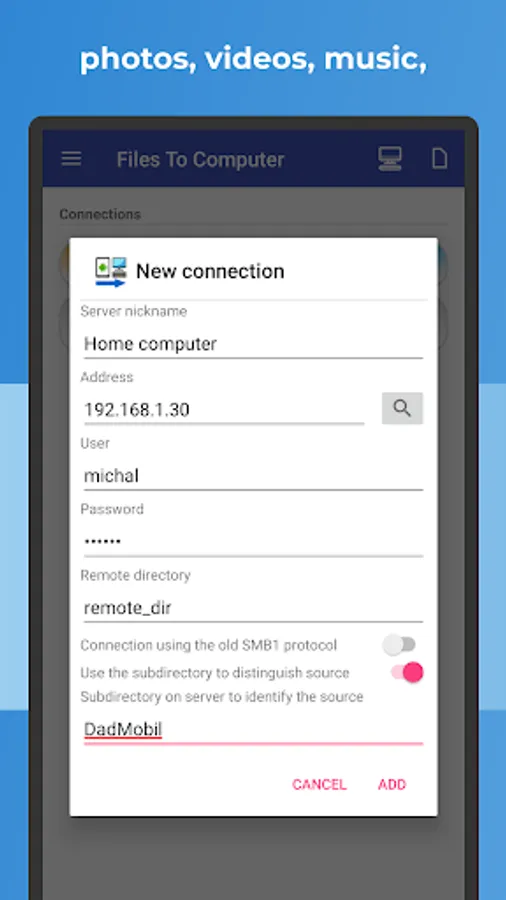
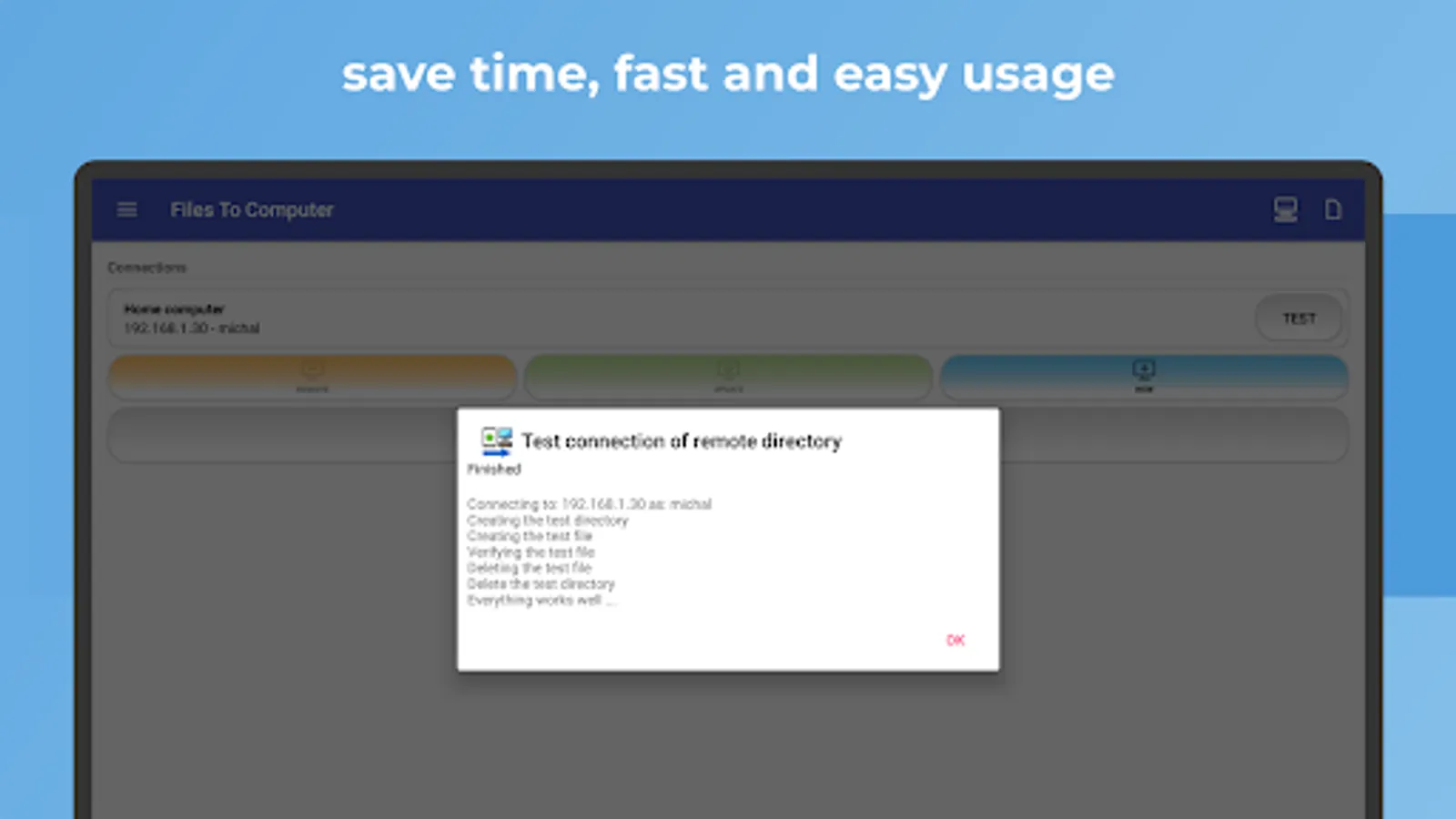
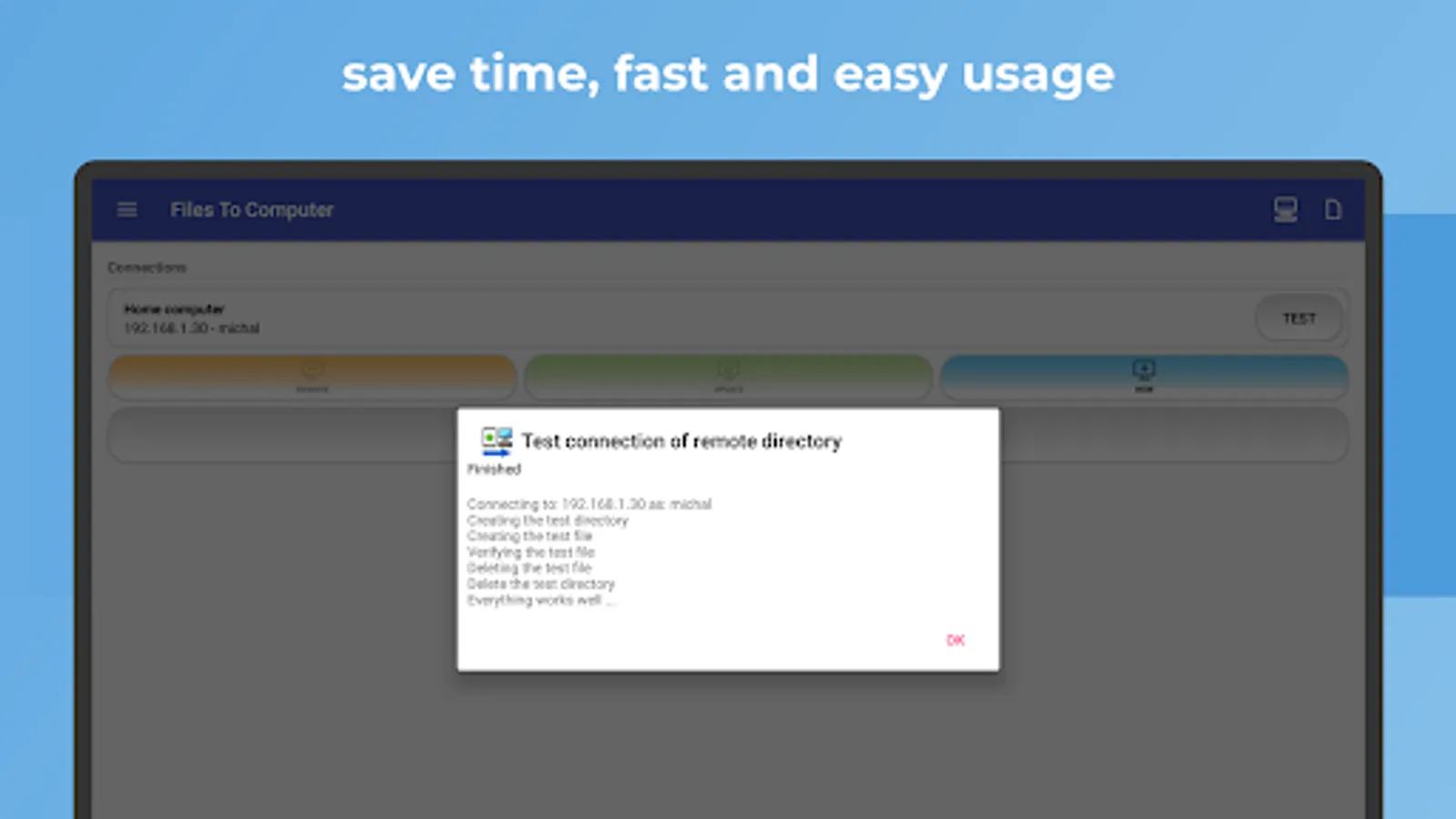
With 📂 FILES TO COMPUTER, you can easily transfer, back up, and manage your files, photos, videos, and music from your mobile device to your 🖥️ computer or 🔄 NAS server using protocols such as 📁 Shared Directory (Samba - SMB), 🔐 SFTP, or 📂 FTP.
Key features:
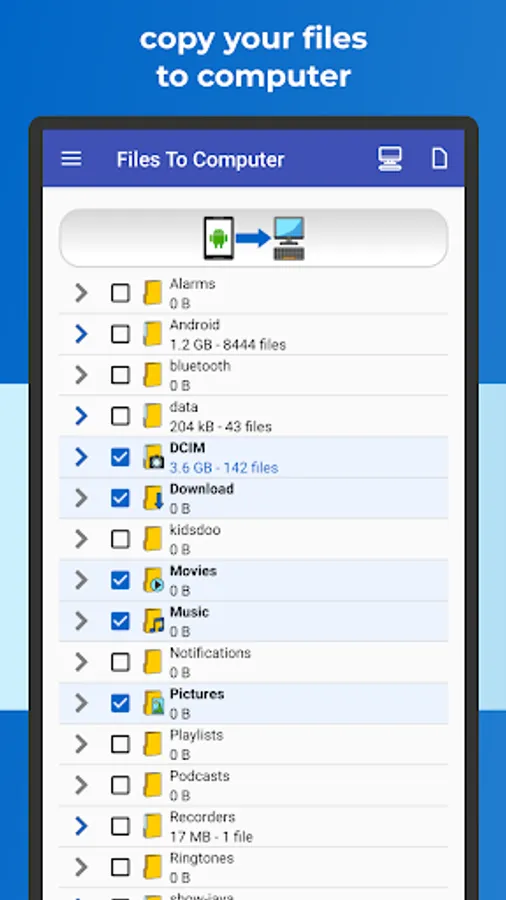
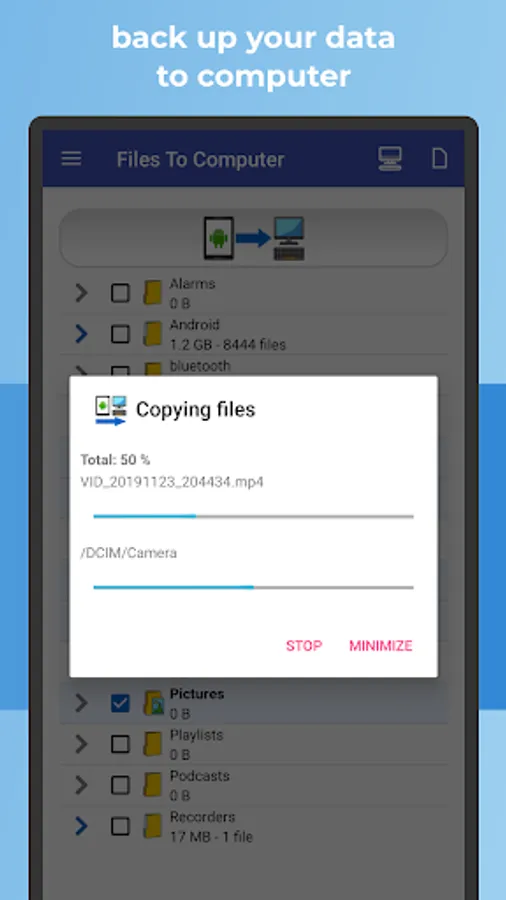
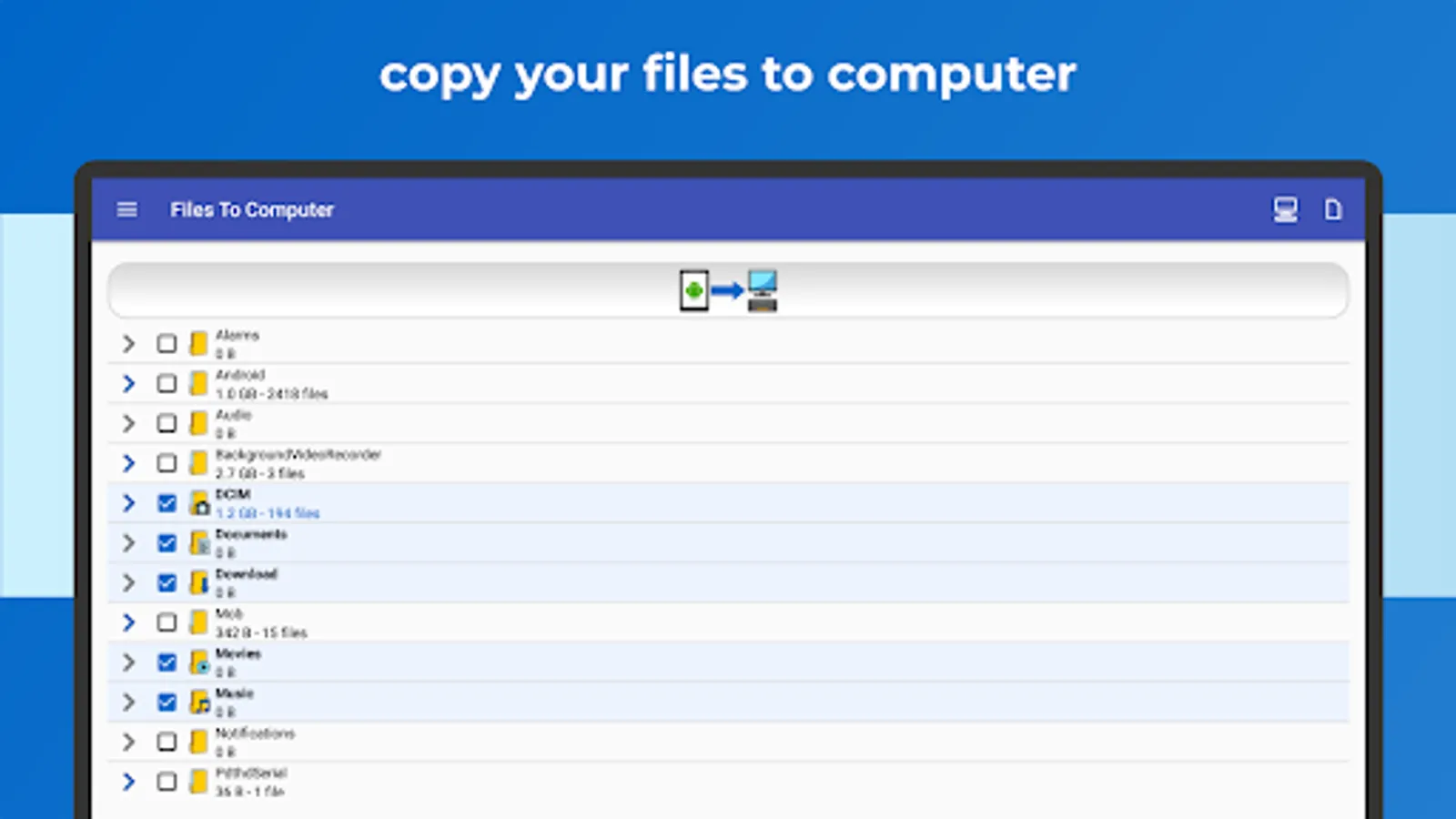
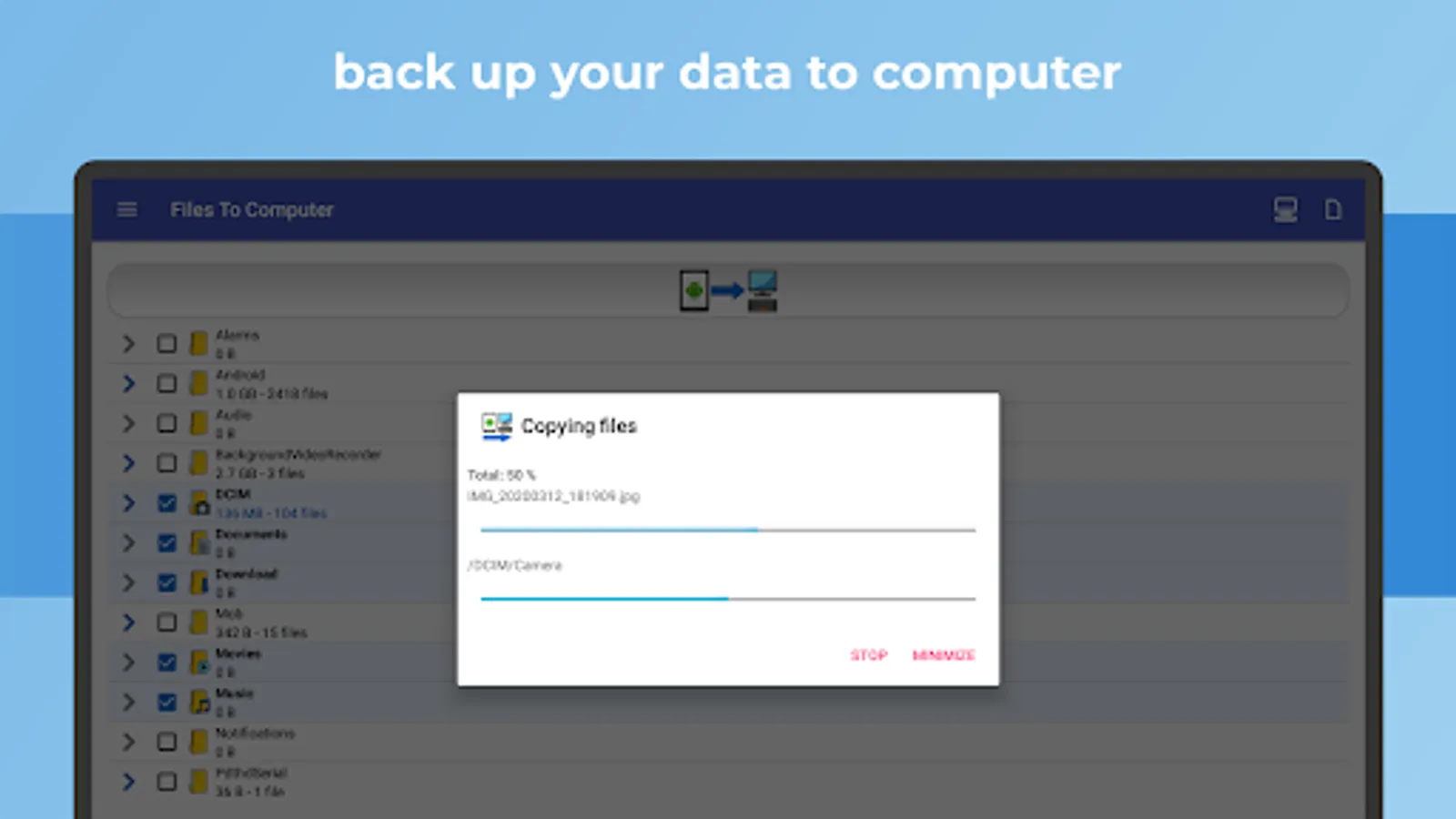
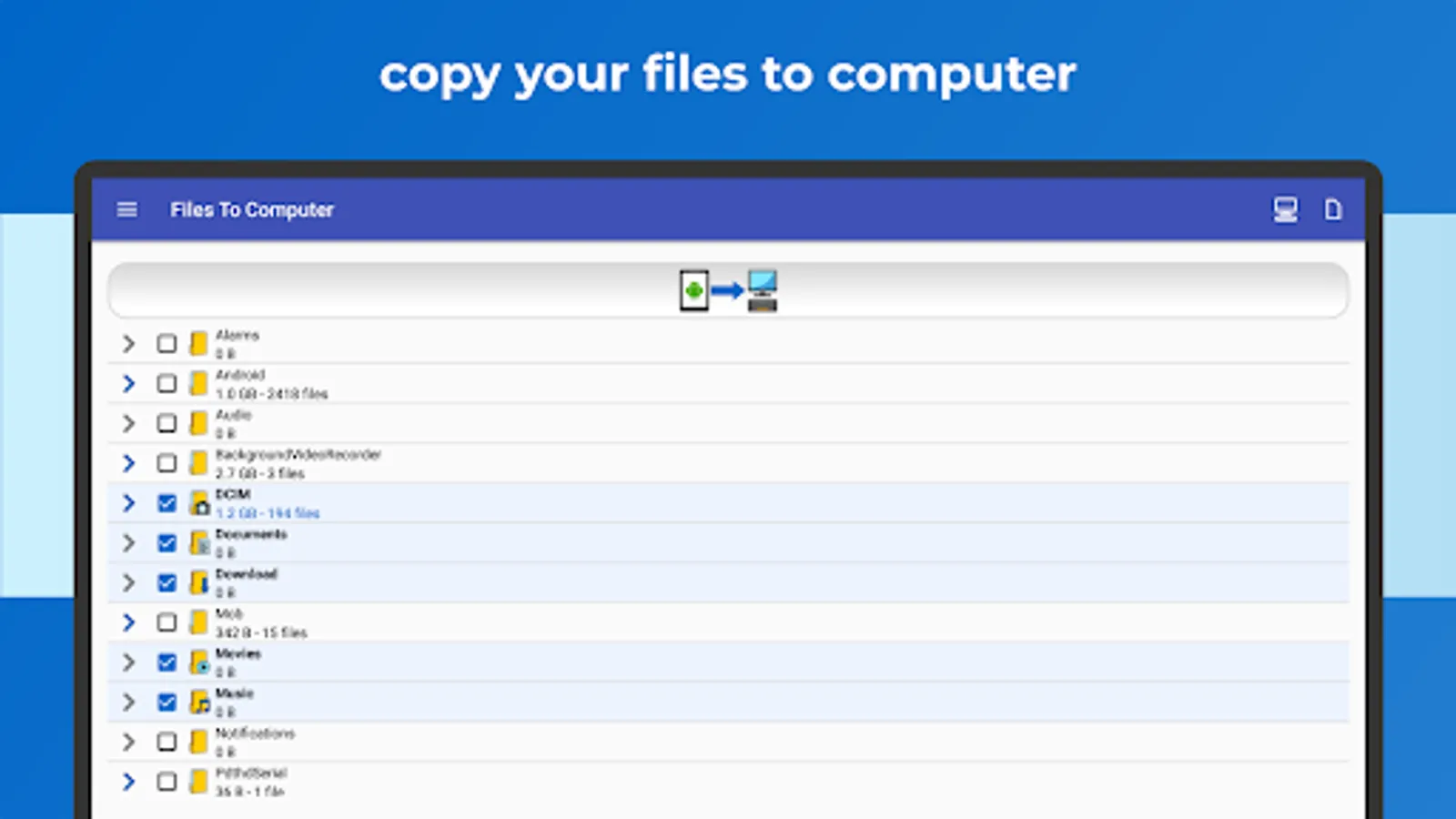
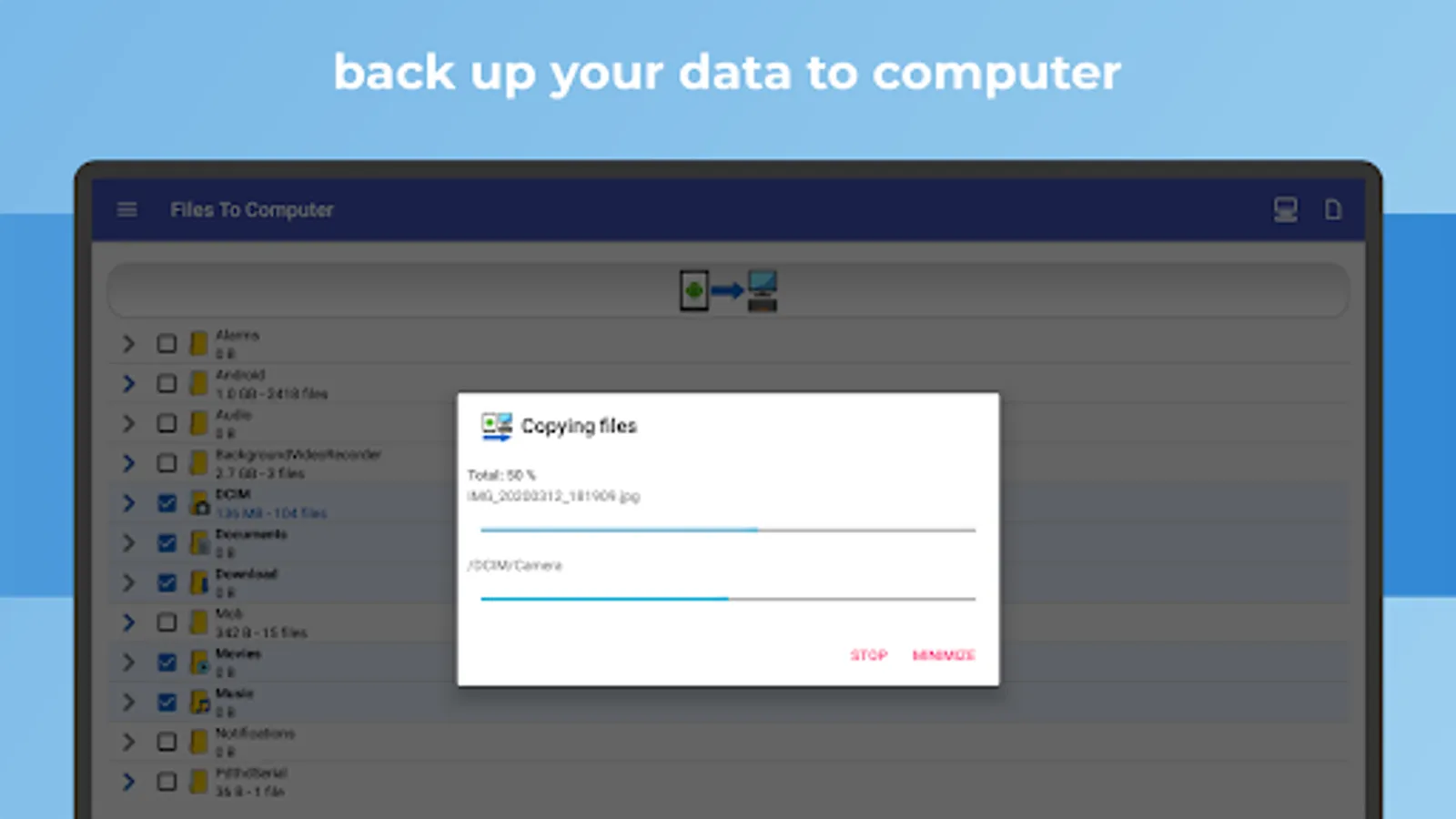
✅ Effortlessly back up files, photos, videos, and music to your computer or NAS server with a single, user-friendly click.
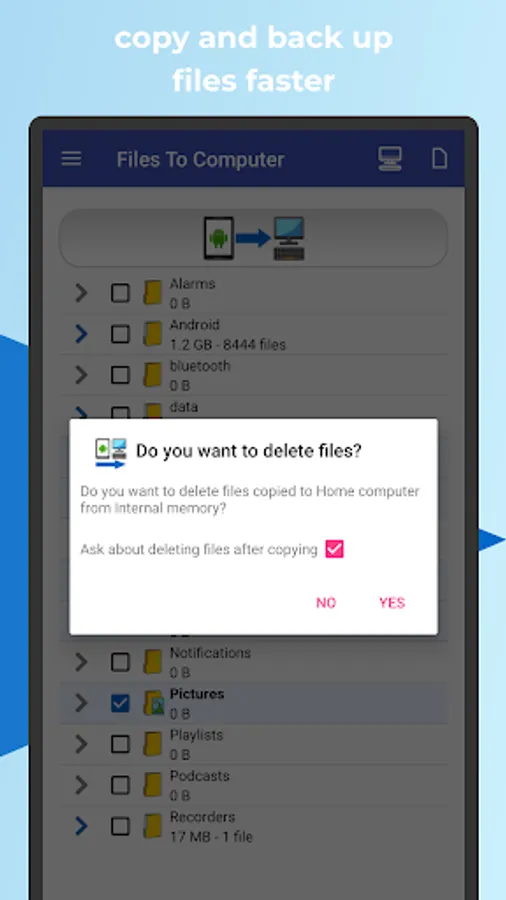
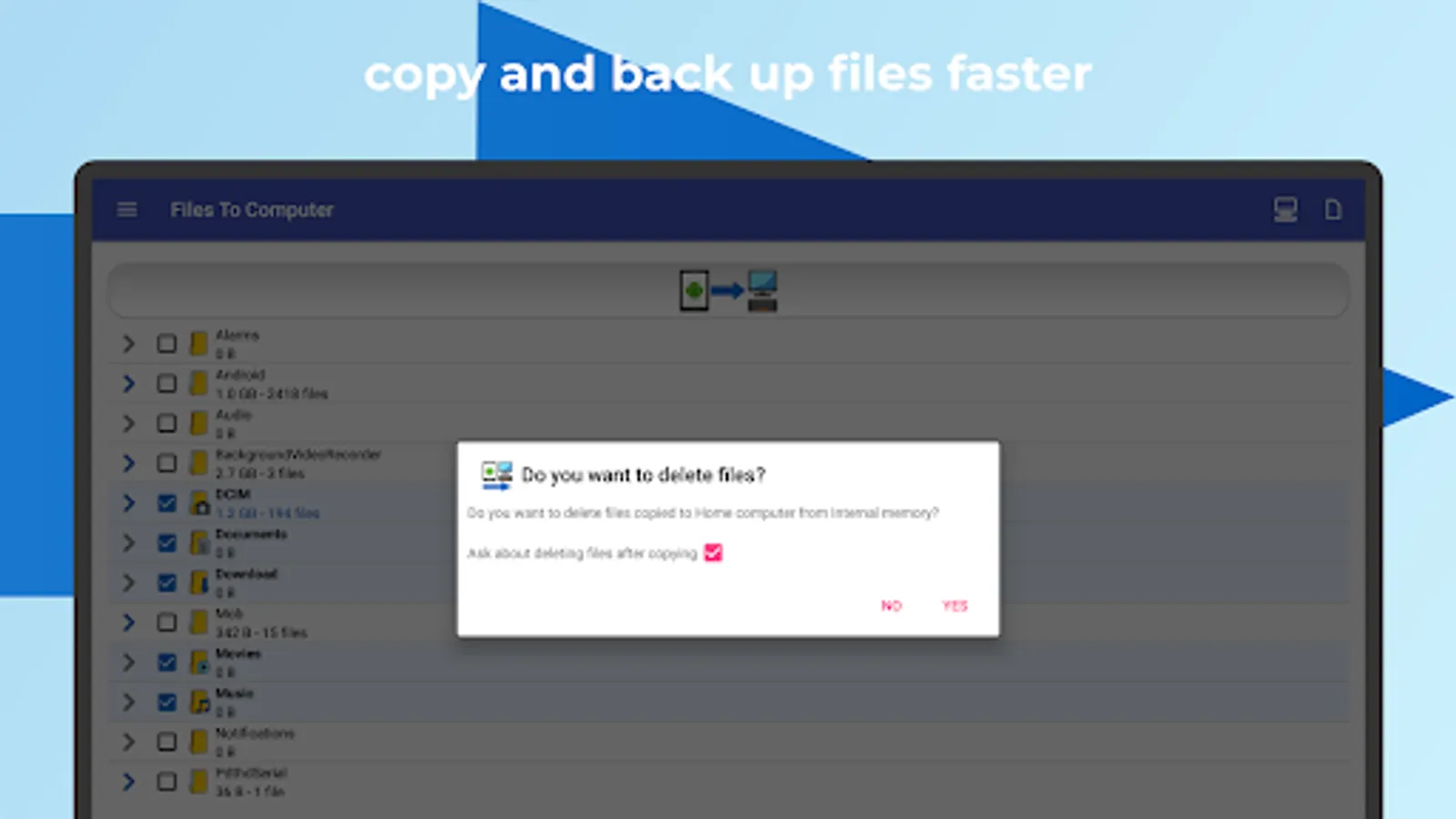
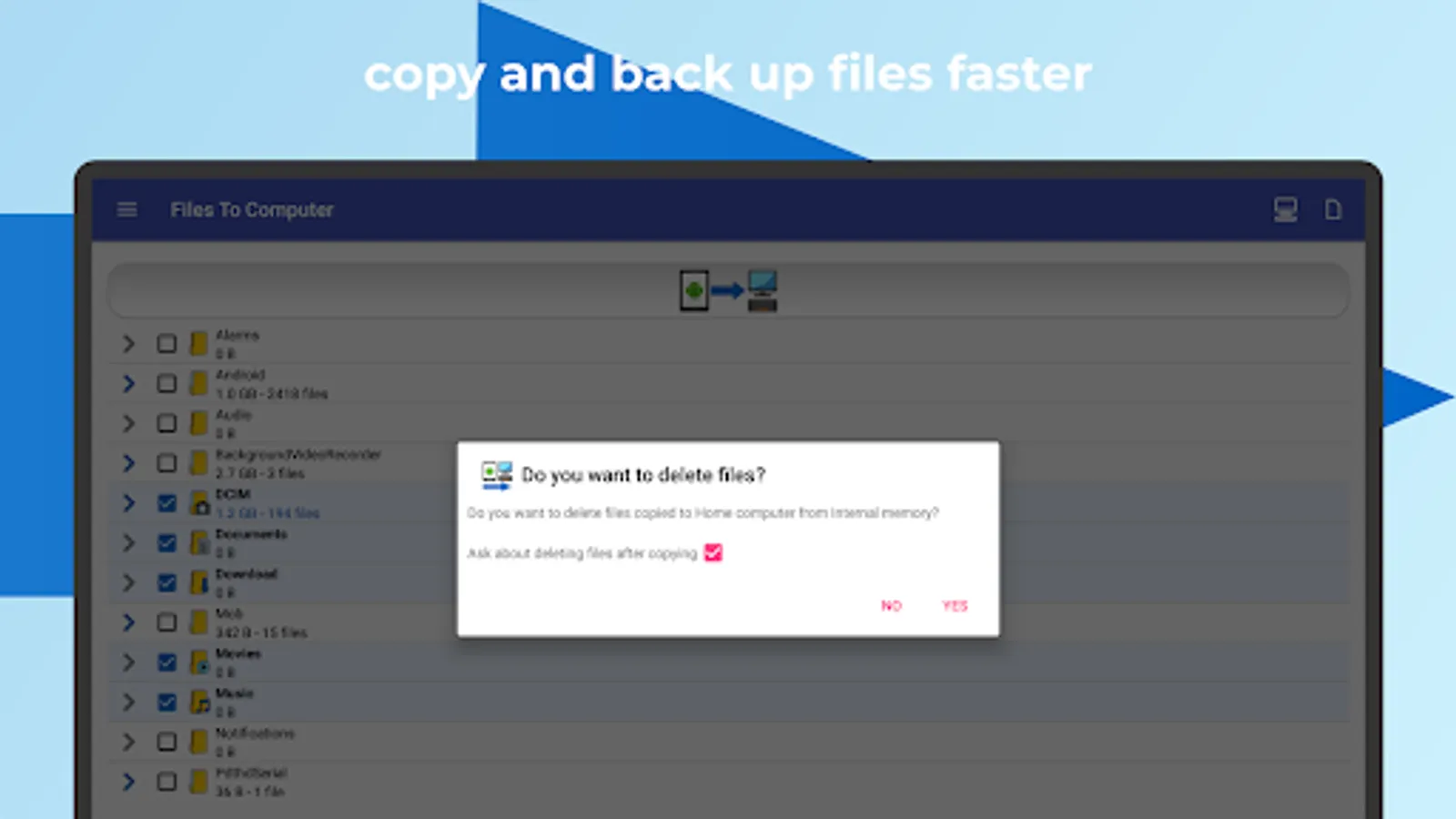
✅ Free up device storage by deleting files after successful backups.
✅ Enjoy a fast, intuitive, and cable-free experience.
✅ Compatible with Android Go devices.
Regular use of FILES TO COMPUTER enables you to back up your device's storage to your computer or NAS server with one click. Efficiently back up and manage photos, videos, and music from your device while freeing up valuable device storage space.
Keep your files safe by creating consistent backups on your computer or NAS server. The application intelligently avoids duplicating existing files and ensures an organized and updated backup.
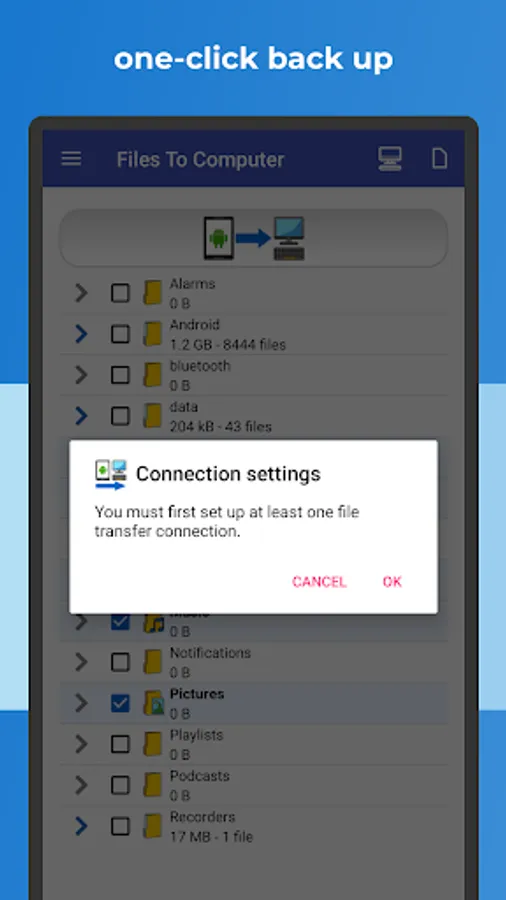
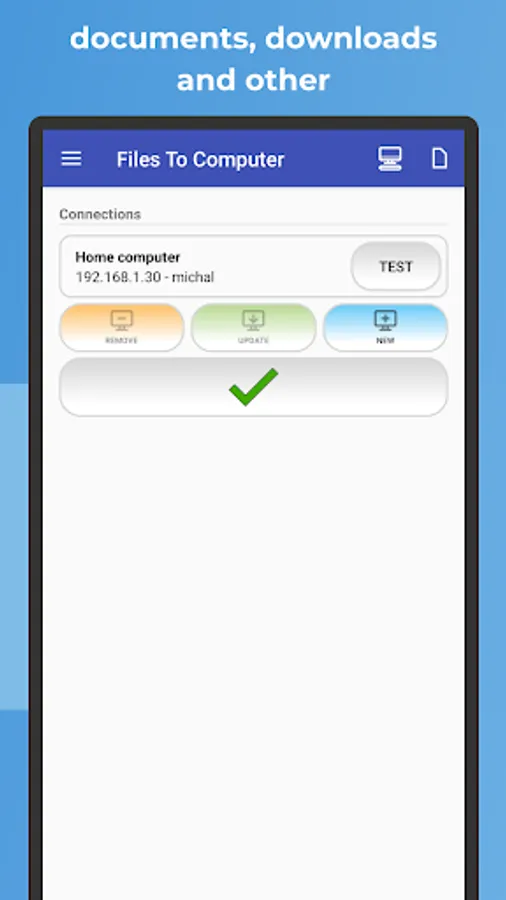
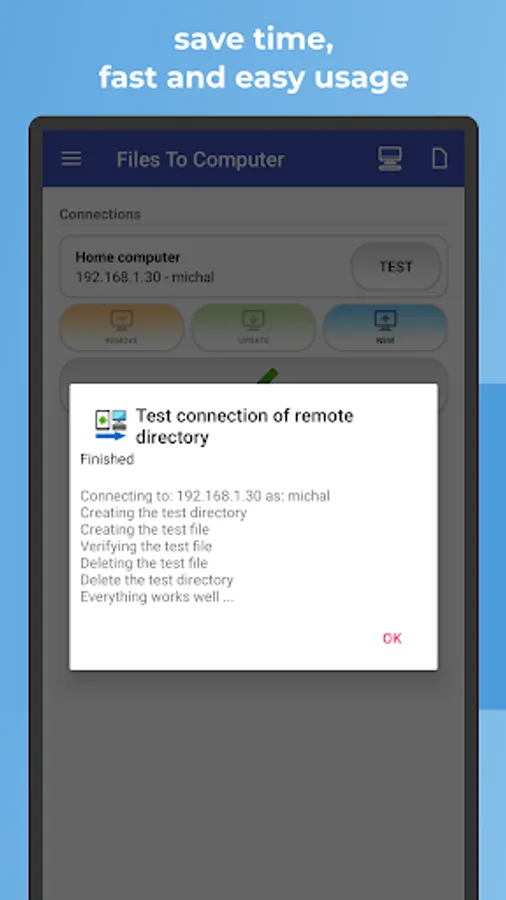
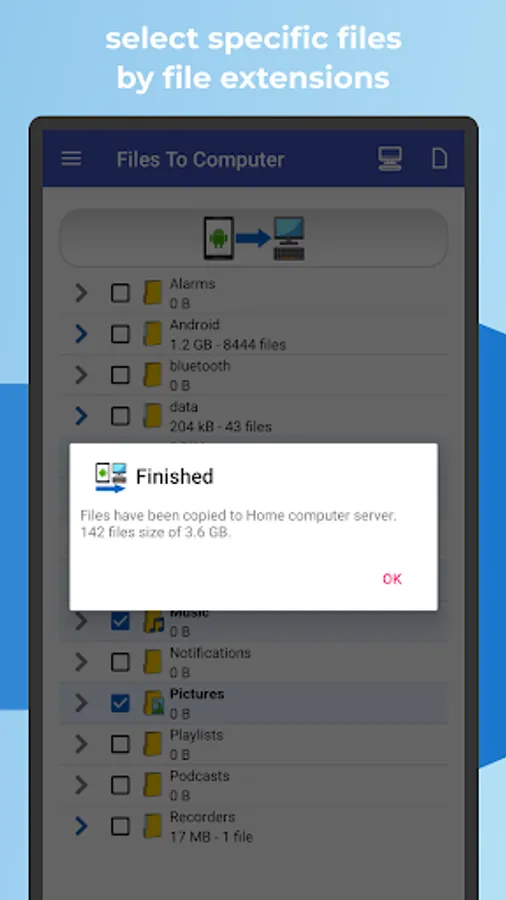
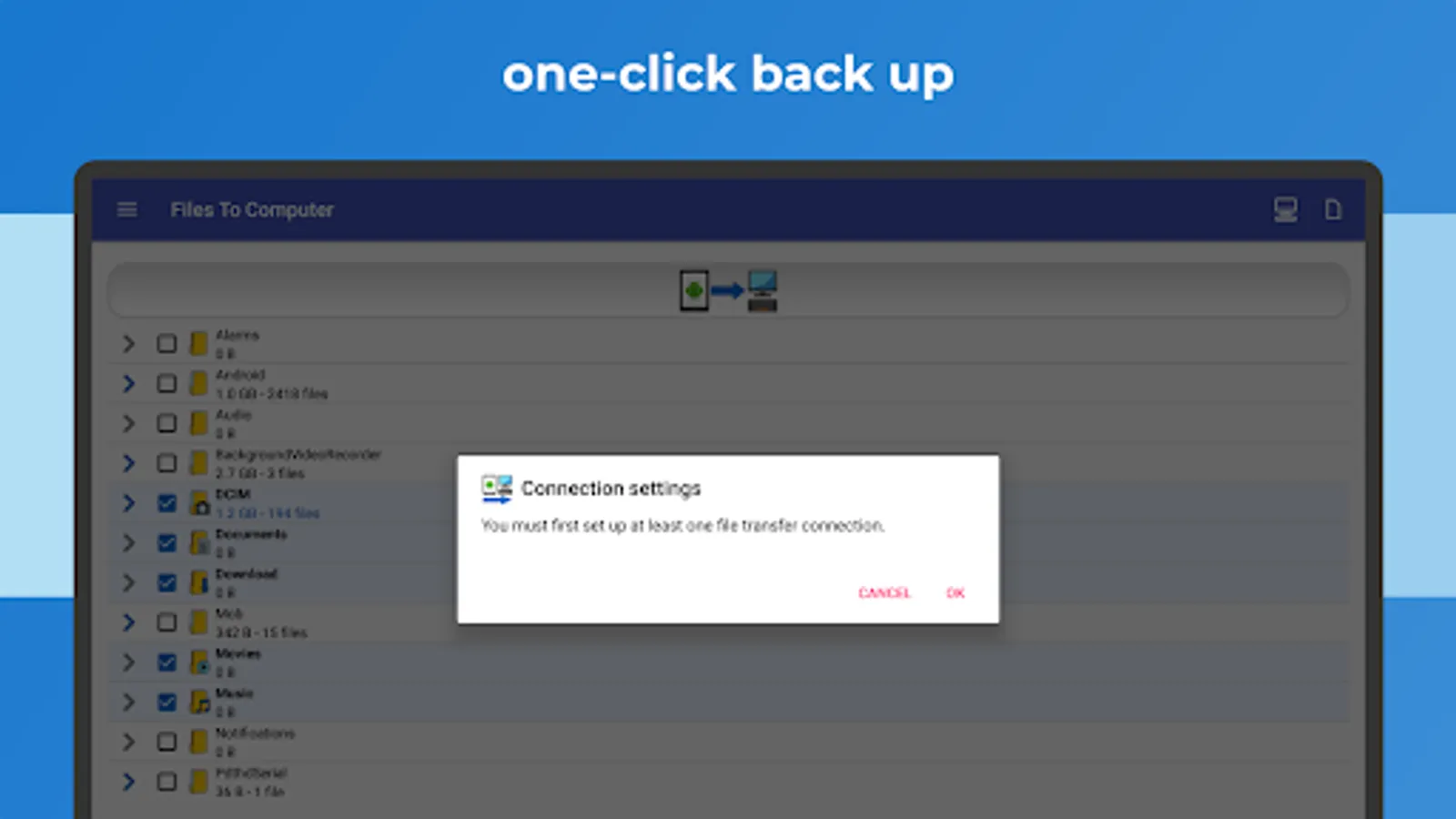
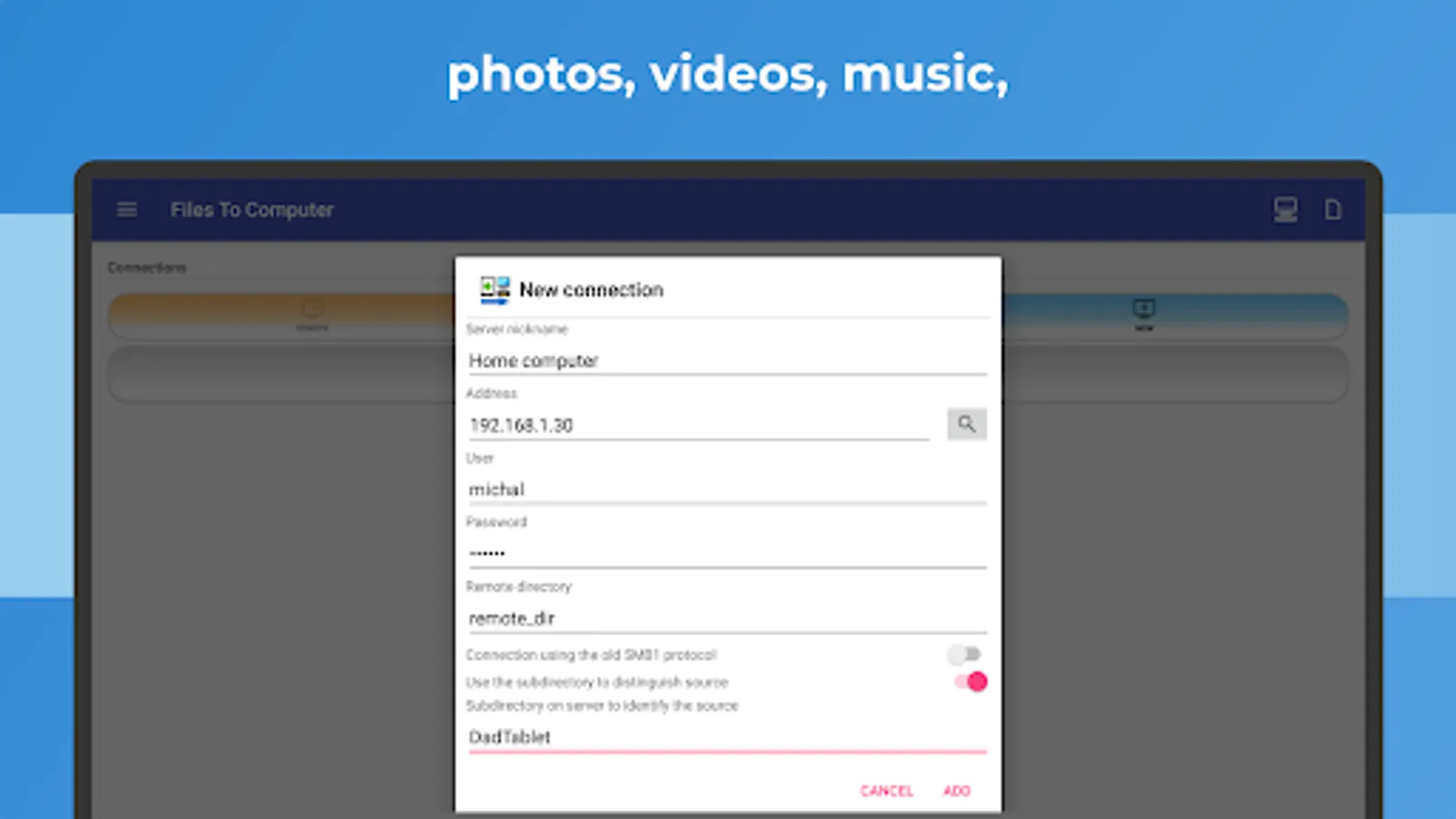
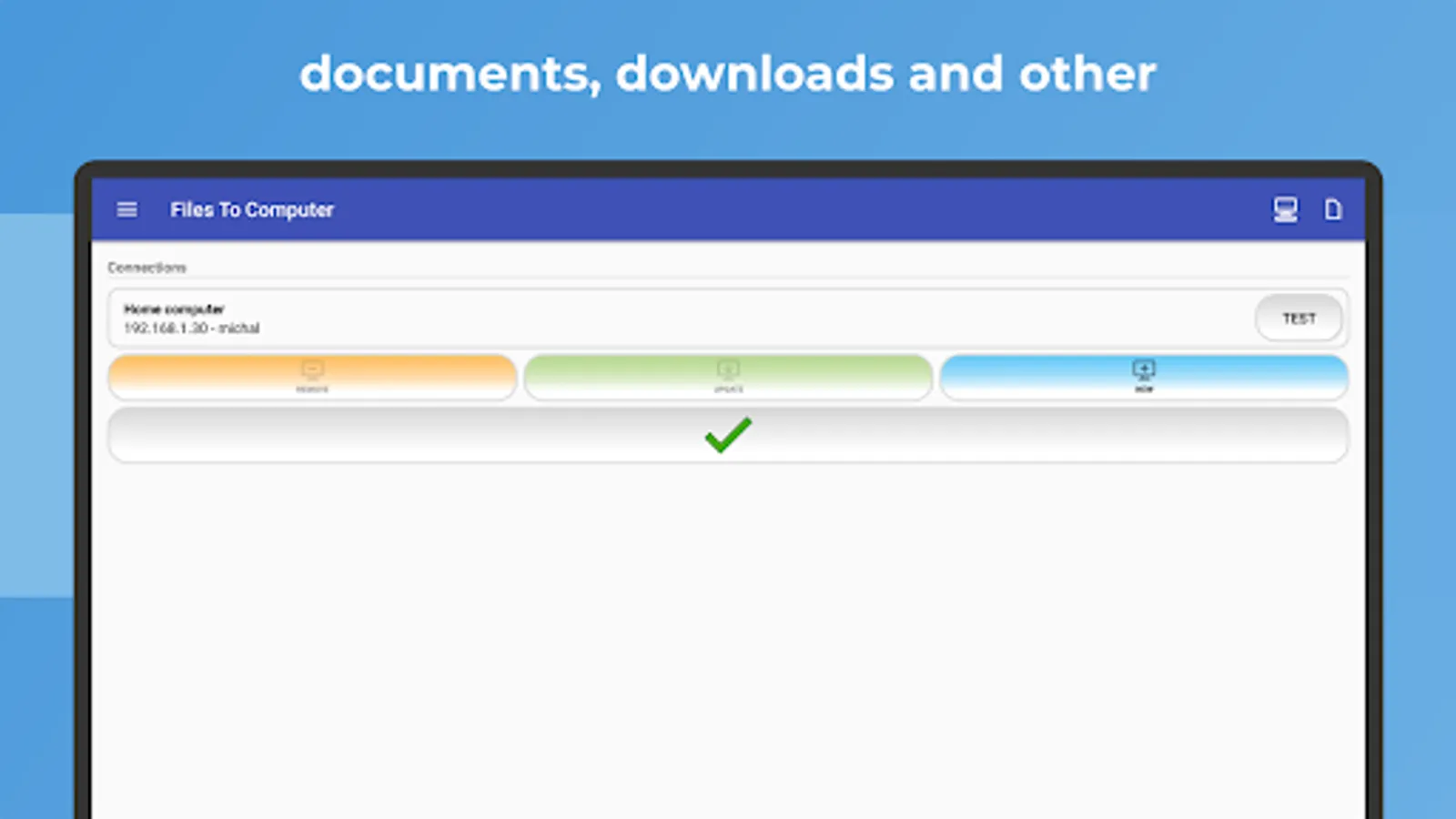
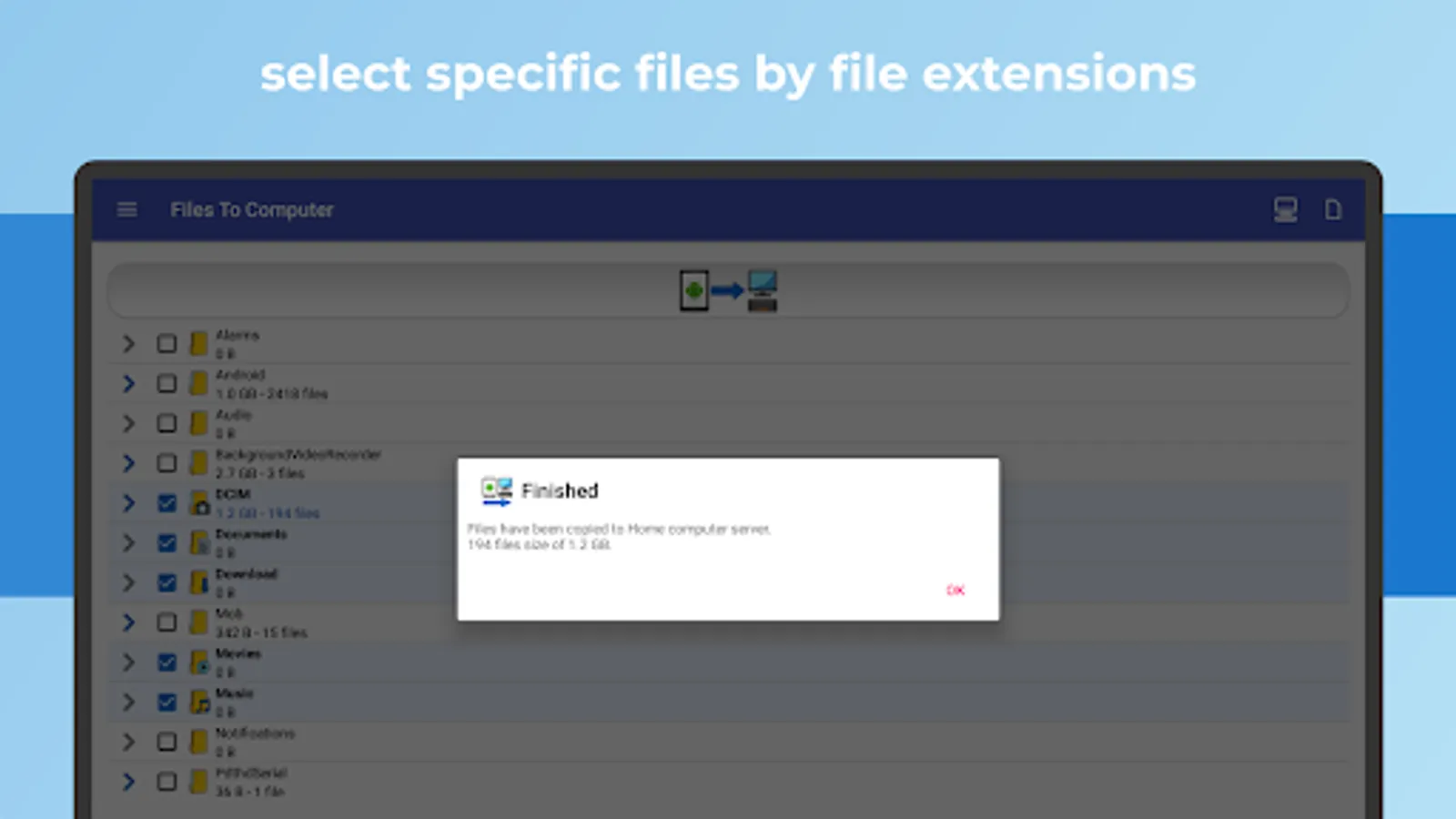
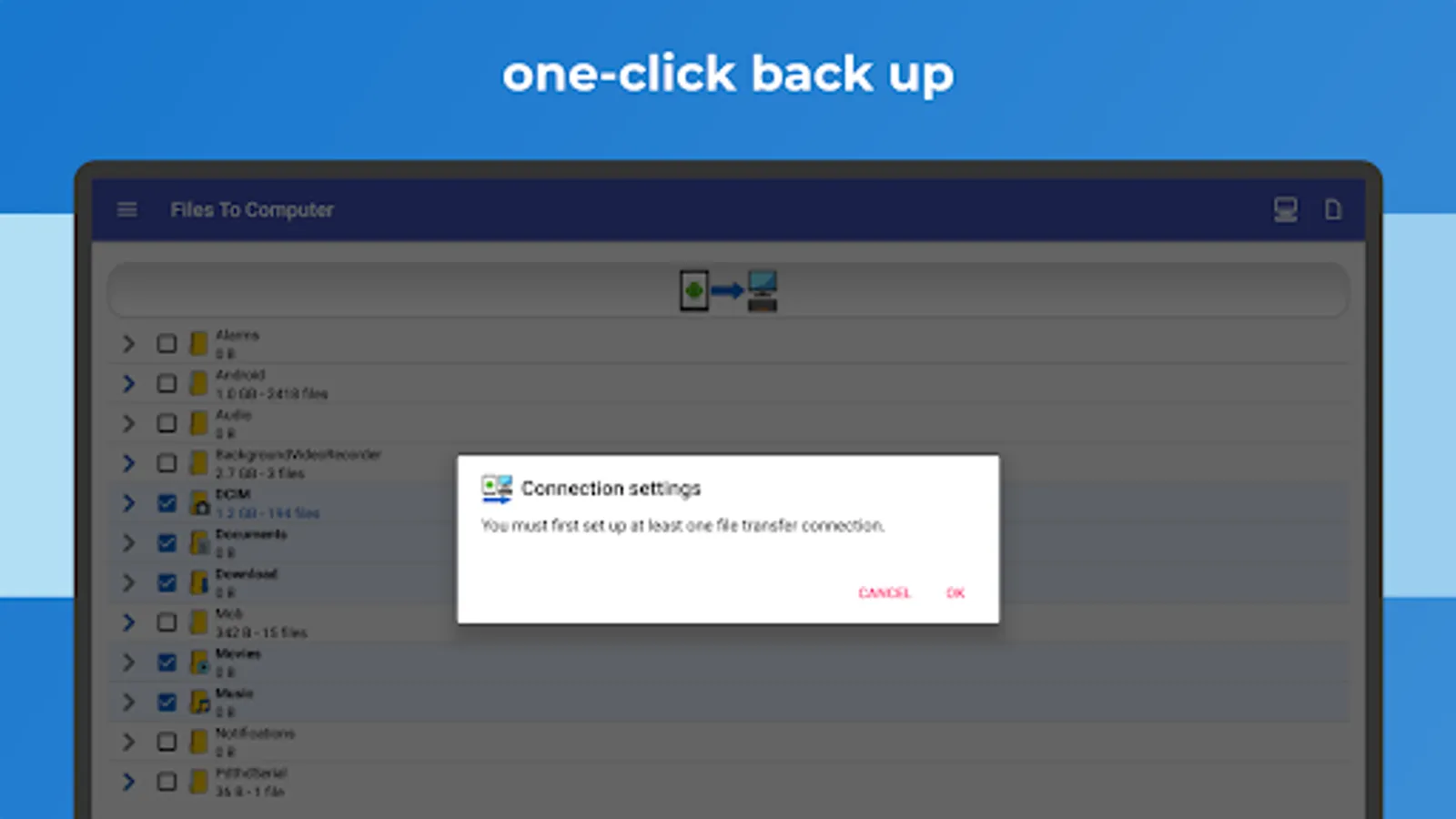
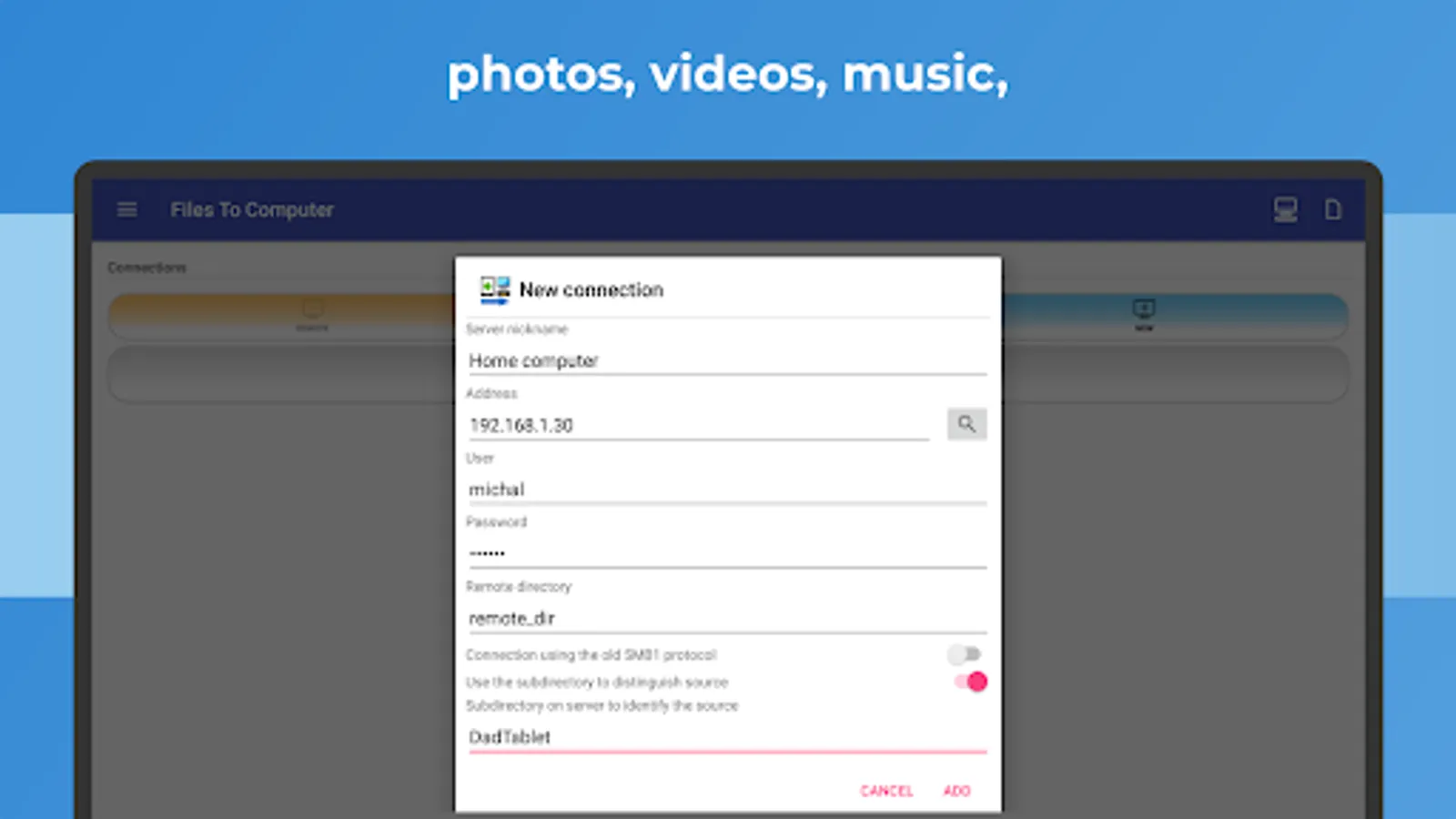
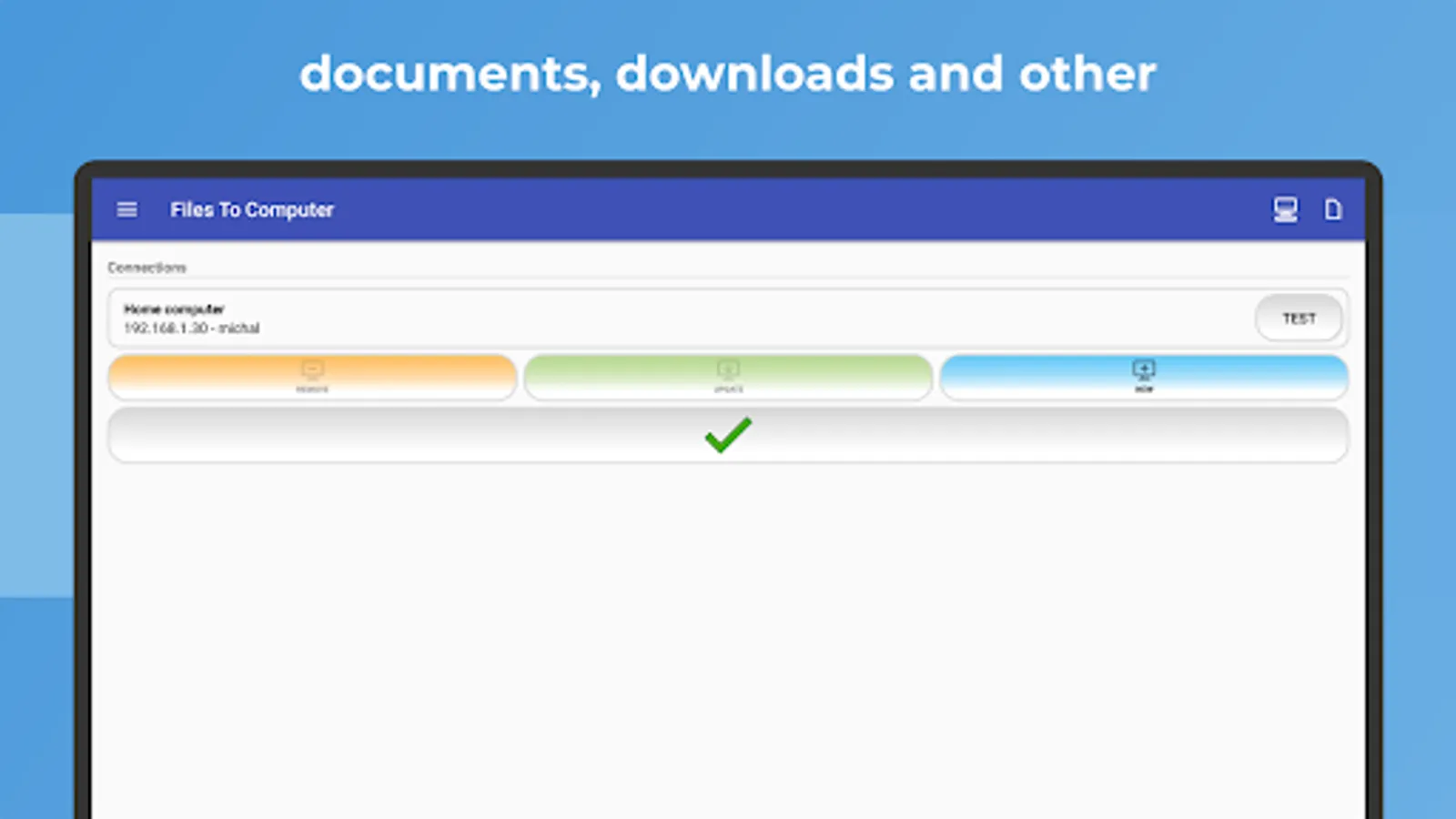
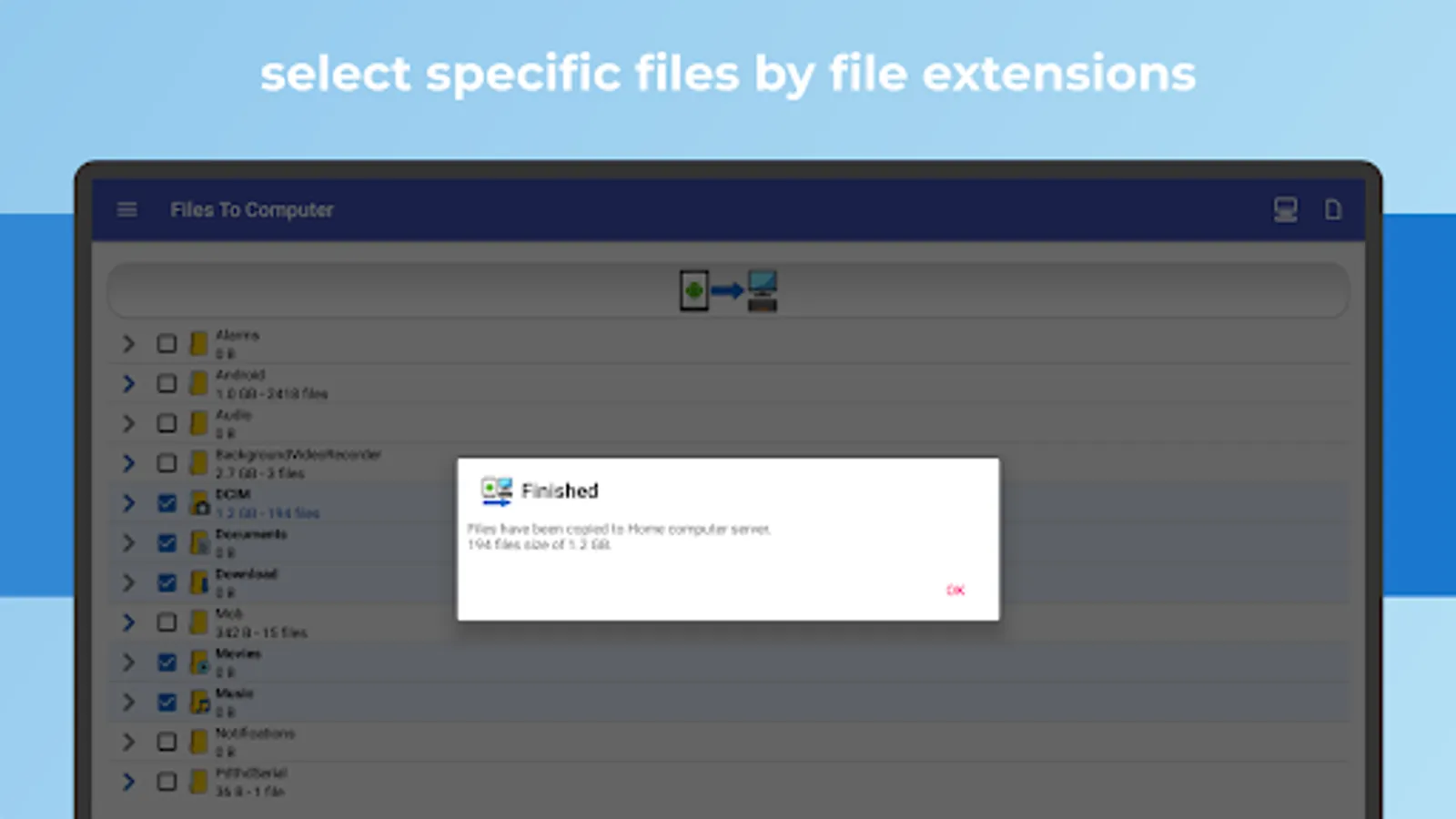
Connect to a computer or NAS server, select the files you want to back up or transfer, and manage your files efficiently with a simple click. Choose specific file types for faster backups.
This app is particularly useful for devices with limited internal storage, those without an SD card slot, or users who want a hassle-free way to securely back up files to your computer or NAS server.
Recommended devices: Samsung Galaxy, Nokia, Motorola, HTC, OPPO, Lenovo, Asus, Sony Xperia, Alcatel, Vodafone.
Ensure the longevity of your files by backing them up to your computer, PC, or NAS to protect your most important content and memories. Utilize FileBackup, PhotoBackup, VideoBackup, and MusicBackup for comprehensive and secure file management with a straightforward one-click process.
Experience advanced file management with FILES TO COMPUTER:
Unlock powerful file transfer capabilities with industry-standard protocols:
• 📁 Samba (SMB): Seamlessly share files between devices on your network.
• 🔐 Secure File Transfer Protocol (SFTP): Safeguard your data during transfers with enhanced security.
• 📂 File Transfer Protocol (FTP): Versatile file management with FTP.
Effortlessly optimize your file handling, ensuring efficient backups and organized storage. Upgrade your file transfer experience with FILES TO COMPUTER, designed for convenience and security. Explore a seamless and intuitive file management journey
Compatible with Windows, macOS and Linux
Key features:
✅ Effortlessly back up files, photos, videos, and music to your computer or NAS server with a single, user-friendly click.
✅ Free up device storage by deleting files after successful backups.
✅ Enjoy a fast, intuitive, and cable-free experience.
✅ Compatible with Android Go devices.
Regular use of FILES TO COMPUTER enables you to back up your device's storage to your computer or NAS server with one click. Efficiently back up and manage photos, videos, and music from your device while freeing up valuable device storage space.
Keep your files safe by creating consistent backups on your computer or NAS server. The application intelligently avoids duplicating existing files and ensures an organized and updated backup.
Connect to a computer or NAS server, select the files you want to back up or transfer, and manage your files efficiently with a simple click. Choose specific file types for faster backups.
This app is particularly useful for devices with limited internal storage, those without an SD card slot, or users who want a hassle-free way to securely back up files to your computer or NAS server.
Recommended devices: Samsung Galaxy, Nokia, Motorola, HTC, OPPO, Lenovo, Asus, Sony Xperia, Alcatel, Vodafone.
Ensure the longevity of your files by backing them up to your computer, PC, or NAS to protect your most important content and memories. Utilize FileBackup, PhotoBackup, VideoBackup, and MusicBackup for comprehensive and secure file management with a straightforward one-click process.
Experience advanced file management with FILES TO COMPUTER:
Unlock powerful file transfer capabilities with industry-standard protocols:
• 📁 Samba (SMB): Seamlessly share files between devices on your network.
• 🔐 Secure File Transfer Protocol (SFTP): Safeguard your data during transfers with enhanced security.
• 📂 File Transfer Protocol (FTP): Versatile file management with FTP.
Effortlessly optimize your file handling, ensuring efficient backups and organized storage. Upgrade your file transfer experience with FILES TO COMPUTER, designed for convenience and security. Explore a seamless and intuitive file management journey
Compatible with Windows, macOS and Linux
Transfer Files To Computer, PC Screenshots
Tap to Rate:
Reviews for Transfer Files To Computer, PC
DENNIS CHISENENA
12/7/2025
Very Good App
C. Rotich.
12/7/2025
hopevit works