In this app, you can verify your identity and securely log into online banking services without entering text codes. Includes fingerprint and PIN setup, as well as activation through codes from branches or online platforms.
AppRecs review analysis
AppRecs rating 3.4. Trustworthiness 83 out of 100. Review manipulation risk 25 out of 100. Based on a review sample analyzed.
★★★☆☆
3.4
AppRecs Rating
Ratings breakdown
5 star
81%
4 star
0%
3 star
5%
2 star
6%
1 star
7%
What to know
✓
Low review manipulation risk
25% review manipulation risk
✓
Credible reviews
83% trustworthiness score from analyzed reviews
⚠
Review quality concerns
57% of sampled 5-star reviews are very short
About KB Klíč
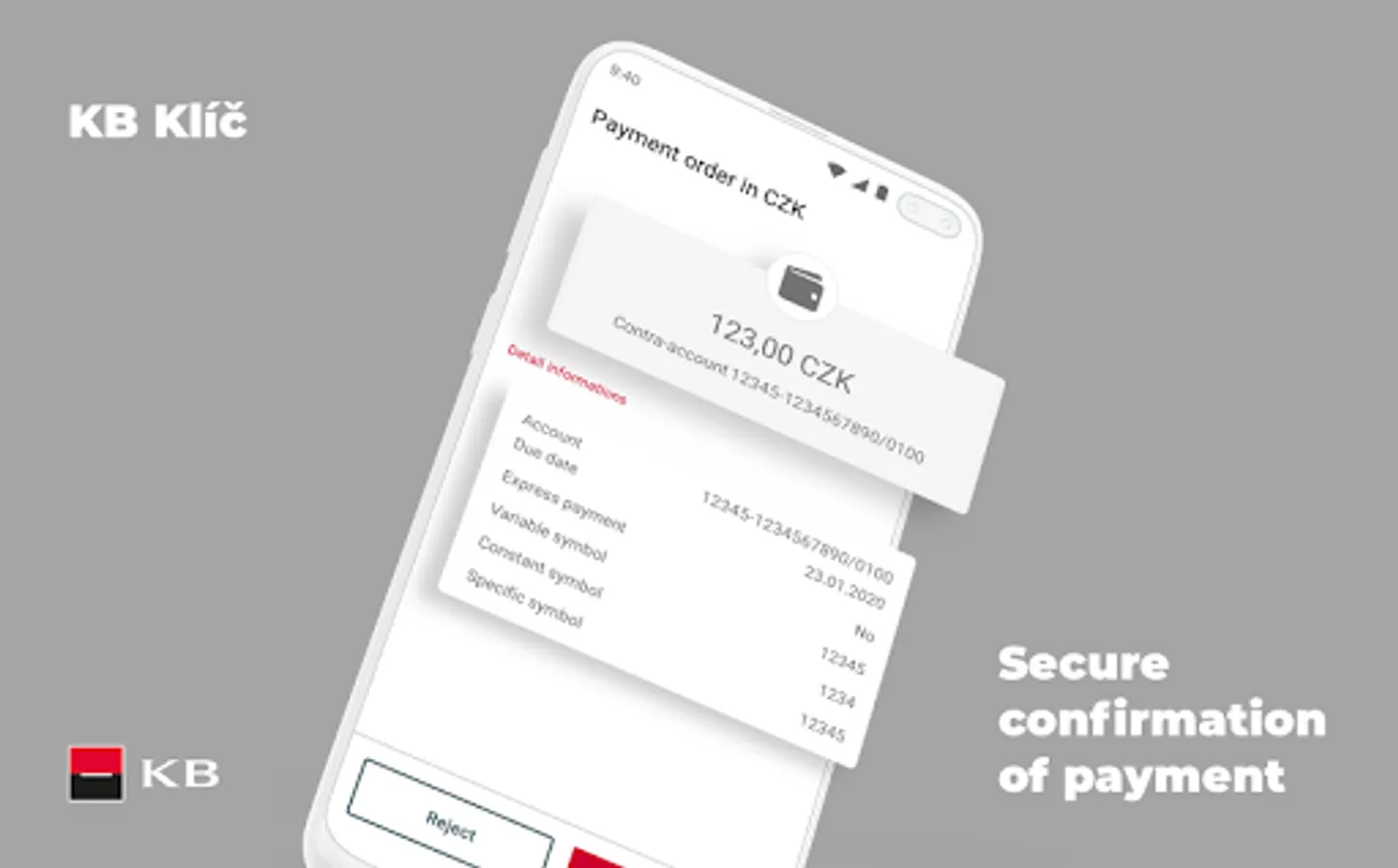
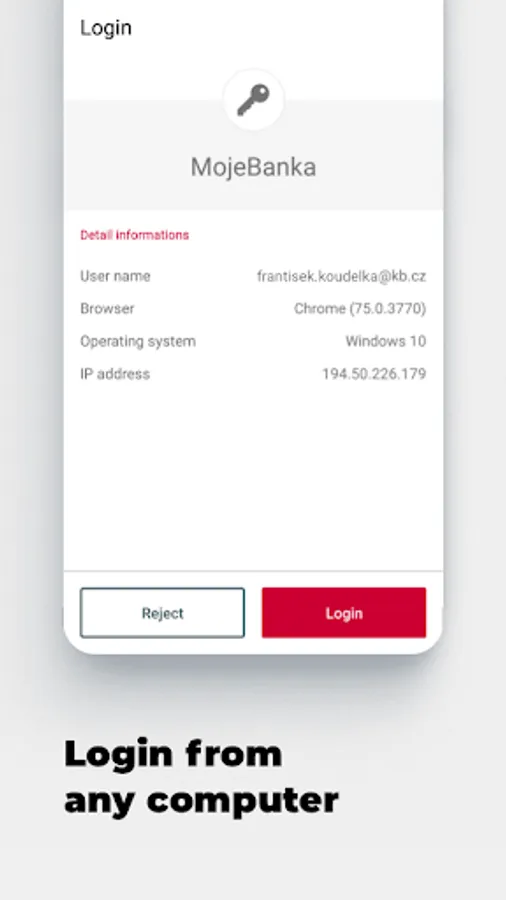
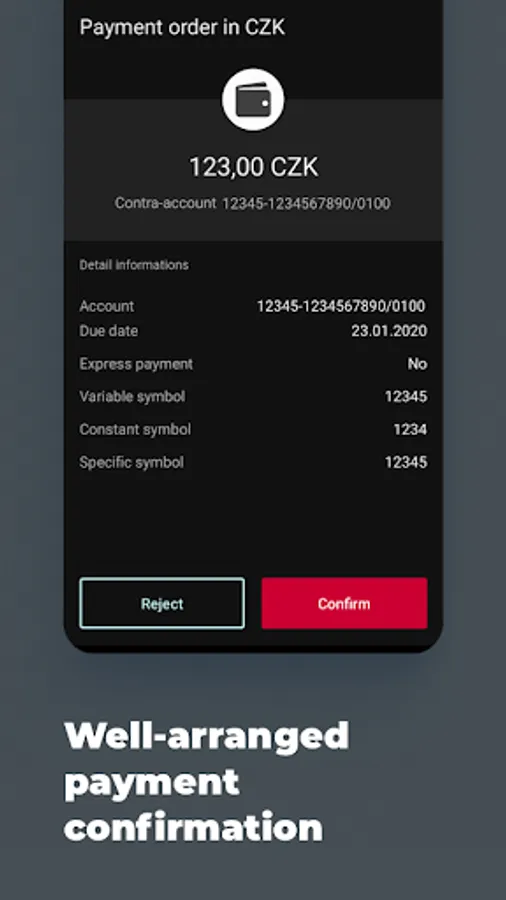
The KB Klíč app verifies your identity and safely logs you into MojeBanka online banking and Komerční banka's other online apps. You don't have to enter a texted code and you also authorise payments through the app.
You need the following for KB Klíč activation:
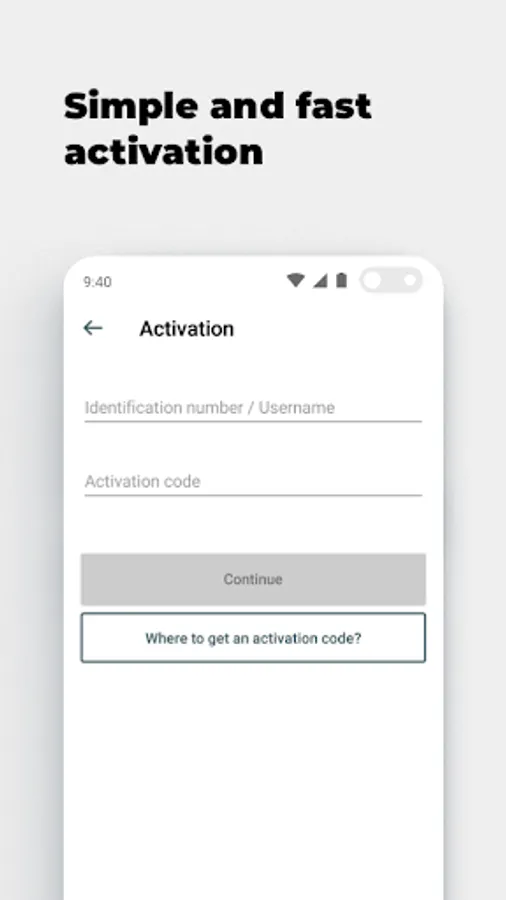
- KB ID, which you will find in the Electronic Signature Agreement. You can also use your username/email
- An activation code that you will receive at a KB branch or when you log into mujprofil.kb.cz otherwise than via KB Klíč
The activation guide is available at
https://www.kb.cz/en/new-login-methods#kbklic
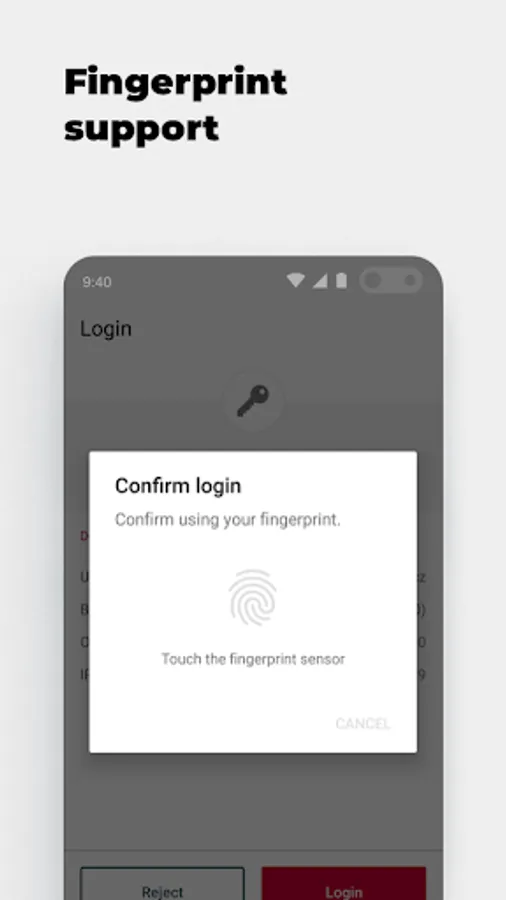
Set the PIN on the occasion of activation. You can set up your fingerprint if your phone supports them. Komerční banka will never see your fingerprints; they are retained in a secure repository in the phone.
If your phone is connected to the internet the request to confirm the activation will be received automatically in your phone. Check and confirm the request. If offline, select 'The device is not connected to the internet' option in your computer. Using the KB Klíč app, scan the pictorial code from the computer's screen. Then confirm the code by the PIN or fingerprint. Finally, type the generated code in your computer.
Please note: If you enter an incorrect PIN five times KB Klíč blocks access. You will then activate the apps using an activation code that you will receive in an ATM, at a KB branch or after logging into mujprofil.kb.cz otherwise than via KB Klíč.
KB Klíč will not work for you if you have reinstalled software on your phone and your platform (root) is therefore not protected. All of this for the sake of security.
You need the following for KB Klíč activation:
- KB ID, which you will find in the Electronic Signature Agreement. You can also use your username/email
- An activation code that you will receive at a KB branch or when you log into mujprofil.kb.cz otherwise than via KB Klíč
The activation guide is available at
https://www.kb.cz/en/new-login-methods#kbklic
Set the PIN on the occasion of activation. You can set up your fingerprint if your phone supports them. Komerční banka will never see your fingerprints; they are retained in a secure repository in the phone.
If your phone is connected to the internet the request to confirm the activation will be received automatically in your phone. Check and confirm the request. If offline, select 'The device is not connected to the internet' option in your computer. Using the KB Klíč app, scan the pictorial code from the computer's screen. Then confirm the code by the PIN or fingerprint. Finally, type the generated code in your computer.
Please note: If you enter an incorrect PIN five times KB Klíč blocks access. You will then activate the apps using an activation code that you will receive in an ATM, at a KB branch or after logging into mujprofil.kb.cz otherwise than via KB Klíč.
KB Klíč will not work for you if you have reinstalled software on your phone and your platform (root) is therefore not protected. All of this for the sake of security.