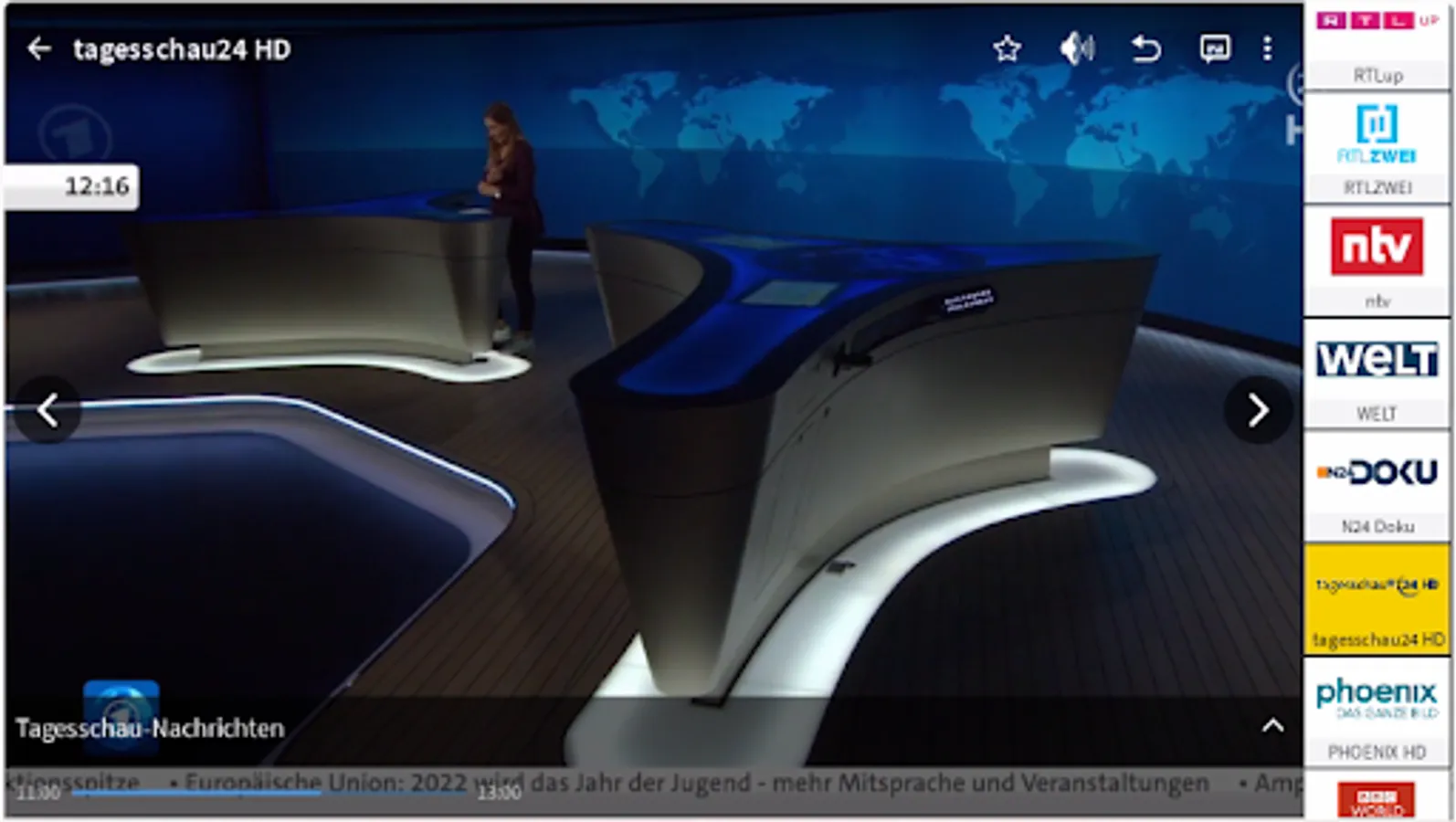
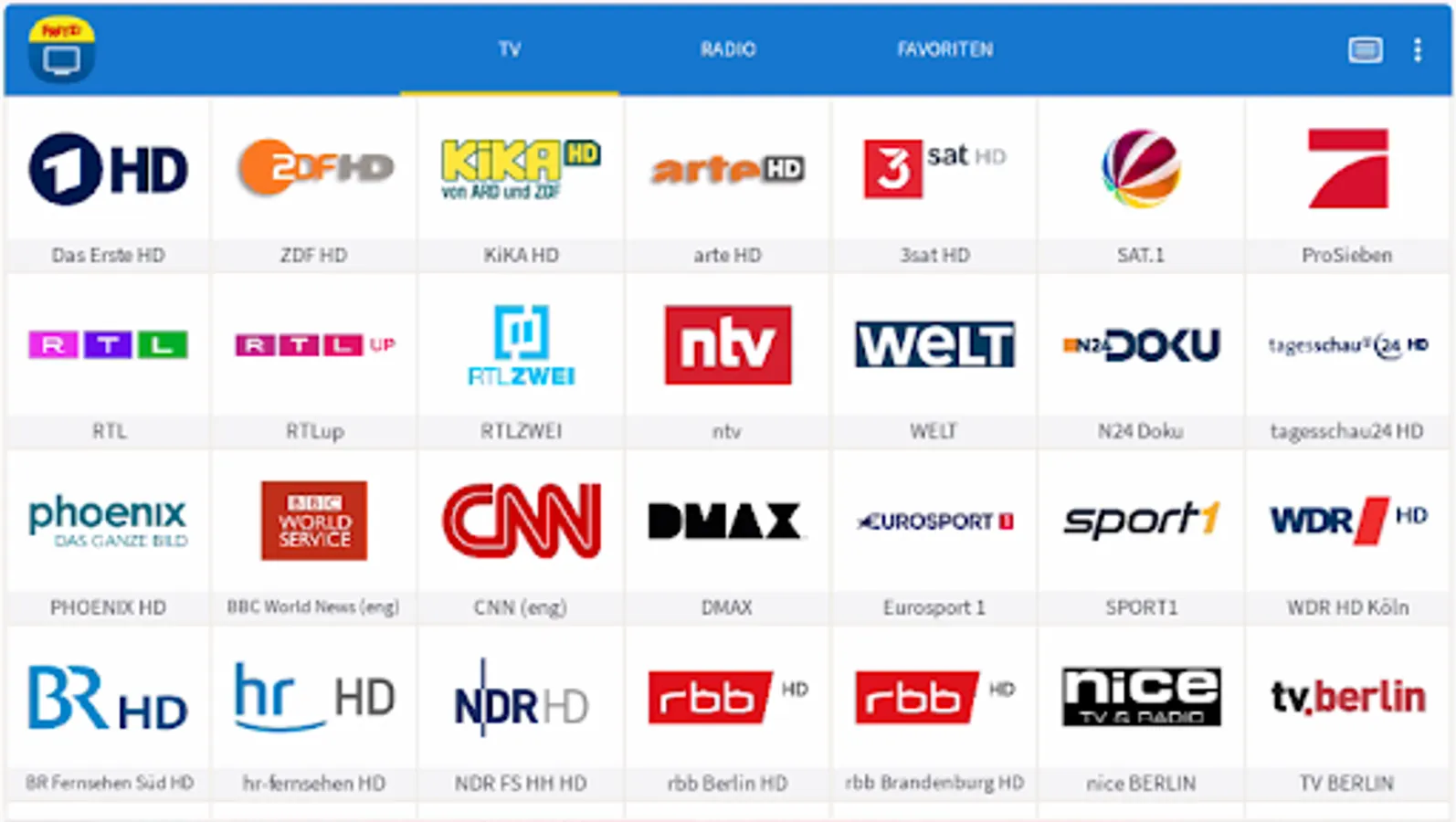
In this app, you can stream free-to-air cable channels to your smartphone or tablet and access program information. Includes channel switching, full-screen playback, and favorites list management.
AppRecs review analysis
AppRecs rating 3.4. Trustworthiness 72 out of 100. Review manipulation risk 29 out of 100. Based on a review sample analyzed.
★★★☆☆
3.4
AppRecs Rating
Ratings breakdown
5 star
44%
4 star
19%
3 star
6%
2 star
0%
1 star
31%
What to know
✓
Low review manipulation risk
29% review manipulation risk
✓
Credible reviews
72% trustworthiness score from analyzed reviews
⚠
High negative review ratio
31% of sampled ratings are 1–2 stars
About FRITZ!App TV
The FRITZ!App TV is the perfect complement for the FRITZ!Box Cable with TV streaming functionality or a FRITZ!WLAN Repeater DVB-C. This app lets you watch all free-to-air channels broadcast on cable television on your Smartphone or Tablet (with Android Version 9.0 or later). The television signal from the cable TV connection is distributed via WiFi or LAN throughout the entire home.
Features:
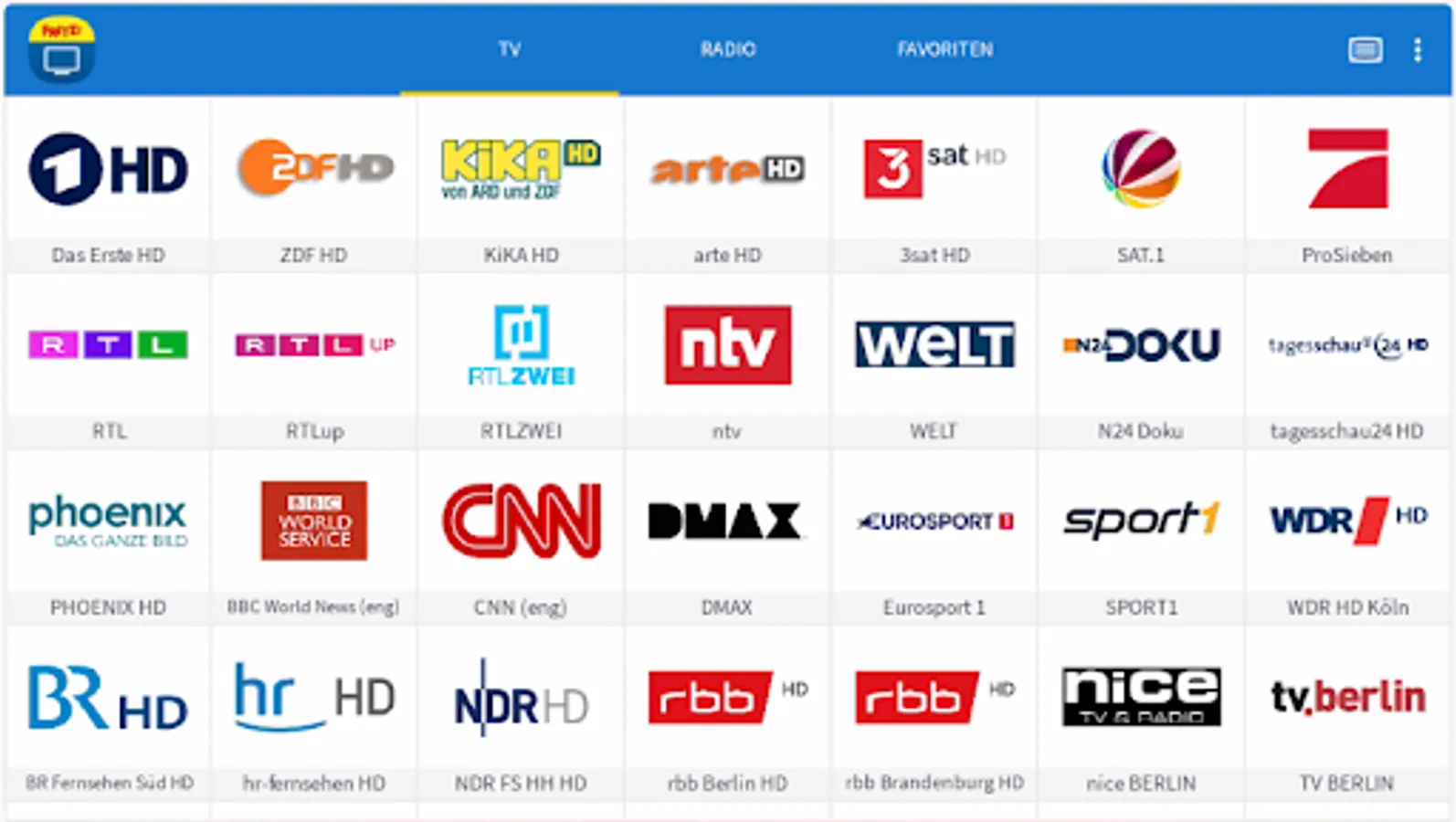
- Plays free-to-air TV channels
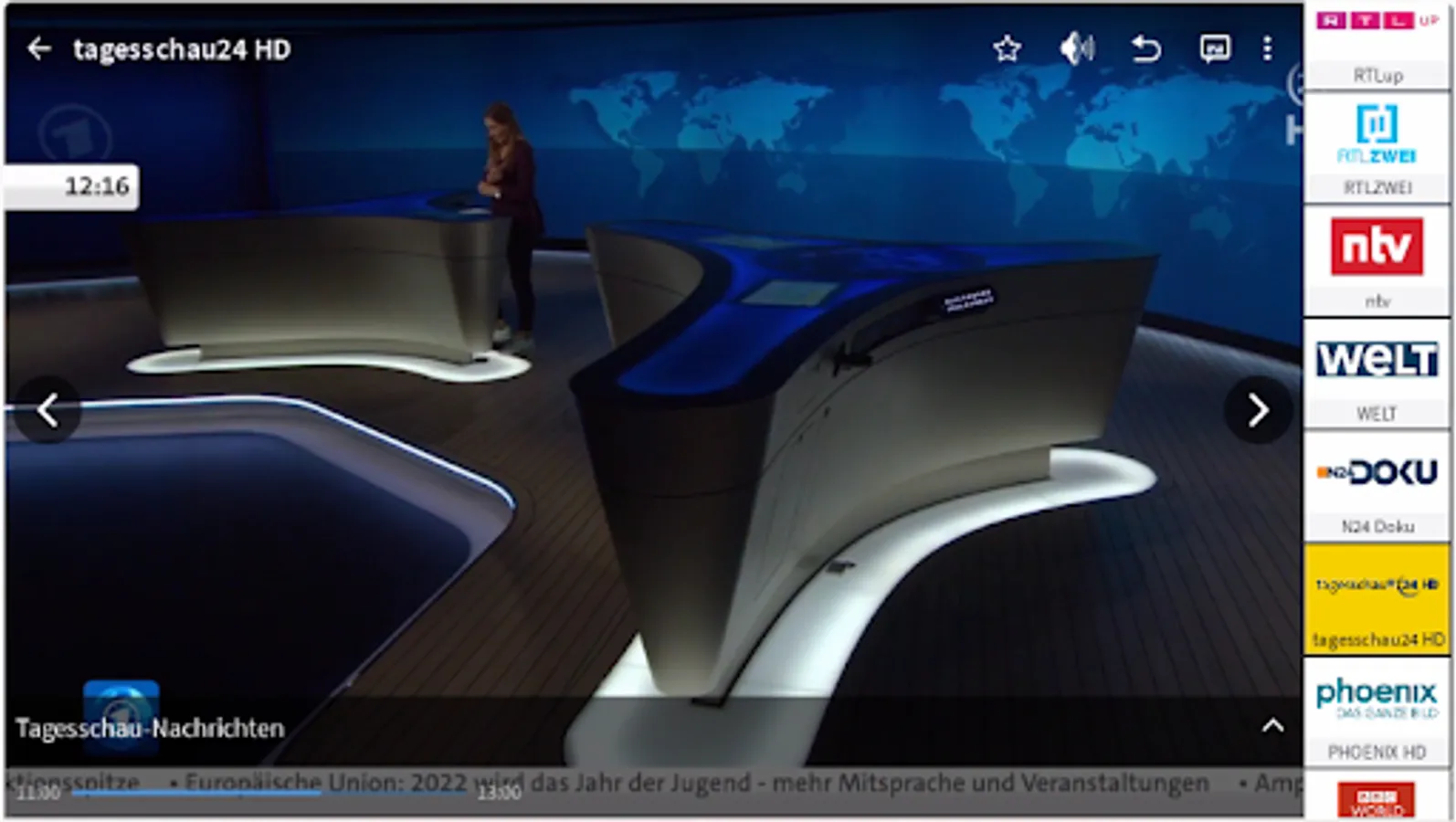
- Program information
- Full-screen playback
- List of favorites and sorting
- Mute
- Switch channels by swiping or clicking button
- Zoom by double-clicking
Important: You can only use the FRITZ!App TV if you have a FRITZ!Box Cable with TV streaming functionality enabled or the FRITZ!WLAN Repeater DVB-C.
After DVB-C or live TV streaming has been configured in the home network and the channel search has been completed on the FRITZ!Box Cable or the FRITZ!WLAN Repeater DVB-C, start the FRITZ!App TV. The FRITZ!App TV detects the channels found and loads the channel list automatically. This means you can watch TV on your iPhone or iPad immediately, without configuring any other settings.
- Minimum requirements:
- DVB-C TV connection
- Smartphone or Tablet with Android Version 9.0 or later
- FRITZ!WLAN Repeater DVB-C
- FRITZ!Box Cable with TV streaming functionality enabled and FRITZ!OS version:
- FRITZ!Box 6490 Cable with FRITZ!OS 6.83 or later
- FRITZ!Box 6590 Cable with FRITZ!OS 6.83 or later
- FRITZ!Box 6591 Cable with FRITZ!OS 7.20 or later
- FRITZ!Box 6660 Cable with FRITZ!OS 7.20 or later
Features:
- Plays free-to-air TV channels
- Program information
- Full-screen playback
- List of favorites and sorting
- Mute
- Switch channels by swiping or clicking button
- Zoom by double-clicking
Important: You can only use the FRITZ!App TV if you have a FRITZ!Box Cable with TV streaming functionality enabled or the FRITZ!WLAN Repeater DVB-C.
After DVB-C or live TV streaming has been configured in the home network and the channel search has been completed on the FRITZ!Box Cable or the FRITZ!WLAN Repeater DVB-C, start the FRITZ!App TV. The FRITZ!App TV detects the channels found and loads the channel list automatically. This means you can watch TV on your iPhone or iPad immediately, without configuring any other settings.
- Minimum requirements:
- DVB-C TV connection
- Smartphone or Tablet with Android Version 9.0 or later
- FRITZ!WLAN Repeater DVB-C
- FRITZ!Box Cable with TV streaming functionality enabled and FRITZ!OS version:
- FRITZ!Box 6490 Cable with FRITZ!OS 6.83 or later
- FRITZ!Box 6590 Cable with FRITZ!OS 6.83 or later
- FRITZ!Box 6591 Cable with FRITZ!OS 7.20 or later
- FRITZ!Box 6660 Cable with FRITZ!OS 7.20 or later
FRITZ!App TV Screenshots
Tap to Rate:
Reviews for FRITZ!App TV
Jim Bucko
12/7/2024
It really fantastic app opens and plays very smoothly great assortment of entertainment thanks for such a fantastic app Jim
Asim Shakoor
12/5/2024
Good.