About PWB - Wägeapp
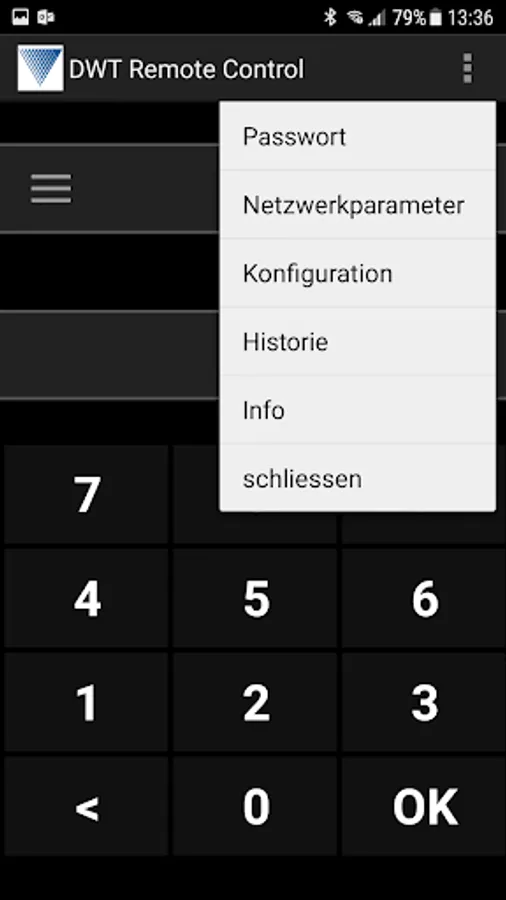
By completing entry of data is initiated by pressing OK the weighing.
The order entered code is briefly displayed on the remote display.
The status of the weighing is on the remote display can be seen as follows:
- 1.0 for successful first weighing
- 2.0 for successful second weighing
- 0.0 for defective weighing
REQUIREMENTS:
- A configured to receive data DWT800 / dyad / SAM
appropriate hardware extension.
- Wi-Fi access point with DHCP
- ANDROID smartphone from version 4.0 with WiFi function
and display size at least 4 inches (Recommended for ages 5 inches).
SIM card not required
The order entered code is briefly displayed on the remote display.
The status of the weighing is on the remote display can be seen as follows:
- 1.0 for successful first weighing
- 2.0 for successful second weighing
- 0.0 for defective weighing
REQUIREMENTS:
- A configured to receive data DWT800 / dyad / SAM
appropriate hardware extension.
- Wi-Fi access point with DHCP
- ANDROID smartphone from version 4.0 with WiFi function
and display size at least 4 inches (Recommended for ages 5 inches).
SIM card not required