Notifications for Android TV
Christian Fees
3.9 ★
1K ratings
100,000+
downloads
Free
+ in-app
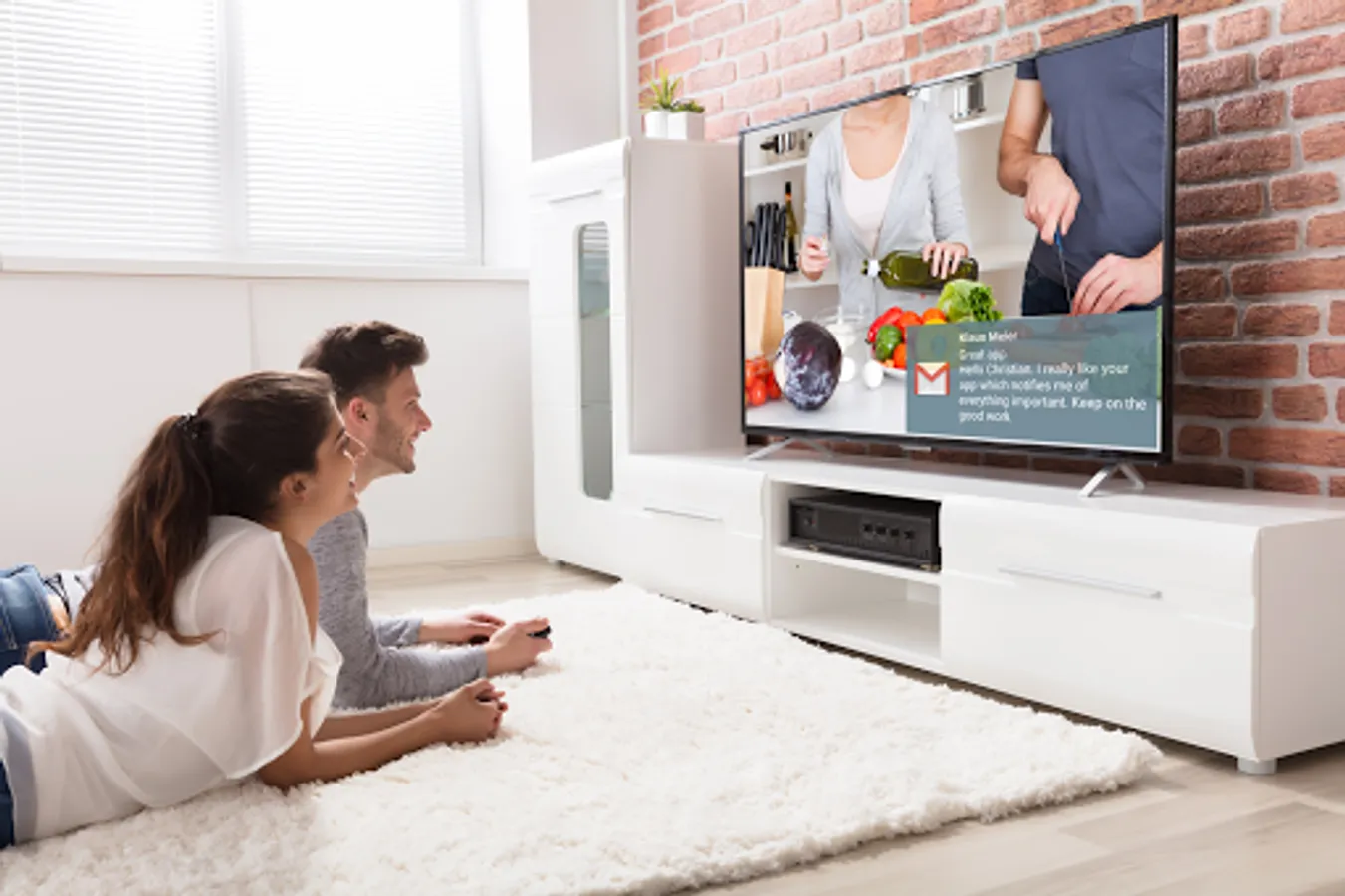
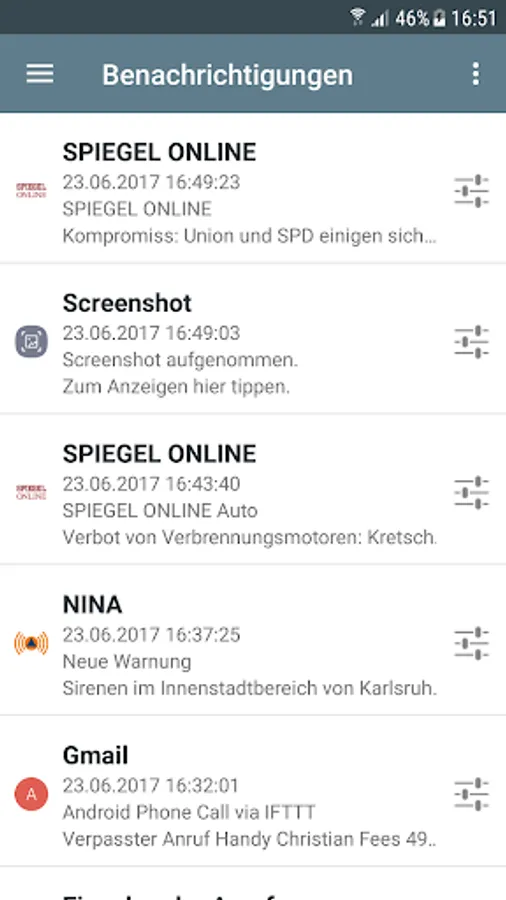
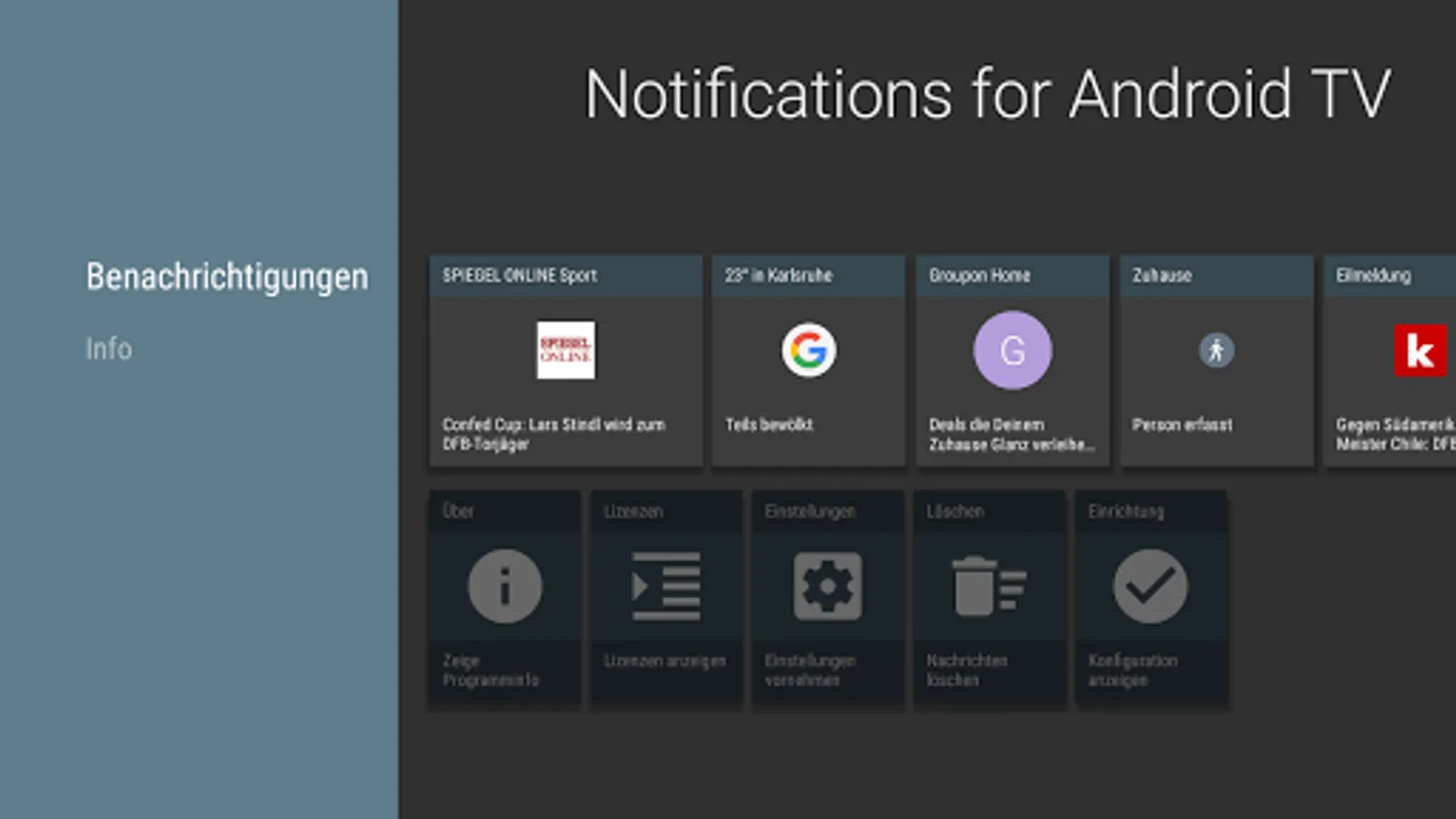
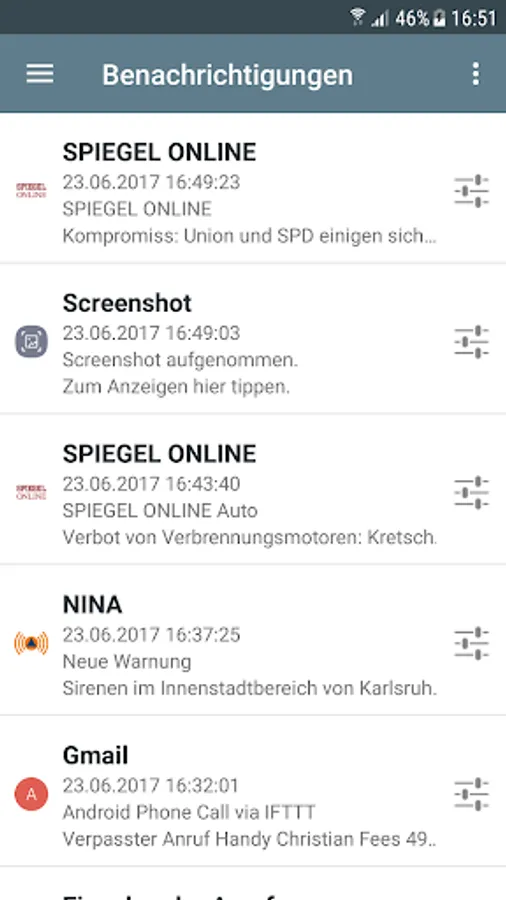
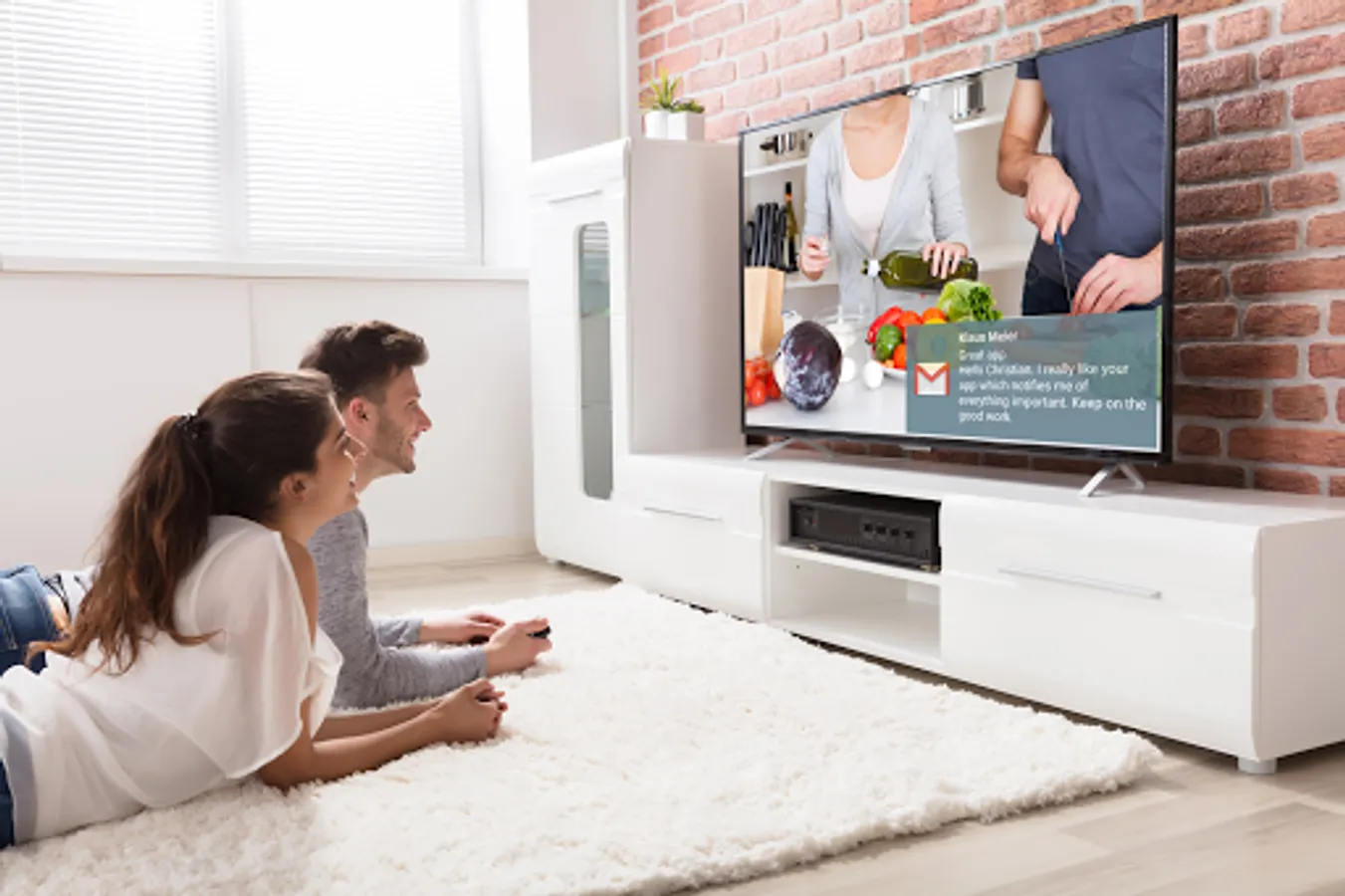
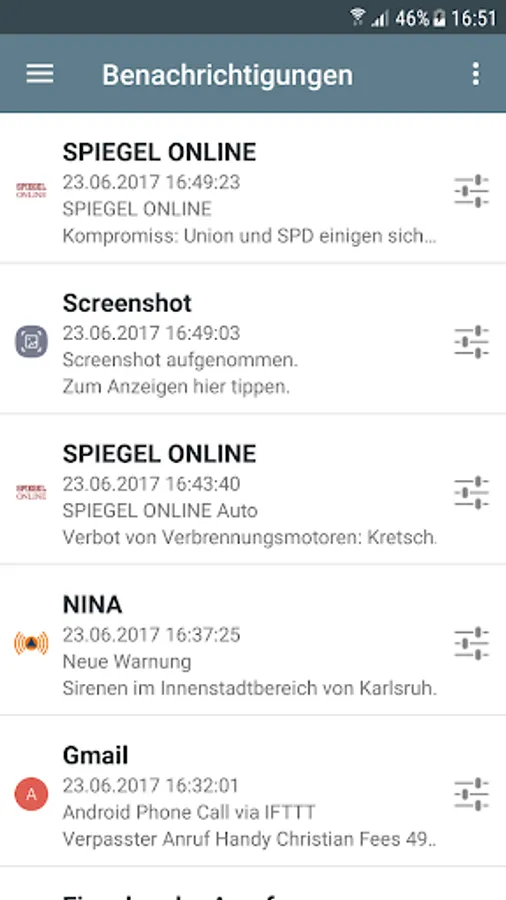
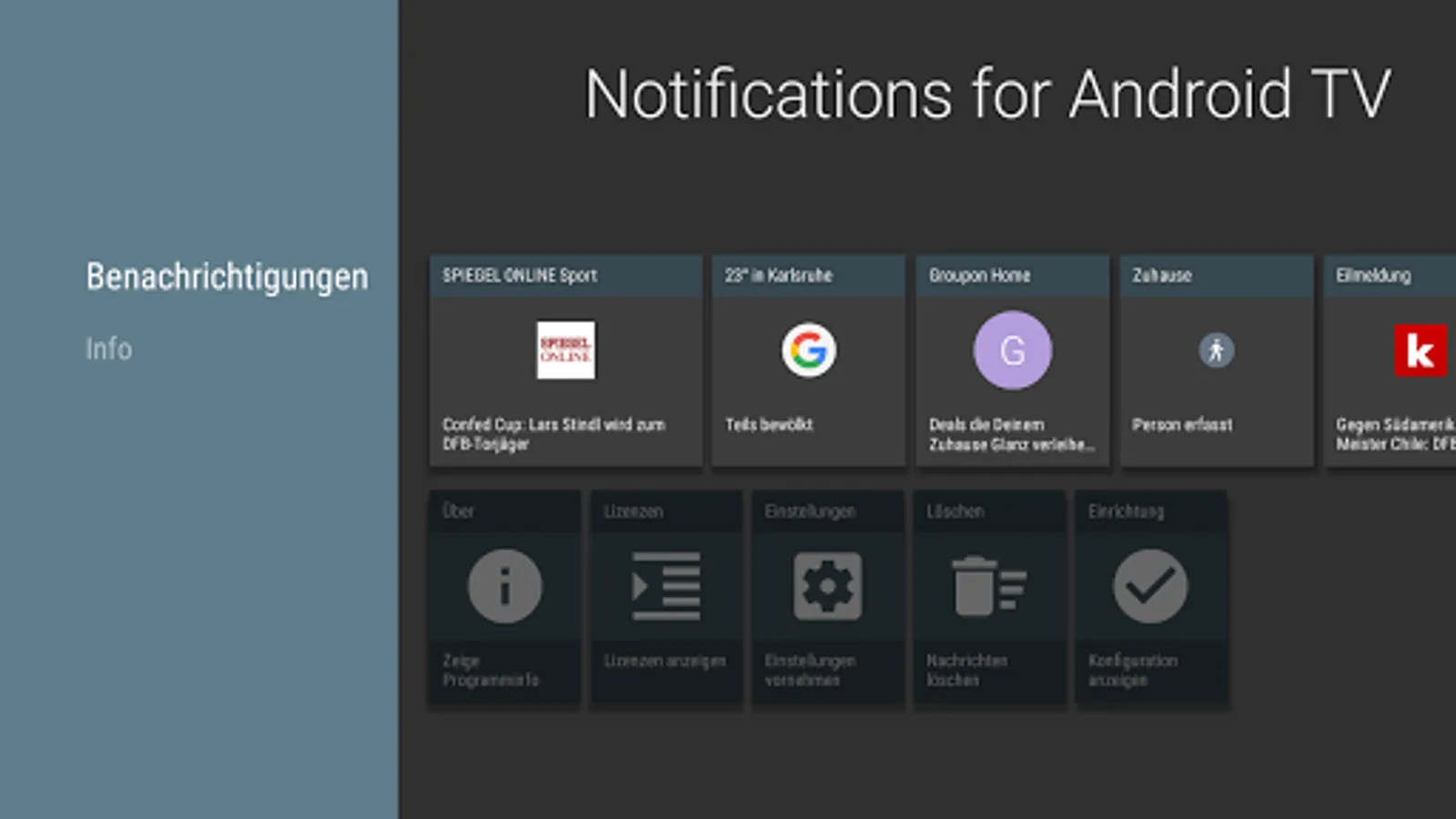
With this app, you can forward notifications from your mobile device to your Android TV or Google TV and view message details fullscreen. Includes support for messaging, calls, and notification customization.
AppRecs review analysis
AppRecs rating 3.8. Trustworthiness 87 out of 100. Review manipulation risk 19 out of 100. Based on a review sample analyzed.
★★★☆☆
3.8
AppRecs Rating
Ratings breakdown
5 star
56%
4 star
14%
3 star
11%
2 star
2%
1 star
17%
What to know
✓
Low review manipulation risk
19% review manipulation risk
✓
Credible reviews
87% trustworthiness score from analyzed reviews
✓
Good user ratings
70% positive sampled reviews
About Notifications for Android TV
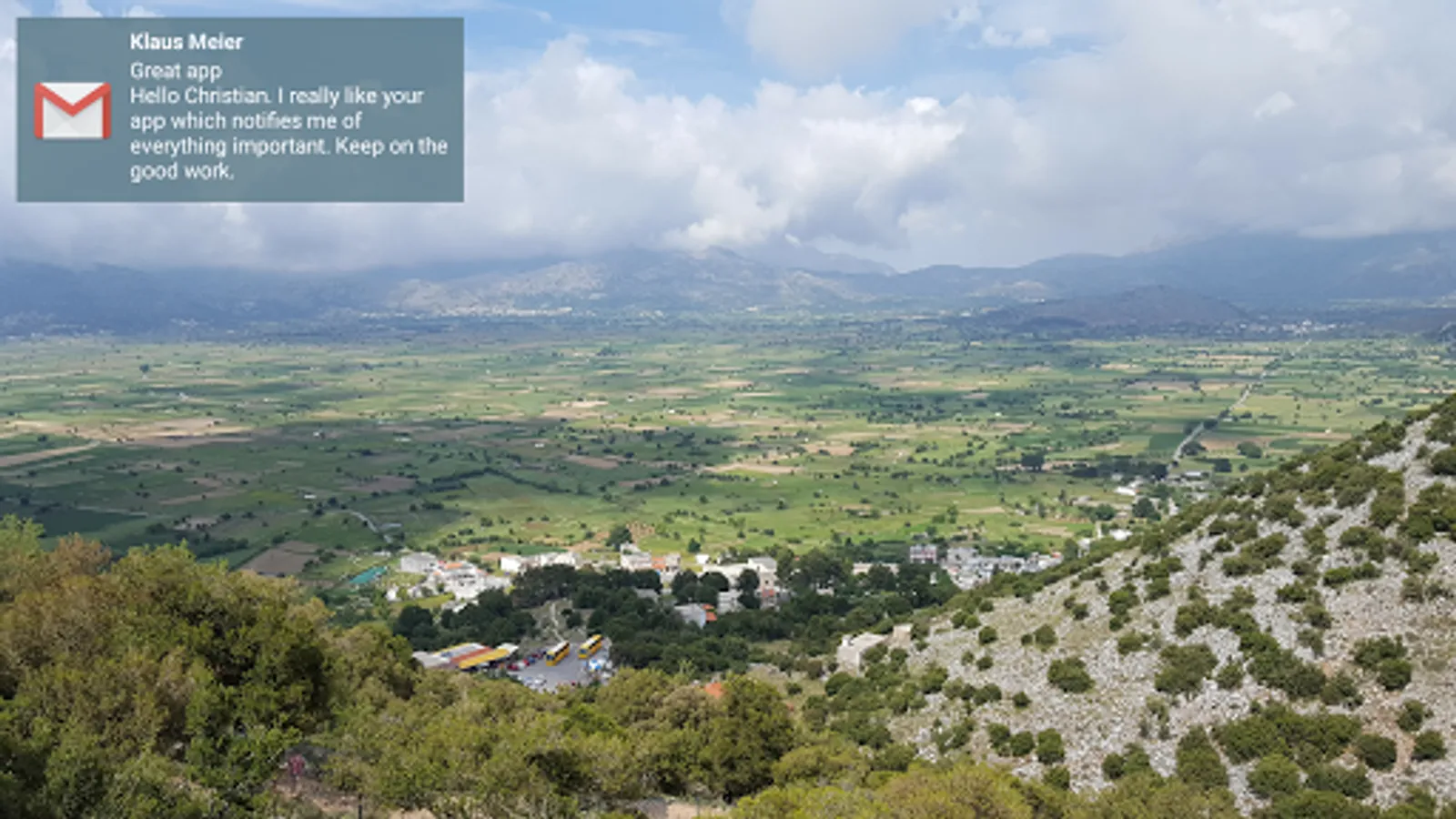
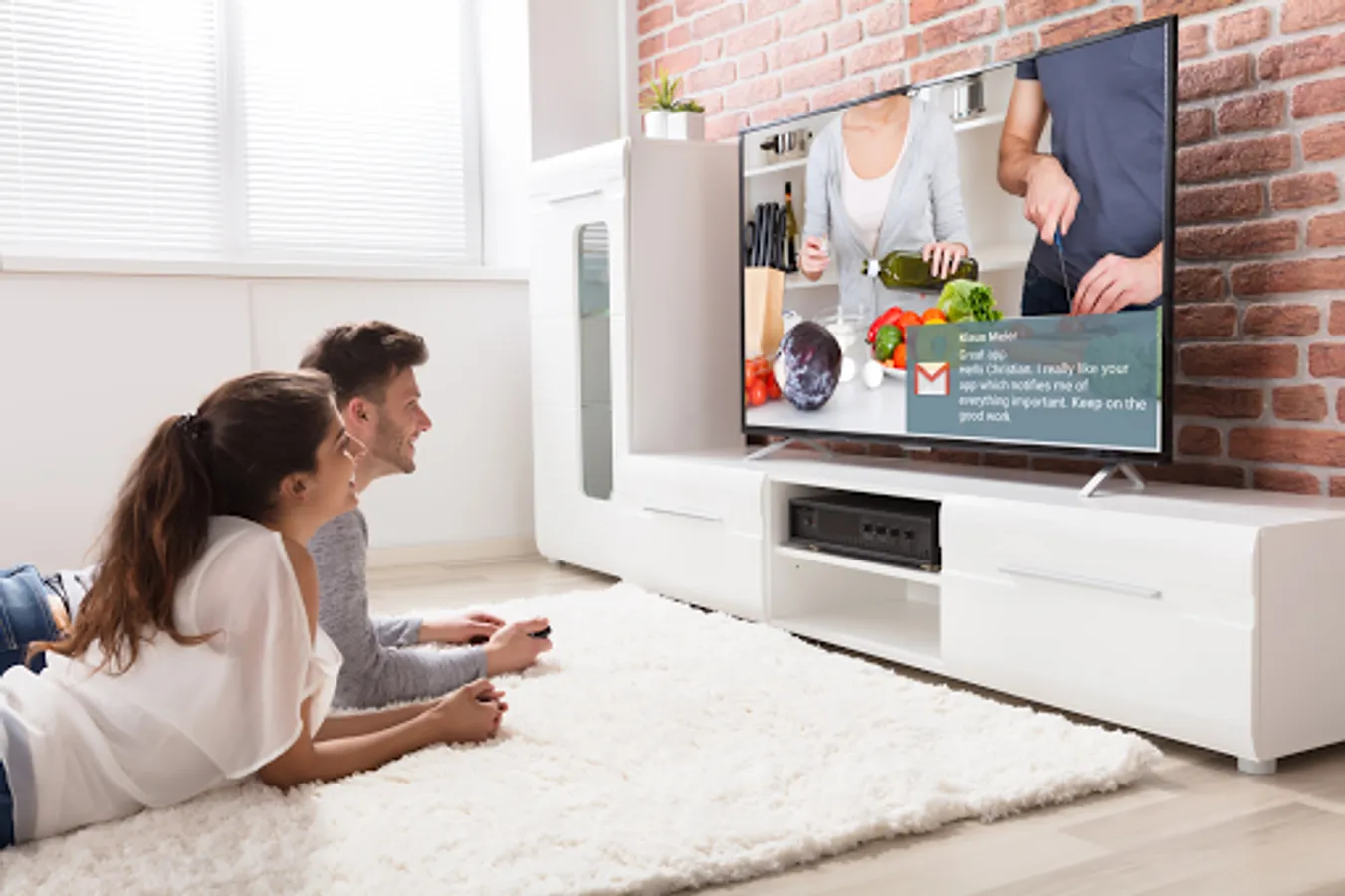
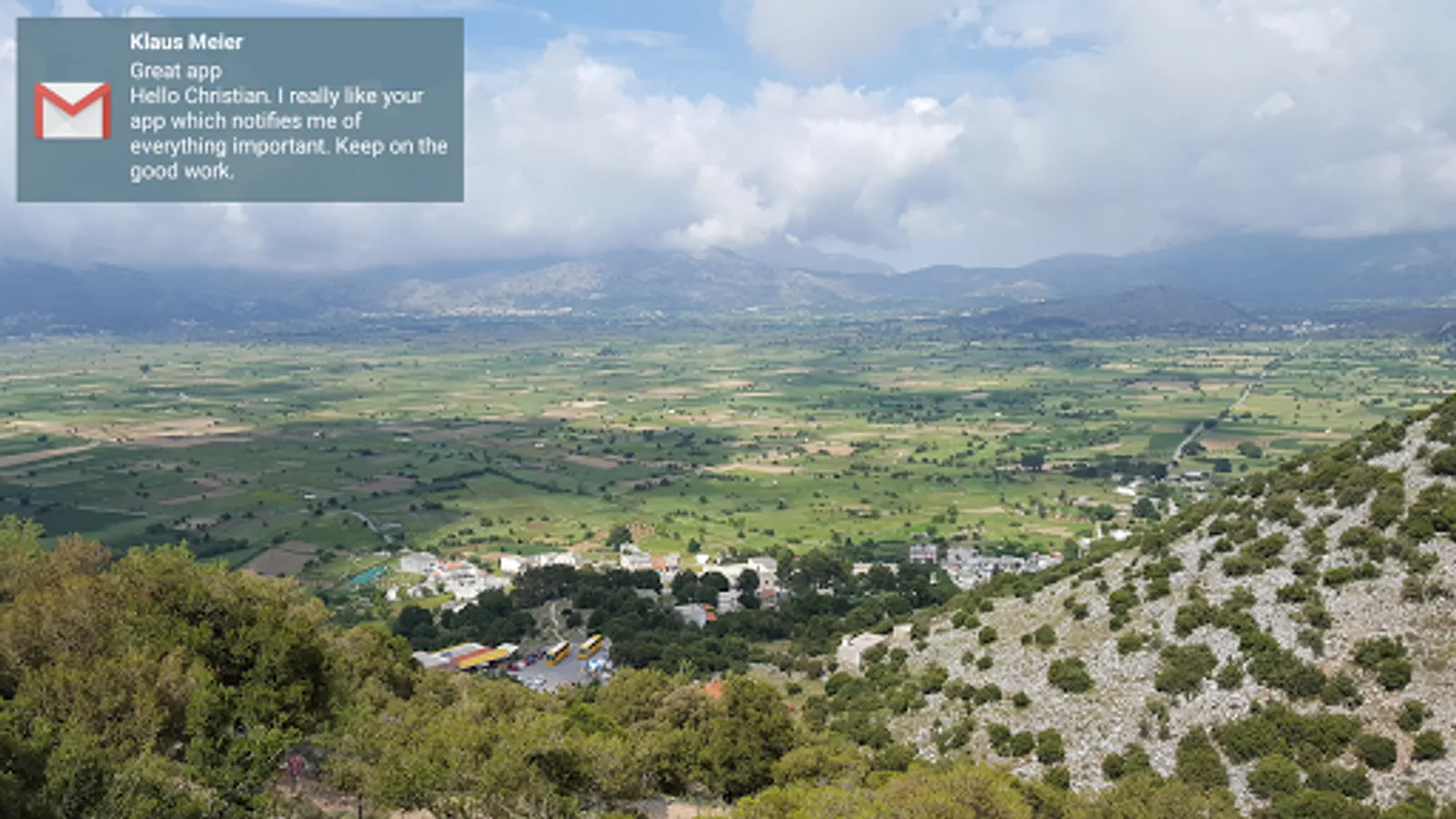
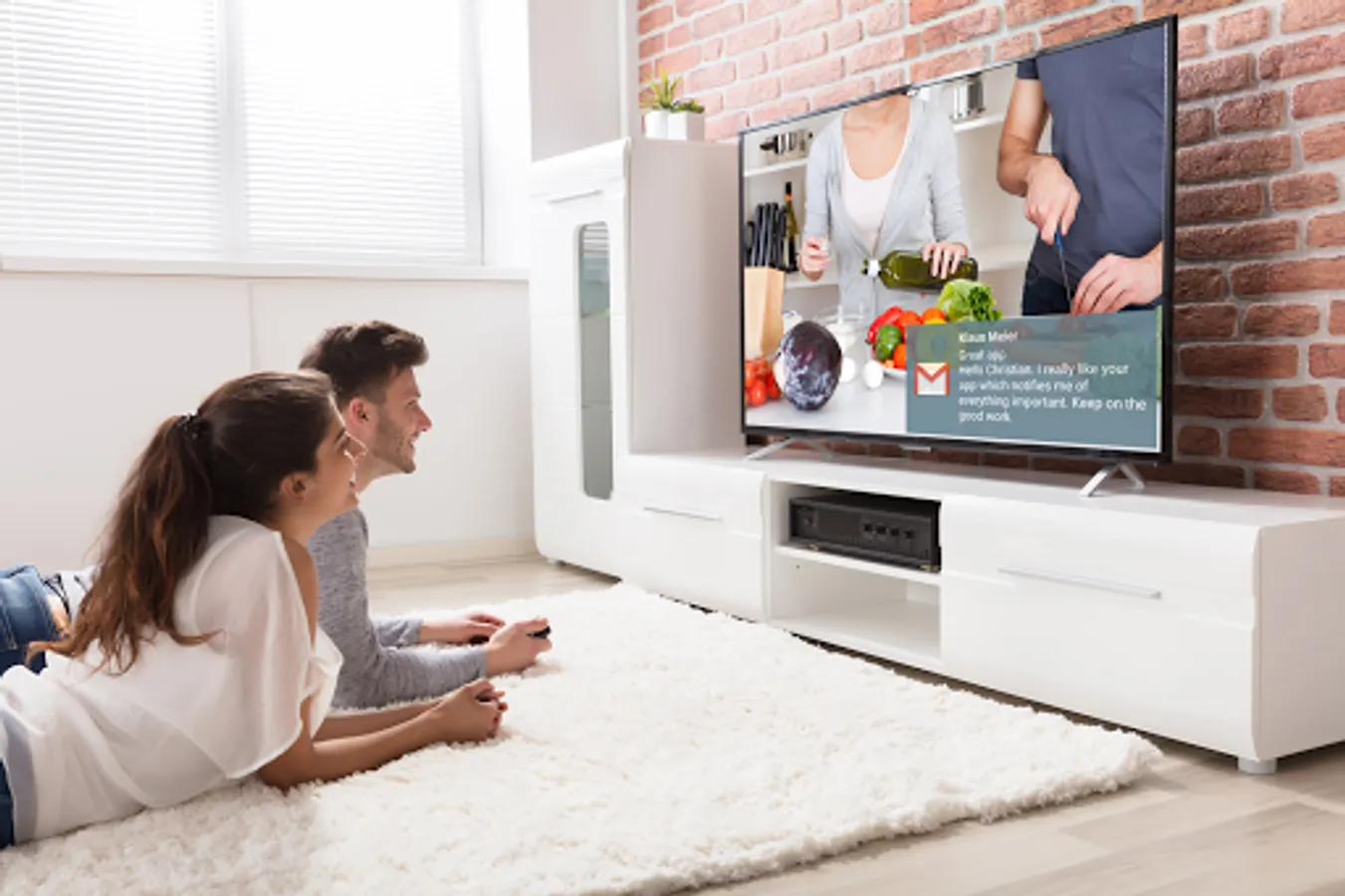
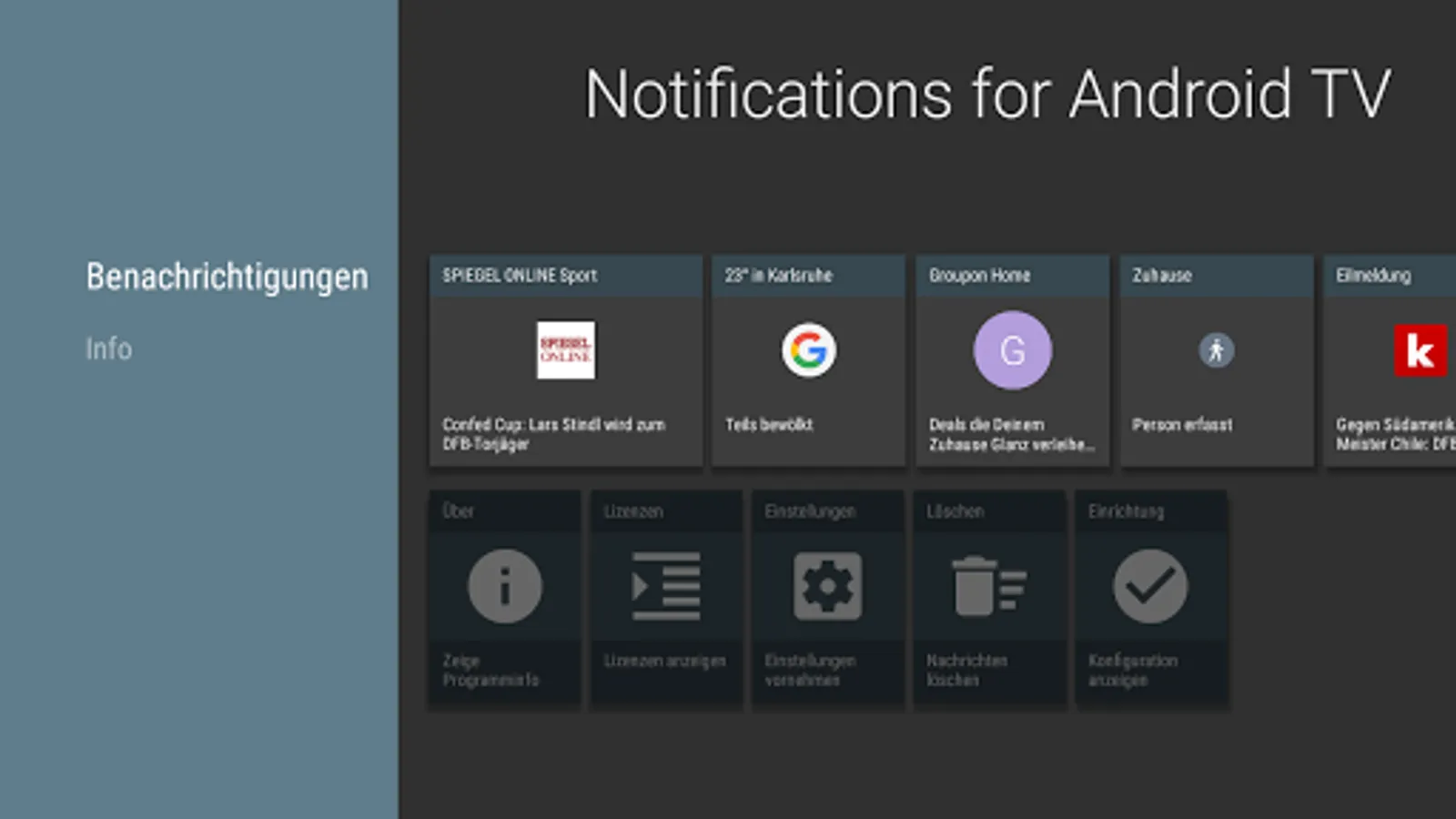
Forward notifications from your mobile device immediately to your TV screen using Android TV or Google TV.
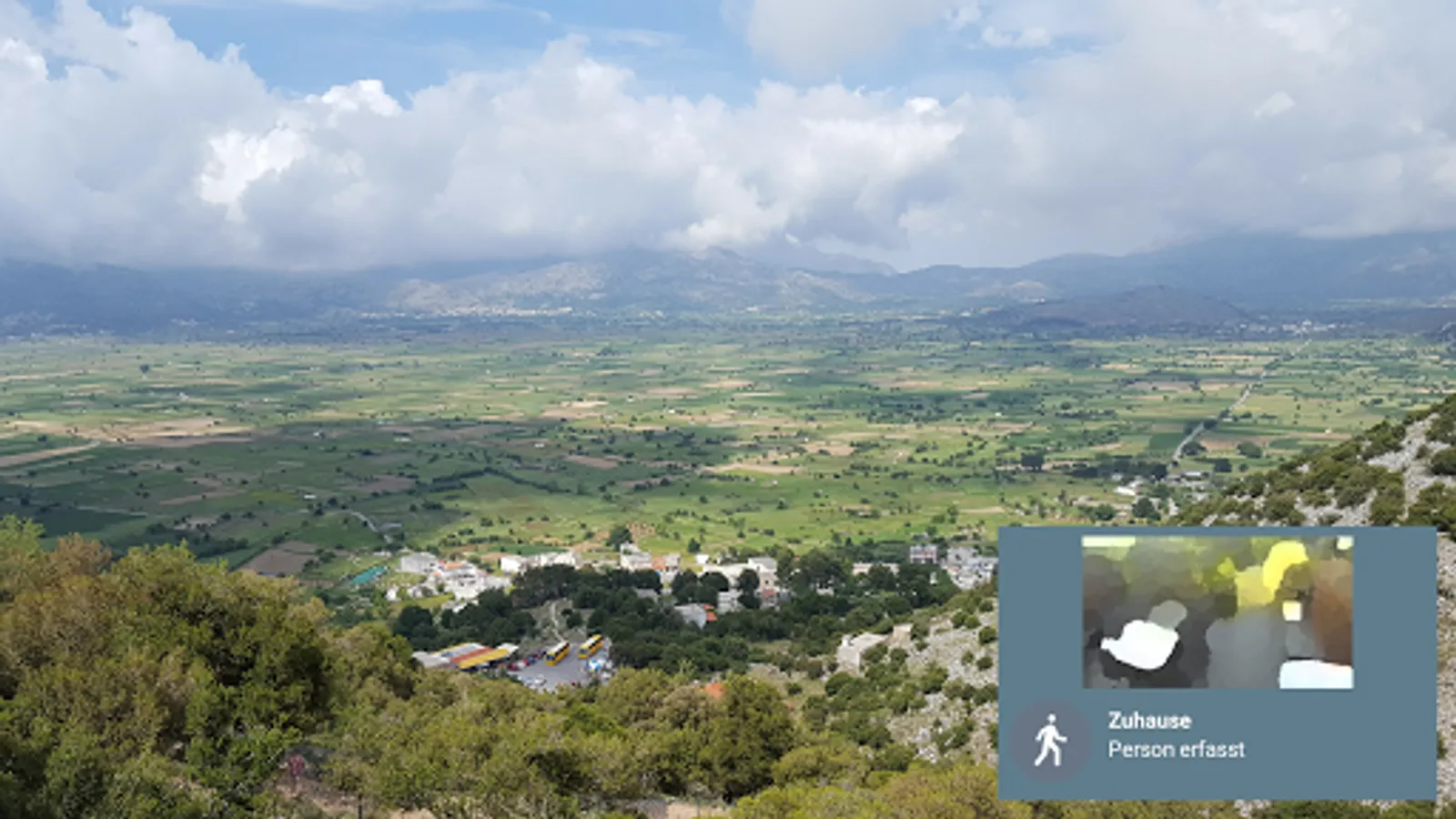
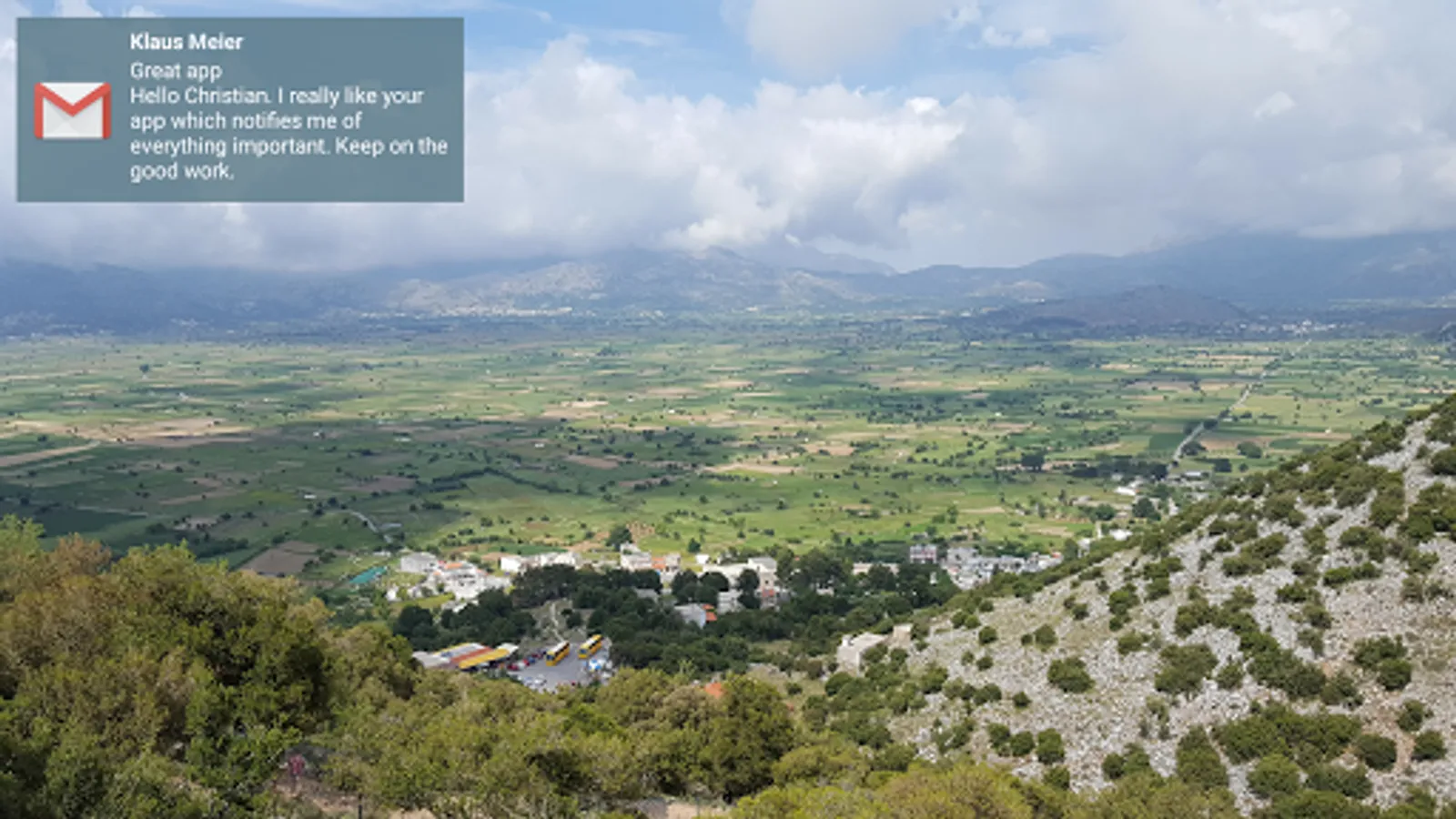
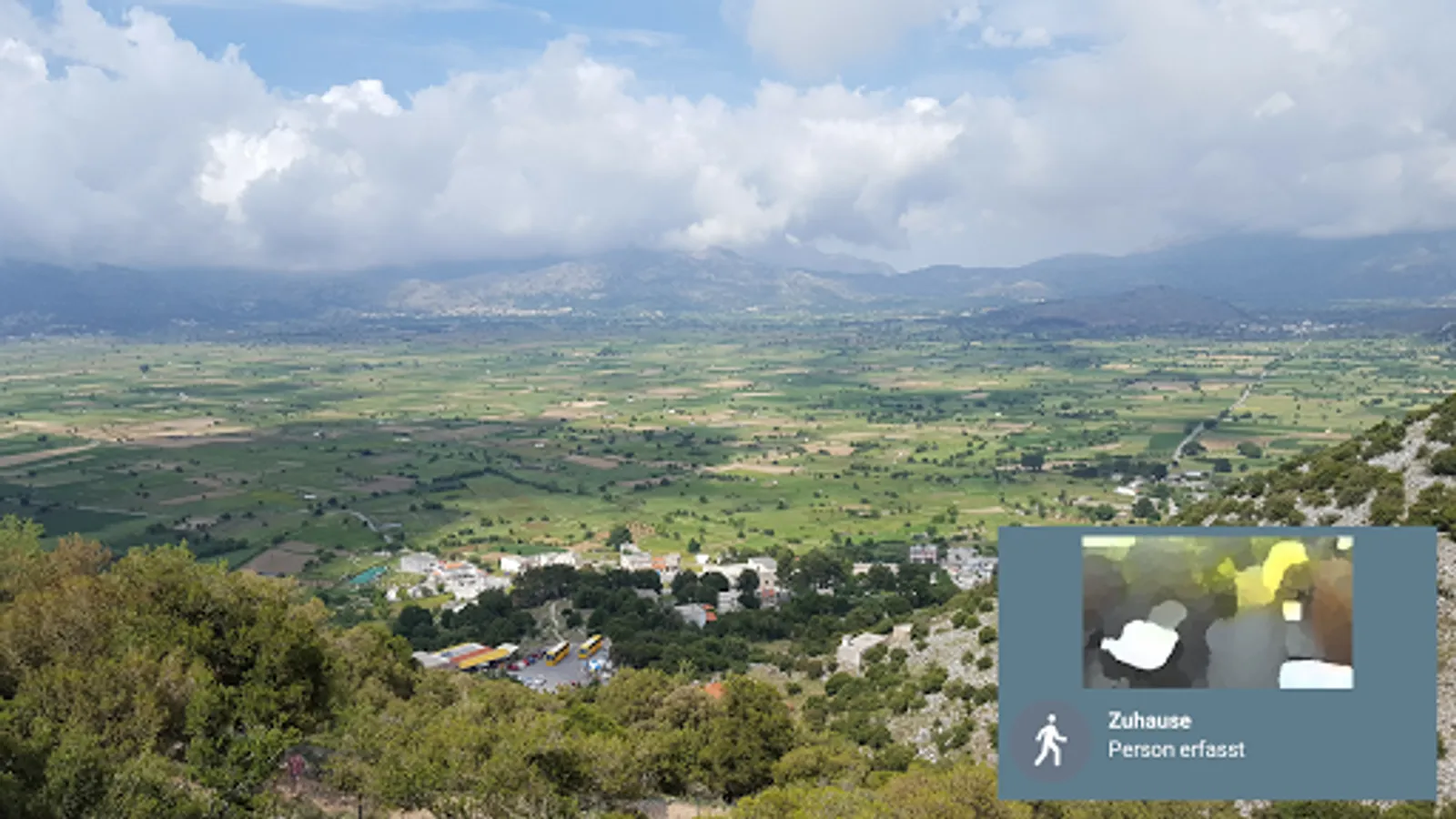
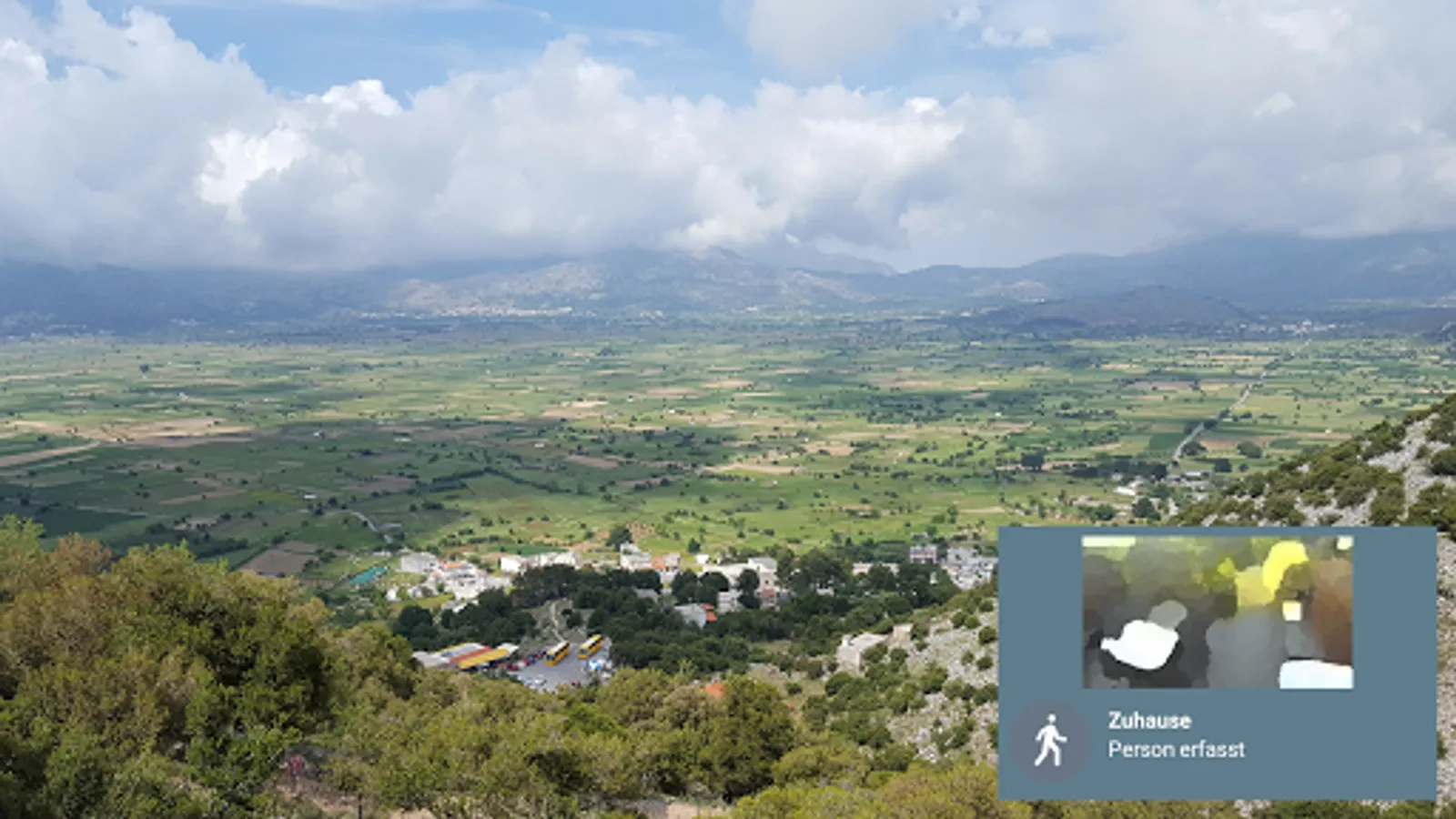
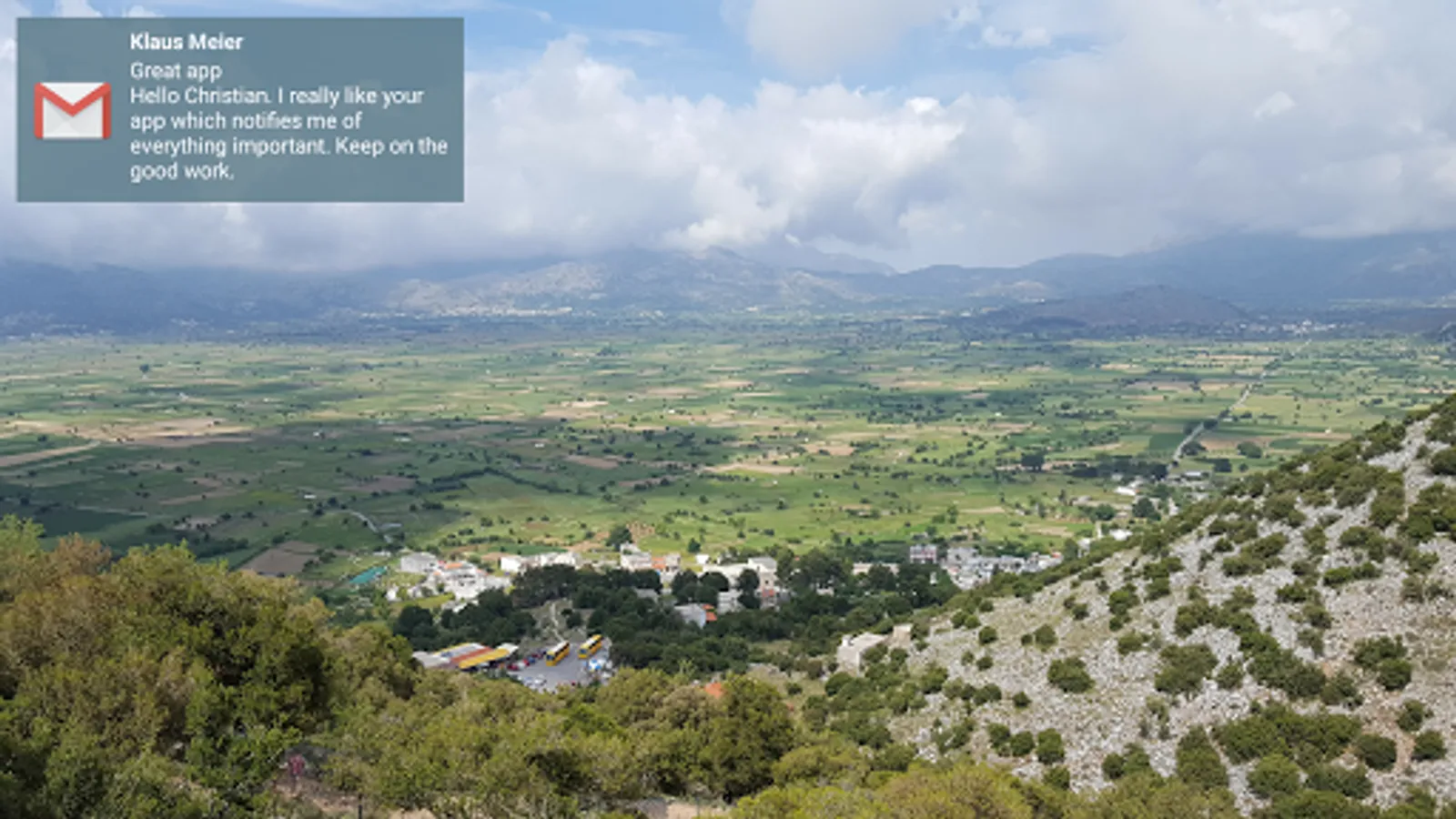
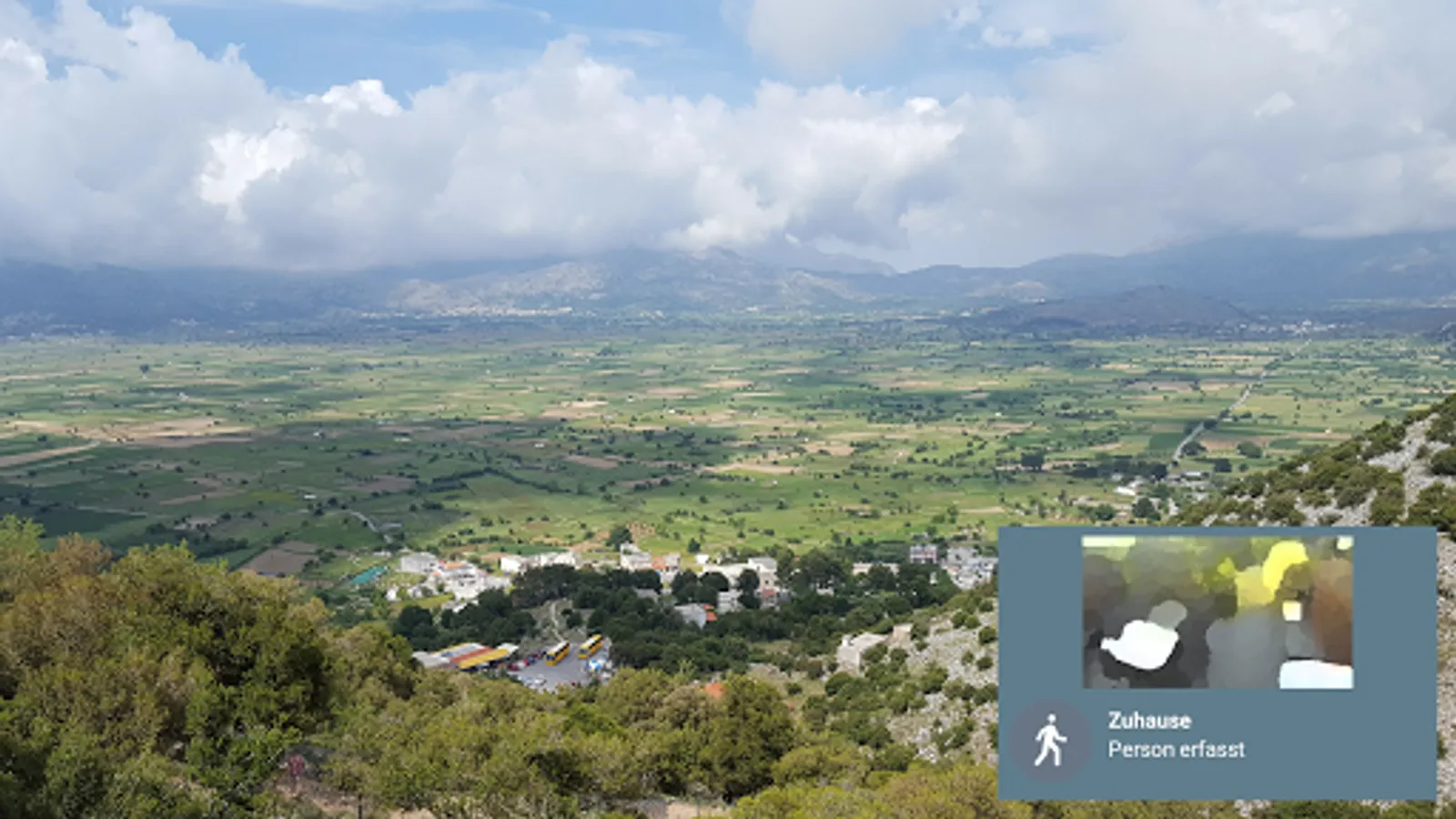
Including application logo and images contained in the notification.
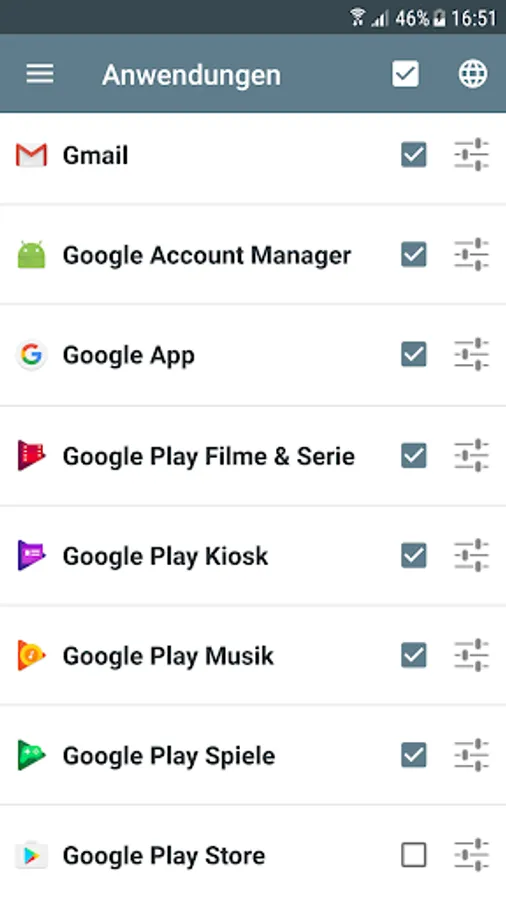
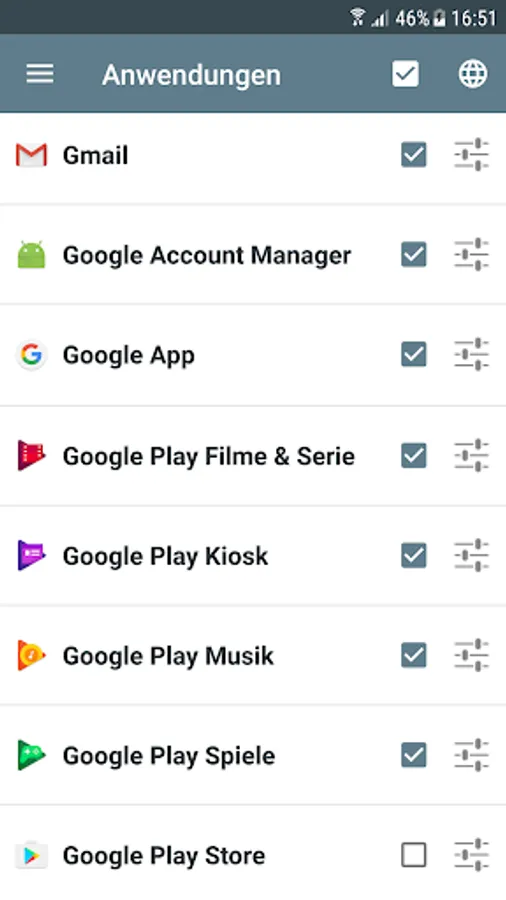
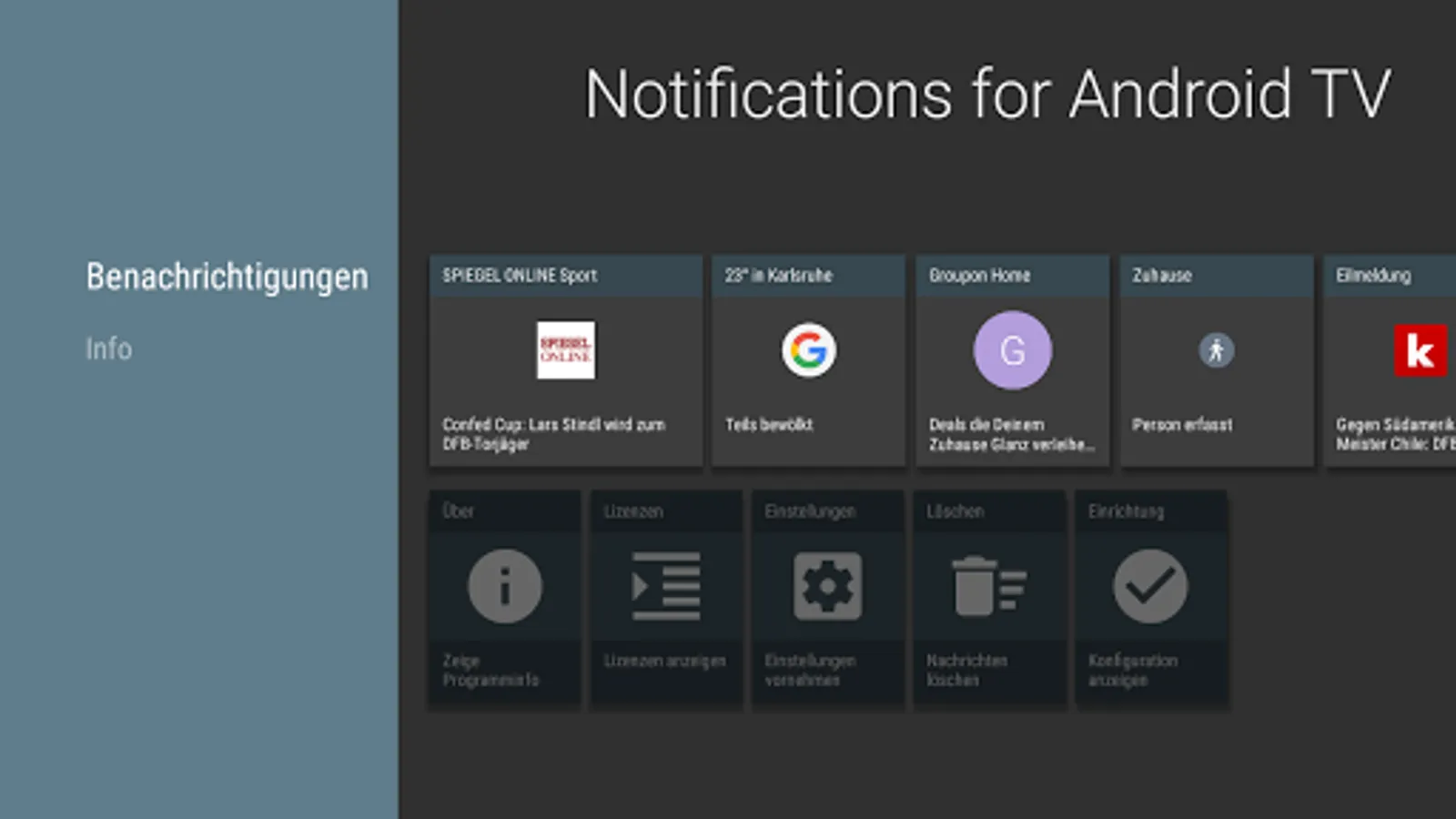
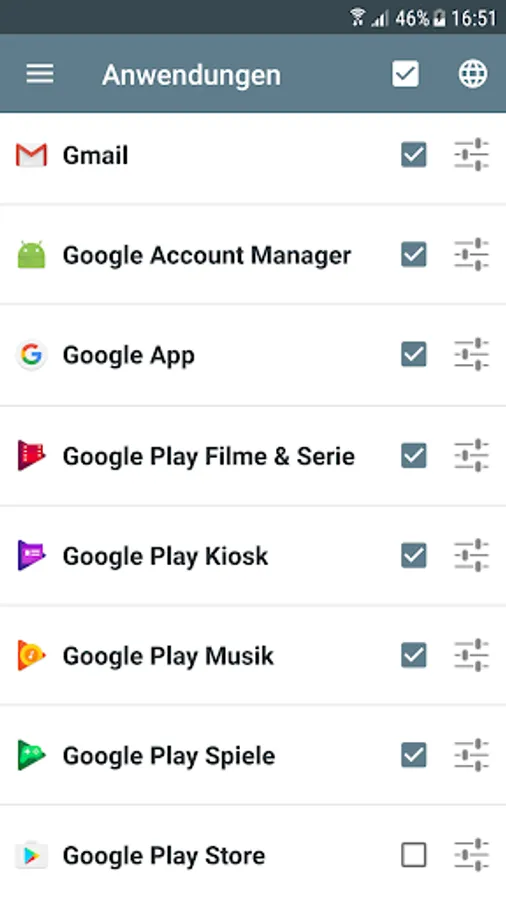
Scroll through every notified message on the Android TV in fullscreen mode. You can change the settings individually for each application.
Works best with the following apps, but basically works with any app:
- Messenger Apps: WhatsApp, SMS, Gmail
- News apps: Spiegel Online, SWR3, kicker
Also displays incoming and outgoing calls.
Important: You need to install the app 'Notifications for Android TV' on your Android TV or Google TV.
• Immediate forwarding of your notifications to your Android TV or Google TV
• Browse through notification details on the TV screen including application logo and notification images
• App specific settings including privacy mode
Supported devices: Nexus Player, Nvidia Shield, Philips Android TV devices, Sony Android TV devices, Xiaomi MI Box 4K and other Android TV and Google TV devices.
Android 11 or higher is required. For older Android versions please see FAQ.
Including application logo and images contained in the notification.
Scroll through every notified message on the Android TV in fullscreen mode. You can change the settings individually for each application.
Works best with the following apps, but basically works with any app:
- Messenger Apps: WhatsApp, SMS, Gmail
- News apps: Spiegel Online, SWR3, kicker
Also displays incoming and outgoing calls.
Important: You need to install the app 'Notifications for Android TV' on your Android TV or Google TV.
• Immediate forwarding of your notifications to your Android TV or Google TV
• Browse through notification details on the TV screen including application logo and notification images
• App specific settings including privacy mode
Supported devices: Nexus Player, Nvidia Shield, Philips Android TV devices, Sony Android TV devices, Xiaomi MI Box 4K and other Android TV and Google TV devices.
Android 11 or higher is required. For older Android versions please see FAQ.