dream Notifications
Christian Fees
4.2 ★
95 ratings
5,000+
downloads
Free
+ in-app
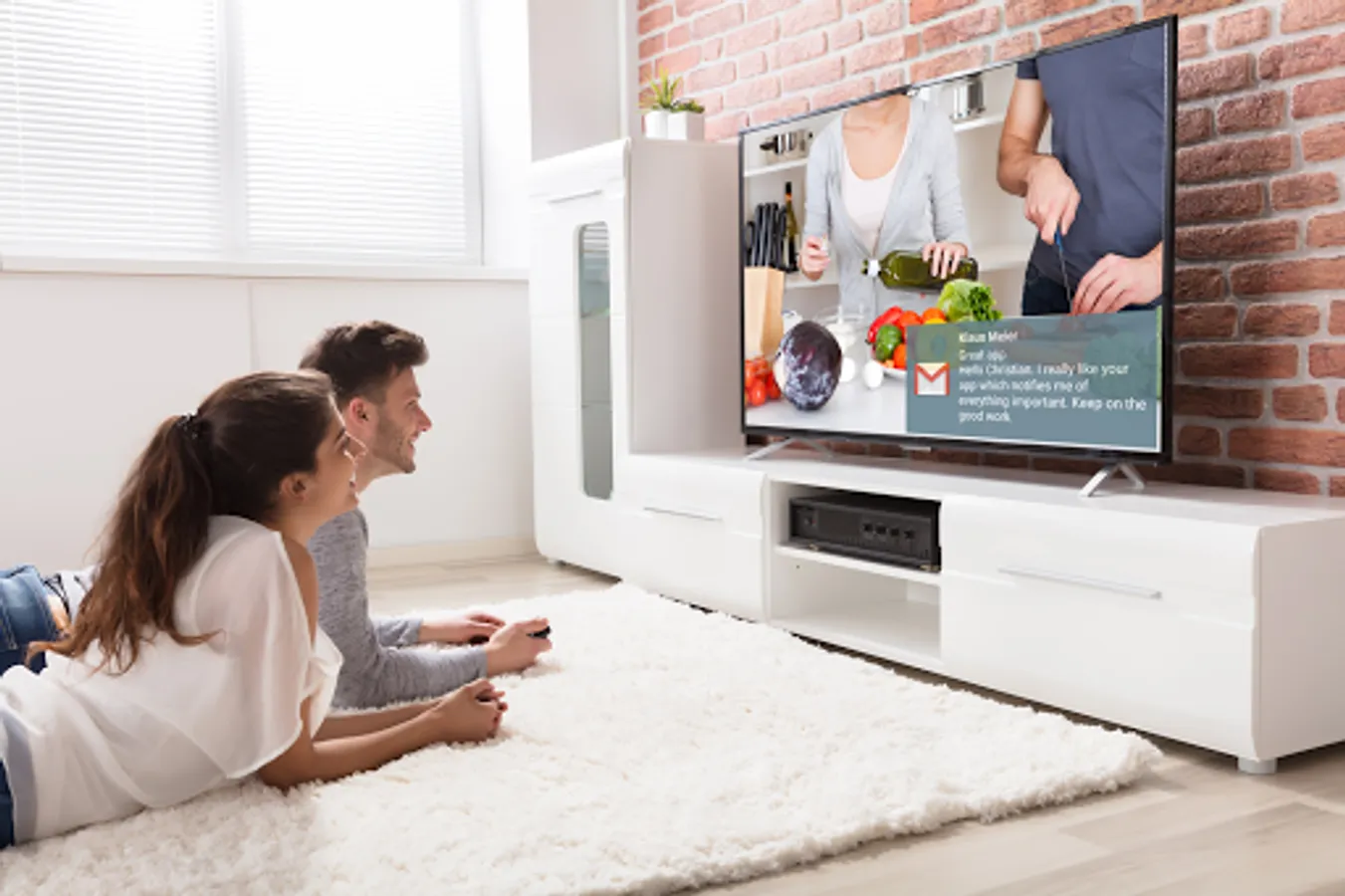
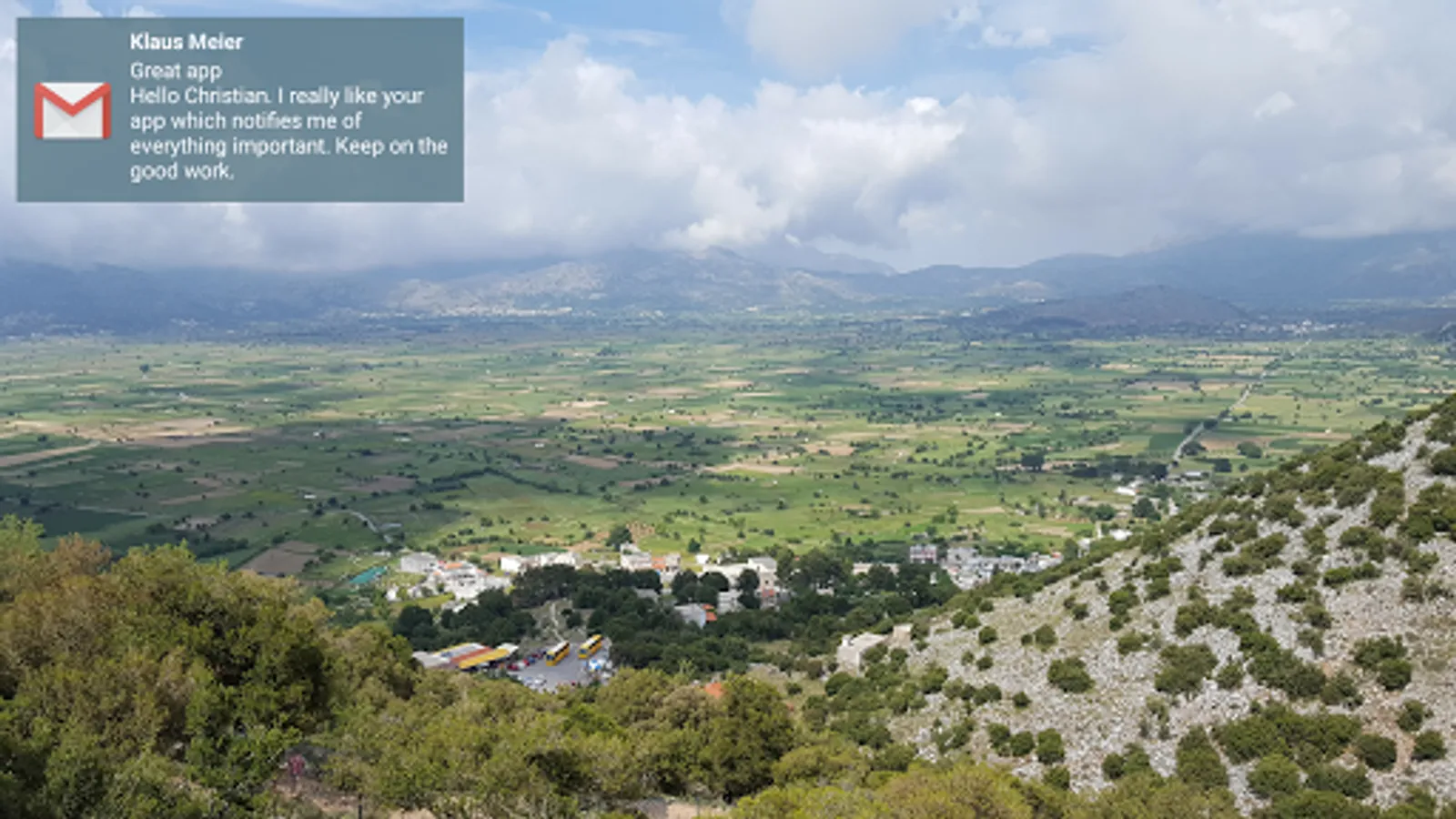
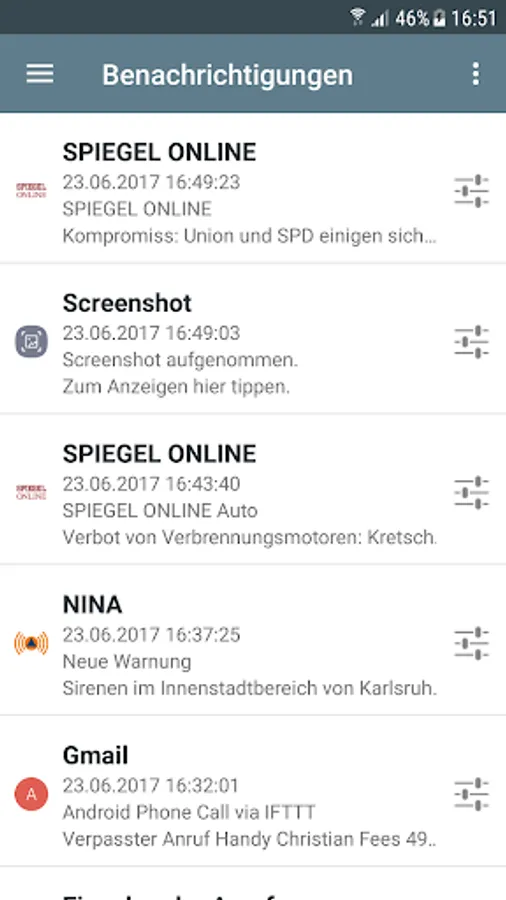
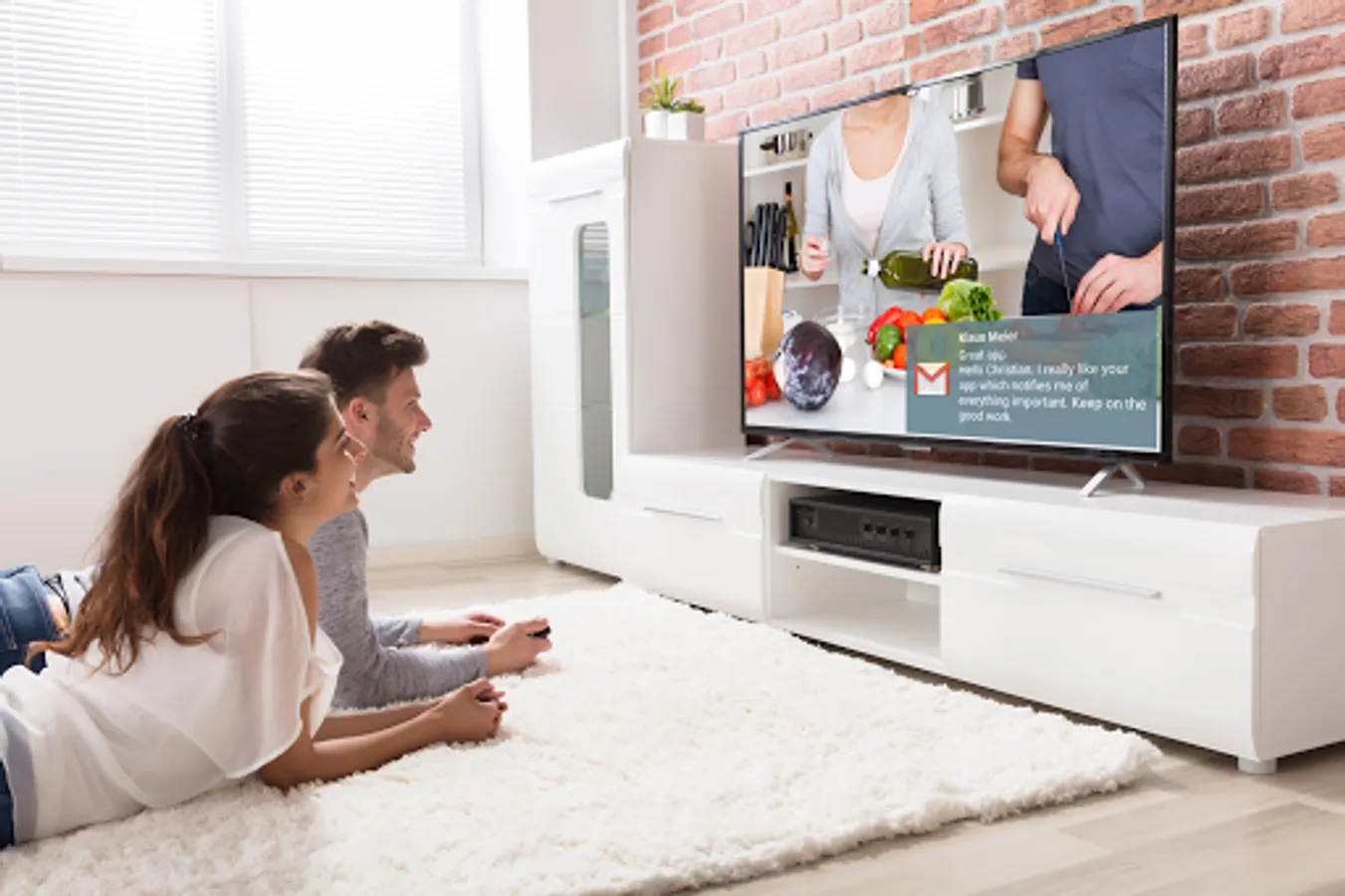
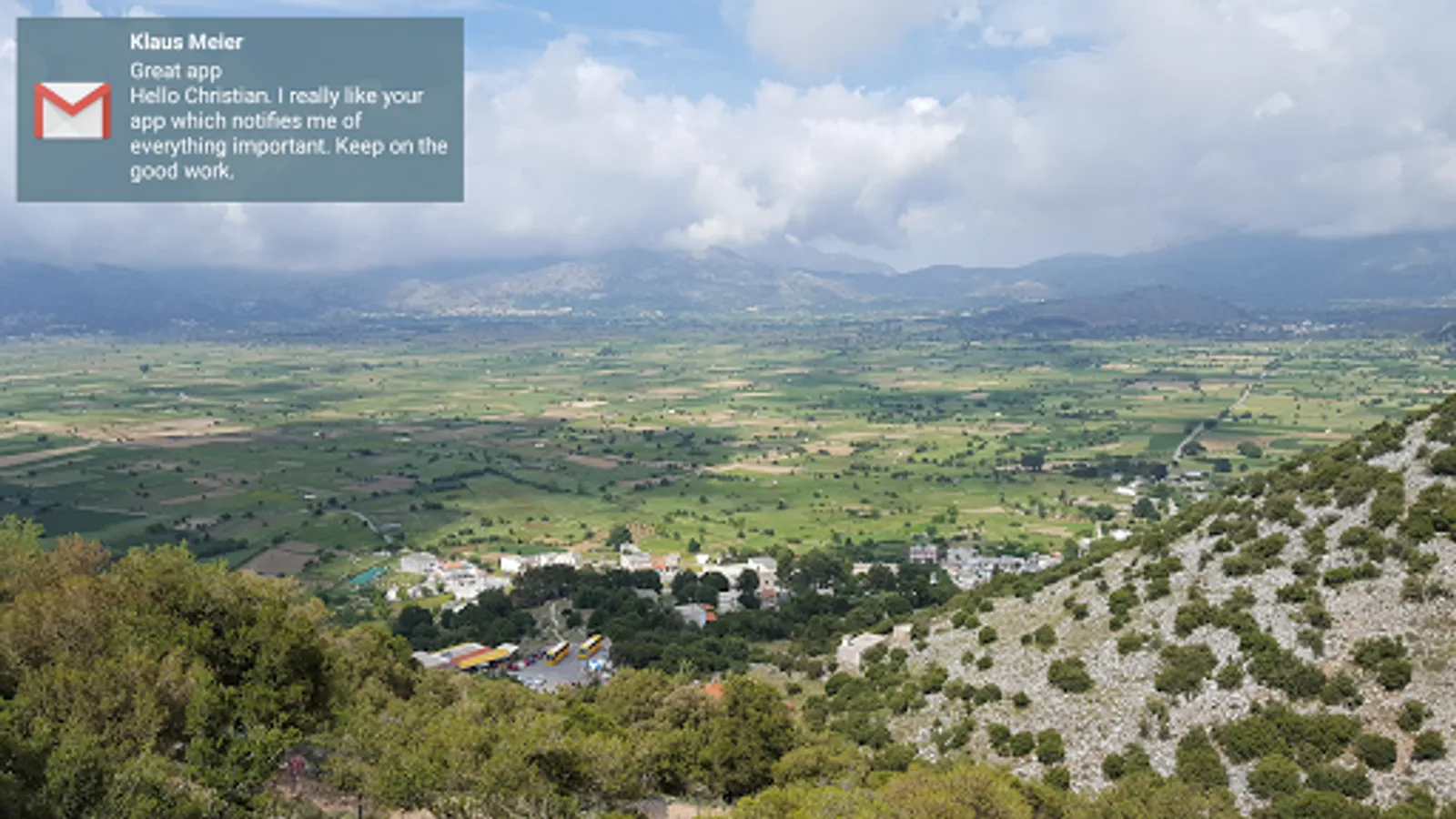
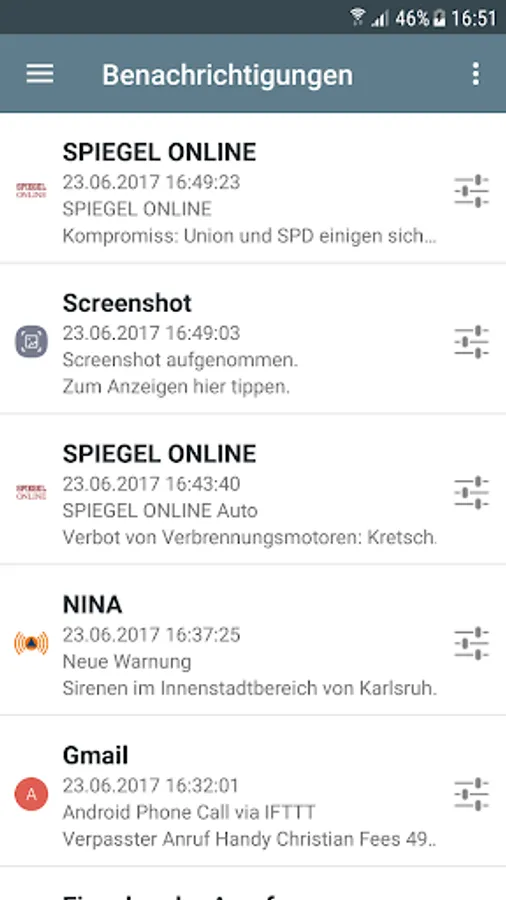
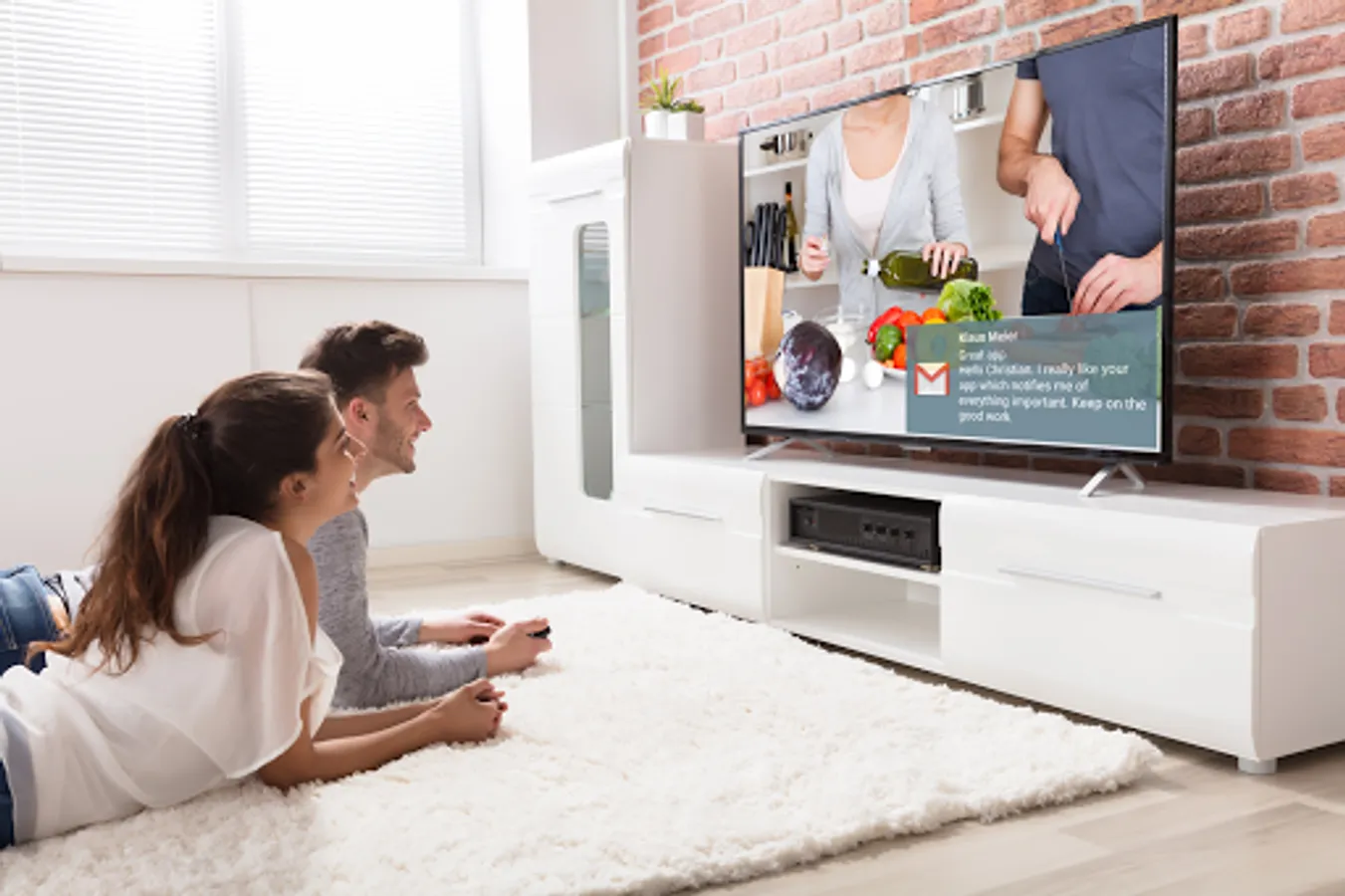
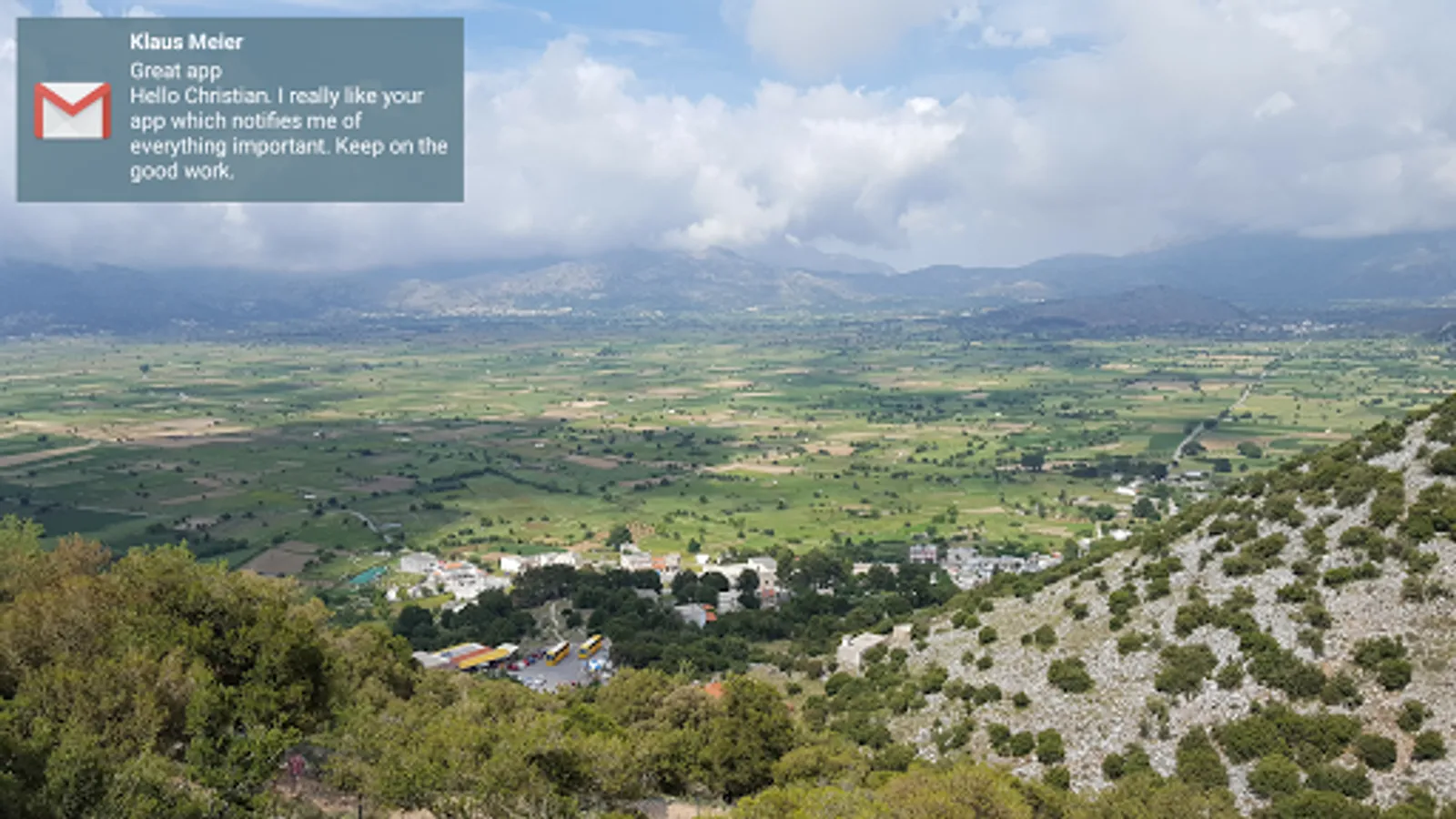
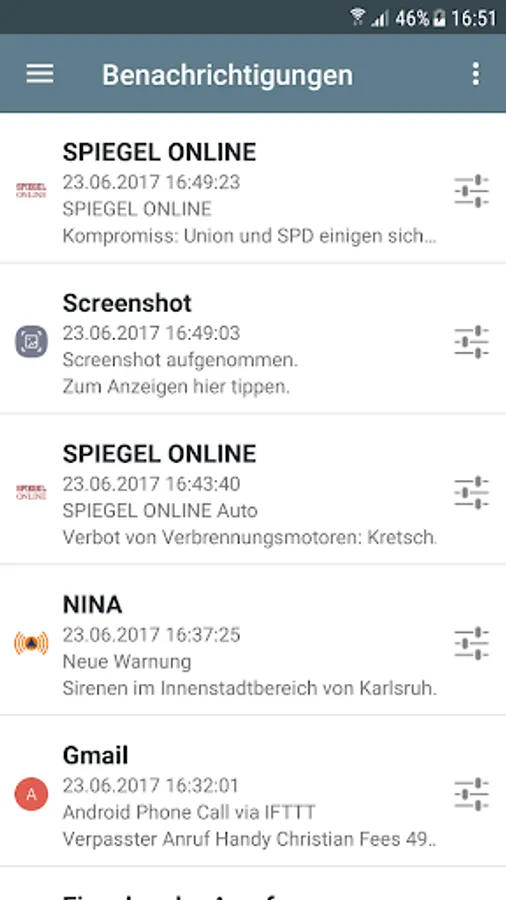
In this app, you can display notifications from your Android device on your Enigma2 receiver and customize their appearance. Includes support for various apps, notification positioning, and display of incoming calls.
AppRecs review analysis
AppRecs rating 4.2. Trustworthiness 75 out of 100. Review manipulation risk 22 out of 100. Based on a review sample analyzed.
★★★★☆
4.2
AppRecs Rating
Ratings breakdown
5 star
80%
4 star
0%
3 star
0%
2 star
0%
1 star
20%
What to know
✓
Low review manipulation risk
22% review manipulation risk
✓
Credible reviews
75% trustworthiness score from analyzed reviews
✓
High user satisfaction
80% of sampled ratings are 4+ stars (4.2★ average)
About dream Notifications
Show notifications from your mobile device on your Enigma2 receiver including app icon or icon image.
Features:
• Direct notification on your TV
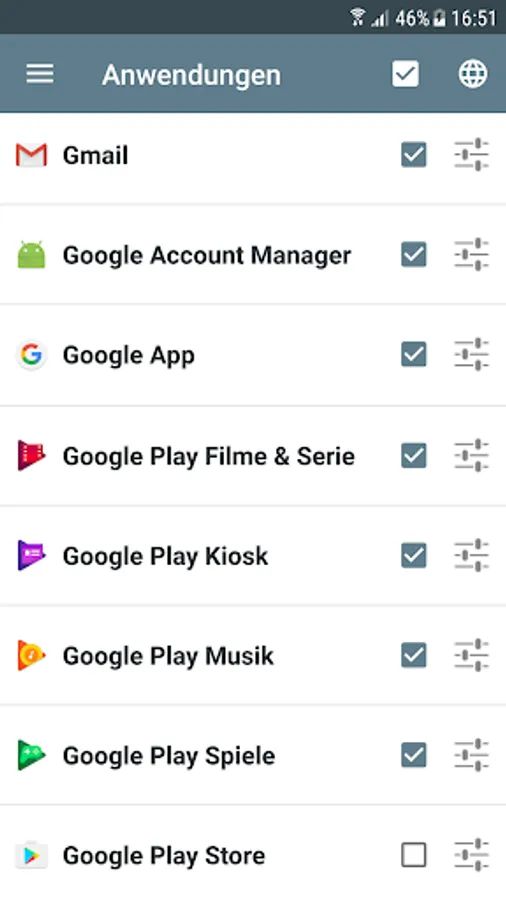
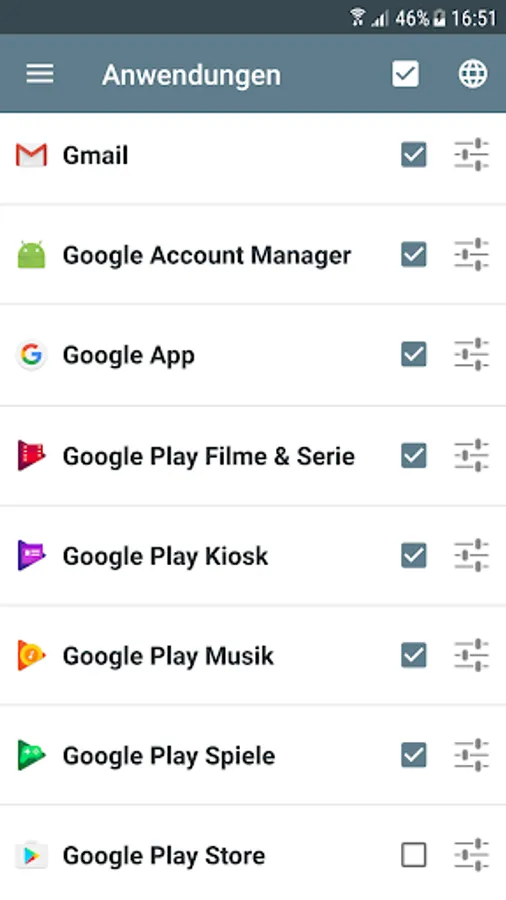
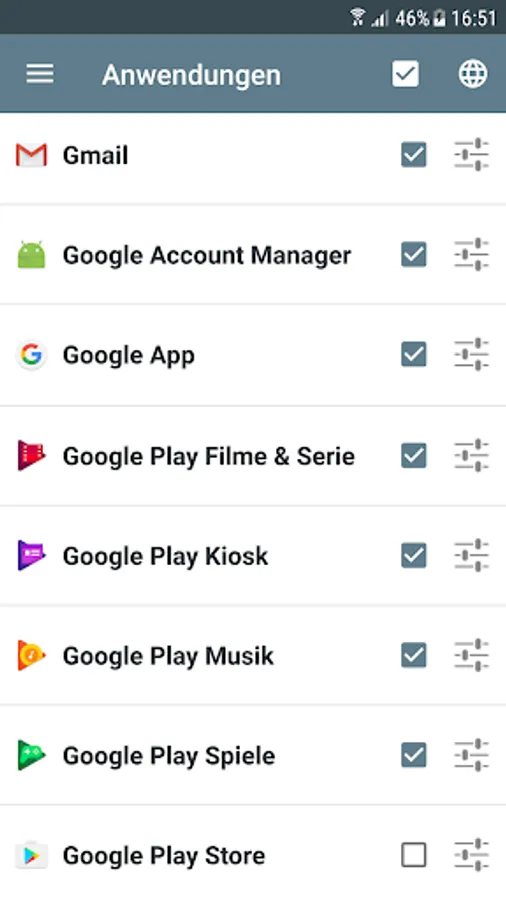
• Supports any app which creates notifications (e.g. Gmail, Whatsapp, Facebook Messenger and more)
• Global and app specific settings
• Configure position, size, content, color and transparency
• Configure time frame when the app should be enabled
• Display incoming phone calls including caller name and picture
Prerequisites:
- Enigma2 compatible receiver (e.g. VU+ dreambox Gigablue Xtrend Edision Optimuss openATV Octagon ...)
- Enabled webinterface (OpenWebIf or Webinterface Plugin)
- Android 4.0 or up
You need to install the plugin 'dream Notifications' on your receiver. This can be done within the installation wizard of the app.
Note: If you have problems or a feature request, please feel free to contact me at cyberdream.android@gmail.com
For manual installation of the plugin, please use these instructions:
http://dreamepg.de/index.php/dn-install-en-01
Features:
• Direct notification on your TV
• Supports any app which creates notifications (e.g. Gmail, Whatsapp, Facebook Messenger and more)
• Global and app specific settings
• Configure position, size, content, color and transparency
• Configure time frame when the app should be enabled
• Display incoming phone calls including caller name and picture
Prerequisites:
- Enigma2 compatible receiver (e.g. VU+ dreambox Gigablue Xtrend Edision Optimuss openATV Octagon ...)
- Enabled webinterface (OpenWebIf or Webinterface Plugin)
- Android 4.0 or up
You need to install the plugin 'dream Notifications' on your receiver. This can be done within the installation wizard of the app.
Note: If you have problems or a feature request, please feel free to contact me at cyberdream.android@gmail.com
For manual installation of the plugin, please use these instructions:
http://dreamepg.de/index.php/dn-install-en-01