Terminal Shortcut Pro
ByteHamster
4.0 ★
store rating
1,000+
downloads
Free
With this app, you can create and execute terminal command shortcuts to automate tasks. Includes support for SSH, command output display, and SuperUser privileges.
AppRecs review analysis
AppRecs rating 3.5. Trustworthiness 69 out of 100. Review manipulation risk 34 out of 100. Based on a review sample analyzed.
★★★☆☆
3.5
AppRecs Rating
Ratings breakdown
5 star
53%
4 star
25%
3 star
7%
2 star
7%
1 star
7%
What to know
✓
High user satisfaction
78% of sampled ratings are 4+ stars (4.0★ average)
✓
Authentic reviews
Natural distribution, no red flags
About Terminal Shortcut Pro
Experienced users only.
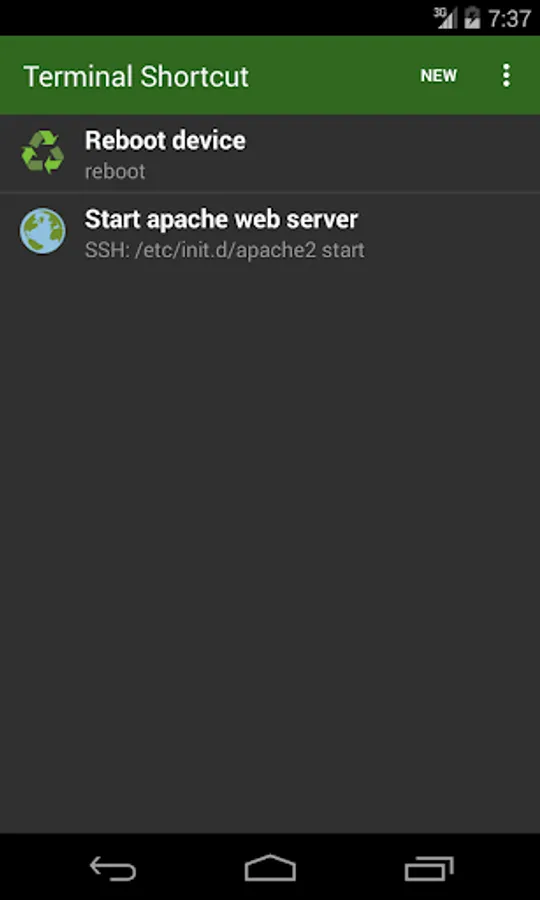
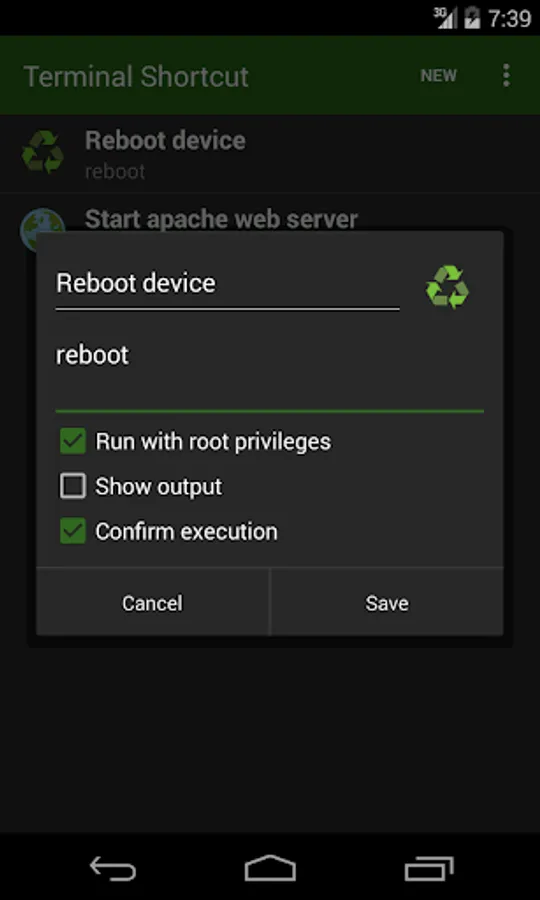
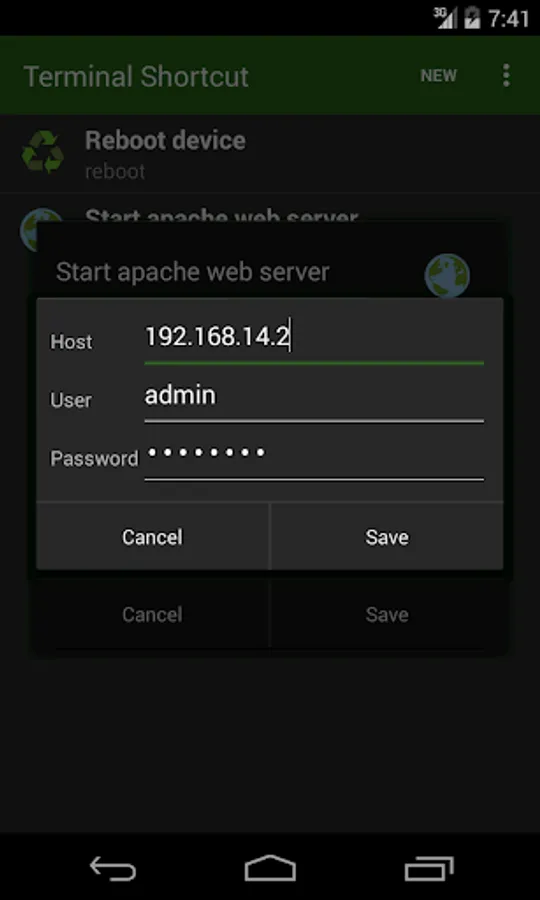
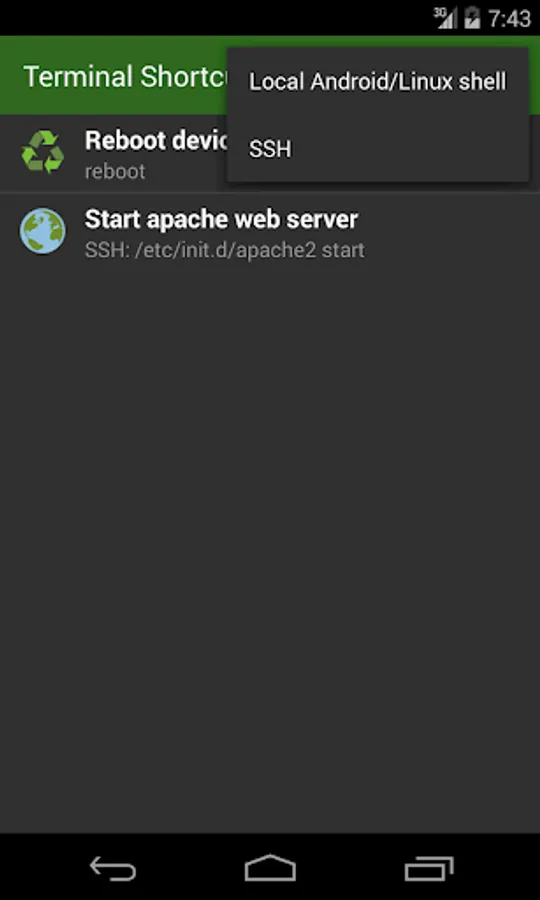
Some terminal commands have to be executed multiple times. If you do this in a terminal emulator, you need to type in the command by hand. With this app you can set a link (shortcut) to any terminal command which can be executed afterwards by pressing a button. If the command generates an output, it can easily be displayed if needed. Remote commands can be executed by using SSH. Commands can use SuperUser privileges.
Examples for commands that you might want to execute:
★ Reboot device
★ Mount system r/w
★ Mount USB drive
★ Test network connection
★ Control your Raspberry Pi wirelessly
Some terminal commands have to be executed multiple times. If you do this in a terminal emulator, you need to type in the command by hand. With this app you can set a link (shortcut) to any terminal command which can be executed afterwards by pressing a button. If the command generates an output, it can easily be displayed if needed. Remote commands can be executed by using SSH. Commands can use SuperUser privileges.
Examples for commands that you might want to execute:
★ Reboot device
★ Mount system r/w
★ Mount USB drive
★ Test network connection
★ Control your Raspberry Pi wirelessly