huerray! Philips Hue and LIFX
J.P.Lauber
3.3 ★
store rating
50,000+
downloads
Free
+ in-app
In this remote control app, users can manage Philips Hue and LIFX lights, create scenes, and activate animations. Includes scene creation, dashboard controls, room management, and widget support.
AppRecs review analysis
AppRecs rating 3.3. Trustworthiness 0 out of 100. Review manipulation risk 0 out of 100. Based on a review sample analyzed.
★★★☆☆
3.3
AppRecs Rating
Ratings breakdown
5 star
30%
4 star
26%
3 star
10%
2 star
7%
1 star
27%
What to know
✓
Authentic reviews
Natural distribution, no red flags
⚠
High negative review ratio
34% of sampled ratings are 1–2 stars
About huerray! Philips Hue and LIFX
Philipis Hue, LIFX: This is a remote app for the Philipis Hue and the LIFX light system.
You need at least the Philips Hue Bridge for using this app. You can connect also Living Colors, Living Whites and Living Ambient lights to the Hue Bridge.
Some of these features requires a premium upgrade
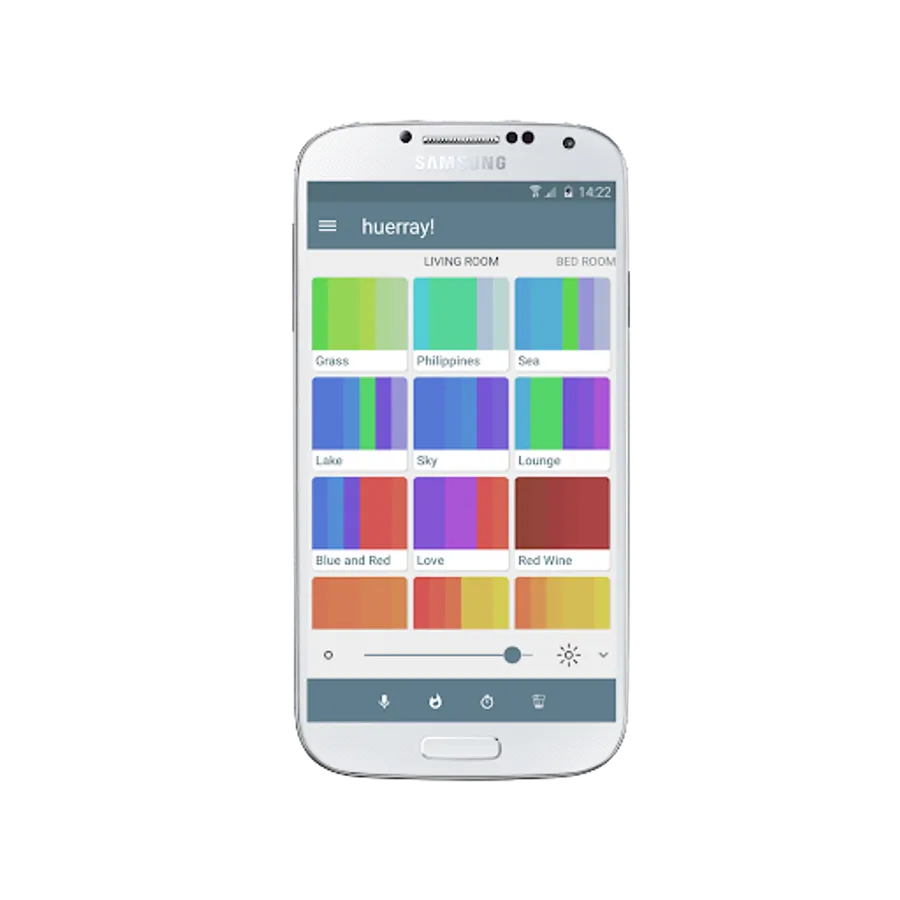
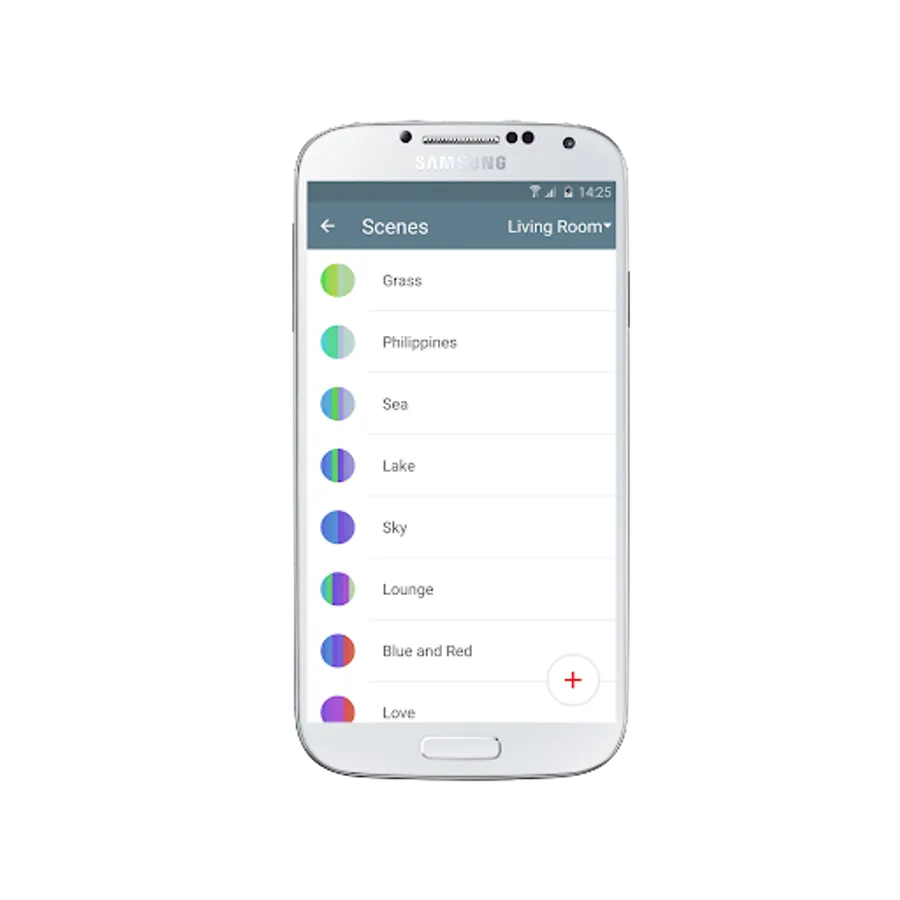
-This app makes it very easy to create new scenes and show them in a dashboard gridview.
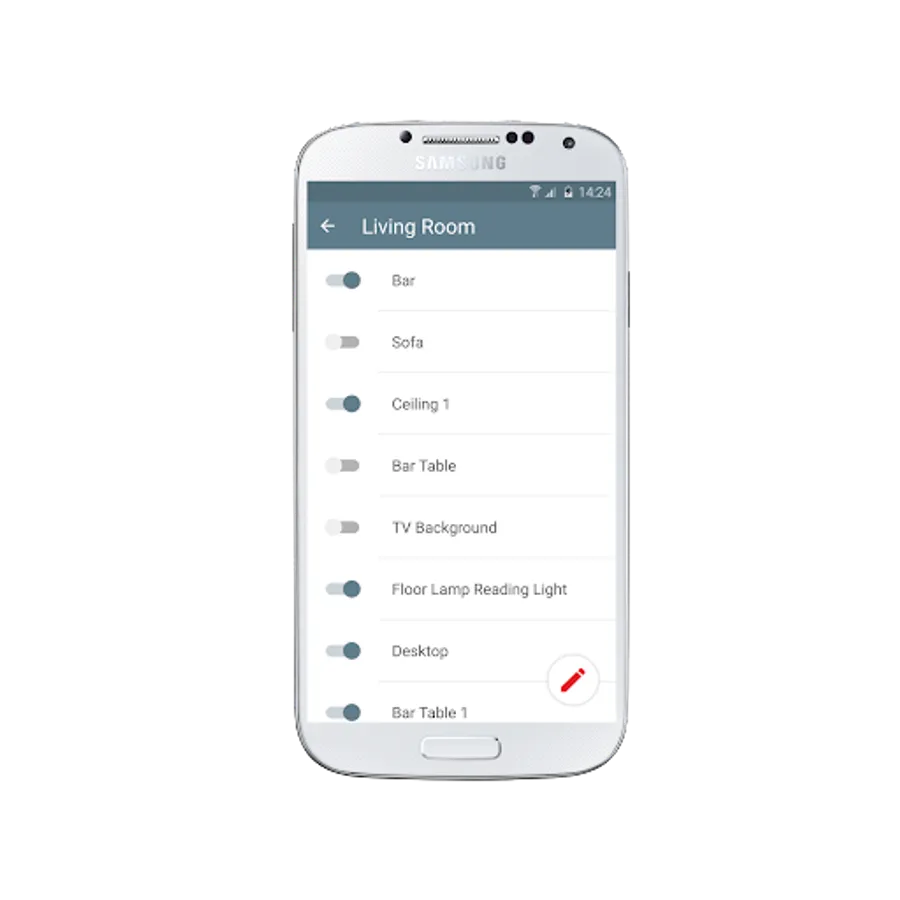
-For each room you will get an own dashboard. You can swipe between those dashboards.
-You can control also the room brightness from each of those dashboards
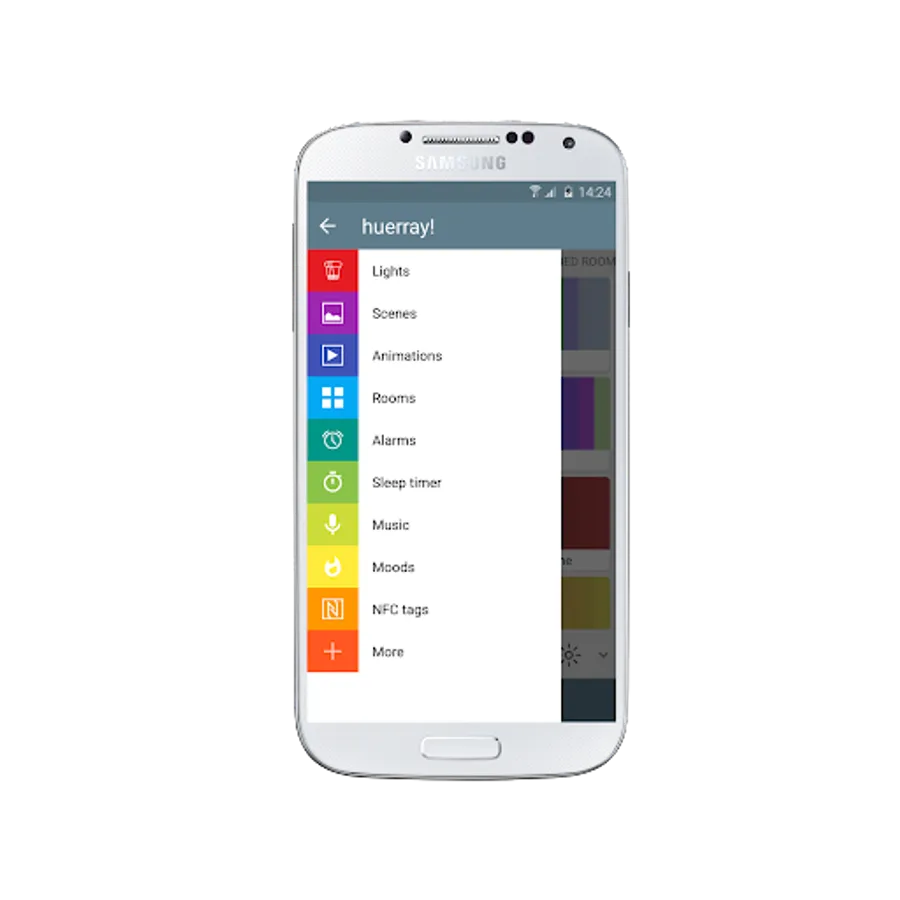
-You can create animations frame by frame
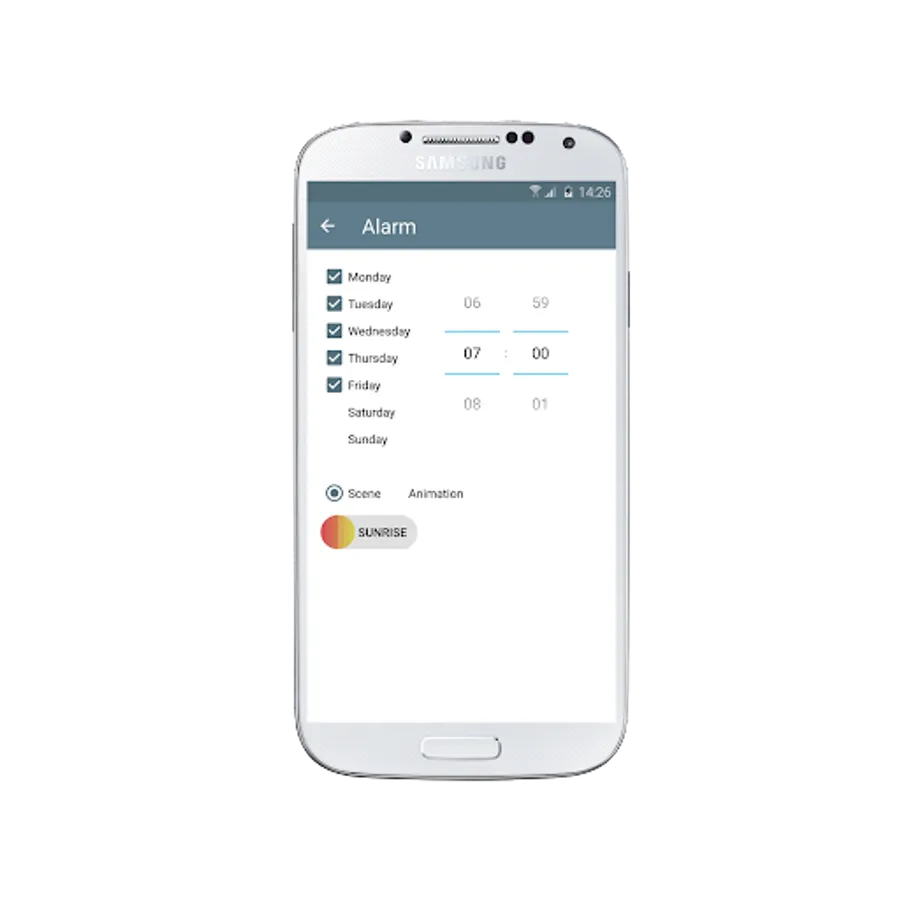
-You can use a sunrise animation to trigger an alarm. Which gives you the feeling about a sunrise in your room
-If you put your phone over a NFC Tag you can connect a scene and trigger it
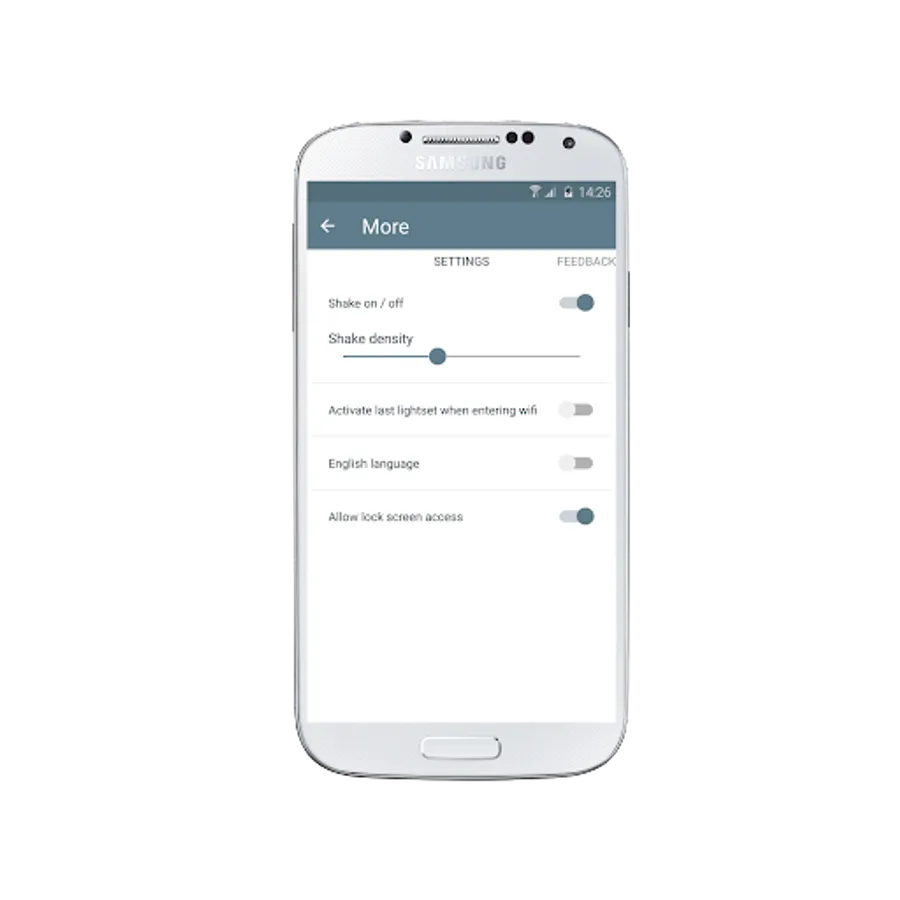
-You can activate your lights by entering your home wifi
-If you want, you can turn lights on and off by shaking your phone
-The Music Feature will use your microphone to animate your lights to the music
-With a lock- and homescreen widget it is possible to control the lights without starting the app
You need at least the Philips Hue Bridge for using this app. You can connect also Living Colors, Living Whites and Living Ambient lights to the Hue Bridge.
Some of these features requires a premium upgrade
-This app makes it very easy to create new scenes and show them in a dashboard gridview.
-For each room you will get an own dashboard. You can swipe between those dashboards.
-You can control also the room brightness from each of those dashboards
-You can create animations frame by frame
-You can use a sunrise animation to trigger an alarm. Which gives you the feeling about a sunrise in your room
-If you put your phone over a NFC Tag you can connect a scene and trigger it
-You can activate your lights by entering your home wifi
-If you want, you can turn lights on and off by shaking your phone
-The Music Feature will use your microphone to animate your lights to the music
-With a lock- and homescreen widget it is possible to control the lights without starting the app