Material Pixel Launcher Lock
DWorkS
Free
(in-app purchases)
rated 4.0 stars
100,000+
downloads
About Material Pixel Launcher Lock
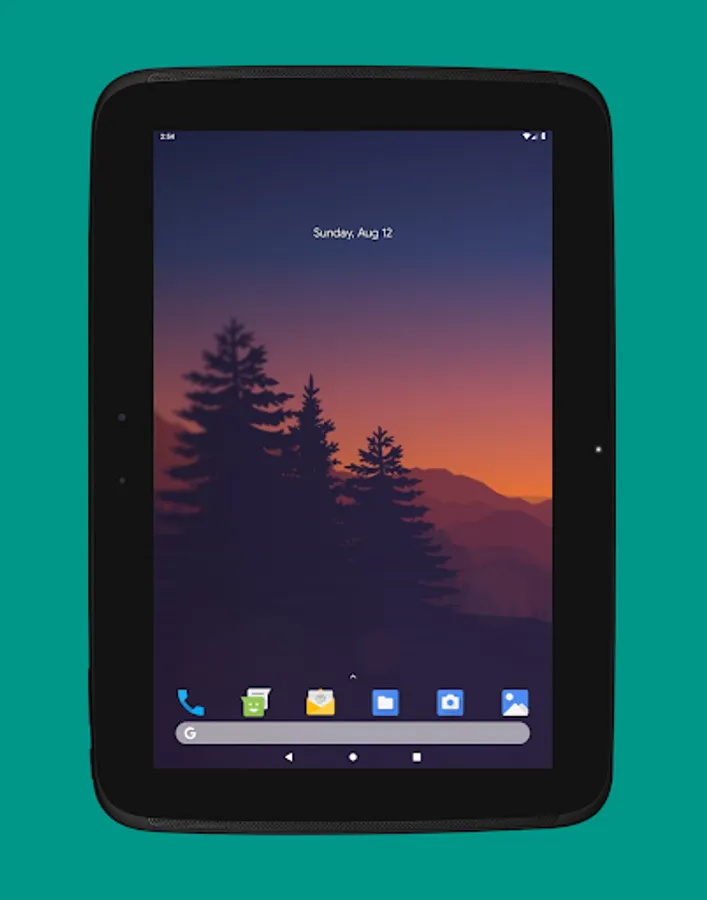
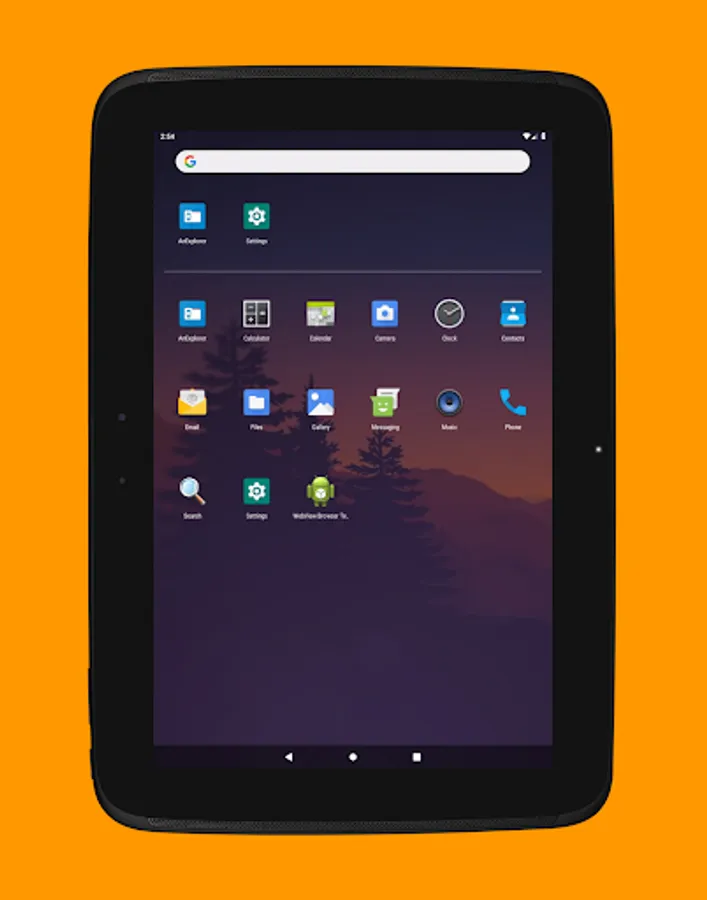
ALauncher (Another Launcher) is a customizable, lightweight, and efficient home launcher designed to make your Android device faster, easier to use, and organized. Whether you're on a phone, phablet, or tablet, ALauncher offers a sleek interface with extensive customization to suit your style and needs.
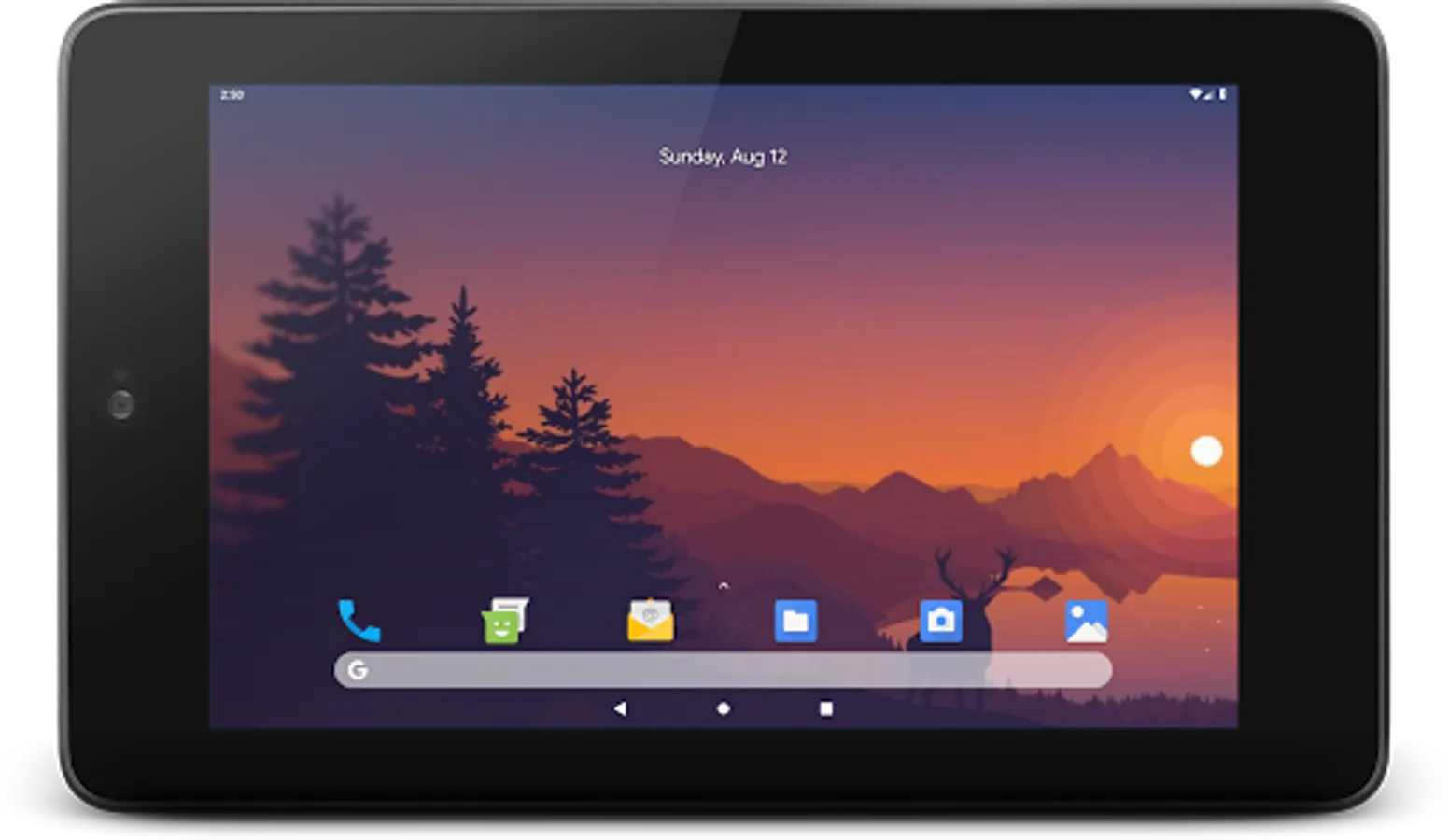
With ALauncher, you can experience a feature-rich and seamless user interface that supports Google Pixel-like design, dynamic shortcuts, gesture controls, and more. It's the only launcher you'll need to stay organized on the go.
We prioritize privacy, requiring no unnecessary permissions, and ensure your data stays secure.
Top Features
• Customizable App Shortcuts: Access static shortcuts (Android 6.0+) and dynamic shortcuts on supported devices. Edit, uninstall, or view app info directly from the home screen.
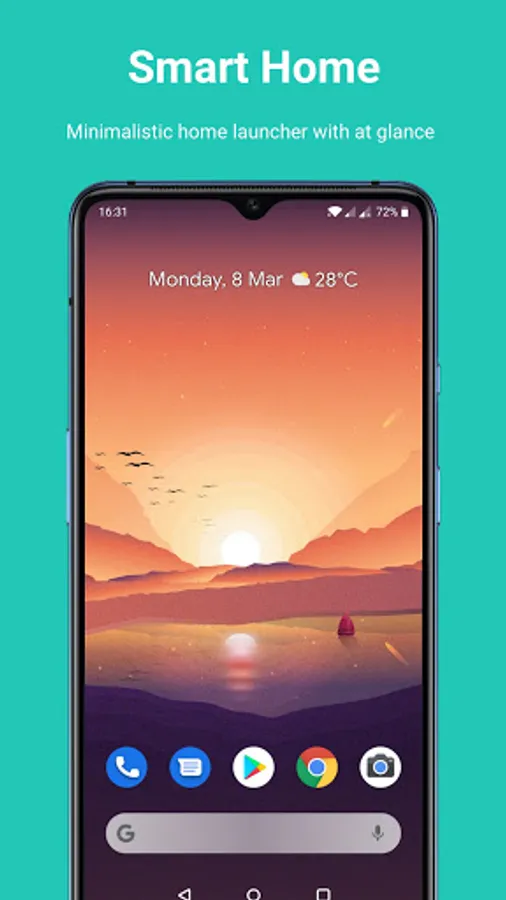
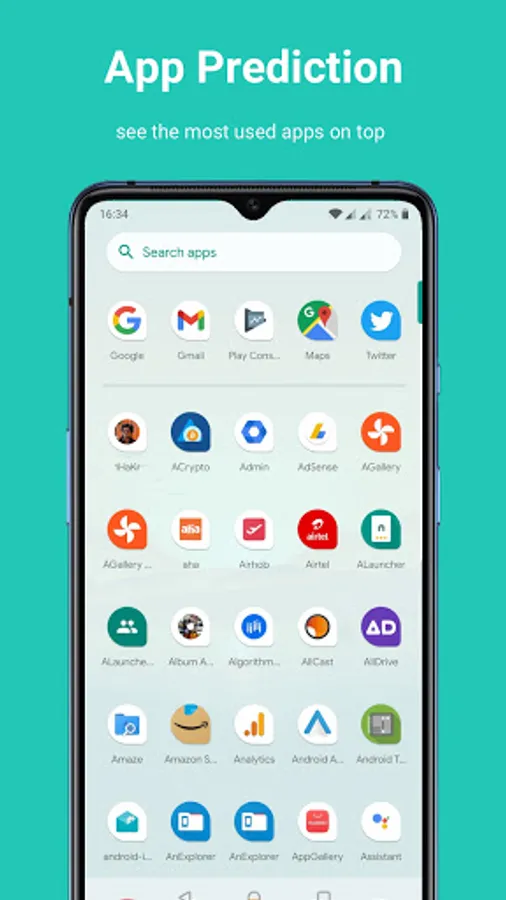
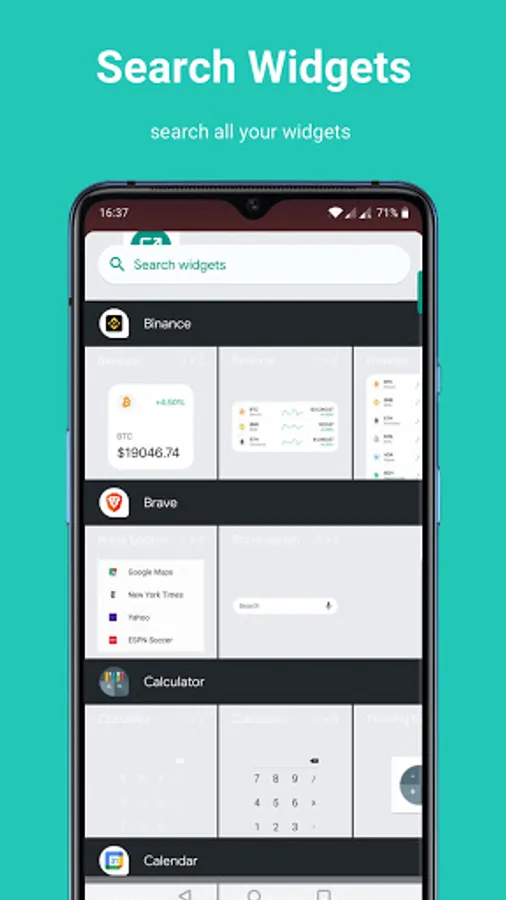
• Advanced Search UI: With a bottom search bar, app suggestions, voice search, and Google Assistant integration, your search experience can be fully customized to mirror Google Pixel's Pixel Launcher.
• Now Feed & At a Glance: Stay updated with your Google Calendar events, weather, and commute information using Google Now Feed (companion app required for setup).
• Notification Dots: Get notified of unread messages or updates with notification dots directly on app icons (available on supported devices).
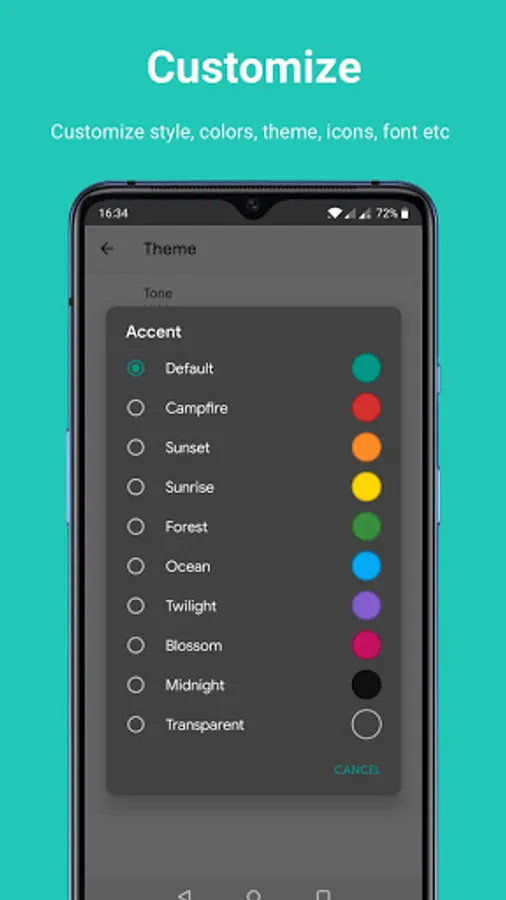
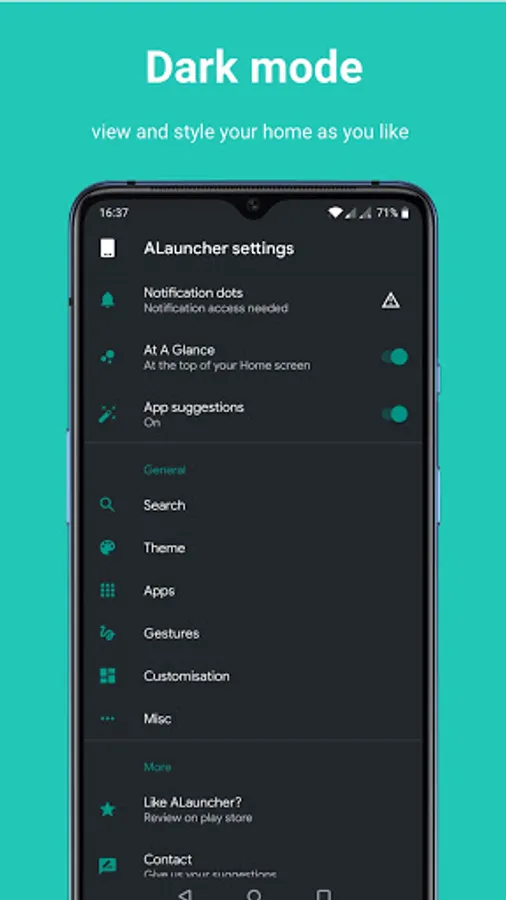
• Dynamic Theme Options: Switch between light, dark, or automatic themes based on your wallpaper. Customize the Hotseat background, grid size, icon sizes, and much more.
• Gesture & Action Controls: Swipe down with one finger for notifications, two fingers for quick settings, or customize the home button for quick actions like app search or Google Assistant.
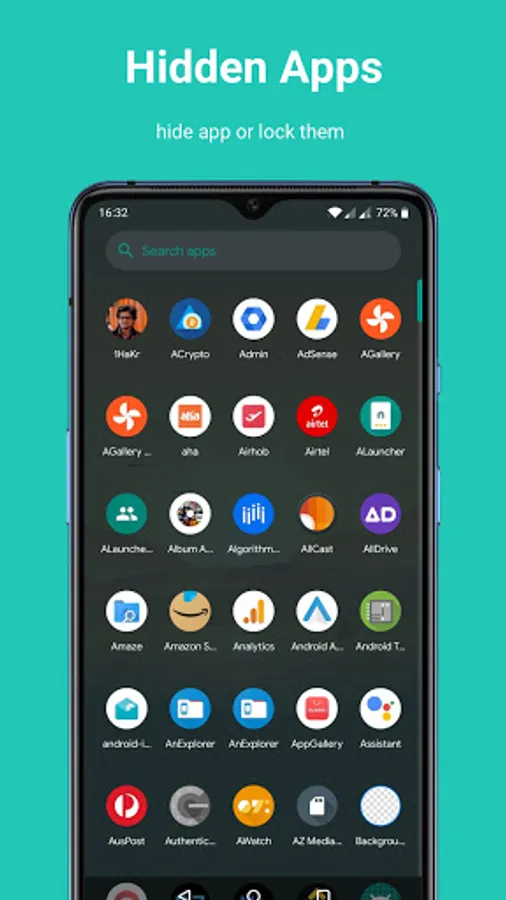
• App Lock & Hidden Space: Secure your apps with a device lock or hide them from view, ensuring your privacy and security.
• Icon Customization: Customize each app icon or choose from third-party icon packs to fit your unique style.
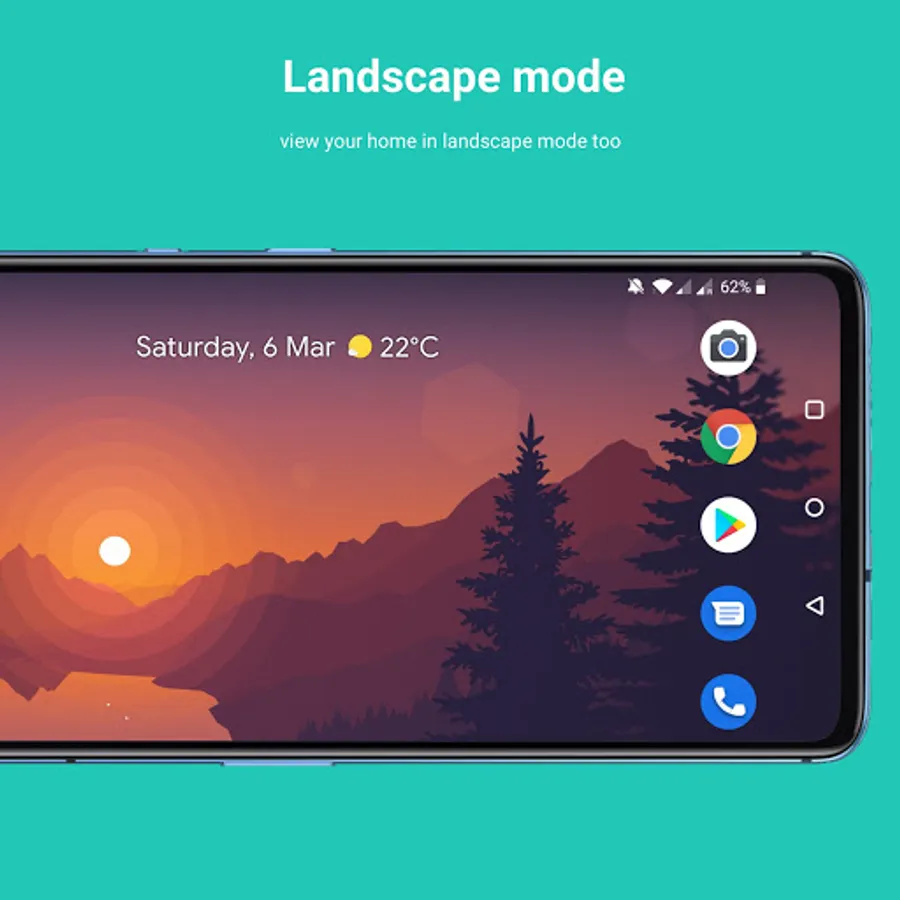
• Full Home Screen Customization: Change the grid layout, enable home screen rotation, lock your desktop, and disable spring animations to make your launcher truly your own.
Unique Features
• RTL Language Support: Fully supports RTL languages like Arabic and Hebrew, ensuring a seamless experience for all users.
• Smallest Launcher on Play Store: With a compact size of just 1.5MB, ALauncher is incredibly lightweight and efficient.
• Accessibility Support: One of the few launchers that cater to the needs of disabled users.
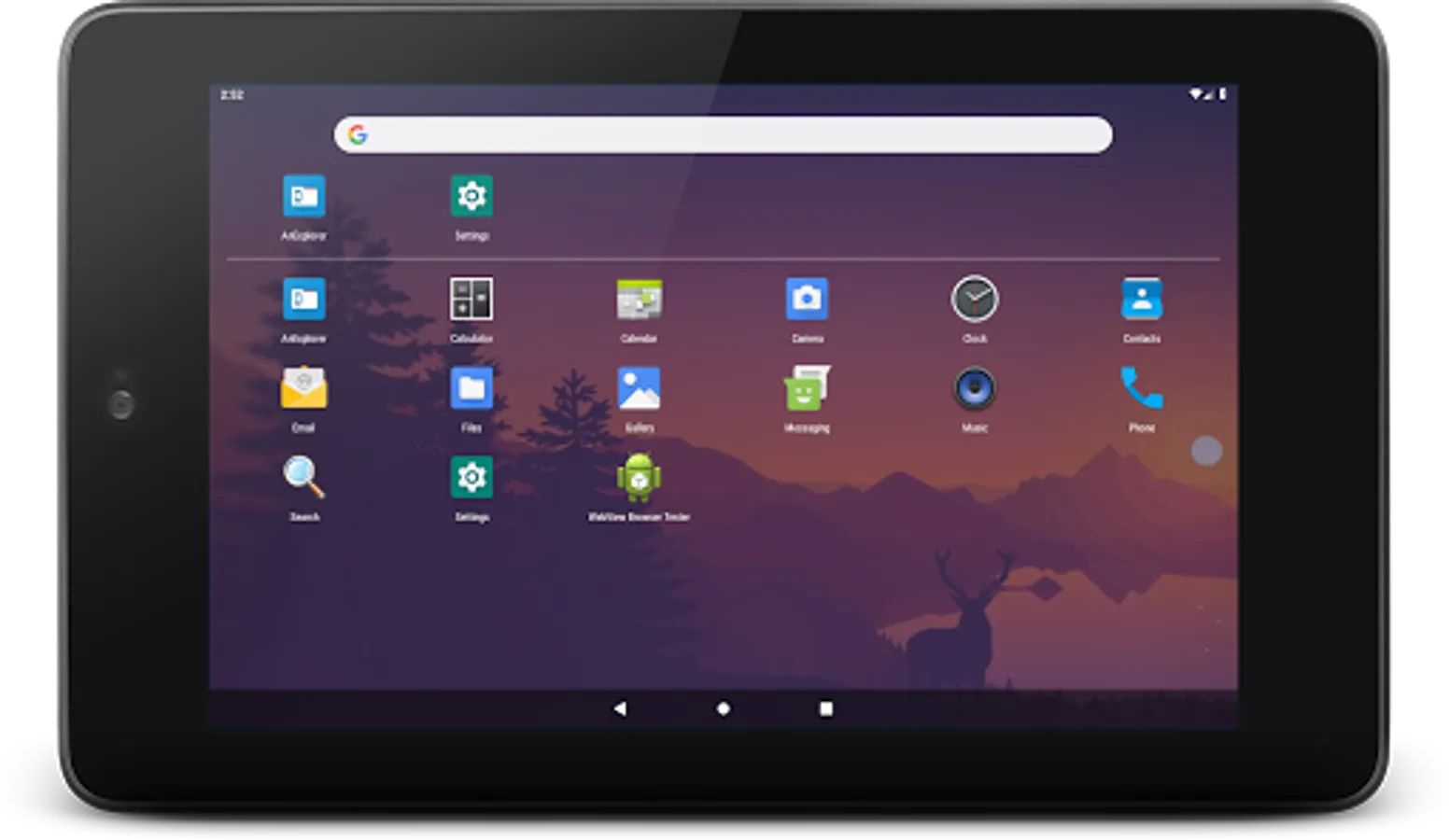
• Hide Apps: Easily hide important apps and access them later by searching for "Hidden" or scrolling to the bottom of your app drawer.
ALauncher values your privacy and security, using Device Administrator permission only for app lock functionality. This is entirely optional and enhances your device's security.
Experience the fastest, most customizable, and secure home launcher available. Download ALauncher today and transform your Android experience!
The Alauncher Companion Bridge App can be found here: https://dworks.io/alauncher/
With ALauncher, you can experience a feature-rich and seamless user interface that supports Google Pixel-like design, dynamic shortcuts, gesture controls, and more. It's the only launcher you'll need to stay organized on the go.
We prioritize privacy, requiring no unnecessary permissions, and ensure your data stays secure.
Top Features
• Customizable App Shortcuts: Access static shortcuts (Android 6.0+) and dynamic shortcuts on supported devices. Edit, uninstall, or view app info directly from the home screen.
• Advanced Search UI: With a bottom search bar, app suggestions, voice search, and Google Assistant integration, your search experience can be fully customized to mirror Google Pixel's Pixel Launcher.
• Now Feed & At a Glance: Stay updated with your Google Calendar events, weather, and commute information using Google Now Feed (companion app required for setup).
• Notification Dots: Get notified of unread messages or updates with notification dots directly on app icons (available on supported devices).
• Dynamic Theme Options: Switch between light, dark, or automatic themes based on your wallpaper. Customize the Hotseat background, grid size, icon sizes, and much more.
• Gesture & Action Controls: Swipe down with one finger for notifications, two fingers for quick settings, or customize the home button for quick actions like app search or Google Assistant.
• App Lock & Hidden Space: Secure your apps with a device lock or hide them from view, ensuring your privacy and security.
• Icon Customization: Customize each app icon or choose from third-party icon packs to fit your unique style.
• Full Home Screen Customization: Change the grid layout, enable home screen rotation, lock your desktop, and disable spring animations to make your launcher truly your own.
Unique Features
• RTL Language Support: Fully supports RTL languages like Arabic and Hebrew, ensuring a seamless experience for all users.
• Smallest Launcher on Play Store: With a compact size of just 1.5MB, ALauncher is incredibly lightweight and efficient.
• Accessibility Support: One of the few launchers that cater to the needs of disabled users.
• Hide Apps: Easily hide important apps and access them later by searching for "Hidden" or scrolling to the bottom of your app drawer.
ALauncher values your privacy and security, using Device Administrator permission only for app lock functionality. This is entirely optional and enhances your device's security.
Experience the fastest, most customizable, and secure home launcher available. Download ALauncher today and transform your Android experience!
The Alauncher Companion Bridge App can be found here: https://dworks.io/alauncher/
Material Pixel Launcher Lock Screenshots
Reviews for Material Pixel Launcher Lock
A Google user
12/17/2025
bouy🔒
Hermy Reynolds
11/12/2025
it doesn't let you remove the search bar so you're stuck with all that wasted space if you don't want it.
Abiti Wegayehu
11/10/2025
woww
Janet Wambui
10/19/2025
Was looking for a launcher app that allows one to add web page links on home screen and this is the only one I found...
Ranjan Bharti
10/16/2025
Isn't this a copy of the discontinued SHADE Launcher?
Tap to Rate: