
Call Timer
Hoang Duc Lam
3.7 ★
632 ratings
100,000+
downloads
Free
+ in-app
With this call scheduling app, you can set call time limits, receive alerts, and activate automatic callbacks. Includes customizable alerts, dual SIM support, and display options.
AppRecs review analysis
AppRecs rating 3.8. Trustworthiness 72 out of 100. Review manipulation risk 33 out of 100. Based on a review sample analyzed.
★★★☆☆
3.8
AppRecs Rating
Ratings breakdown
5 star
58%
4 star
8%
3 star
0%
2 star
8%
1 star
25%
What to know
✓
Credible reviews
72% trustworthiness score from analyzed reviews
✓
Good user ratings
67% positive sampled reviews
⚠
High negative review ratio
33% of sampled ratings are 1–2 stars
About Call Timer
Call Timer is an application that helps users to schedule each outgoing or incoming call.
It's handy when you register for in-network calling packages in 10p, 15p, ...
Function:
Call timer:
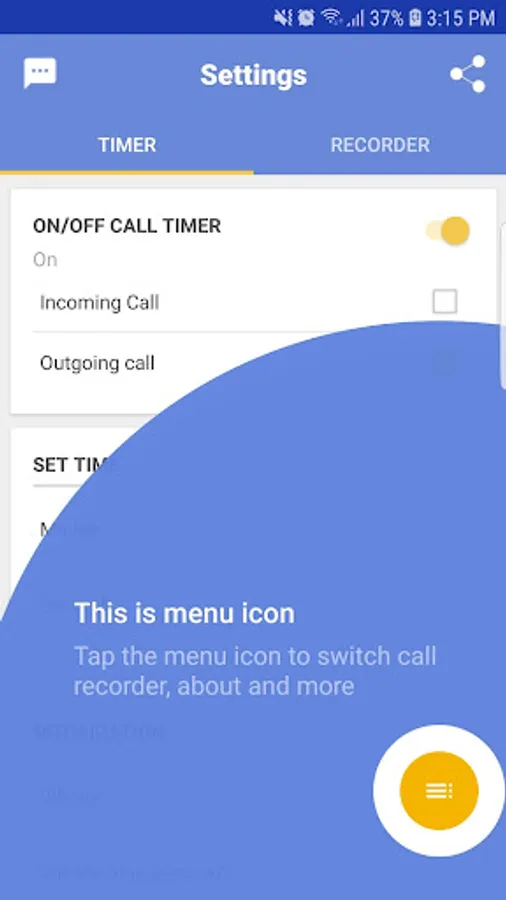
- Turn on or turn off call time limit when using or not using.
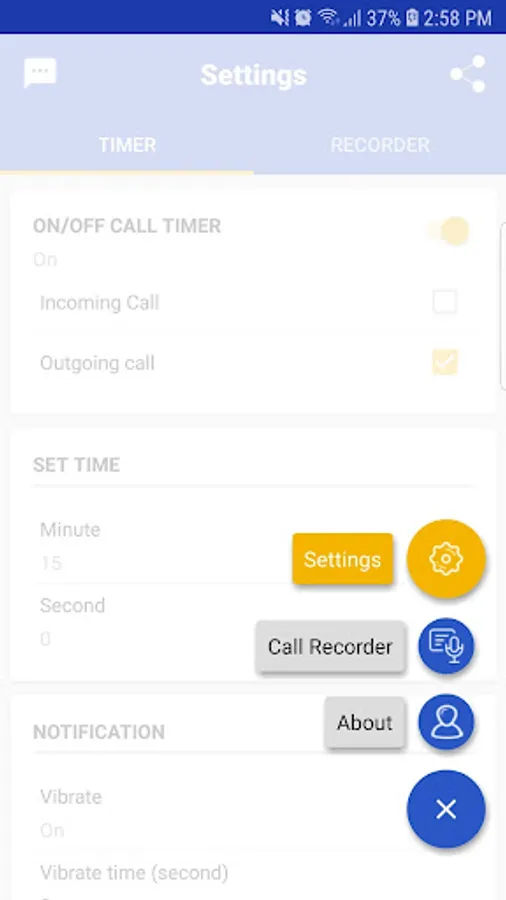
- Specific time appointment as you want.
- Set the time to alert when the time is running out and vibrate for how long (seconds).
- Set the time-out warning sound or use the default sound.
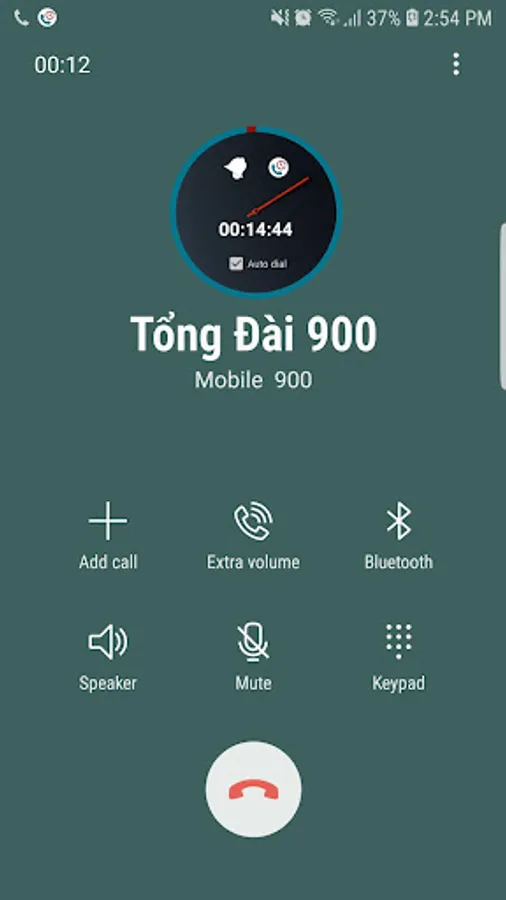
- Allows you to choose how to display the time clock when making a call and can customize the size.
- While making a call, you can activate the automatic callback function after the appointment time expires.
Note:
Dual SIM phone: Leave the software Limit the call time to run well on two SIM phones, you need to specify the default SIM (Best is SIM 1) for calls and make calls from the default SIM . This can be done by adjusting the configuration in the "Settings" app (SIM card section) of the system.
It's handy when you register for in-network calling packages in 10p, 15p, ...
Function:
Call timer:
- Turn on or turn off call time limit when using or not using.
- Specific time appointment as you want.
- Set the time to alert when the time is running out and vibrate for how long (seconds).
- Set the time-out warning sound or use the default sound.
- Allows you to choose how to display the time clock when making a call and can customize the size.
- While making a call, you can activate the automatic callback function after the appointment time expires.
Note:
Dual SIM phone: Leave the software Limit the call time to run well on two SIM phones, you need to specify the default SIM (Best is SIM 1) for calls and make calls from the default SIM . This can be done by adjusting the configuration in the "Settings" app (SIM card section) of the system.
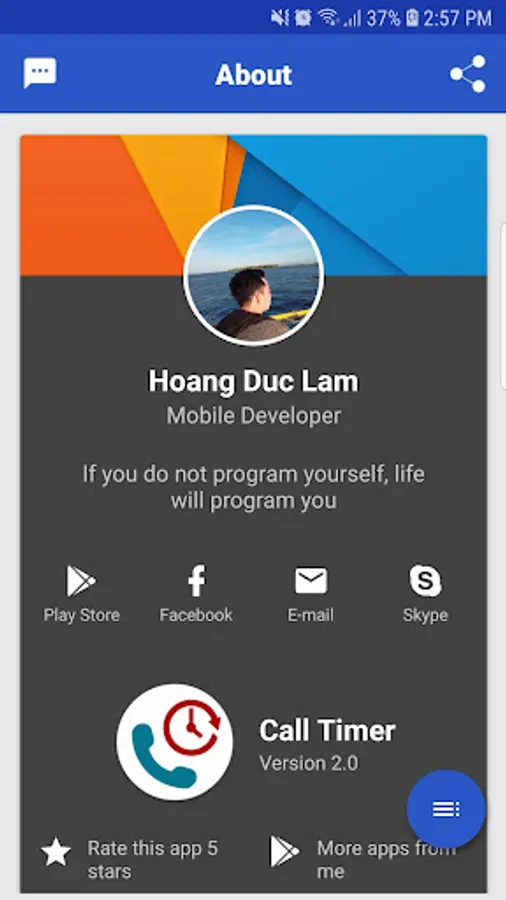
Call Timer Screenshots
Tap to Rate:
Reviews for Call Timer
Pratima Pandey
11/20/2025
fraud appp
Shishuhpal Kumar Verma
10/3/2025
not working properly