Screen Off and Lock
Hoang Duc Lam
3.8 ★
3K ratings
1,000,000+
downloads
Free
+ in-app
With this app, you can turn off and lock your device's screen easily, reducing wear on the power button. Includes device administrator and accessibility service settings for additional control and security.
AppRecs review analysis
AppRecs rating 3.6. Trustworthiness 80 out of 100. Review manipulation risk 33 out of 100. Based on a review sample analyzed.
★★★☆☆
3.6
AppRecs Rating
Ratings breakdown
5 star
56%
4 star
12%
3 star
6%
2 star
6%
1 star
21%
What to know
✓
Credible reviews
80% trustworthiness score from analyzed reviews
⚠
Ad complaints
Many low ratings mention excessive ads
⚠
Pricing complaints
Many low ratings mention paywalls or pricing
About Screen Off and Lock
Turn off and lock the screen for your beloved handset.
This function already exists on your phone, which is the power button. But because of too much pressure it will quickly become greasy and gradually damage the power button. So we write this application helps the user to share the burden on the power button (Power).
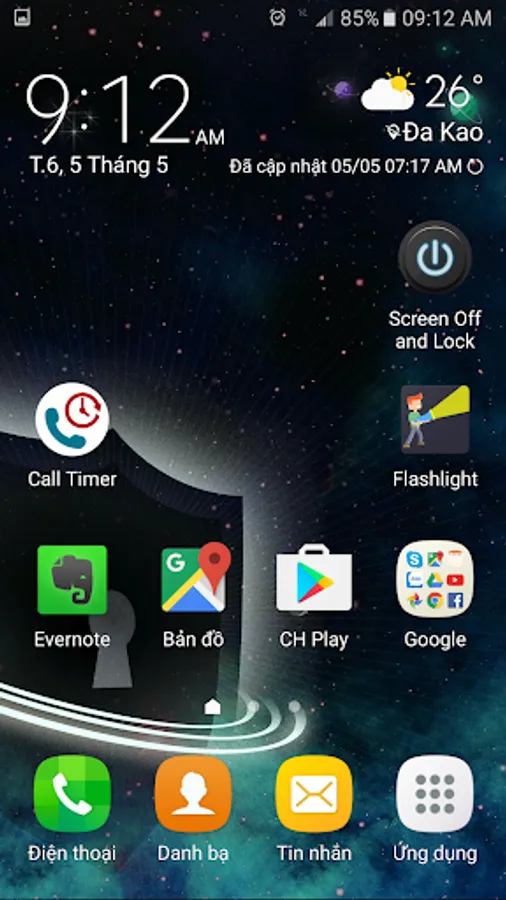
Launch icon:
After installation, the application will have 2 launch icons:
1. "Screen Off and Lock" is used to perform the function of turning off and locking the screen
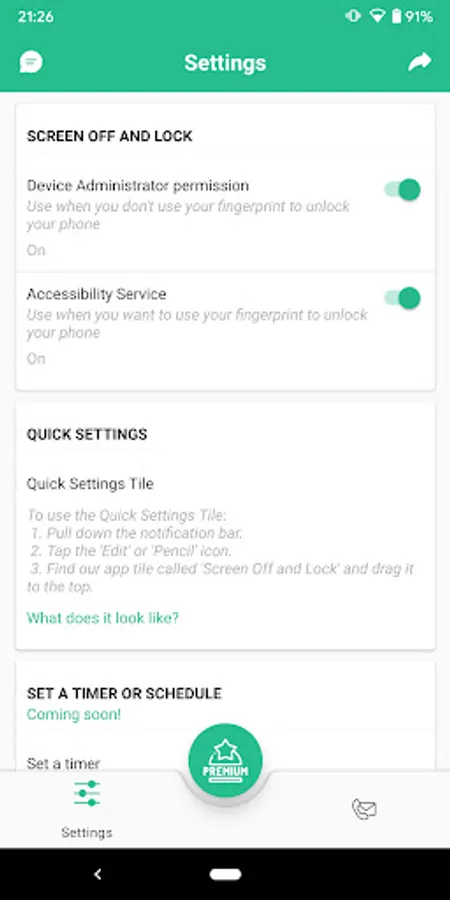
2. "Settings" is used to set up settings and manage your Premium account.
This app uses the following permissions:
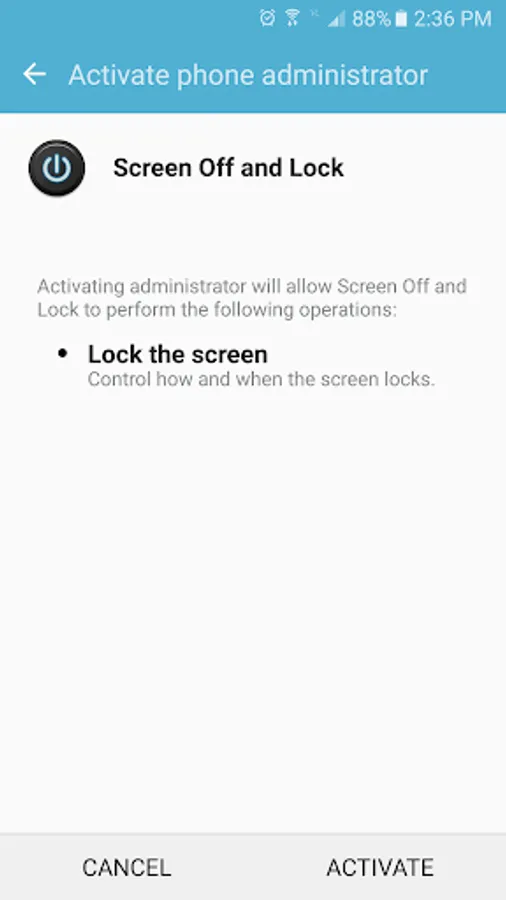
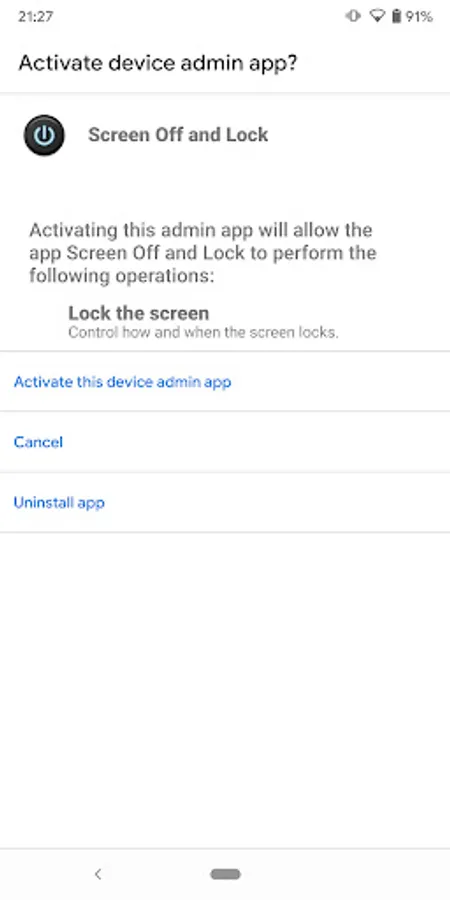
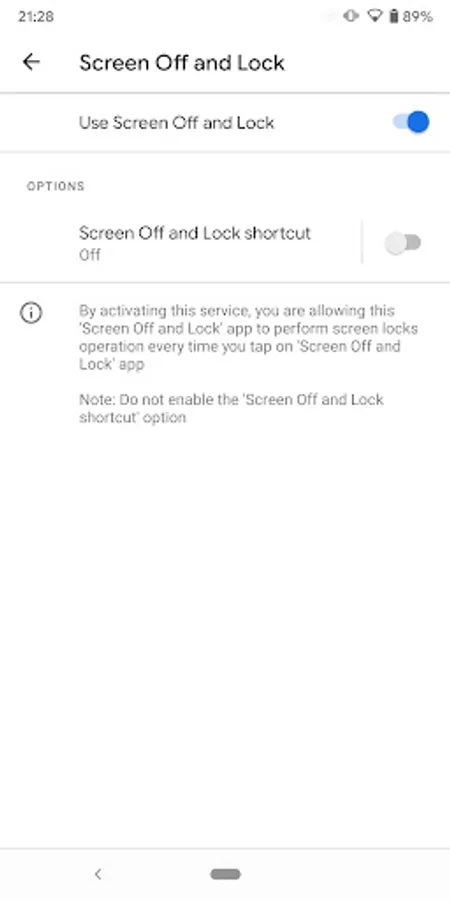
1. Device Administrator permission.
To uninstall Lock Screen app:
1. Turn off "Device Administrator permission" in Settings or Go to phone's Settings > Security > Device administrators > Uncheck
Screen Off and Lock.
2. Go to phone's Settings > Apps > Lock Screen > Tap uninstall.
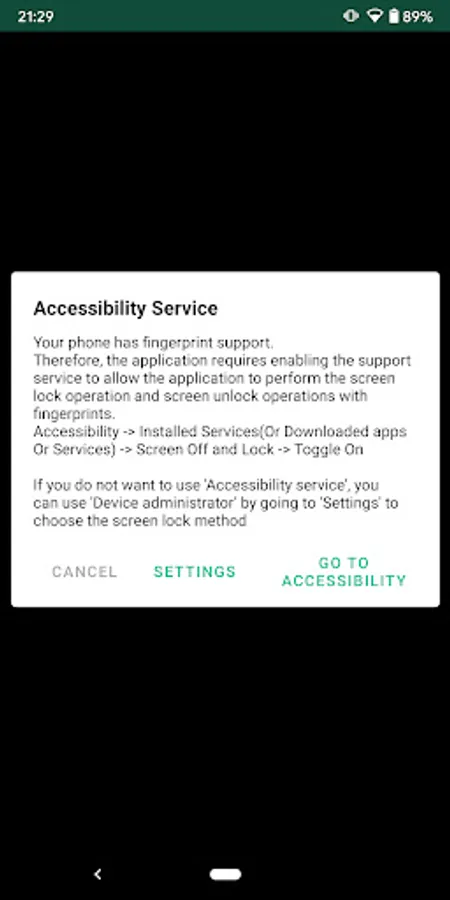
2. AccessibilityServices API: For supported phones fingerprint, to turn off and
lock the screen and screen unlock operations with fingerprints on your
phone device.
To off AccessibilityServices: Turn off "Accessibility Service" in Settings and follow the instructions or Go to phone's Settings > Accessibility >
Downloaded apps/Installed services > Screen Off and Lock > Switch off
Screen Off and Lock Screenshots
Tap to Rate:
Reviews for Screen Off and Lock
Oo Zaw
1/31/2026
SATIFACTION
Richard Grimm
11/26/2025
I purchased the usage plan but now it periodically says "free usage time is over" and won't work. I have to uninstall it and then install it again and it works for a few days and then it shows it again. I've emailed and contacted the developer every way I can find to and nothing. Still doesn't work even though it's paid for.