Clean Scan - PDF Scanner App
Ronasoft Media
5,000+
downloads
Free
+ in-app
AppRecs review analysis
AppRecs rating . Trustworthiness 85 out of 100. Review manipulation risk 30 out of 100. Based on a review sample analyzed.
★
AppRecs Rating
Ratings breakdown
5 star
67%
4 star
0%
3 star
0%
2 star
0%
1 star
33%
What to know
✓
Low review manipulation risk
30% review manipulation risk
✓
Credible reviews
85% trustworthiness score from analyzed reviews
✓
Good user ratings
67% positive sampled reviews
About Clean Scan - PDF Scanner App
CleanScanner, the most efficient scanner app.
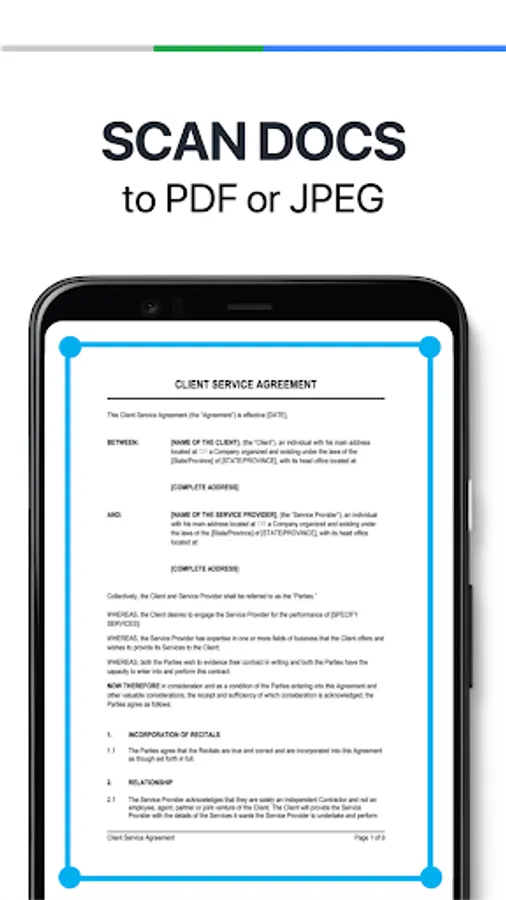
Save time with our fast document scanner: Use CleanScanner scanner app to bulk scan documents and turn stacks of papers into PDFs in seconds. Convert paper documents or printed images into PDF or JPEG files with our mobile scanner and photo scanner. CleanScanner is an all-in-one scanner app. The mobile scanner app turns your mobile device into a powerful portable document scanner that recognizes text automatically (OCR) and improves your productivity to save your time. Download this scanner app for free to instantly scan, save, and share any document in PDF or JPG formats. Use CleanScanner scanner app to handle your paperwork with ease and increase your productivity. Say goodbye to huge and heavy scanner machines and get this fast scanner app now.
CleanScanner scanner app helps you create, save, and organize your paper documents as digital files. The PDF scanner lets you capture documents, receipts, whiteboards, and photos, then convert them into high-quality, sharable PDF or JPG files with features like e-signatures, OCR for text extraction, password protection, and cloud backup, making document management convenient and efficient.
DOCUMENT SCANNER
Use your camera to scan multi-page documents, receipts, notes, business cards, and more. With this PDF scanner, scan receipts, contracts, paper notes, fax papers, books, and more.
VARIOUS SCANNING MODES
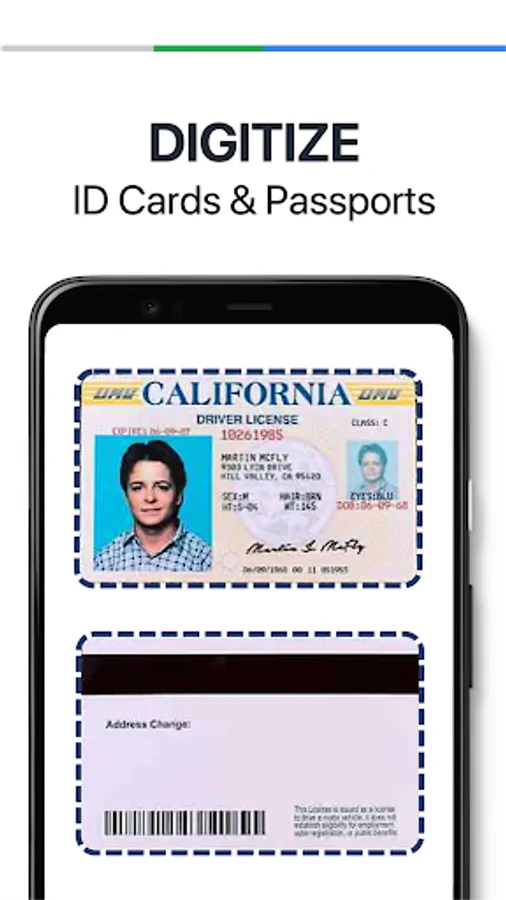
–ID CARD & PASSPORT: A mode specifically designed for fast and convenient scans of ID documents.
–QR CODE: Scan any QR code with the camera on your mobile device.
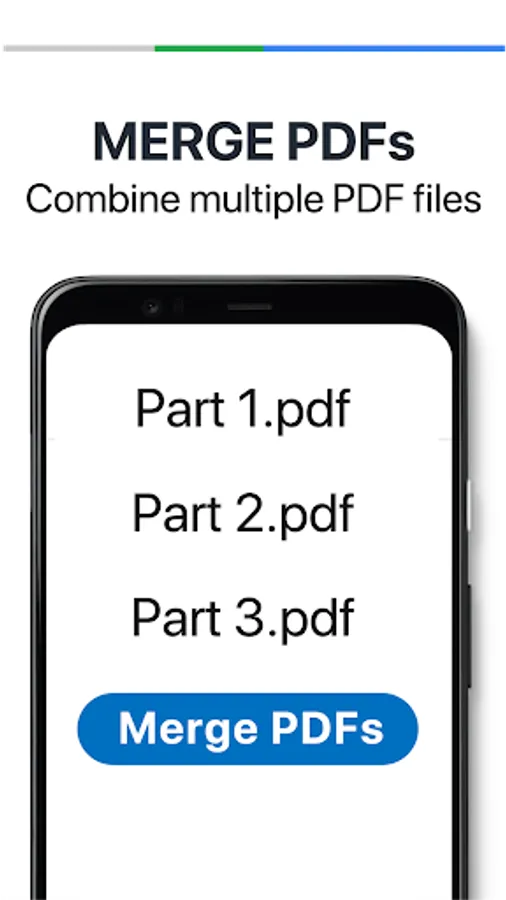
The CleanScanner scanner app combines multiple scans into one PDF, merges or splits files, and supports various page sizes (A4, Legal, etc.).
PDF CONVERTER
–PDF Converter: This PDF scanner enables you to create PDF from a website, and convert documents in multiple formats to PDF.
–Supported file formats: PDF, JPG, DOC, DOCX, TXT
SHARING AND STORAGE
–Share files via email, social media apps like WhatsApp, or cloud services like Google Drive, Dropbox, and OneDrive, often with direct printing options.
–Organize files in folders, move files using drag and drop.
–Scan paperwork and create custom folders for work documents, personal files, school forms, or ID scans.
INNOVATIVE PDF SCANNER
–Save time with a fast document scanner: Use High-speed scan to bulk scan documents and turn stacks into PDFs in seconds.
–PDF Maker / PDF Creator: Convert paper documents or printed images into PDFs or JPEGs with the mobile PDF and photo scanner.
–Ask AI to pull the key points from any scan, get follow-up answers or draft emails, reports, and next steps from your scan.
–Summarize your docs with CleanScanner AI.
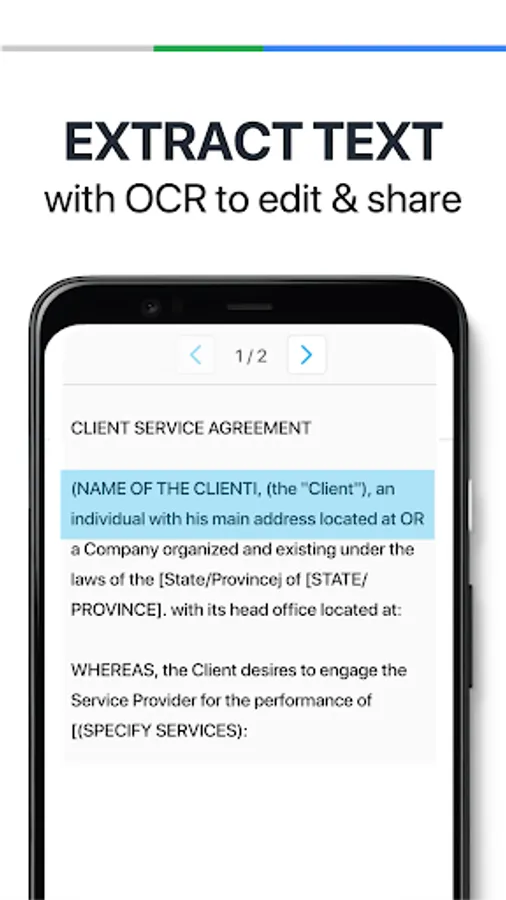
–OCR (Text recognition): Extract text from any image with text recognition to make words in your scans searchable and editable.
–Scan documents and photos to PDF, JPG, or TXT. Scan anything: Receipts, IDs, notes, recipes, photos, business cards, whiteboards – scan documents into PDF or JPEG files you can work with on your phone, tablet, or computer.
–Batch scanning: Easily scan multiple pages into one document.
–Combines multiple scans into one PDF, merges or splits files, and supports various page sizes (A4, Legal, etc.).
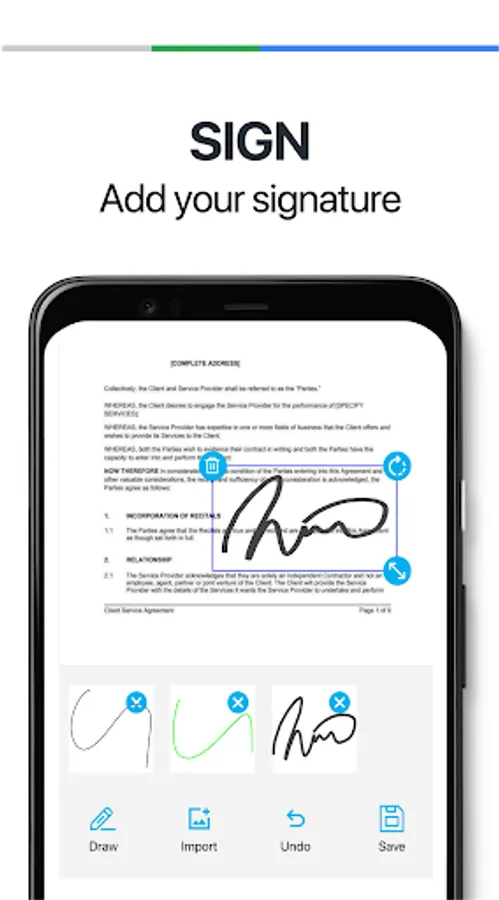
–Create and add your own e-signatures and watermarks on documents.
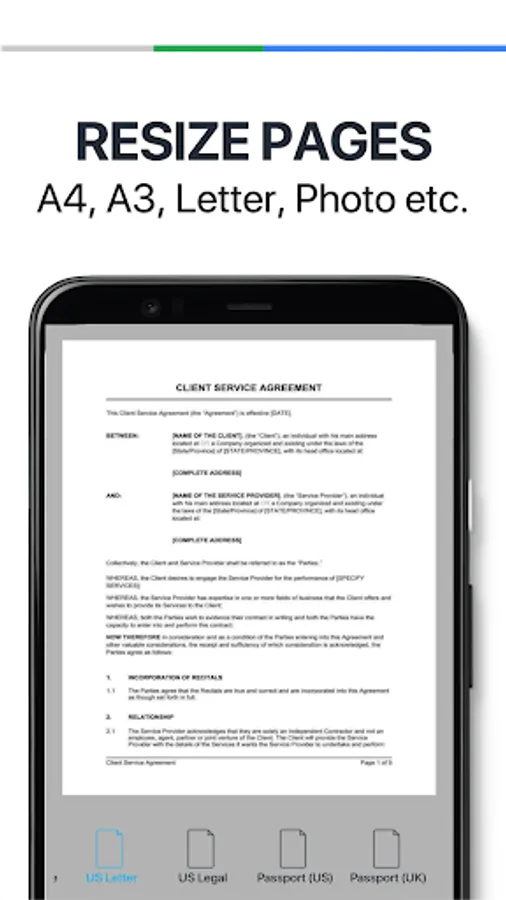
–Resize pages to different supported sizes.
–Apply automatic edge detection, smart cropping, perspective correction, and filters to create clear, sharp, high-resolution scans.
HANDY DOCUMENT EDITOR & FILE MANAGER
–Edit scans with filters and the feature of noise removal.
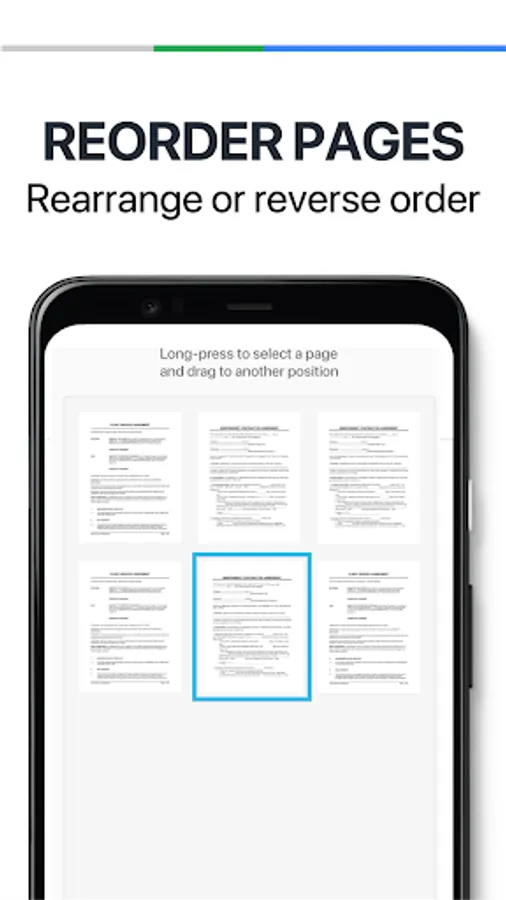
–Manage files with folders, drag & drop to reorder, and enjoy other document editing features.
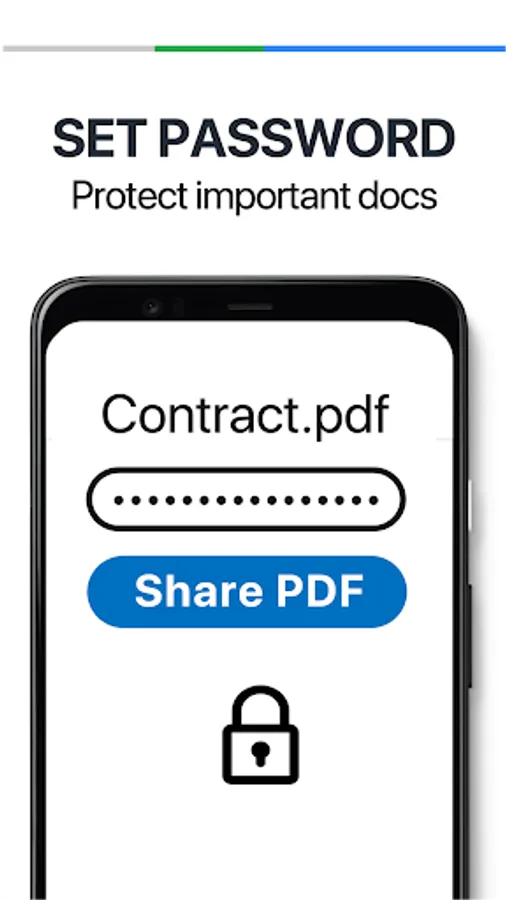
–Protect your confidential scans by locking PDF files with passwords.
EASILY SEND DOCUMENT
–Scan, save and send documents in just a few taps.
–Email with attachments.
–Upload scanned documents to cloud services like Dropbox, Google Drive, Evernote, and OneDrive.
–Print PDF files right from the scanner app.
Save time with our fast document scanner: Use CleanScanner scanner app to bulk scan documents and turn stacks of papers into PDFs in seconds. Convert paper documents or printed images into PDF or JPEG files with our mobile scanner and photo scanner. CleanScanner is an all-in-one scanner app. The mobile scanner app turns your mobile device into a powerful portable document scanner that recognizes text automatically (OCR) and improves your productivity to save your time. Download this scanner app for free to instantly scan, save, and share any document in PDF or JPG formats. Use CleanScanner scanner app to handle your paperwork with ease and increase your productivity. Say goodbye to huge and heavy scanner machines and get this fast scanner app now.
CleanScanner scanner app helps you create, save, and organize your paper documents as digital files. The PDF scanner lets you capture documents, receipts, whiteboards, and photos, then convert them into high-quality, sharable PDF or JPG files with features like e-signatures, OCR for text extraction, password protection, and cloud backup, making document management convenient and efficient.
DOCUMENT SCANNER
Use your camera to scan multi-page documents, receipts, notes, business cards, and more. With this PDF scanner, scan receipts, contracts, paper notes, fax papers, books, and more.
VARIOUS SCANNING MODES
–ID CARD & PASSPORT: A mode specifically designed for fast and convenient scans of ID documents.
–QR CODE: Scan any QR code with the camera on your mobile device.
The CleanScanner scanner app combines multiple scans into one PDF, merges or splits files, and supports various page sizes (A4, Legal, etc.).
PDF CONVERTER
–PDF Converter: This PDF scanner enables you to create PDF from a website, and convert documents in multiple formats to PDF.
–Supported file formats: PDF, JPG, DOC, DOCX, TXT
SHARING AND STORAGE
–Share files via email, social media apps like WhatsApp, or cloud services like Google Drive, Dropbox, and OneDrive, often with direct printing options.
–Organize files in folders, move files using drag and drop.
–Scan paperwork and create custom folders for work documents, personal files, school forms, or ID scans.
INNOVATIVE PDF SCANNER
–Save time with a fast document scanner: Use High-speed scan to bulk scan documents and turn stacks into PDFs in seconds.
–PDF Maker / PDF Creator: Convert paper documents or printed images into PDFs or JPEGs with the mobile PDF and photo scanner.
–Ask AI to pull the key points from any scan, get follow-up answers or draft emails, reports, and next steps from your scan.
–Summarize your docs with CleanScanner AI.
–OCR (Text recognition): Extract text from any image with text recognition to make words in your scans searchable and editable.
–Scan documents and photos to PDF, JPG, or TXT. Scan anything: Receipts, IDs, notes, recipes, photos, business cards, whiteboards – scan documents into PDF or JPEG files you can work with on your phone, tablet, or computer.
–Batch scanning: Easily scan multiple pages into one document.
–Combines multiple scans into one PDF, merges or splits files, and supports various page sizes (A4, Legal, etc.).
–Create and add your own e-signatures and watermarks on documents.
–Resize pages to different supported sizes.
–Apply automatic edge detection, smart cropping, perspective correction, and filters to create clear, sharp, high-resolution scans.
HANDY DOCUMENT EDITOR & FILE MANAGER
–Edit scans with filters and the feature of noise removal.
–Manage files with folders, drag & drop to reorder, and enjoy other document editing features.
–Protect your confidential scans by locking PDF files with passwords.
EASILY SEND DOCUMENT
–Scan, save and send documents in just a few taps.
–Email with attachments.
–Upload scanned documents to cloud services like Dropbox, Google Drive, Evernote, and OneDrive.
–Print PDF files right from the scanner app.
Clean Scan - PDF Scanner App Screenshots
Tap to Rate:
Reviews for Clean Scan - PDF Scanner App
Saviour Peter
10/25/2025
crashing for its own reason
Imran Seikh
8/22/2025
good