Applock: Fingerprint Lock Apps
Save Status, Video & Image Downloader
10,000+
downloads
Free
+ in-app
AppRecs review analysis
AppRecs rating . Trustworthiness 68 out of 100. Review manipulation risk 46 out of 100. Based on a review sample analyzed.
★
AppRecs Rating
Ratings breakdown
5 star
83%
4 star
0%
3 star
17%
2 star
0%
1 star
0%
What to know
⚠
Questionable review patterns
46% review manipulation risk - some review patterns appear unusual
⚠
Rating authenticity concerns
High rating concentration (83% 5-star) in sampled ratings
About Applock: Fingerprint Lock Apps
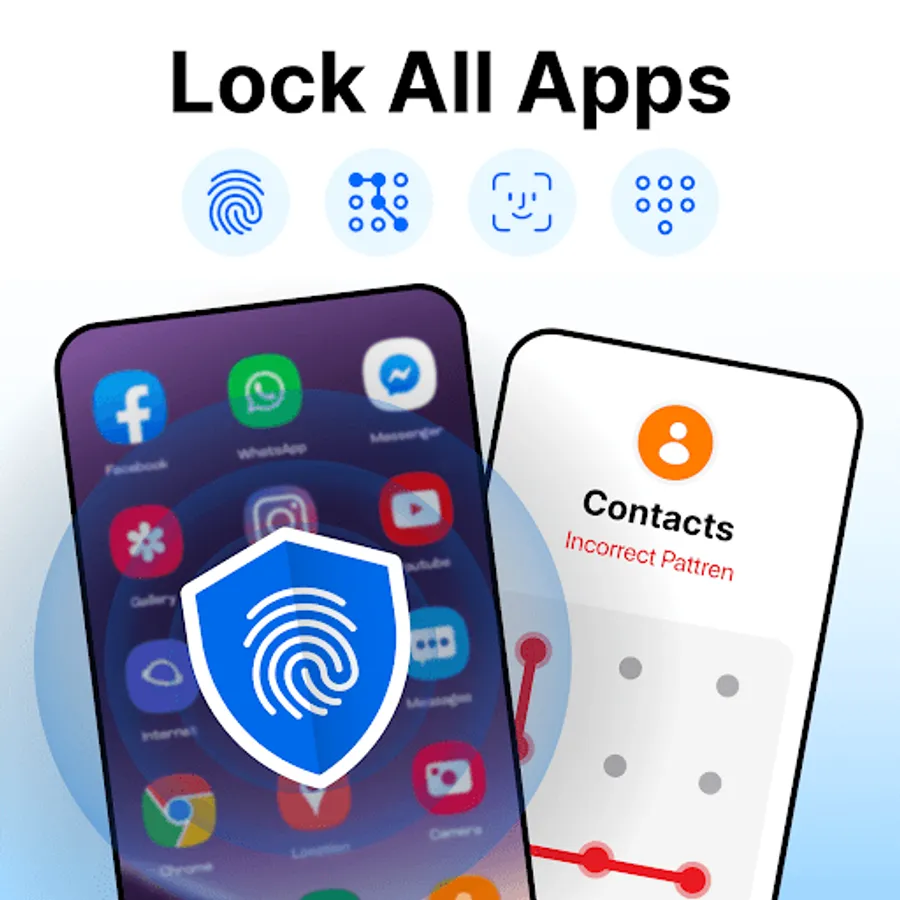
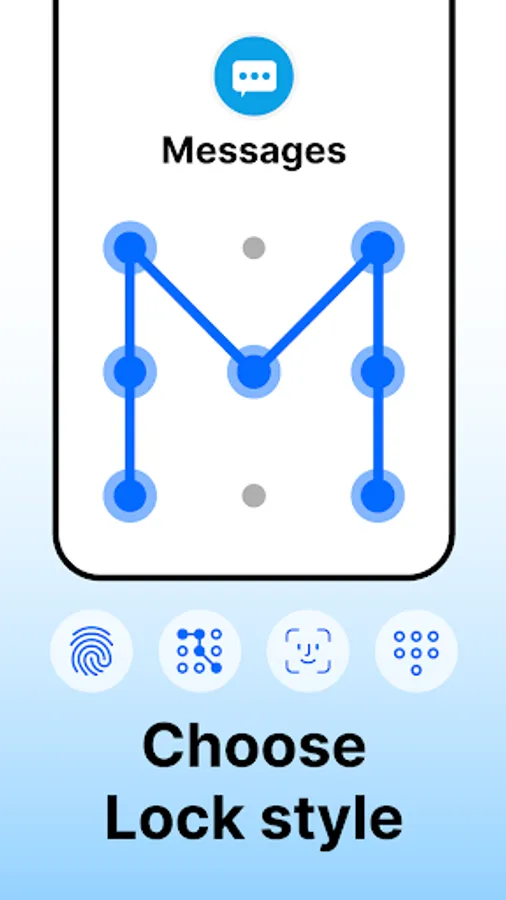
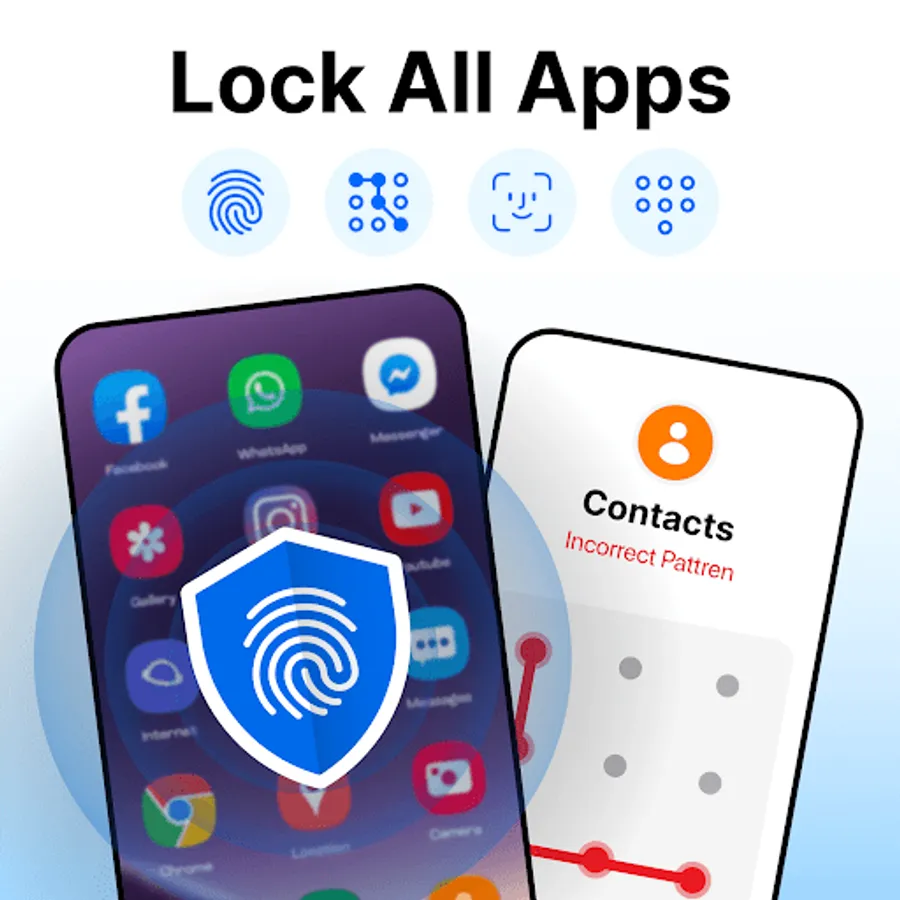
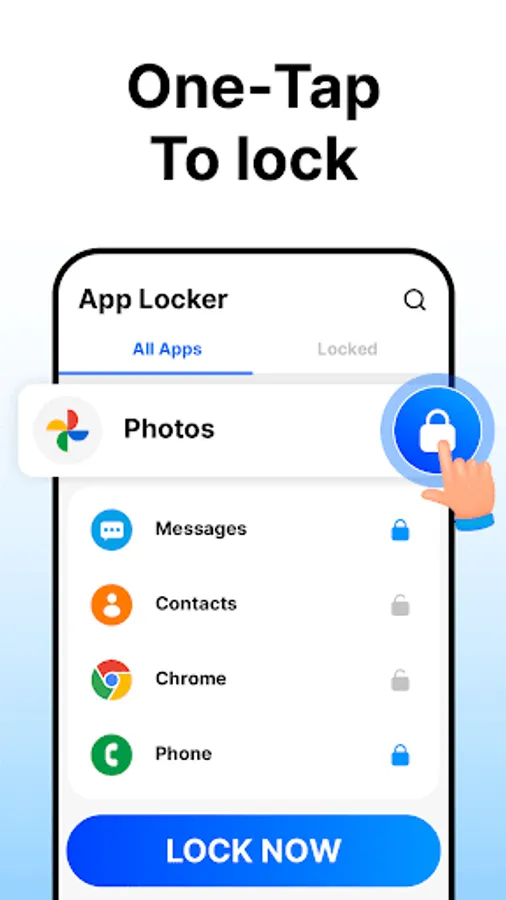
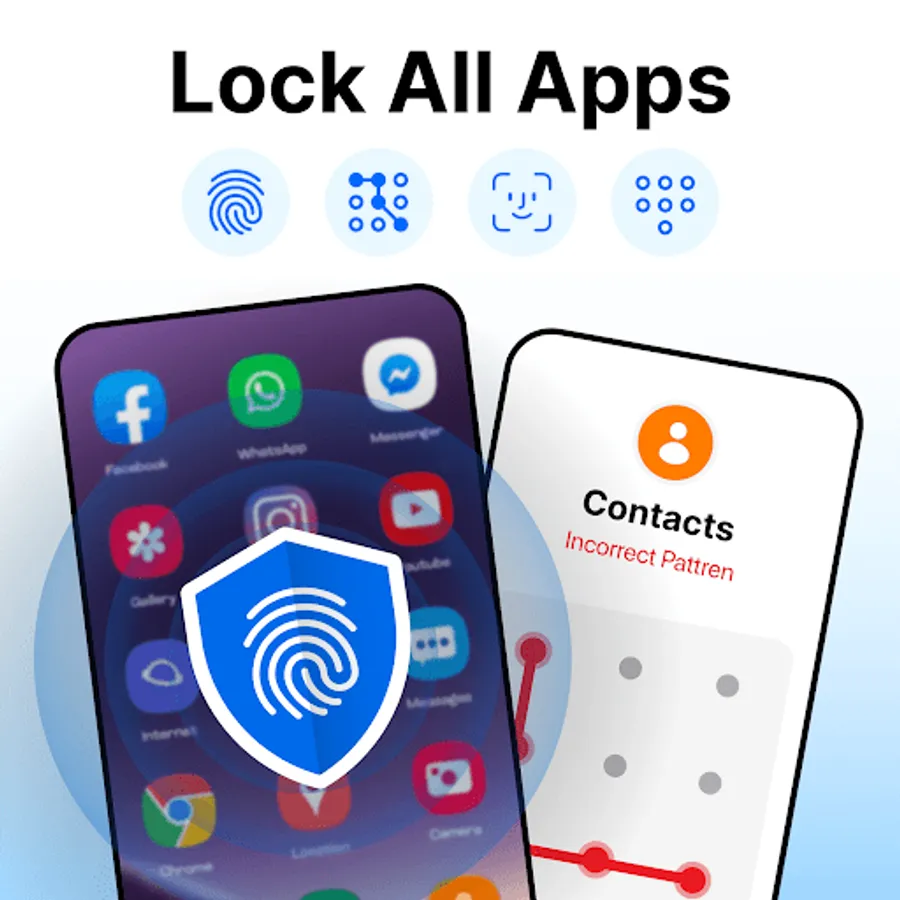
You can lock any app using a PIN, pattern, or fingerprint. It's easy to use and protects your privacy, whether it's social media, messages, or payment apps. App Lock keeps your data safe with just one tap.
App Lock helps you protect your privacy by allowing you to lock social media apps and more. It prevents others from accessing your messages or viewing sensitive content without permission. You can block anyone from accidentally making payments or deleting important files, ensuring your data stays safe and secure.
App-Lock Features:
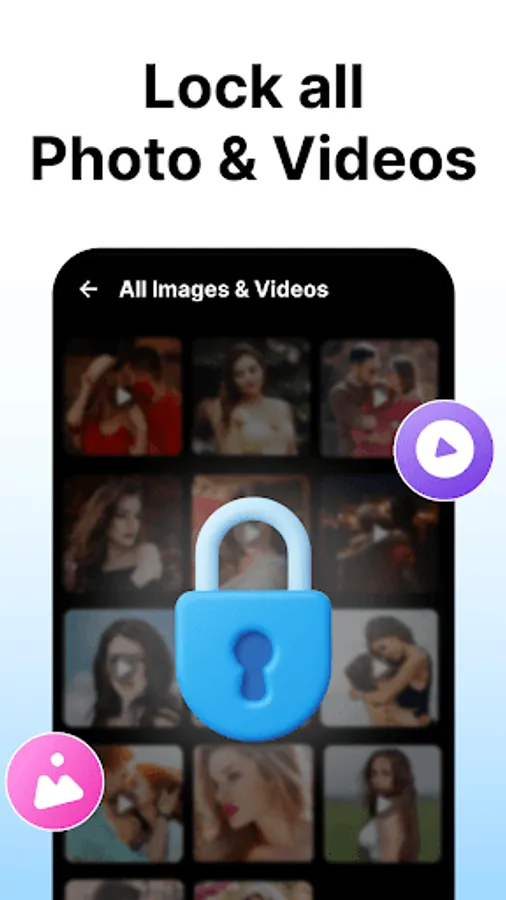
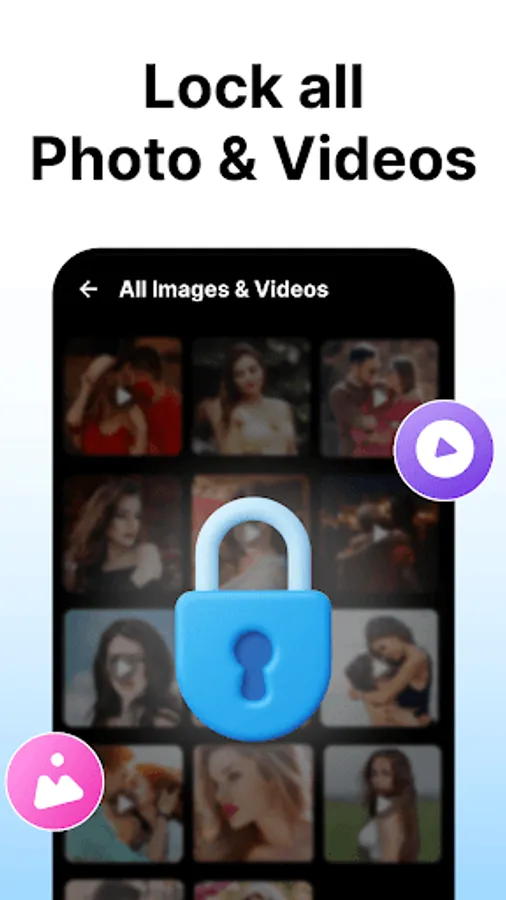
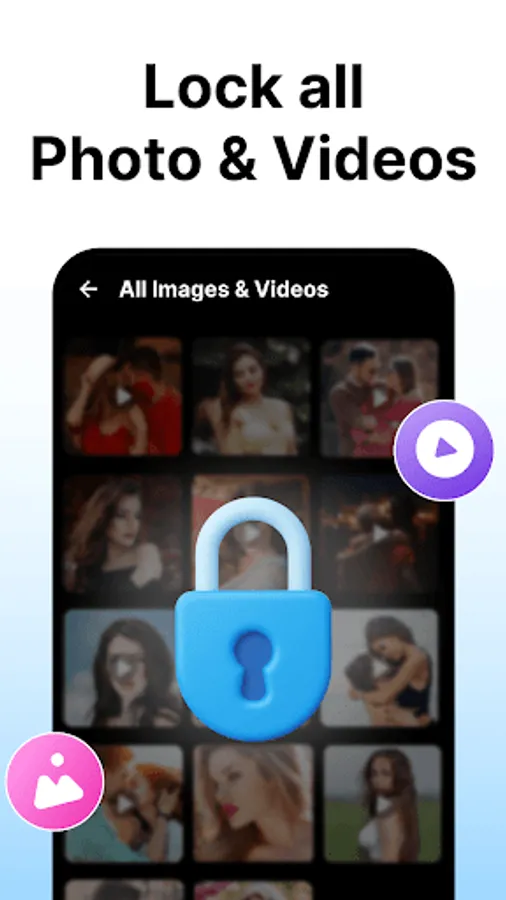
Safe Vault: Hide personal photos and videos, accessible only by you
Intruder Selfie: Capture a photo of anyone trying to unlock your apps with the wrong password
Uninstall Protection: Prevent unauthorized app removal
Custom Lock Time: Set when the app re-locks—immediately, after exit, or screen off
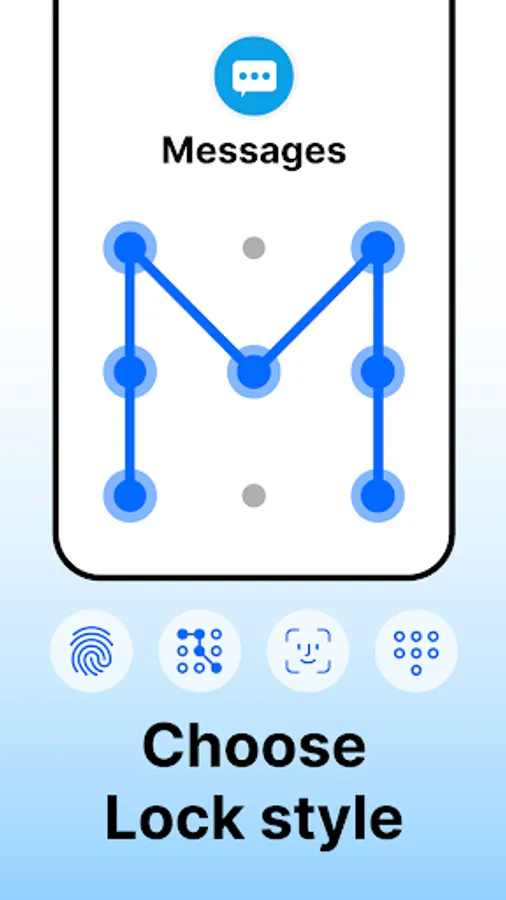
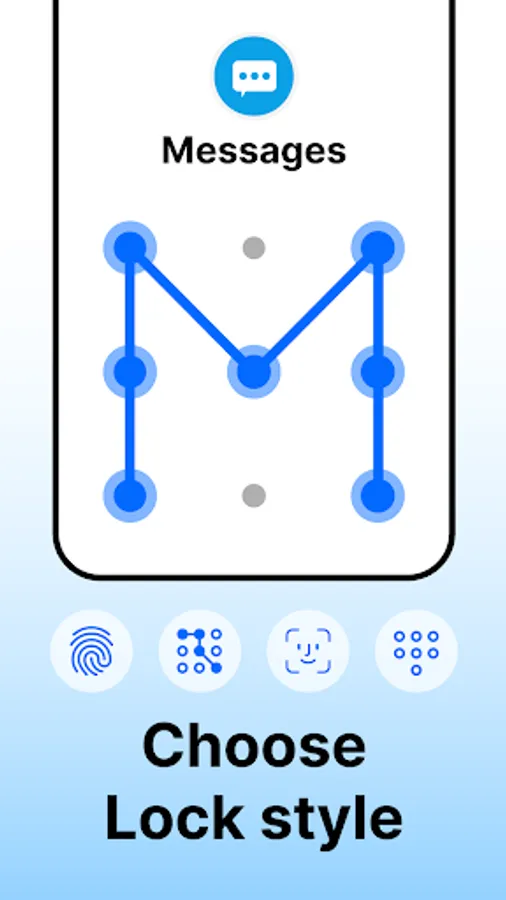
Fingerprint, PIN, and Pattern lock options
Invisible pattern draw path & random keyboard to prevent peeping
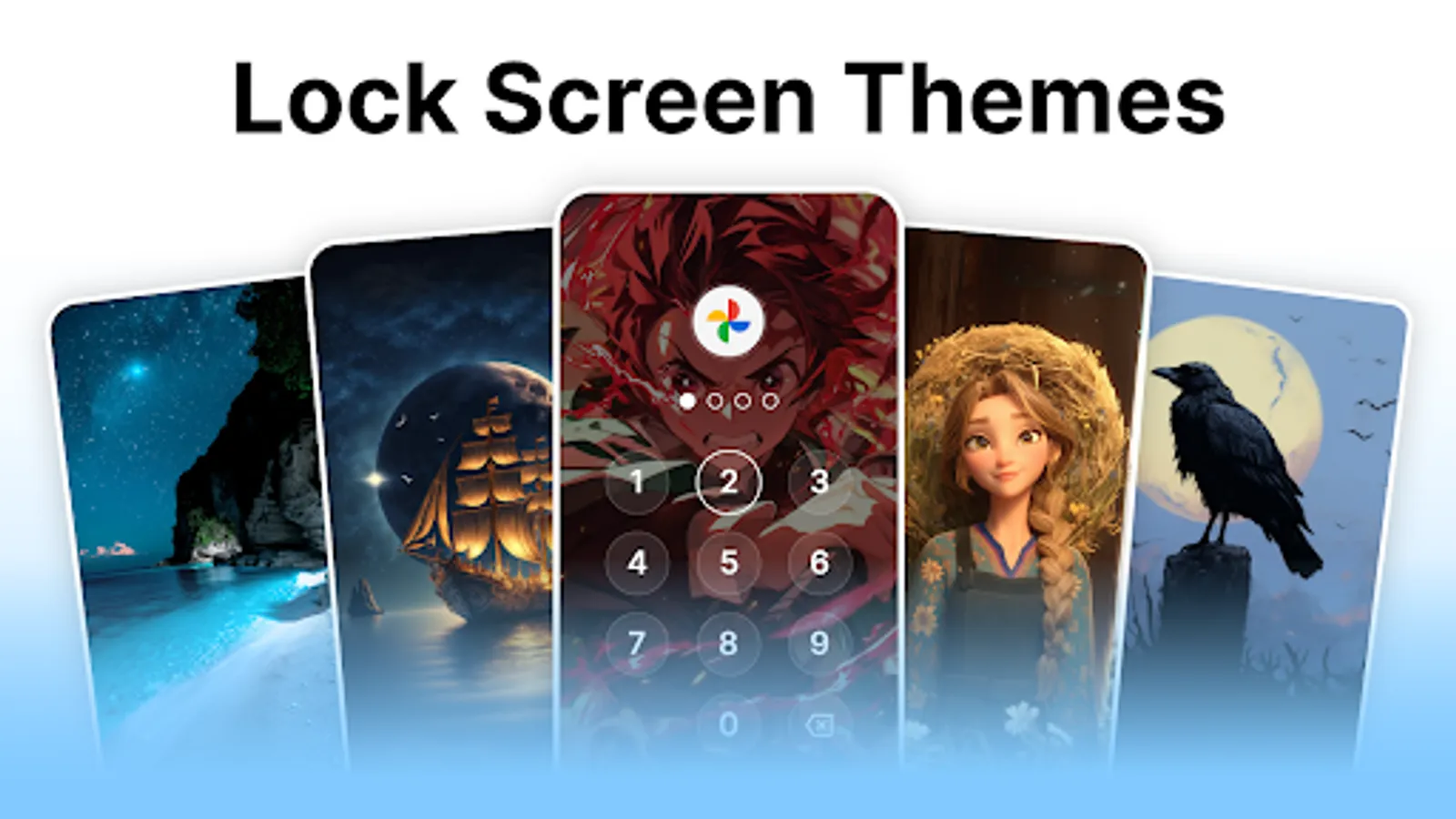
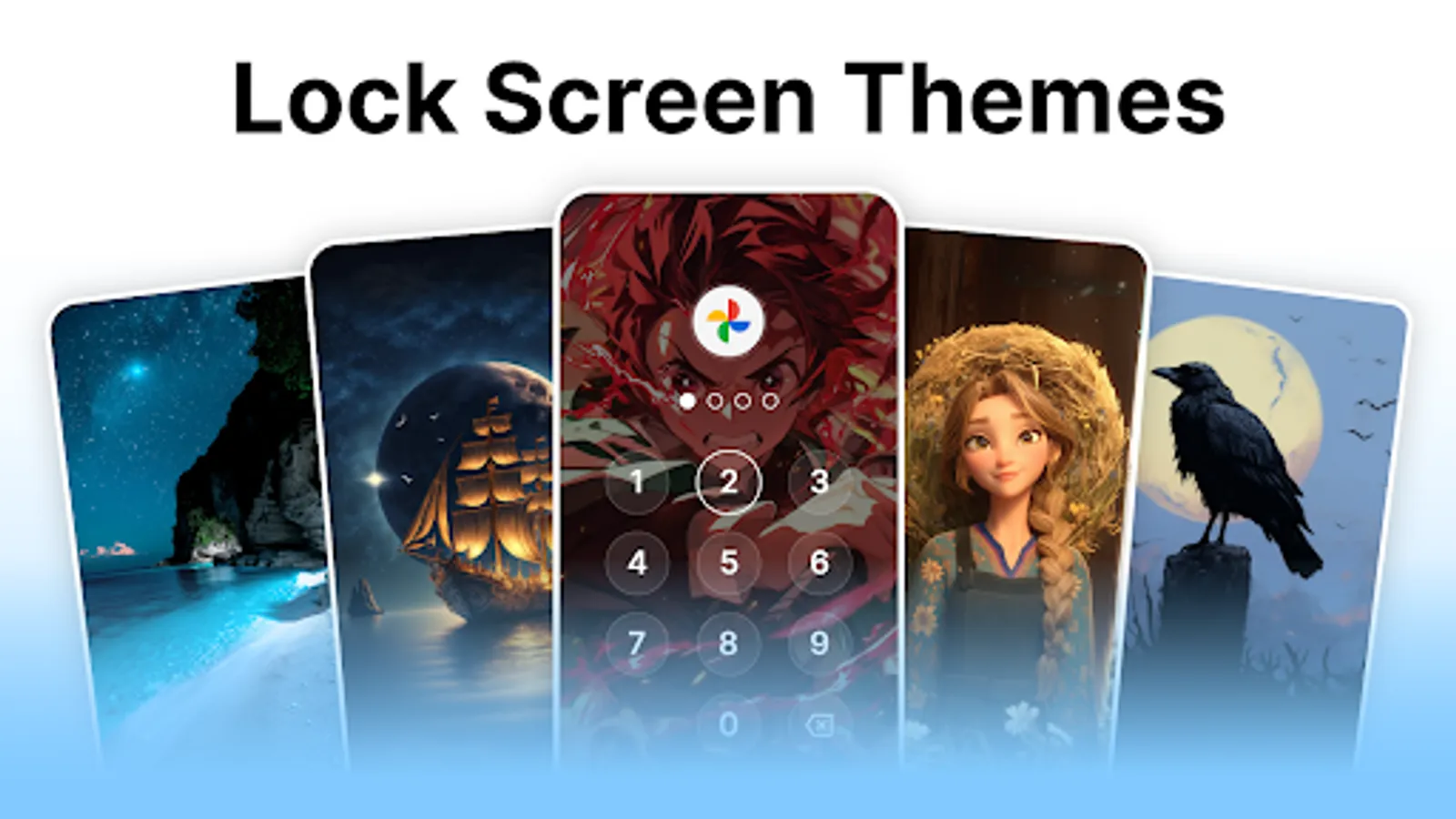
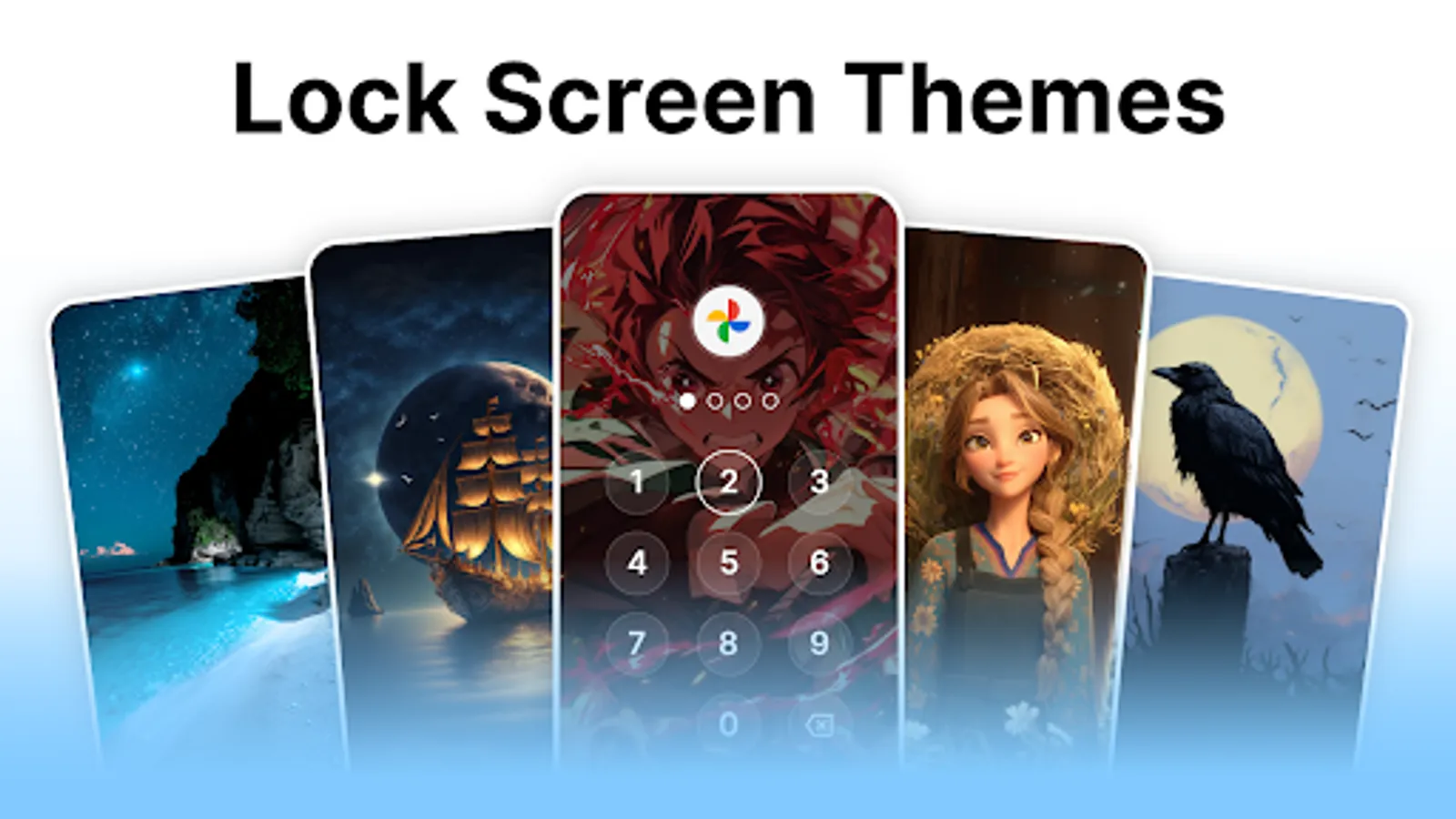
Multiple colorful themes for your lock screen
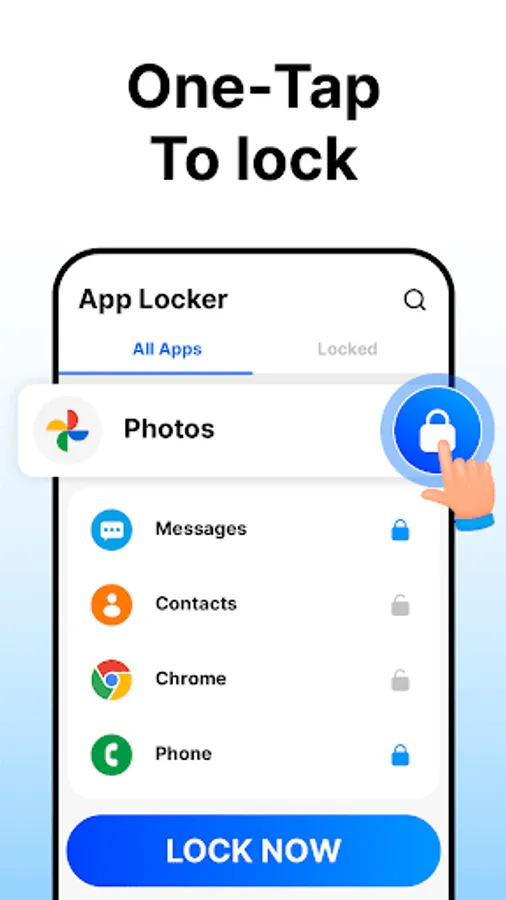
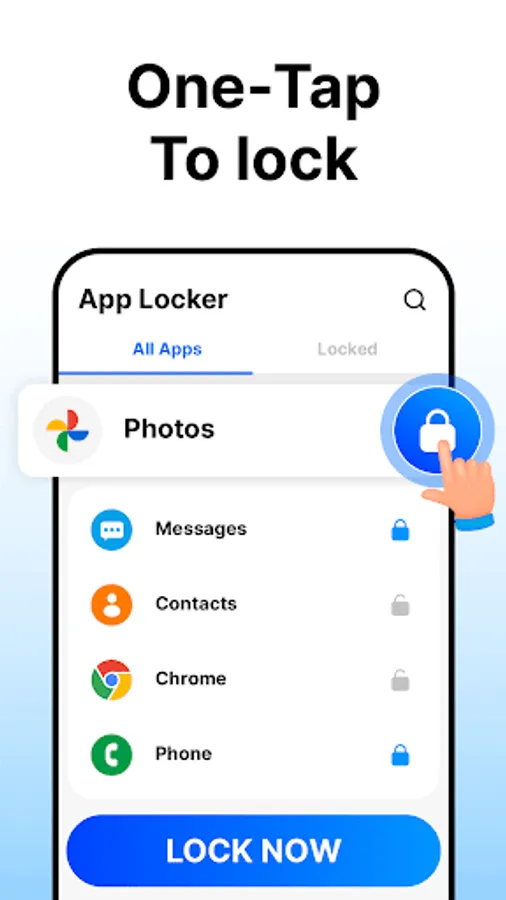
One-tap to lock or unlock all apps
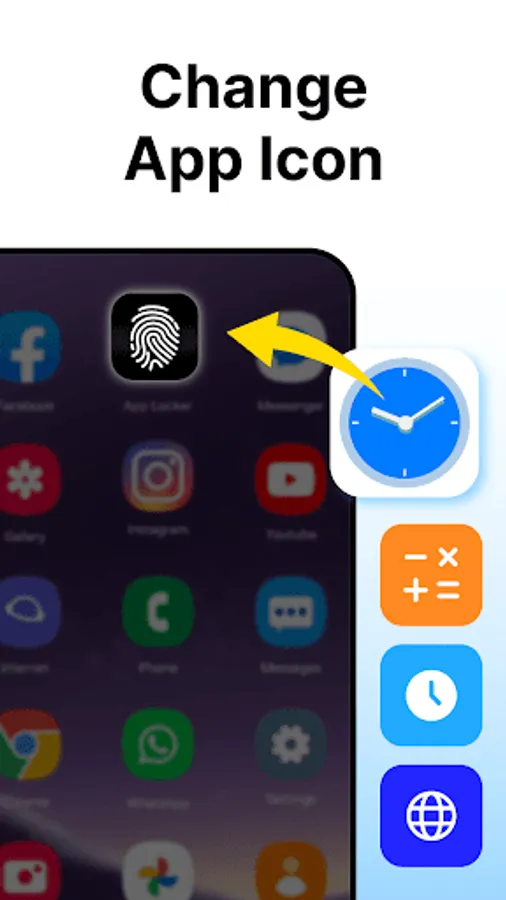
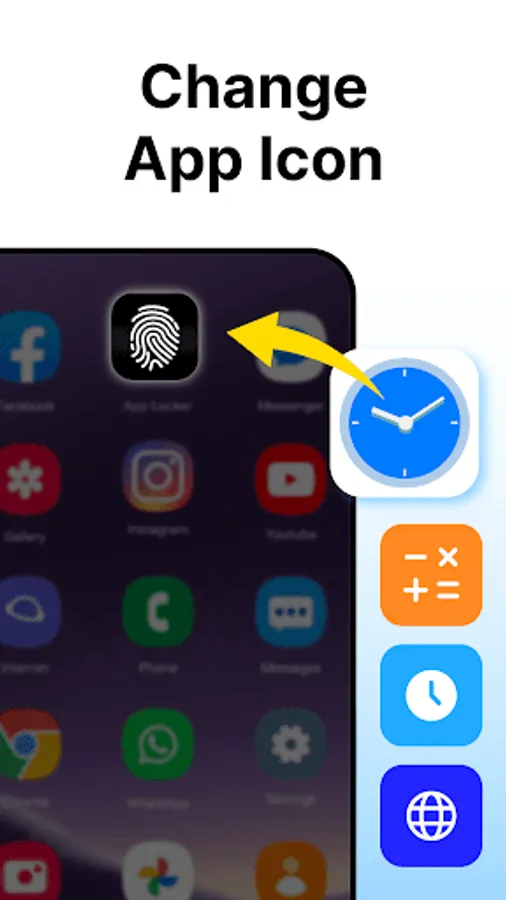
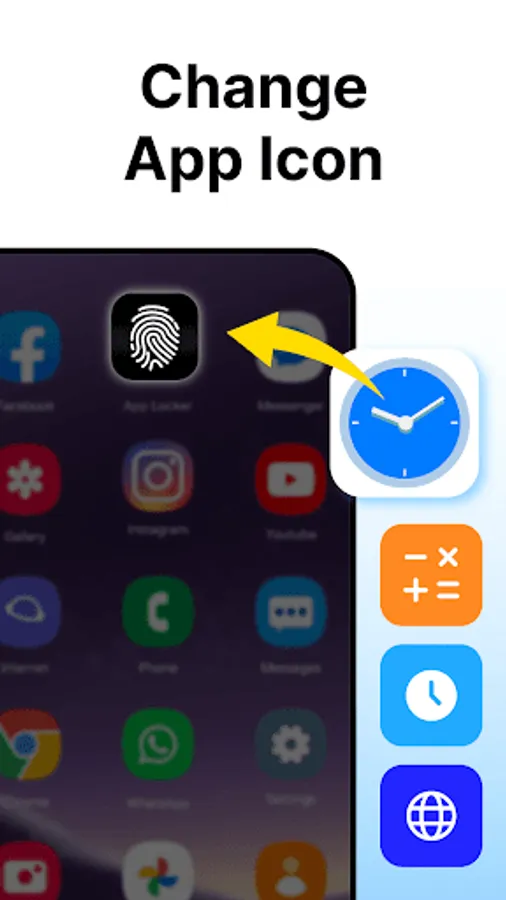
Protect your privacy by disguising AppLock as a normal app with one tap
Why Choose App Lock?
App Lock is simple, powerful, and secure. It locks your apps and files, prevents snooping and accidental actions, and runs smoothly without slowing your phone. With real-time locking and easy controls, it’s the ideal app to protect your privacy.
Why We Require "All Files Access" (Android 11+)
App Lock requires "All Files Access" (MANAGE_EXTERNAL_STORAGE) permission on Android 11 and above to perform its essential functions — hiding and restoring photos, videos, documents, and files from any folder on your device. This permission enables the app to move files to a private location and later restore them to their original path as per your command.
Your data always stays on your device and is never uploaded or shared without your explicit consent.
Important User Notes:
1. Lock app does not collect or share any personal data.
2. The app functions entirely offline, keeping your files fully private.
3. Deleted files are unrecoverable — ensure you back up any important data.
4. Uninstalling the app without restoring your files will result in permanent loss.
App Lock helps you protect your privacy by allowing you to lock social media apps and more. It prevents others from accessing your messages or viewing sensitive content without permission. You can block anyone from accidentally making payments or deleting important files, ensuring your data stays safe and secure.
App-Lock Features:
Why Choose App Lock?
App Lock is simple, powerful, and secure. It locks your apps and files, prevents snooping and accidental actions, and runs smoothly without slowing your phone. With real-time locking and easy controls, it’s the ideal app to protect your privacy.
Why We Require "All Files Access" (Android 11+)
App Lock requires "All Files Access" (MANAGE_EXTERNAL_STORAGE) permission on Android 11 and above to perform its essential functions — hiding and restoring photos, videos, documents, and files from any folder on your device. This permission enables the app to move files to a private location and later restore them to their original path as per your command.
Your data always stays on your device and is never uploaded or shared without your explicit consent.
Important User Notes:
1. Lock app does not collect or share any personal data.
2. The app functions entirely offline, keeping your files fully private.
3. Deleted files are unrecoverable — ensure you back up any important data.
4. Uninstalling the app without restoring your files will result in permanent loss.
Applock: Fingerprint Lock Apps Screenshots
Tap to Rate:
Reviews for Applock: Fingerprint Lock Apps
Babli
12/9/2025
app is really good the only problem is that. If you open an app then app will locked again and again in seconds. kindly improve this feature.
abdolreza gandjei
11/21/2025
hi this vpn is excellent i like this vpn thankyou