Document Scanner - Scan to PDF
Save Status, Video & Image Downloader
4.5 ★
1K ratings
100,000+
downloads
Free
+ in-app
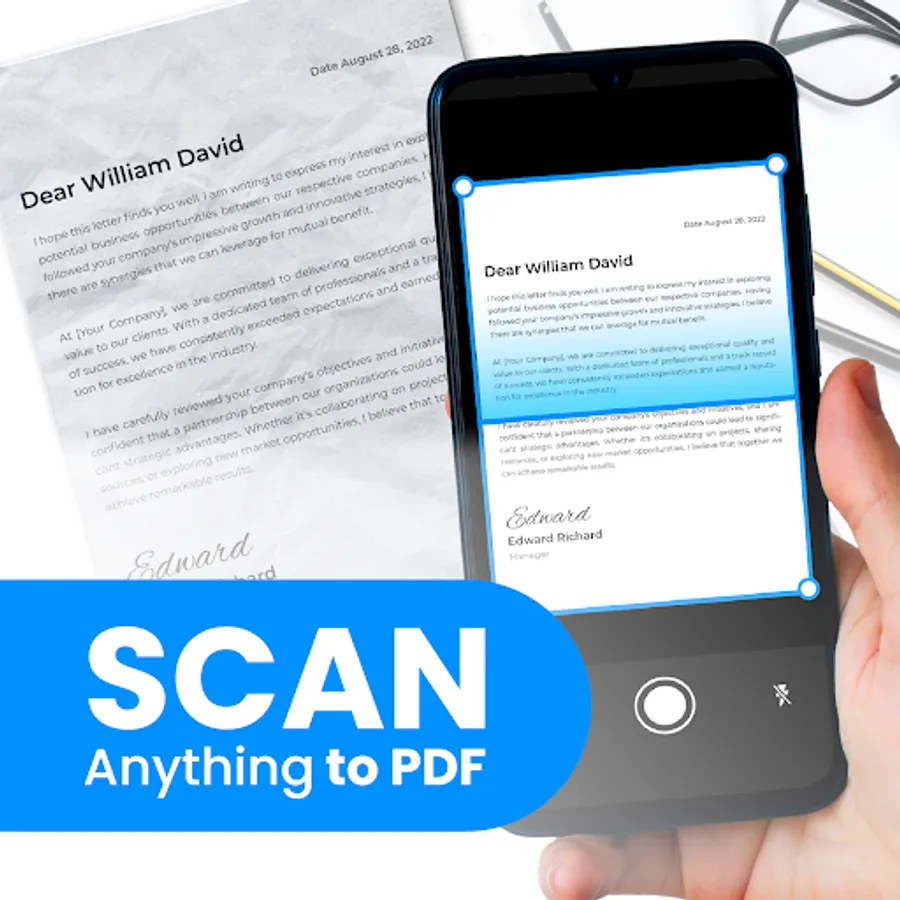
In this document scanning app, you can capture, crop, enhance, and save high-quality scans with auto crop and filters. Includes batch scanning, multi-photo merging, and easy sharing options.
AppRecs review analysis
AppRecs rating 4.5. Trustworthiness 75 out of 100. Review manipulation risk 35 out of 100. Based on a review sample analyzed.
★★★★☆
4.5
AppRecs Rating
Ratings breakdown
5 star
84%
4 star
5%
3 star
0%
2 star
0%
1 star
11%
What to know
✓
Credible reviews
75% trustworthiness score from analyzed reviews
✓
High user satisfaction
84% of sampled ratings are 5 stars
About Document Scanner - Scan to PDF
Introducing our revolutionary document scanning app designed to simplify your life and streamline your workflow. With an array of powerful features, intuitive design, and unmatched convenience, our app is your ultimate solution for all your document scanning needs.
Effortless Scanning:
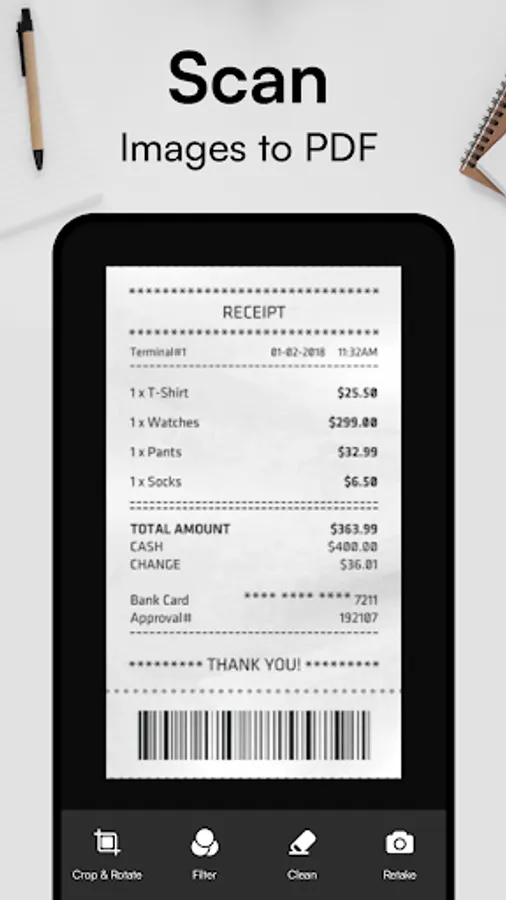
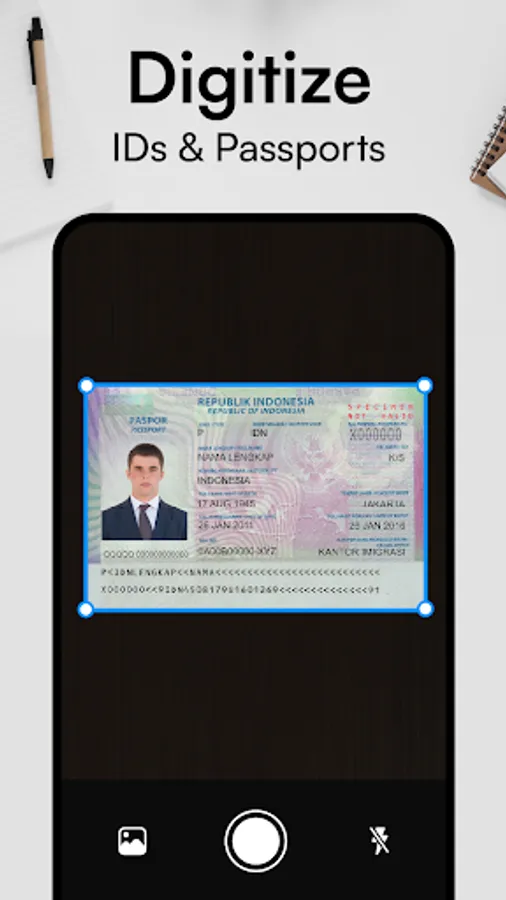
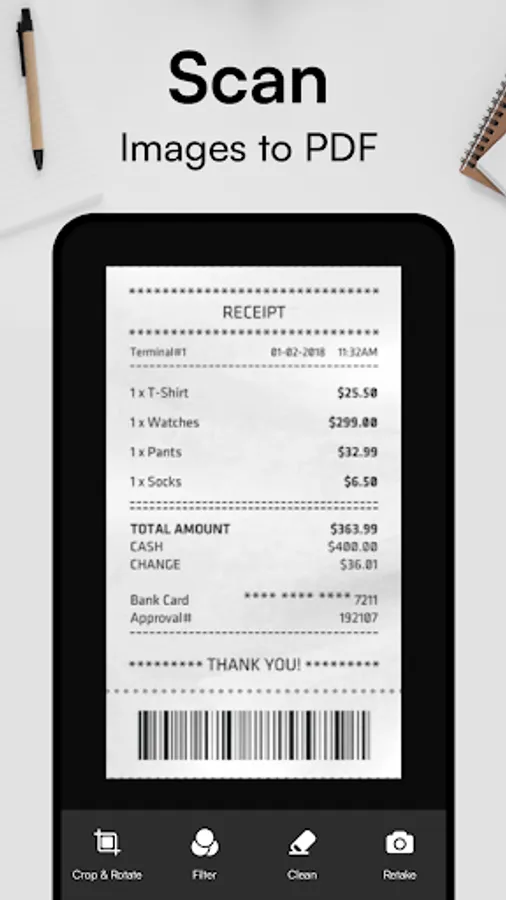
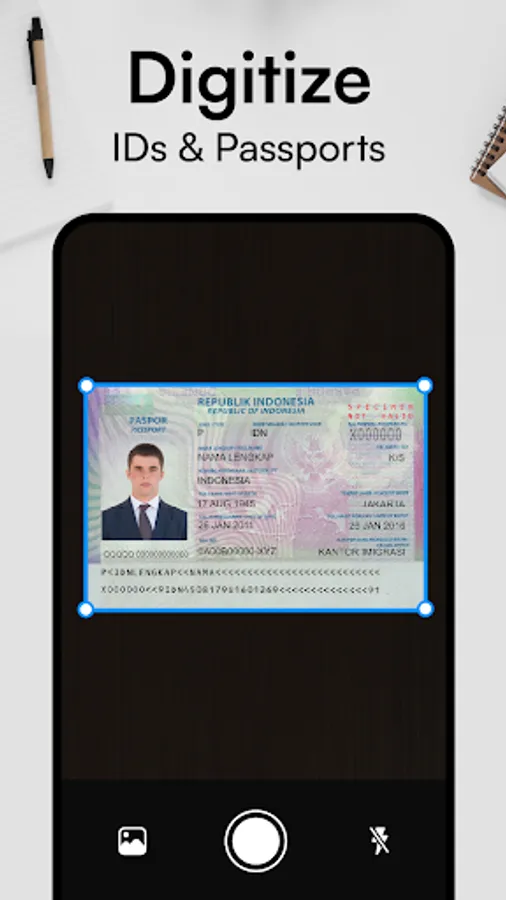
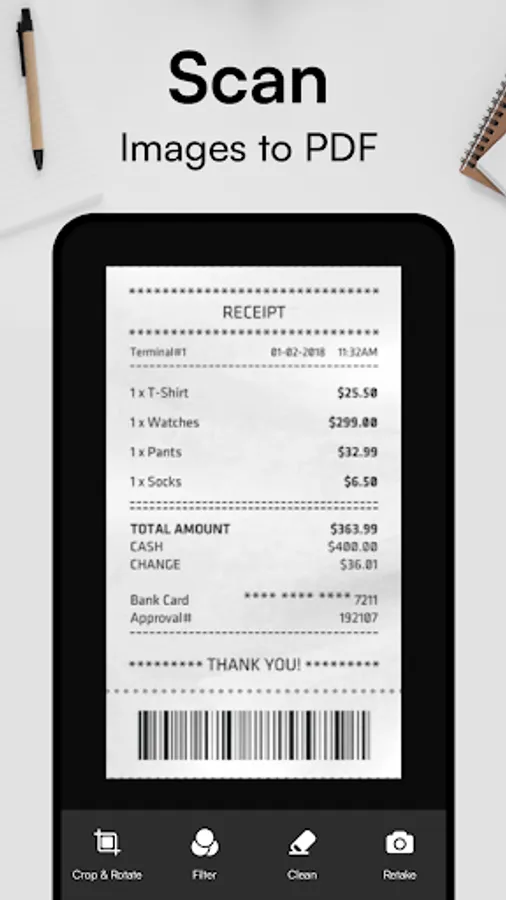
Transform your smartphone into a high-performance document scanner with just a tap. Our app allows you to effortlessly capture documents, receipts, notes, and more with stunning clarity and precision.
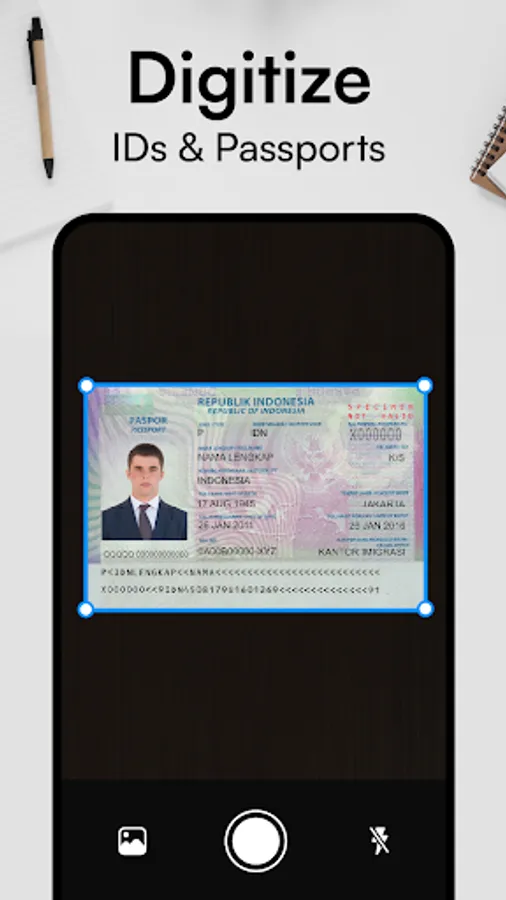
Auto Crop and Manual Crop:
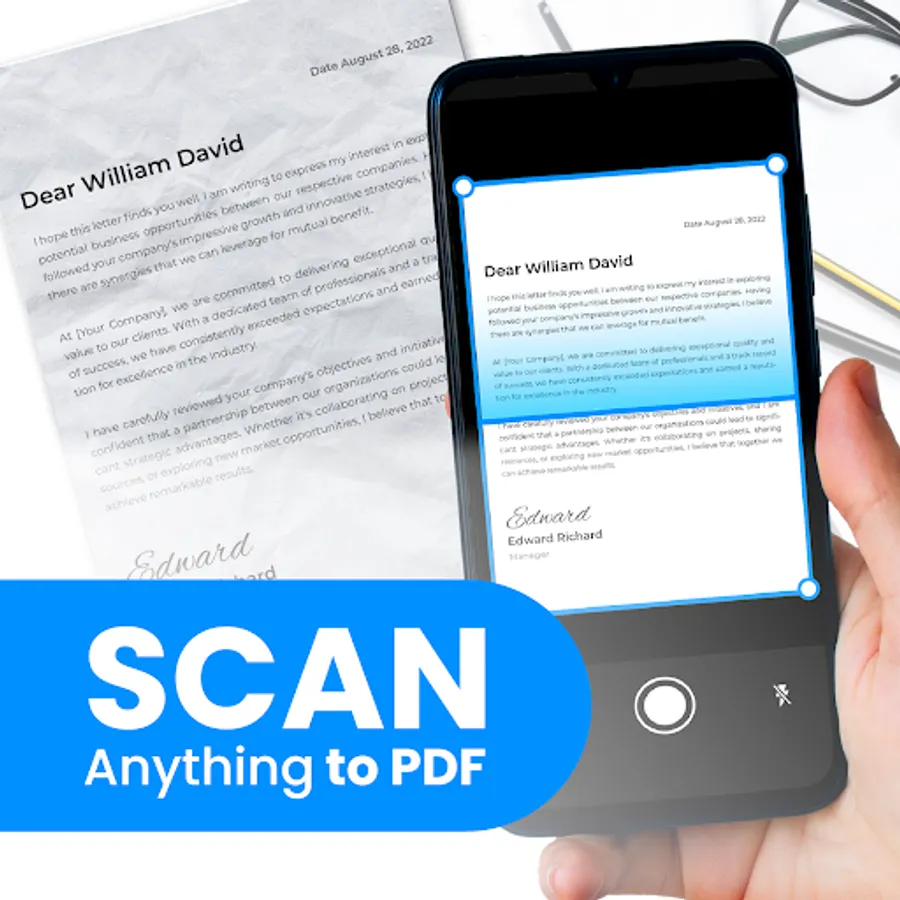
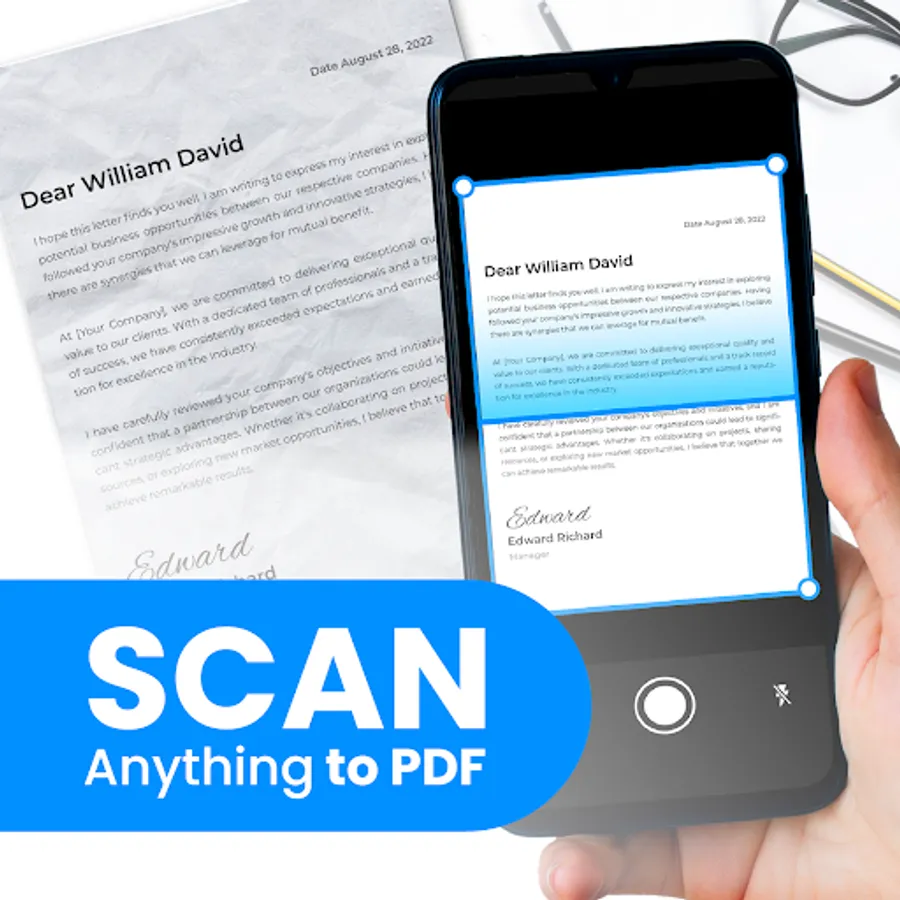
Ensure your scans are perfectly cropped every time with our automatic crop feature. For more control, use manual crop scan to adjust the cropping area to your liking.
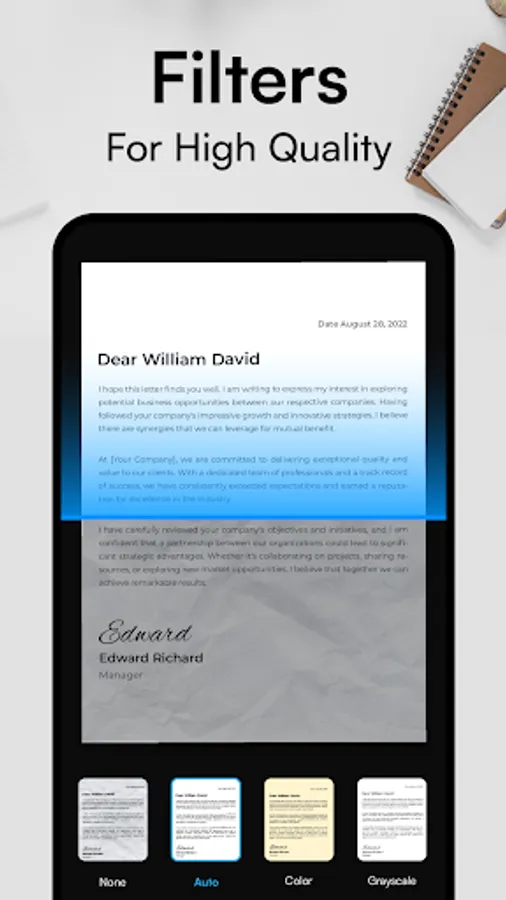
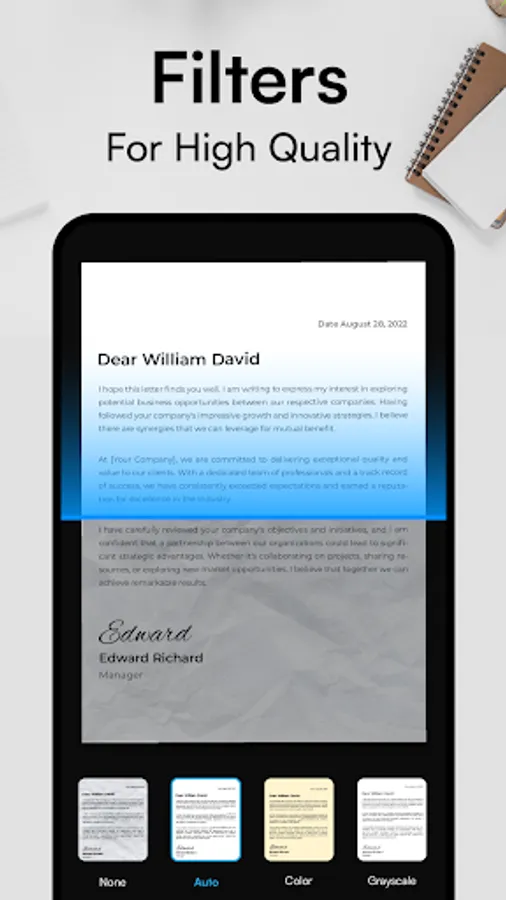
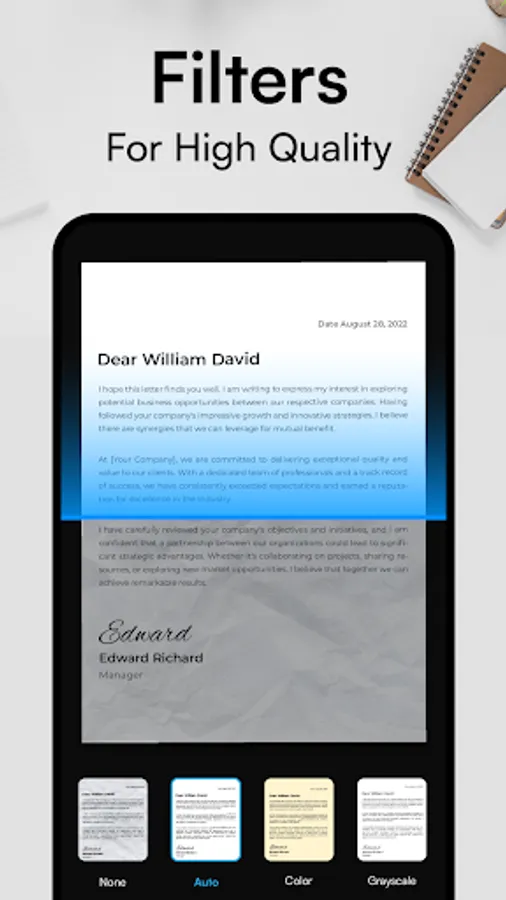
Advanced Filters and Rotation:
Enhance the quality of your scans with our selection of advanced filters. Rotate PDF scanned documents as needed to ensure they are perfectly aligned and legible.
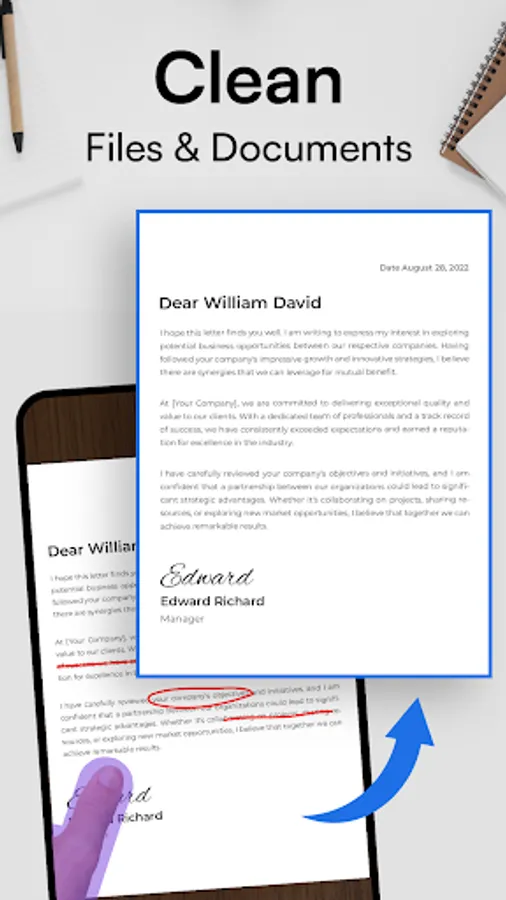
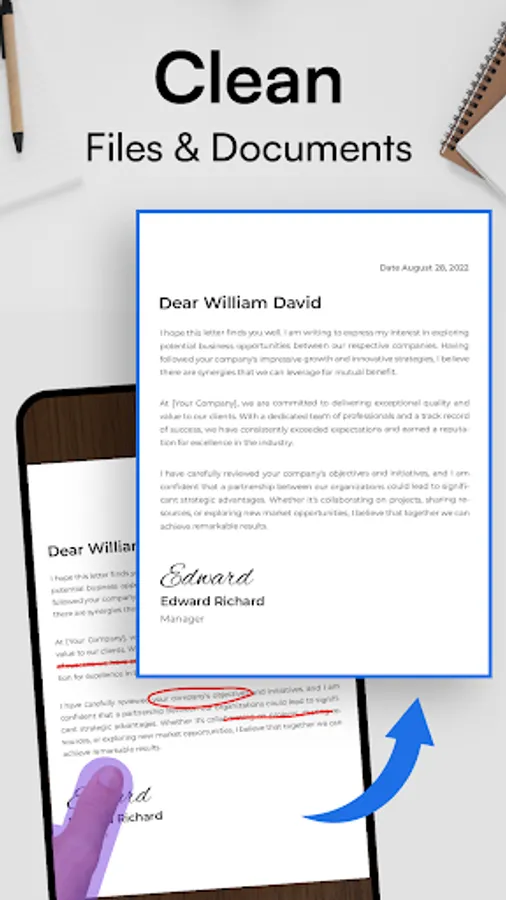
Clean Paper Detection:
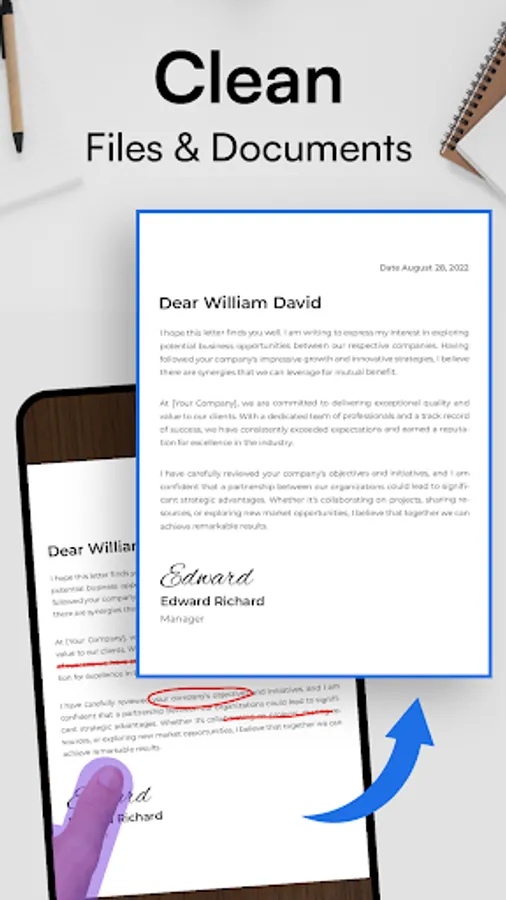
Say goodbye to blurry and messy scans. Our app automatically detects clean paper edges, ensuring that your scans are crisp and professional-looking every time.
Multi-Photo Scan:
Efficiently combine multiple photos into one PDF with just a single click. Our multi-photo scan feature allows you to scan multiple pages of a document seamlessly, saving you time and effort.
Batch Mode Edit:
Streamline your scanning process with batch mode. Scan multiple documents in one go, making it easier than ever to digitize your paperwork.
No Watermark:
Create professional-looking PDFs and JPEGs without any distracting watermarks. Our app ensures that your scanned documents maintain their integrity and professionalism.
Smooth PDF Reading Experience:
Enjoy a seamless reading experience with our smooth PDF viewer. Easily navigate through your document scanner and access the information you need with ease.
Easy PDF Sharing:
Share your scanned documents effortlessly with our built-in sharing feature. Whether you need to send documents via email, messaging apps, or cloud storage services, our app makes sharing a breeze.
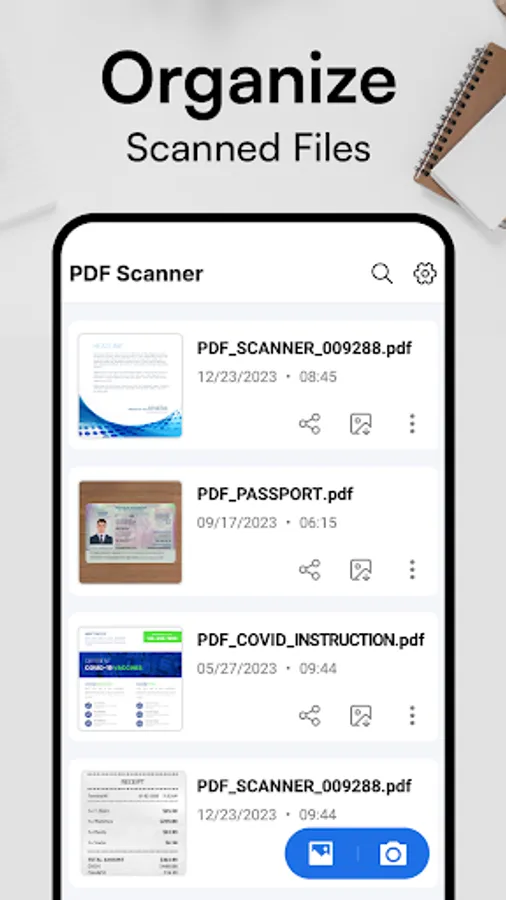
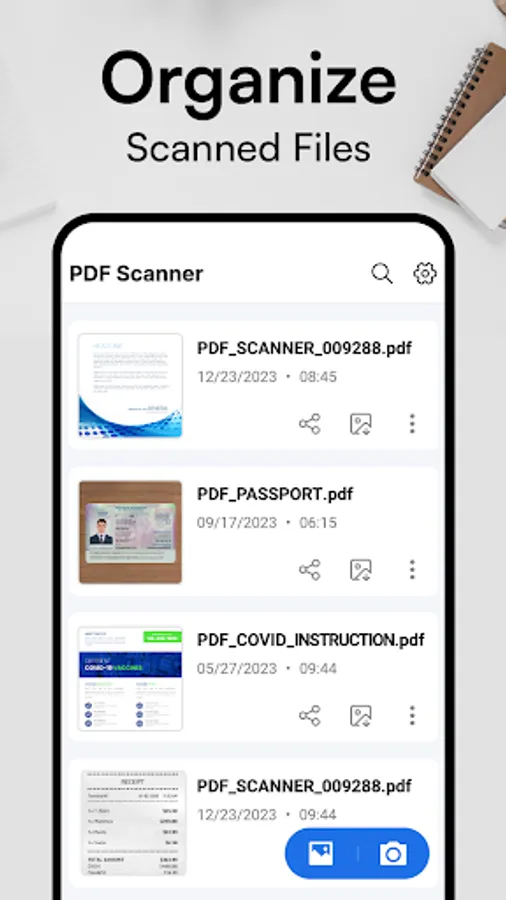
Document Management:
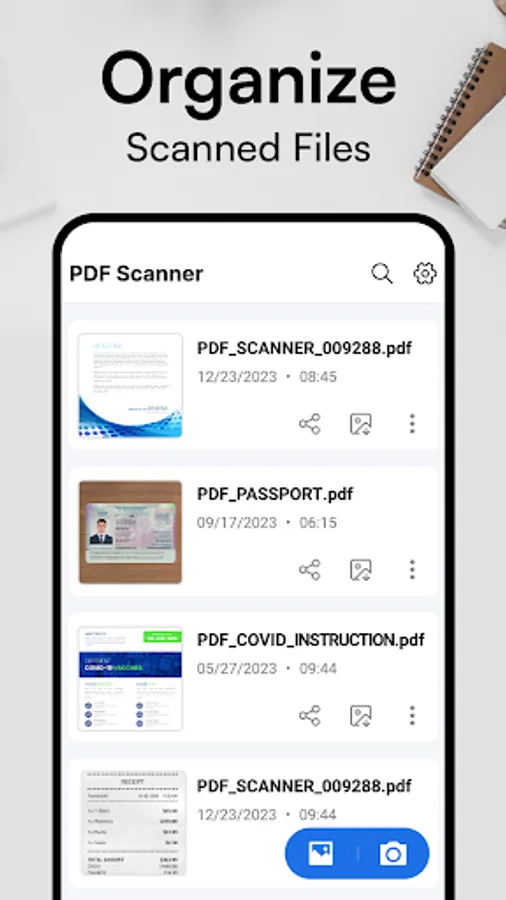
Take control of your scanned documents with our comprehensive document management features. Rearrange pages, print documents directly from the app, delete unwanted scans, and manage your digital files with ease.
User-Friendly Interface:
Navigate our app with ease thanks to its intuitive design and user-friendly interface. Whether you're a seasoned pro or a first-time user, you'll find our app easy to use and highly efficient.
Secure and Private:
Rest assured that your sensitive documents are safe and secure with our app. We prioritize the privacy and security of your data, ensuring that your scans remain confidential at all times.
Frequent Updates and Support:
We are committed to providing our users with the best possible experience. Expect frequent updates with new features and improvements, as well as dedicated customer support to address any questions or concerns you may have.
In summary, our document scanner app offers unparalleled convenience, versatility, and reliability. Whether you're a student, professional, or anyone in between, our app is the perfect companion for all your scanning needs. Experience the future of document scanning today!
Effortless Scanning:
Transform your smartphone into a high-performance document scanner with just a tap. Our app allows you to effortlessly capture documents, receipts, notes, and more with stunning clarity and precision.
Auto Crop and Manual Crop:
Ensure your scans are perfectly cropped every time with our automatic crop feature. For more control, use manual crop scan to adjust the cropping area to your liking.
Advanced Filters and Rotation:
Enhance the quality of your scans with our selection of advanced filters. Rotate PDF scanned documents as needed to ensure they are perfectly aligned and legible.
Clean Paper Detection:
Say goodbye to blurry and messy scans. Our app automatically detects clean paper edges, ensuring that your scans are crisp and professional-looking every time.
Multi-Photo Scan:
Efficiently combine multiple photos into one PDF with just a single click. Our multi-photo scan feature allows you to scan multiple pages of a document seamlessly, saving you time and effort.
Batch Mode Edit:
Streamline your scanning process with batch mode. Scan multiple documents in one go, making it easier than ever to digitize your paperwork.
No Watermark:
Create professional-looking PDFs and JPEGs without any distracting watermarks. Our app ensures that your scanned documents maintain their integrity and professionalism.
Smooth PDF Reading Experience:
Enjoy a seamless reading experience with our smooth PDF viewer. Easily navigate through your document scanner and access the information you need with ease.
Easy PDF Sharing:
Share your scanned documents effortlessly with our built-in sharing feature. Whether you need to send documents via email, messaging apps, or cloud storage services, our app makes sharing a breeze.
Document Management:
Take control of your scanned documents with our comprehensive document management features. Rearrange pages, print documents directly from the app, delete unwanted scans, and manage your digital files with ease.
User-Friendly Interface:
Navigate our app with ease thanks to its intuitive design and user-friendly interface. Whether you're a seasoned pro or a first-time user, you'll find our app easy to use and highly efficient.
Secure and Private:
Rest assured that your sensitive documents are safe and secure with our app. We prioritize the privacy and security of your data, ensuring that your scans remain confidential at all times.
Frequent Updates and Support:
We are committed to providing our users with the best possible experience. Expect frequent updates with new features and improvements, as well as dedicated customer support to address any questions or concerns you may have.
In summary, our document scanner app offers unparalleled convenience, versatility, and reliability. Whether you're a student, professional, or anyone in between, our app is the perfect companion for all your scanning needs. Experience the future of document scanning today!
Document Scanner - Scan to PDF Screenshots
Tap to Rate:
Reviews for Document Scanner - Scan to PDF
Jessica Teta
12/2/2025
To save all document
Nick Barrett
11/24/2025
very bad .... always coming up with errors