AppRecs review analysis
AppRecs rating 4.0. Trustworthiness 79 out of 100. Review manipulation risk 39 out of 100. Based on a review sample analyzed.
★★★★☆
4.0
AppRecs Rating
Ratings breakdown
5 star
63%
4 star
17%
3 star
0%
2 star
0%
1 star
20%
What to know
✓
Credible reviews
79% trustworthiness score from analyzed reviews
✓
High user satisfaction
80% of sampled ratings are 4+ stars (4.0★ average)
About Employee Verification Form
Employee Verification app will be very easy to verify employee.
Employee Verification app simplifies the verification of employees. It takes seconds
to verify employee, save your time and go paperless in seconds.
* How to use
Firstly identify your role who are you e.g. employee verifying employee or
requester for verification of employee.
*Steps for Employee verifying employee:
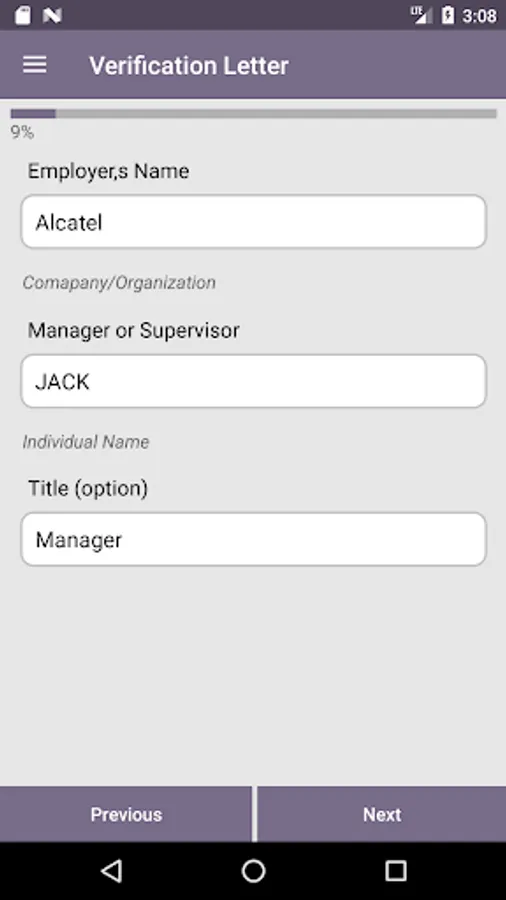
1. Enter Employee Name
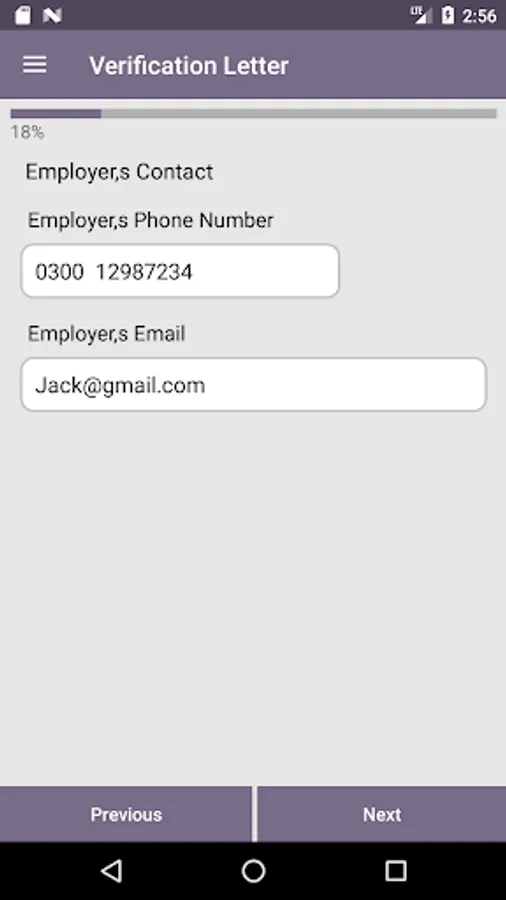
2. Enter Employer Contact details e.g. phone number, email
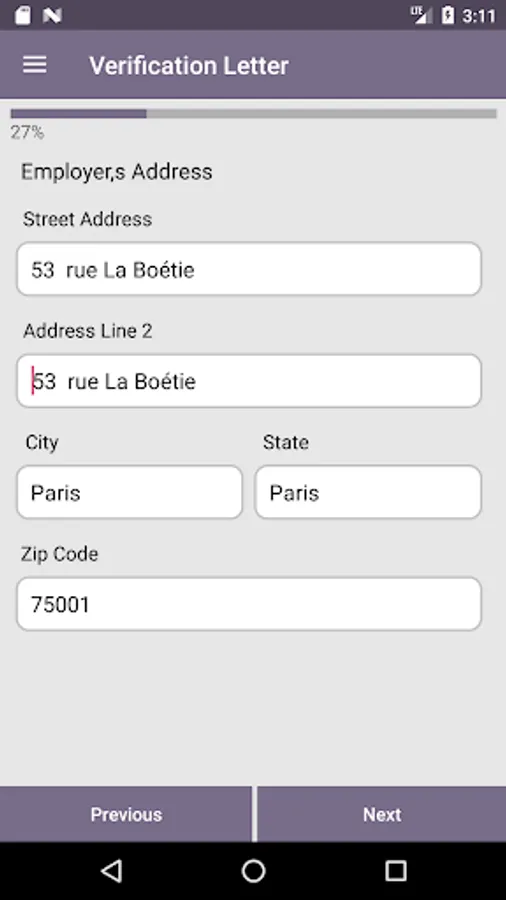
3. Enter Employer address details e.g. city, state, zip code
4. Enter employee detail's e.g. name of employee, role and employee orignal start date
5. Add employee work details e.g. full-time or part-time worker
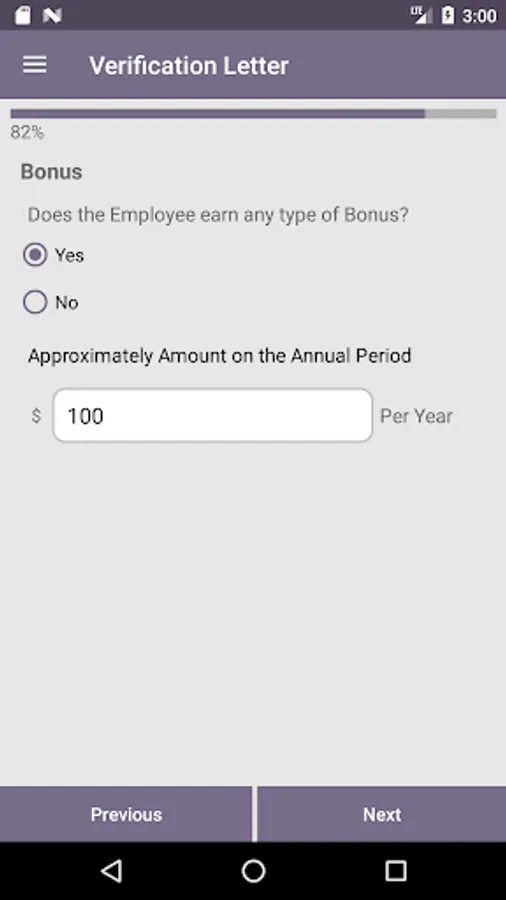
6. Add employee bonus details
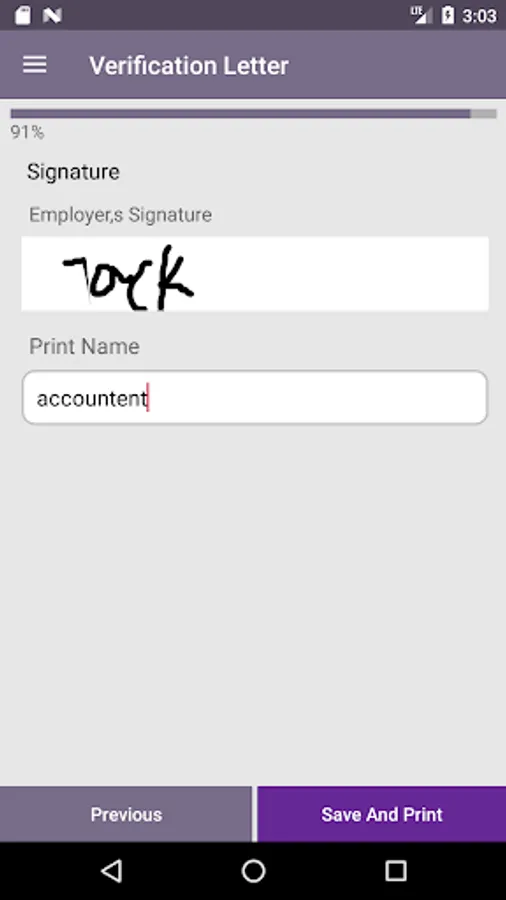
7. Add employee signature and print name and save and print Employee Verification
letter
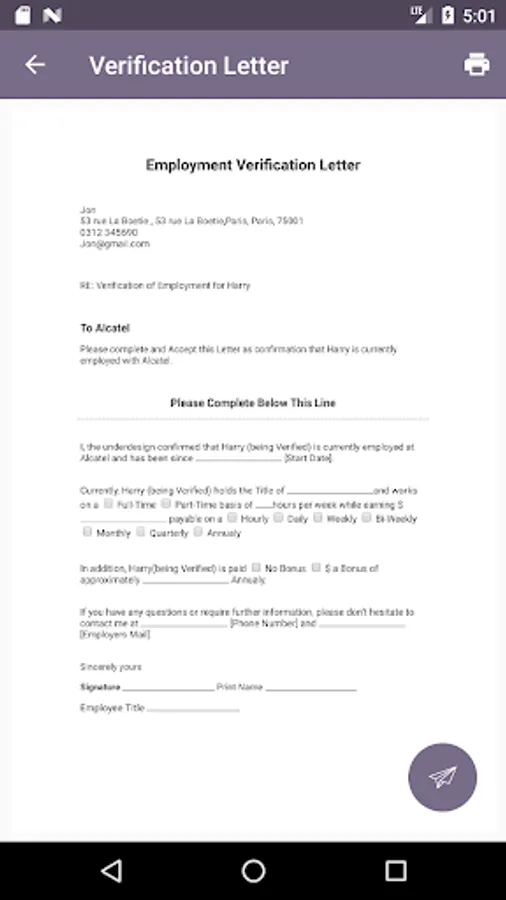
*Steps for Requesting verifying of employee:
1. Enter employee name
2. Enter requesting party details e.g. requesting party name, phone number and email
3. Enter requestor's address e.g. city, state, zip code
4. Enter employee detail's e.g. name of employee, role and employee orignal start date
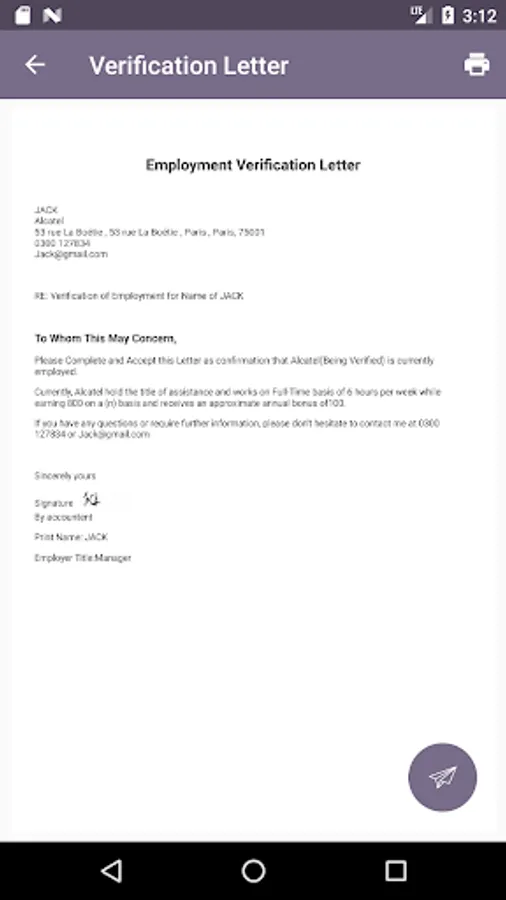
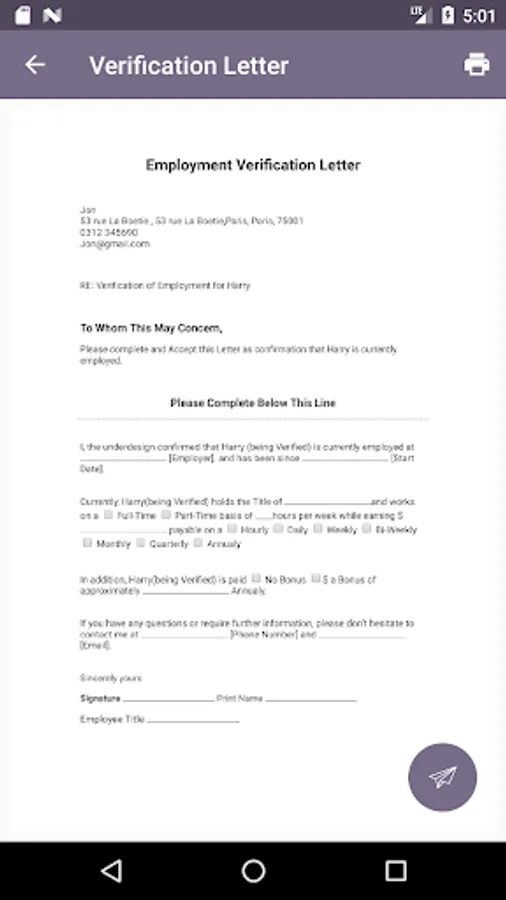
Employer Verification app allow you to save and print Employee Verification
letter.
Employee Verification app simplifies the verification of employees. It takes seconds
to verify employee, save your time and go paperless in seconds.
* How to use
Firstly identify your role who are you e.g. employee verifying employee or
requester for verification of employee.
*Steps for Employee verifying employee:
1. Enter Employee Name
2. Enter Employer Contact details e.g. phone number, email
3. Enter Employer address details e.g. city, state, zip code
4. Enter employee detail's e.g. name of employee, role and employee orignal start date
5. Add employee work details e.g. full-time or part-time worker
6. Add employee bonus details
7. Add employee signature and print name and save and print Employee Verification
letter
*Steps for Requesting verifying of employee:
1. Enter employee name
2. Enter requesting party details e.g. requesting party name, phone number and email
3. Enter requestor's address e.g. city, state, zip code
4. Enter employee detail's e.g. name of employee, role and employee orignal start date
Employer Verification app allow you to save and print Employee Verification
letter.