
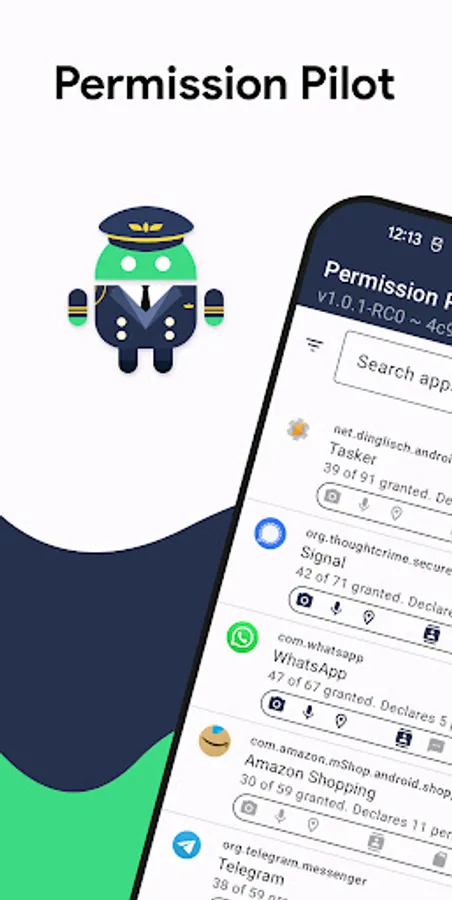
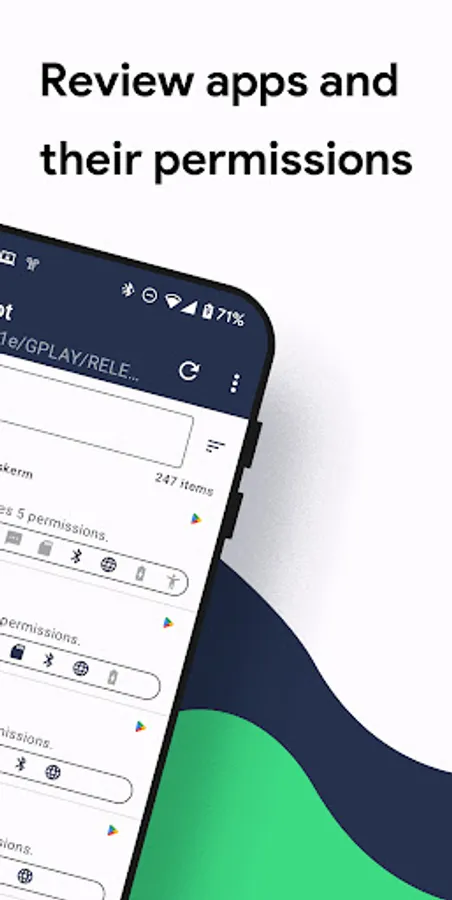
In this app, you can review app permissions and see detailed information for each app or permission. Includes app lists, permission groups, search, sorting, and filtering features.
AppRecs review analysis
AppRecs rating 4.1. Trustworthiness 80 out of 100. Review manipulation risk 22 out of 100. Based on a review sample analyzed.
★★★★☆
4.1
AppRecs Rating
Ratings breakdown
5 star
66%
4 star
6%
3 star
9%
2 star
6%
1 star
14%
What to know
✓
Low review manipulation risk
22% review manipulation risk
✓
Credible reviews
80% trustworthiness score from analyzed reviews
✓
High user satisfaction
72% of sampled ratings are 4+ stars (4.0★ average)
About Permission Pilot
Permission Pilot is a new kind of app to help you review apps and their permissions.
With each Android update permissions are getting more complex.
Android showing permissions in various different locations, doesn't make it easier to review them:
* App Info page
* Special Access
* Permissions Manager
* and more...
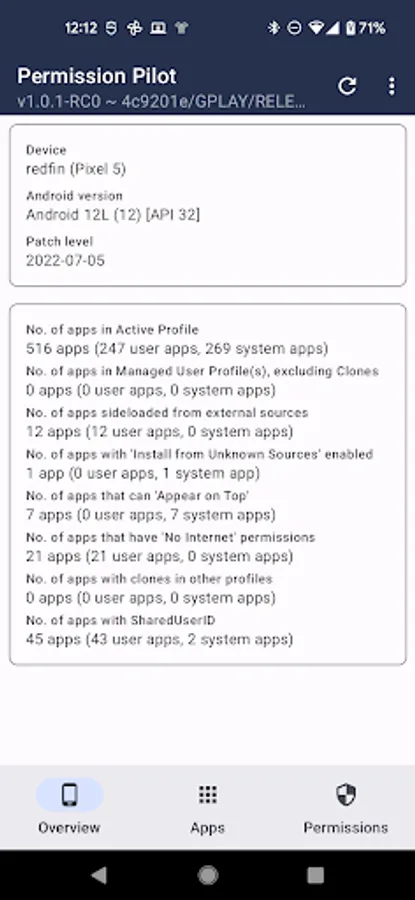
Permission Pilot lists all permissions in a single location, giving you a bird's eye view of app permissions.
Two perspectives are available: You can either view all permissions an app requests, or view all apps that request a permission.
Apps tab
All installed apps, including system apps and work profile apps.
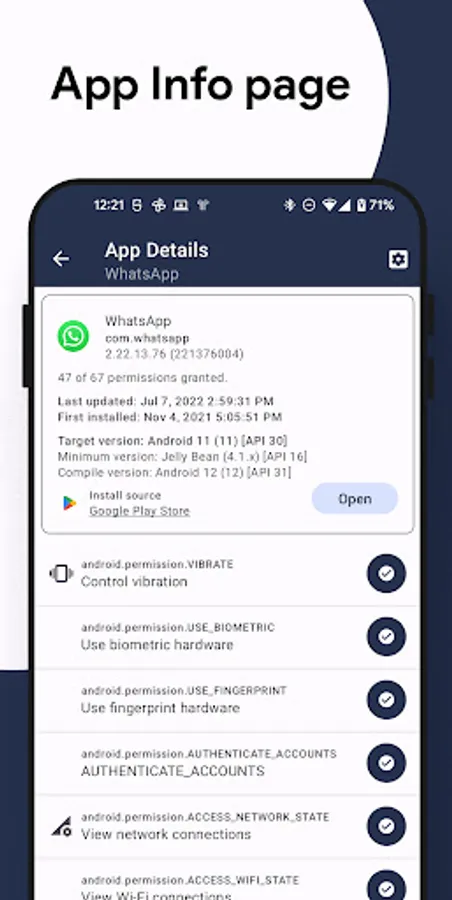
Clicking on any app will list all permissions that the app has requested, including those that show up under Permissions Manager and Special Access, along with their status.
This will also include internet permissions, SharedUserID status!
Permissions tab
All permissions that exist on your device, including those that show up under Permissions Manager and Special Access.
Permissions are pre-grouped for easier navigation, e.g. Contacts, Microphone, Camera, etc.
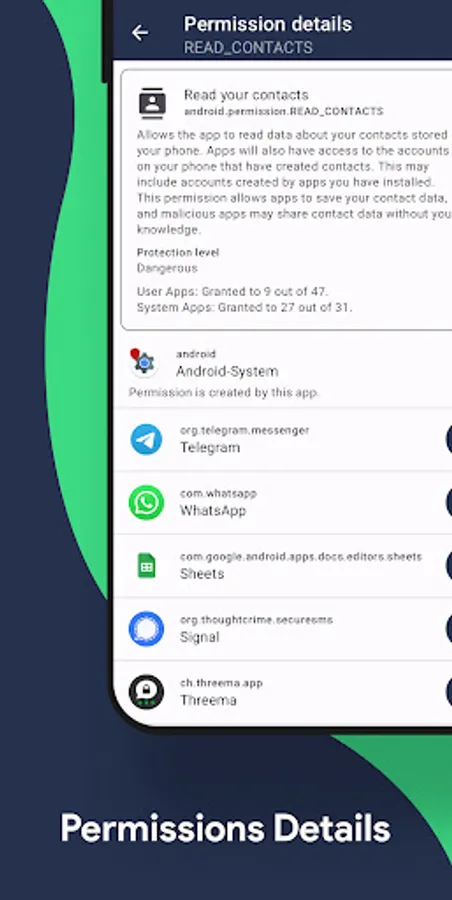
Clicking on a permission shows all the apps that request access to that permission.
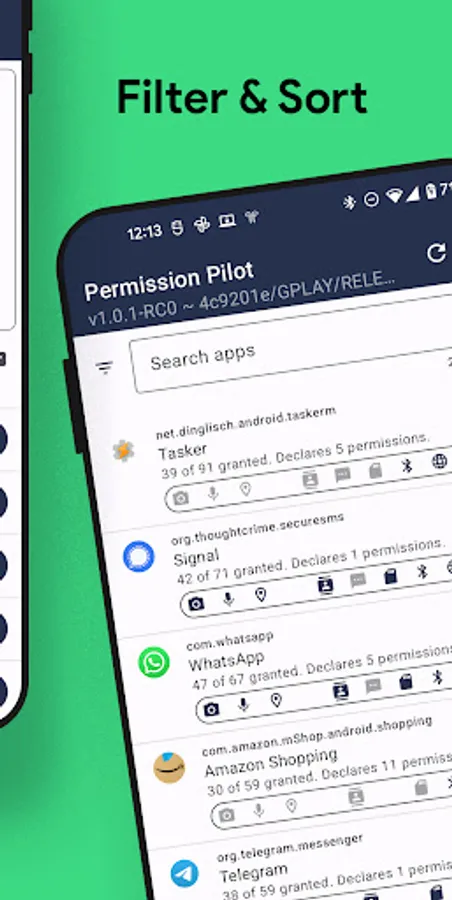
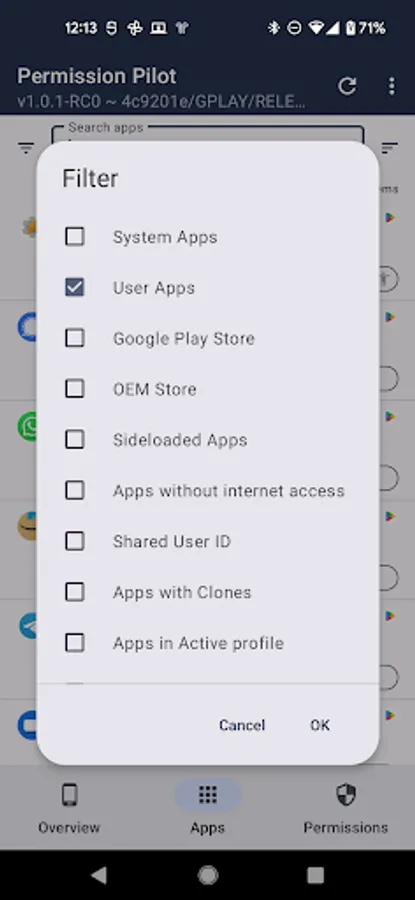
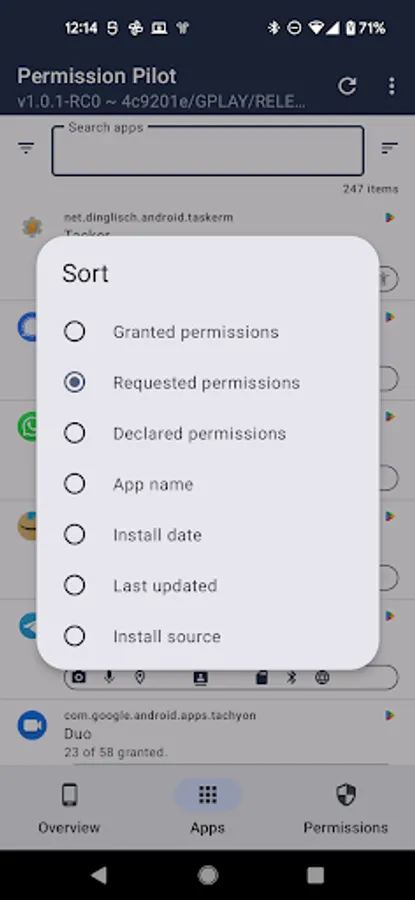
Apps and permissions can be searched using free-text, sorted and filtered by different criteria.
With each Android update permissions are getting more complex.
Android showing permissions in various different locations, doesn't make it easier to review them:
* App Info page
* Special Access
* Permissions Manager
* and more...
Permission Pilot lists all permissions in a single location, giving you a bird's eye view of app permissions.
Two perspectives are available: You can either view all permissions an app requests, or view all apps that request a permission.
Apps tab
All installed apps, including system apps and work profile apps.
Clicking on any app will list all permissions that the app has requested, including those that show up under Permissions Manager and Special Access, along with their status.
This will also include internet permissions, SharedUserID status!
Permissions tab
All permissions that exist on your device, including those that show up under Permissions Manager and Special Access.
Permissions are pre-grouped for easier navigation, e.g. Contacts, Microphone, Camera, etc.
Clicking on a permission shows all the apps that request access to that permission.
Apps and permissions can be searched using free-text, sorted and filtered by different criteria.
Permission Pilot Screenshots
Tap to Rate:
Reviews for Permission Pilot
Gordon Nichola's Stapley
12/20/2025
great app its amazing been using it for years no problems at all
sambhunath behera
12/8/2025
Bad Apk