
NetGuard - no-root firewall
Marcel Bokhorst, FairCode BV
4.3 ★
29K ratings
10,000,000+
downloads
Free
+ in-app
With this no-root firewall app, you can block or allow internet access for individual apps and addresses, manage network connections, and monitor data usage. Includes features like per-application rules, notifications, and traffic recording.
AppRecs review analysis
AppRecs rating 4.3. Trustworthiness 75 out of 100. Review manipulation risk 32 out of 100. Based on a review sample analyzed.
★★★★☆
4.3
AppRecs Rating
Ratings breakdown
5 star
72%
4 star
10%
3 star
6%
2 star
2%
1 star
10%
What to know
✓
Credible reviews
75% trustworthiness score from analyzed reviews
✓
High user satisfaction
82% of sampled ratings are 4+ stars (4.3★ average)
✓
Authentic reviews
Natural distribution, no red flags
About NetGuard - no-root firewall
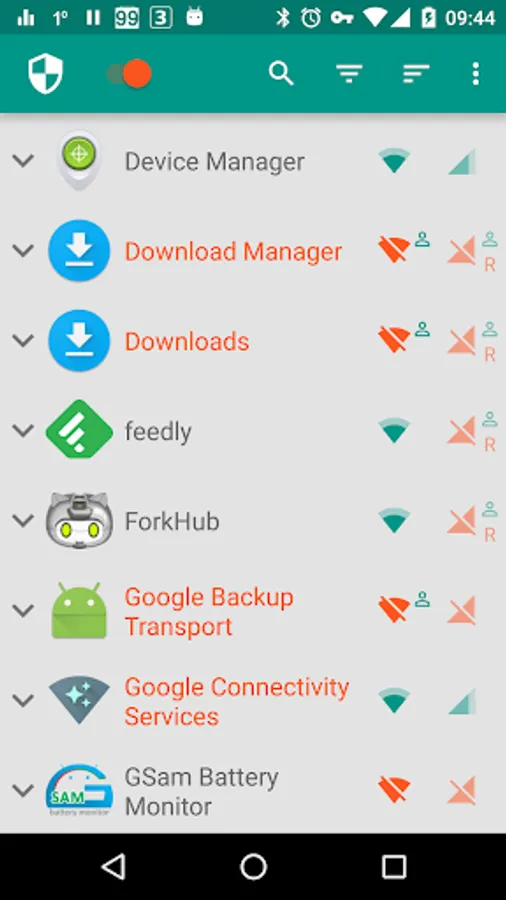
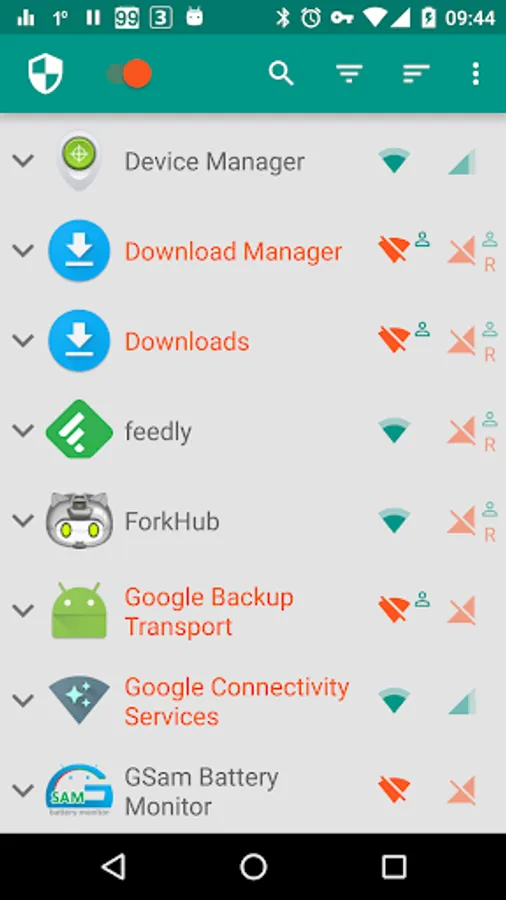
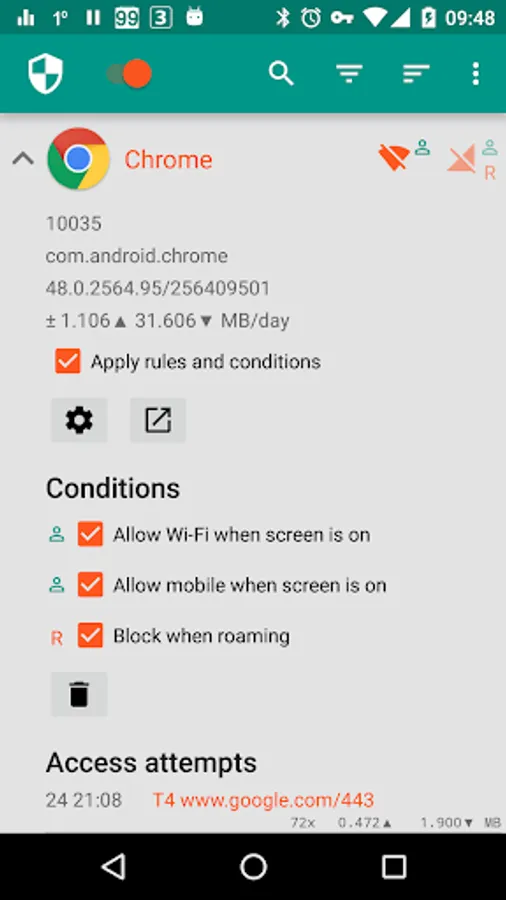
Applications and addresses can individually be allowed or denied access to your Wi-Fi and/or mobile connection. Root permissions are not required.
Blocking access to the internet can help:
• reduce your data usage
• save your battery
• increase your privacy
Features:
• Simple to use
• No root required
• 100% open source
• No calling home
• No tracking or analytics
• No advertisements
• Actively developed and supported
• Android 5.1 and later supported
• IPv4/IPv6 TCP/UDP supported
• Tethering supported
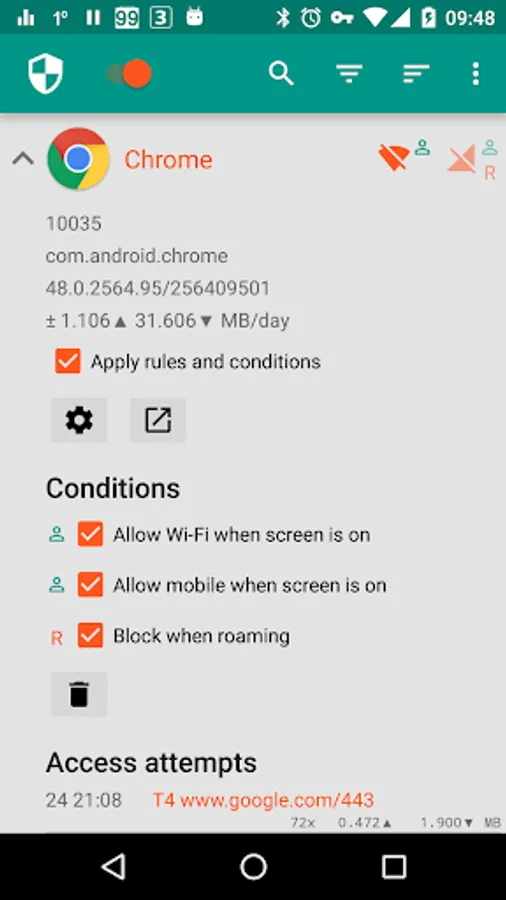
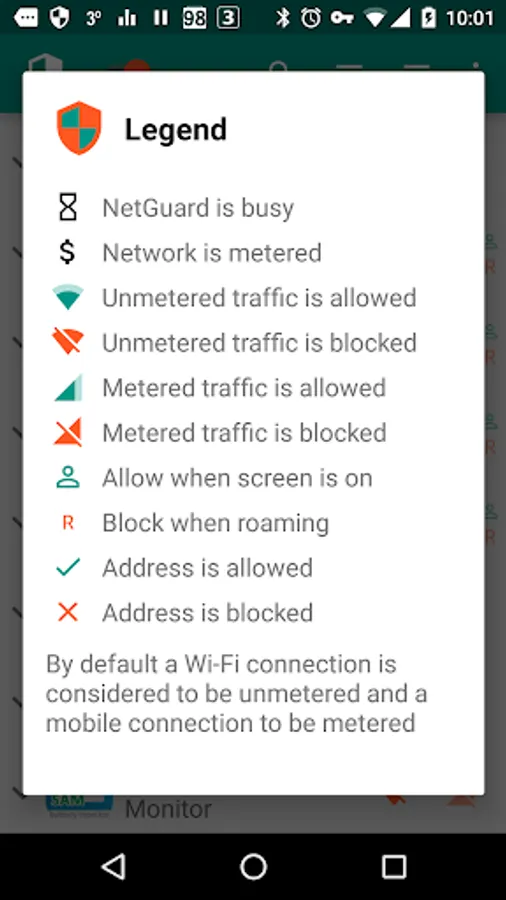
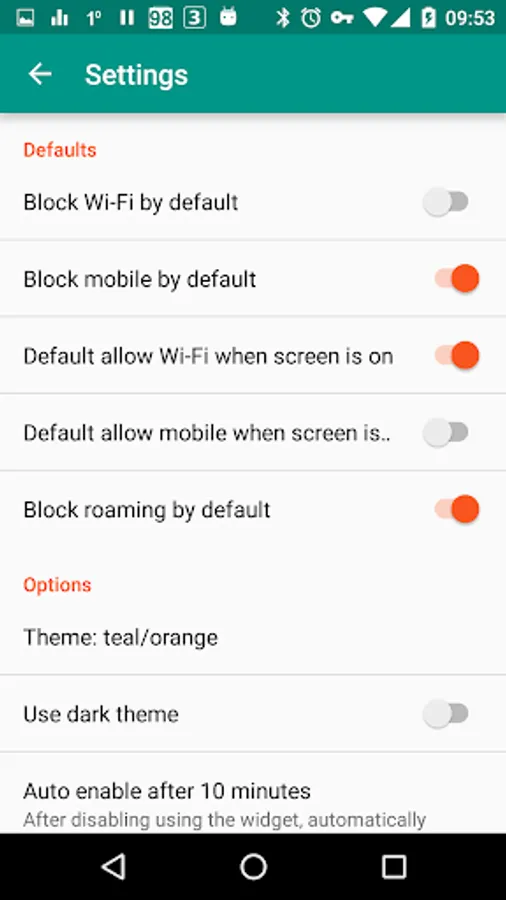
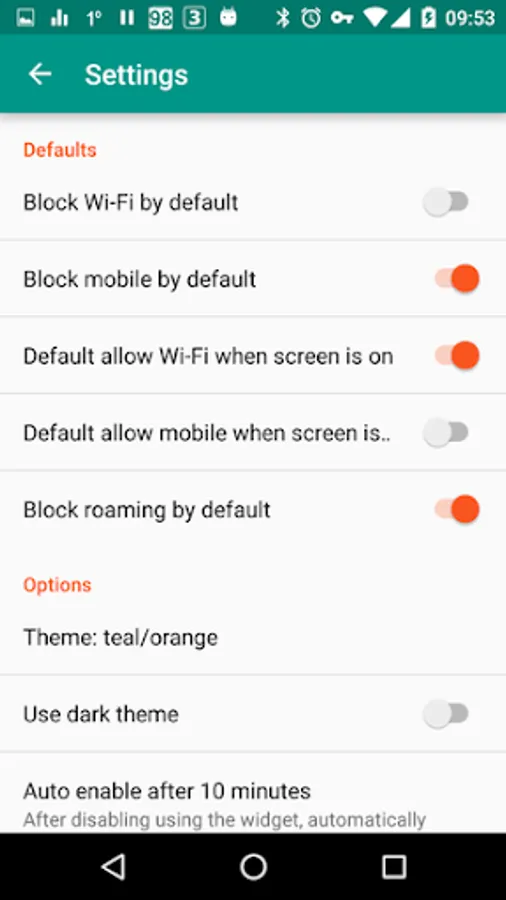
• Optionally allow when screen on
• Optionally block when roaming
• Optionally block system applications
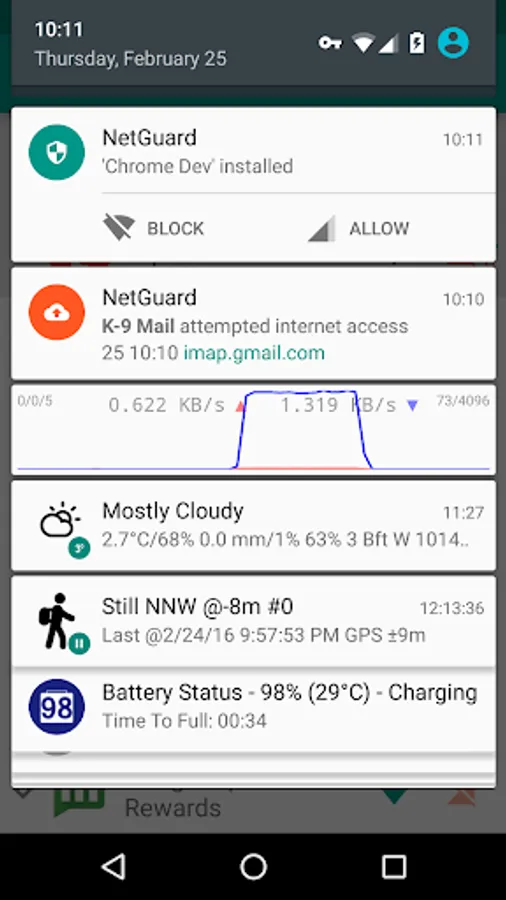
• Optionally notify when an application accesses the internet
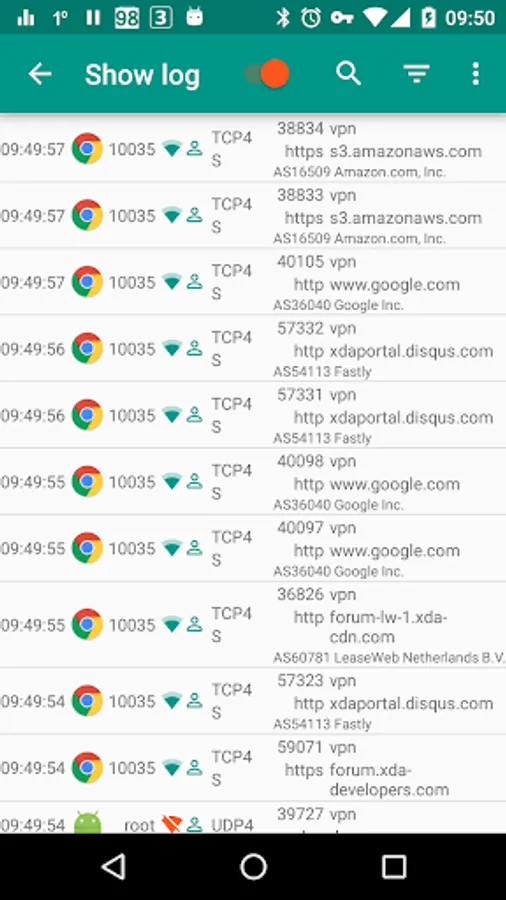
• Optionally record network usage per application per address
• Material design theme with light and dark theme
PRO features:
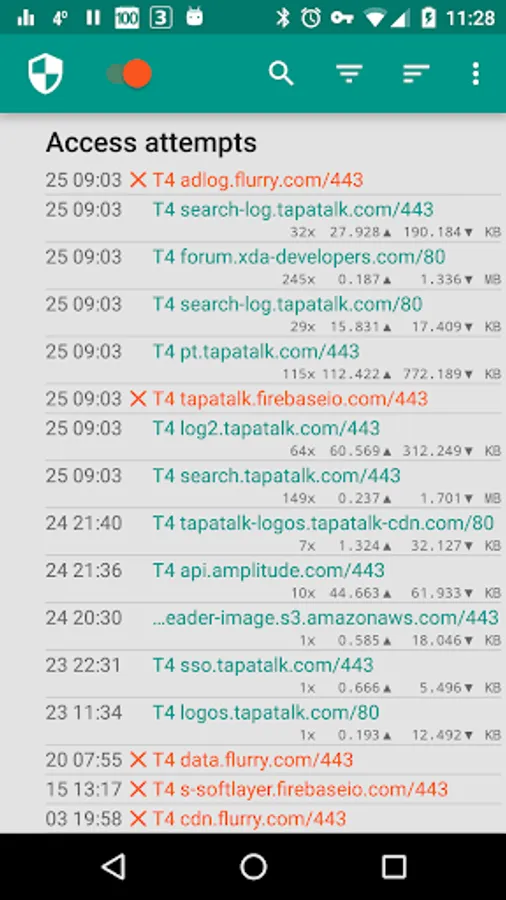
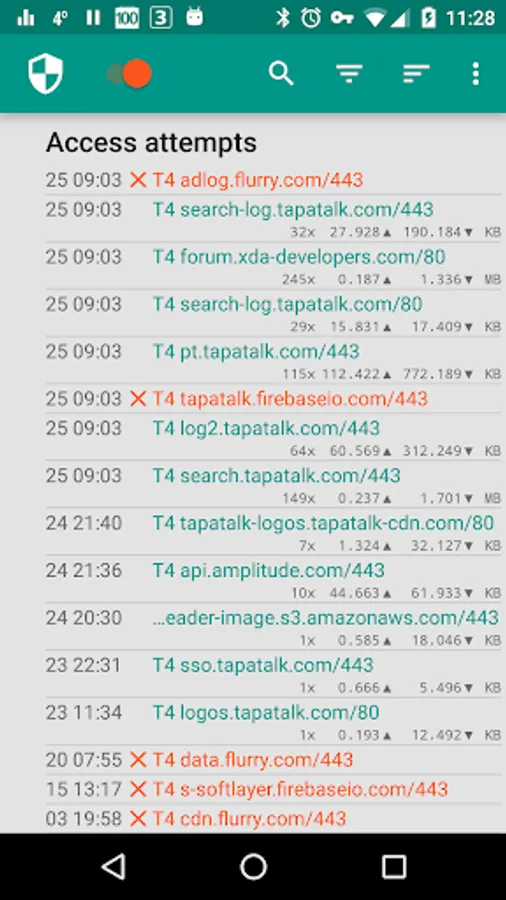
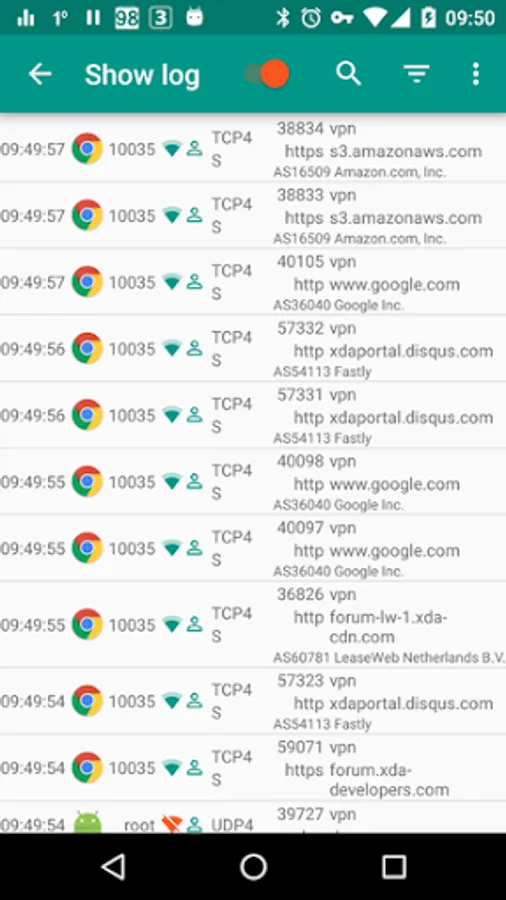
• Log all outgoing traffic; search and filter access attempts; export PCAP files to analyze traffic
• Allow/block individual addresses per application
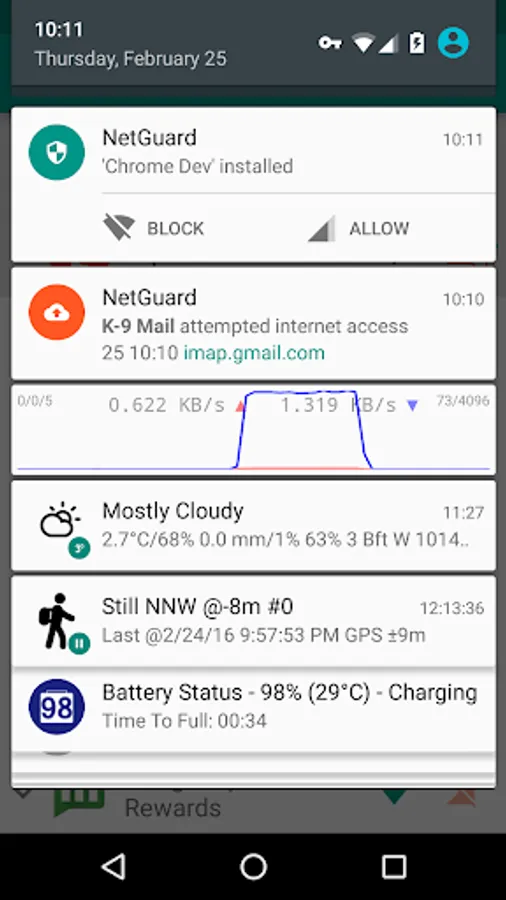
• New application notifications; configure NetGuard directly from the notification
• Display network speed graph in a status bar notification
• Select from five additional themes in both light and dark version
There is no other no-root firewall offering all these features.
If you like to test new features, you can participate in the test program: https://play.google.com/apps/testing/eu.faircode.netguard
All required permissions are described here: https://github.com/M66B/NetGuard/blob/master/FAQ.md#user-content-faq42
NetGuard uses the Android VPNService to route traffic to itself, so it can be filtered on-device instead of on a server. Only one app can use this service at the same time, which is a limitation of Android.
The full source code is available here: https://github.com/M66B/NetGuard
NetGuard - no-root firewall Screenshots
Tap to Rate:
Reviews for NetGuard - no-root firewall
Russell Collins
12/30/2025
Worked great for a while, then recent update causes all Internet to sometimes stop working when not on WiFi. Restarting the device or disabling the firewall were the only solutions I could find, neither of which is practical. Will update to 5 stars if this problem gets fixed in the next update.
Oriva Mwambapa
12/30/2025
nice