Playback Mic - input to output
Time Tools
3.8 ★
1K ratings
100,000+
downloads
Free
+ in-app
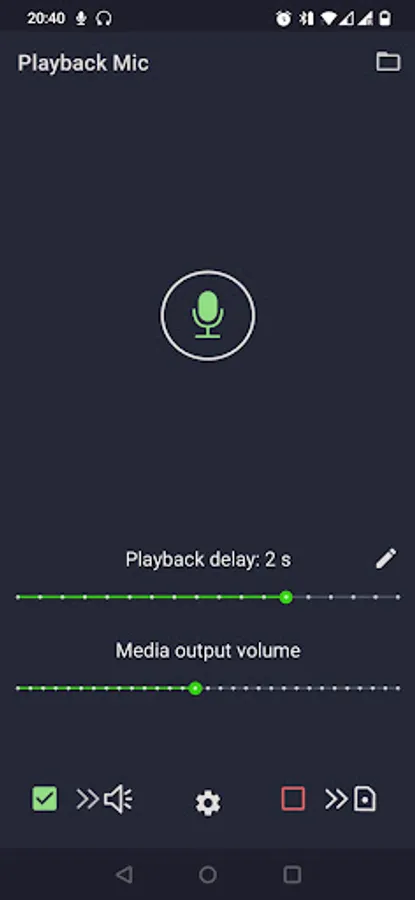
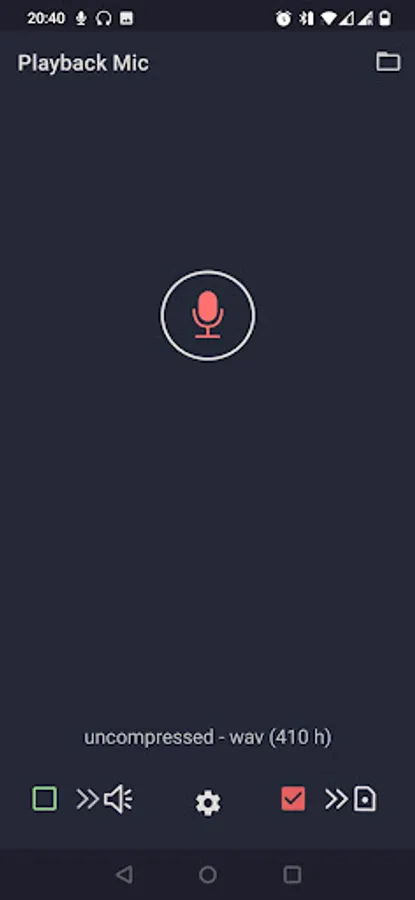
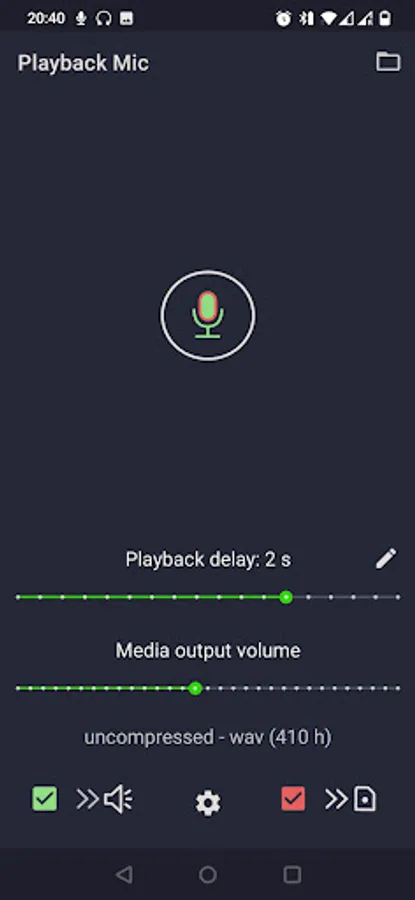
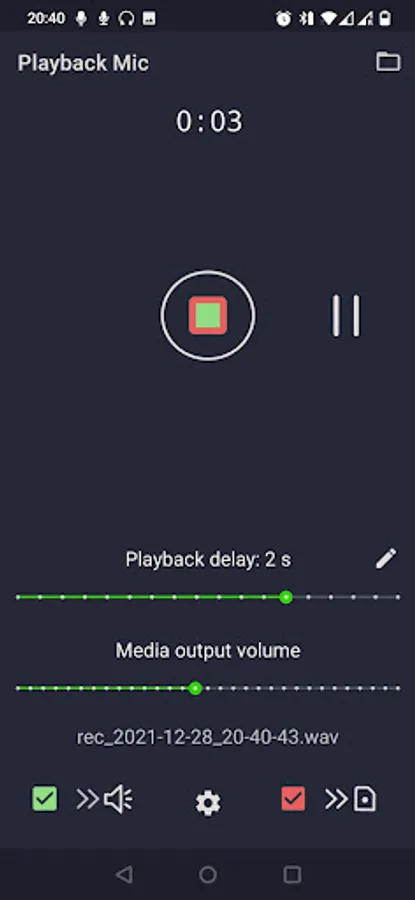
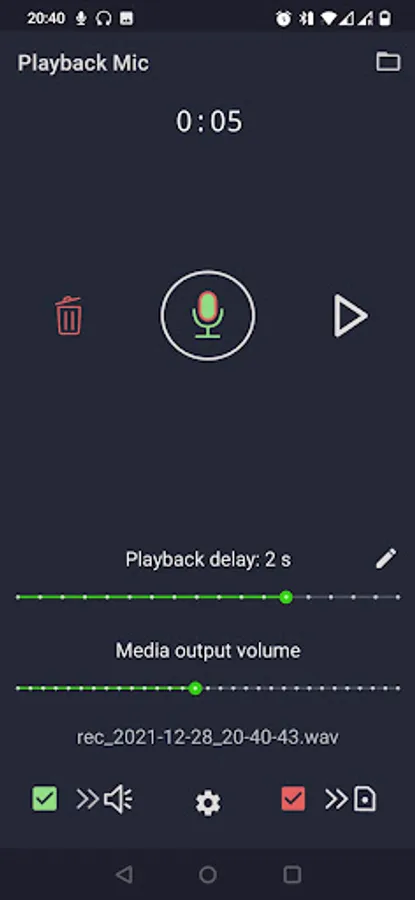
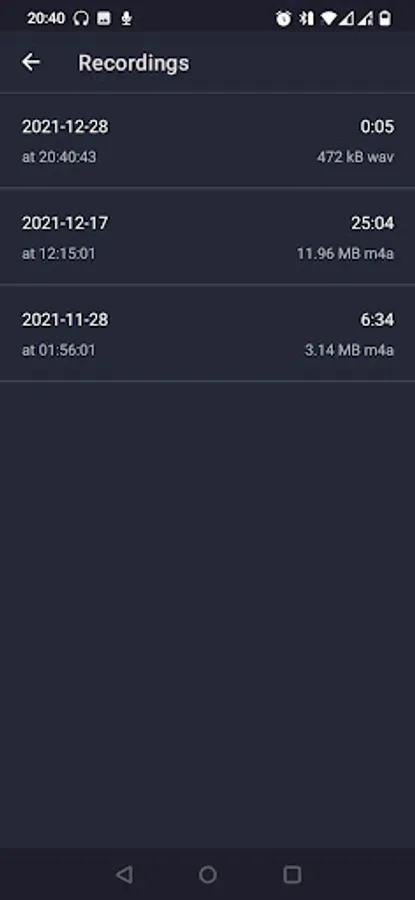
With this audio recording app, you can record, monitor, and replay audio segments with adjustable delay. Includes features for quick sharing, compressed or uncompressed recording, and multiple takes.
AppRecs review analysis
AppRecs rating 3.7. Trustworthiness 72 out of 100. Review manipulation risk 44 out of 100. Based on a review sample analyzed.
★★★☆☆
3.7
AppRecs Rating
Ratings breakdown
5 star
57%
4 star
9%
3 star
8%
2 star
7%
1 star
19%
What to know
✓
Authentic reviews
Natural distribution, no red flags
⚠
Questionable review patterns
44% review manipulation risk - some review patterns appear unusual
⚠
Review quality concerns
78% of sampled 5-star reviews are very short
About Playback Mic - input to output
Designed for:
- Training vocal projection
- Practicing pronunciation at language learning
- Practicing for casting
- Testing headphones
- Recording with audio monitoring
- Recording multiple takes with quick replay of last recorded segment
- Anything else you might want to do with given feature set :)
NOT suitable for:
- Use as a singing microphone with loudspeakers
- Use as an interface with near-zero latency
because
* It is not possible to completely remove the latency on Android devices
* The microphones are typically omnidirectional and pick voices from surrounding, thus leading to loud feedback loop if using loudspeakers
Feature set:
- Output from microphone to speakers or headphones (monitoring)
- Custom delay on monitoring
- Audio recording in compressed or uncompressed format
- Quick replay of the latest recorded file
- Quick sharing of the latest recorded file
Notes:
- When monitoring, you need to make sure, the mic is not picking up the sound from the speakers (i.e. the use of headphones is recommended), otherwise the feedback loop starts producing noise!
- Minimum latency (delay) depends on the audio driver and device specifications. The app is designed to offer the lowest possible latency an app could offer, but there is inevitably going to be some latency on android devices (at least for now).
Free version allows for 3 h of total recording or monitoring time. After that the recording or monitoring session is limited to 1 minute.
In case of any problems, please contact me at jure@timetools.eu and I will try to resolve any issue.
Internet permission is needed for the purpose of handling crash reports and improving app performance for which we use Google Cloud services. Voice recordings are never collected.
- Training vocal projection
- Practicing pronunciation at language learning
- Practicing for casting
- Testing headphones
- Recording with audio monitoring
- Recording multiple takes with quick replay of last recorded segment
- Anything else you might want to do with given feature set :)
NOT suitable for:
- Use as a singing microphone with loudspeakers
- Use as an interface with near-zero latency
because
* It is not possible to completely remove the latency on Android devices
* The microphones are typically omnidirectional and pick voices from surrounding, thus leading to loud feedback loop if using loudspeakers
Feature set:
- Output from microphone to speakers or headphones (monitoring)
- Custom delay on monitoring
- Audio recording in compressed or uncompressed format
- Quick replay of the latest recorded file
- Quick sharing of the latest recorded file
Notes:
- When monitoring, you need to make sure, the mic is not picking up the sound from the speakers (i.e. the use of headphones is recommended), otherwise the feedback loop starts producing noise!
- Minimum latency (delay) depends on the audio driver and device specifications. The app is designed to offer the lowest possible latency an app could offer, but there is inevitably going to be some latency on android devices (at least for now).
Free version allows for 3 h of total recording or monitoring time. After that the recording or monitoring session is limited to 1 minute.
In case of any problems, please contact me at jure@timetools.eu and I will try to resolve any issue.
Internet permission is needed for the purpose of handling crash reports and improving app performance for which we use Google Cloud services. Voice recordings are never collected.
Playback Mic - input to output Screenshots
Tap to Rate:
Reviews for Playback Mic - input to output
Rand-X
12/25/2025
zero latency works good for the Android microphone I enjoy this app thank you!
ROYAL GAMER
12/19/2025
excellent