Flux - Substratum Theme
JXDesigns
4.4 ★
store rating
10,000+
downloads
$1.49
In this app, you can customize your device with pixel-perfect visuals and material UI themes. Includes compatibility with various Android versions, themed apps, and theme installation instructions.
AppRecs review analysis
AppRecs rating 4.4. Trustworthiness 82 out of 100. Review manipulation risk 18 out of 100. Based on a review sample analyzed.
★★★★☆
4.4
AppRecs Rating
Ratings breakdown
5 star
69%
4 star
15%
3 star
8%
2 star
2%
1 star
7%
What to know
✓
Low review manipulation risk
18% review manipulation risk
✓
Credible reviews
82% trustworthiness score from analyzed reviews
✓
High user satisfaction
84% of sampled ratings are 4+ stars (4.4★ average)
About Flux - Substratum Theme
Flux is compatible with Substratum engine only! If you are not familiar with it, please do not download
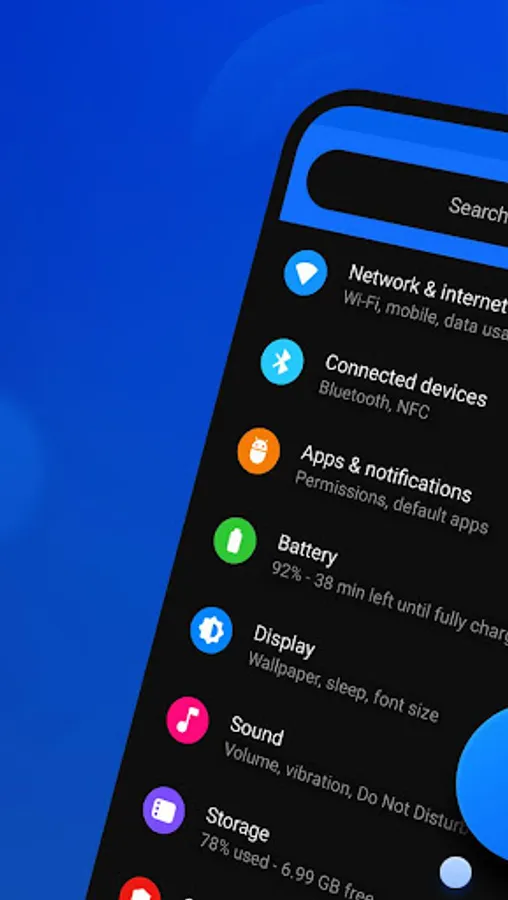
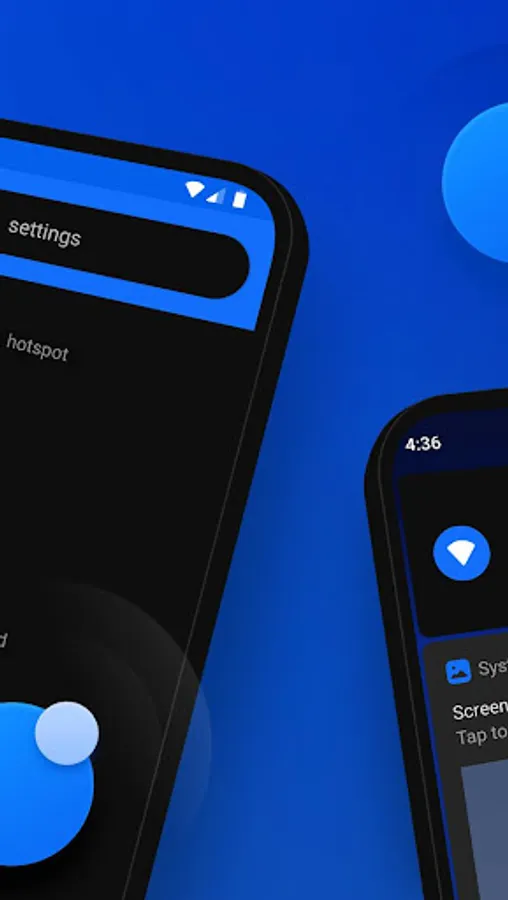
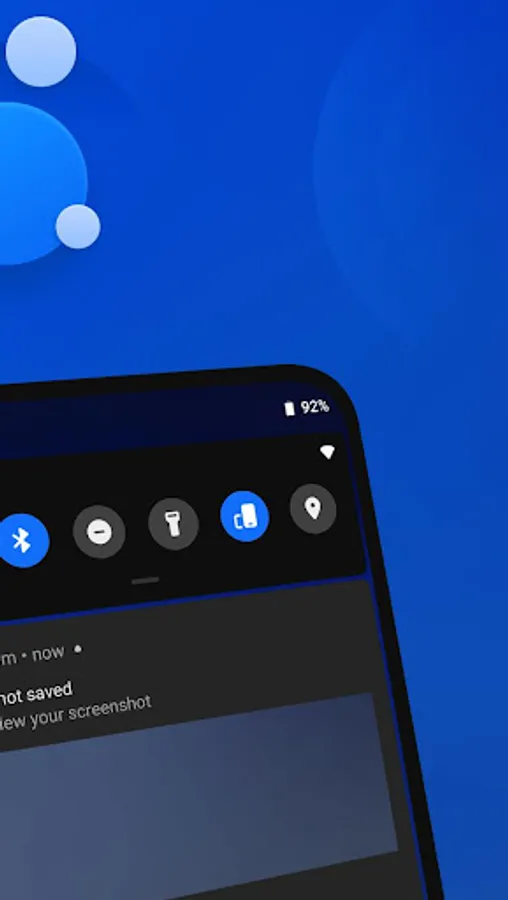
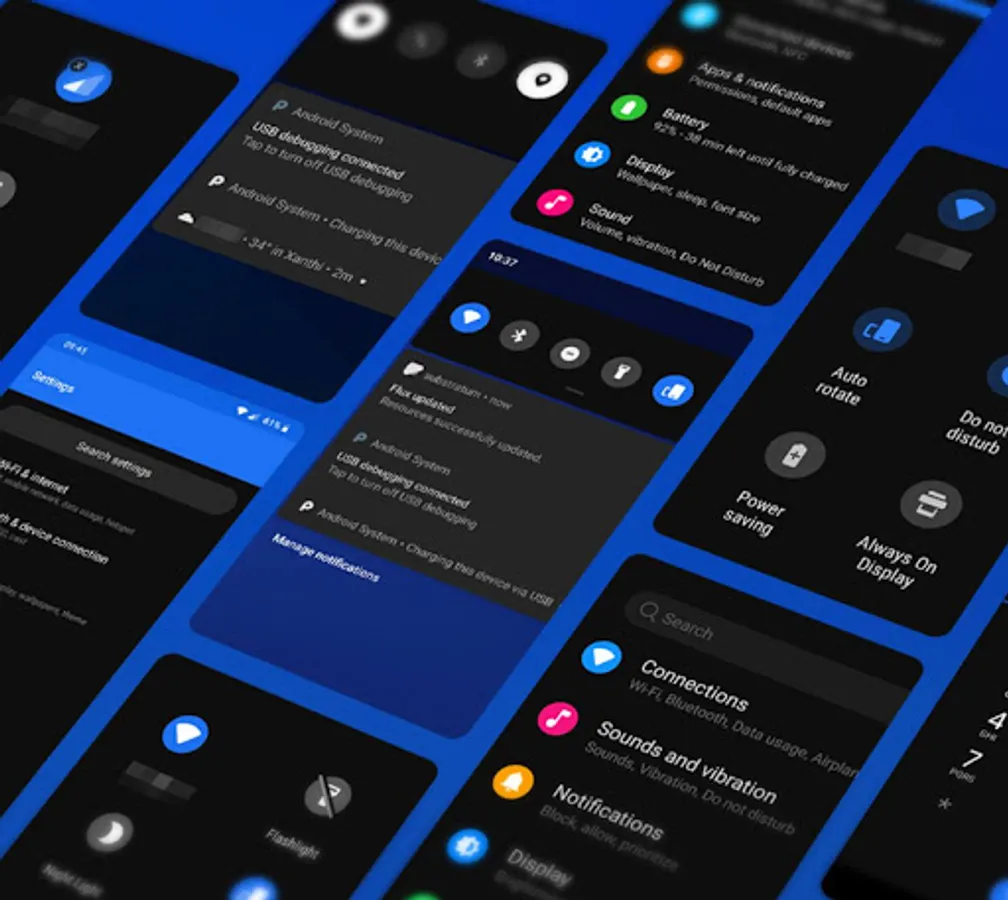
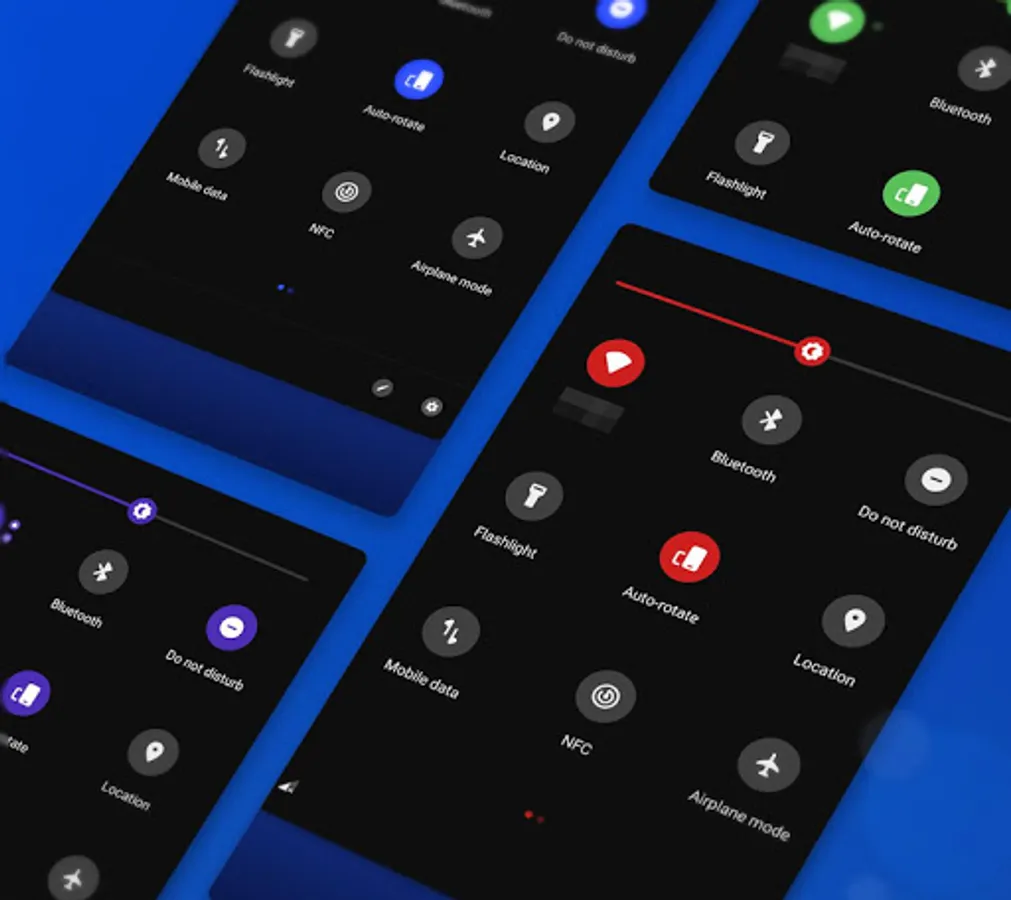
Enjoy pixel perfect visuals and material ui to give your phone a new vibrant and dark look!
✔️ Works with
• Android 7/8/9/10/11/12/13 stock and custom roms
• Oxygenos 9/10/11
• Samsung 8/9/10/11
🔹 Themed apps
https://goo.gl/ry4wH2
😃 Don't forget to rate and write a review if you like Flux
Enjoy!
❓ FAQ/HELP
• Oxygenos Pie users, enable colorful theme from settings > display and set the accent color to default. Oxygenos 10 users enable dark theme from settings and set the accent to default color
• Some qs tiles on android 8.1 don't change color and the inactive line can't be removed
• The design of qs tiles look a bit different on oyxgenos and samsung because it is impossible to make them look like stock android ui from the screenshots
• Enable Dark theme from your rom settings if the option is there
• Please do not write your bug/suggestion reports in the reviews, instead contact me via email or use the community link below
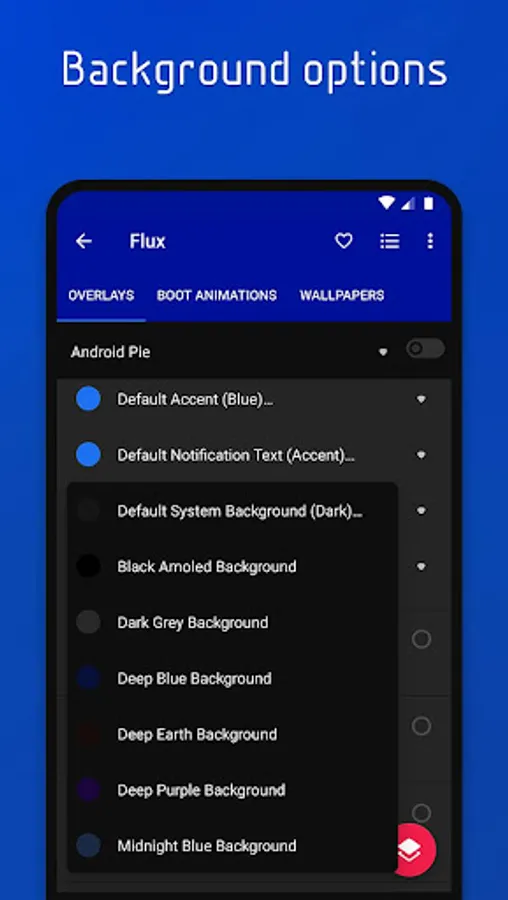
• Want full black backgrounds everywhere instead of dark, for your amoled screen?
Select the amoled background option from Android System overlay and then Build & Enable it
• If you want light notification backgrounds, enable the light notifications options from android and systemui overlays
• Beta software are not supported even though my theme may work with them
• Battery and signal tiles in quick settings panel cannot be themed
• LineageOS is not officially supported, although Flux may work with it
🔵 Telegram support group: http://bit.ly/39L7SQ3
✉️ Contact: giannisgn89@gmail.com
✨ Follow: https://bit.ly/2A8yngX
Enjoy pixel perfect visuals and material ui to give your phone a new vibrant and dark look!
✔️ Works with
• Android 7/8/9/10/11/12/13 stock and custom roms
• Oxygenos 9/10/11
• Samsung 8/9/10/11
🔹 Themed apps
https://goo.gl/ry4wH2
😃 Don't forget to rate and write a review if you like Flux
Enjoy!
❓ FAQ/HELP
• Oxygenos Pie users, enable colorful theme from settings > display and set the accent color to default. Oxygenos 10 users enable dark theme from settings and set the accent to default color
• Some qs tiles on android 8.1 don't change color and the inactive line can't be removed
• The design of qs tiles look a bit different on oyxgenos and samsung because it is impossible to make them look like stock android ui from the screenshots
• Enable Dark theme from your rom settings if the option is there
• Please do not write your bug/suggestion reports in the reviews, instead contact me via email or use the community link below
• Want full black backgrounds everywhere instead of dark, for your amoled screen?
Select the amoled background option from Android System overlay and then Build & Enable it
• If you want light notification backgrounds, enable the light notifications options from android and systemui overlays
• Beta software are not supported even though my theme may work with them
• Battery and signal tiles in quick settings panel cannot be themed
• LineageOS is not officially supported, although Flux may work with it
🔵 Telegram support group: http://bit.ly/39L7SQ3
✉️ Contact: giannisgn89@gmail.com
✨ Follow: https://bit.ly/2A8yngX