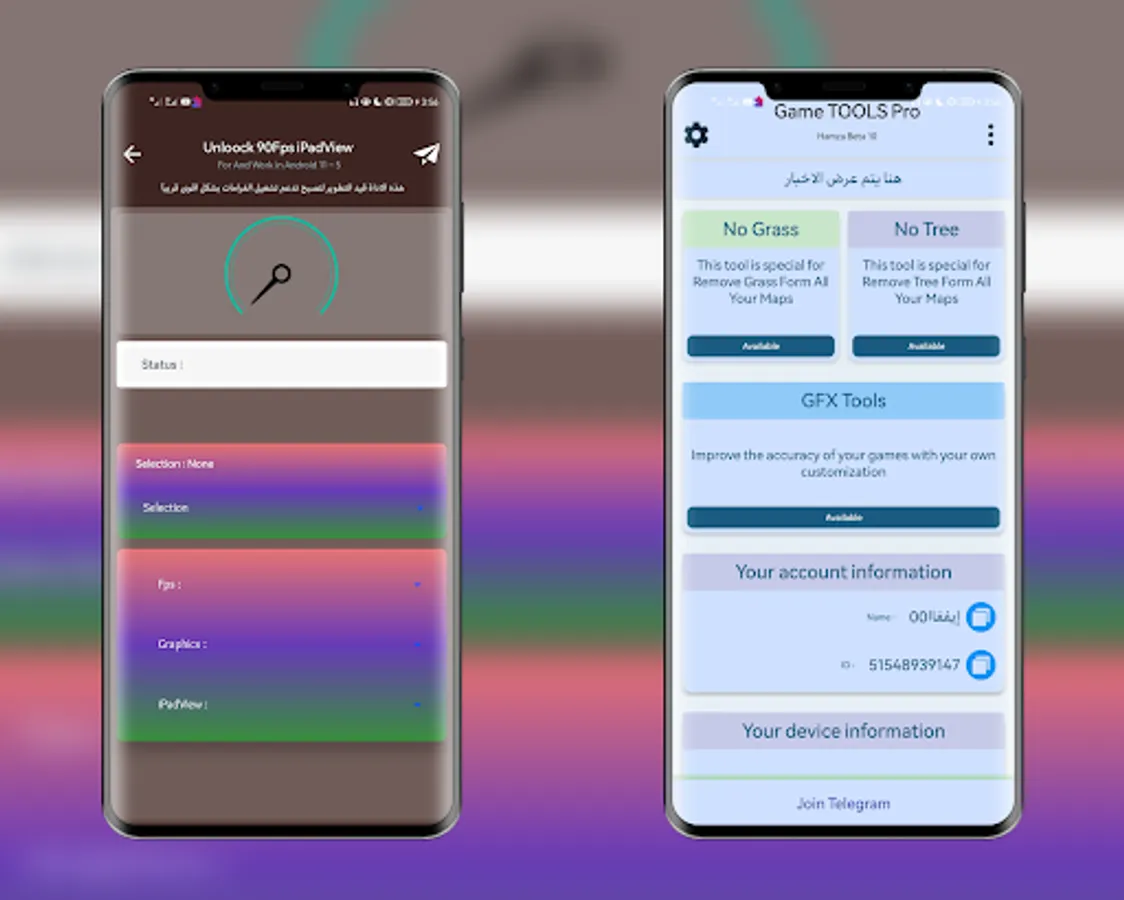
In this utility launcher, users can customize game graphics and performance settings such as FPS and visual effects. Includes options for HDR graphics, unlocks for No Grass and highest graphics settings, and supports multiple game versions.
AppRecs review analysis
AppRecs rating 4.4. Trustworthiness 0 out of 100. Review manipulation risk 0 out of 100. Based on a review sample analyzed.
★★★★☆
4.4
AppRecs Rating
Ratings breakdown
5 star
94%
4 star
1%
3 star
0%
2 star
3%
1 star
2%
What to know
✓
High user satisfaction
94% of sampled ratings are 5 stars
About Game Tools Pro
GAME TOOL GFX Tool 90 FPS is a free utility launcher for specific games where you can fully customize the game smooth to get beautiful pictures .
Supported versions: BGMI, Gl, KR, VN, TW, CH
We are a 100% safe, free application that won't put your game account at any risk.
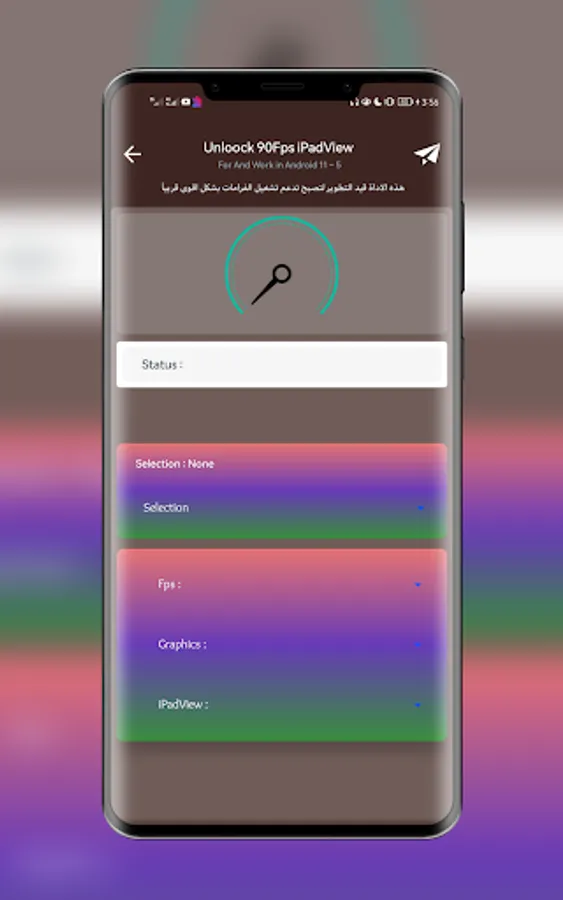
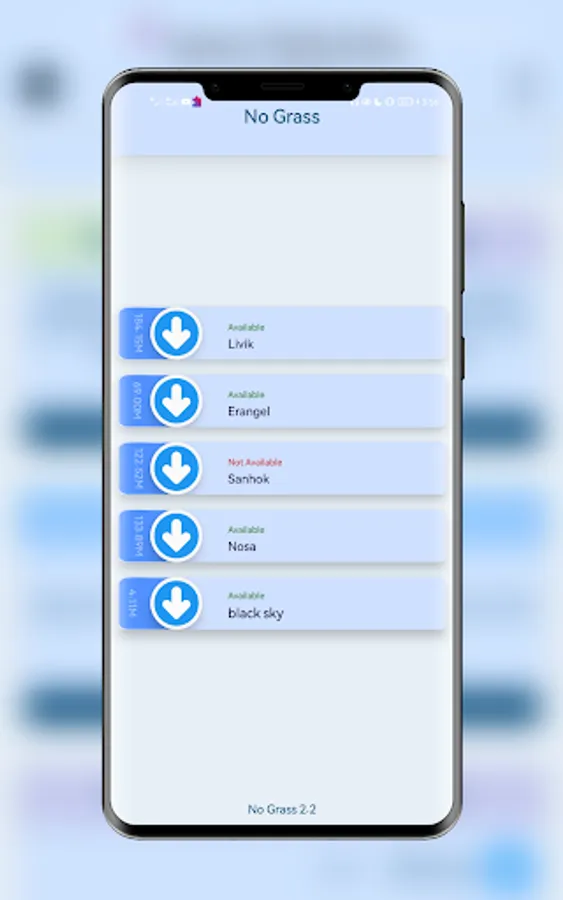
• Customized Game Options: Unlock No Grass Config, No Fog Config, Unlock Highest Available graphics, Unlock 90 FPS & many more with just a single click!
App features
•Supports all Android versions
• Unlock HDR graphics and all FPS levels
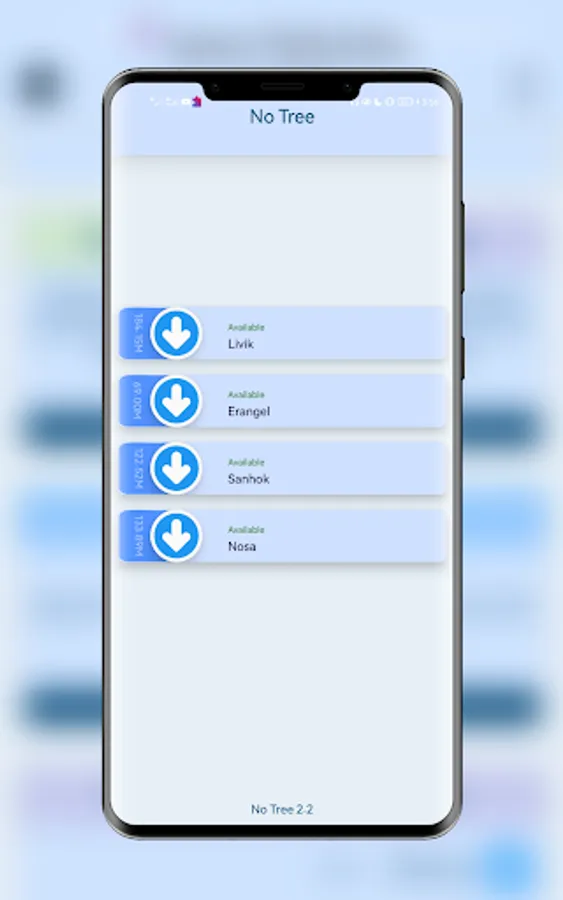
•Unlock No Grass
•Unlock 90 FPS
How to use GFX Tool :
•90 FPS Close game if it’s currently running before starting GAME TOOL GFX Tool
• Choose your version of your game
• Then click on the Activate button
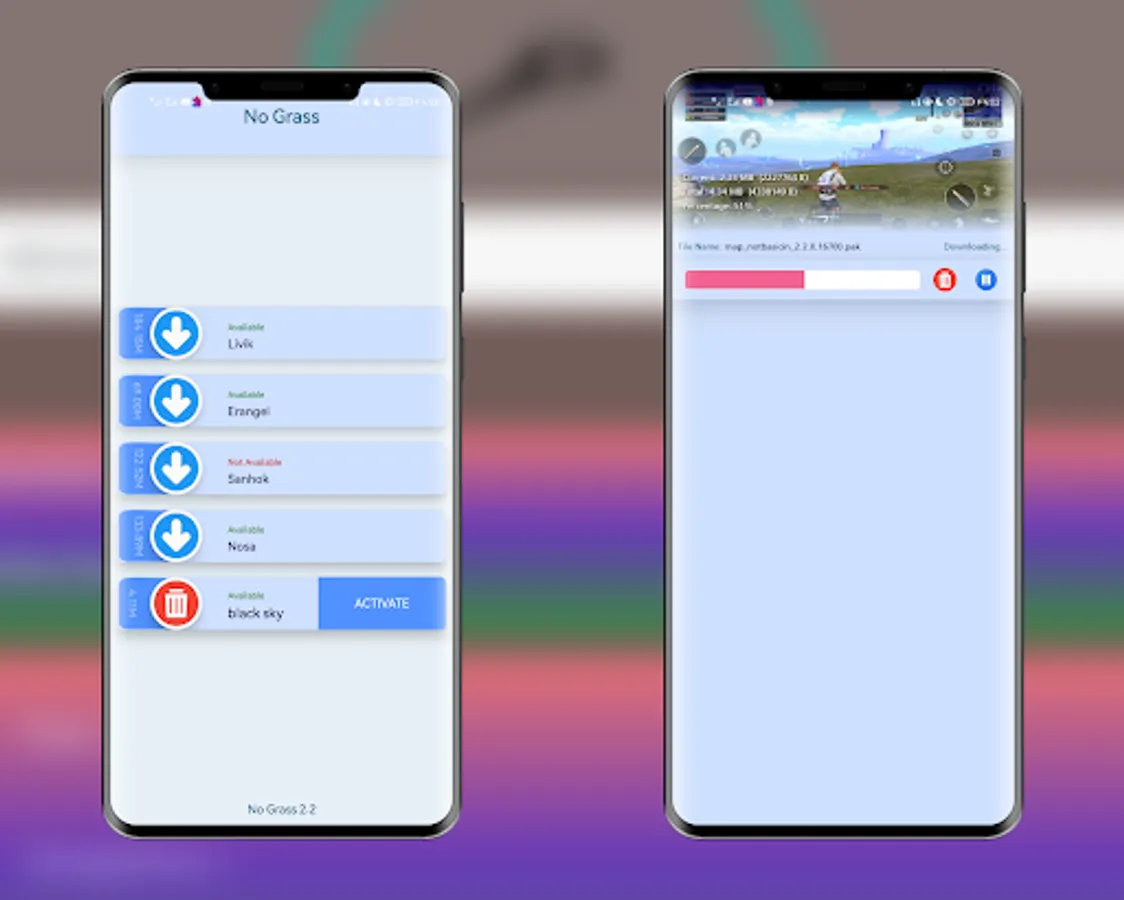
How to use No Grass Config :
• Choose your version of your game
• Then click on the Activate button
CONNECTED :
Official Website: https://www.hussiendaood.com
Telegram: https://t.me/FIXTOOL
If you feel that we have violated your intellectual property rights or any other agreement, please contact us by e-mail hamzajbuor1@gmail.com, we will immediately take the necessary measures.
This app is developed by : HamzaJbuor
Supported versions: BGMI, Gl, KR, VN, TW, CH
We are a 100% safe, free application that won't put your game account at any risk.
• Customized Game Options: Unlock No Grass Config, No Fog Config, Unlock Highest Available graphics, Unlock 90 FPS & many more with just a single click!
App features
•Supports all Android versions
• Unlock HDR graphics and all FPS levels
•Unlock No Grass
•Unlock 90 FPS
How to use GFX Tool :
•90 FPS Close game if it’s currently running before starting GAME TOOL GFX Tool
• Choose your version of your game
• Then click on the Activate button
How to use No Grass Config :
• Choose your version of your game
• Then click on the Activate button
CONNECTED :
Official Website: https://www.hussiendaood.com
Telegram: https://t.me/FIXTOOL
If you feel that we have violated your intellectual property rights or any other agreement, please contact us by e-mail hamzajbuor1@gmail.com, we will immediately take the necessary measures.
This app is developed by : HamzaJbuor
Game Tools Pro Screenshots
Tap to Rate: