
Icon Pack Studio
Smart Launcher Team
4.3 ★
18K ratings
5,000,000+
downloads
Free
+ in-app
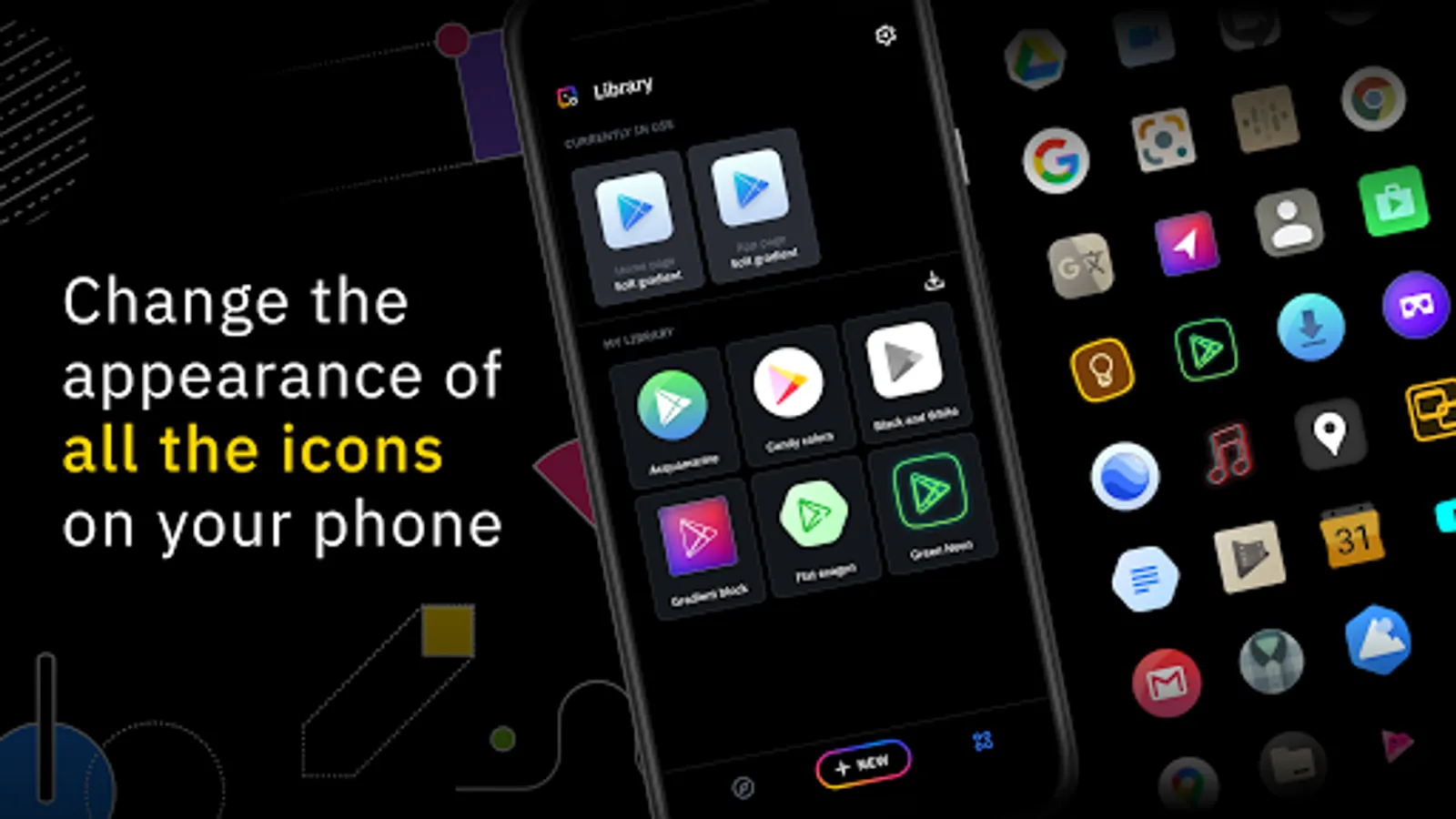
In this icon pack creator app, you can design custom icons by resizing, moving, and applying filters to elements and import existing icon packs for tweaking. Includes an advanced editor, filter options, and compatibility with various launchers.
AppRecs review analysis
AppRecs rating 4.4. Trustworthiness 82 out of 100. Review manipulation risk 30 out of 100. Based on a review sample analyzed.
★★★★☆
4.4
AppRecs Rating
Ratings breakdown
5 star
74%
4 star
8%
3 star
6%
2 star
3%
1 star
9%
What to know
✓
Credible reviews
82% trustworthiness score from analyzed reviews
✓
High user satisfaction
82% of sampled ratings are 4+ stars (4.3★ average)
✓
Authentic reviews
Natural distribution, no red flags
About Icon Pack Studio
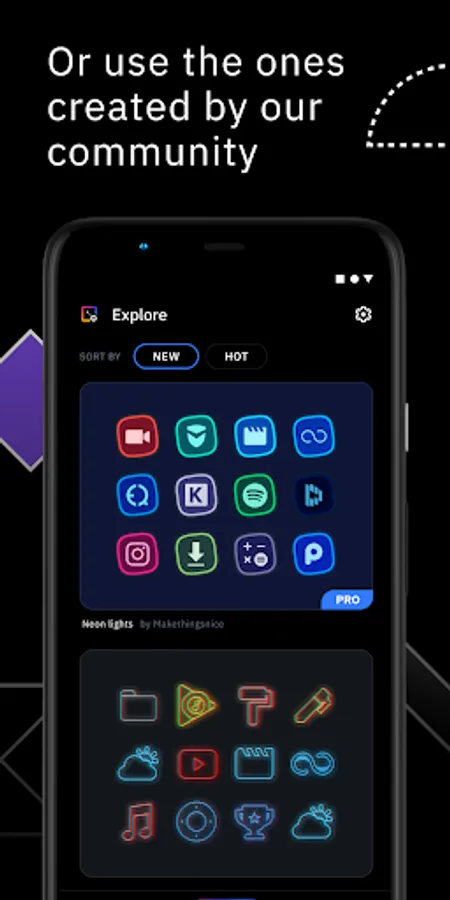
We created IPS with the idea that no icon pack can fit your home screen better than the one you create by yourself. With IPS you can create an icon pack from scratch or you can download and apply one of thousand uploaded every day by our community.
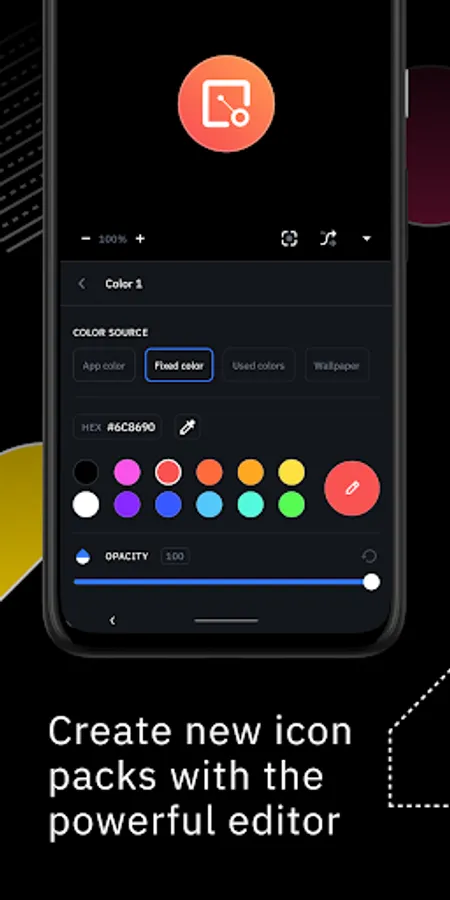
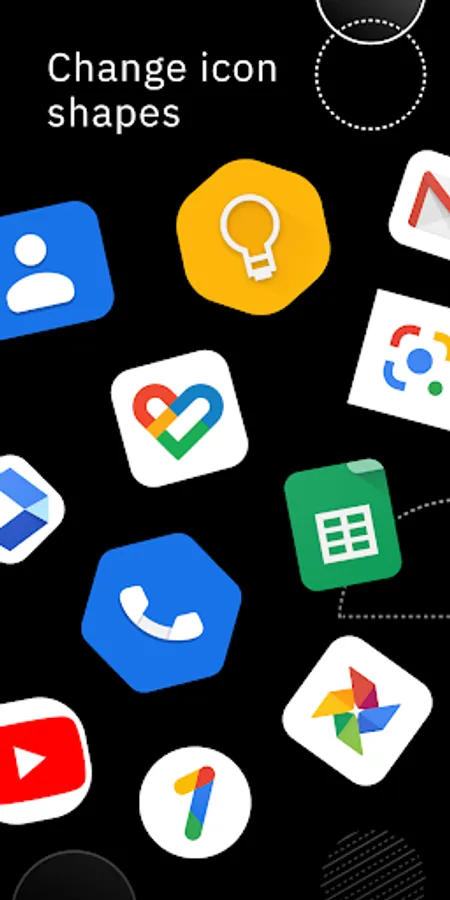
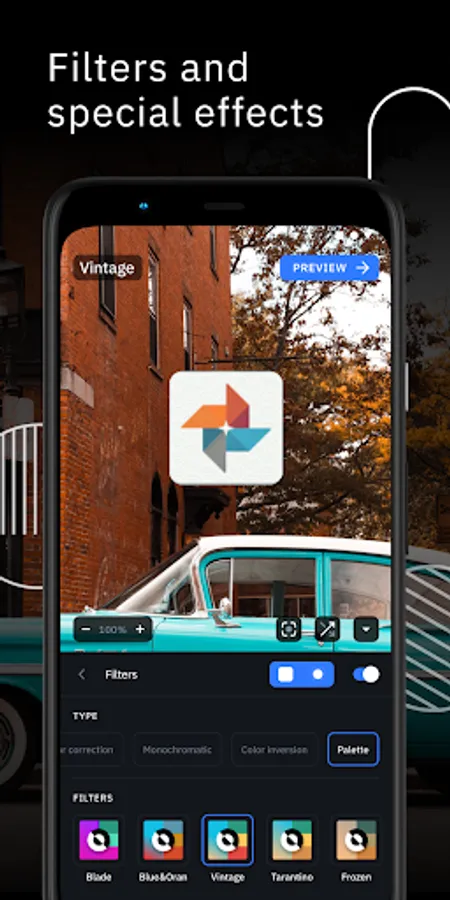
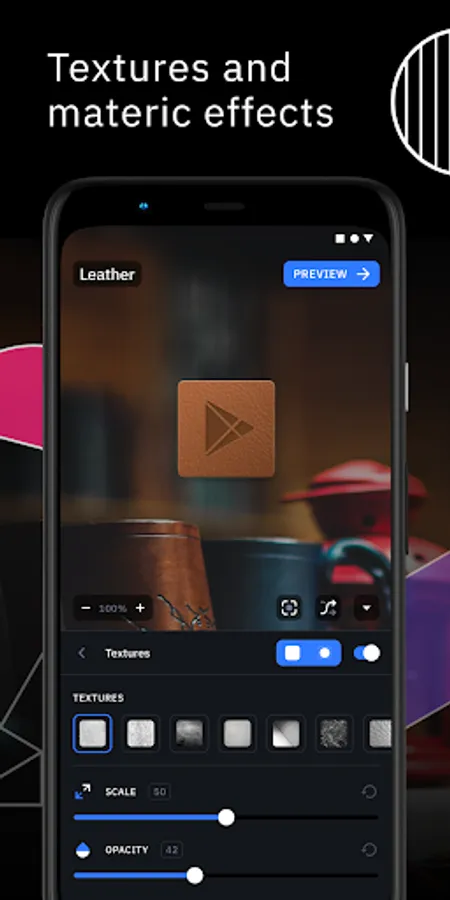
The advanced editor allows you to resize and move any element of your custom icon. Use special filters like lights, shadows, textures, and bezels and when you're happy with the result, apply the new icon pack to your custom launcher in just a few taps.
Icon Pack Studio is not only an icon pack maker, starting from version 2 you can import and tweak any icon pack installed on your device.
Icon packs created with Icon Pack Studio cover any app on your device No other icon pack downloaded from Play Store can do the same.
Icon Pack Studio is designed to work with Smart Launcher but works with almost any launcher
Tested launchers:
- Nova Launcher
- Action Launcher
- Lawnchar Launcher
- Hyperion Launcher
- Poco Launcher
- Miui Launcher
- ADW Launcher
- Microsoft Launcher
- Evie Launcher
- Total Launcher
- Niagara Launcher
- Square Home Launcher
- Apex Launcher
- Apex Launcher Classic
Unsupported launchers:
- Xperia Home Launcher
- Aviate
- Pixel Launcher
- AOSP Launcher
- Huawei Launcher
- Yahoo Japan Launcher
- +Home Launcher
- Samsung One UI Home
- LINE/Dodol Launcher
- Yandex Launcher
Many other launchers not in the list may be compatible with IPS.
The advanced editor allows you to resize and move any element of your custom icon. Use special filters like lights, shadows, textures, and bezels and when you're happy with the result, apply the new icon pack to your custom launcher in just a few taps.
Icon Pack Studio is not only an icon pack maker, starting from version 2 you can import and tweak any icon pack installed on your device.
Icon packs created with Icon Pack Studio cover any app on your device No other icon pack downloaded from Play Store can do the same.
Icon Pack Studio is designed to work with Smart Launcher but works with almost any launcher
Tested launchers:
- Nova Launcher
- Action Launcher
- Lawnchar Launcher
- Hyperion Launcher
- Poco Launcher
- Miui Launcher
- ADW Launcher
- Microsoft Launcher
- Evie Launcher
- Total Launcher
- Niagara Launcher
- Square Home Launcher
- Apex Launcher
- Apex Launcher Classic
Unsupported launchers:
- Xperia Home Launcher
- Aviate
- Pixel Launcher
- AOSP Launcher
- Huawei Launcher
- Yahoo Japan Launcher
- +Home Launcher
- Samsung One UI Home
- LINE/Dodol Launcher
- Yandex Launcher
Many other launchers not in the list may be compatible with IPS.
Icon Pack Studio Screenshots
Tap to Rate:
Reviews for Icon Pack Studio
Harryasus2 Laser
12/30/2025
confusing mf
vakai senty
12/29/2025
Love this app thanks for sharing 👍 ❤️