AppRecs review analysis
AppRecs rating 4.5. Trustworthiness 55 out of 100. Review manipulation risk 29 out of 100. Based on a review sample analyzed.
★★★★☆
4.5
AppRecs Rating
Ratings breakdown
5 star
100%
4 star
0%
3 star
0%
2 star
0%
1 star
0%
What to know
✓
High user satisfaction
100% of sampled ratings are 5 stars
About FSVeg Exams Mobile
FSVeg Exams Mobile is the application used by the Forest Service and its contractors to implement Common Stand Exam (CSE) and Inventory and Monitoring (IM) protocols on National Forest lands. Developed and maintained by the National Forest System working in conjunction with USDA NRM-CIO, it is a component of the FSVeg application that is designed to collect data on stands identified in the FSVeg Spatial delineated stand layer according to the CSE and IM survey protocols. It is intended for agency use only and is not maintained, supported, nor will it be modified for external interests and purposes.
Features of Exams Mobile Android Mobile App:
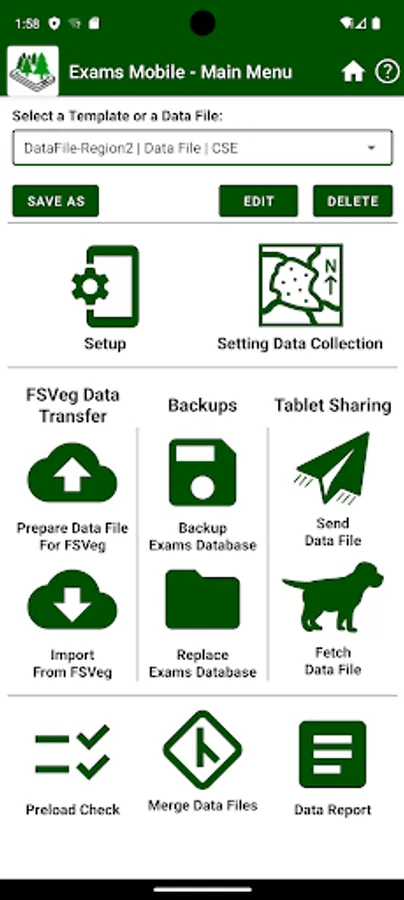
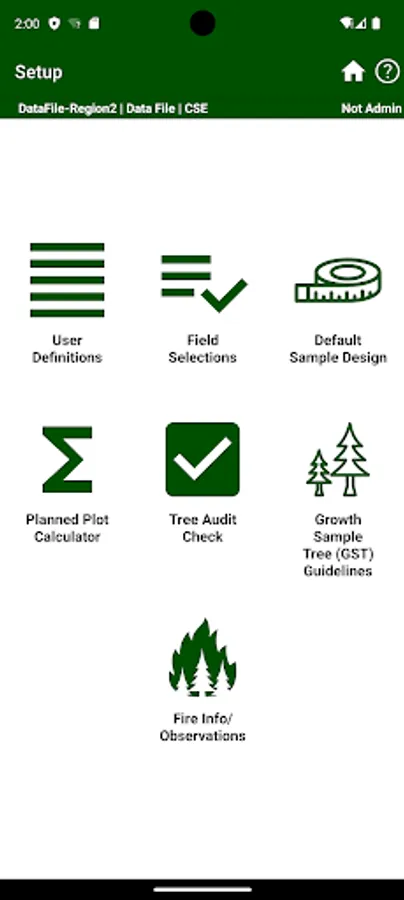
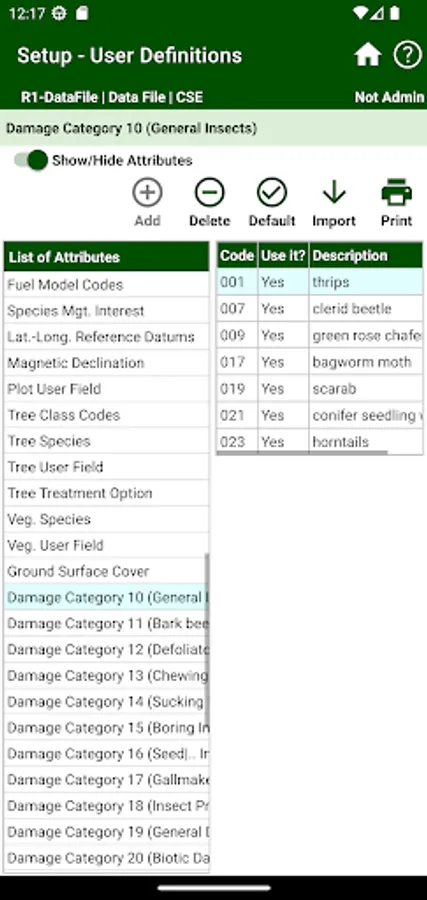
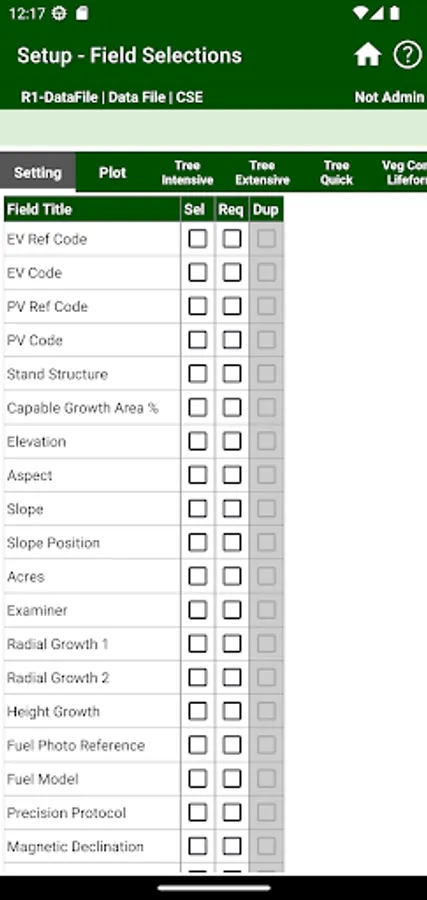
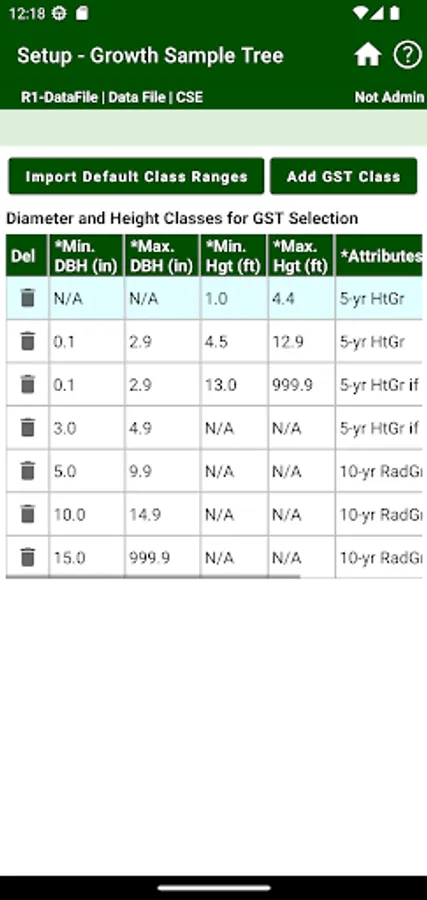
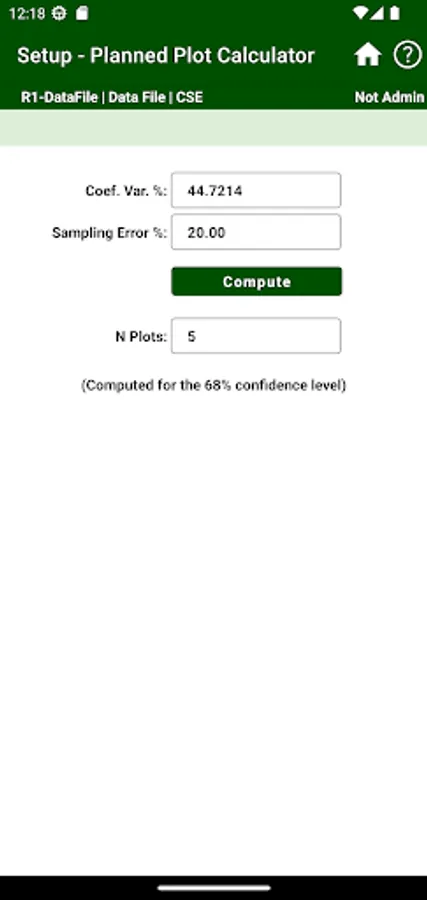
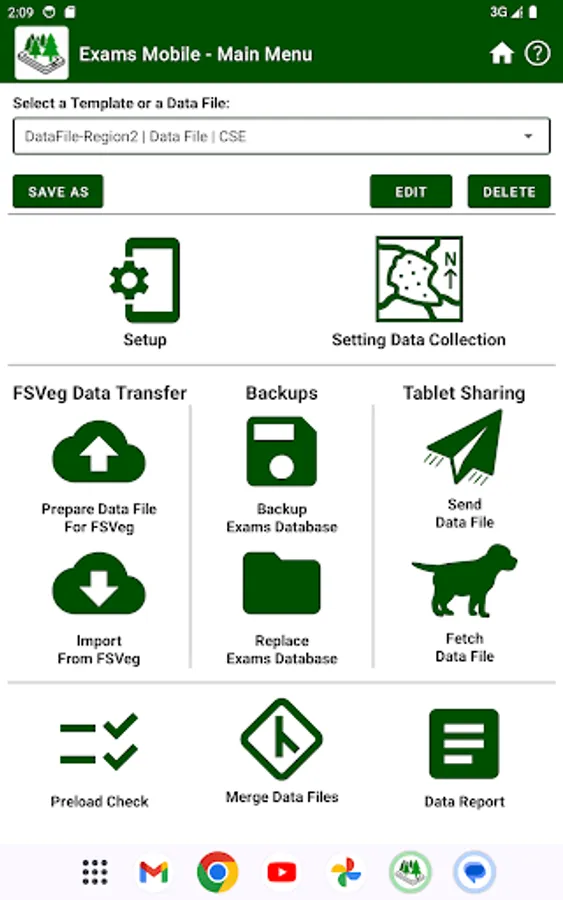
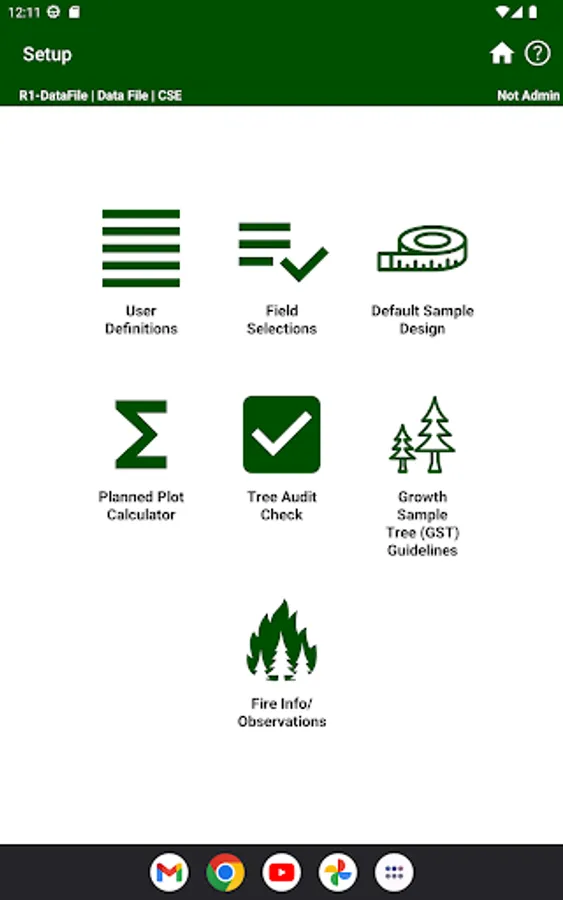
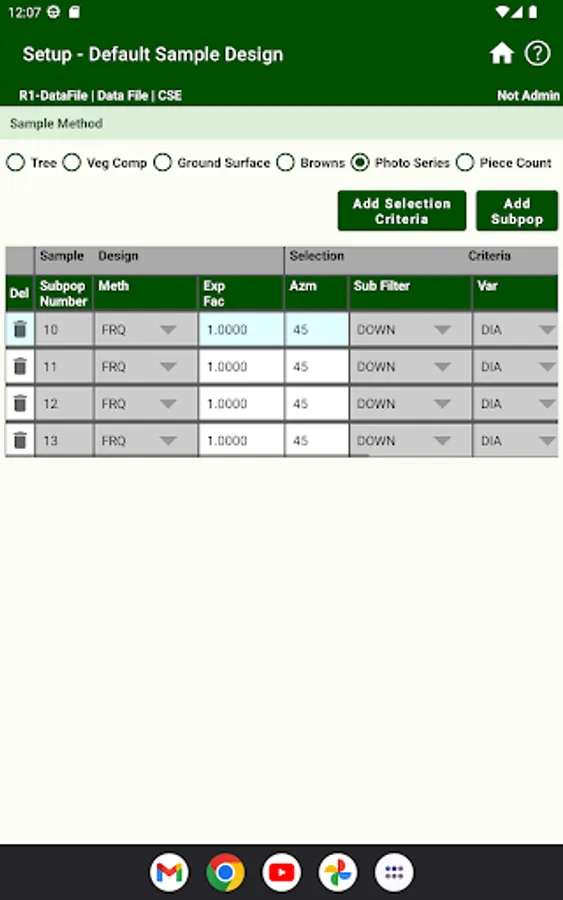
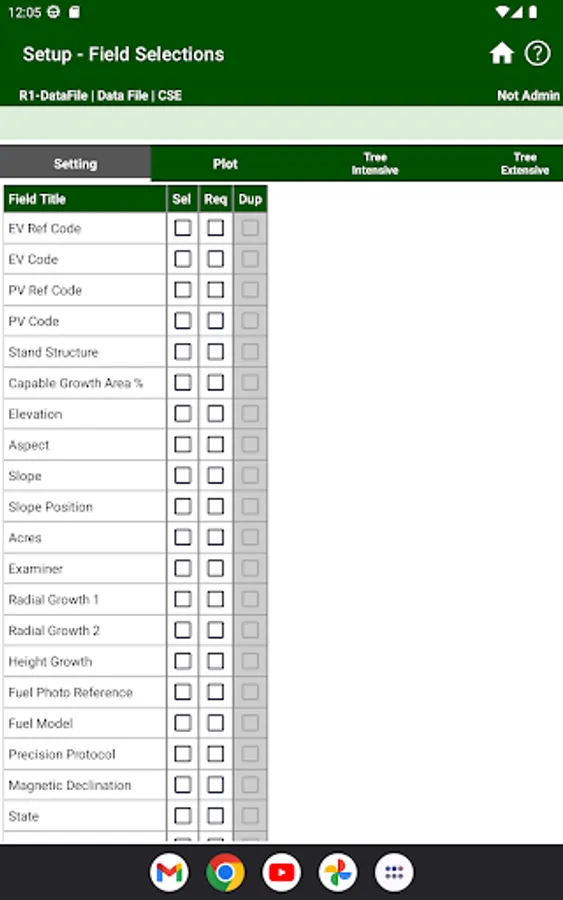
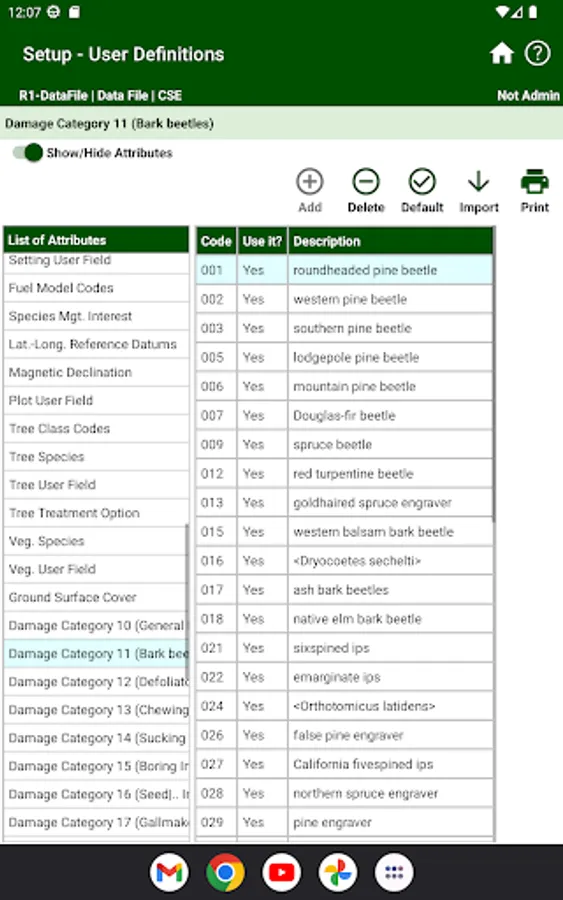
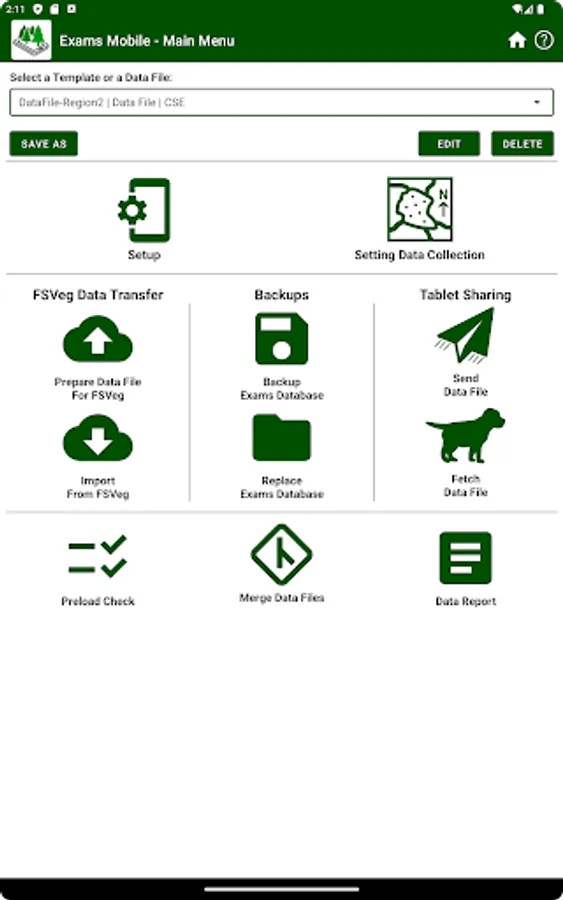
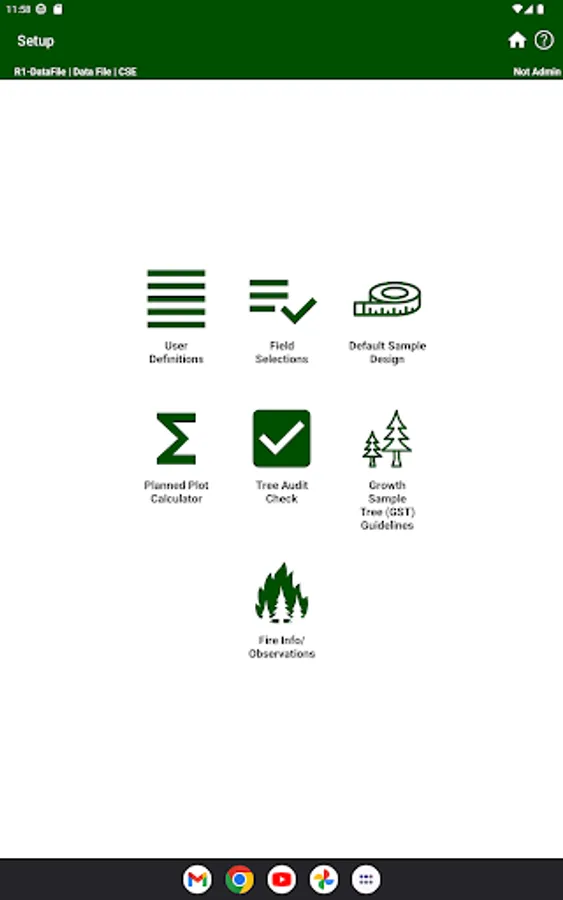
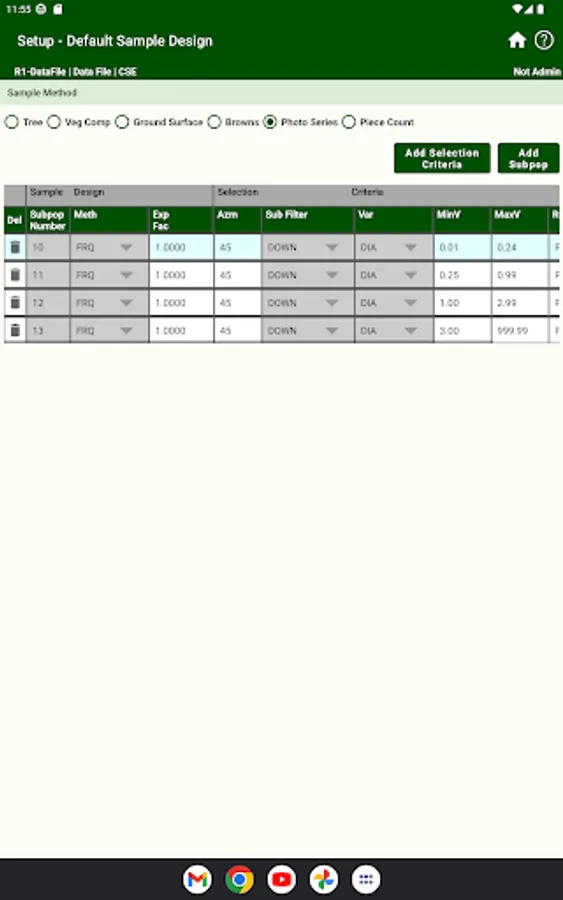
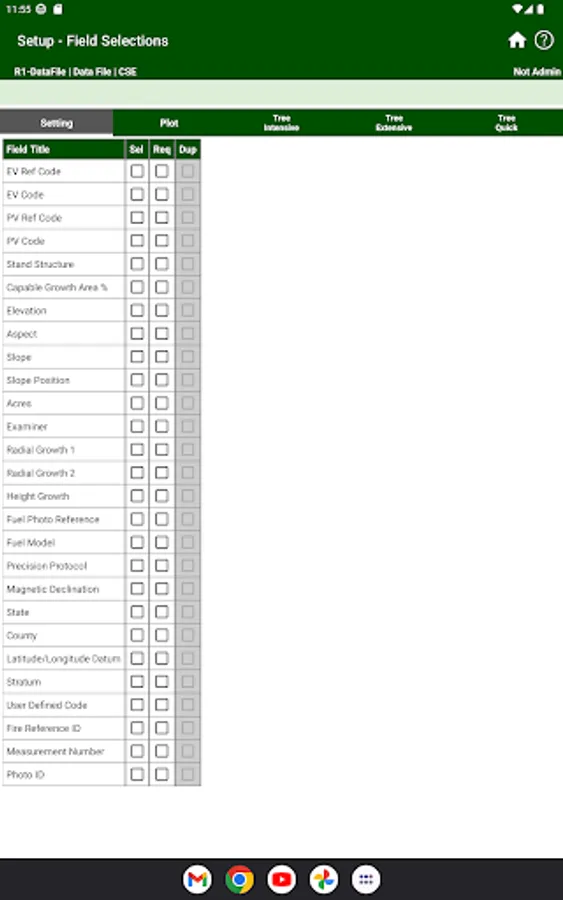
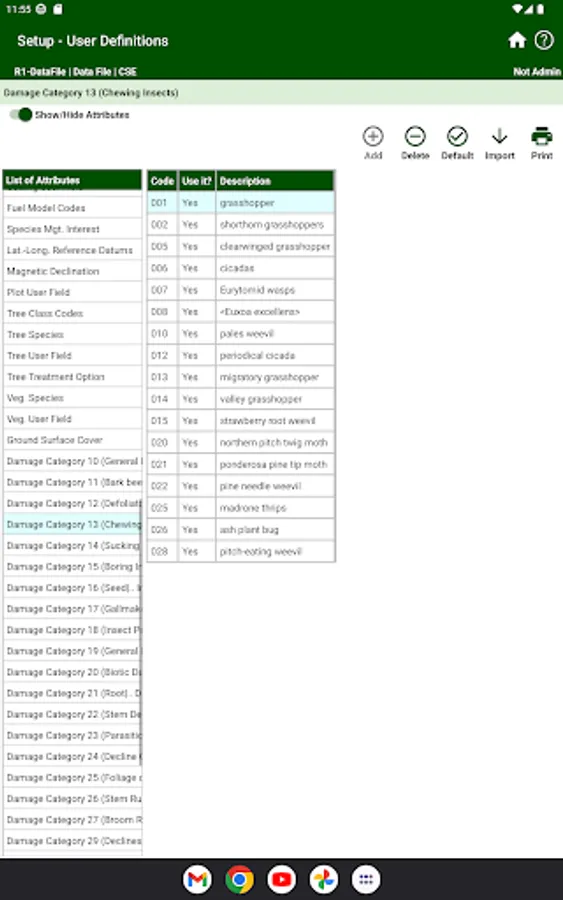
1. Setup - User Definitions, Field Selections, Tree Audit Check, Planned Plot Calculator, Growth Sample Tree, Sample Design, Fire Info/Observations.
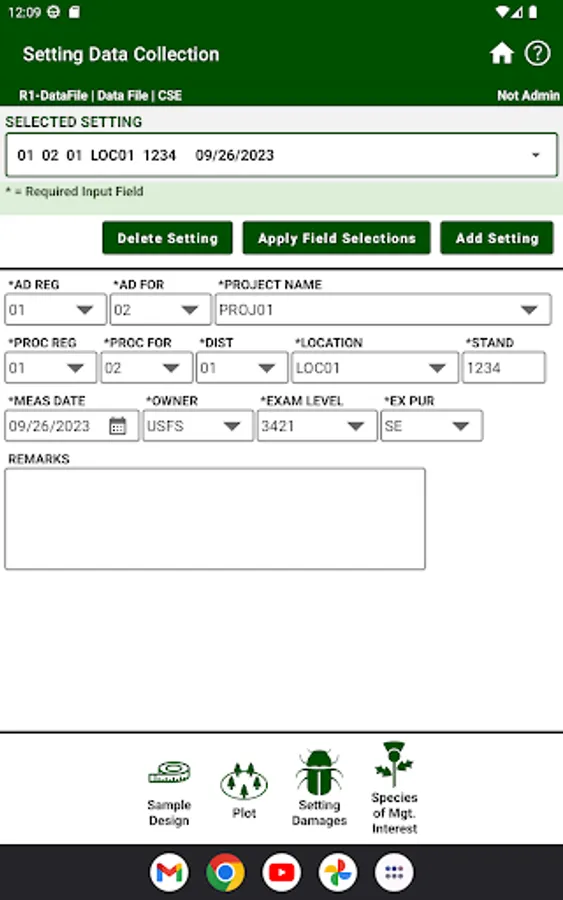
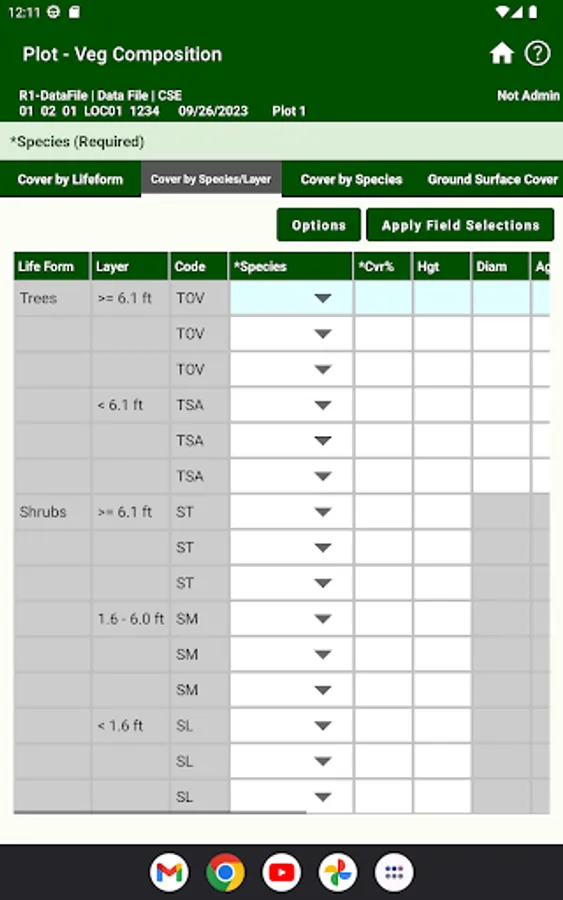
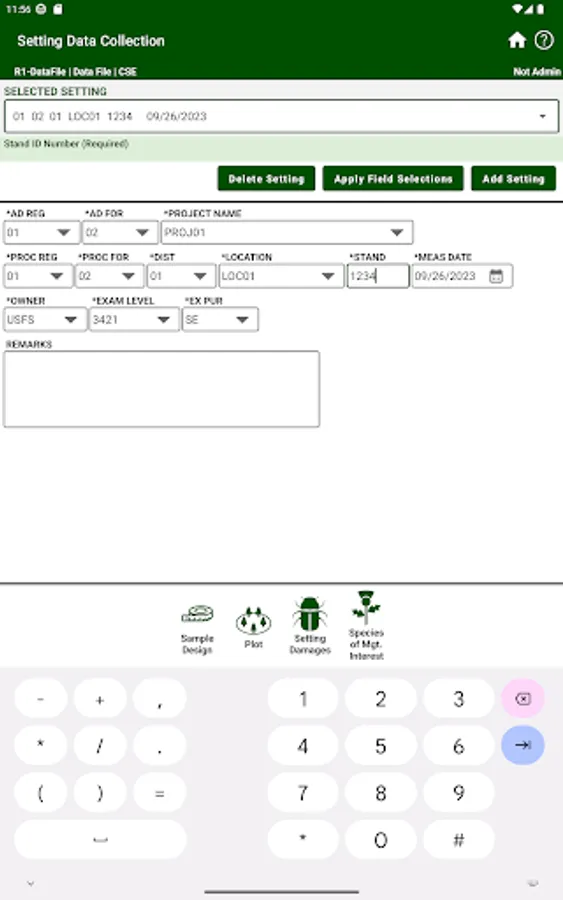
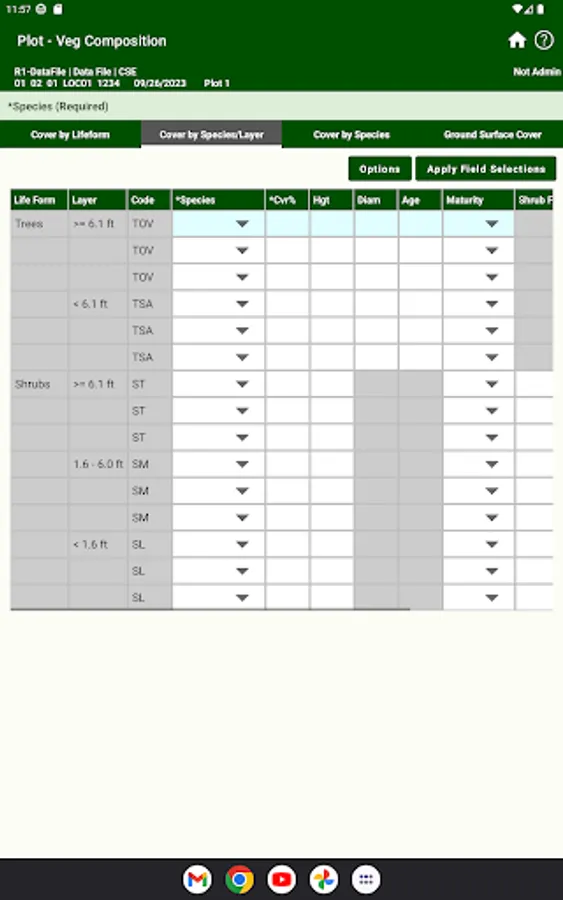
2. Setting Data Collection - Setting Sample Design, Setting Damages, Species of Mgt. Interest, Plot, Tree, Veg. Comp, Downed Woody.
3. Selection of regional templates and creation of data files or personal templates based on user's selected regional template.
4. Data Transfer - Upload file for loading into FSVeg, Download file for loading into Exams Mobile.
5. Data Report - Ability to display data in a concise report.
6. Merge Data Files - Merge settings into data files and plots into settings.
7. Tablet Sharing - Share data files between tablets for Merging and QA/QC.
8. Preload Check - Check trees against the subpopulation definitions.
Features of Exams Mobile Android Mobile App:
1. Setup - User Definitions, Field Selections, Tree Audit Check, Planned Plot Calculator, Growth Sample Tree, Sample Design, Fire Info/Observations.
2. Setting Data Collection - Setting Sample Design, Setting Damages, Species of Mgt. Interest, Plot, Tree, Veg. Comp, Downed Woody.
3. Selection of regional templates and creation of data files or personal templates based on user's selected regional template.
4. Data Transfer - Upload file for loading into FSVeg, Download file for loading into Exams Mobile.
5. Data Report - Ability to display data in a concise report.
6. Merge Data Files - Merge settings into data files and plots into settings.
7. Tablet Sharing - Share data files between tablets for Merging and QA/QC.
8. Preload Check - Check trees against the subpopulation definitions.