AppRecs review analysis
AppRecs rating . Trustworthiness 0 out of 100. Review manipulation risk 0 out of 100. Based on a review sample analyzed.
★
AppRecs Rating
Ratings breakdown
5 star
50%
4 star
0%
3 star
50%
2 star
0%
1 star
0%
About Grid Art
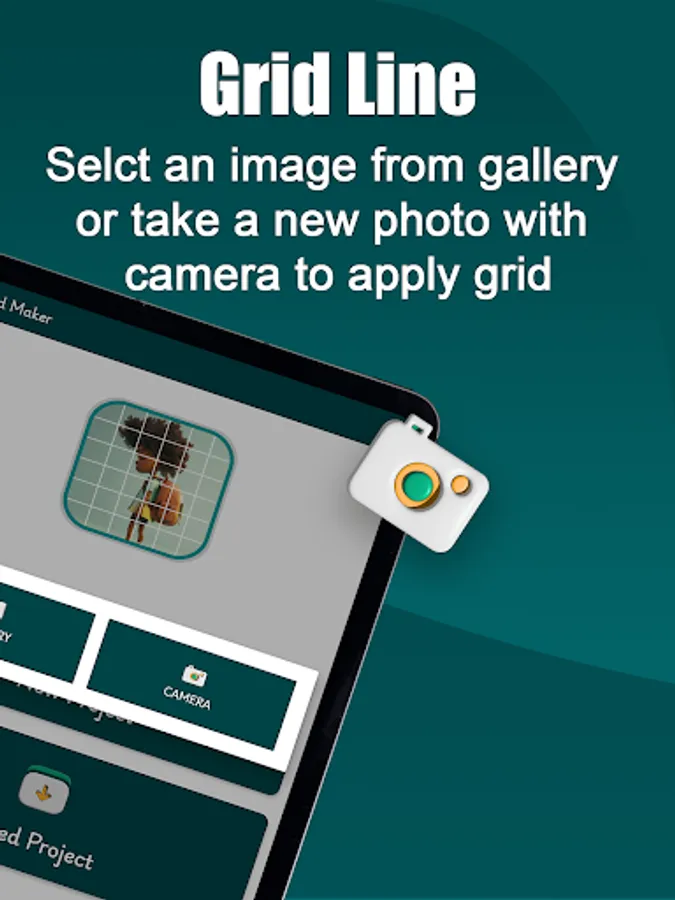
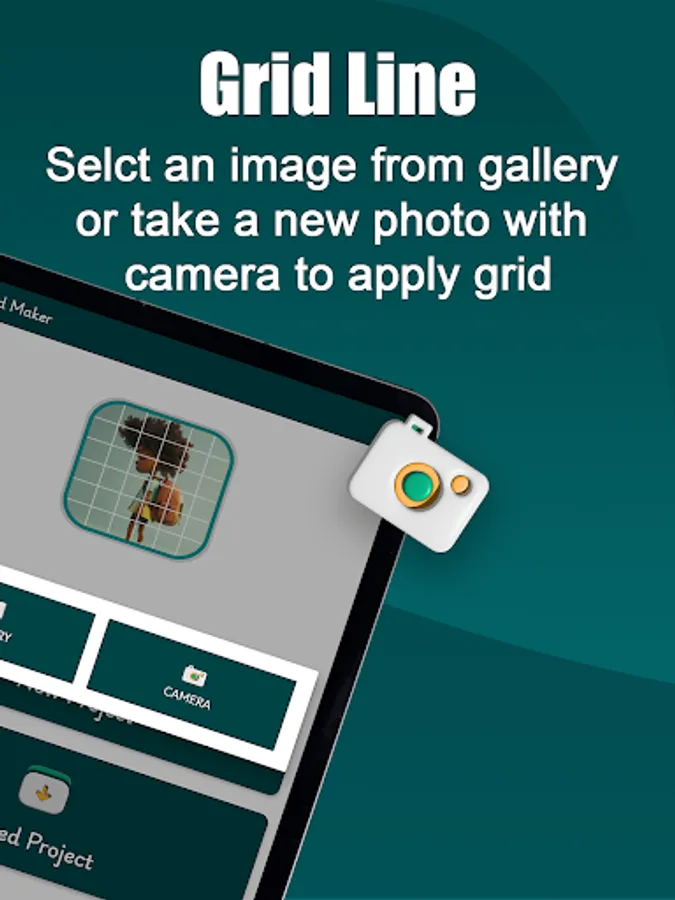
Grid Drawing is a technique used to create accurate and proportional artwork by dividing an image or a drawing surface into equal grids. Grid Art is widely used by beginners and professionals for both freehand drawing and transferring images to larger or smaller surfaces.
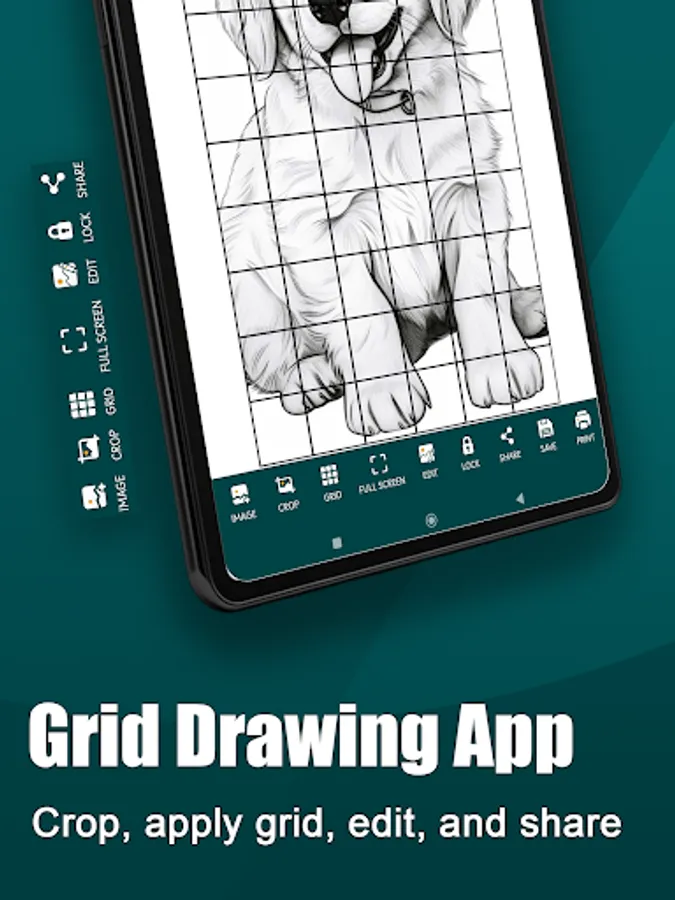
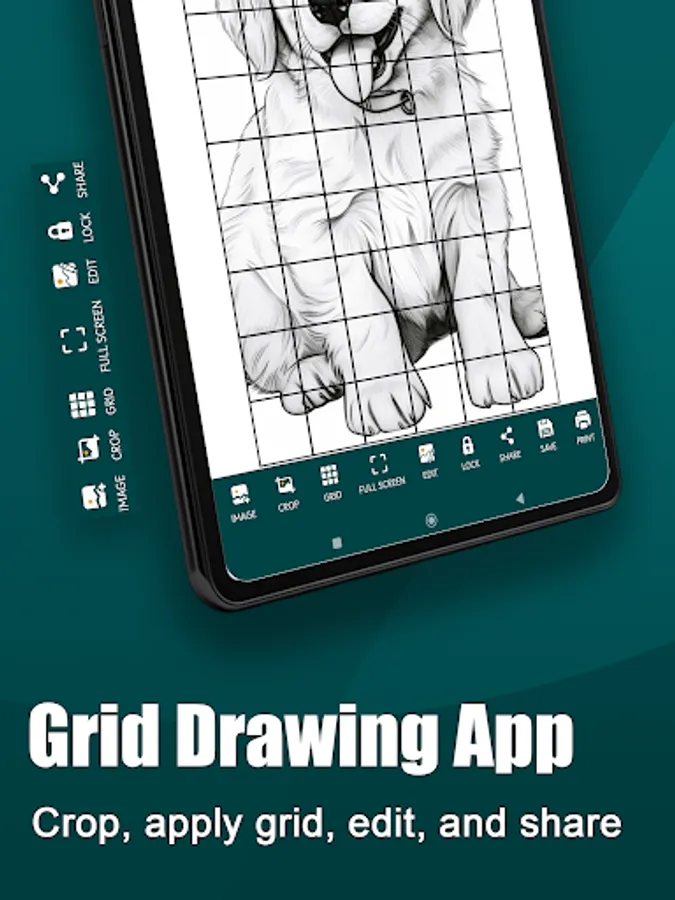
Grid Art empowers users to achieve accurate drawing proportions by offering range of tools and features specifically designed for precise alignment. By incorporating Grid Drawing techniques, it simplifies the process of replicating complex artworks, breaking them down into manageable sections for greater accuracy and detail. This practical approach makes it easier for artists to focus on individual components while ensuring the overall artwork is flawlessly recreated.
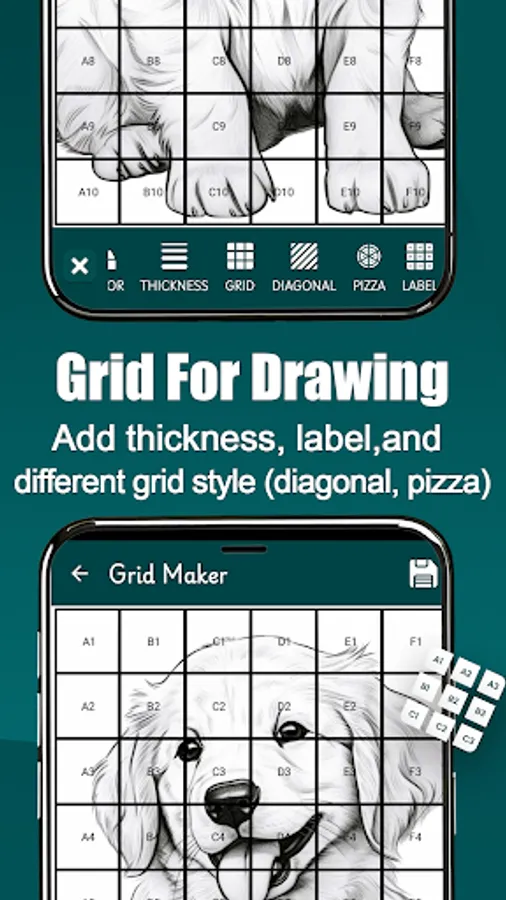
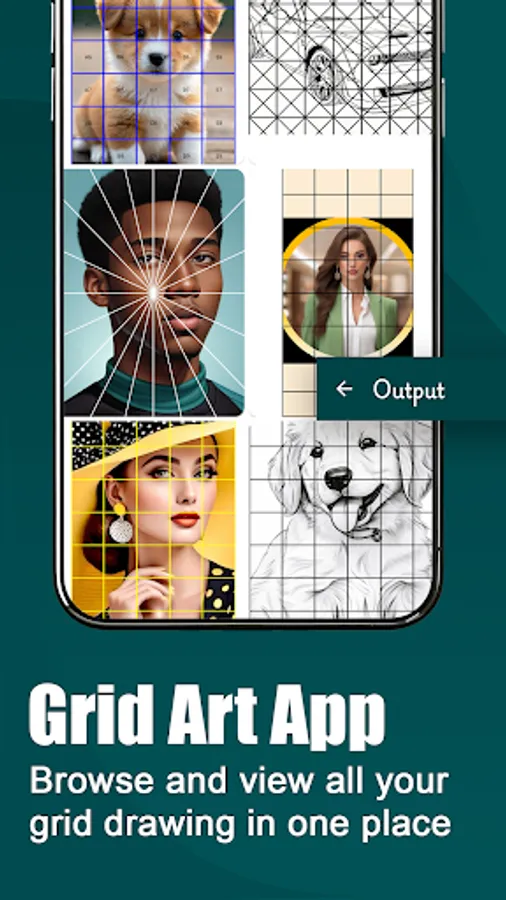
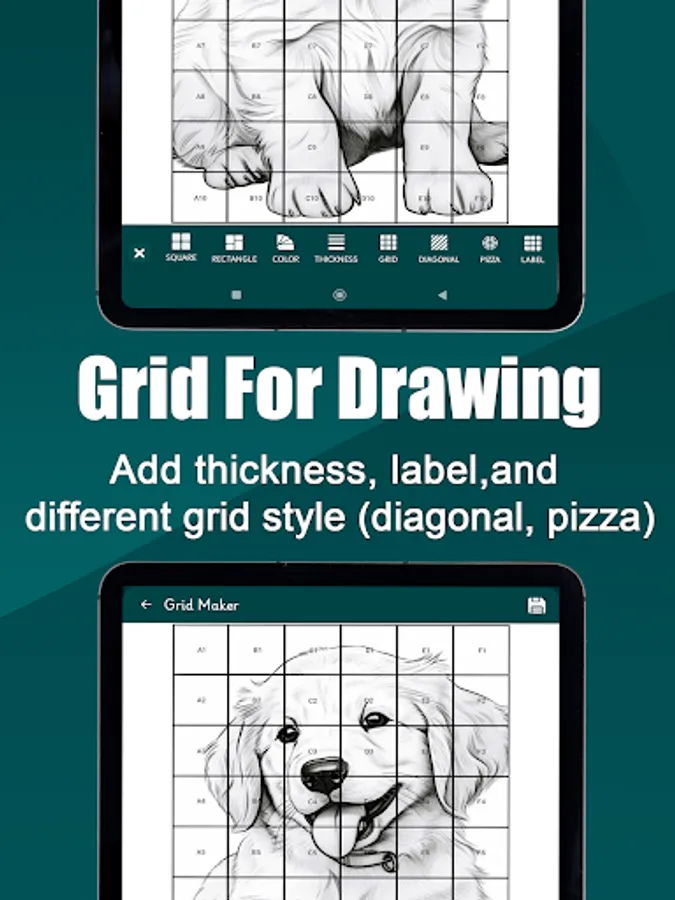
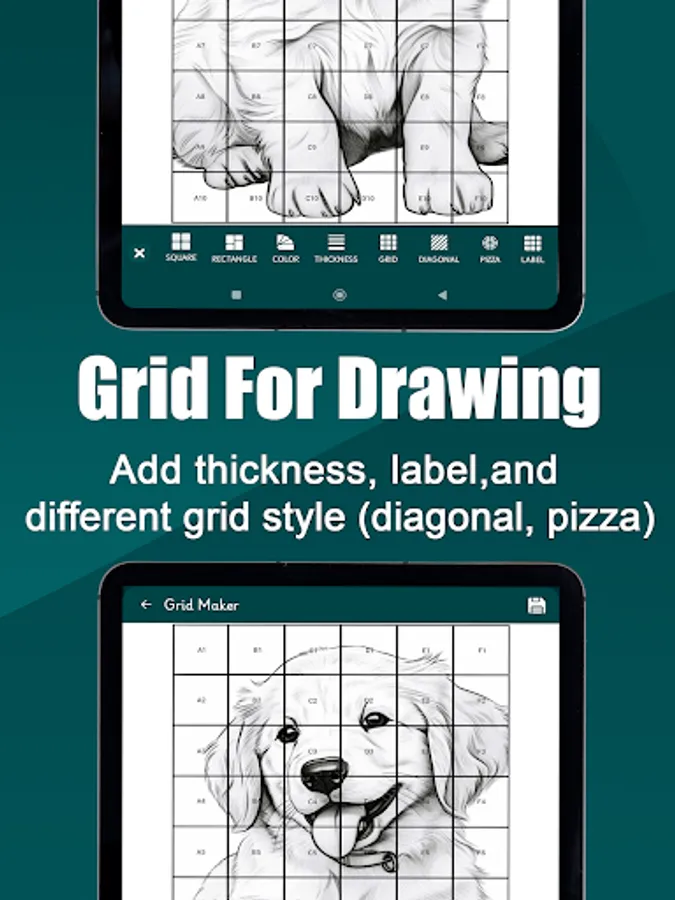
Grid Art offers users with variety of Grid styles,including square, rectangular, pizza, and diagonal grids, which cater for various Grid proportion requirements enabling you customize your grids with any of the different Drawing Grid style.Users can use the Square Grid Maker for perfectly squared proportions or the Rectangle Grid Maker for a well structured rectangular Grid, while also incorporating unique options like Pizza grids, which divide the image into equal pizza like slices, and lastly diagonal Grid portion which involves dividing an image into grids that are sectioned diagonally. Rather than the traditional horizontal and vertical lines our Grid Maker sets itself apart from basic standards with this versatile and advanced features.
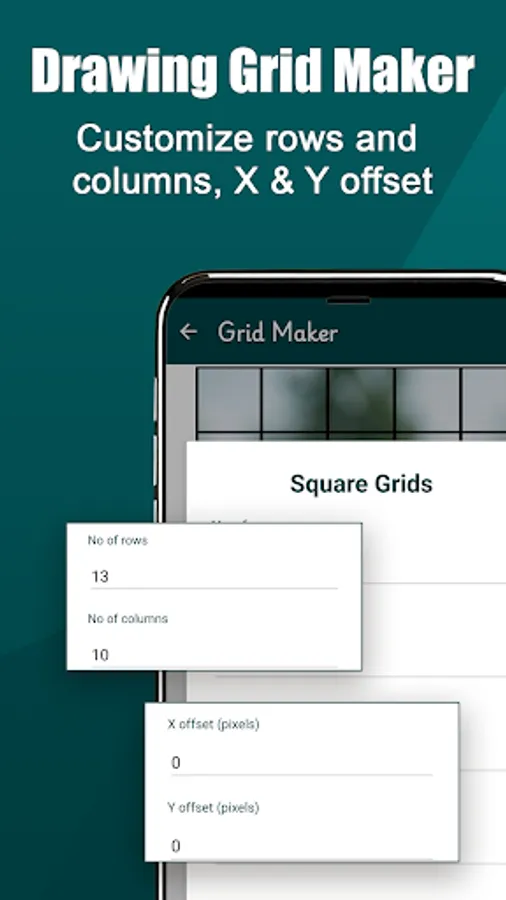
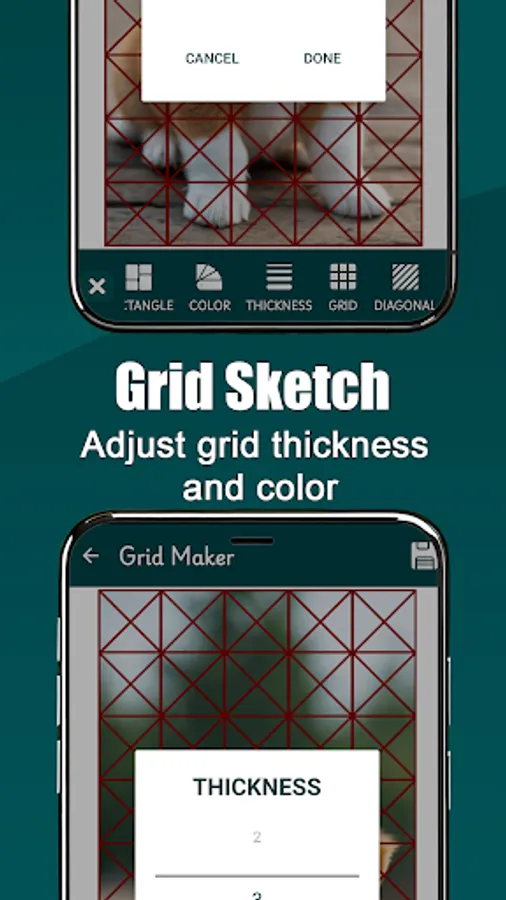
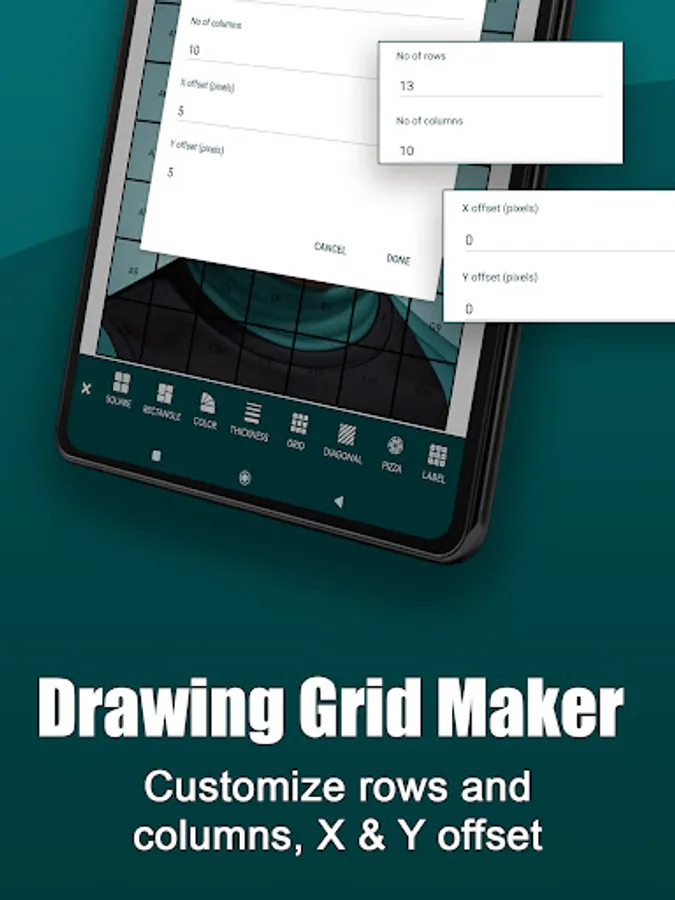
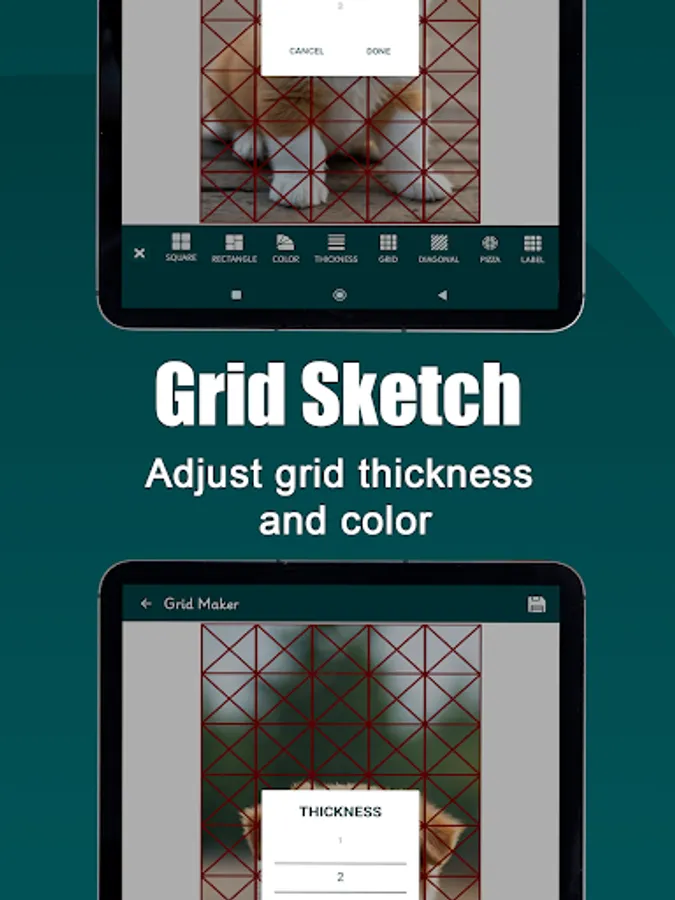
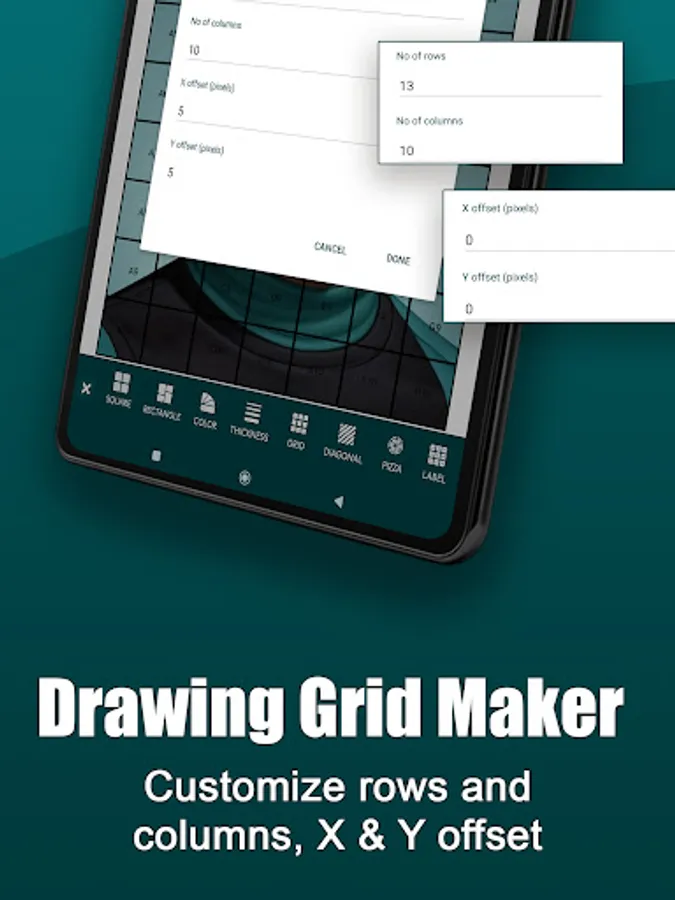
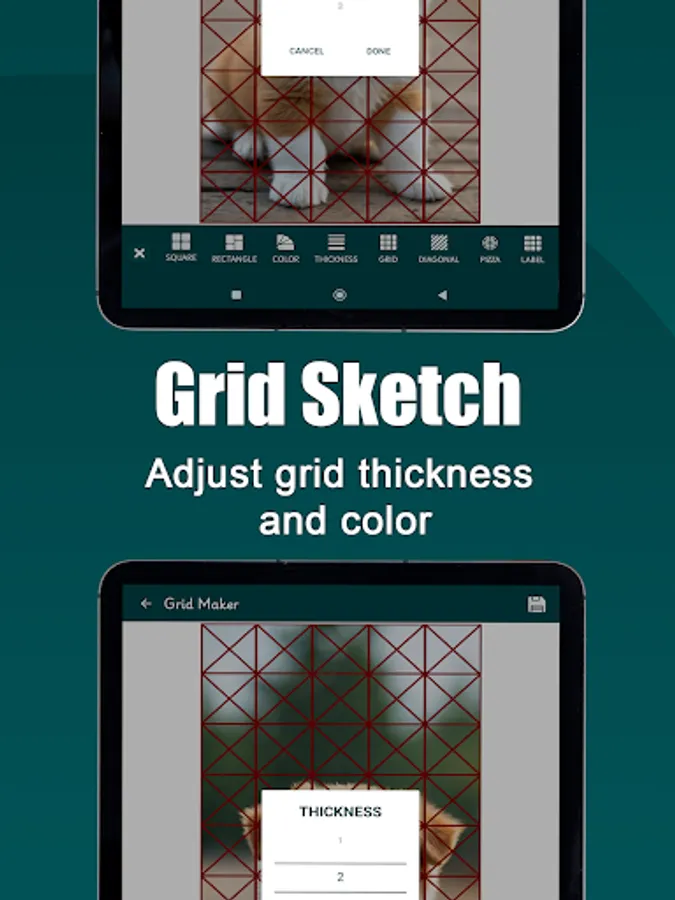
Grid Maker is a versatile tool that fully customize grid size by adjusting the number of rows and columns to match your requirements. Grid Drawing also allows further customization, such as modifying grid styles with different colors, adjusting line thickness, and even labeling individual Grid cells for better organization.
Grid Maker For Drawing is essentially created to provide a practical and efficient way to enhance drawing skills,it serves both novice and professional artists who aim to master the act of replicating artwork with absolute accuracy,by dividing your artwork into perfect square. Grid Art enables you to focus on one square at a time,to recreate every aspect of the original piece, with flawless accuracy and attention to detail ensuring the entire artwork is replicated flawlessly. This tool is ideal for those striving to achieve precise alignment and improve their artistic techniques.
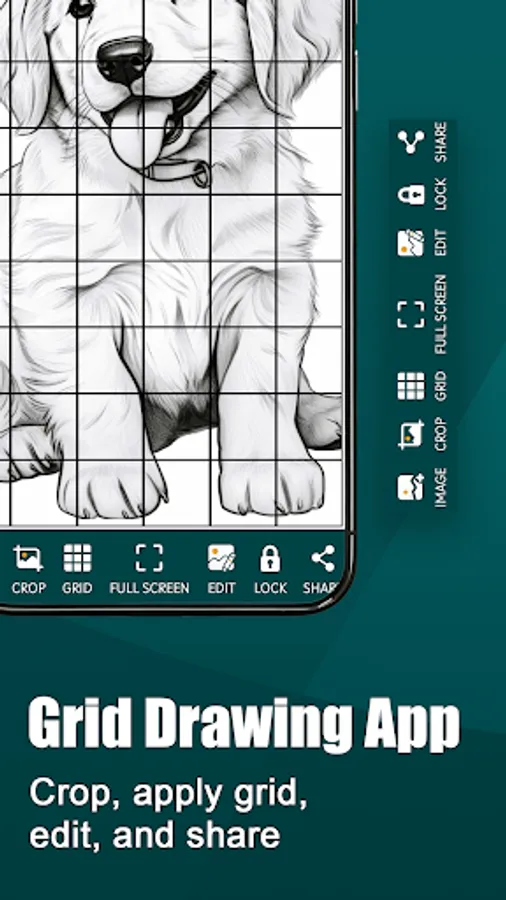
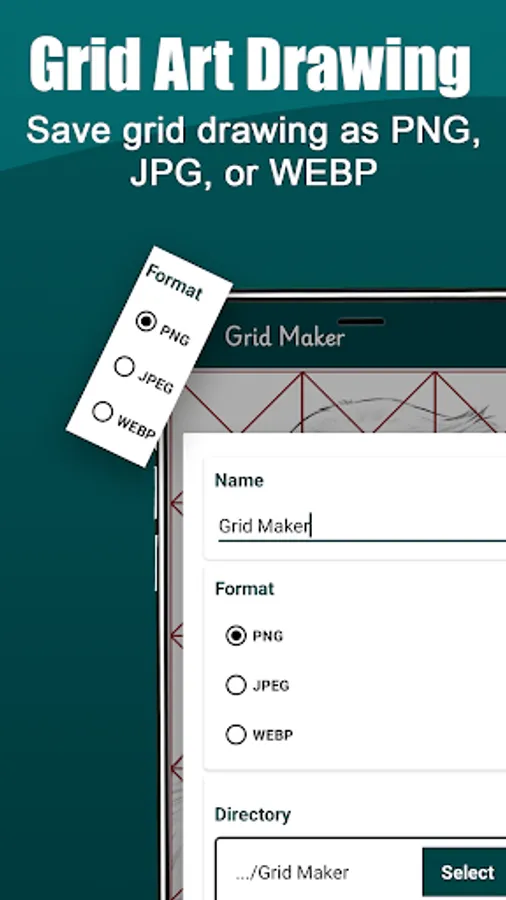
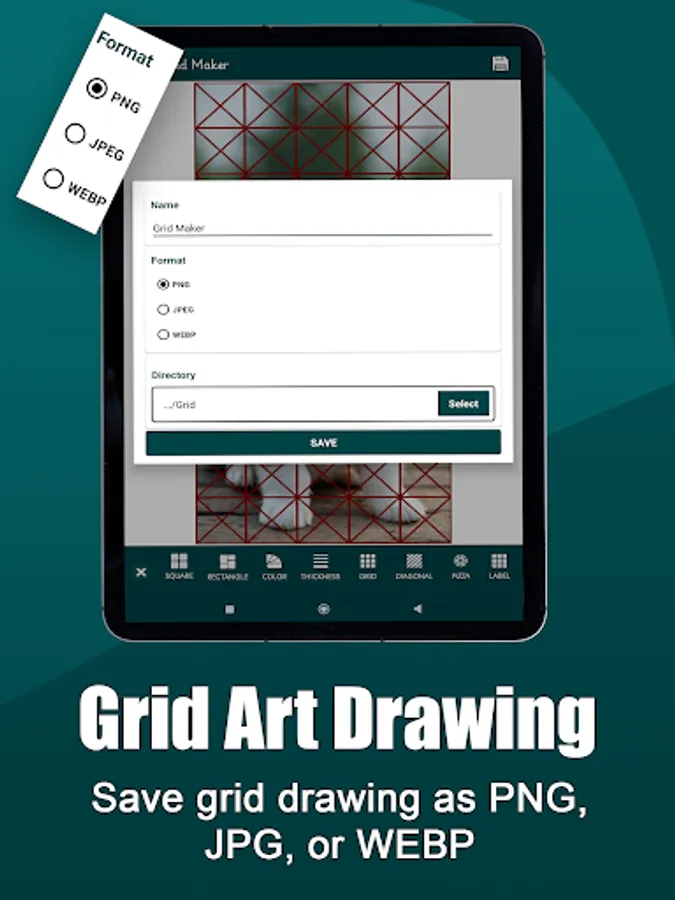
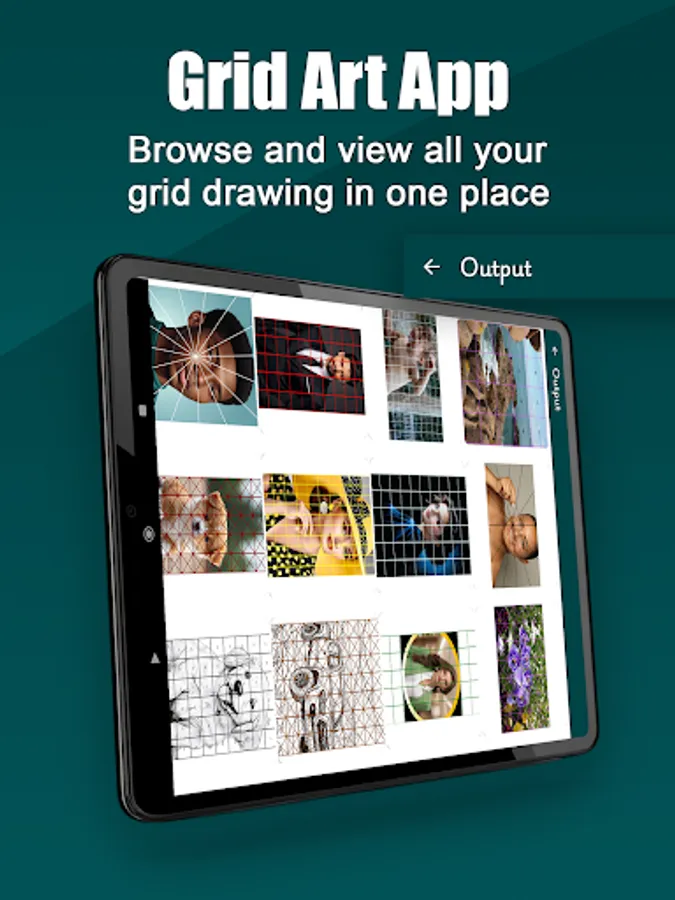
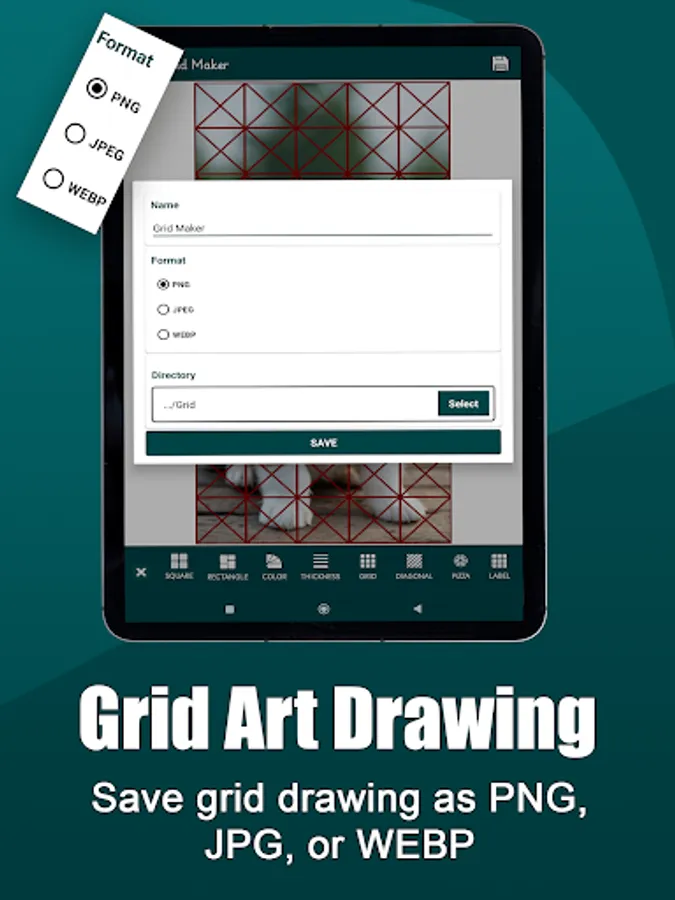
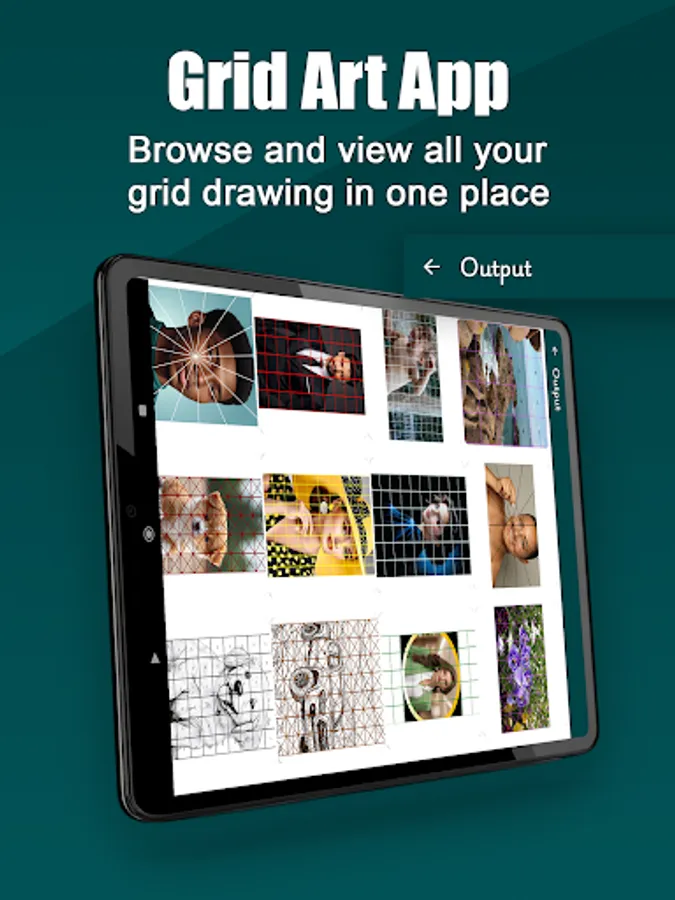
Grid Drawing includes a zooming feature that allows users to zoom in and out of a Grid Image for optimum clarity. Users can flip the image in any direction, rotate it for a perfect orientation, and apply effects to enhance the image. Additionally, this tool enables saving the grid image to any file location in various preferred image format, including PNG, JPEG, and WEBP. For those who prefer physical copies, Grid Art also provides a convenient printing option for your Grid Images.
Unlock your creativity and bring your artistic visions to life whether you're a professional or just starting your artistic journey our Grid Art app is designed to help you create with accuracy and ease. Customize Grid size, adjust line thickness, choose from various Drawing Grid styles, and overlay grids on images for perfect proportions. Download now and start creating stunning pixel art, precise drawings, and intricate designs with ease.
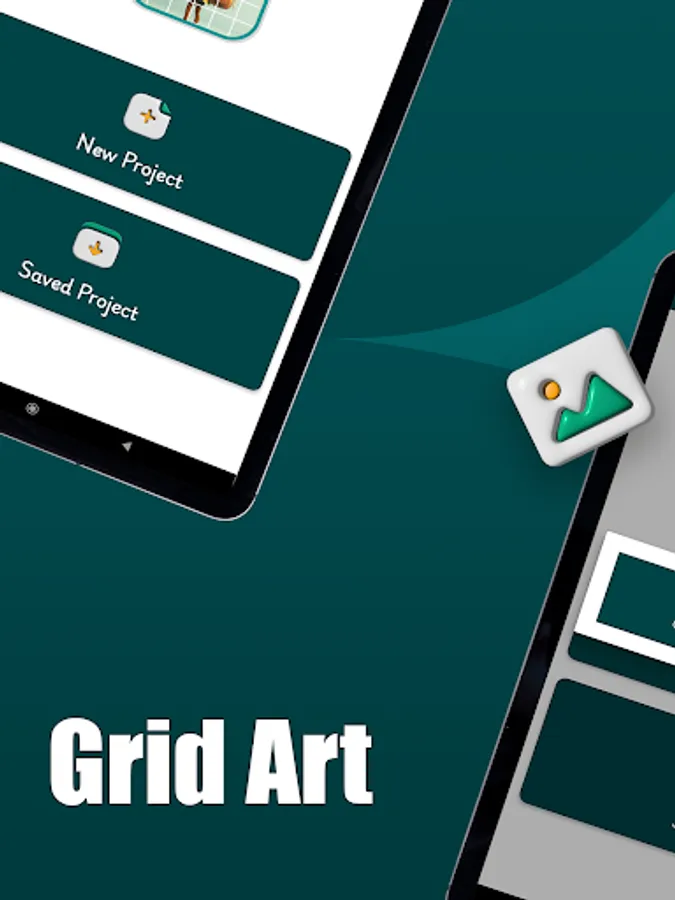
Download the Grid Art app an ultimate tool for artists, designers, and creatives of all levels.
Grid maker | Grid Drawing app features
Drawing Grid tools
1. Variety of Grid styles (square, rectangular, pizza, diagonal)
2. Customizable Grid size (rows and columns)
3. Labeling individual Grid cells
4. Grid Customizable colors
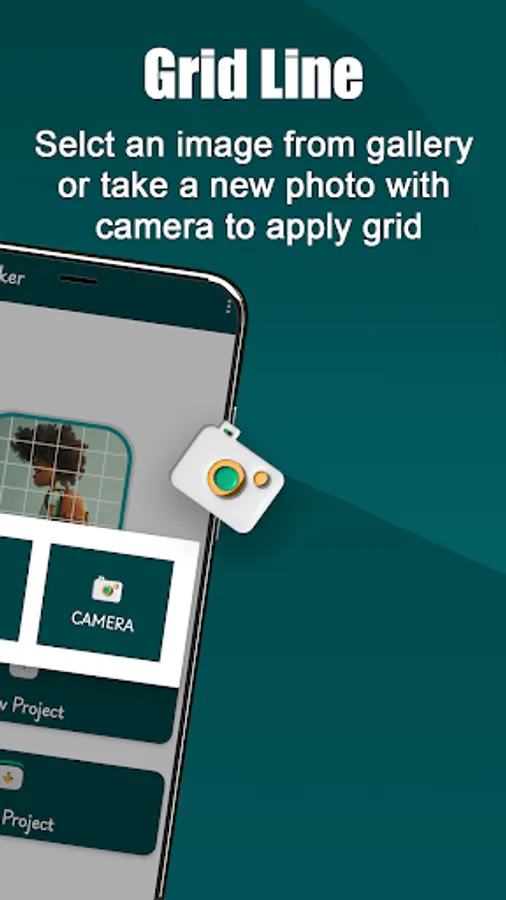
Grid Overlay
1. Overlay Grid on top of images
2. Adjustable Grid line thickness and color
Grid Art empowers users to achieve accurate drawing proportions by offering range of tools and features specifically designed for precise alignment. By incorporating Grid Drawing techniques, it simplifies the process of replicating complex artworks, breaking them down into manageable sections for greater accuracy and detail. This practical approach makes it easier for artists to focus on individual components while ensuring the overall artwork is flawlessly recreated.
Grid Art offers users with variety of Grid styles,including square, rectangular, pizza, and diagonal grids, which cater for various Grid proportion requirements enabling you customize your grids with any of the different Drawing Grid style.Users can use the Square Grid Maker for perfectly squared proportions or the Rectangle Grid Maker for a well structured rectangular Grid, while also incorporating unique options like Pizza grids, which divide the image into equal pizza like slices, and lastly diagonal Grid portion which involves dividing an image into grids that are sectioned diagonally. Rather than the traditional horizontal and vertical lines our Grid Maker sets itself apart from basic standards with this versatile and advanced features.
Grid Maker is a versatile tool that fully customize grid size by adjusting the number of rows and columns to match your requirements. Grid Drawing also allows further customization, such as modifying grid styles with different colors, adjusting line thickness, and even labeling individual Grid cells for better organization.
Grid Maker For Drawing is essentially created to provide a practical and efficient way to enhance drawing skills,it serves both novice and professional artists who aim to master the act of replicating artwork with absolute accuracy,by dividing your artwork into perfect square. Grid Art enables you to focus on one square at a time,to recreate every aspect of the original piece, with flawless accuracy and attention to detail ensuring the entire artwork is replicated flawlessly. This tool is ideal for those striving to achieve precise alignment and improve their artistic techniques.
Grid Drawing includes a zooming feature that allows users to zoom in and out of a Grid Image for optimum clarity. Users can flip the image in any direction, rotate it for a perfect orientation, and apply effects to enhance the image. Additionally, this tool enables saving the grid image to any file location in various preferred image format, including PNG, JPEG, and WEBP. For those who prefer physical copies, Grid Art also provides a convenient printing option for your Grid Images.
Unlock your creativity and bring your artistic visions to life whether you're a professional or just starting your artistic journey our Grid Art app is designed to help you create with accuracy and ease. Customize Grid size, adjust line thickness, choose from various Drawing Grid styles, and overlay grids on images for perfect proportions. Download now and start creating stunning pixel art, precise drawings, and intricate designs with ease.
Download the Grid Art app an ultimate tool for artists, designers, and creatives of all levels.
Grid maker | Grid Drawing app features
Drawing Grid tools
1. Variety of Grid styles (square, rectangular, pizza, diagonal)
2. Customizable Grid size (rows and columns)
3. Labeling individual Grid cells
4. Grid Customizable colors
Grid Overlay
1. Overlay Grid on top of images
2. Adjustable Grid line thickness and color
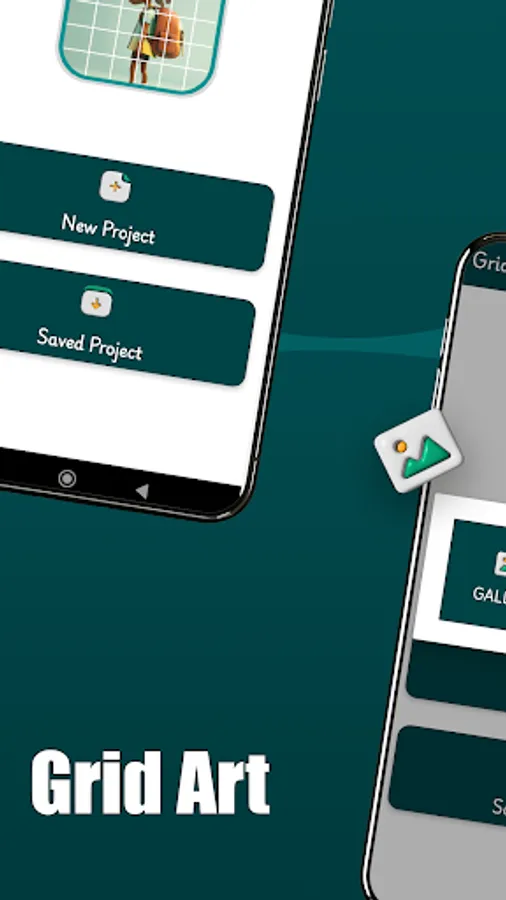
Grid Art Screenshots
Tap to Rate:
Reviews for Grid Art
Aaron Ezekiel
2/12/2026
Very good app with terrible label
Minh Ngọc Hồ
1/25/2026
Great app! It has everything I need, like squares and lines. Offsets combining with rotation and flip would help me adjust the pic. Just some more recommendations it would be perfect: lines are slimmer, or even better can be transparent; pics can be cropped to the fixed paper sizes and self-written ratios like 18.5:20.8