AppRecs review analysis
AppRecs rating 4.5. Trustworthiness 55 out of 100. Review manipulation risk 21 out of 100. Based on a review sample analyzed.
★★★★☆
4.5
AppRecs Rating
Ratings breakdown
5 star
100%
4 star
0%
3 star
0%
2 star
0%
1 star
0%
What to know
✓
High user satisfaction
100% of sampled ratings are 5 stars
About Code 39 Barcode Scanner
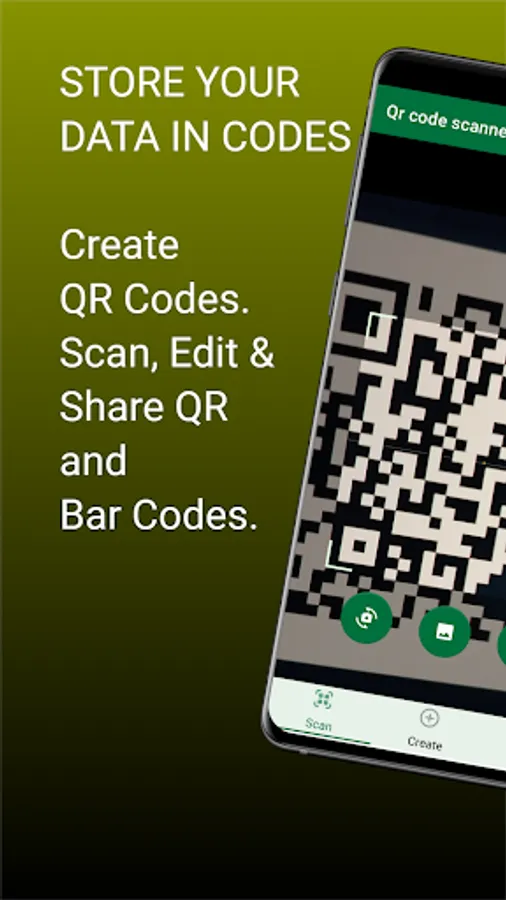
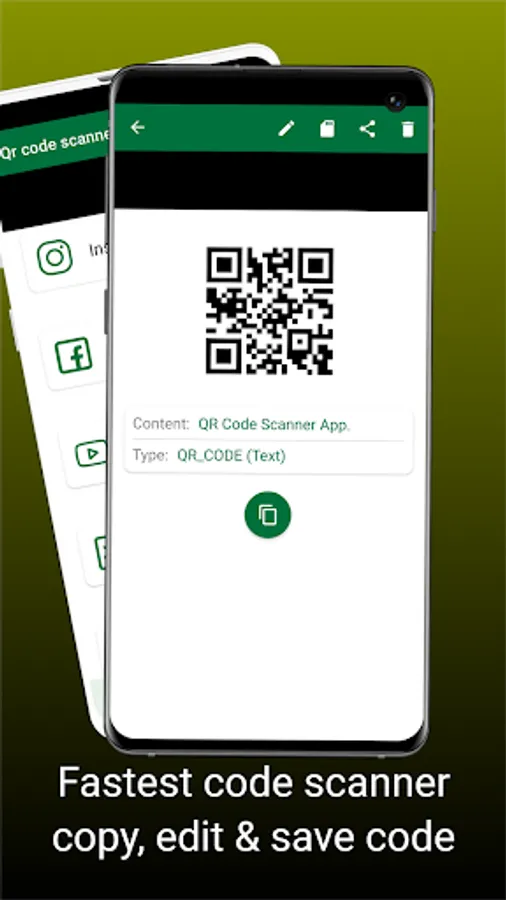
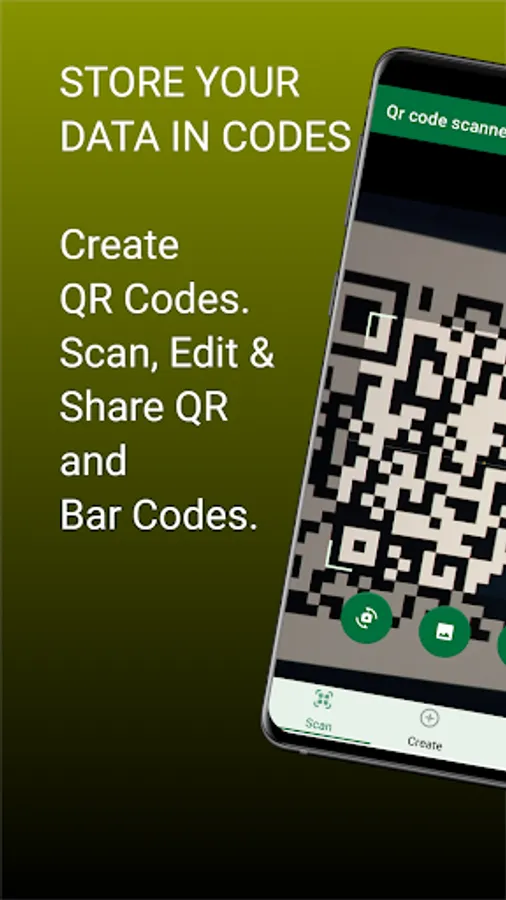
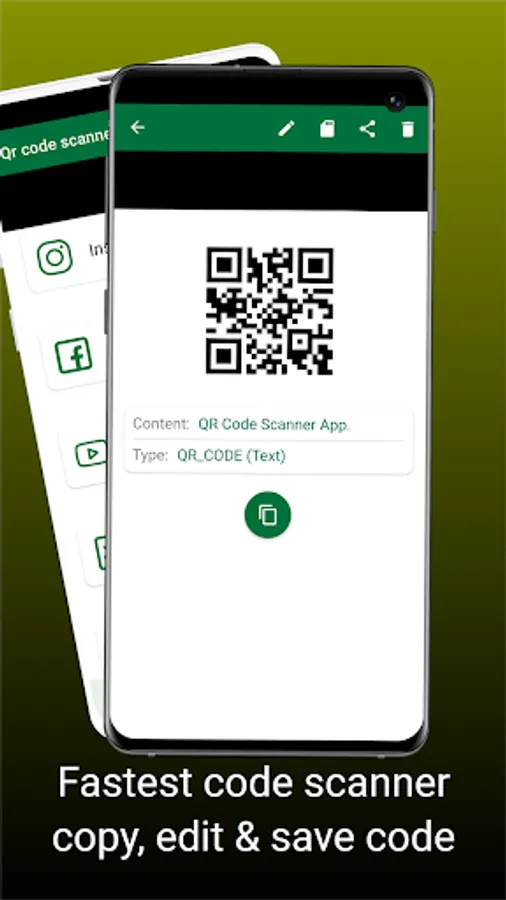
Code 39 Barcode Scanner is an essential app that scans both QR codes and barcodes automatically, interprets, and provides accurate information encoded in it. In circumstances where you already have an image of the code you wish to scan in your phone gallery, our Code 39 Barcode Scanner allows you to select the image from your device, and conveniently scan the codes captured in the image giving precise results in real-time.
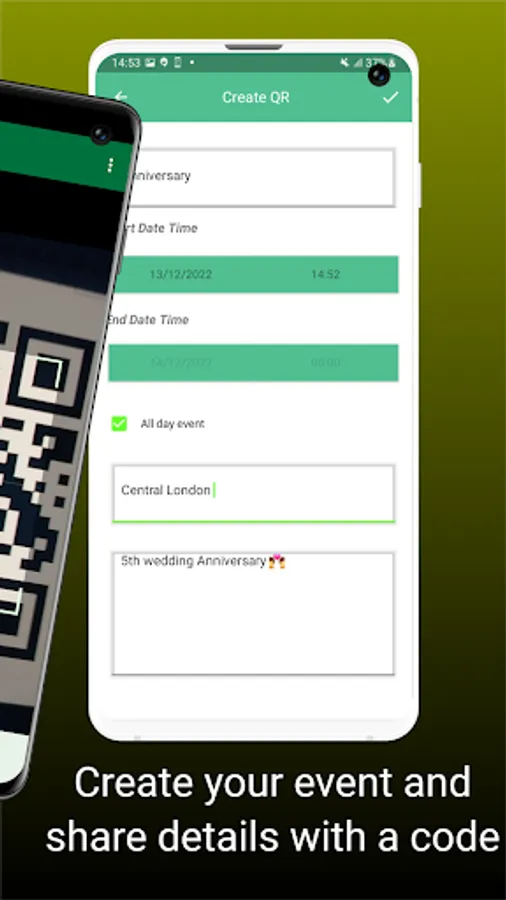
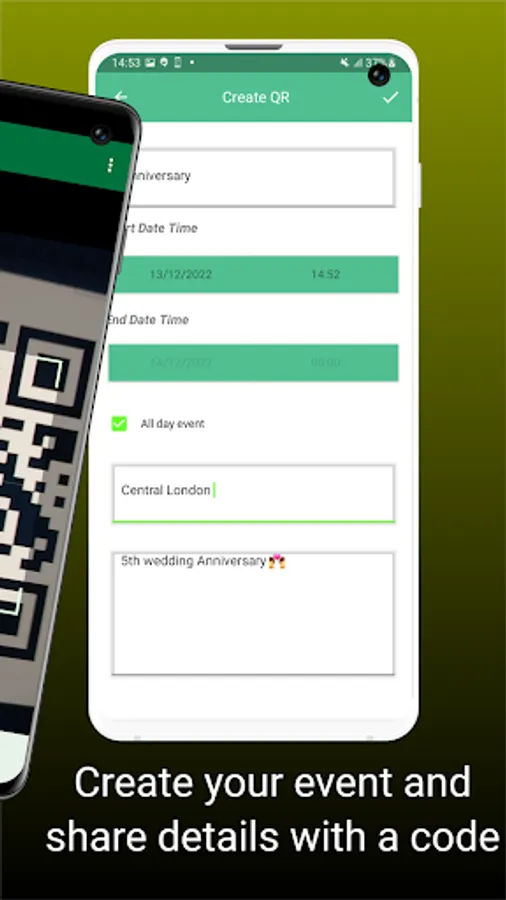
Code 39 Barcode Scanner creates and generates bar codes by providing users with multiple options to generate different barcodes based on their specific requirements. These options include Code 39, Code 93, Code 128, UPC_A, UPC_E, EAN_8, EAN_13, ITF, and more. Users can choose the type of bar code they want to create and are required to fill in the relevant information to customize the codes for the selected Bar code type. This versatility makes the app a valuable tool for generating different kinds of barcodes.
Code 39 Barcode Scanner ensures an easy and accurate scanning experience for all users. Whether scanning directly with your camera or from an image, you don't have to worry about using our app at night because the inclusion of a built-in flashlight is particularly useful for users who may need to scan QR codes/ Barcode in low-light conditions or during the night. This feature ensures that the scanning process remains accurate and efficient regardless of the lighting environment.
The emphasis on providing an easy scanning experience indicates that the app is designed with user convenience in mind. Users, whether experienced or new to Barcode/QR code scanning, can expect a straightforward and user-friendly interface.
Code 39 Barcode Scanner has several features
1.Instant QR code scan
2.Code 39 Barcode Scanner
3.Detect codes from Images
4.QR Code/Barcode scanner
5.UPC Barcode Scanner
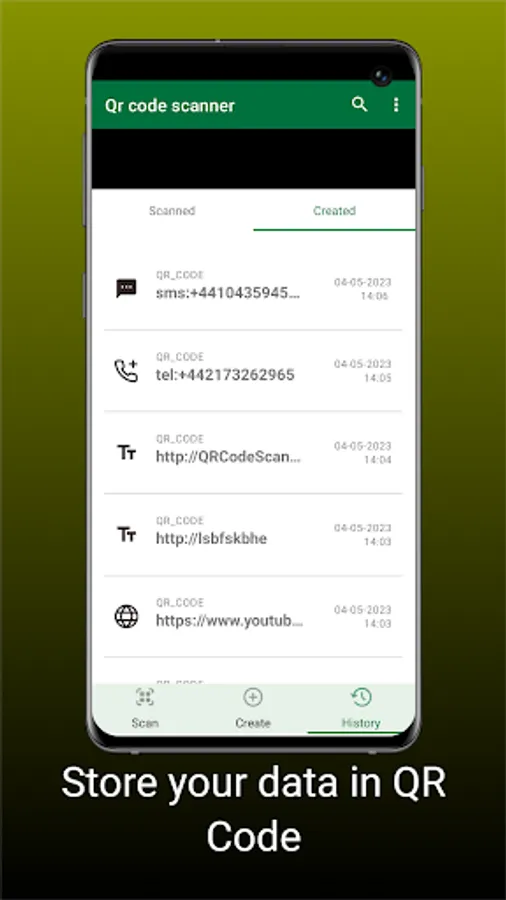
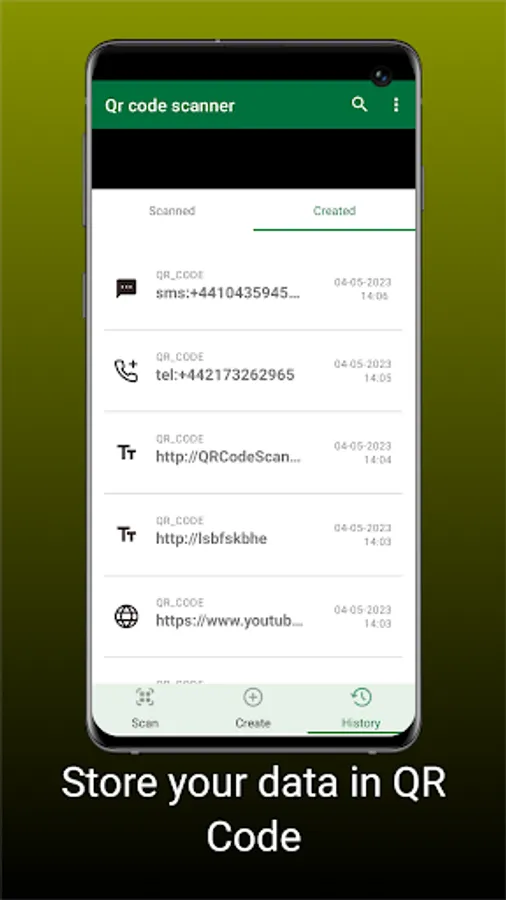
6.Manage scan History
7.No internet connection is required
8.Easy and simple to use
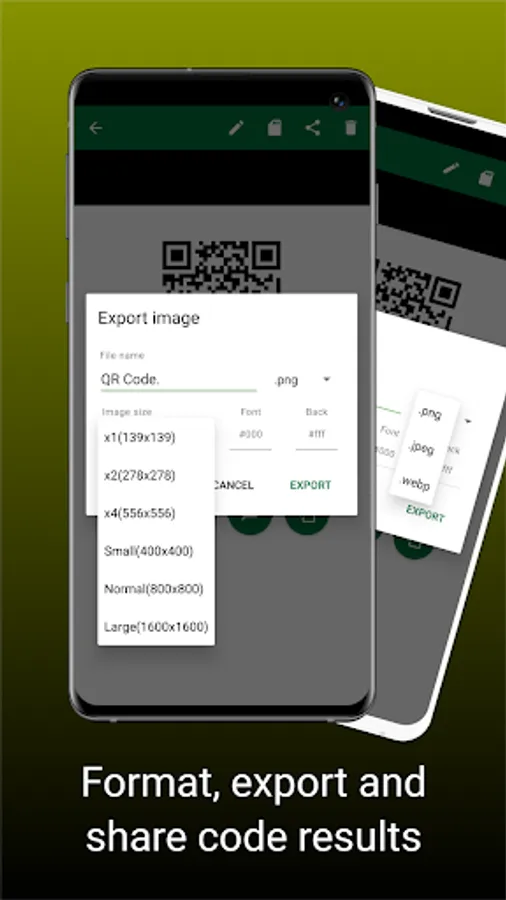
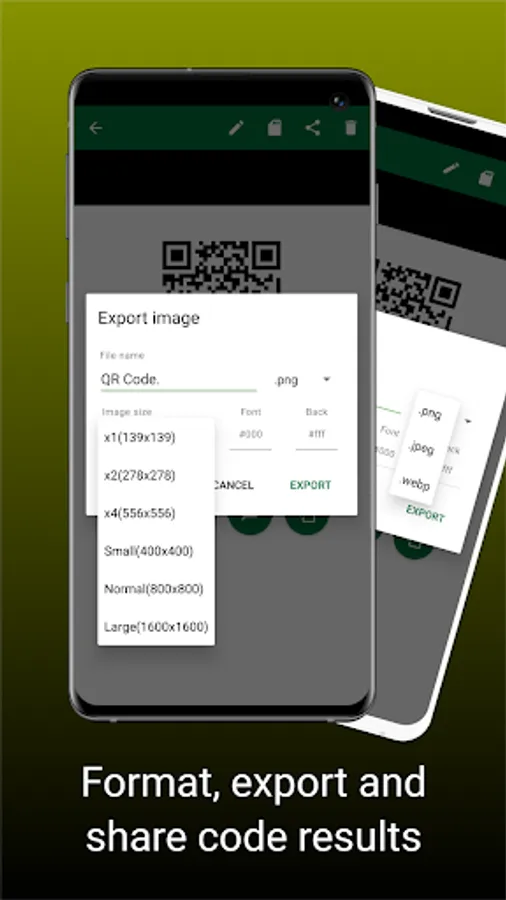
9.Share the Bar code generated
10.Built-in Flashlight: Scan effortlessly at night.
Supported Bar codes:
Code_39
Code_93
Code_128
UPC_A
UPC_E
EAN_8
EAN_13
ITF
How to Use
1.To scan a QR code or bar-code, simply open the QR & bar-codes scanner app, point the camera in front of the QR or bar-code you want to scan, and the app will automatically read the code and show its content instantly.
2.To scan an image from your phone’s gallery, simply click the gallery icon to select an image.
3.To generate any bar code listed, simply open our app and click on Create, Choose from the options of codes you can create based on your needs.
4.Flashlight helps you scan a QR or bar code in a dark environment.
Useful ideas or feature requests are welcome. Feel free to contact us via email.
Thank you for using our Code 39 Bar code Scanner app
Code 39 Barcode Scanner creates and generates bar codes by providing users with multiple options to generate different barcodes based on their specific requirements. These options include Code 39, Code 93, Code 128, UPC_A, UPC_E, EAN_8, EAN_13, ITF, and more. Users can choose the type of bar code they want to create and are required to fill in the relevant information to customize the codes for the selected Bar code type. This versatility makes the app a valuable tool for generating different kinds of barcodes.
Code 39 Barcode Scanner ensures an easy and accurate scanning experience for all users. Whether scanning directly with your camera or from an image, you don't have to worry about using our app at night because the inclusion of a built-in flashlight is particularly useful for users who may need to scan QR codes/ Barcode in low-light conditions or during the night. This feature ensures that the scanning process remains accurate and efficient regardless of the lighting environment.
The emphasis on providing an easy scanning experience indicates that the app is designed with user convenience in mind. Users, whether experienced or new to Barcode/QR code scanning, can expect a straightforward and user-friendly interface.
Code 39 Barcode Scanner has several features
1.Instant QR code scan
2.Code 39 Barcode Scanner
3.Detect codes from Images
4.QR Code/Barcode scanner
5.UPC Barcode Scanner
6.Manage scan History
7.No internet connection is required
8.Easy and simple to use
9.Share the Bar code generated
10.Built-in Flashlight: Scan effortlessly at night.
Supported Bar codes:
Code_39
Code_93
Code_128
UPC_A
UPC_E
EAN_8
EAN_13
ITF
How to Use
1.To scan a QR code or bar-code, simply open the QR & bar-codes scanner app, point the camera in front of the QR or bar-code you want to scan, and the app will automatically read the code and show its content instantly.
2.To scan an image from your phone’s gallery, simply click the gallery icon to select an image.
3.To generate any bar code listed, simply open our app and click on Create, Choose from the options of codes you can create based on your needs.
4.Flashlight helps you scan a QR or bar code in a dark environment.
Useful ideas or feature requests are welcome. Feel free to contact us via email.
Thank you for using our Code 39 Bar code Scanner app