Flower Watch Face by HuskyDEV
HuskyDev
4.0 ★
261 ratings
50,000+
downloads
Free
+ in-app
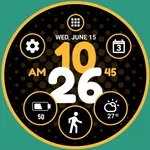
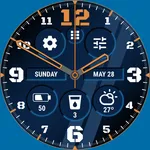
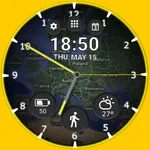
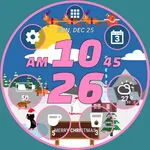
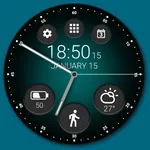
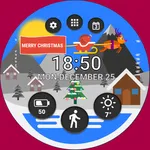
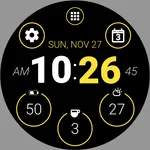
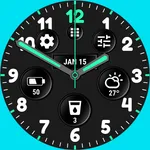
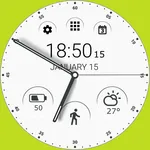
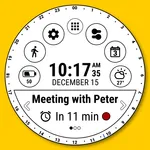
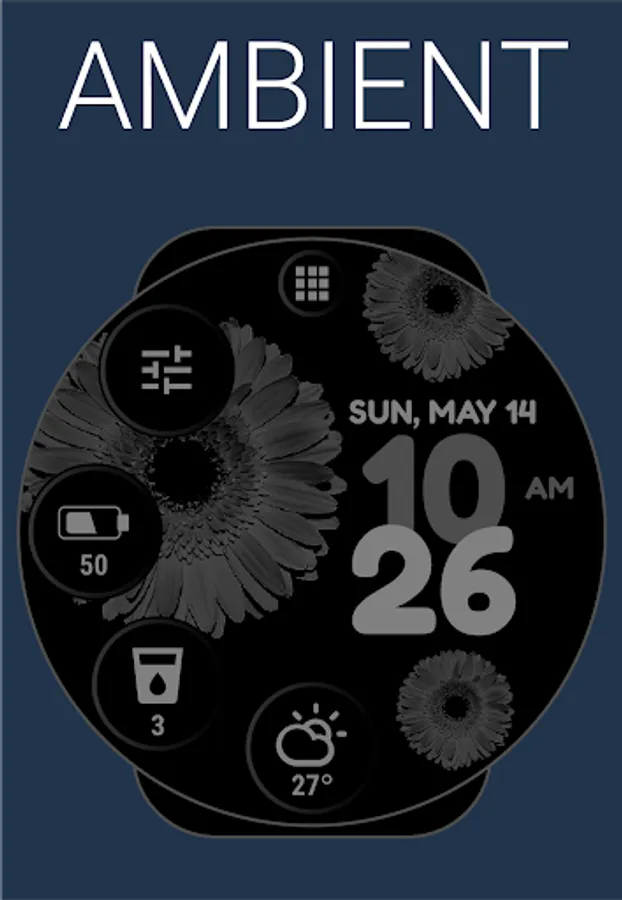
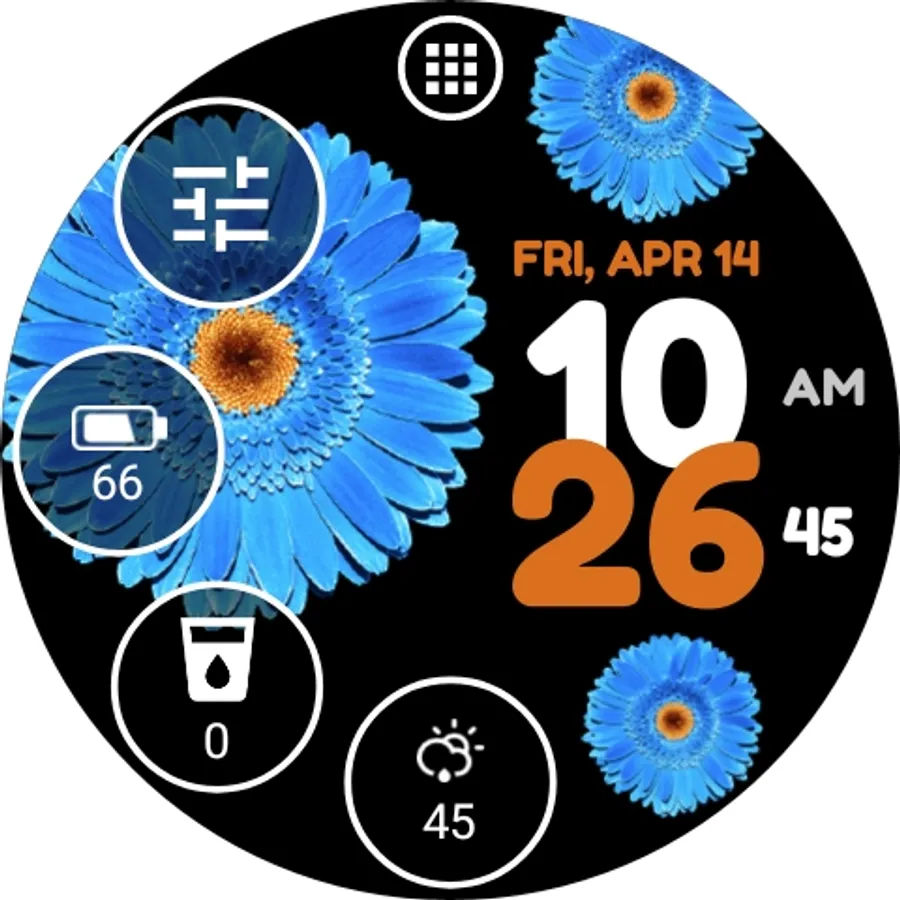
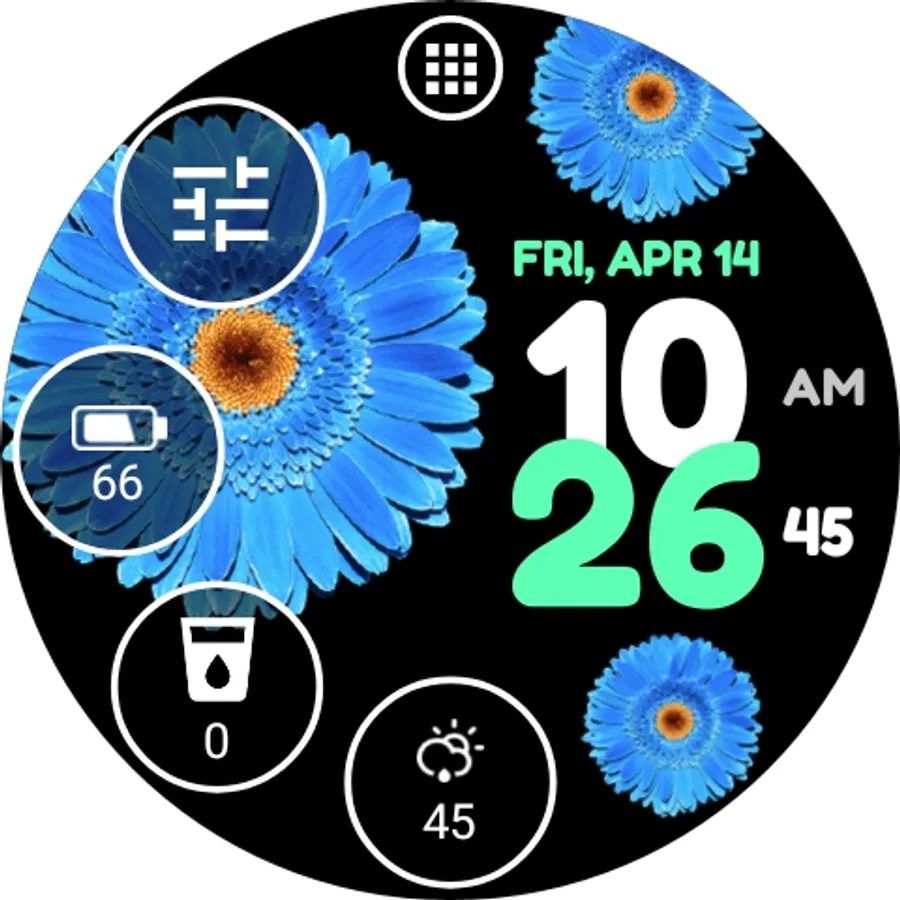
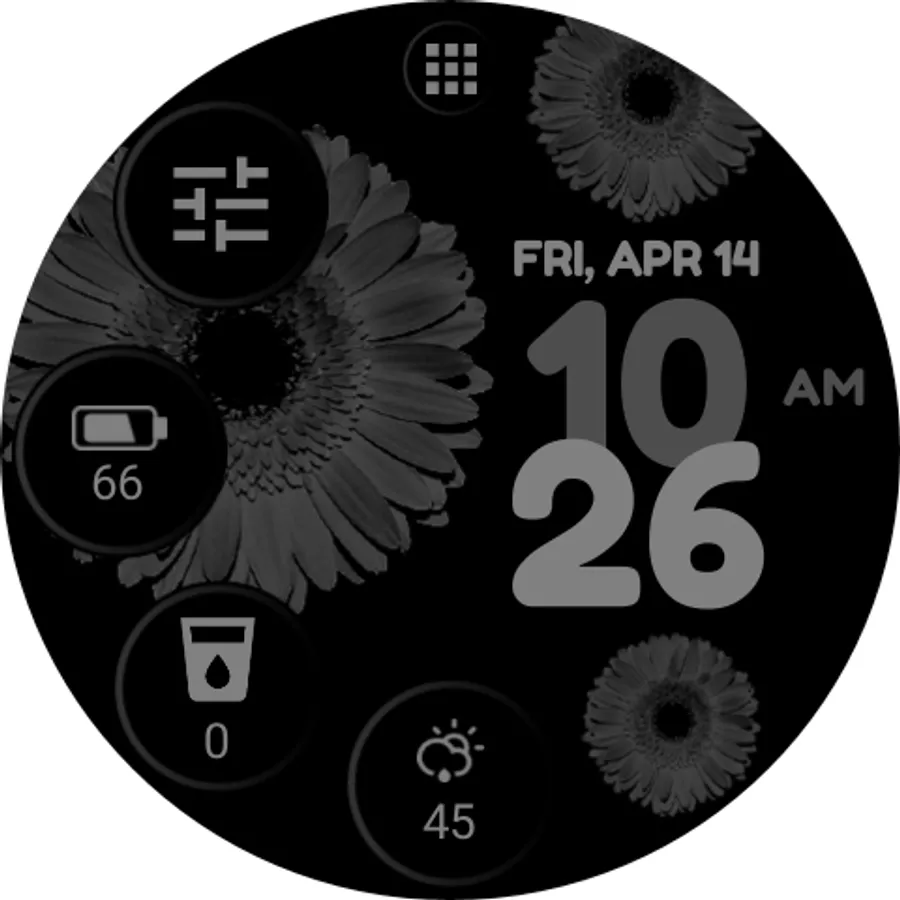
With this Wear OS watch face app, you can customize the appearance with different colors, styles, and animations, and access weather and battery information. Includes weather forecasts, battery details, multiple color options, and customization settings.
AppRecs review analysis
AppRecs rating 4.0. Trustworthiness 76 out of 100. Review manipulation risk 29 out of 100. Based on a review sample analyzed.
★★★★☆
4.0
AppRecs Rating
Ratings breakdown
5 star
61%
4 star
10%
3 star
10%
2 star
8%
1 star
12%
What to know
✓
Low review manipulation risk
29% review manipulation risk
✓
Credible reviews
76% trustworthiness score from analyzed reviews
✓
High user satisfaction
71% of sampled ratings are 4+ stars (4.0★ average)
About Flower Watch Face by HuskyDEV
The Flower Watch Face is fully compatible with Wear OS 2 and Wear OS 3 and is compatible with all Wear OS watches
Wear OS 2 and Wear OS 3 integrated features
• external complication support
• fully standalone
• iPhone compatible
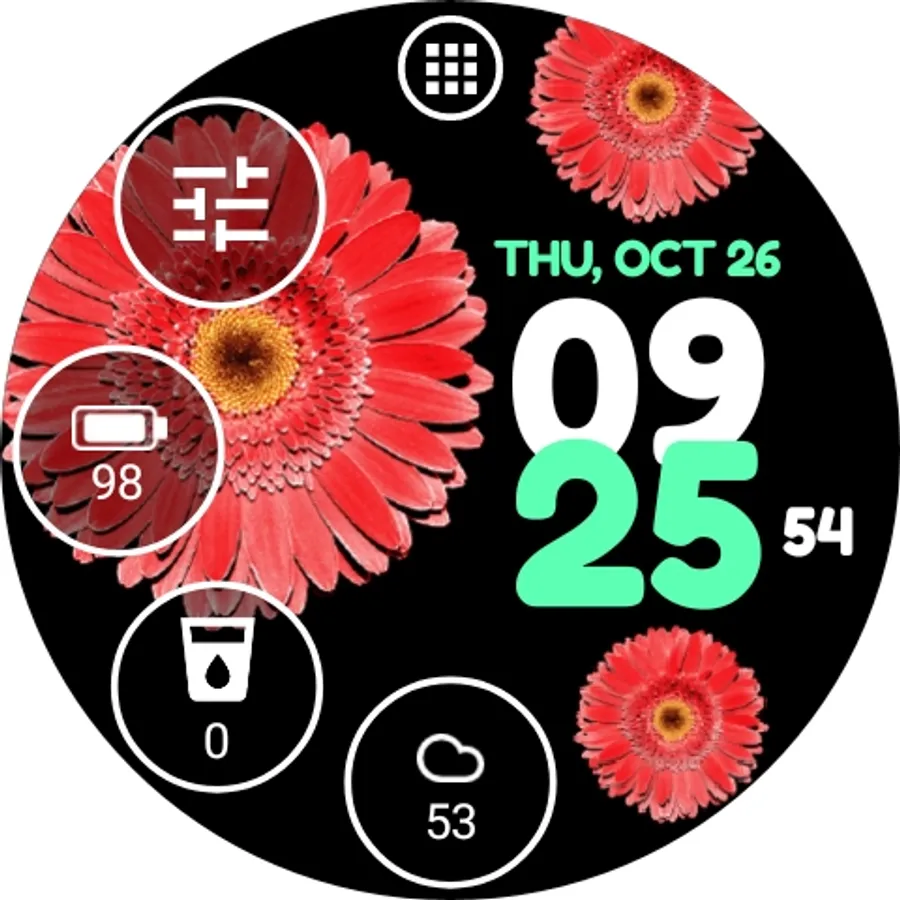
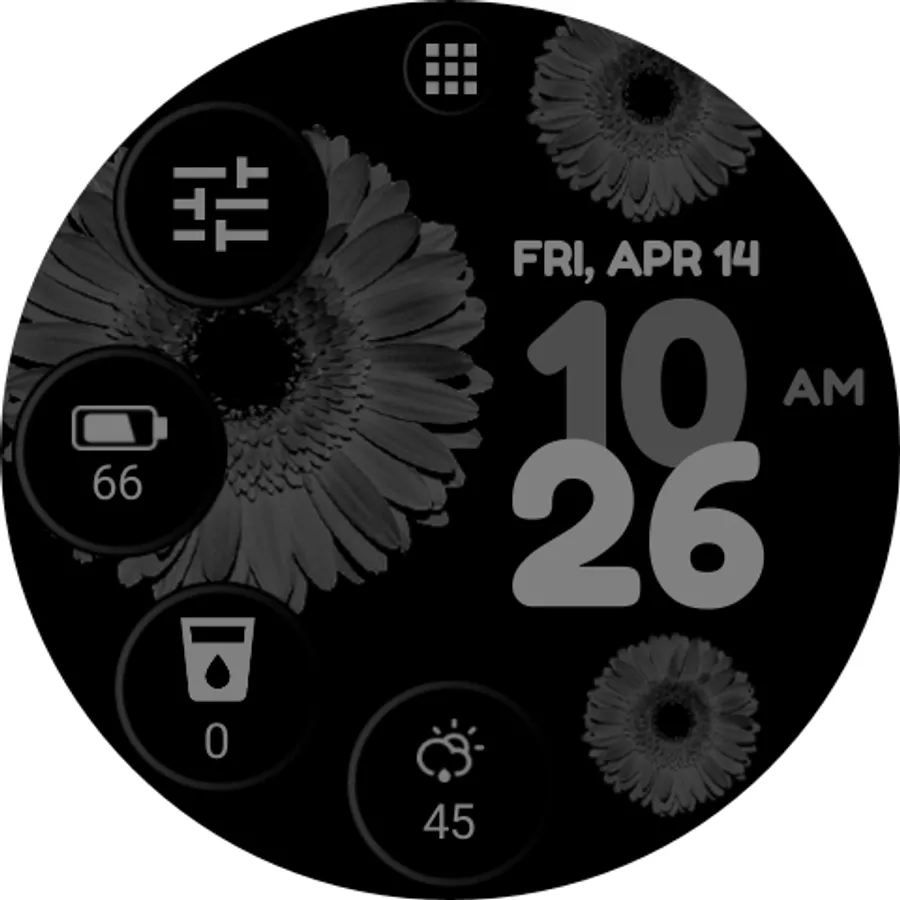
The Flower Watch Face has a perfect look and is built for use every day, it simplifies many use cases such as launching programs or being informed about watch battery usage.
The application is completely free and has basic features and options. You can also purchase the PREMIUM version with many useful features and options.
FREE version includes:
★ Own launcher
★ Weather forecast for the current day
★ Detailed information about the watch battery
★ Hourly sound and vibration options
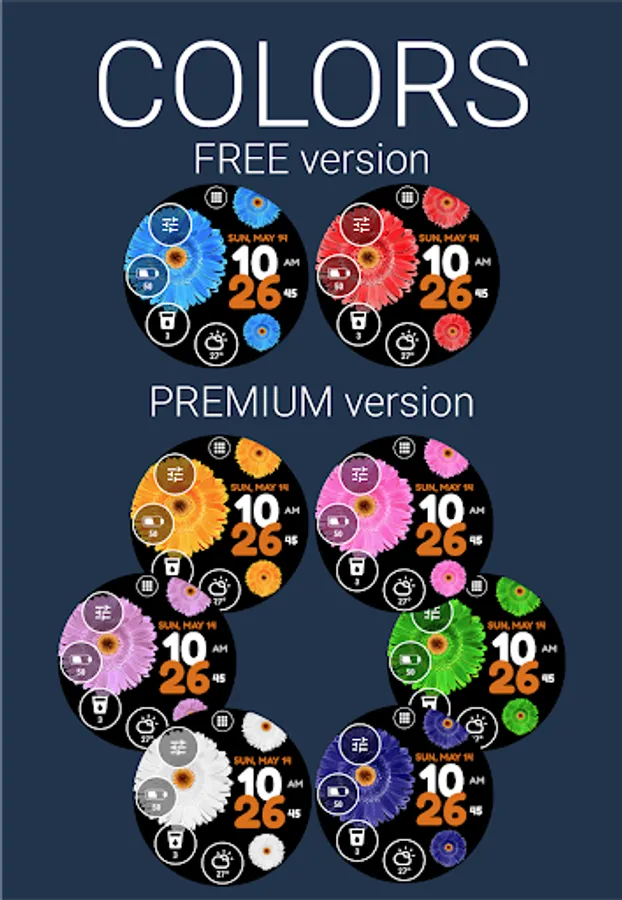
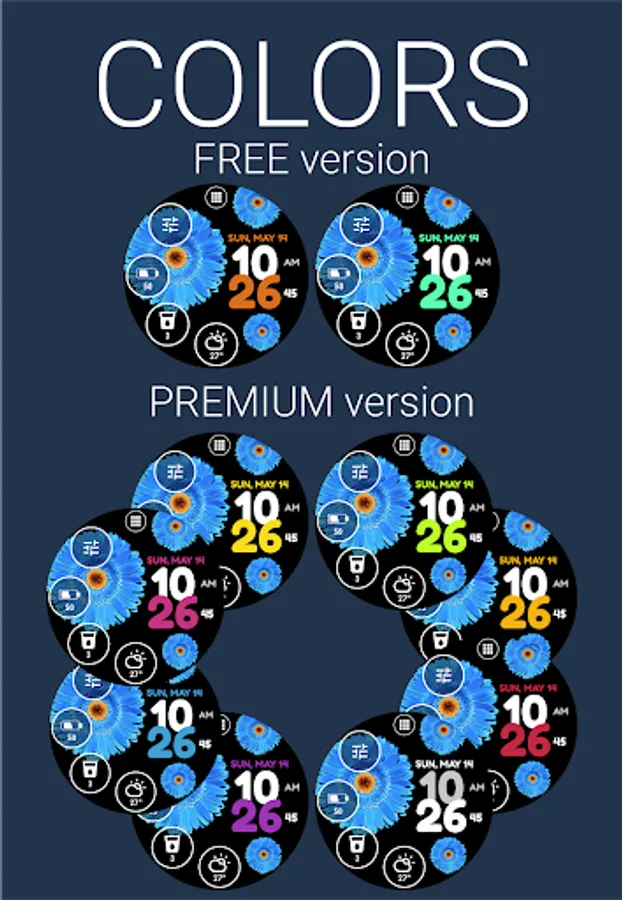
★ 2 accent colors
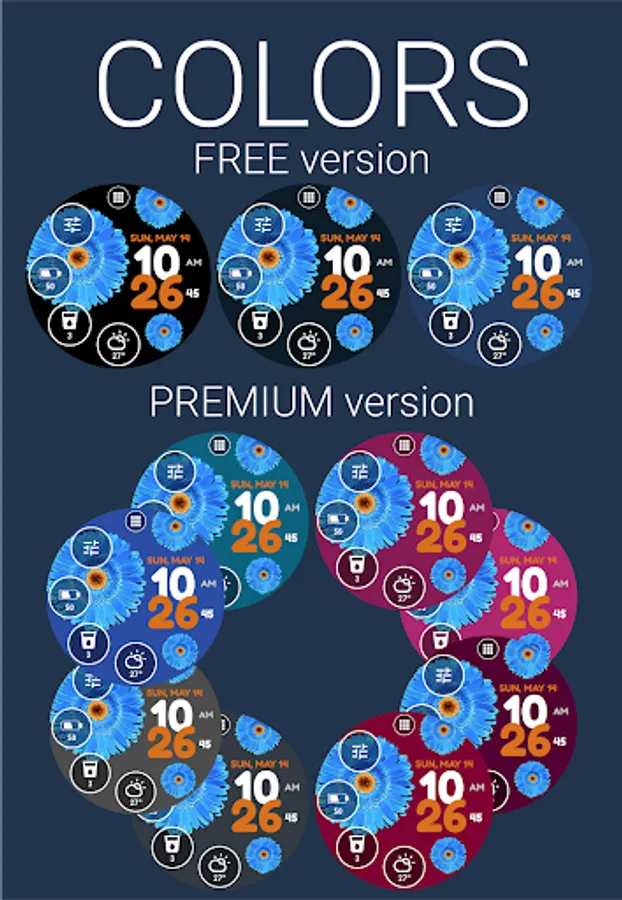
★ 2 flower colors
★ 3 background colors
PREMIUM version includes:
★ All features from the FREE version
★ 8 additional accent colors
★ 6 additional flower colors
★ 22 additional background colors
★ 4 predefined trackers for water, tea, (etc...) intake with daily, weekly, monthly, and yearly statistics
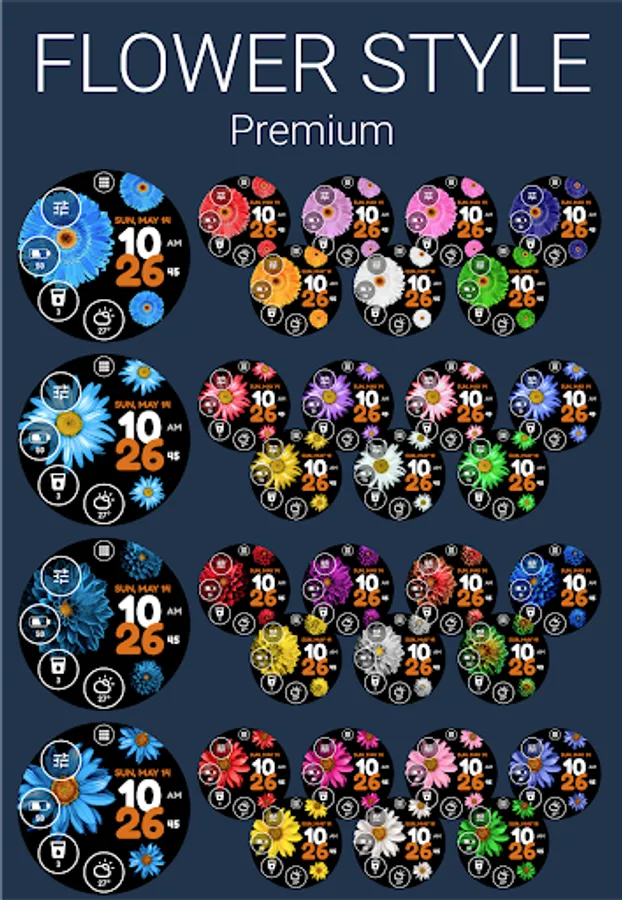
★ Ability to choose from 4 styles of flowers
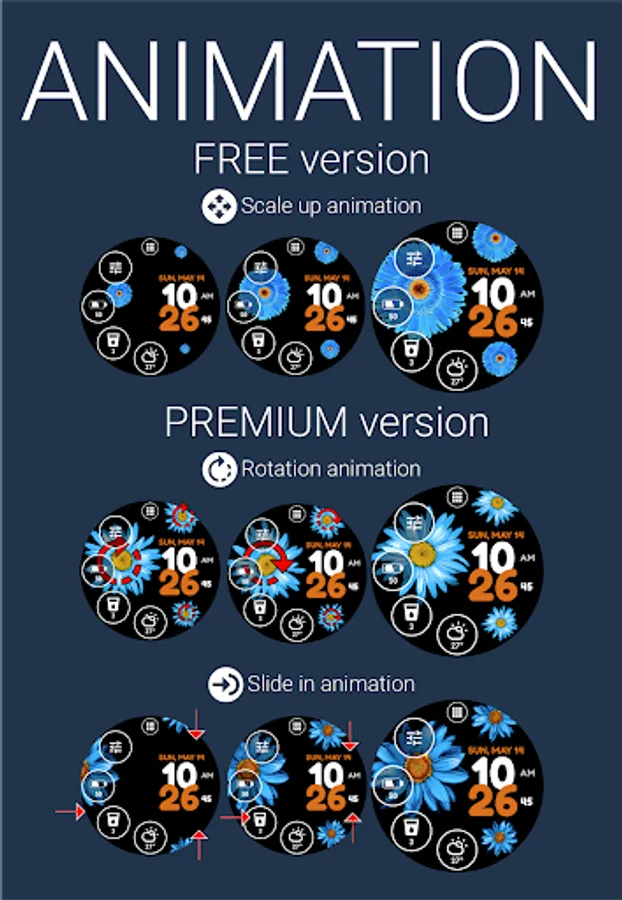
★ Ability to choose from 4 types of flower entry animations (Scale up, Rotation, Slide in, None - flower animation is disabled)
★ Ability to show/hide any indicator of the watch face
★ Ability to set the transparency of the indicator
★ Ability to set the style of the indicator ring (Accent, White, Hidden - no indicator ring visible)
★ Ability to use a selected accent color for indicator text and icons
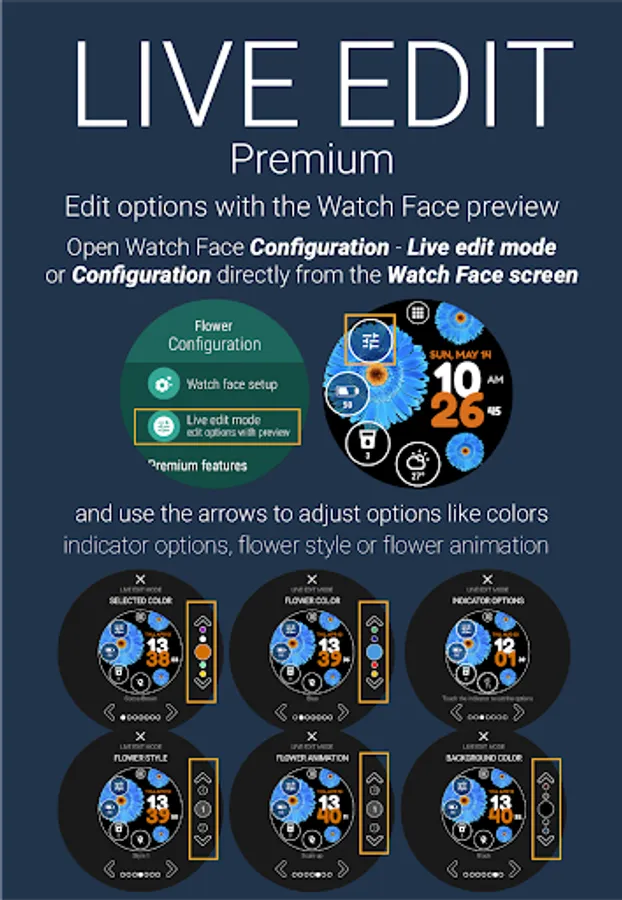
★ Ability to change the selected accent color, flower color, flower style, background color, and flower animation type using the Live edit feature using the Watch Face preview
★ More than 15 language translations
★ Watch battery history chart
★ Two styles of the notification indicator (dot, counter) with the ability to set custom colors
★ Auto-lock option, a feature to prevent accidental clicks
★ Pixel burn-in protection
★ Lost connection option
★ 5 launch bar shortcuts
★ Weather forecast for upcoming hours and days
★ Set 4 indicators with any of the predefined views, actions, applications or external complications (Wear OS 2.0+ required)
★ Ability to change battery indicator type
★ Ability to change Keep watch screen awake interval
★ Ability to change the Weather update interval
You can change any settings or adjust all features (the PREMIUM version) or all free features in the Watch Face configuration in the watch. You can also install a companion application that allows you to conveniently change any settings or adjust all features.
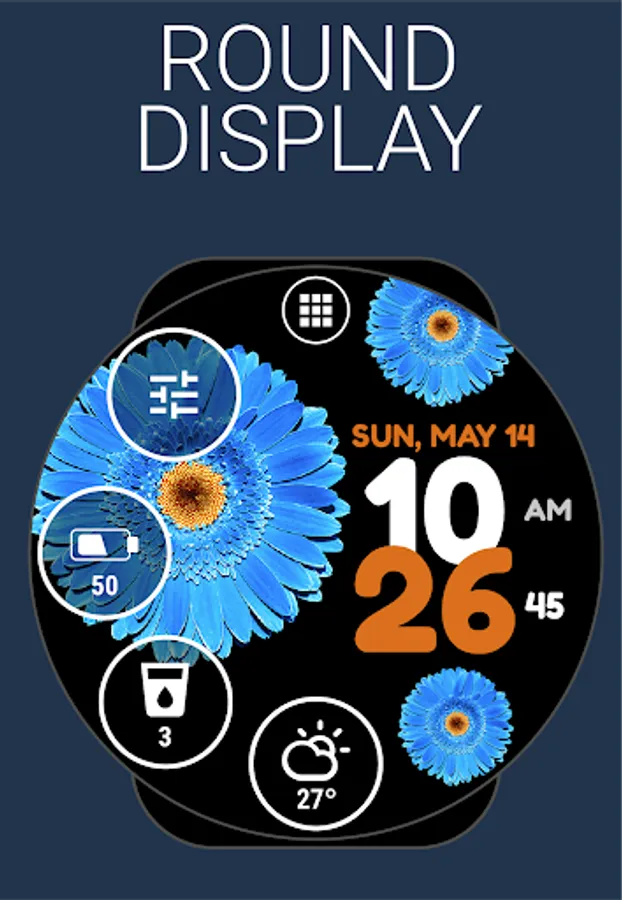
The Flower Watch Face works great with squared and round watches.
Wear OS 2 and Wear OS 3 integrated features
• external complication support
• fully standalone
• iPhone compatible
The Flower Watch Face has a perfect look and is built for use every day, it simplifies many use cases such as launching programs or being informed about watch battery usage.
The application is completely free and has basic features and options. You can also purchase the PREMIUM version with many useful features and options.
FREE version includes:
★ Own launcher
★ Weather forecast for the current day
★ Detailed information about the watch battery
★ Hourly sound and vibration options
★ 2 accent colors
★ 2 flower colors
★ 3 background colors
PREMIUM version includes:
★ All features from the FREE version
★ 8 additional accent colors
★ 6 additional flower colors
★ 22 additional background colors
★ 4 predefined trackers for water, tea, (etc...) intake with daily, weekly, monthly, and yearly statistics
★ Ability to choose from 4 styles of flowers
★ Ability to choose from 4 types of flower entry animations (Scale up, Rotation, Slide in, None - flower animation is disabled)
★ Ability to show/hide any indicator of the watch face
★ Ability to set the transparency of the indicator
★ Ability to set the style of the indicator ring (Accent, White, Hidden - no indicator ring visible)
★ Ability to use a selected accent color for indicator text and icons
★ Ability to change the selected accent color, flower color, flower style, background color, and flower animation type using the Live edit feature using the Watch Face preview
★ More than 15 language translations
★ Watch battery history chart
★ Two styles of the notification indicator (dot, counter) with the ability to set custom colors
★ Auto-lock option, a feature to prevent accidental clicks
★ Pixel burn-in protection
★ Lost connection option
★ 5 launch bar shortcuts
★ Weather forecast for upcoming hours and days
★ Set 4 indicators with any of the predefined views, actions, applications or external complications (Wear OS 2.0+ required)
★ Ability to change battery indicator type
★ Ability to change Keep watch screen awake interval
★ Ability to change the Weather update interval
You can change any settings or adjust all features (the PREMIUM version) or all free features in the Watch Face configuration in the watch. You can also install a companion application that allows you to conveniently change any settings or adjust all features.
The Flower Watch Face works great with squared and round watches.
Flower Watch Face by HuskyDEV Screenshots
Tap to Rate:
Reviews for Flower Watch Face by HuskyDEV
N'cole Brow
9/8/2025
Excellent colors and animation. I wish it was uploaded for newer ios watches.
Jenny Stephens
8/7/2025
pretty