AppRecs review analysis
AppRecs rating . Trustworthiness 61 out of 100. Review manipulation risk 35 out of 100. Based on a review sample analyzed.
★
AppRecs Rating
Ratings breakdown
5 star
50%
4 star
50%
3 star
0%
2 star
0%
1 star
0%
What to know
✓
High user satisfaction
100% of sampled ratings are 4+ stars (4.5★ average)
About Weather Watch Face by HuskyDEV
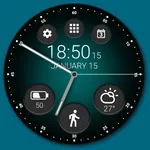
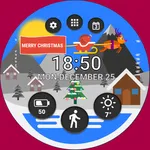
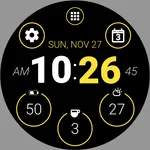
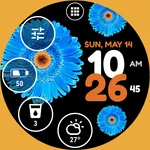
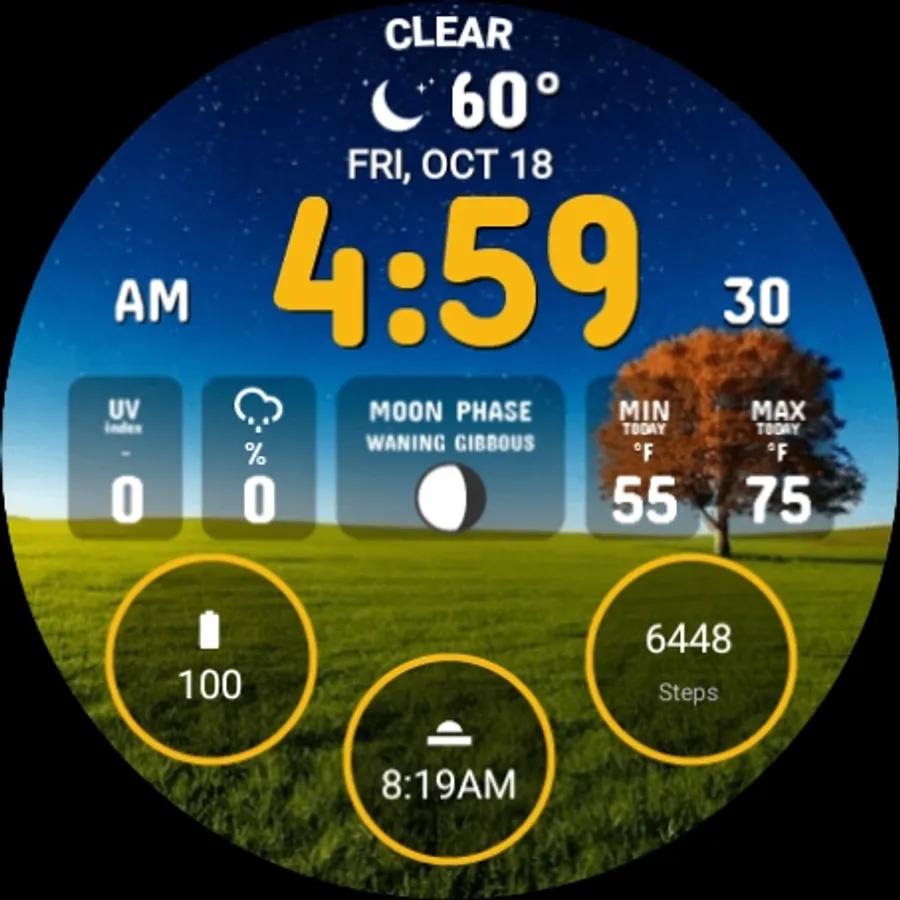
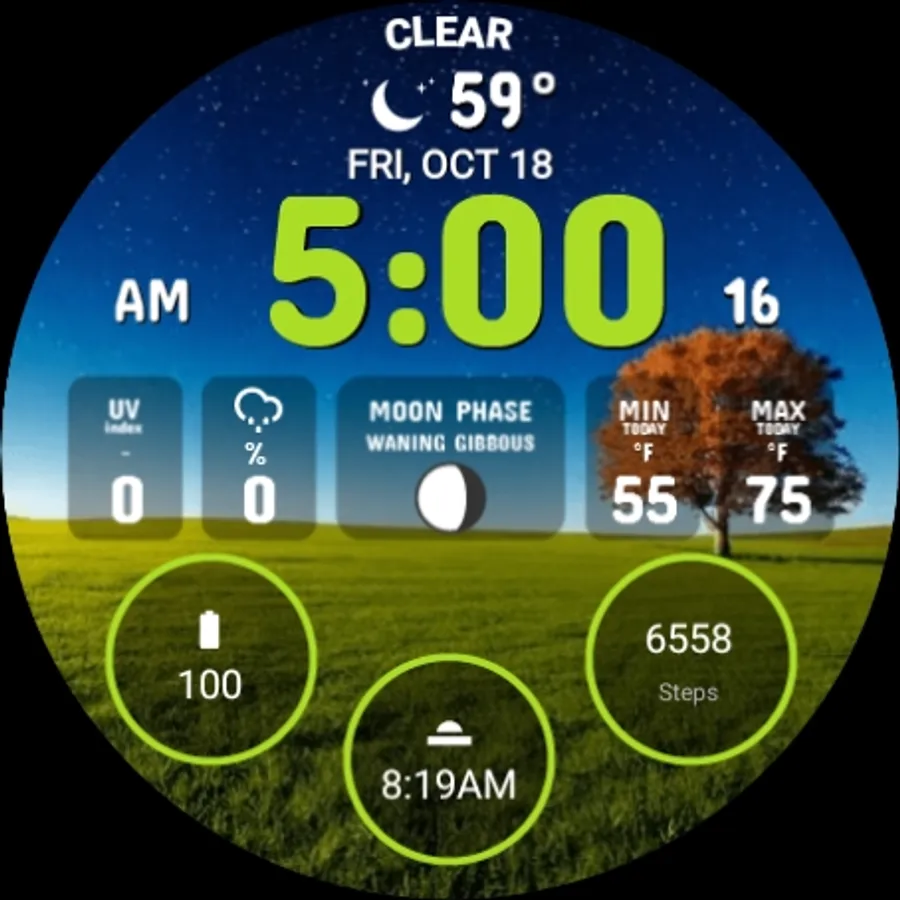
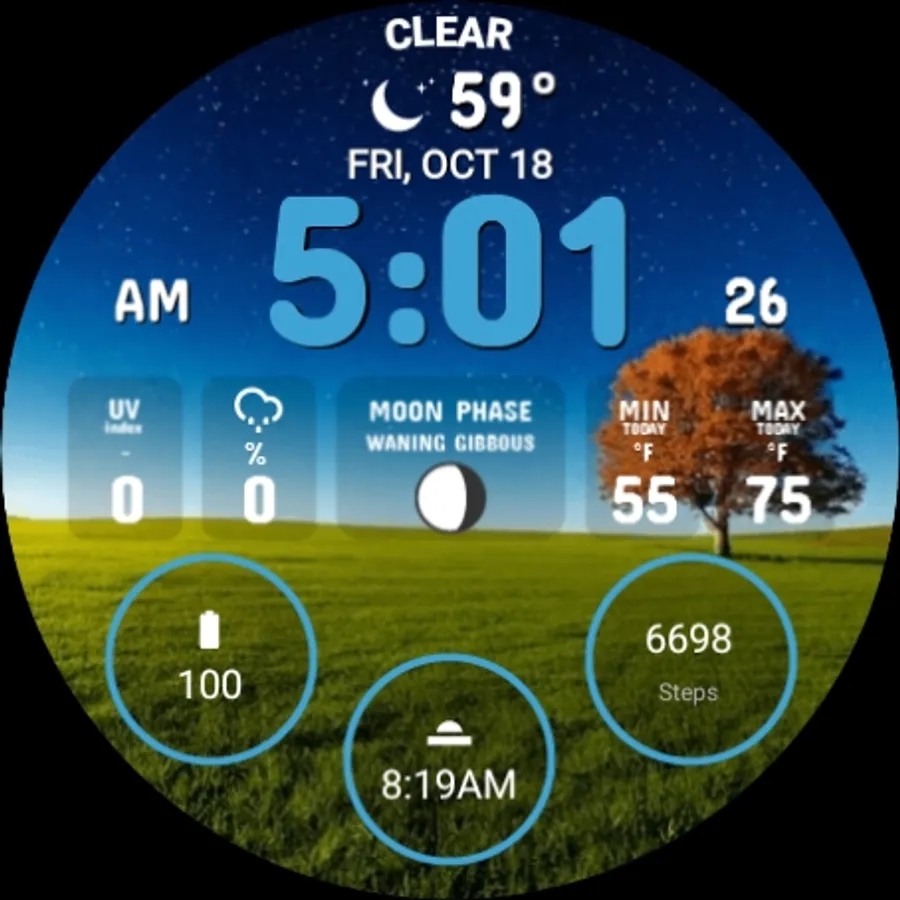
The Weather Watch Face is fully compatible with Wear OS 5+ and it uses Watch Face Format version 2 technology
CUSTOMIZATION
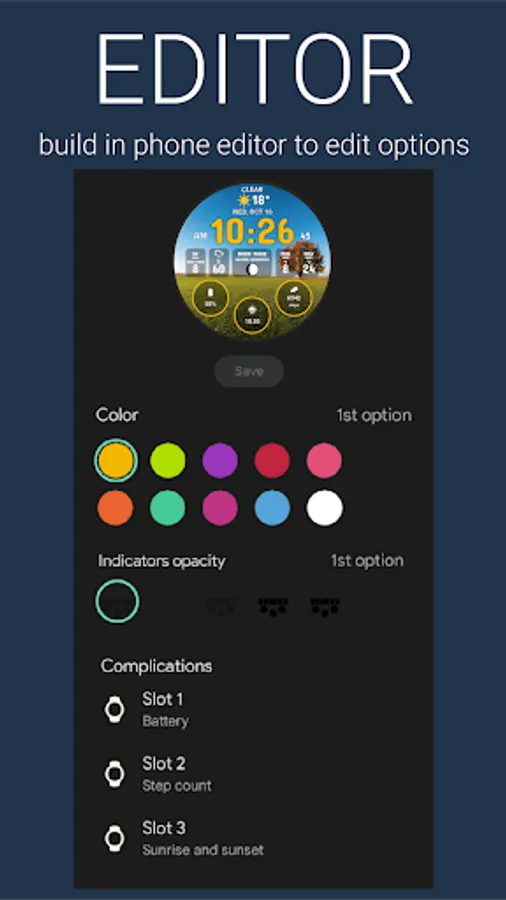
Long press the center point to open the customization settings
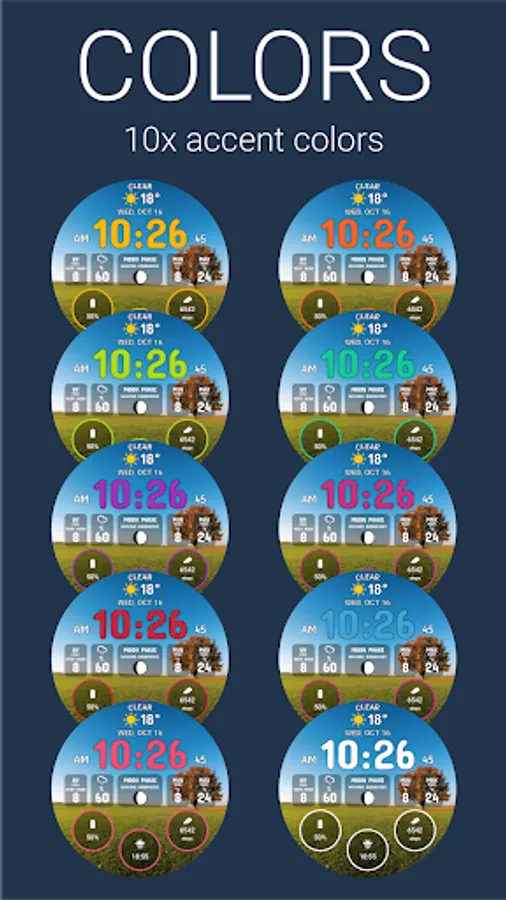
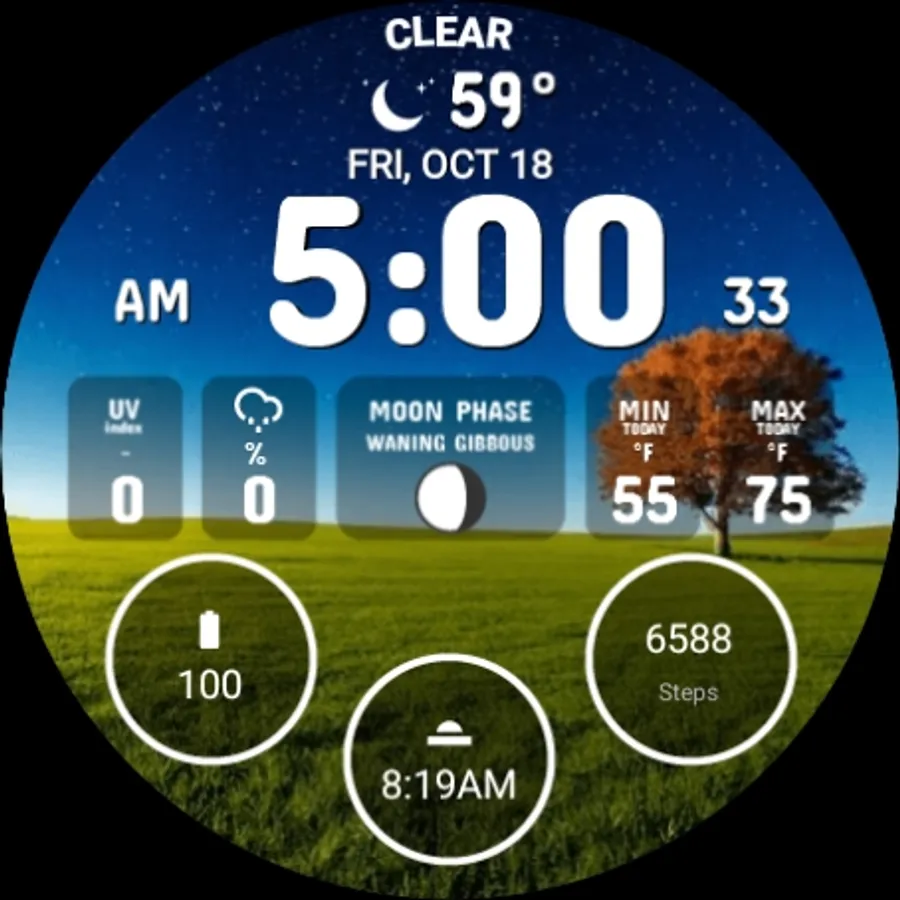
• 10x Color combination
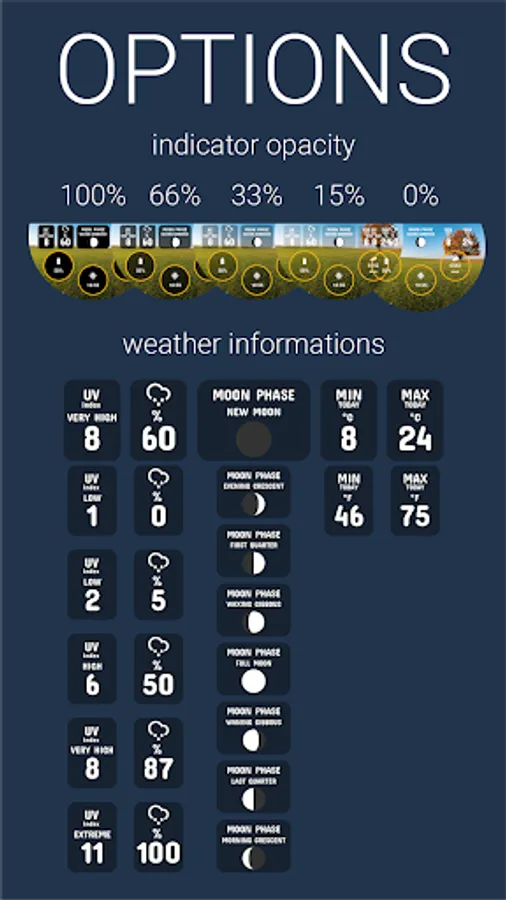
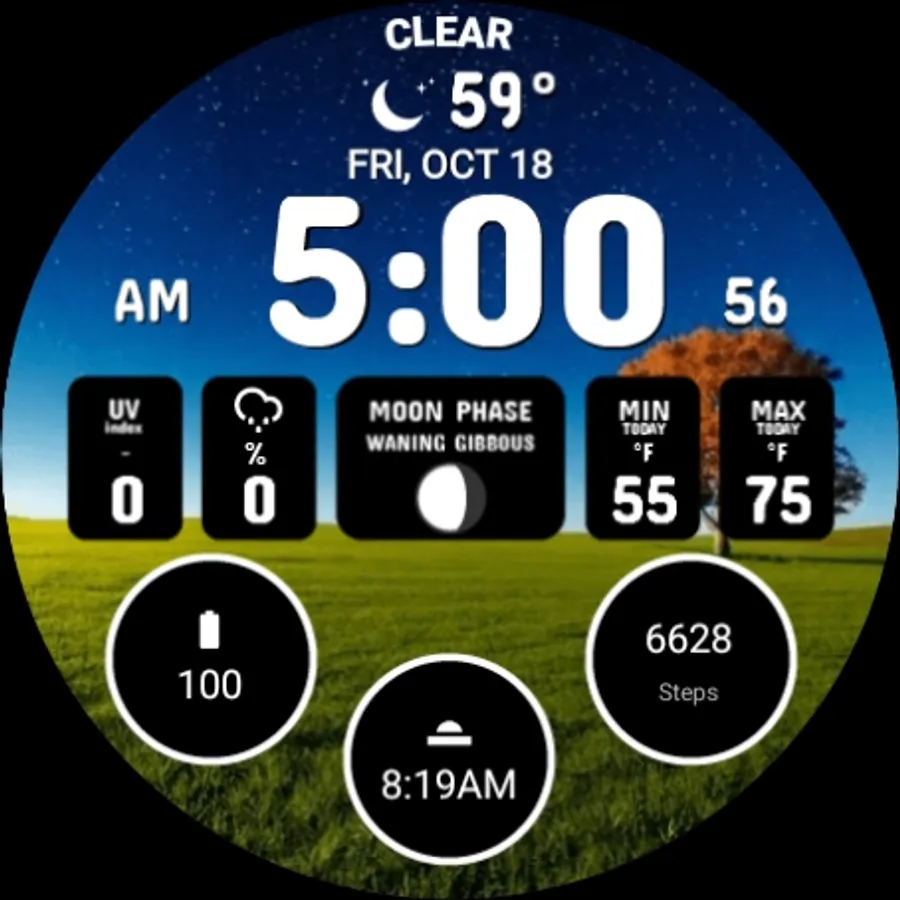
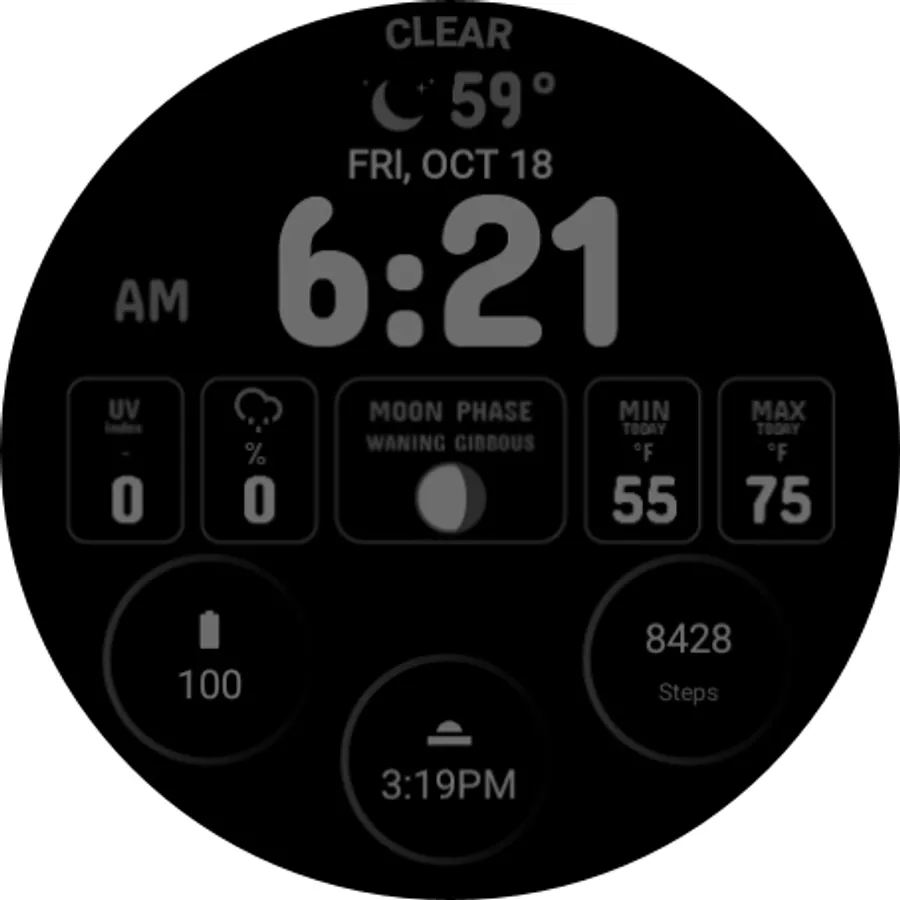
• 5x Options to set indicator opacity (100%, 66%, 33%, 15%, 0%)
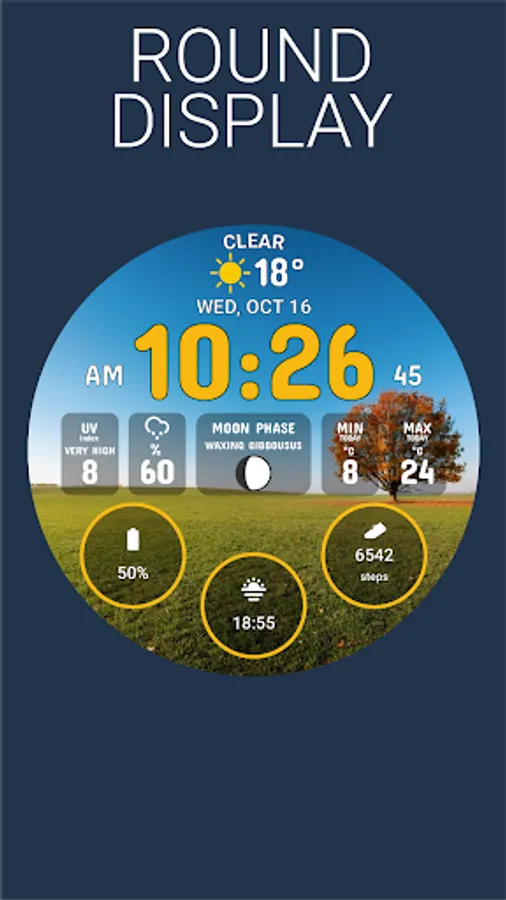
• 3x Adjustable complications (predefined by battery, steps, sunrise/sunset)
OPTIONS
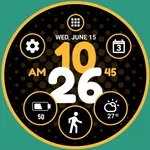
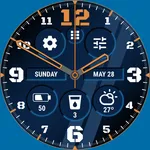
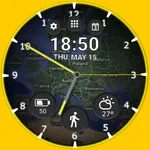
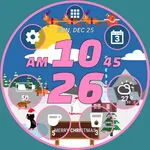
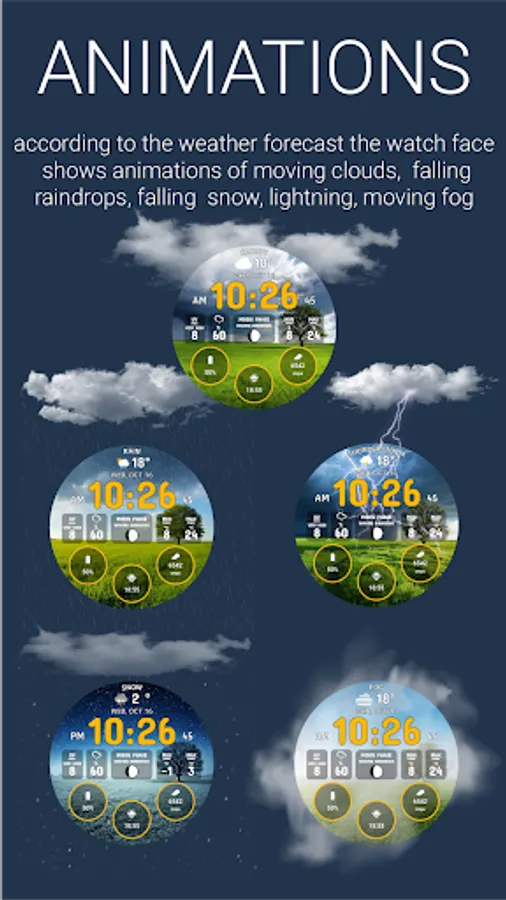
• Animation of the moving clouds, falling raindrops, falling snow, lightning, moving fog according to the current weather forecast
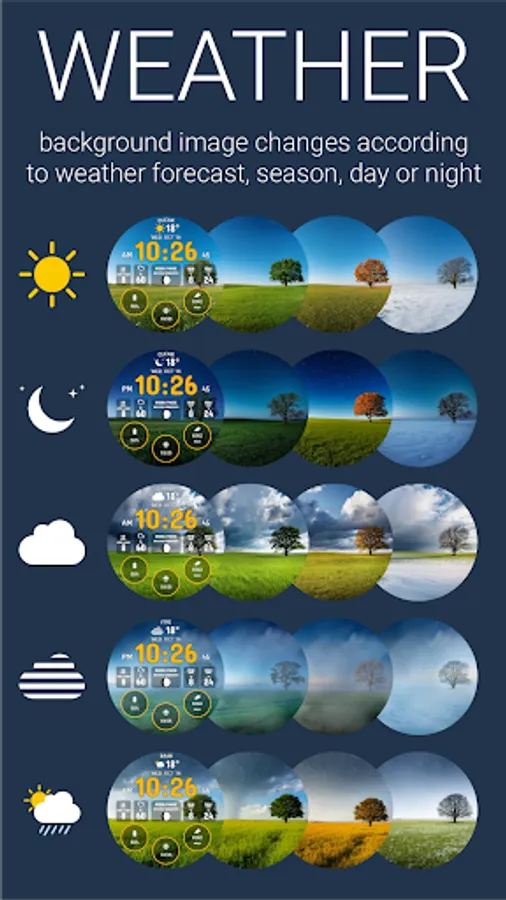
• Background image changes according to the weather forecast, current season, day or night
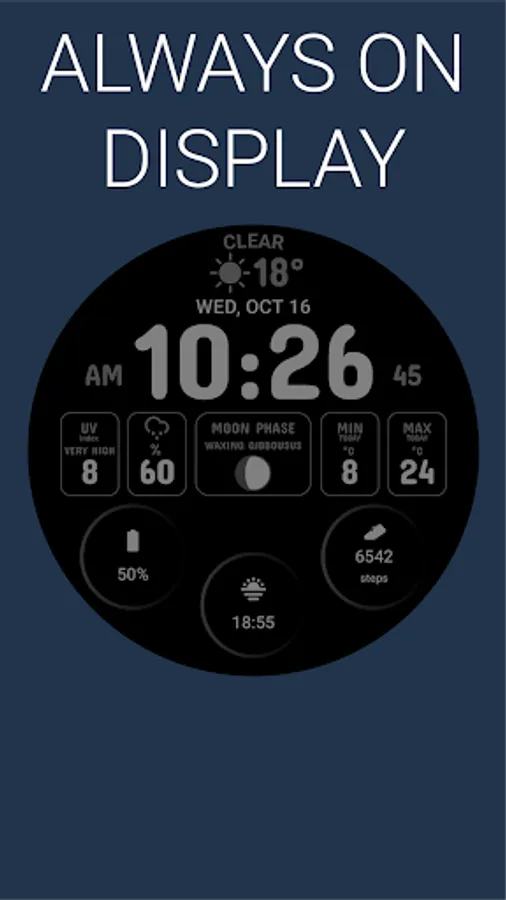
• Current weather condition (icon, temperature, name of condition)
• UV index indicator
• Chance of precipitation indicator
• Moon phase indicator
• Min temperature for the day indicator
• Max temperature for the day indicator
• Temperature unit °C or °F according to your phone or watch settings
The phone app can be installed to help install the watch face on your Wear OS device. To install the watch face on your Wear OS device, you can also select your watch from the install drop-down menu in the Google Play Store.
CUSTOMIZATION
Long press the center point to open the customization settings
• 10x Color combination
• 5x Options to set indicator opacity (100%, 66%, 33%, 15%, 0%)
• 3x Adjustable complications (predefined by battery, steps, sunrise/sunset)
OPTIONS
• Animation of the moving clouds, falling raindrops, falling snow, lightning, moving fog according to the current weather forecast
• Background image changes according to the weather forecast, current season, day or night
• Current weather condition (icon, temperature, name of condition)
• UV index indicator
• Chance of precipitation indicator
• Moon phase indicator
• Min temperature for the day indicator
• Max temperature for the day indicator
• Temperature unit °C or °F according to your phone or watch settings
The phone app can be installed to help install the watch face on your Wear OS device. To install the watch face on your Wear OS device, you can also select your watch from the install drop-down menu in the Google Play Store.
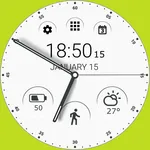
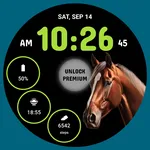
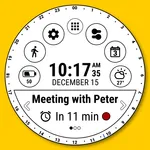
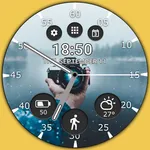
Weather Watch Face by HuskyDEV Screenshots
Tap to Rate:
Reviews for Weather Watch Face by HuskyDEV
George Christopoulos
4/6/2025
It would be ideal, if you could add location in the watchface!
Andy Gardner
3/8/2025
Nice watch app