
About Hex Converter
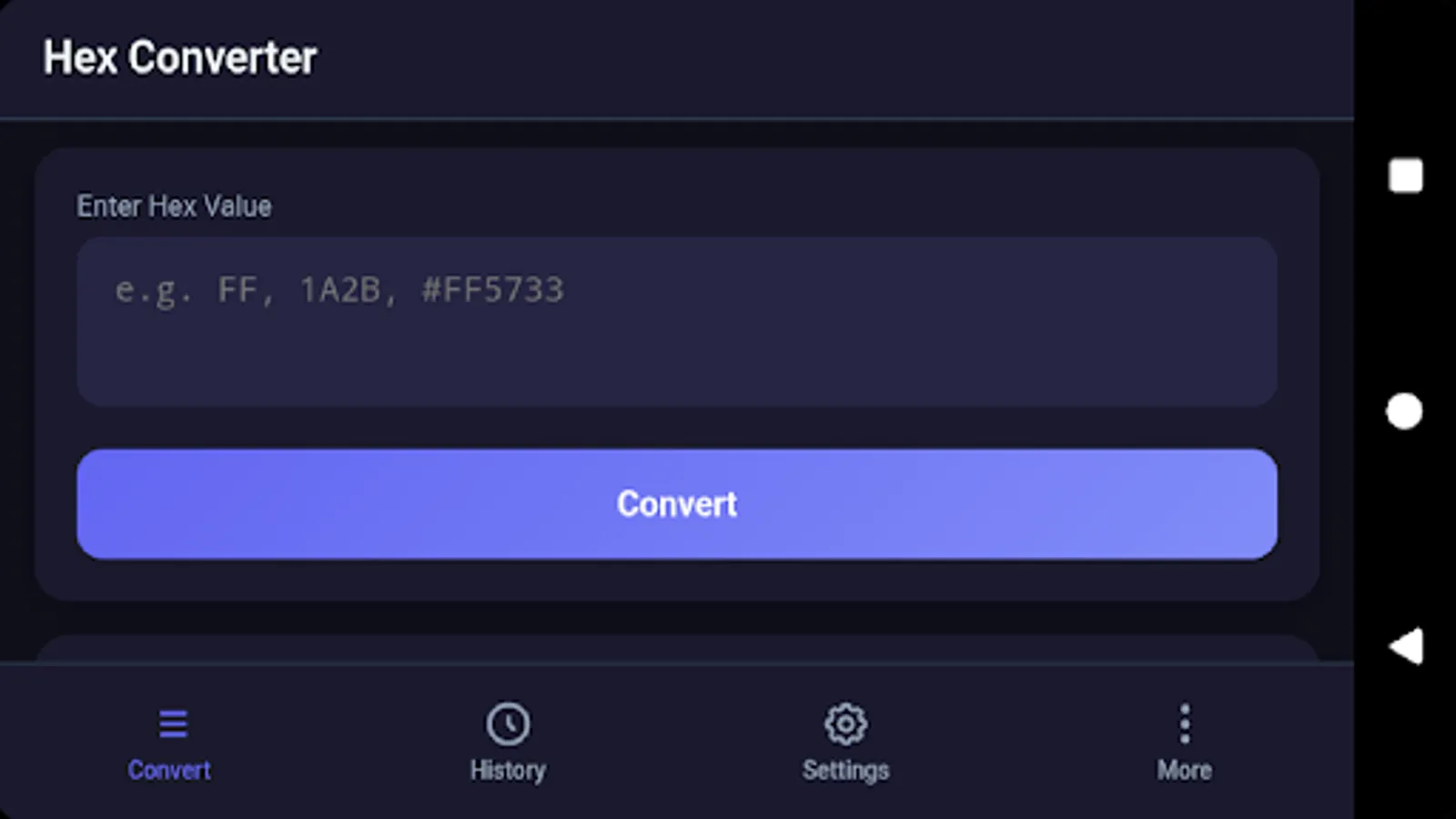
Hex Converter is your sleek, fast, and reliable offline companion for all your number system and color code needs.
You can use it whether you're a developer debugging code, a designer fine-tuning colors, or a student learning computer science, this app is designed to make your life easier. With an intuitive interface and powerful features, complex conversions are just a tap away.
🚀 Key Features:
Core Conversions:
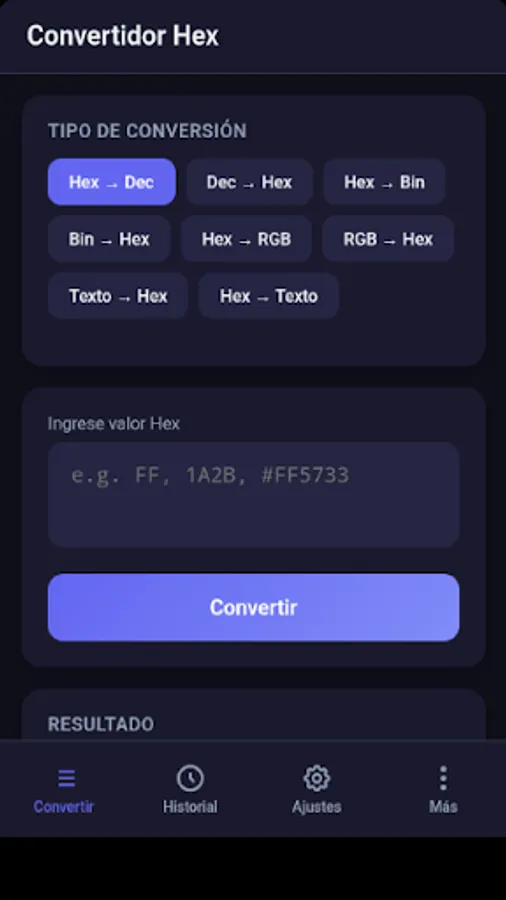
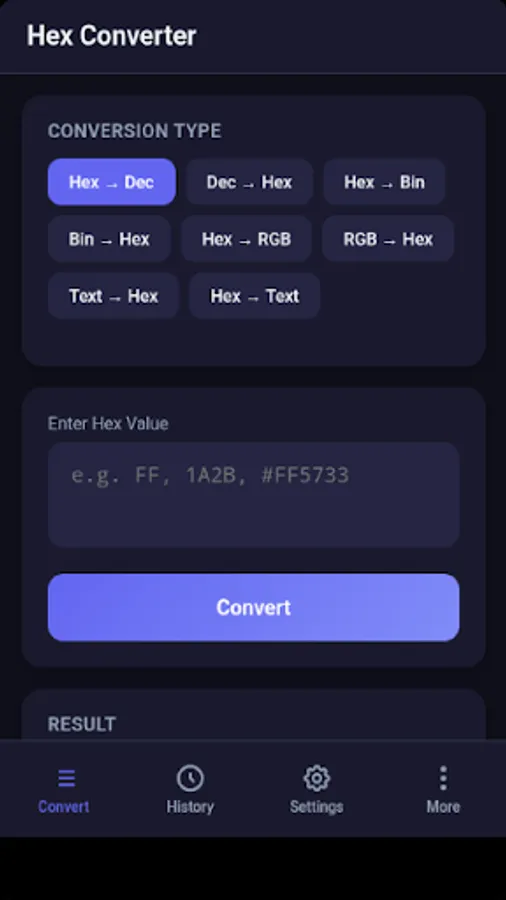
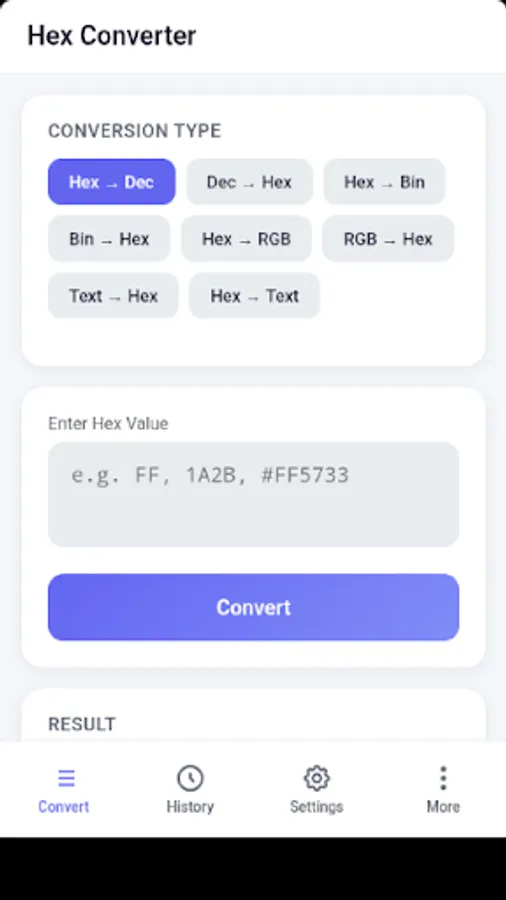
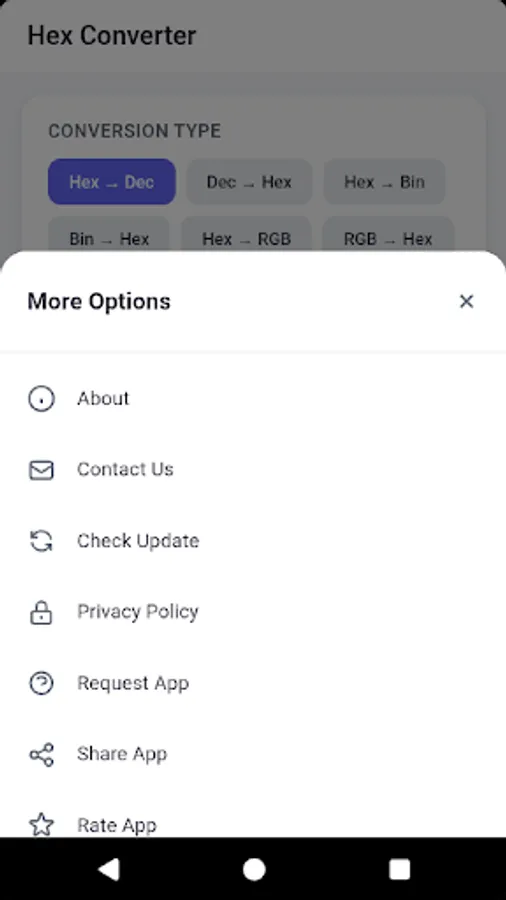
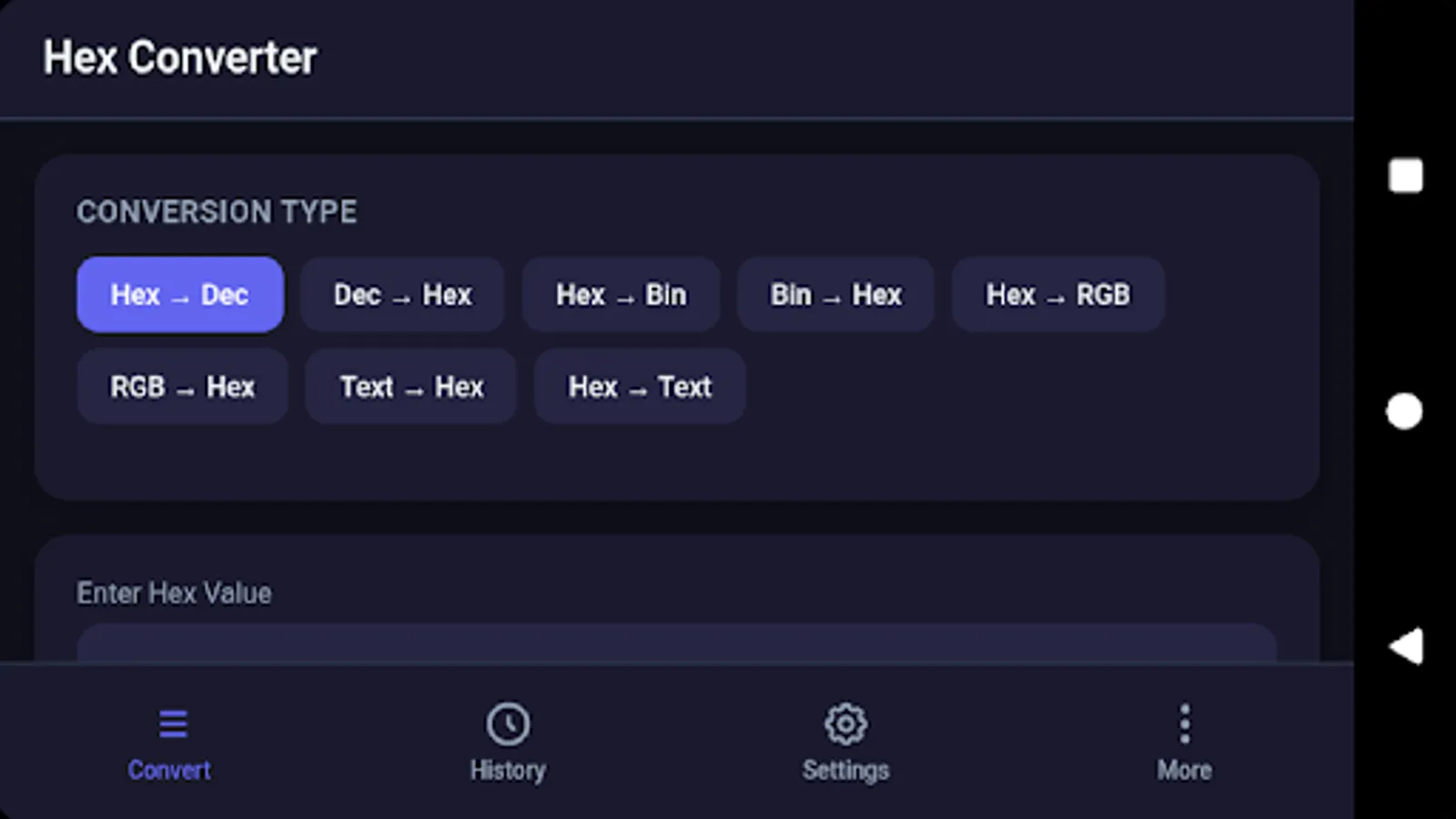
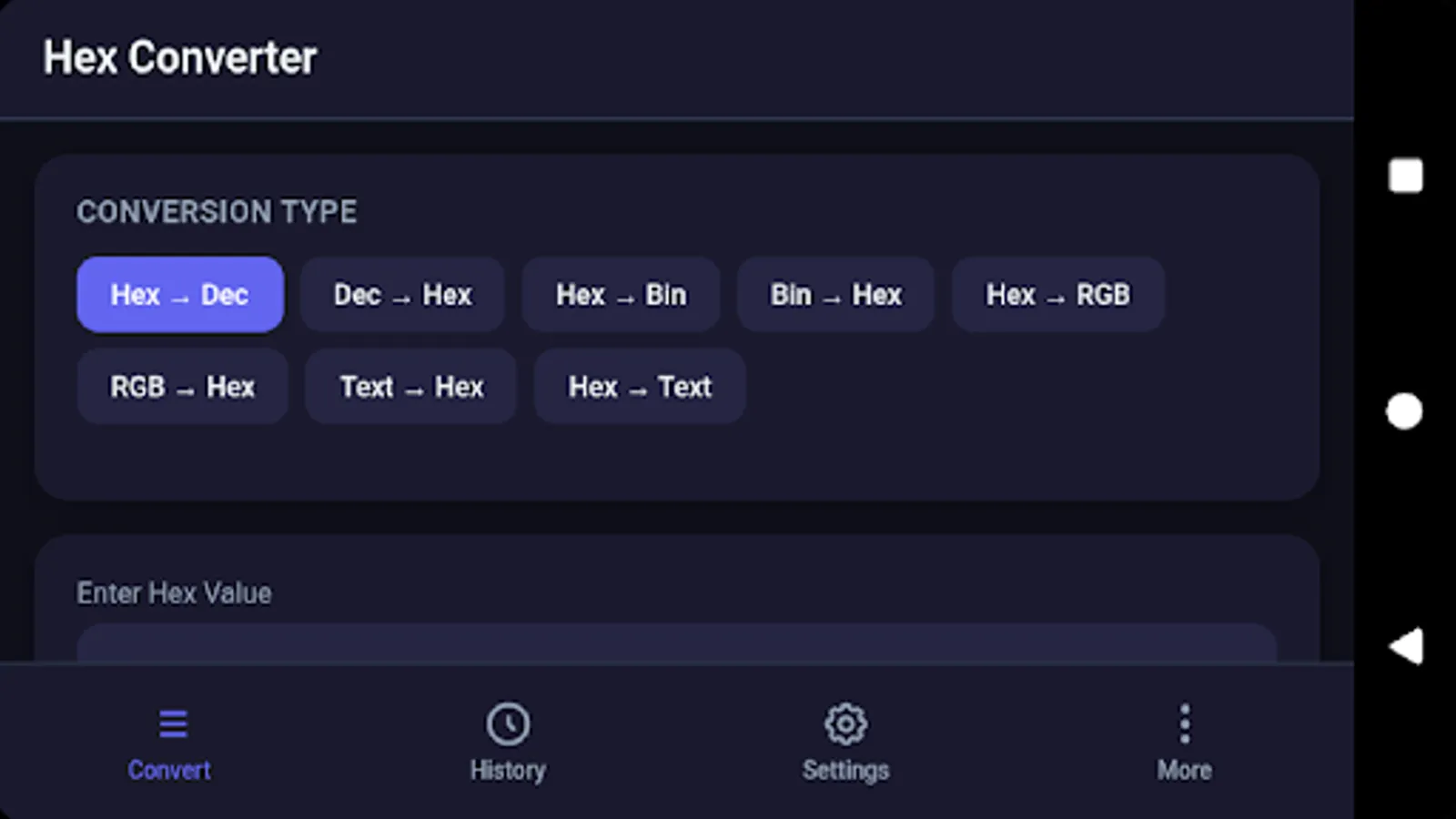
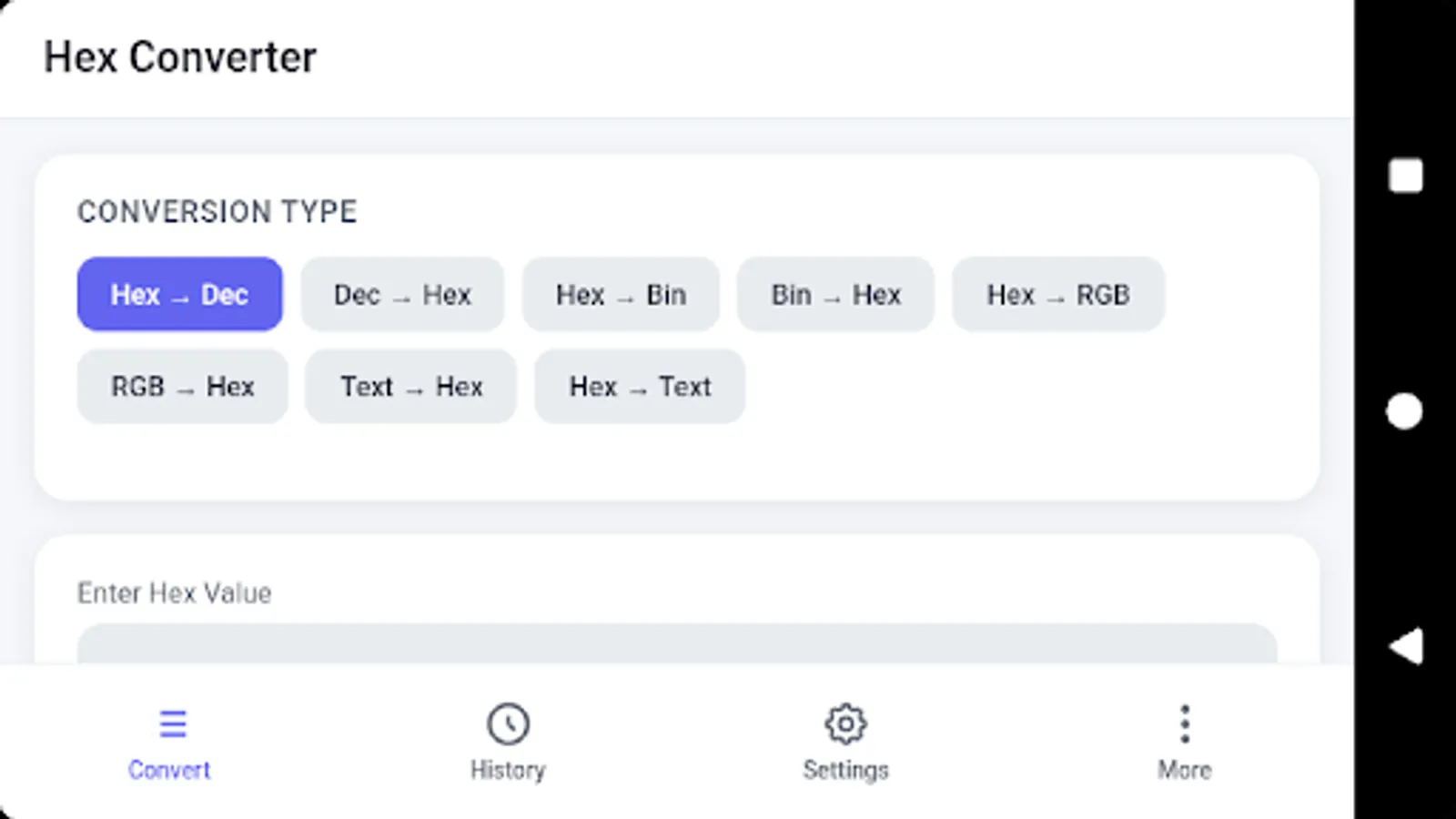
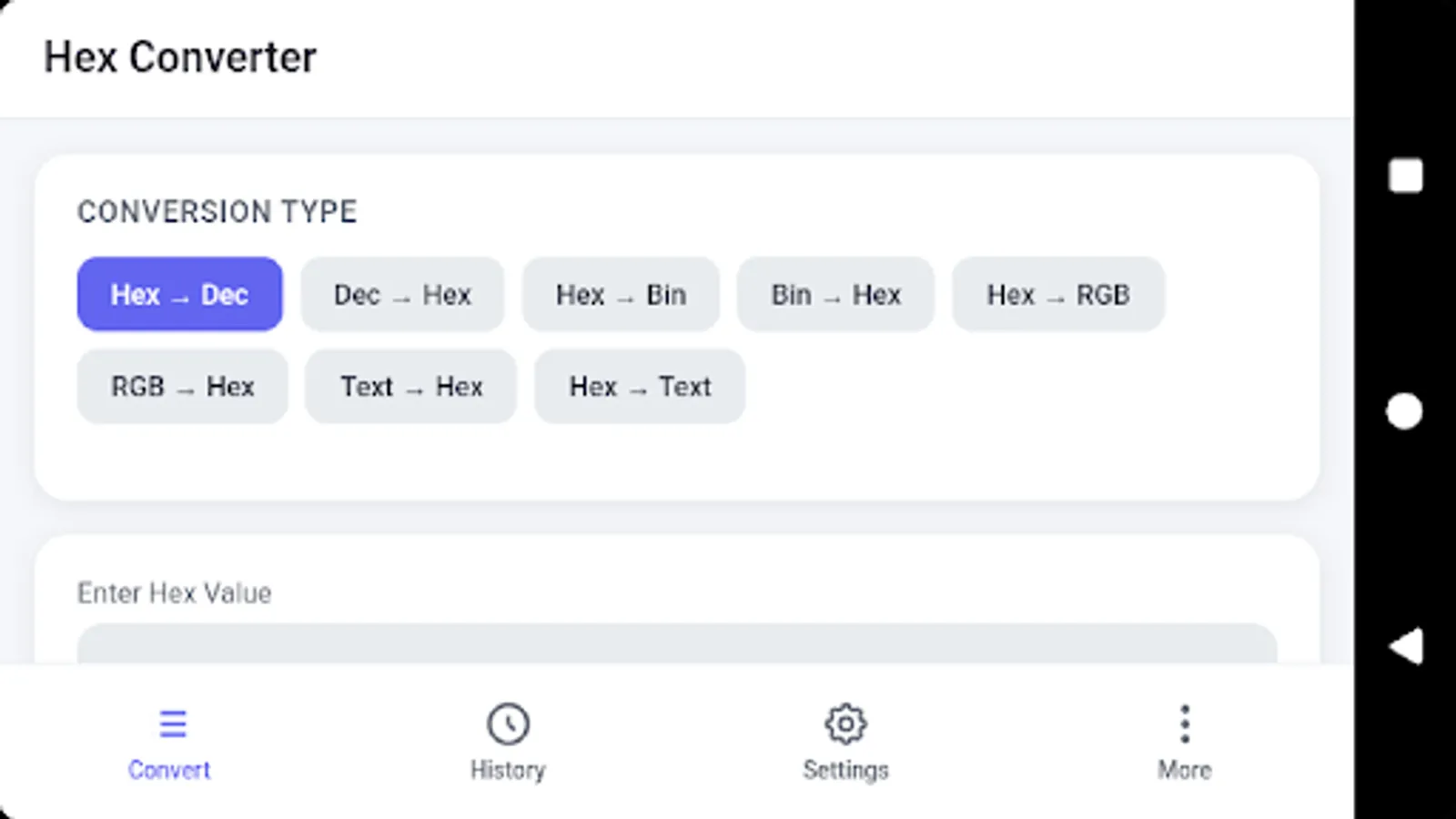
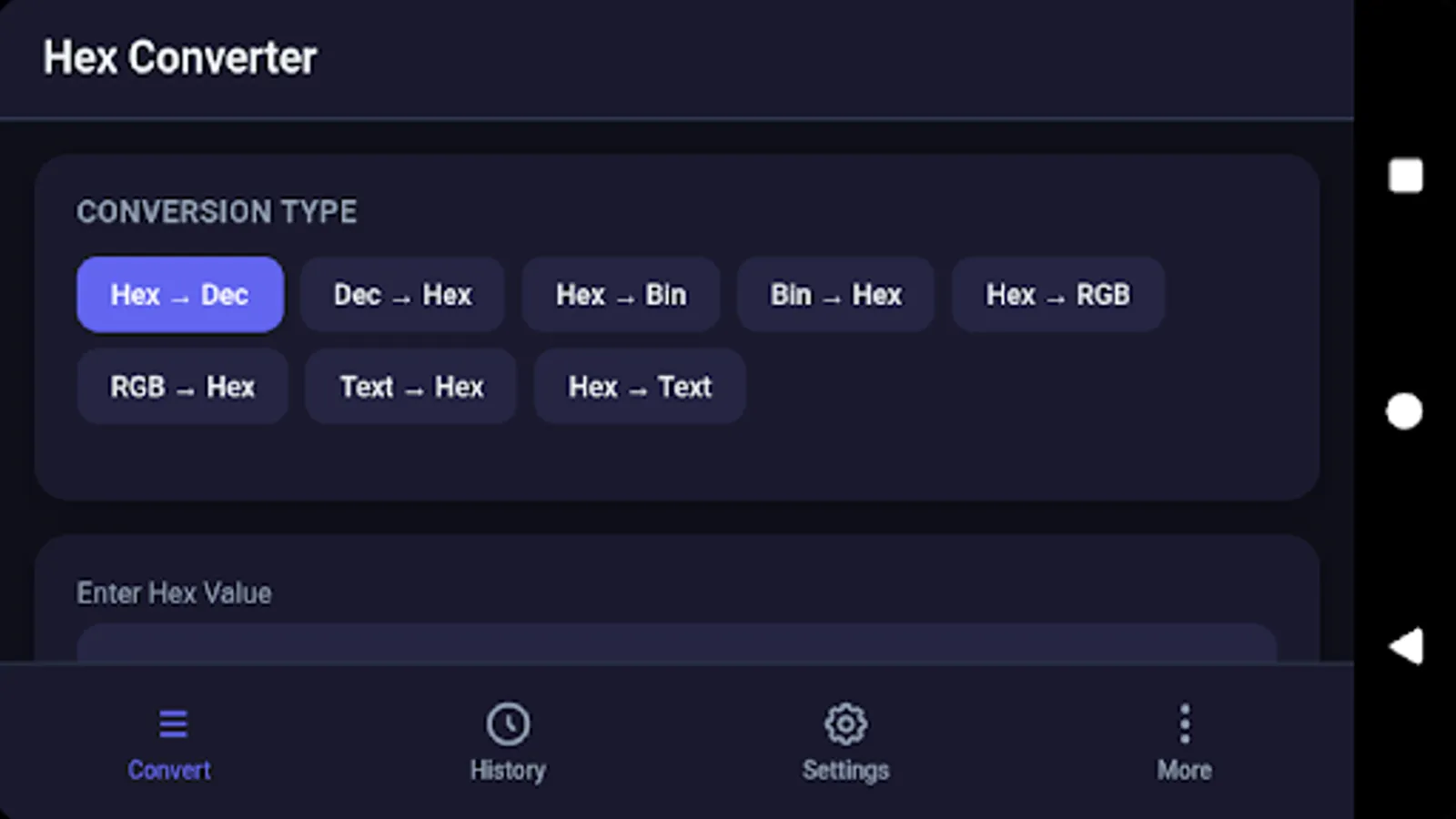
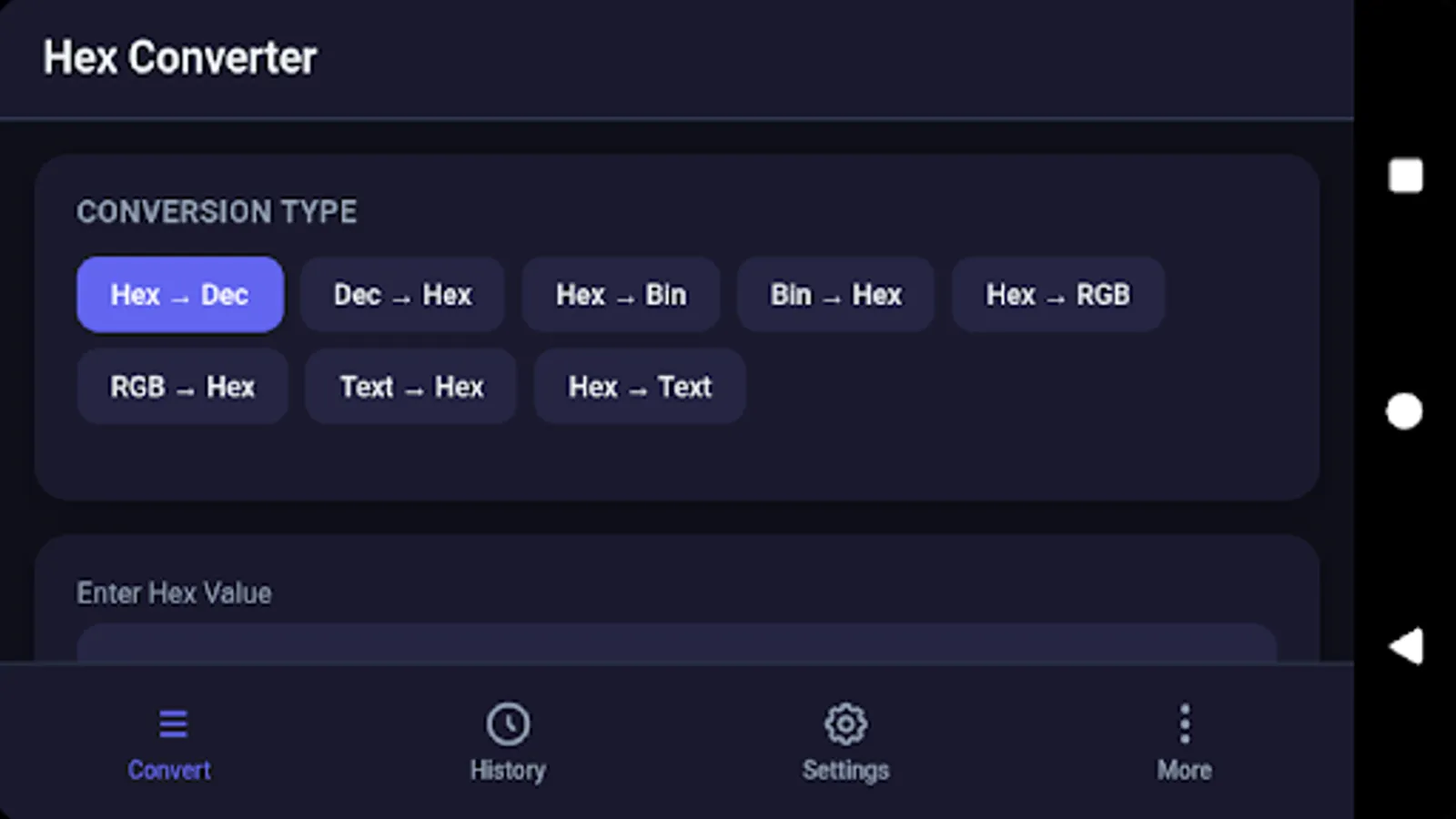
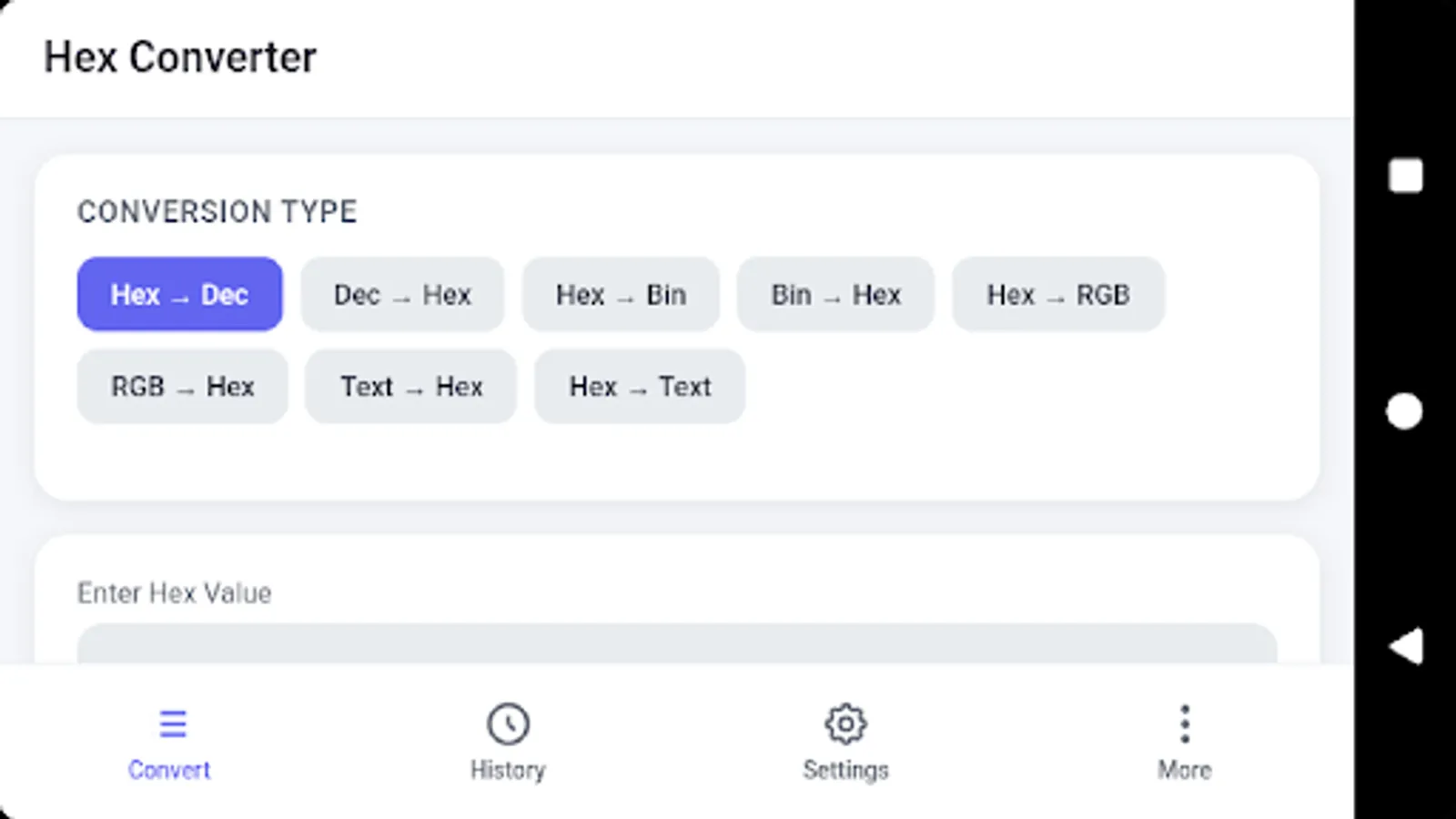
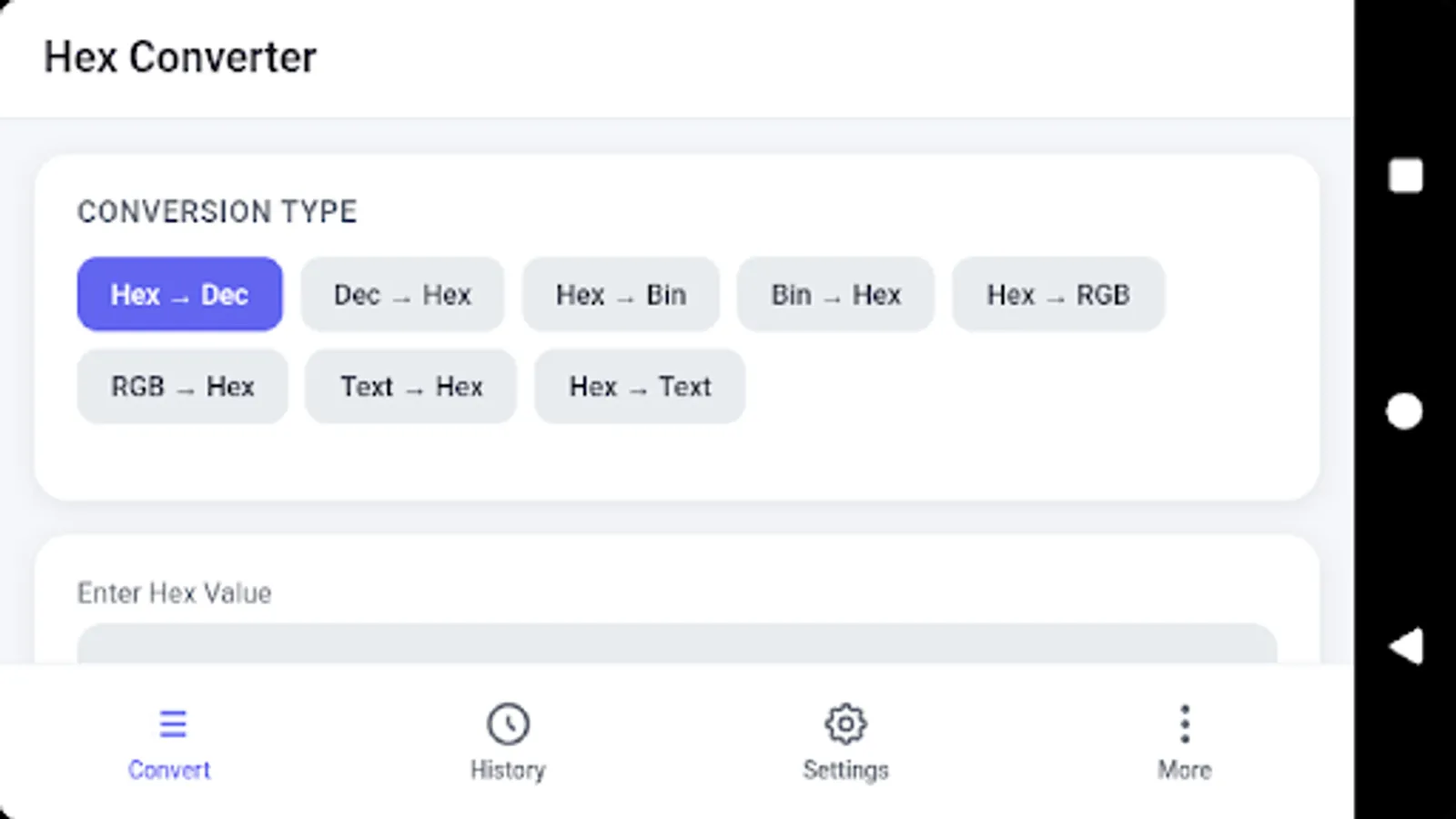
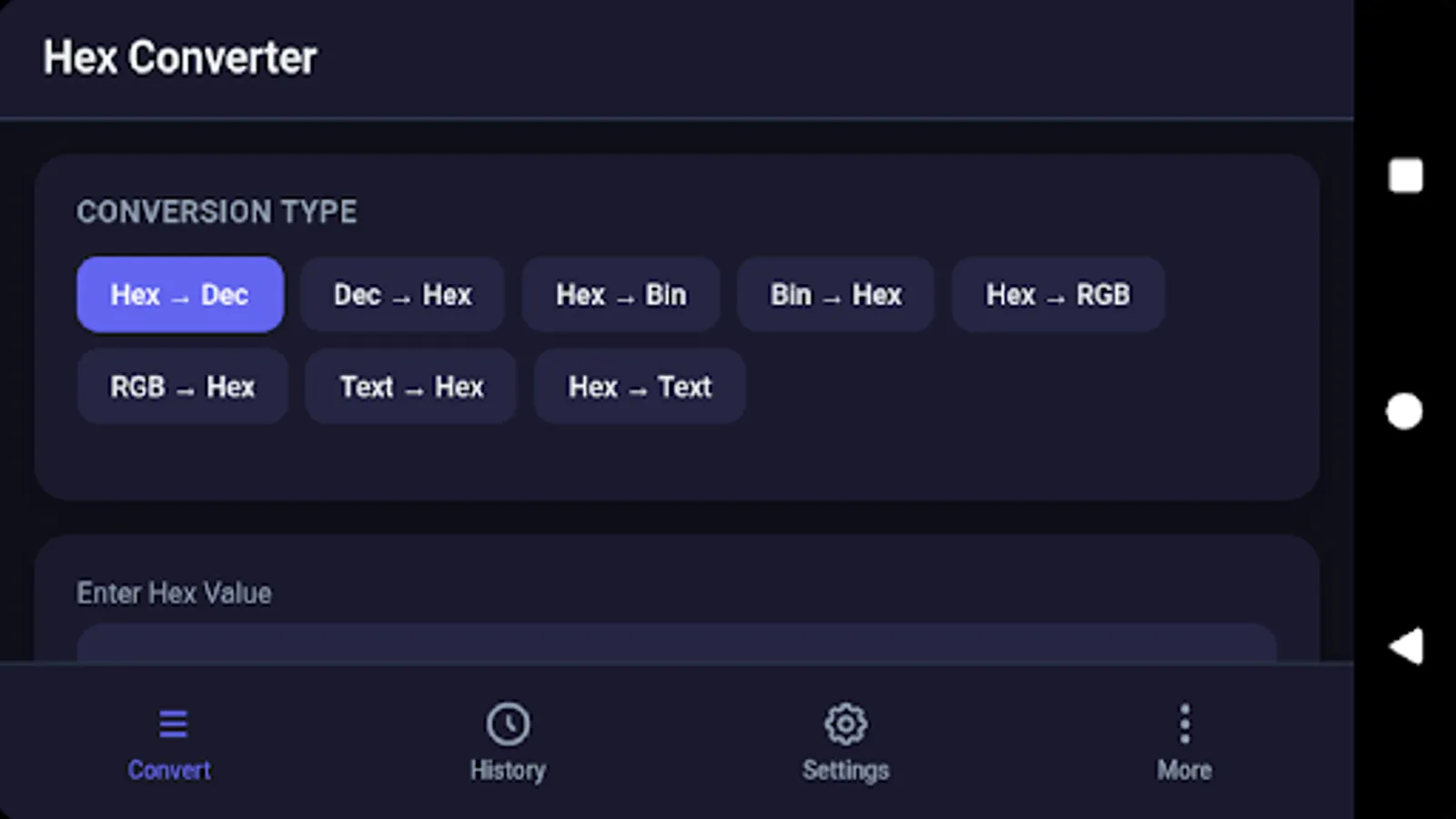
1. Hex ↔ Decimal: Perfect for programming and math.
2. Hex ↔ Binary: Essential for low-level computing and digital electronics.
3. Hex ↔ RGB: Seamlessly convert color codes for web design and digital art.
4. Text ↔ Hex: Encode and decode text for data transmission or security.
User-Friendly Tools:
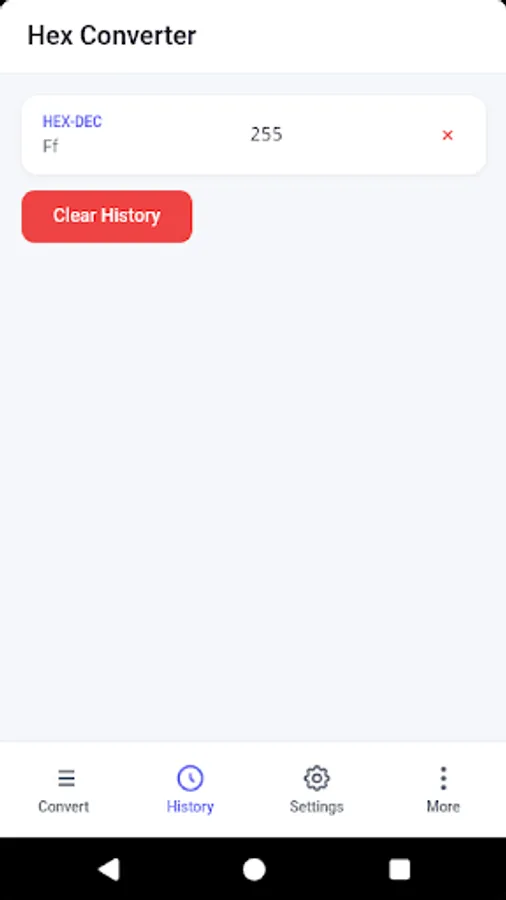
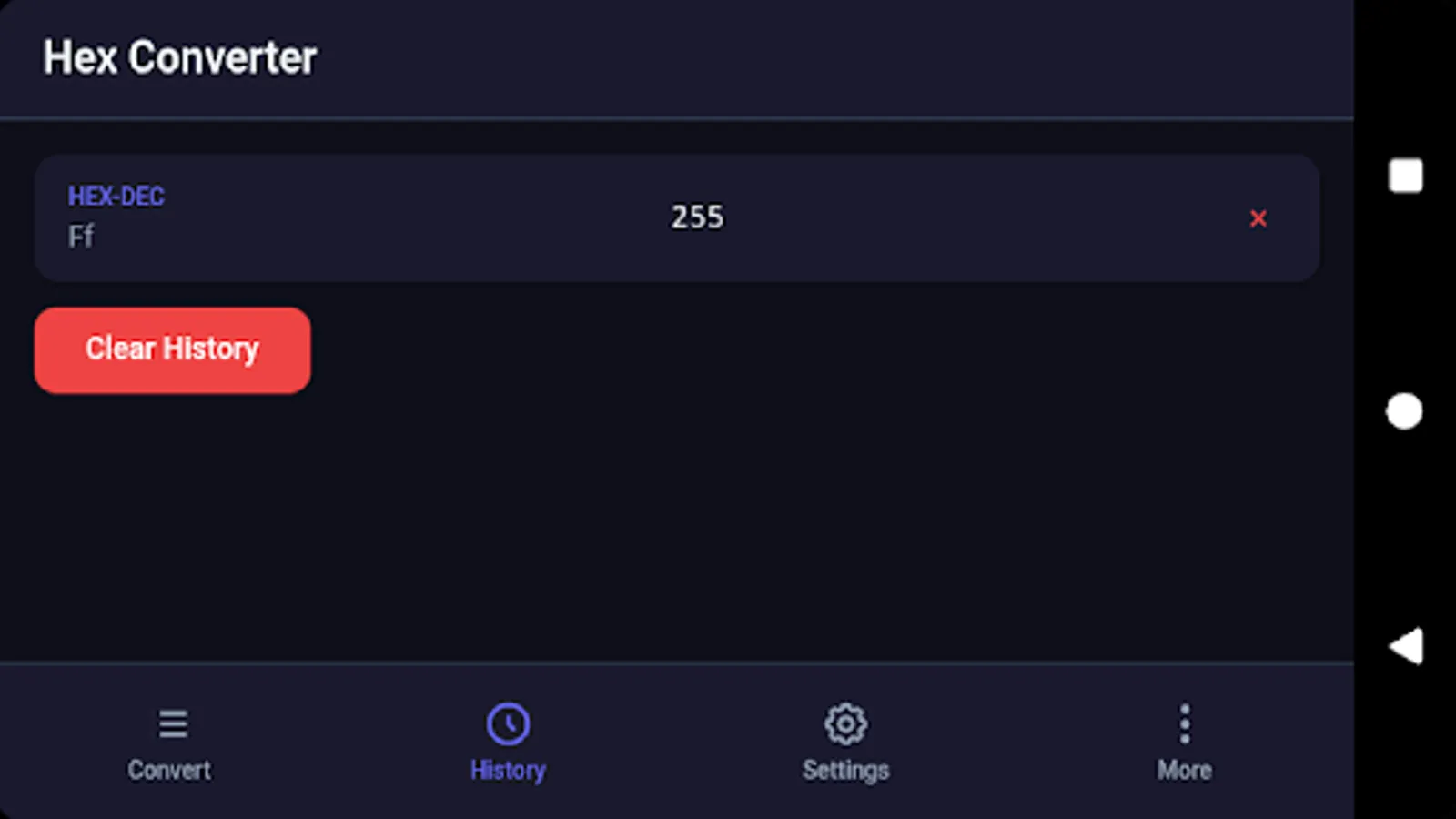
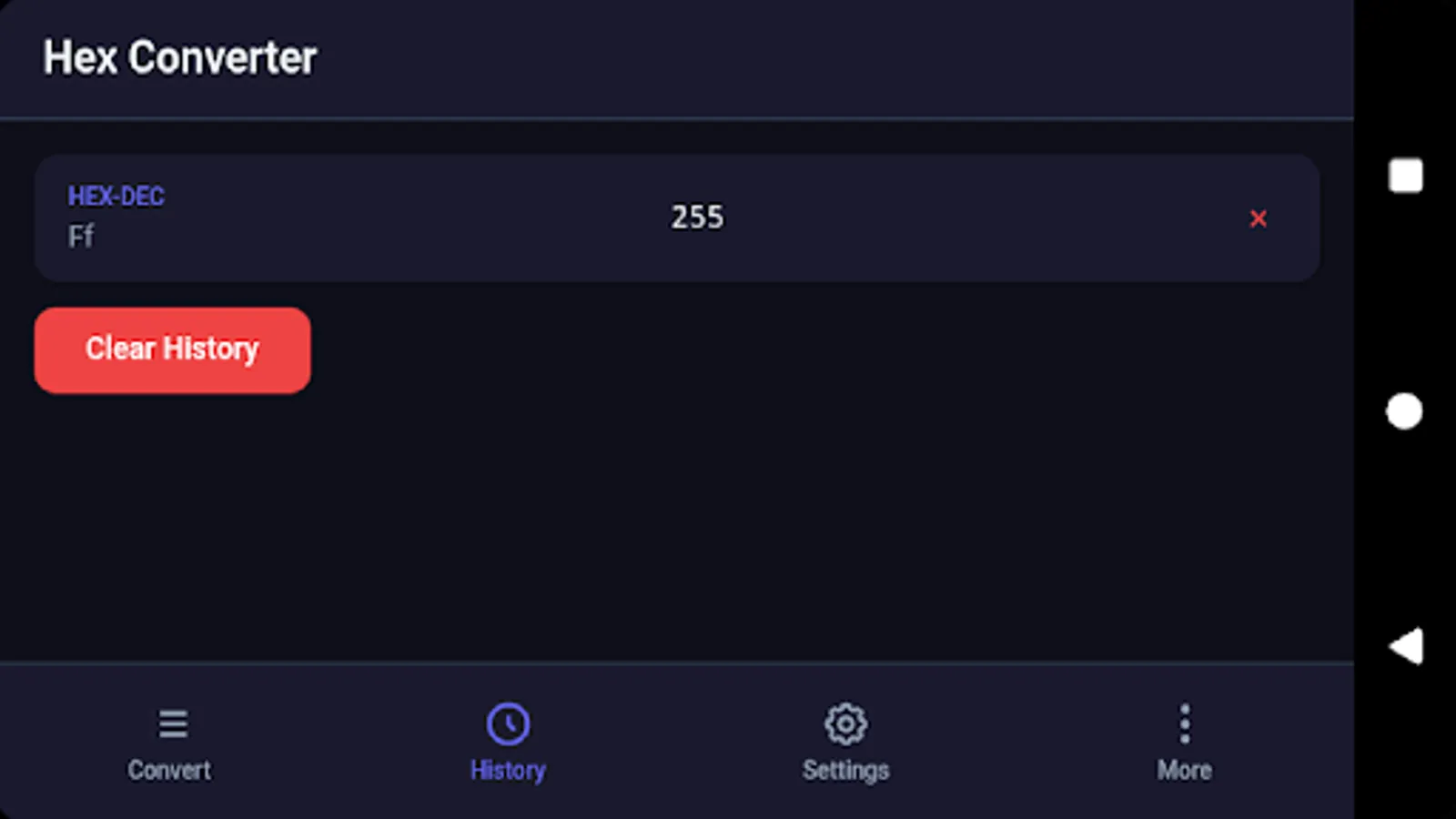
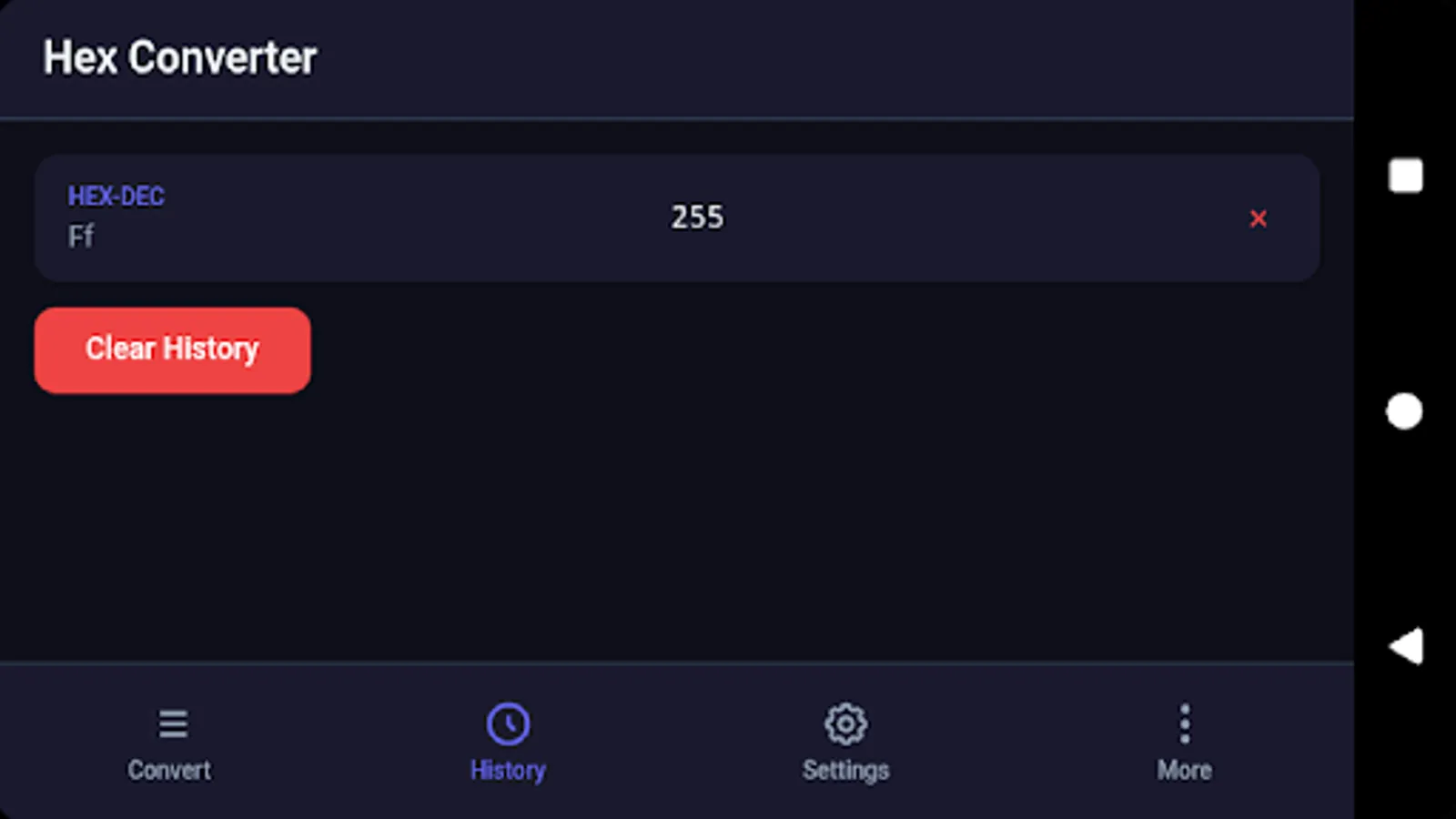
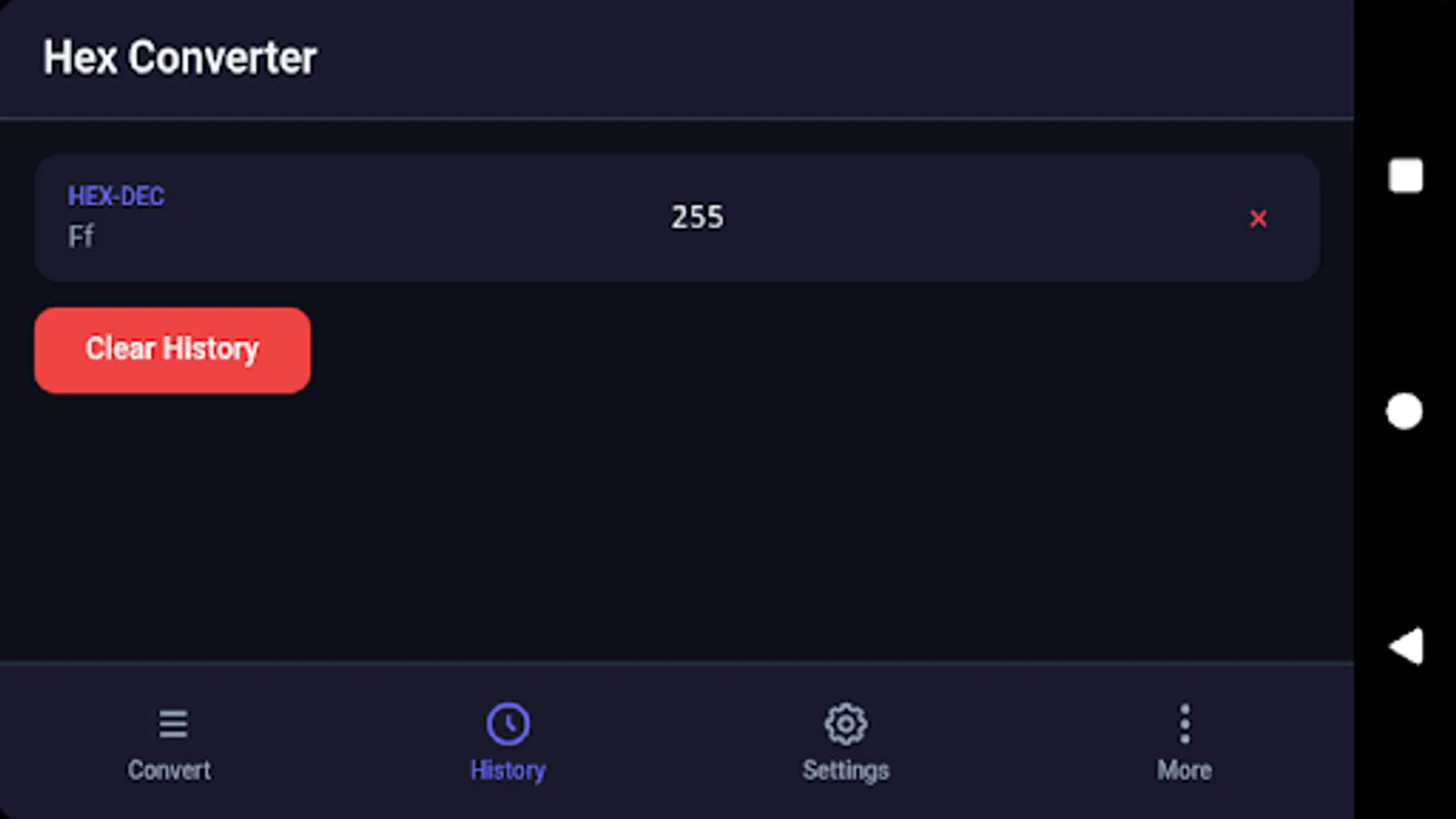
1. Conversion History: Easily access and reuse your previous conversions.
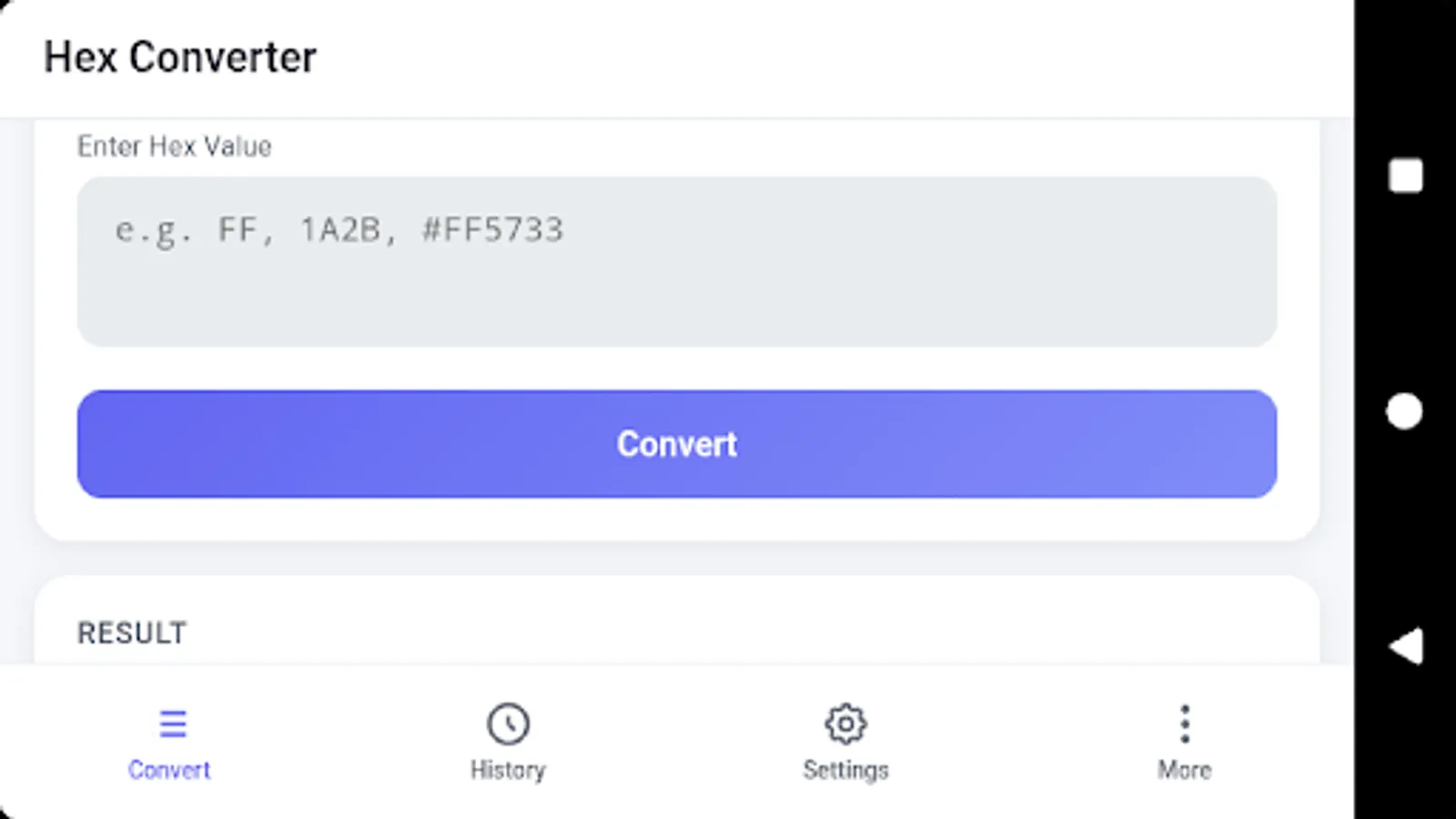
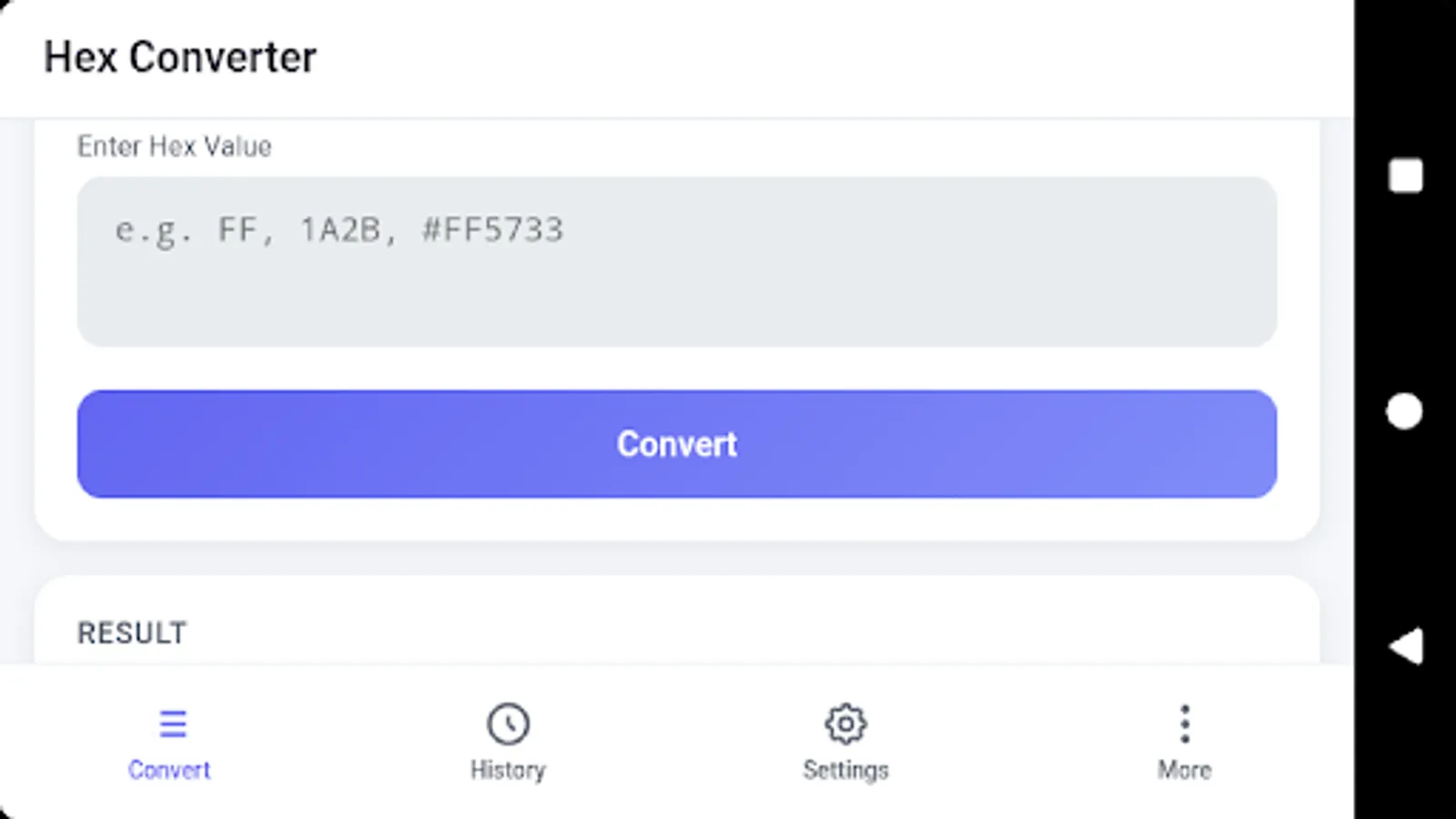
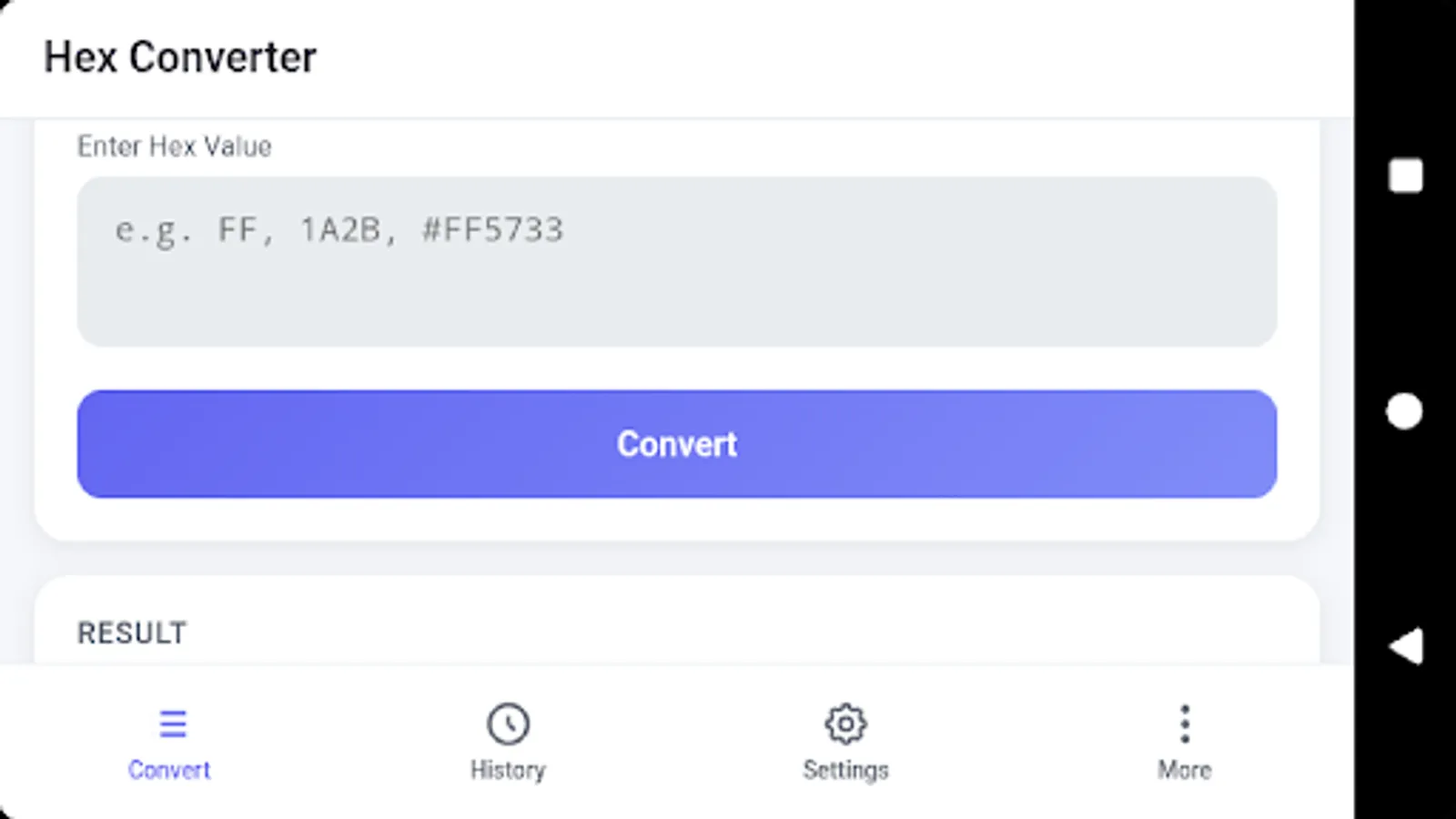
2. One-Tap Copy: Instantly copy results to your clipboard.
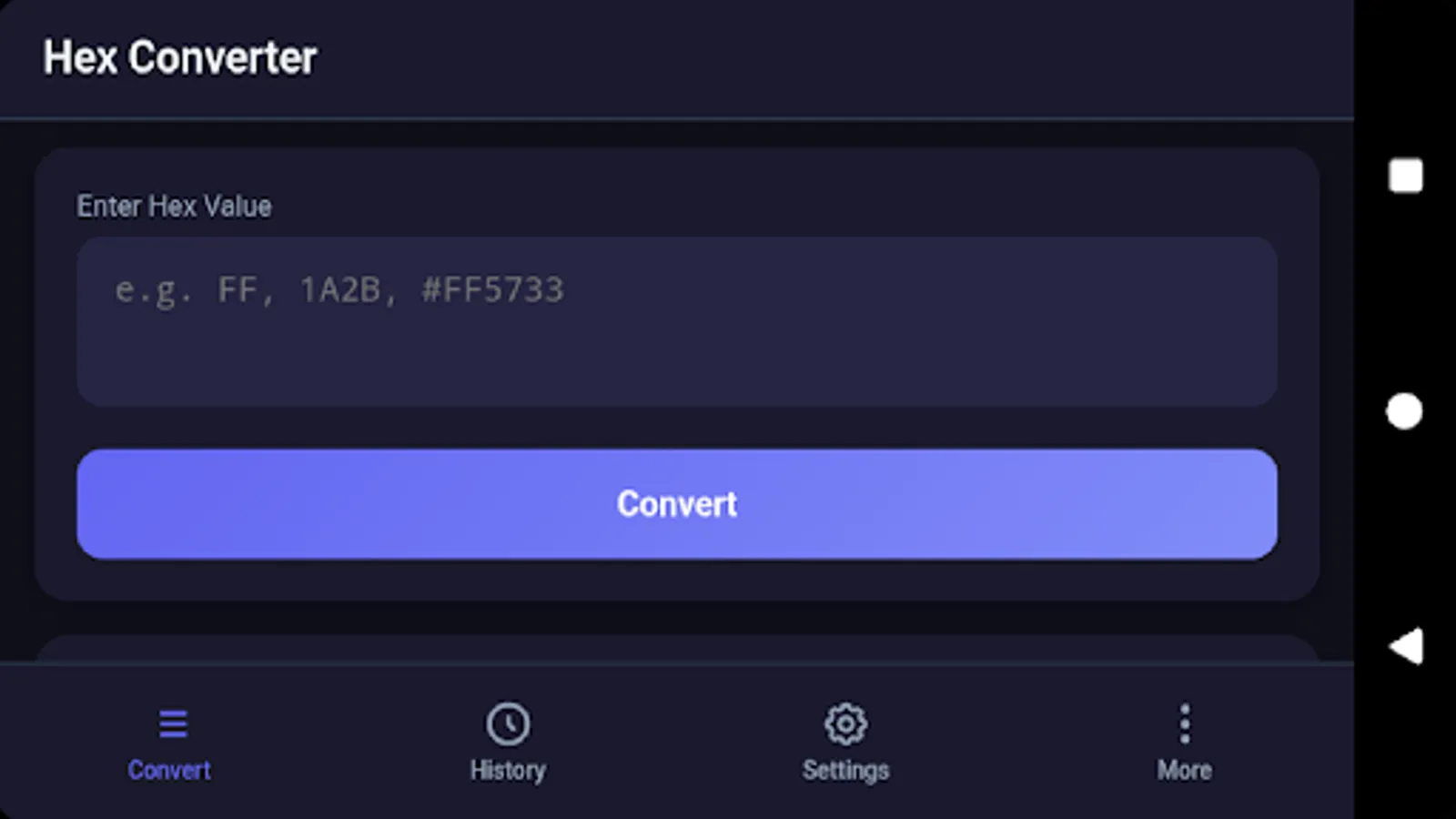
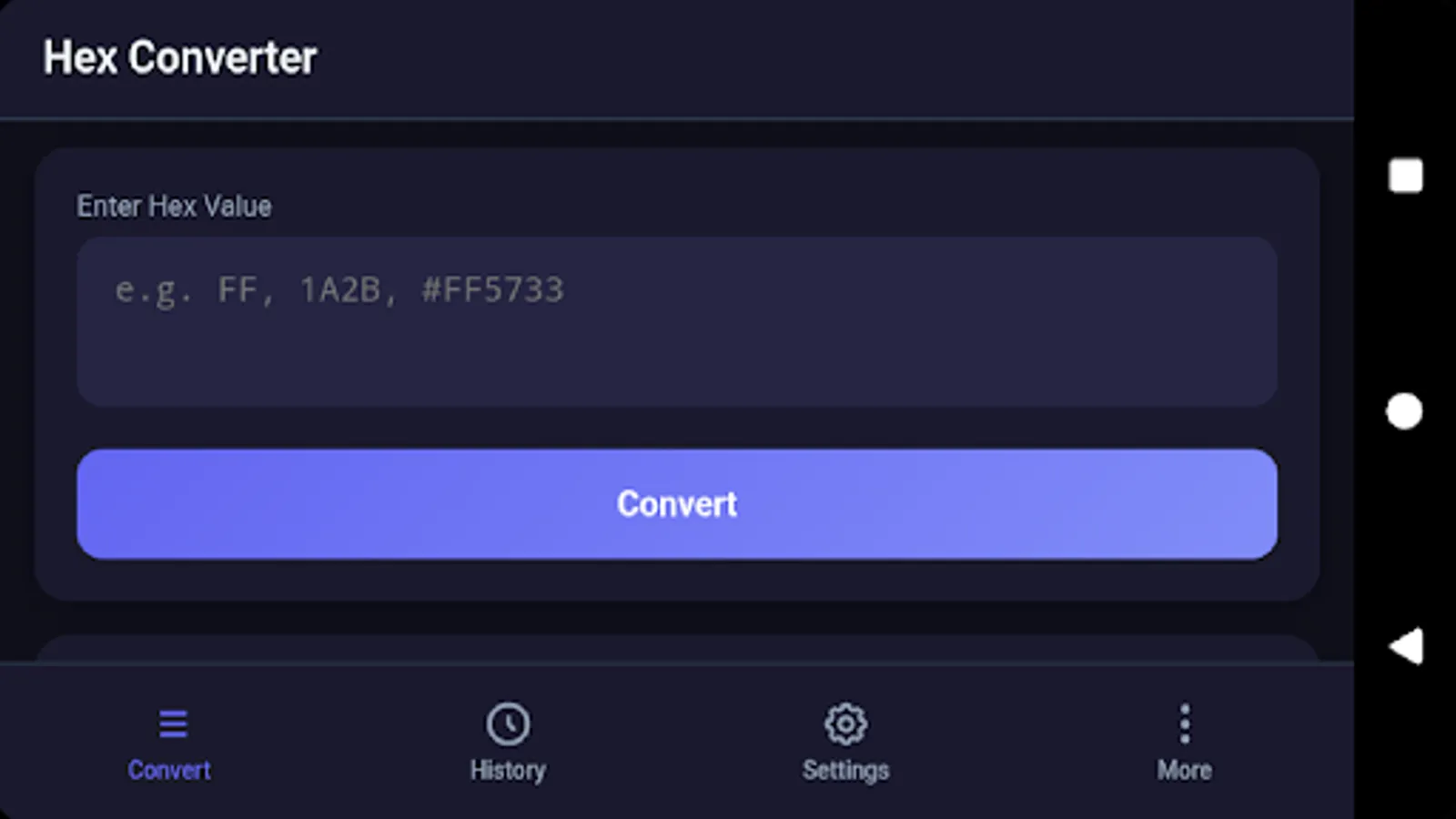
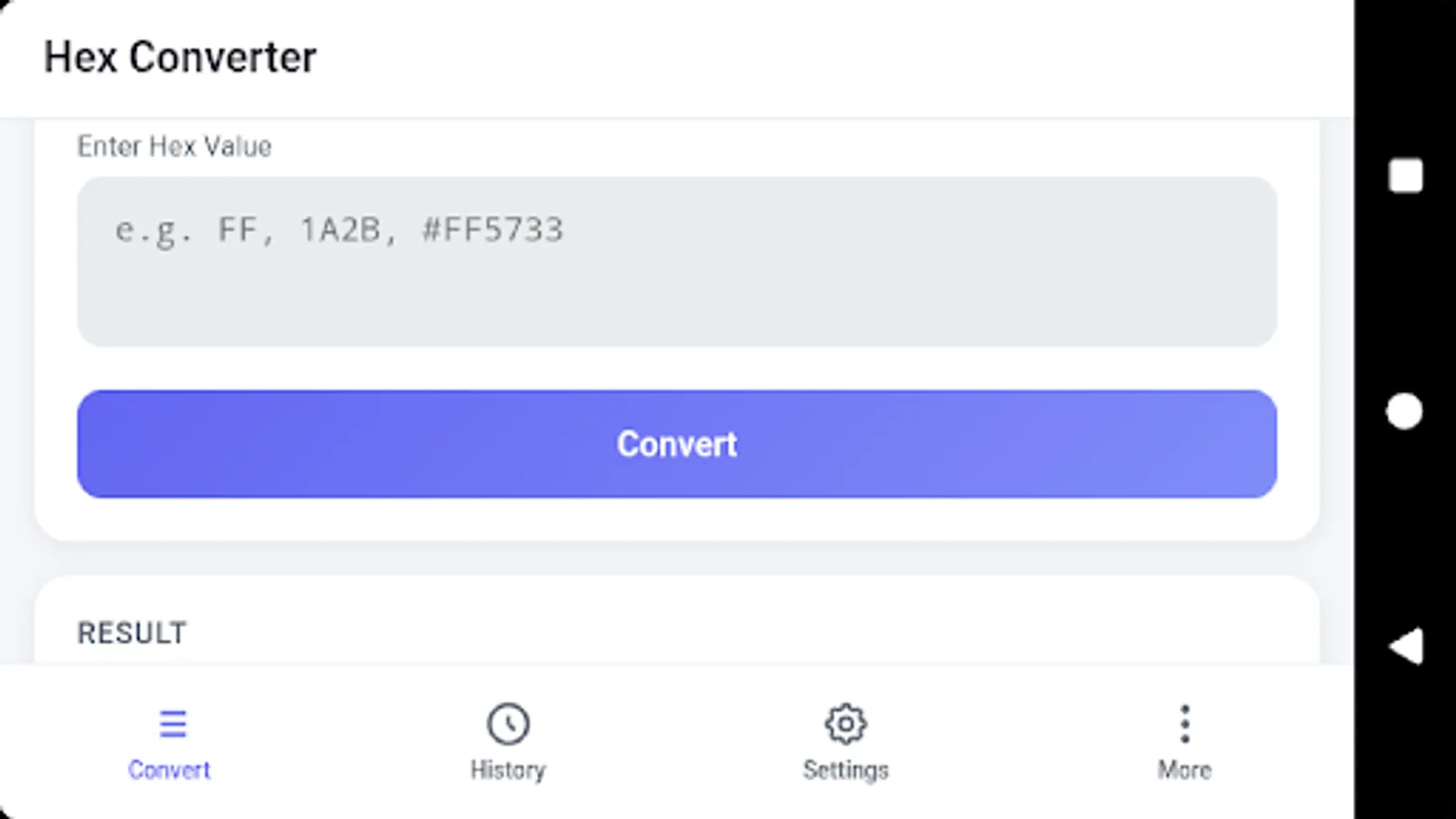
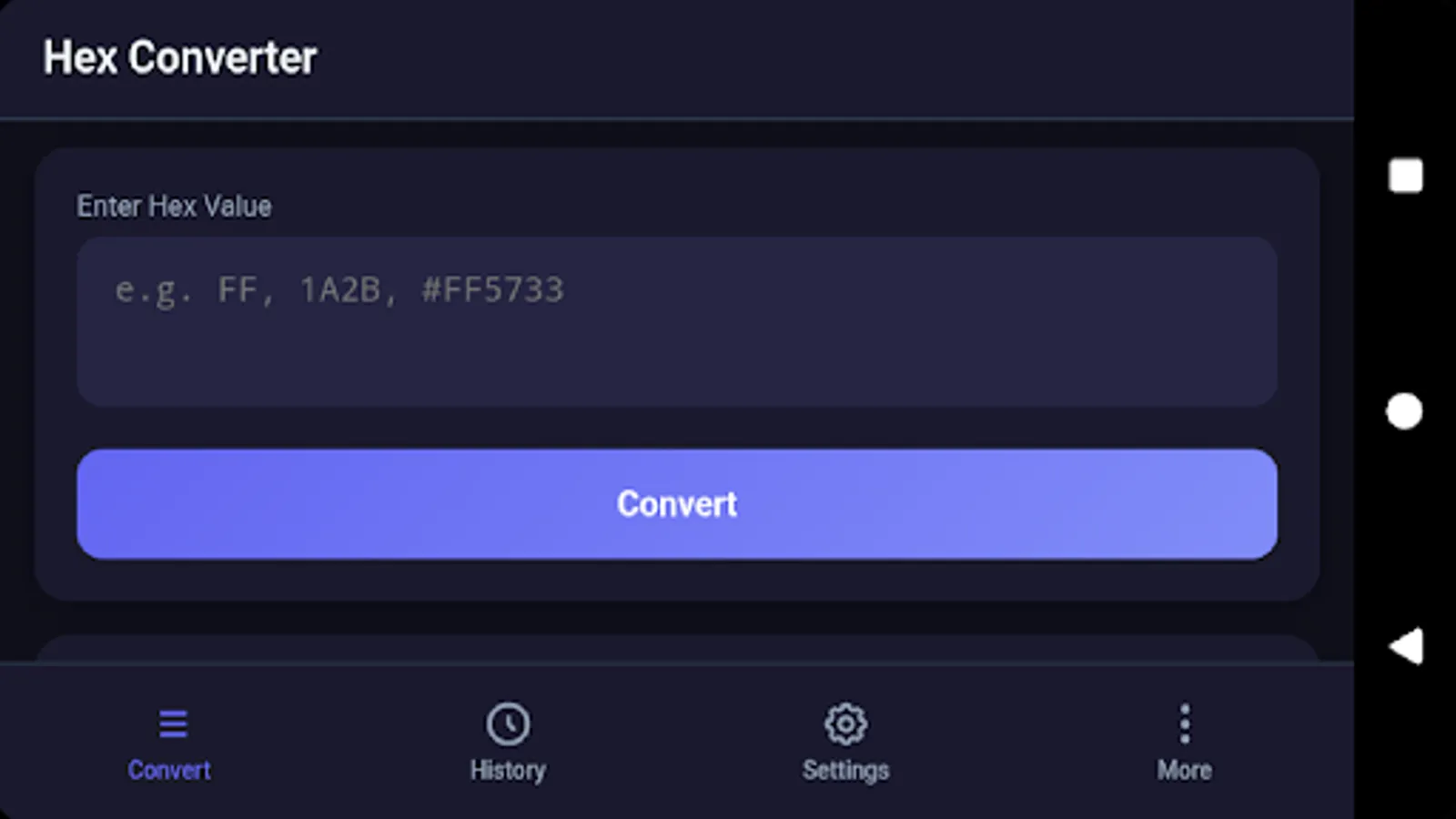
3. Smart Input Validation: Get helpful error messages for invalid inputs.
Customization & Settings:
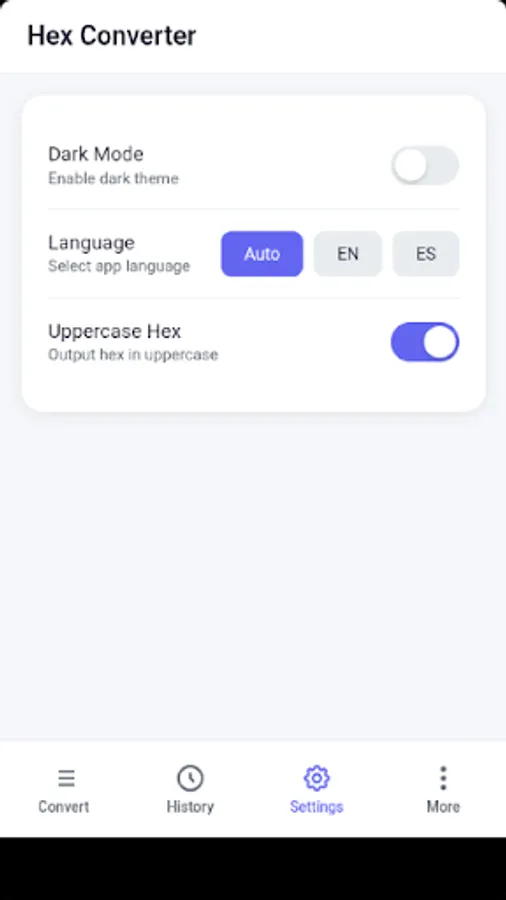
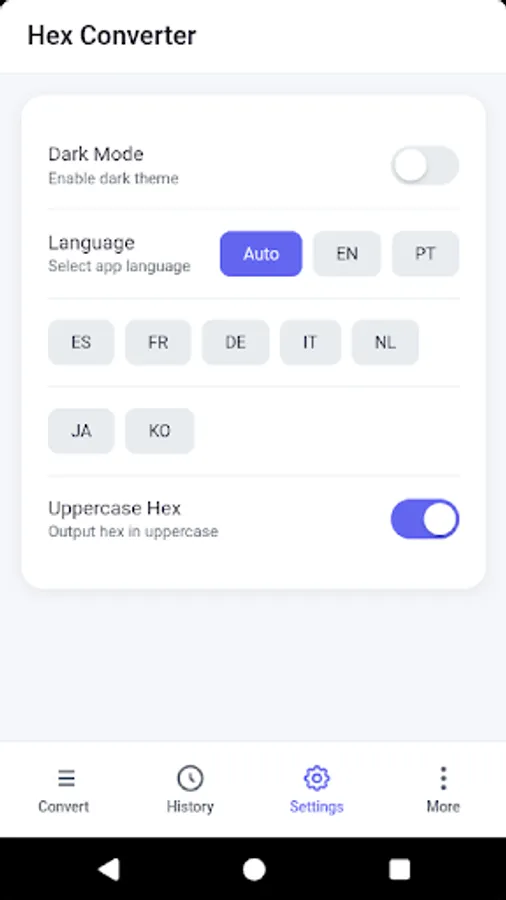
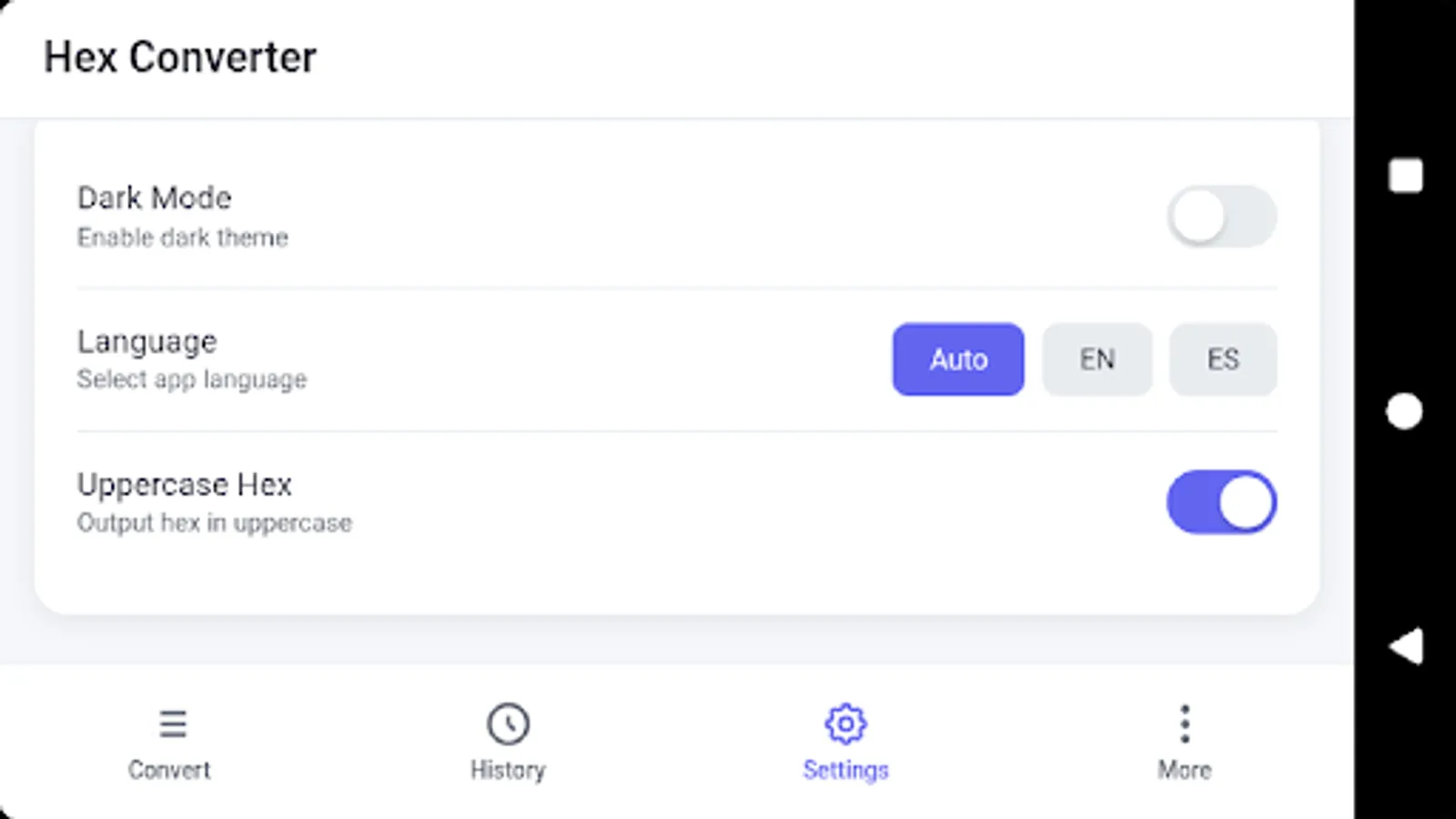
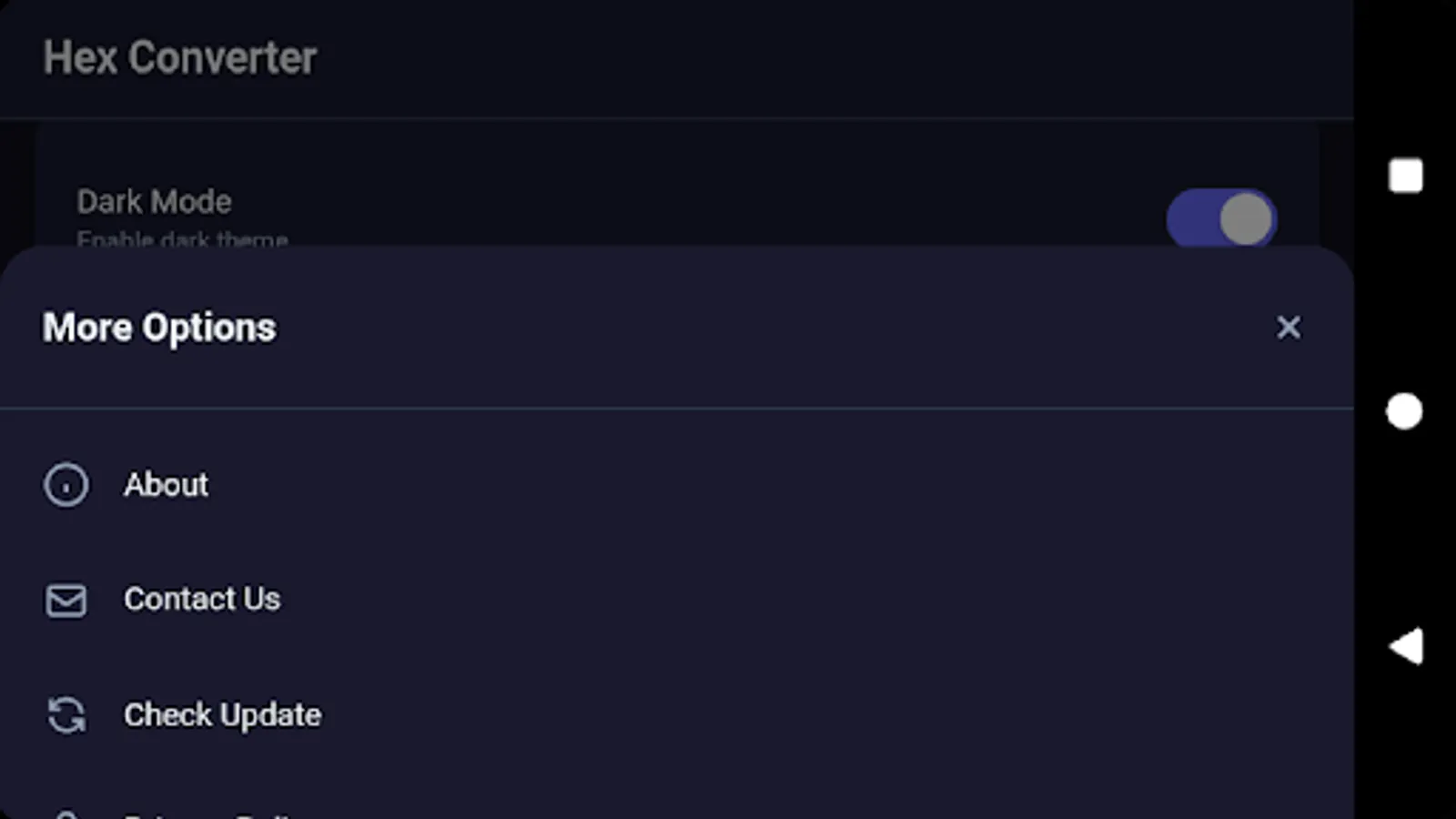
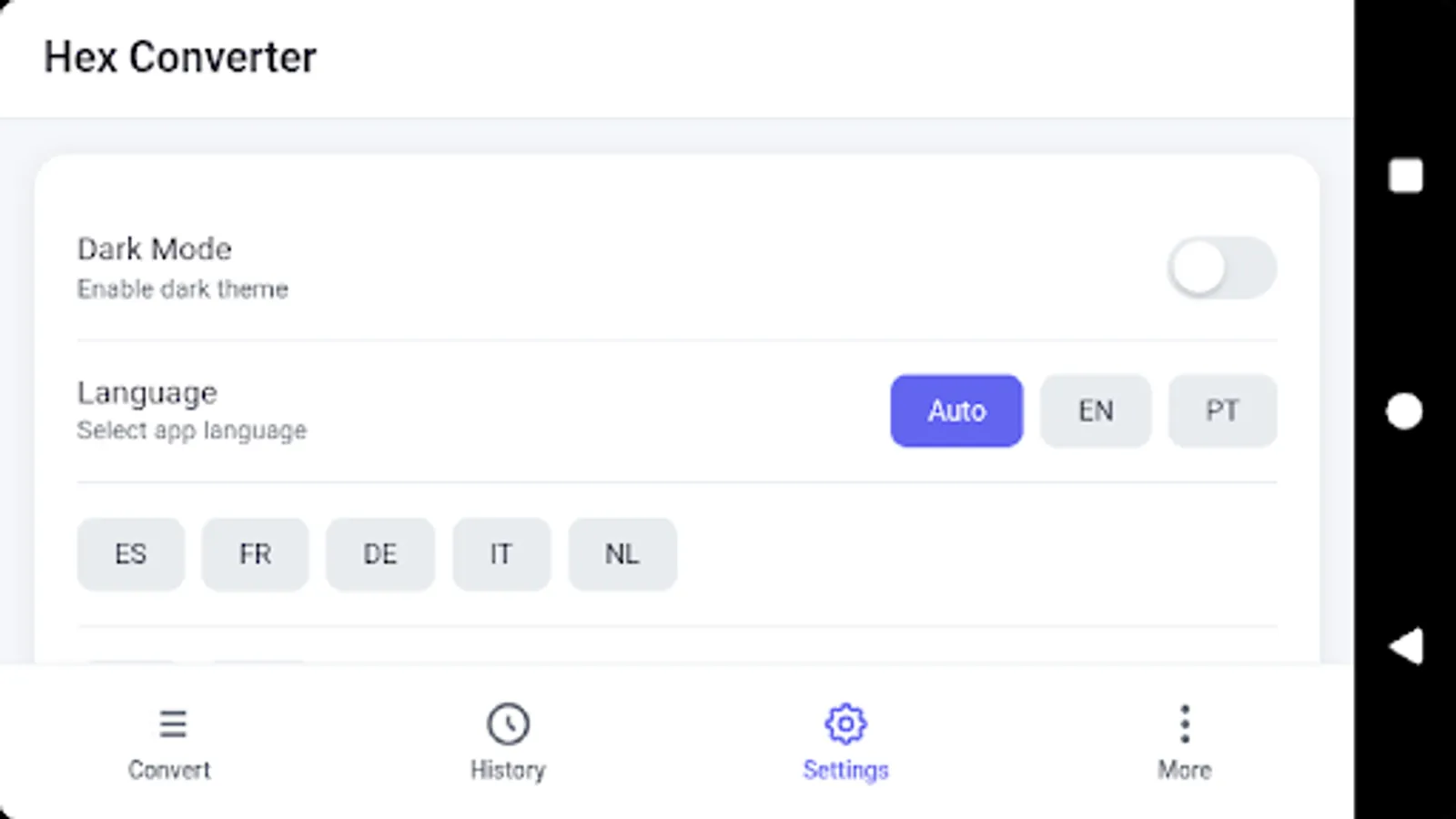
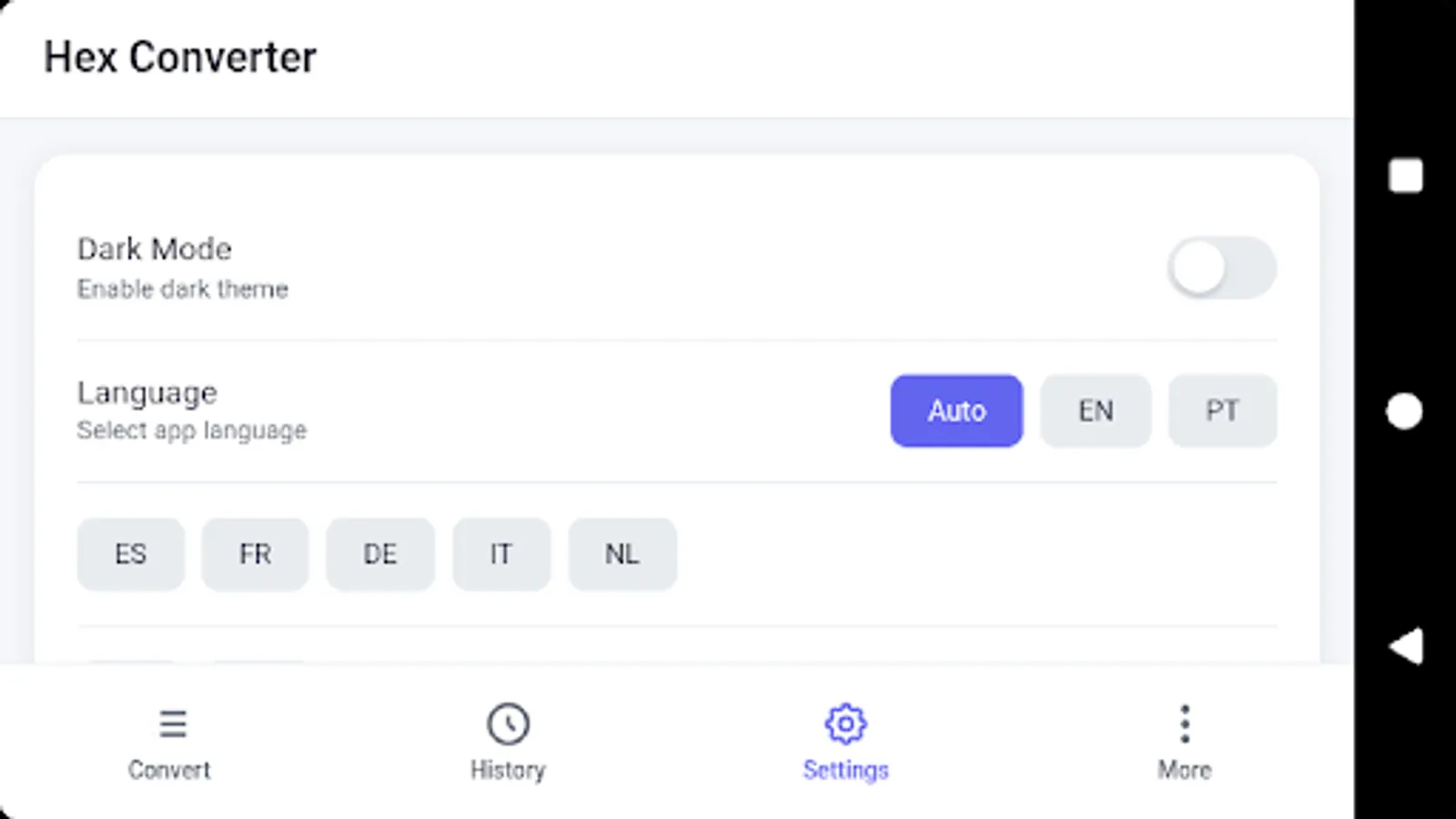
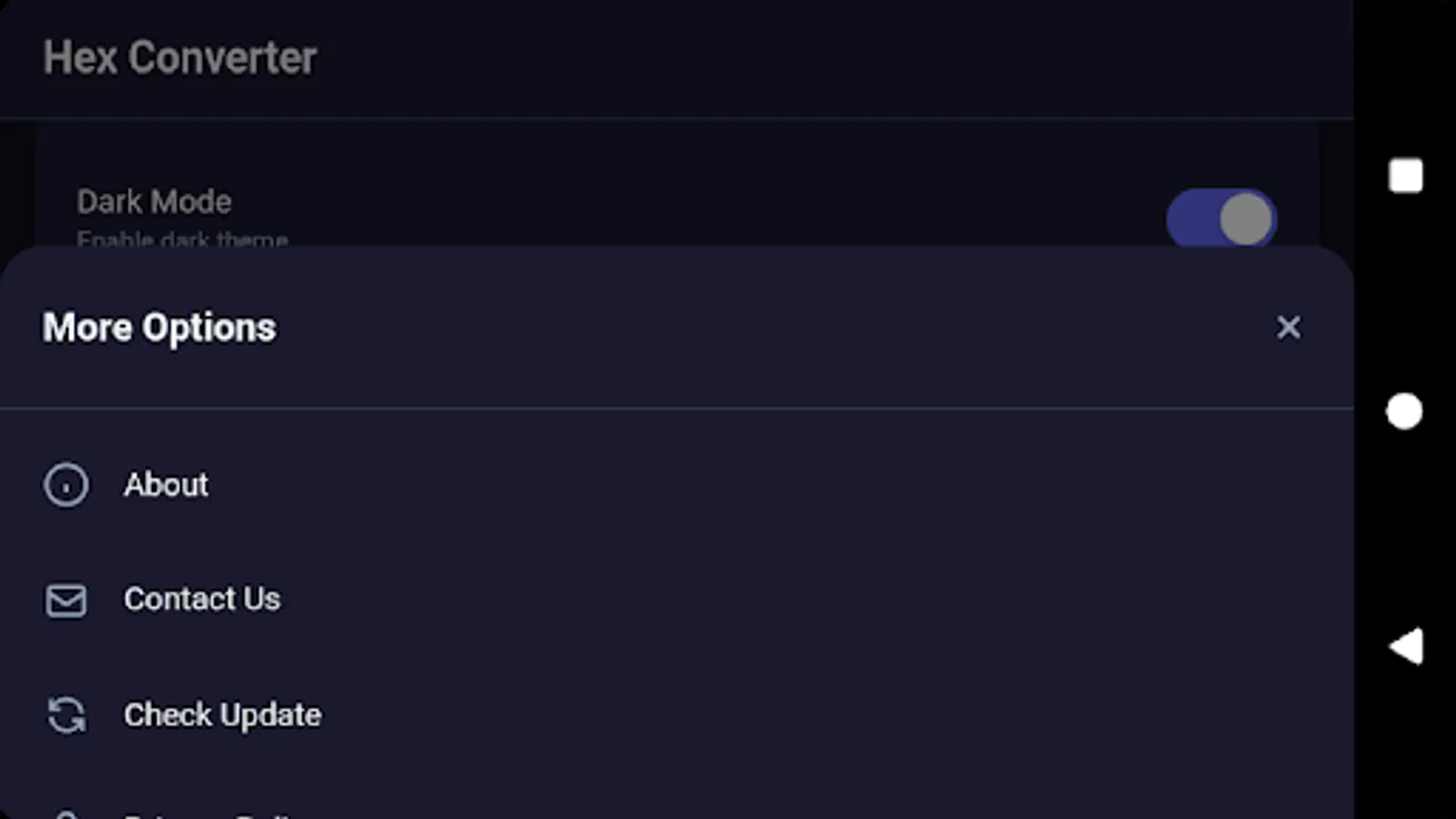
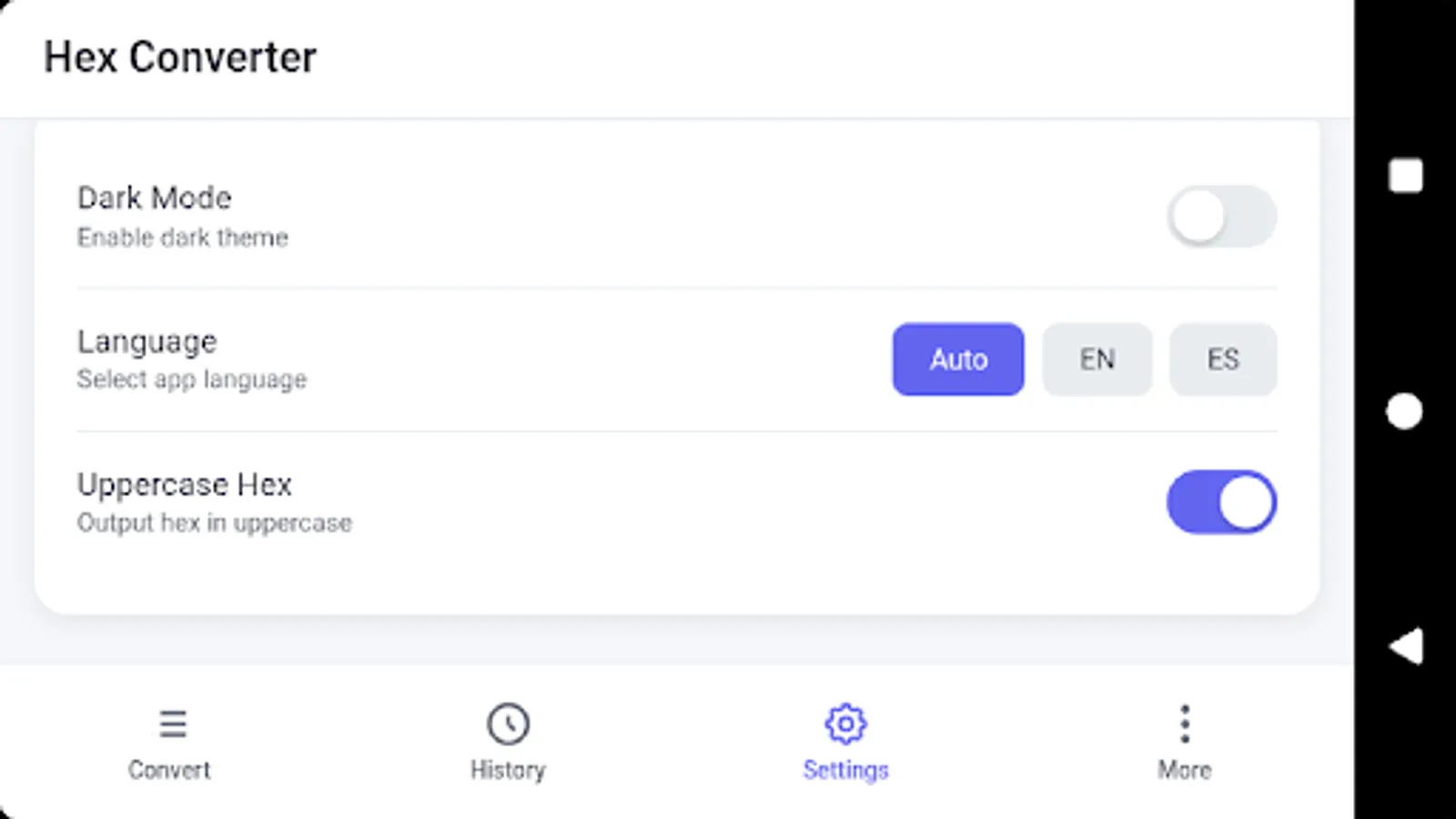
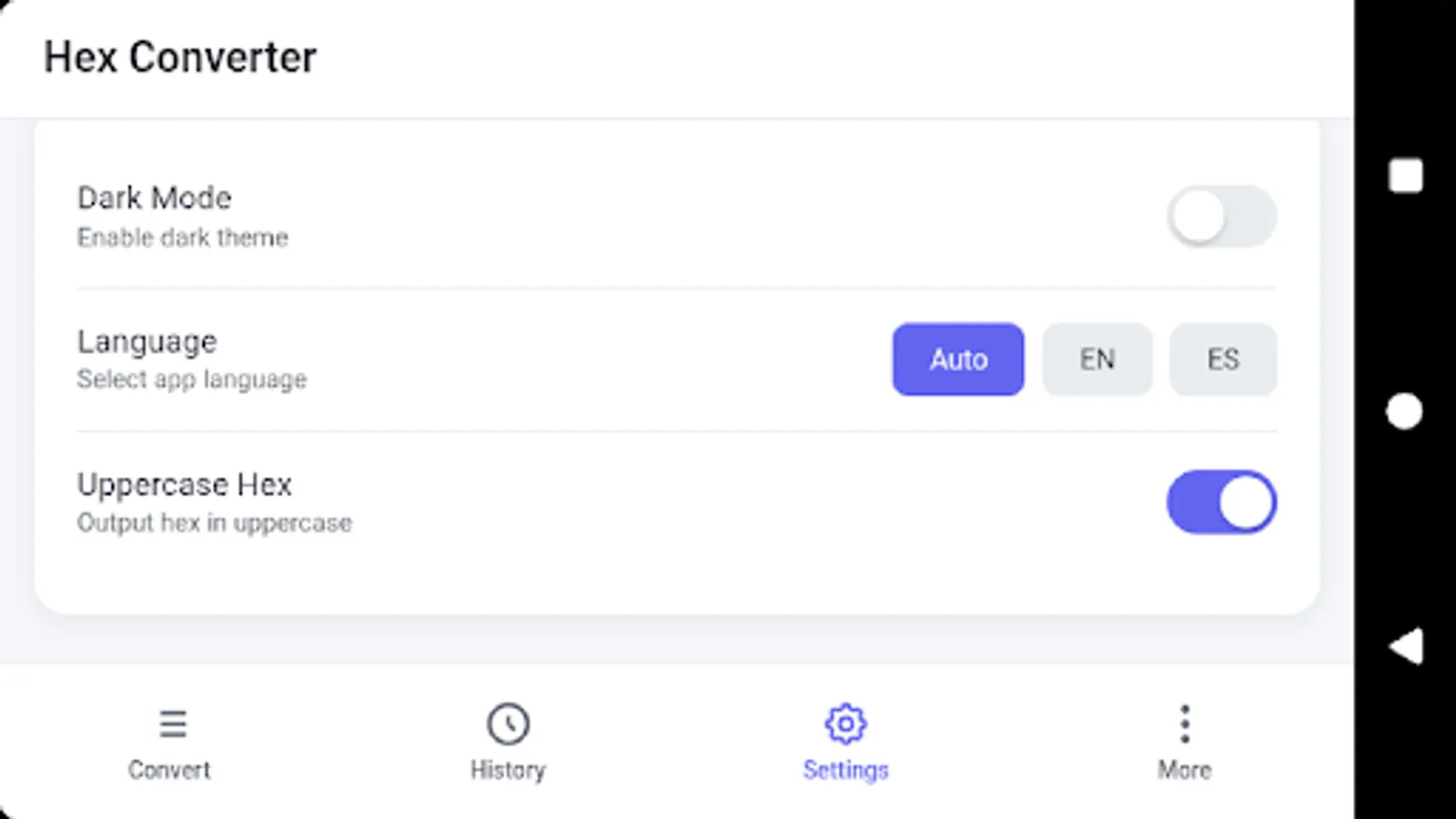
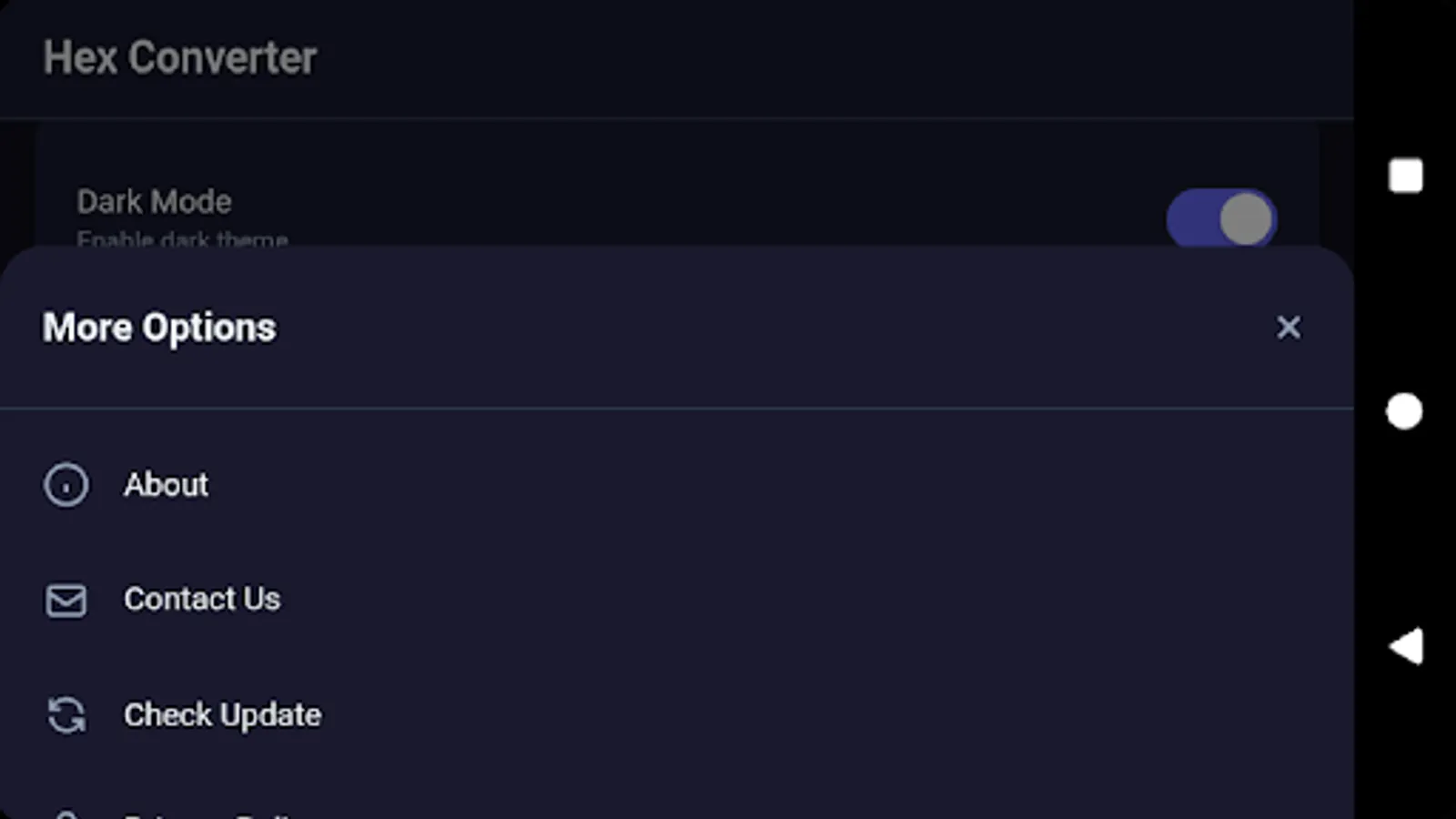
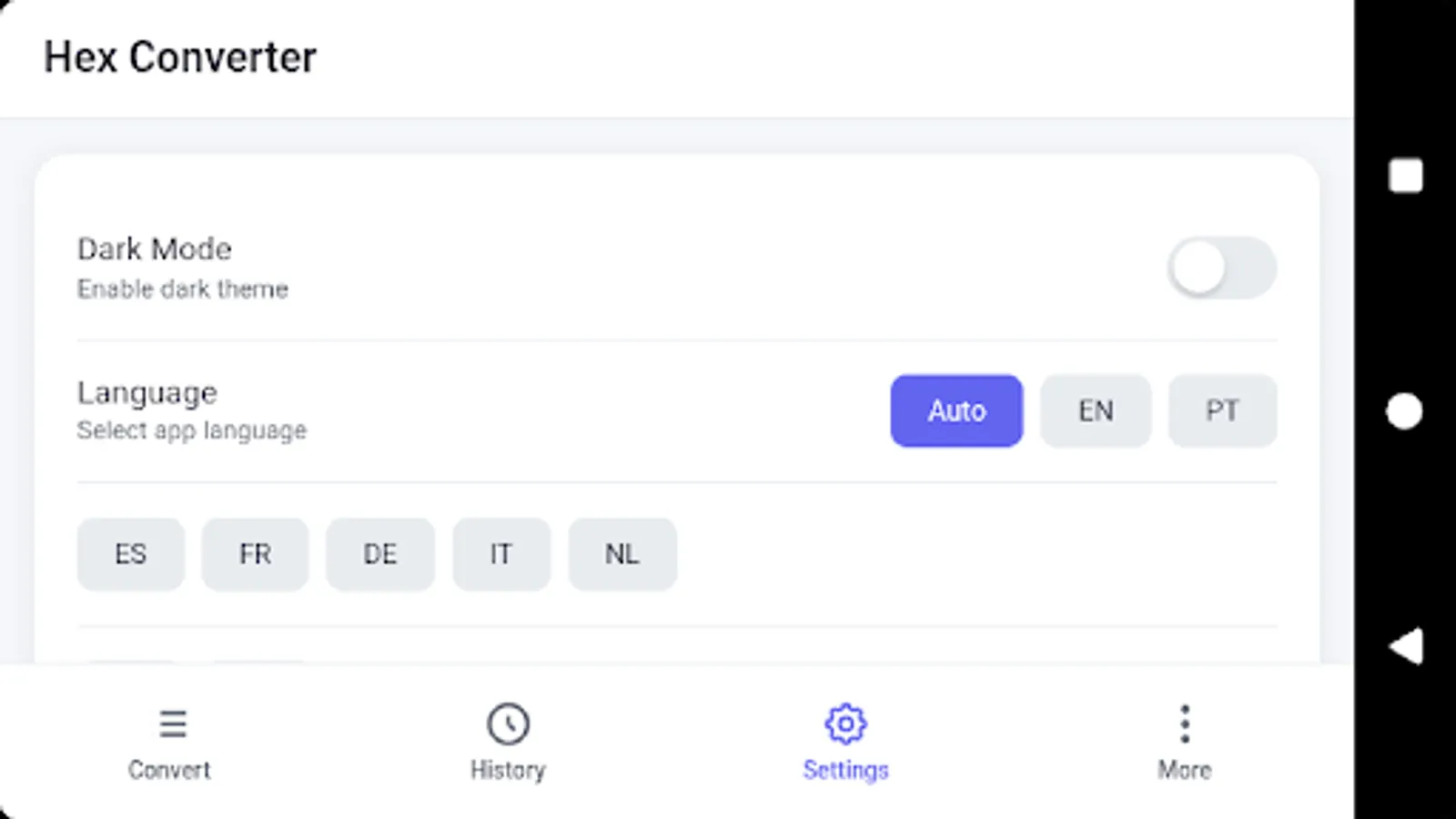
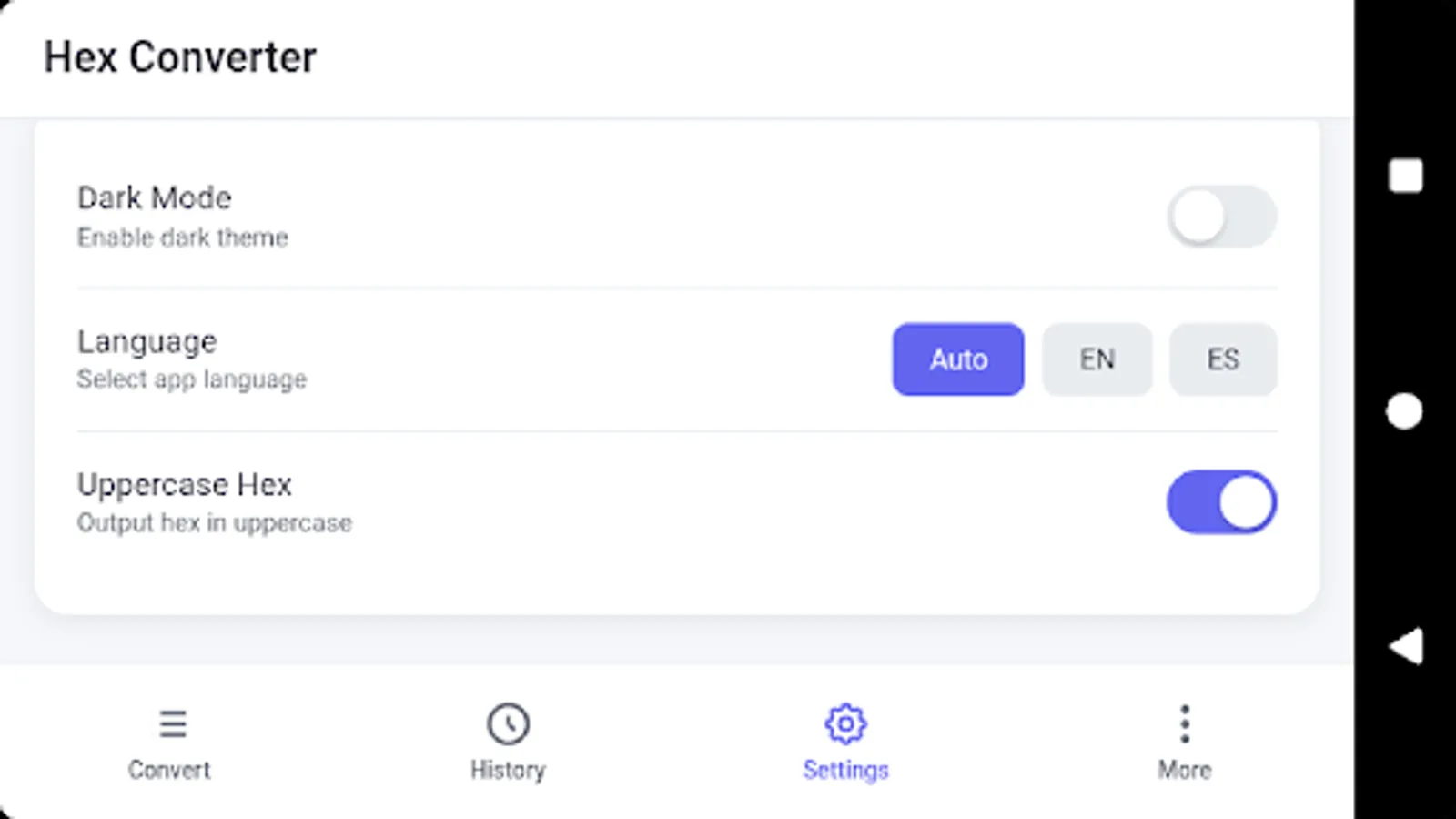
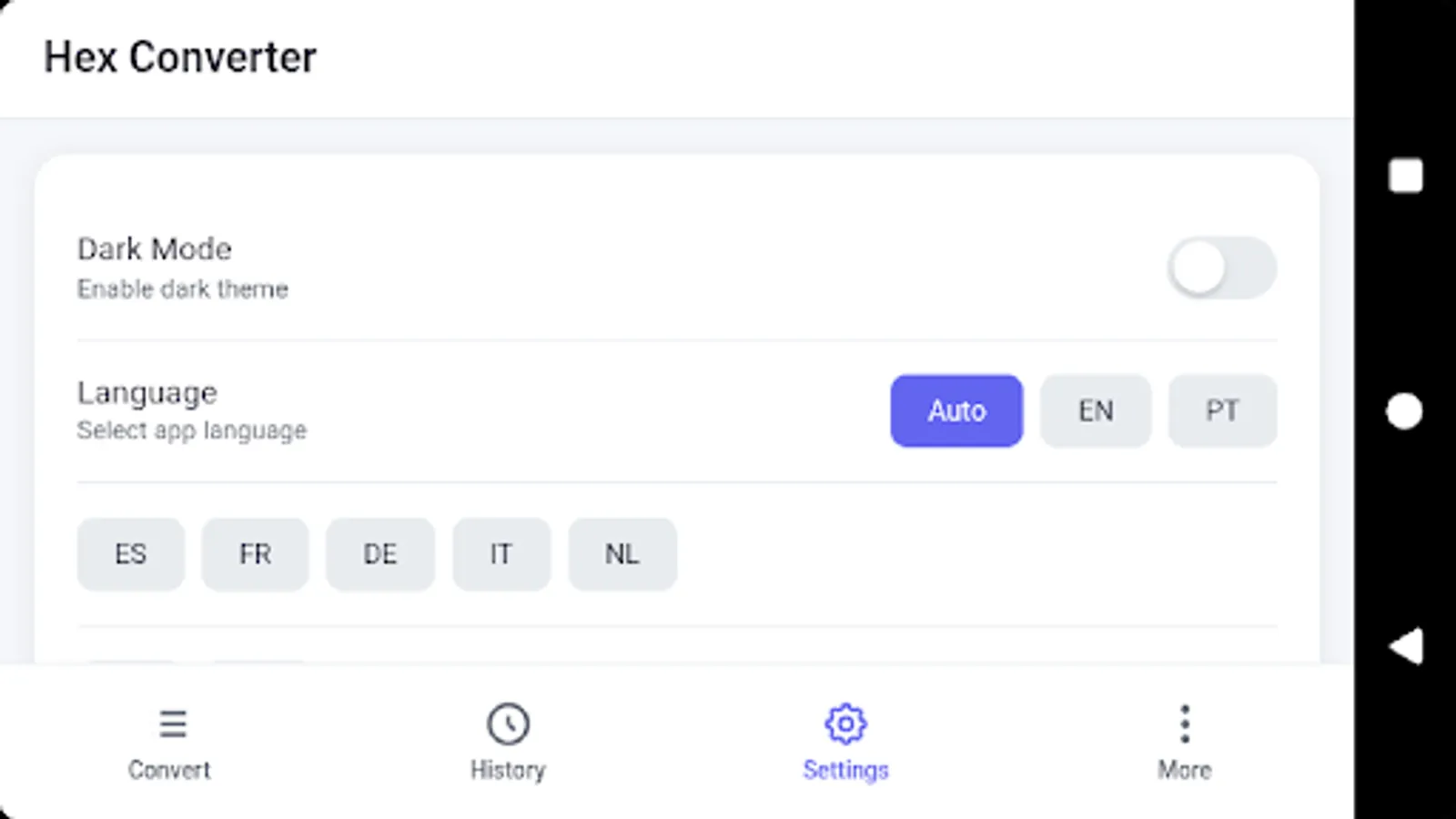
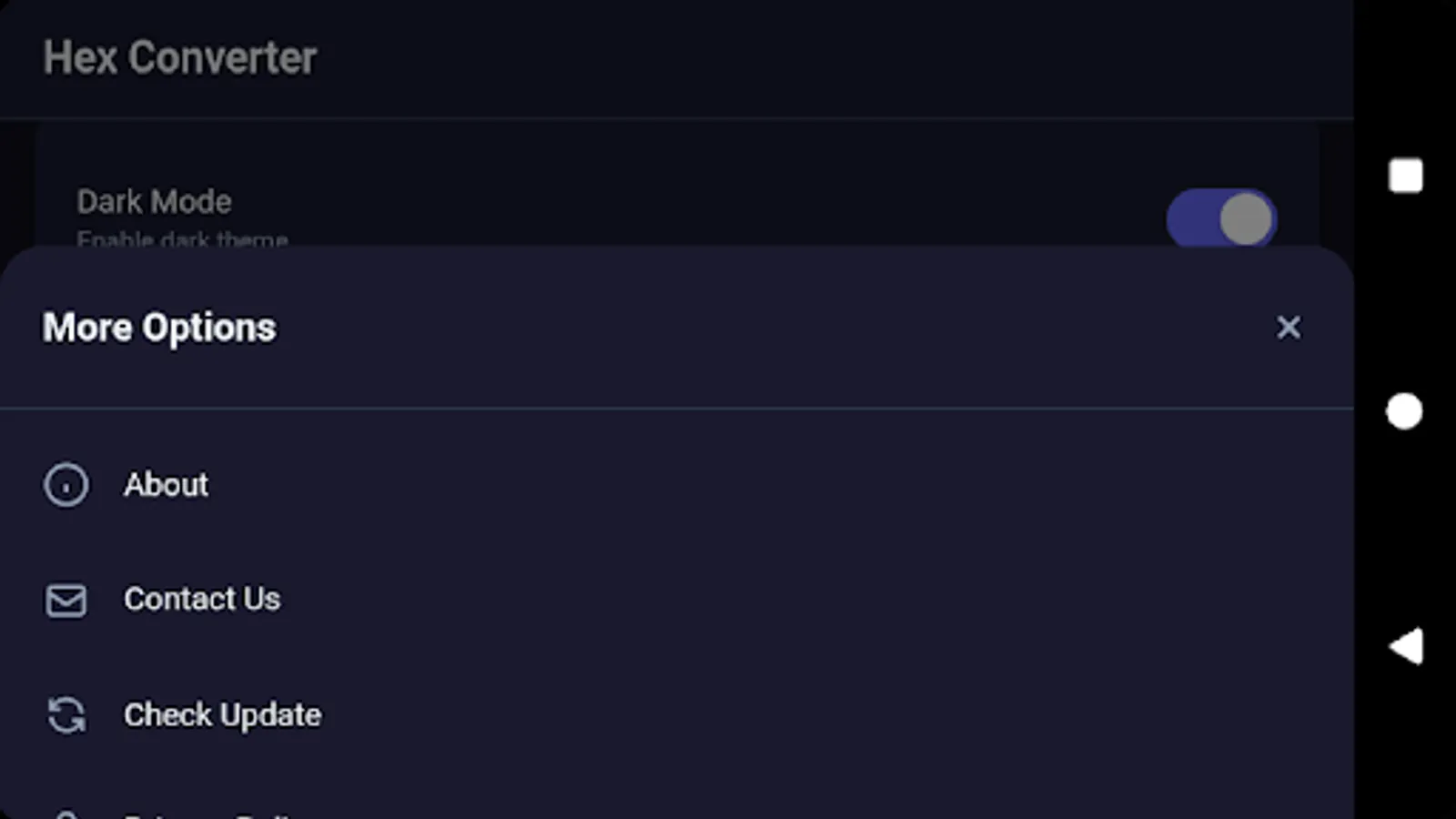
1. Dark Mode: Easy on the eyes during late-night coding sessions.
2. Uppercase Hex: Choose your preferred hex output format.
3. Multi-Language Support: Enjoy the app in your native language.
👩💻 Who is this for?
1. Software Developers & Programmers
2. Web & Graphic Designers
3. Computer Science Students & Educators
4. Digital Electronics Hobbyists
5. Anyone working with data encoding
It's FREE. Download it and start converting.
You can use it whether you're a developer debugging code, a designer fine-tuning colors, or a student learning computer science, this app is designed to make your life easier. With an intuitive interface and powerful features, complex conversions are just a tap away.
🚀 Key Features:
Core Conversions:
1. Hex ↔ Decimal: Perfect for programming and math.
2. Hex ↔ Binary: Essential for low-level computing and digital electronics.
3. Hex ↔ RGB: Seamlessly convert color codes for web design and digital art.
4. Text ↔ Hex: Encode and decode text for data transmission or security.
User-Friendly Tools:
1. Conversion History: Easily access and reuse your previous conversions.
2. One-Tap Copy: Instantly copy results to your clipboard.
3. Smart Input Validation: Get helpful error messages for invalid inputs.
Customization & Settings:
1. Dark Mode: Easy on the eyes during late-night coding sessions.
2. Uppercase Hex: Choose your preferred hex output format.
3. Multi-Language Support: Enjoy the app in your native language.
👩💻 Who is this for?
1. Software Developers & Programmers
2. Web & Graphic Designers
3. Computer Science Students & Educators
4. Digital Electronics Hobbyists
5. Anyone working with data encoding
It's FREE. Download it and start converting.
Hex Converter Screenshots
Tap to Rate: