
Create and edit timelines using text input, real-time preview, and file management features. Includes auto-save, sharing options, date picker, search function, and customizable themes.
AppRecs review analysis
AppRecs rating 3.9. Trustworthiness 90 out of 100. Review manipulation risk 23 out of 100. Based on a review sample analyzed.
★★★☆☆
3.9
AppRecs Rating
Ratings breakdown
5 star
47%
4 star
13%
3 star
20%
2 star
13%
1 star
7%
What to know
✓
Low review manipulation risk
23% review manipulation risk
✓
Credible reviews
90% trustworthiness score from analyzed reviews
✓
Good user ratings
60% positive sampled reviews
About Timeline Maker
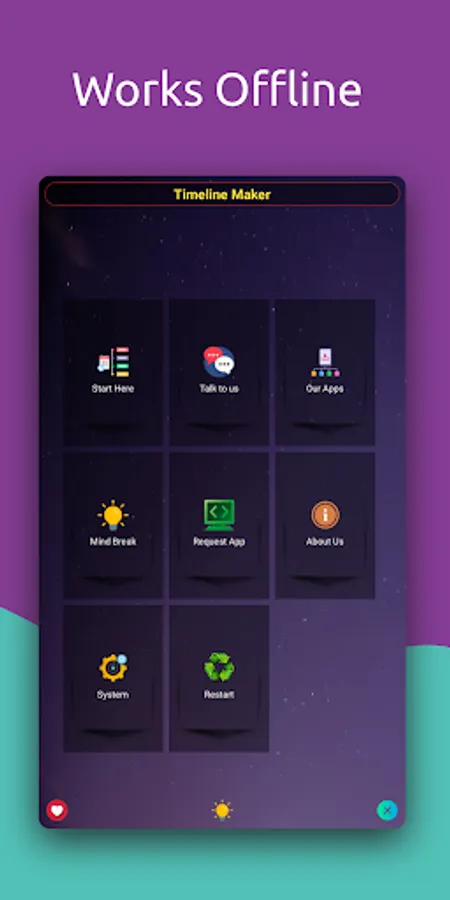
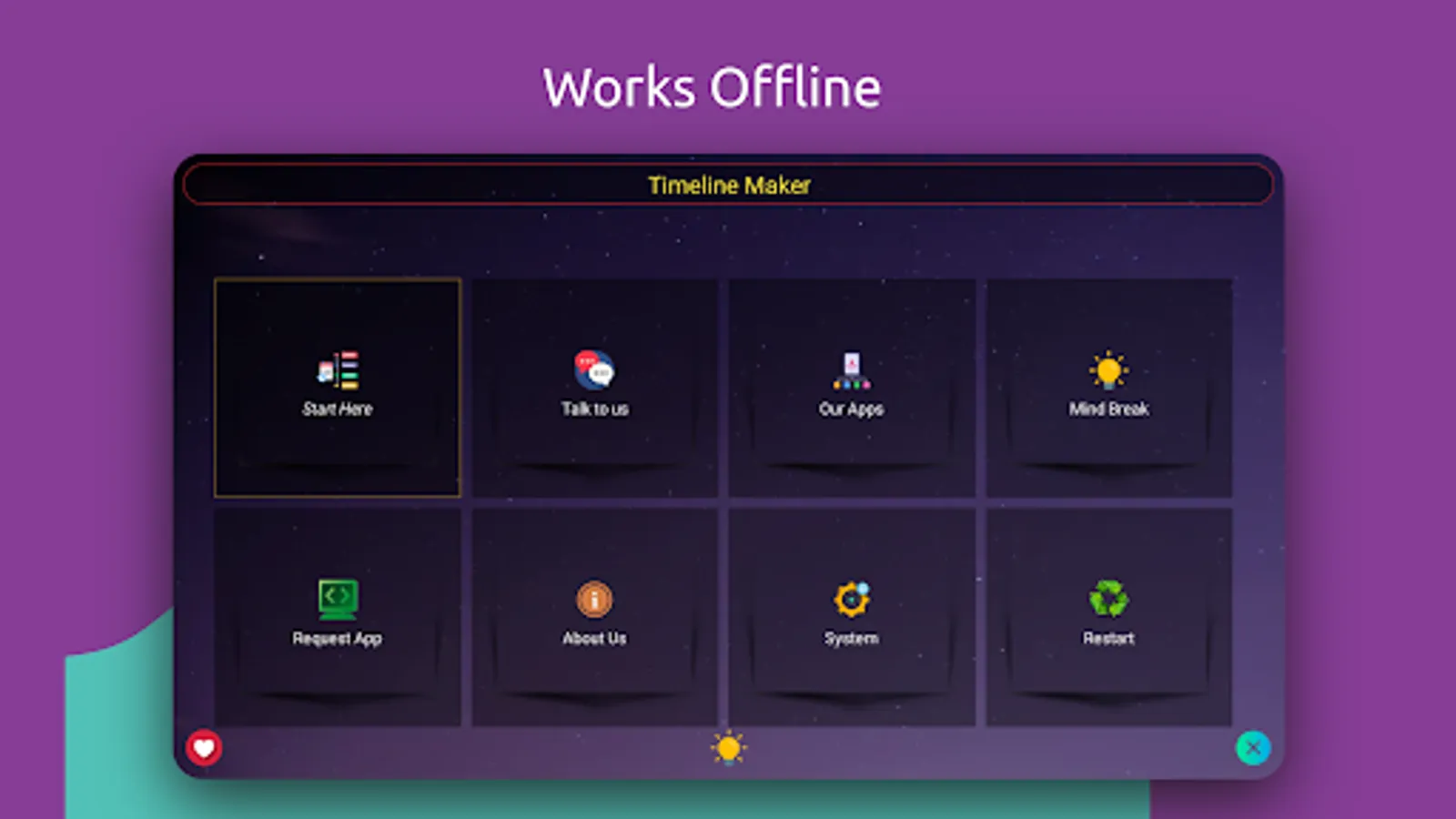
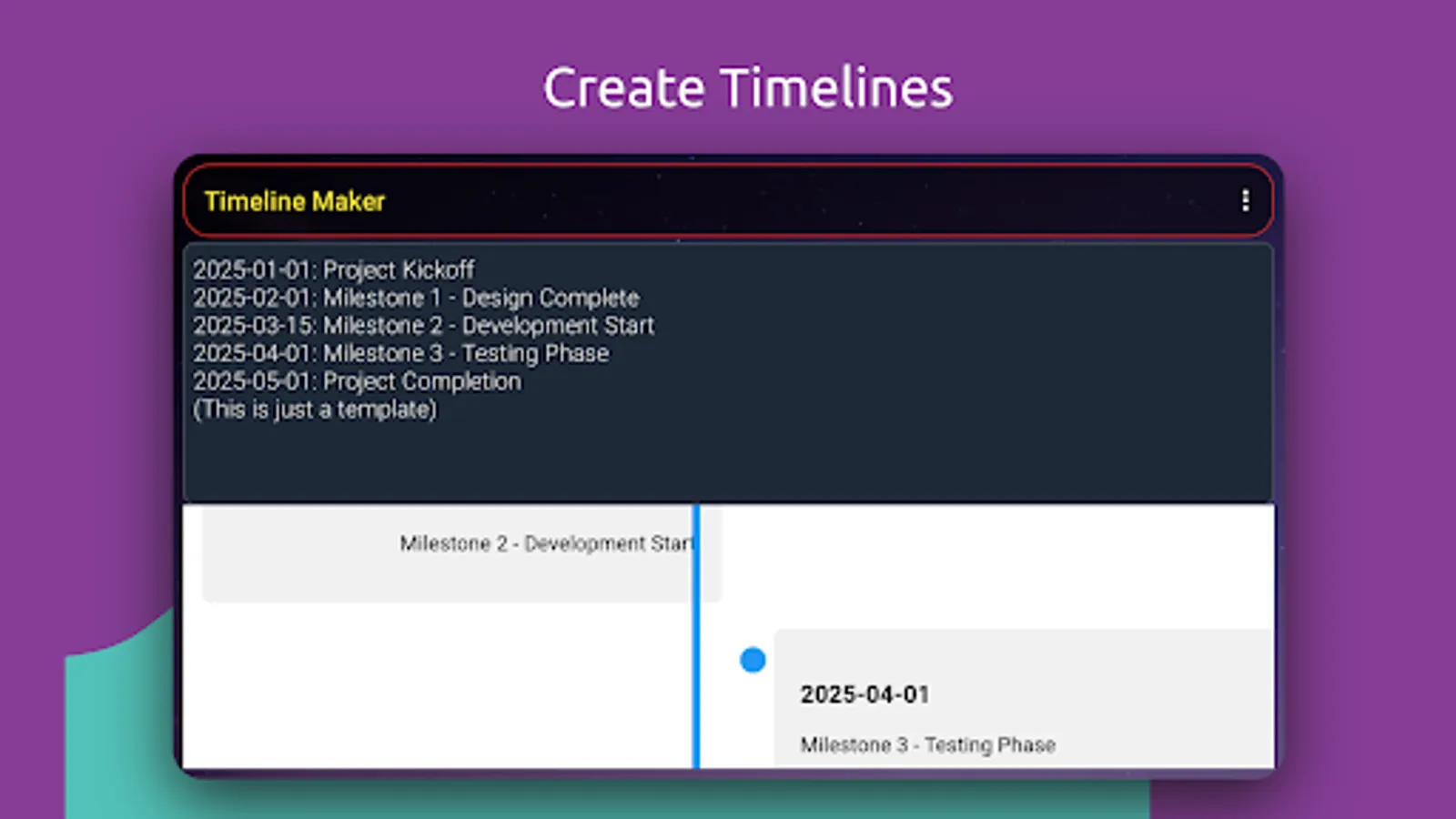
Timeline Maker is a FREE, offline and feature rich app designed to help you create, edit, and visualize timelines effortlessly. Whether you're planning a project, documenting historical events, or organizing any time-based data, this app has you covered.
Key Features:
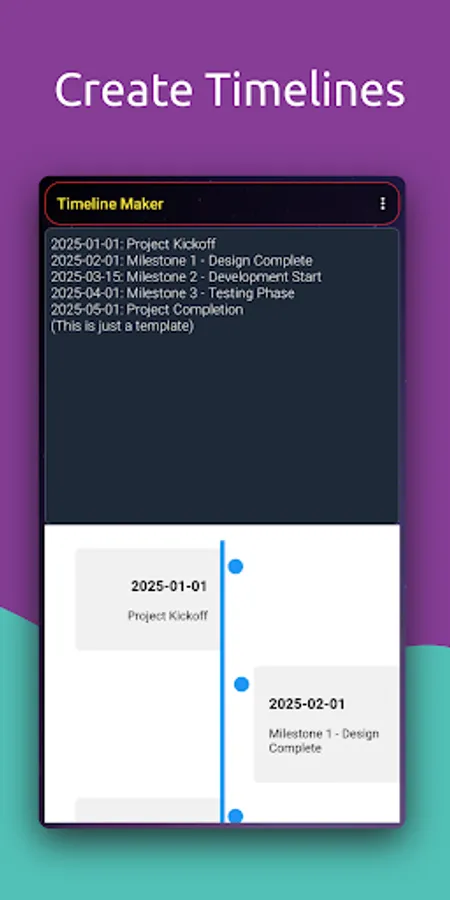
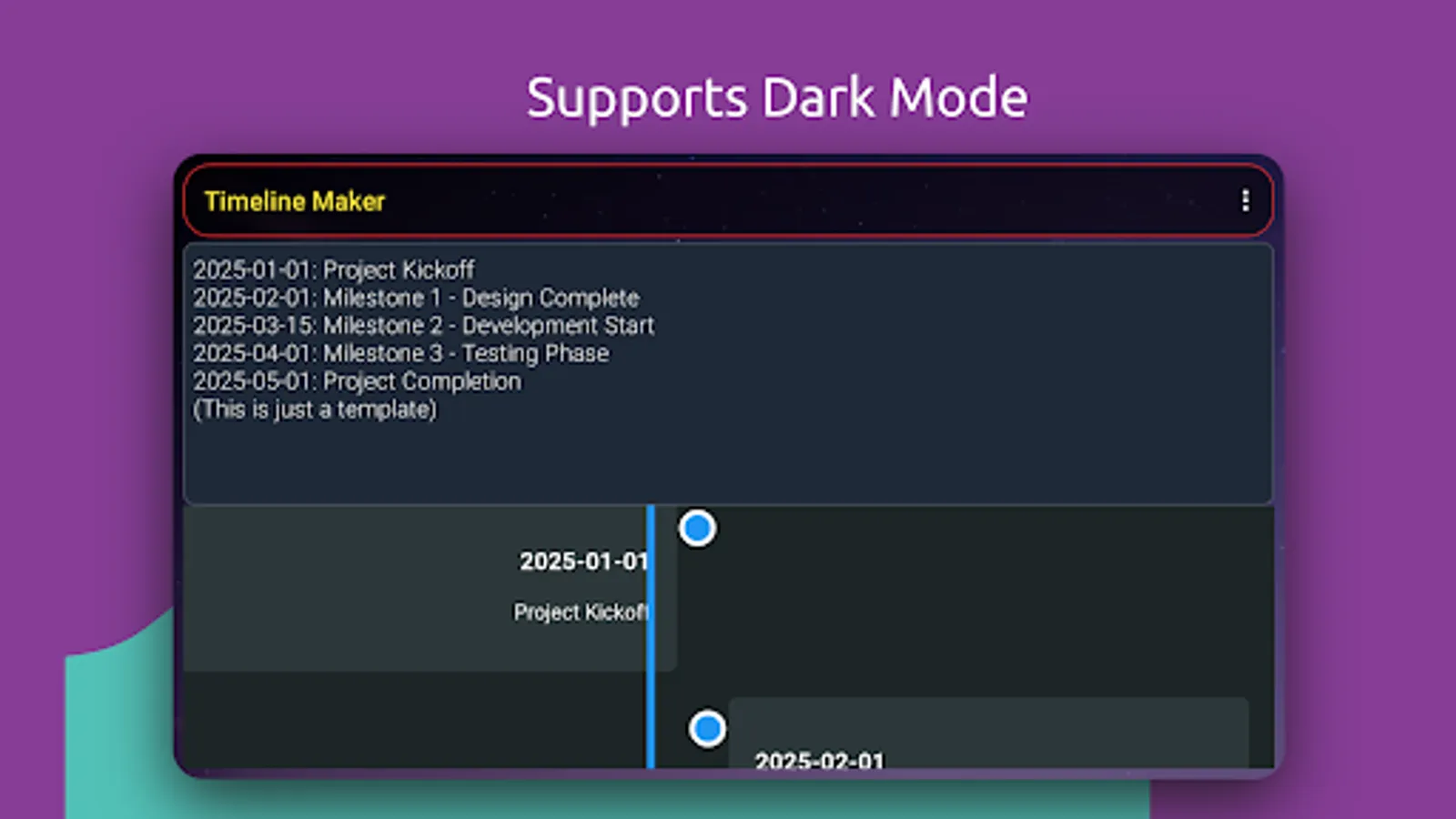
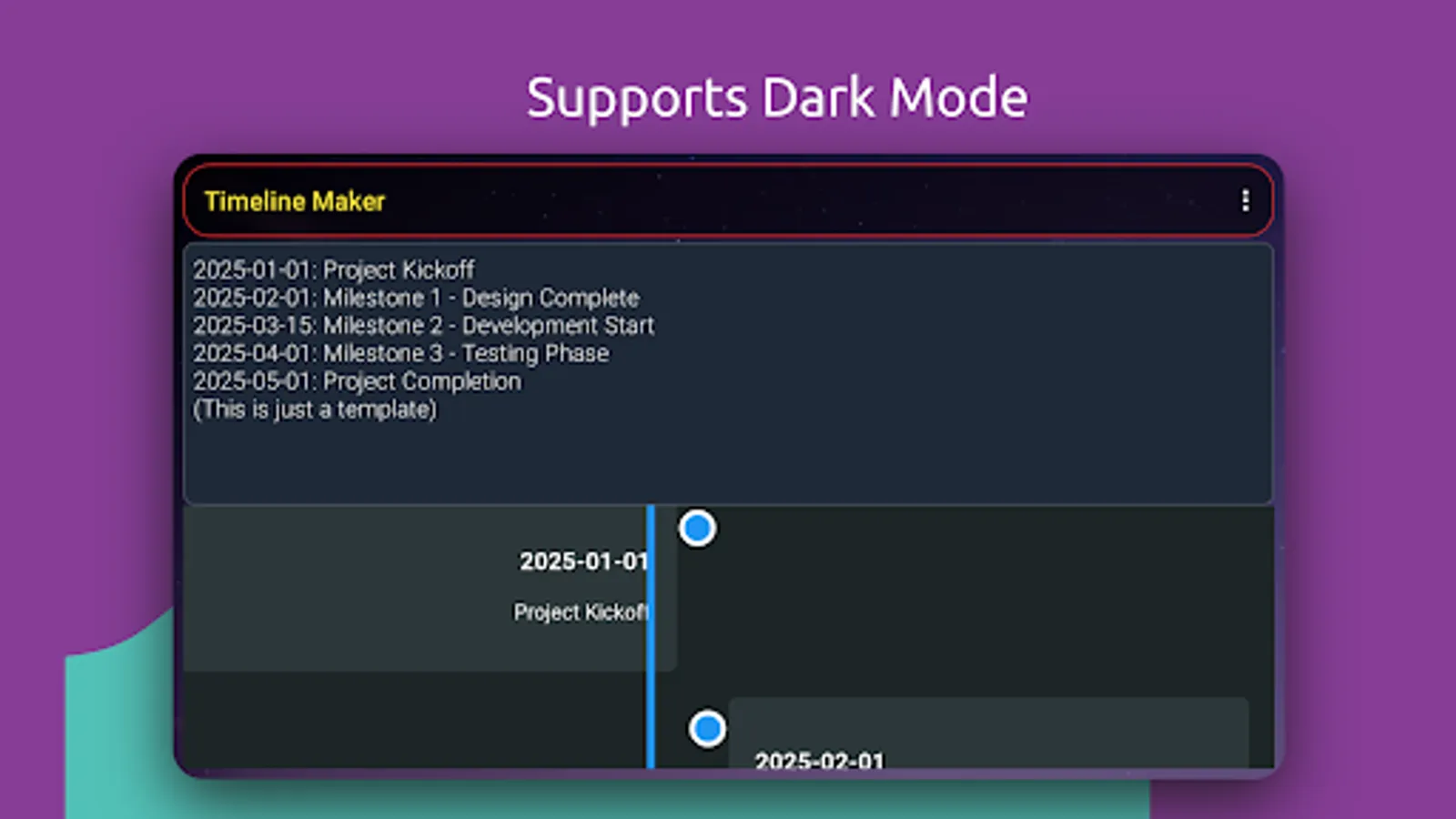
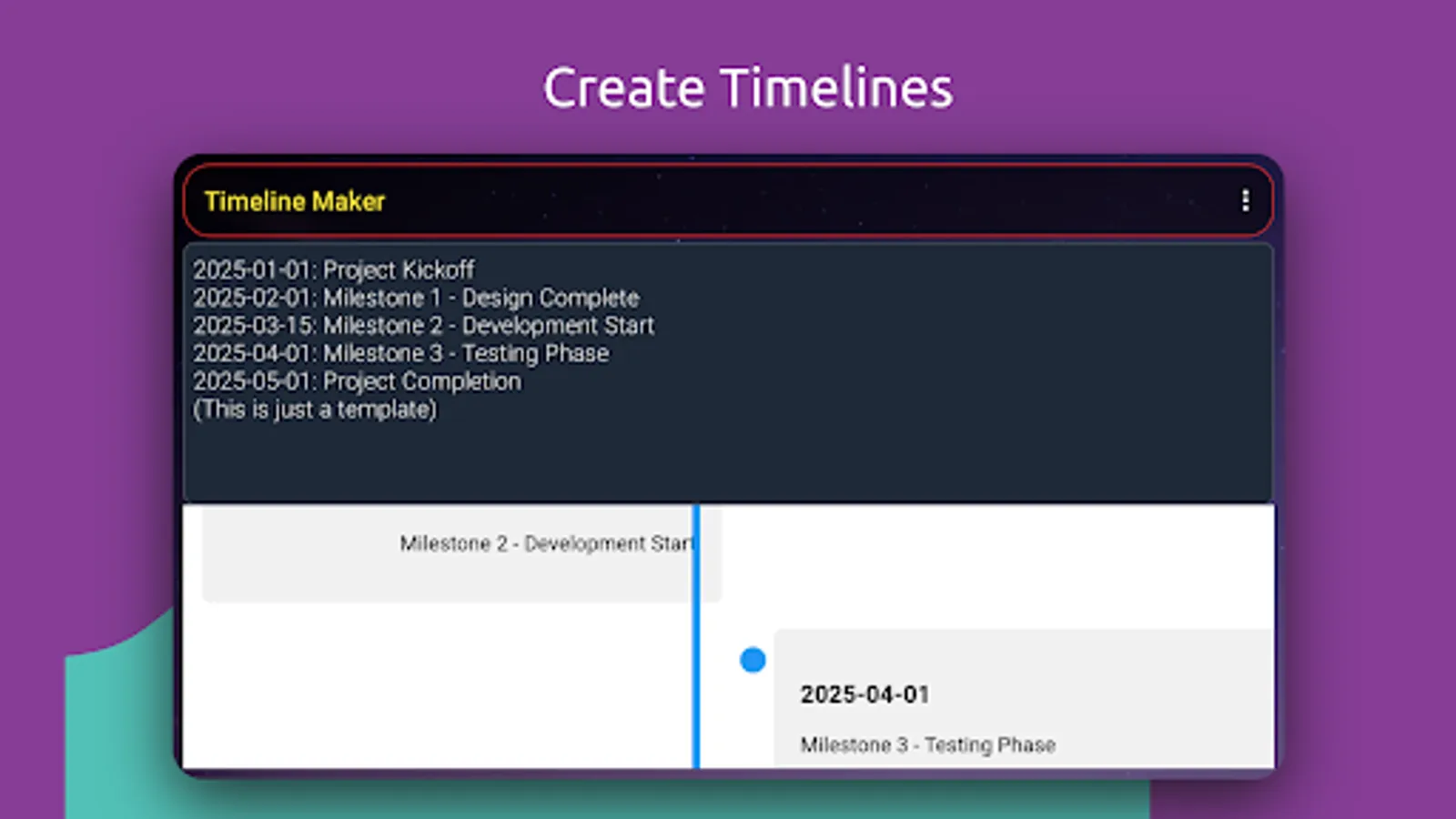
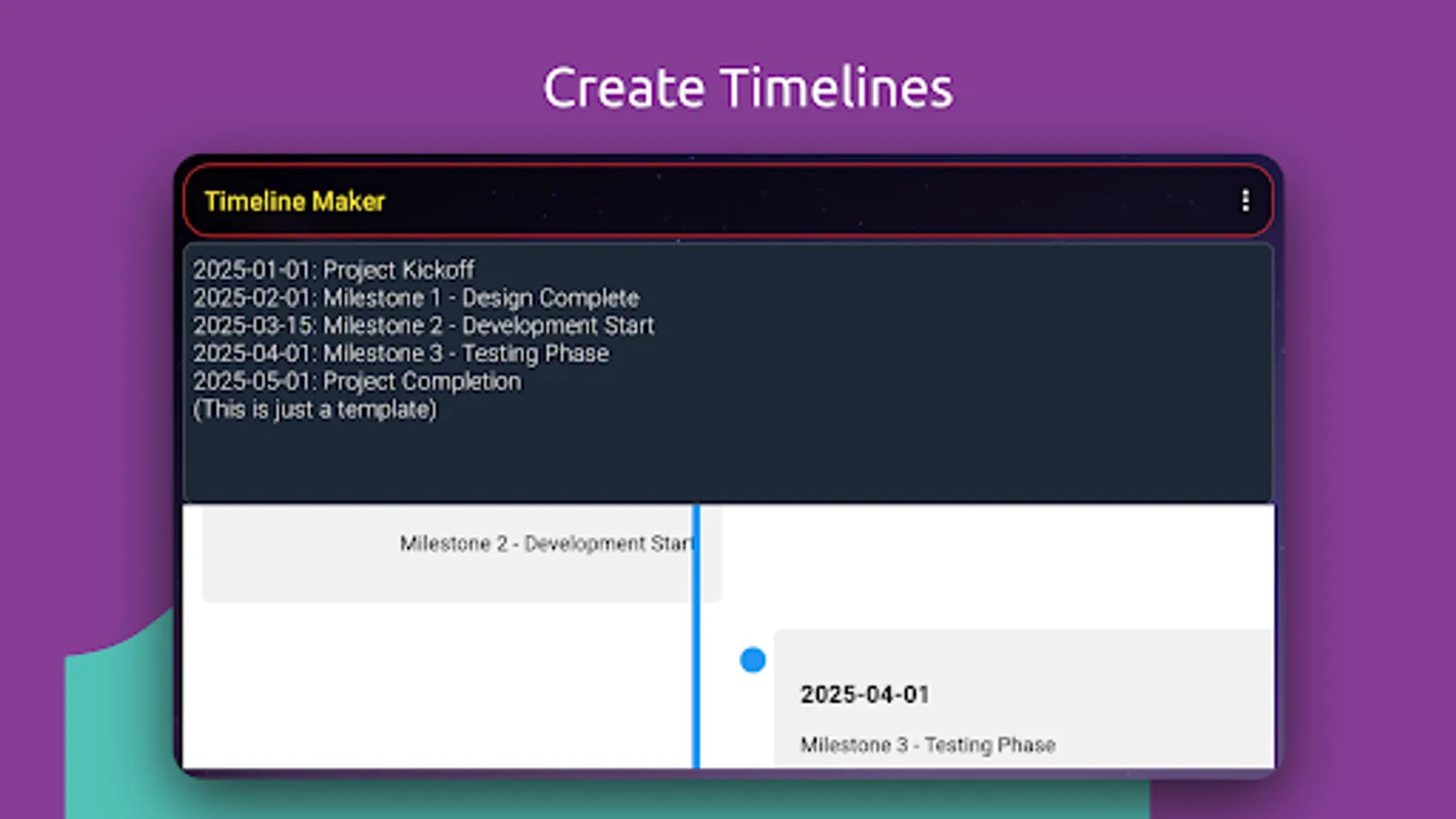
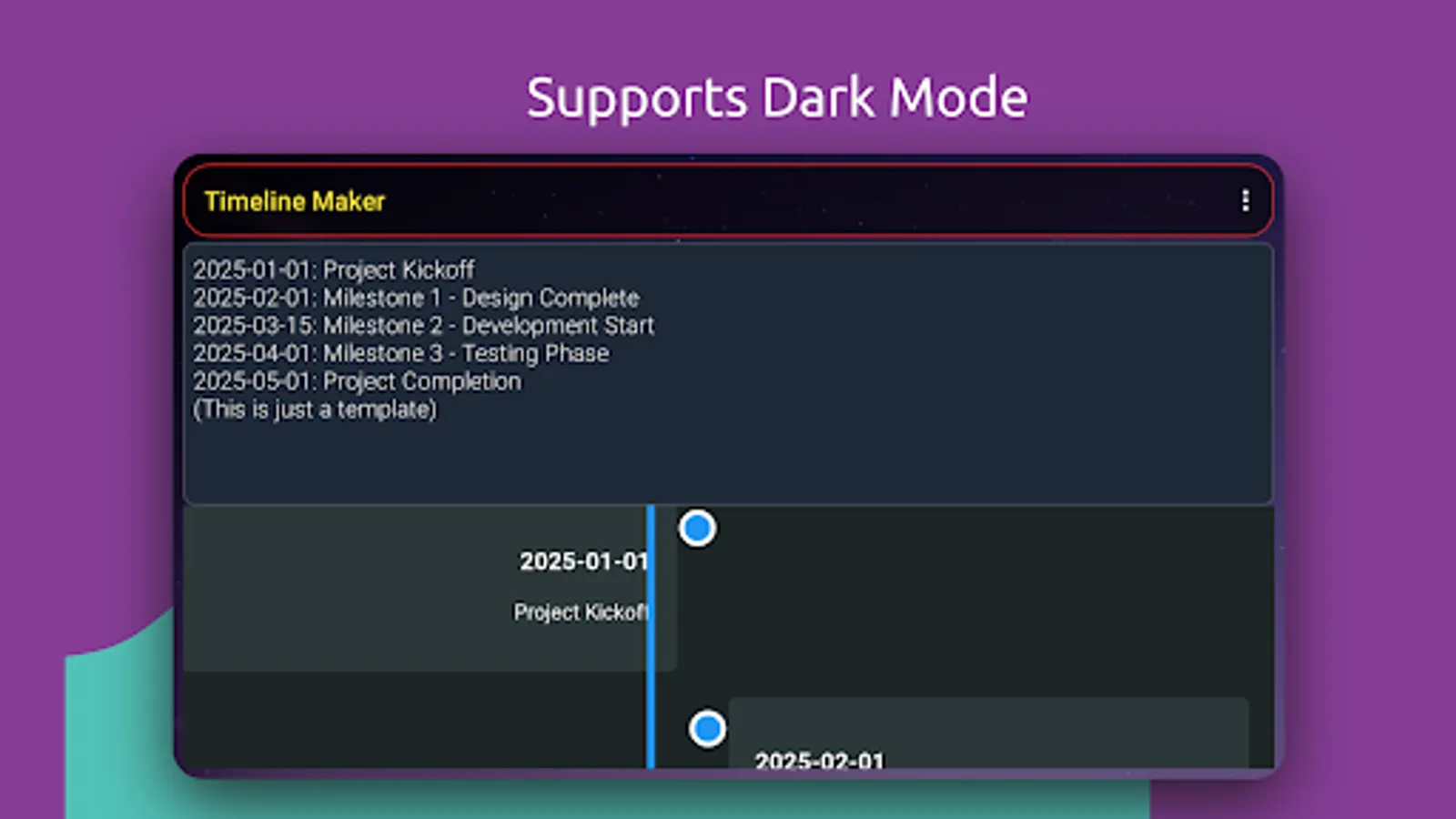
1: Simple Text Format: Enter events in a straightforward 'YYYY-MM-DD: Description' format.
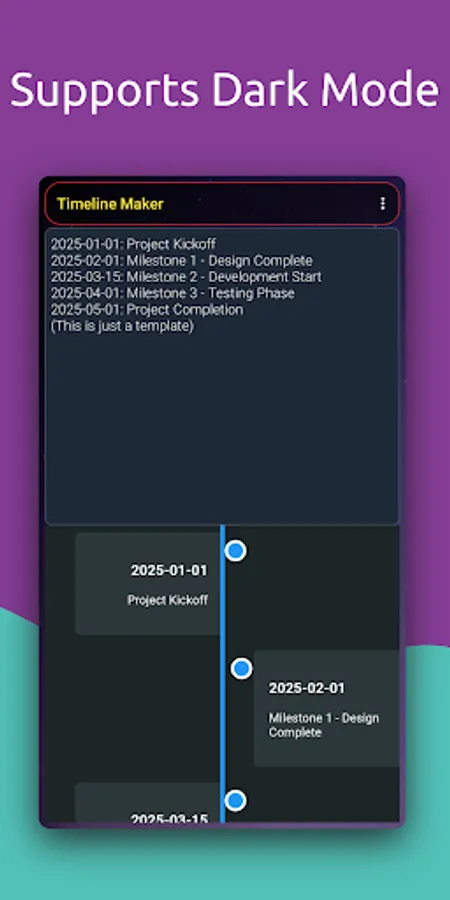
2: Live Preview: See your timeline update in real-time as you type.
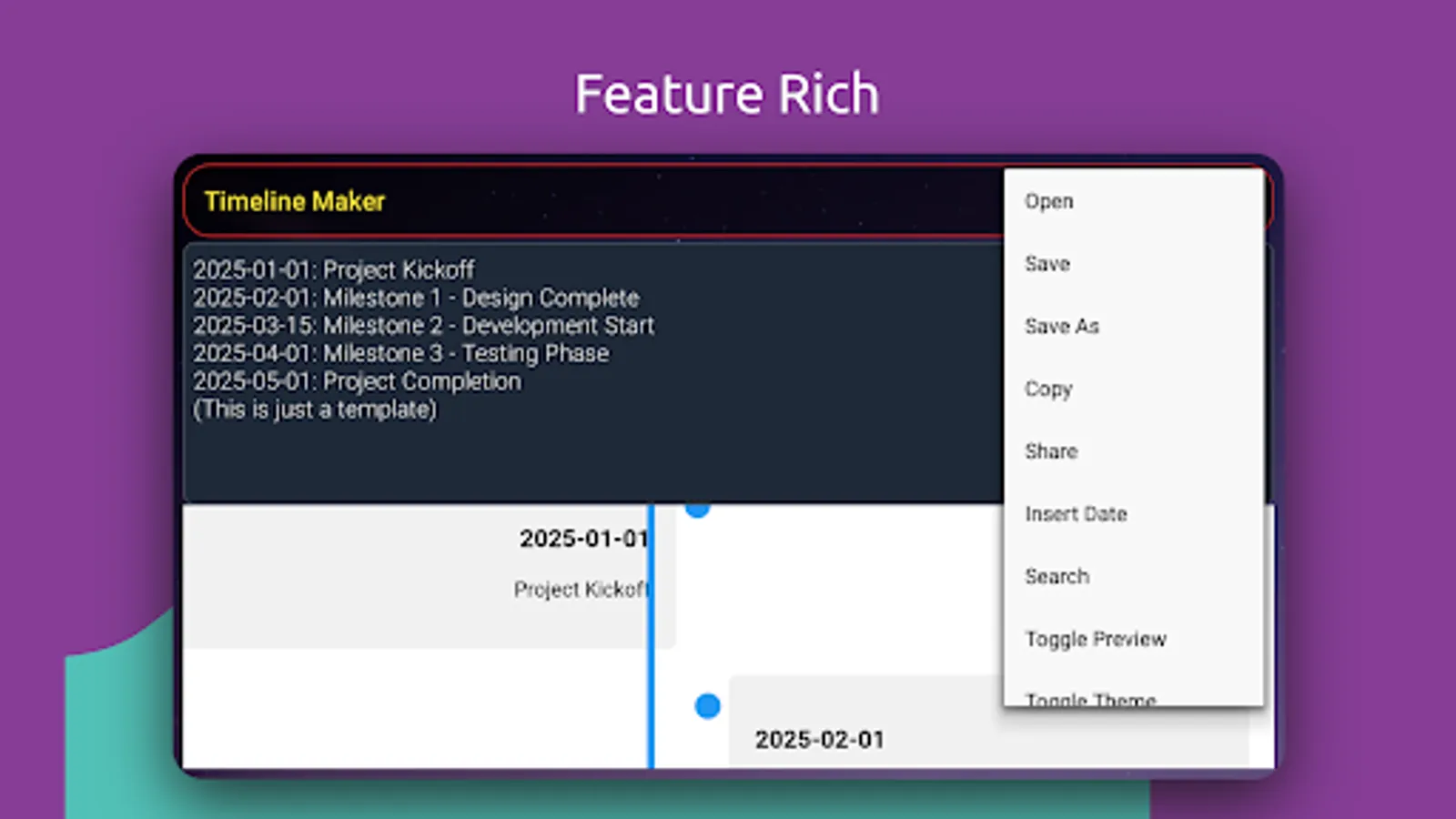
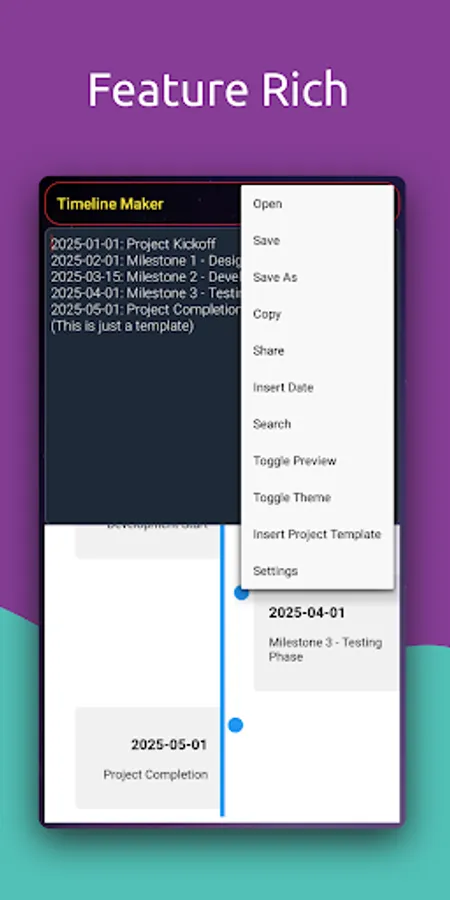
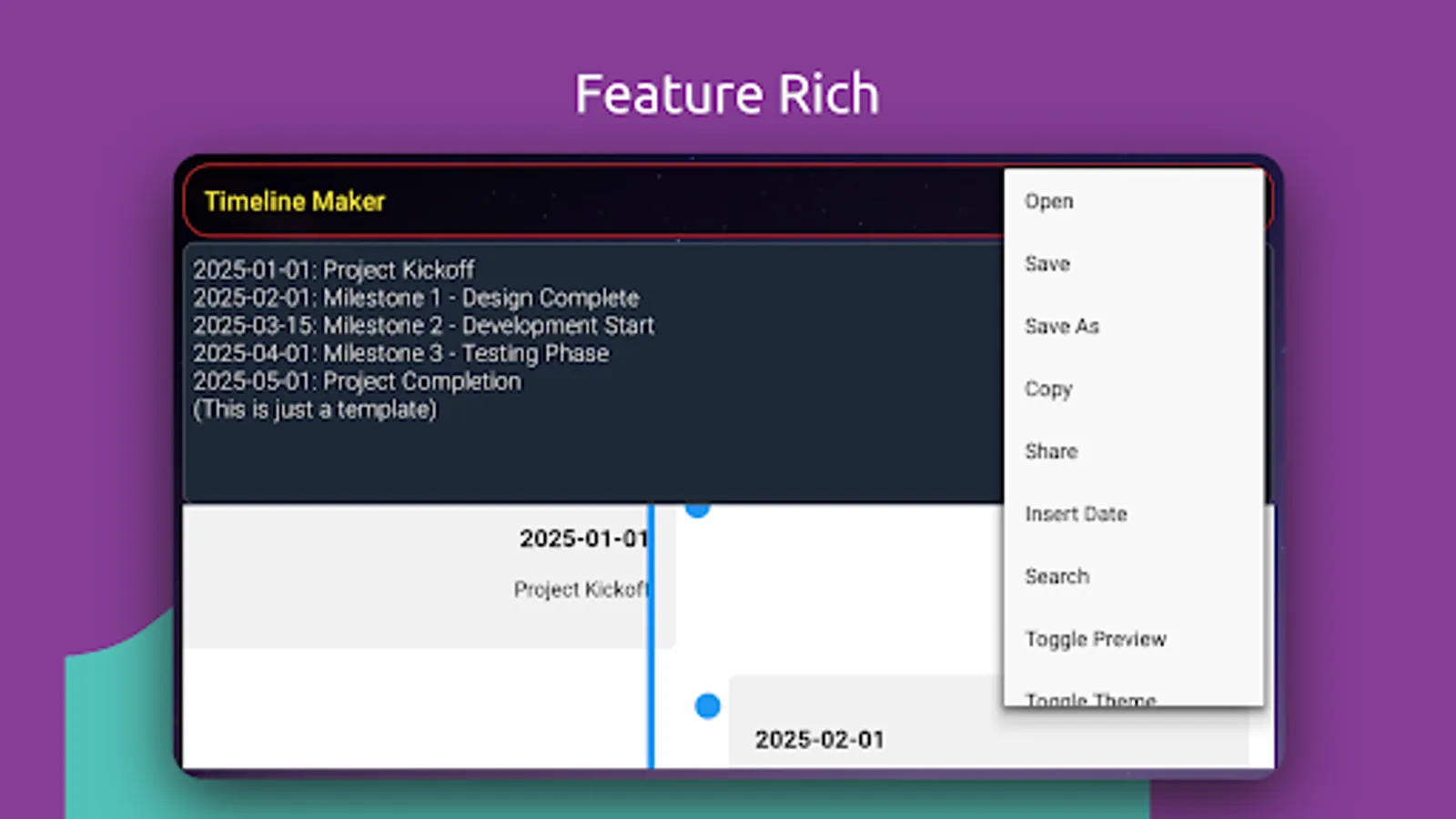
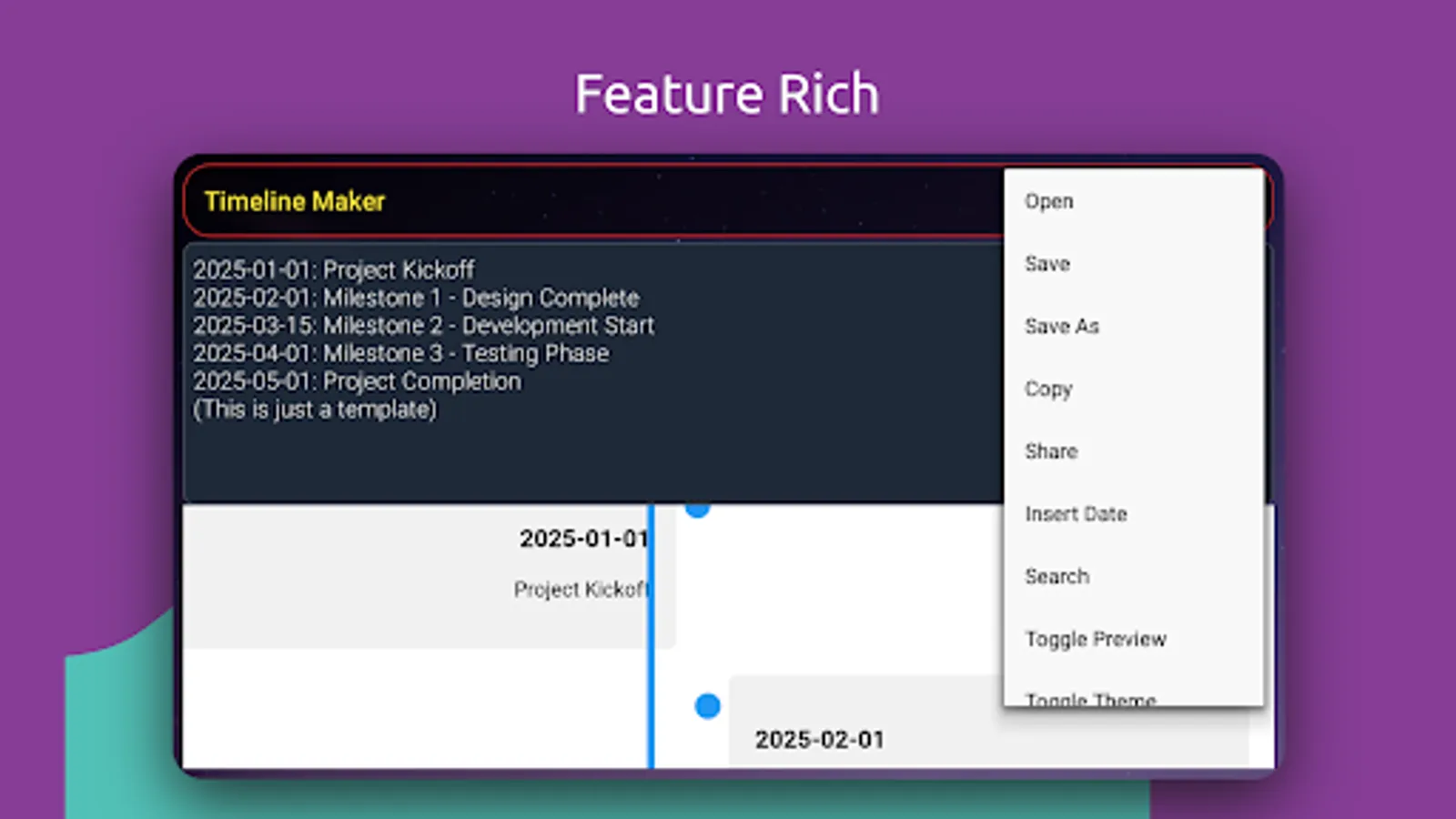
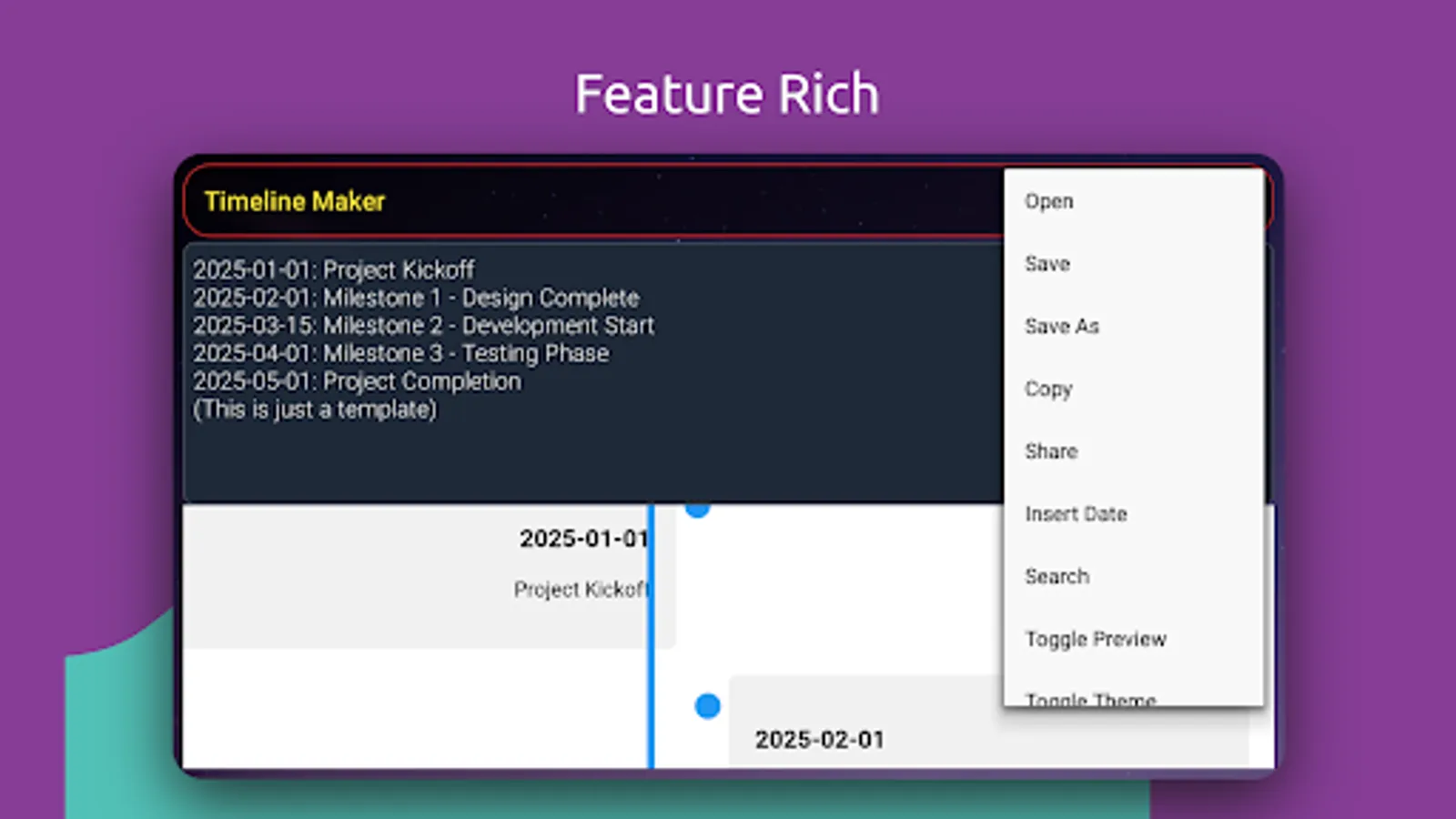
3: File Operations: Open existing timelines, save your work, or save as a new file.
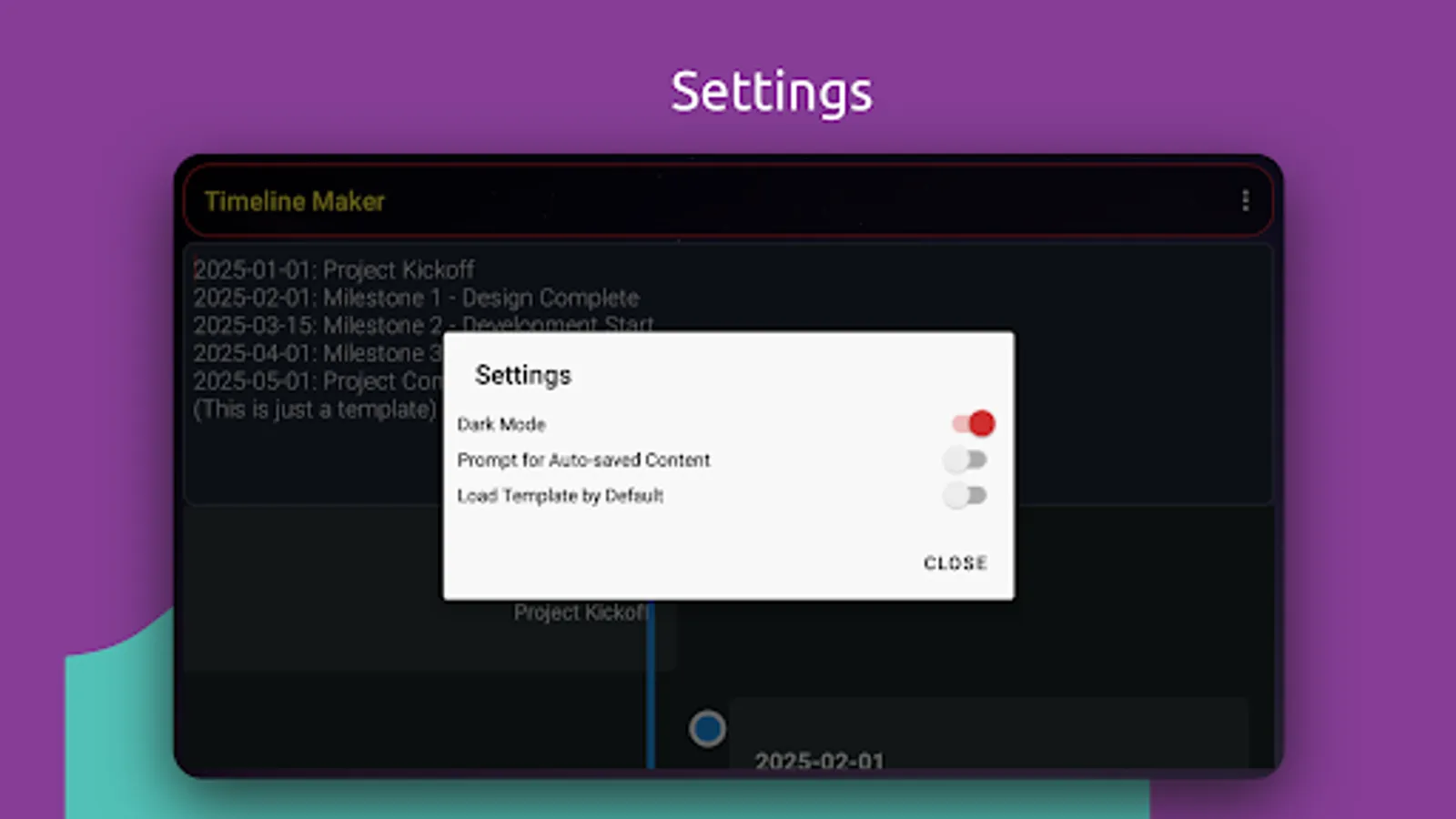
4: Auto-Save: Never lose your progress with automatic saving.
5: Share Timelines: Send your timelines via email or messaging apps with a single tap.
6: Date Picker: Easily insert dates with an intuitive date picker.
7: Search Functionality: Quickly find specific events with the search feature.
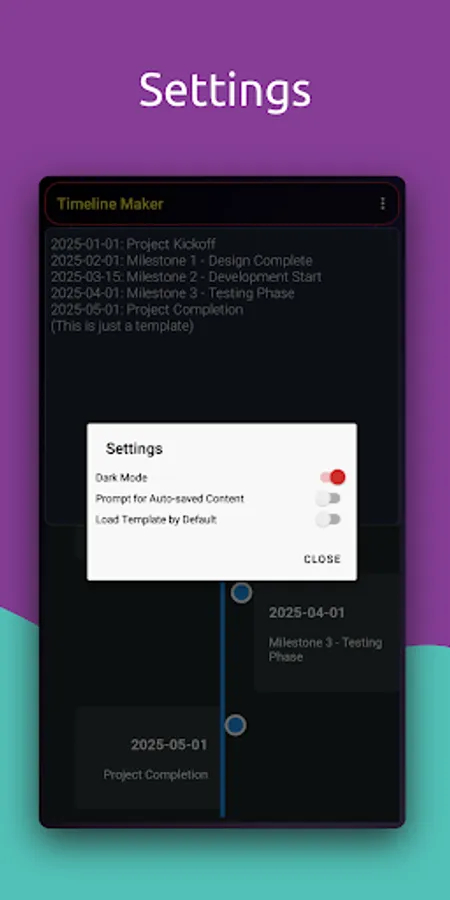
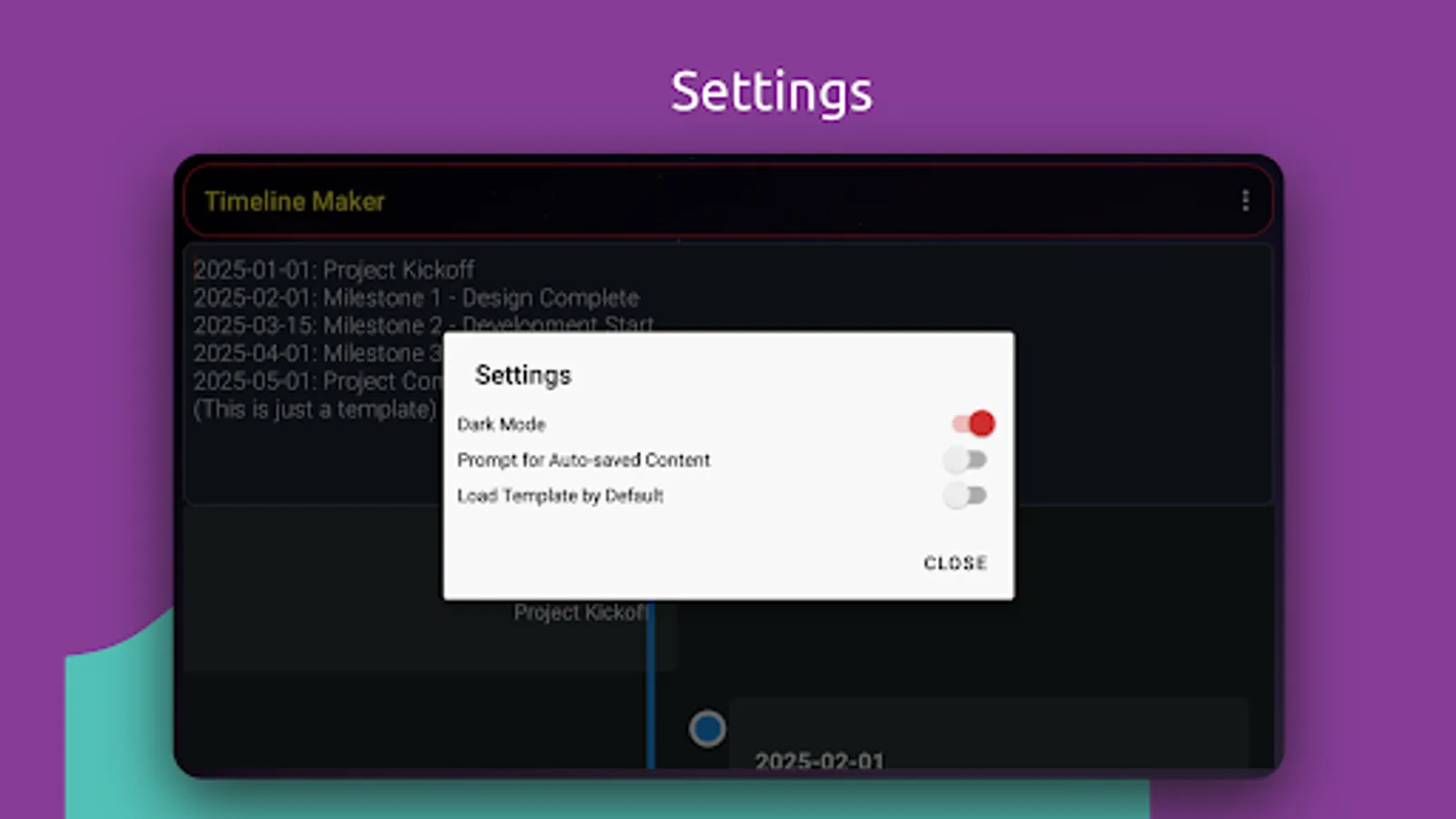
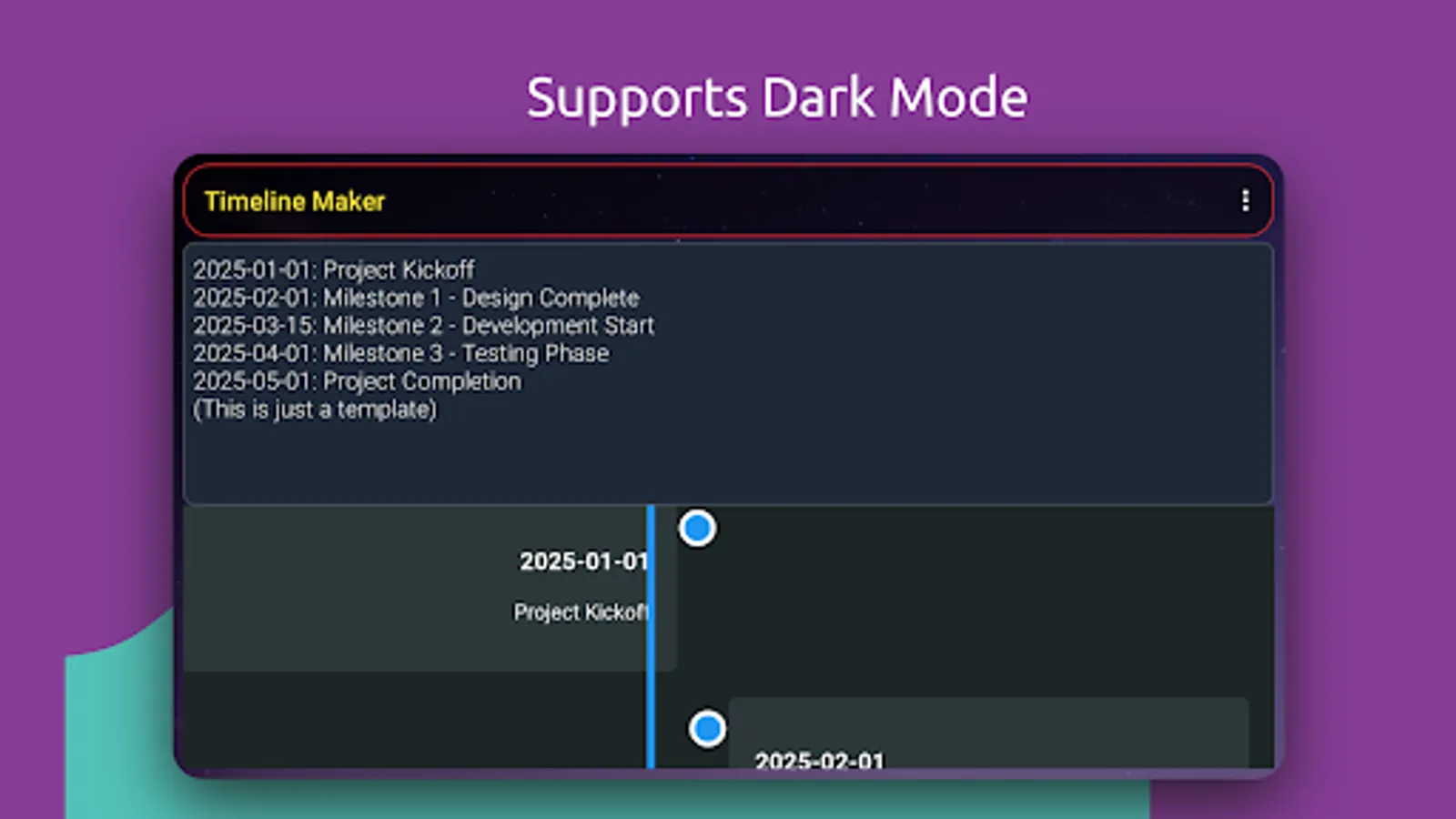
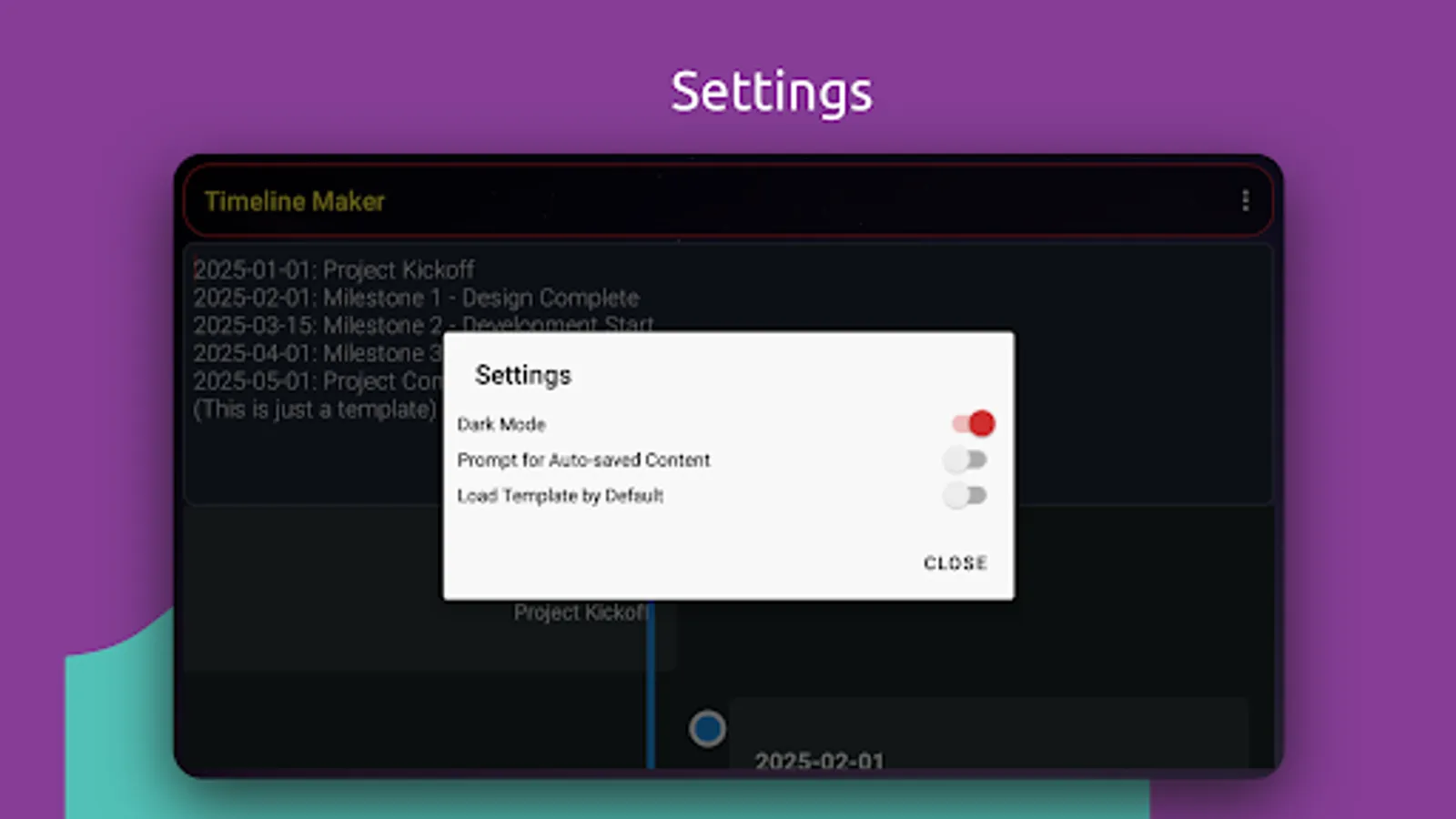
8: Theme Toggle: Switch between light and dark mode for comfortable viewing.
9: Templates: Get started quickly with pre-defined templates.
Timeline Maker is perfect for both personal and professional use. Download now and bring your timelines to life!"
Key Features:
1: Simple Text Format: Enter events in a straightforward 'YYYY-MM-DD: Description' format.
2: Live Preview: See your timeline update in real-time as you type.
3: File Operations: Open existing timelines, save your work, or save as a new file.
4: Auto-Save: Never lose your progress with automatic saving.
5: Share Timelines: Send your timelines via email or messaging apps with a single tap.
6: Date Picker: Easily insert dates with an intuitive date picker.
7: Search Functionality: Quickly find specific events with the search feature.
8: Theme Toggle: Switch between light and dark mode for comfortable viewing.
9: Templates: Get started quickly with pre-defined templates.
Timeline Maker is perfect for both personal and professional use. Download now and bring your timelines to life!"
Timeline Maker Screenshots
Tap to Rate:
Reviews for Timeline Maker
Ronnie Ramirez (Ron)
1/22/2026
Eats data without mercy. spent an hour placing information on the timeline. GONE! nothing there, disappeared. Good Luck.
Aero Palz
12/28/2025
Whenever I create a new input to add to my timeline. it randomly pops up among the list. this app is inconvenient to the user. I'm sorry..