![Battery Tool [Root only] icon](https://apprecs.org/gp/img/icons/webp/150/io.github.domi04151309.batterytool/6McgLS6GMetb9vzrIWWWoaYUyIysJrBLLctB39KaaYk-icon)
Battery Tool [Root only]
Domi04151309
3.8 ★
64 ratings
5,000+
downloads
Free
With this battery management app, you can stop background apps and activate doze mode to conserve battery. Includes force stop automation, doze control, and quick access tiles.
AppRecs review analysis
AppRecs rating 3.8. Trustworthiness 0 out of 100. Review manipulation risk 0 out of 100. Based on a review sample analyzed.
★★★☆☆
3.8
AppRecs Rating
Ratings breakdown
5 star
52%
4 star
16%
3 star
16%
2 star
0%
1 star
16%
What to know
✓
Good user ratings
68% positive sampled reviews
✓
Authentic reviews
Natural distribution, no red flags
About Battery Tool [Root only]
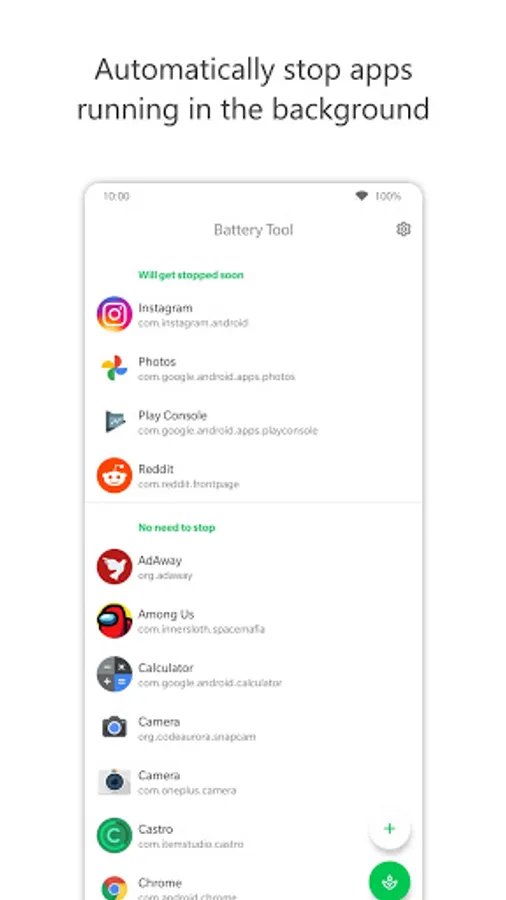
Battery Tool helps you save battery by stopping apps that are running in the background.
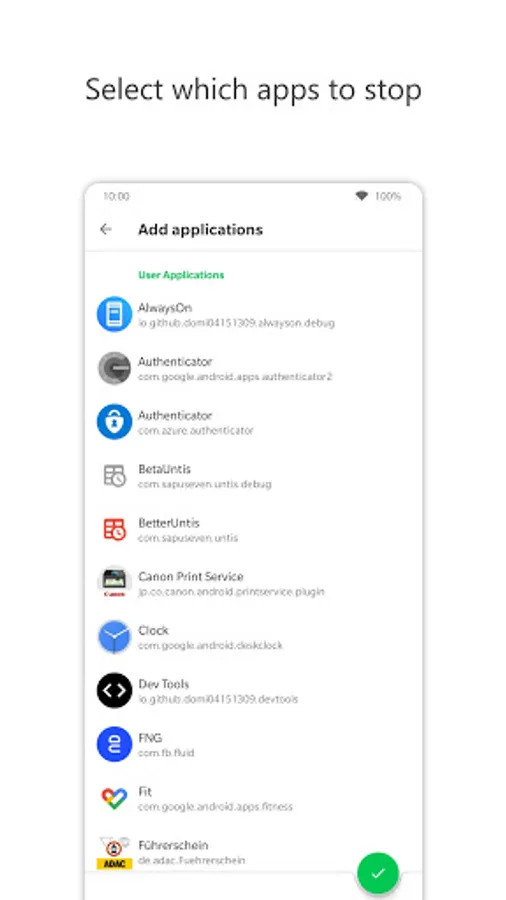
You can select which apps to stop but keep in mind that you should not stop alarm clock apps, messaging apps, or system apps unless you do not rely on them.
Additionally, you can activate aggressive doze mode to save even more battery.
This app requires root access!
I am not responsible for any damage to your device!
Features
- Force stop apps automatically
- Aggressive doze
- Quick tile
- Shortcut
Related Links
Source code: https://github.com/Domi04151309/BatteryTool
Icons8: https://icons8.com/
You can select which apps to stop but keep in mind that you should not stop alarm clock apps, messaging apps, or system apps unless you do not rely on them.
Additionally, you can activate aggressive doze mode to save even more battery.
This app requires root access!
I am not responsible for any damage to your device!
Features
- Force stop apps automatically
- Aggressive doze
- Quick tile
- Shortcut
Related Links
Source code: https://github.com/Domi04151309/BatteryTool
Icons8: https://icons8.com/
Battery Tool [Root only] Screenshots

Tap to Rate: