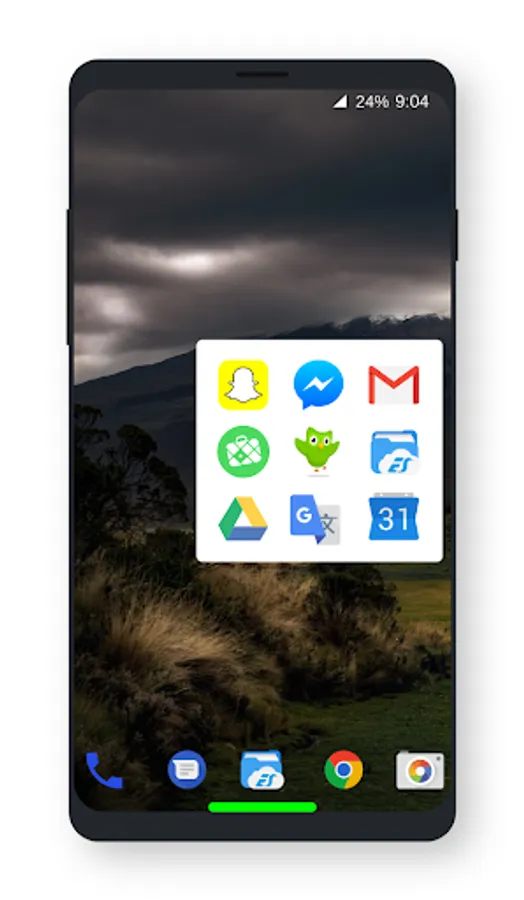
With this app, you can assign custom gestures to perform actions like launching apps, controlling media, and toggling device features. Includes gesture customization, action assignment, and accessibility integrations.
AppRecs review analysis
AppRecs rating 4.2. Trustworthiness 67 out of 100. Review manipulation risk 39 out of 100. Based on a review sample analyzed.
★★★★☆
4.2
AppRecs Rating
Ratings breakdown
5 star
79%
4 star
14%
3 star
7%
2 star
0%
1 star
0%
What to know
✓
High user satisfaction
79% of sampled ratings are 5 stars
✓
Authentic reviews
Natural distribution, no red flags
About Associative Swipe
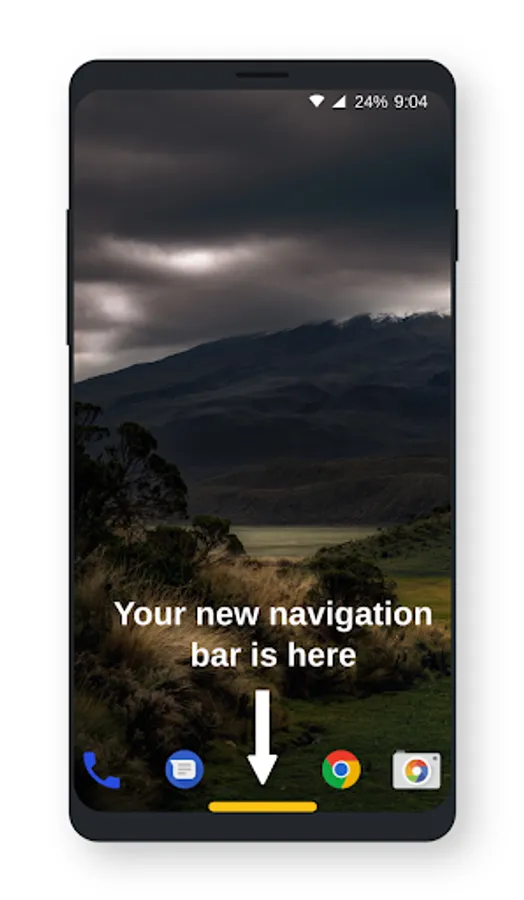
The app create a software button in the center bottom of your screen and add several actions to this button.
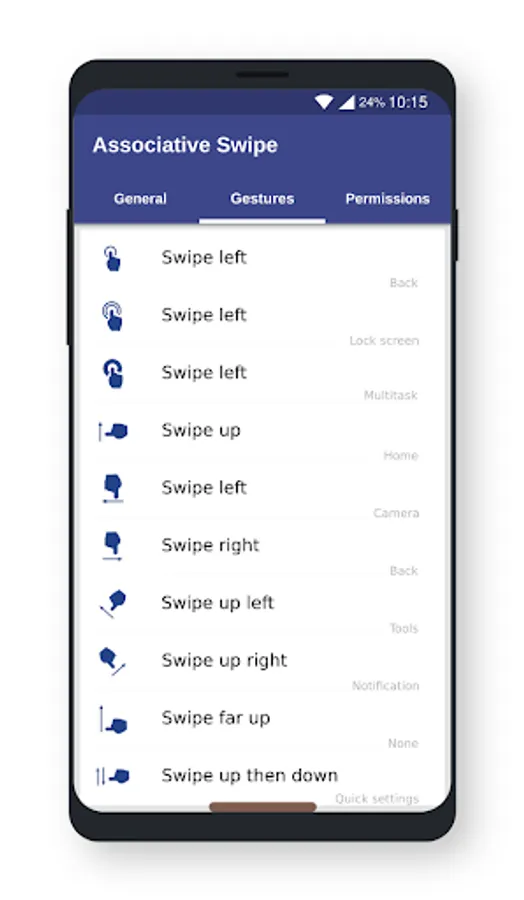
The available gestures are:
- Click
- Double click
- Long press
- Swipe up
- Swipe left
- Swipe right
- Swipe up left
- Swipe up right
- Swipe far up
- Swipe up then down
- Swipe left then back
- Swipe right then back
- Swipe up left then back
- Swipe up right then back
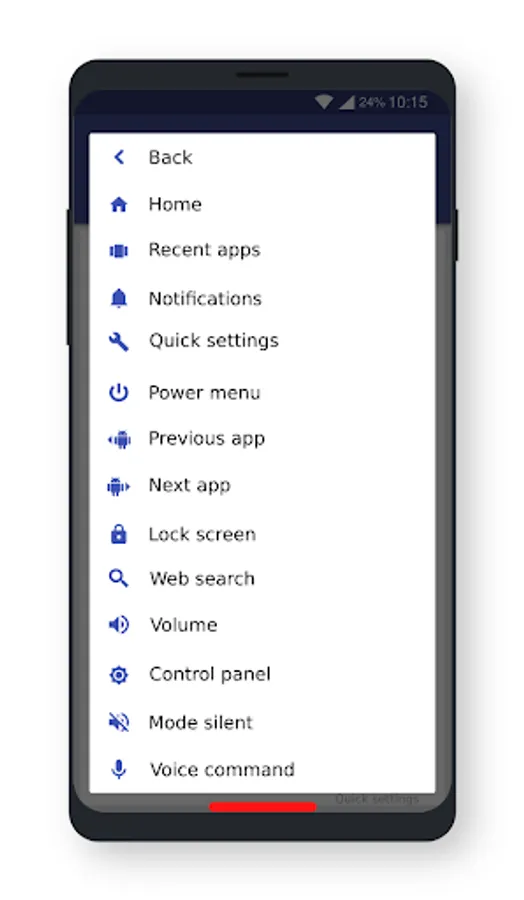
You can invoke these actions with gestures:
- Back
- Home
- Recent apps
- Notification
- Quick Settings
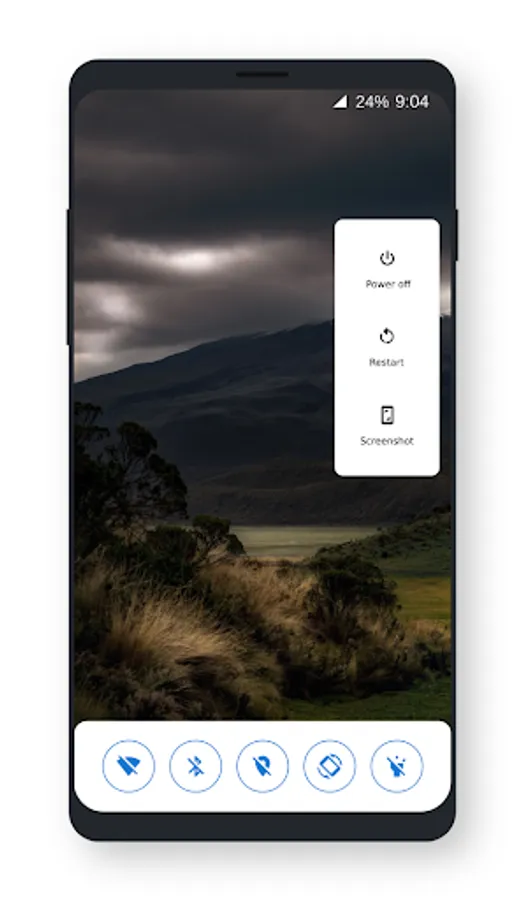
- Power menu
- Split screen
- Lock screen
- Last app
- Next app
- Previous app
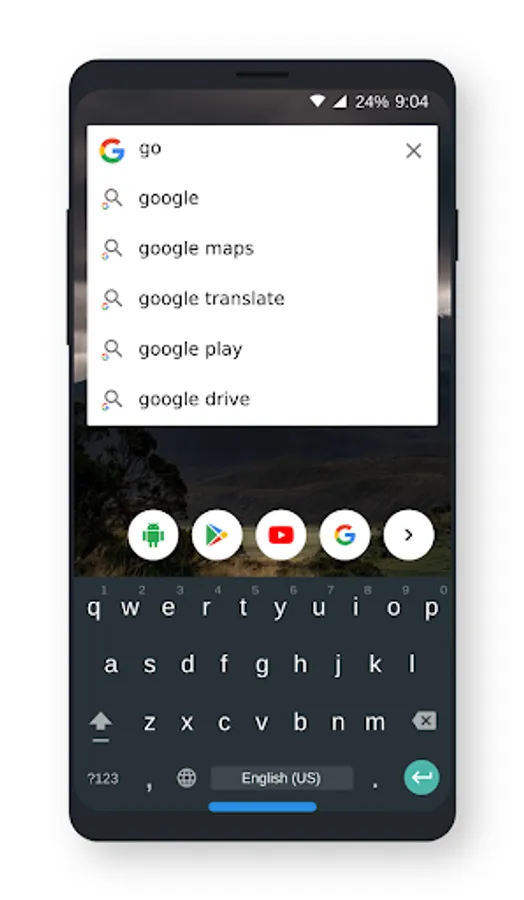
- Web search
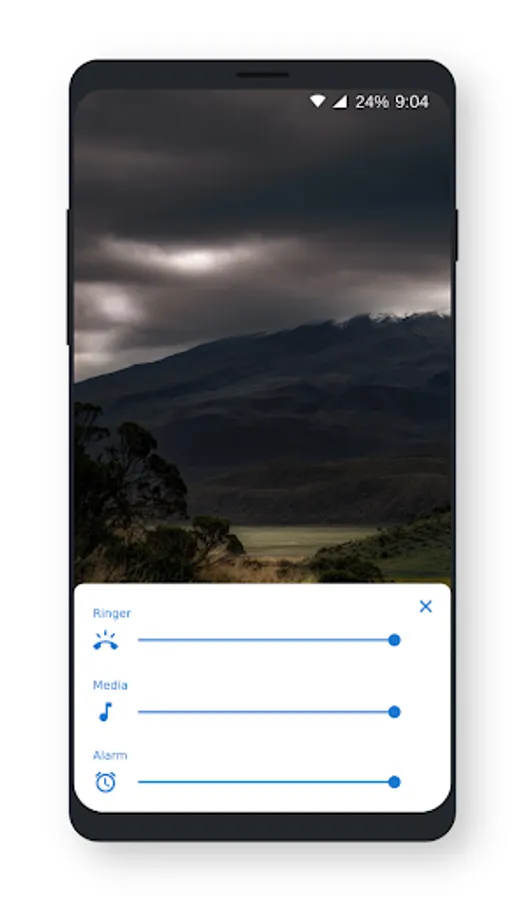
- Volume panel
- Mode vibration
- Mode silent
- Sound settings
- Play next track
- Play previous track
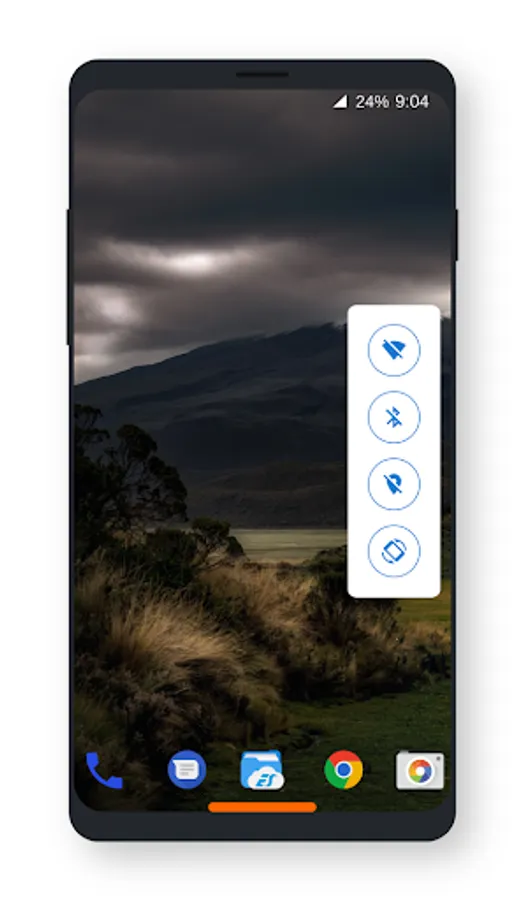
- Handy tools panel
- Control panel
- Media buttons
- Voice command
- Launch camera
- Launch web browser
- Launch assistant
- Launch app
- Apps panel
This app uses the Device Administrator permission:
- BIND_DEVICE_ADMIN: only used to lock device screen and turn off the screen of your device
- CAMERA: to turn on flashlight
This app uses Accessibility service only for the following functions:
- Back
- Home
- Quick settings
- Recent apps
- Split screen
- Power dialog
- Show notifications panel
- Lock screen
- Take a screenshot
The available gestures are:
- Click
- Double click
- Long press
- Swipe up
- Swipe left
- Swipe right
- Swipe up left
- Swipe up right
- Swipe far up
- Swipe up then down
- Swipe left then back
- Swipe right then back
- Swipe up left then back
- Swipe up right then back
You can invoke these actions with gestures:
- Back
- Home
- Recent apps
- Notification
- Quick Settings
- Power menu
- Split screen
- Lock screen
- Last app
- Next app
- Previous app
- Web search
- Volume panel
- Mode vibration
- Mode silent
- Sound settings
- Play next track
- Play previous track
- Handy tools panel
- Control panel
- Media buttons
- Voice command
- Launch camera
- Launch web browser
- Launch assistant
- Launch app
- Apps panel
This app uses the Device Administrator permission:
- BIND_DEVICE_ADMIN: only used to lock device screen and turn off the screen of your device
- CAMERA: to turn on flashlight
This app uses Accessibility service only for the following functions:
- Back
- Home
- Quick settings
- Recent apps
- Split screen
- Power dialog
- Show notifications panel
- Lock screen
- Take a screenshot