
Spck Editor / Git Client
Leaf Stack Studio
4.1 ★
13K ratings
1,000,000+
downloads
Free
+ in-app
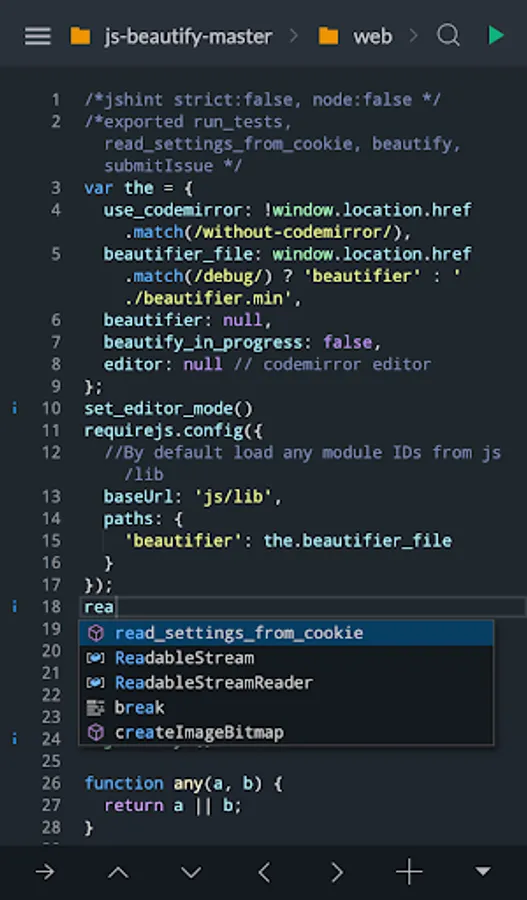
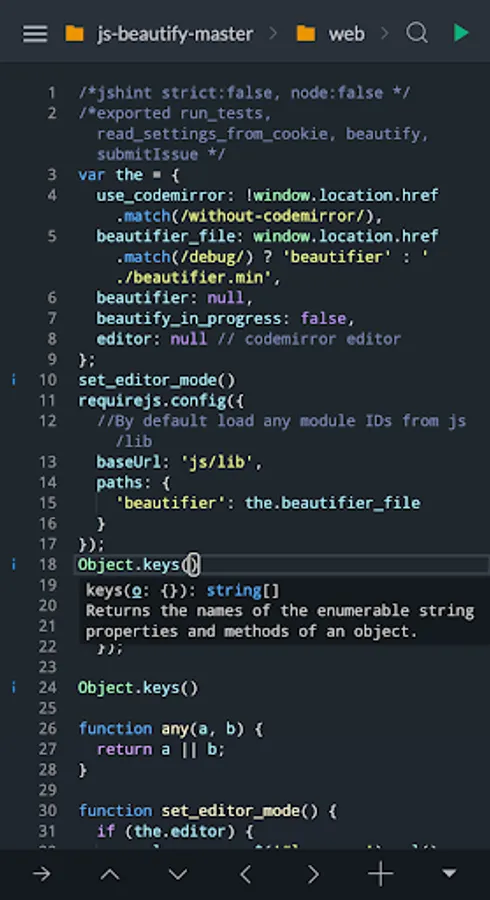
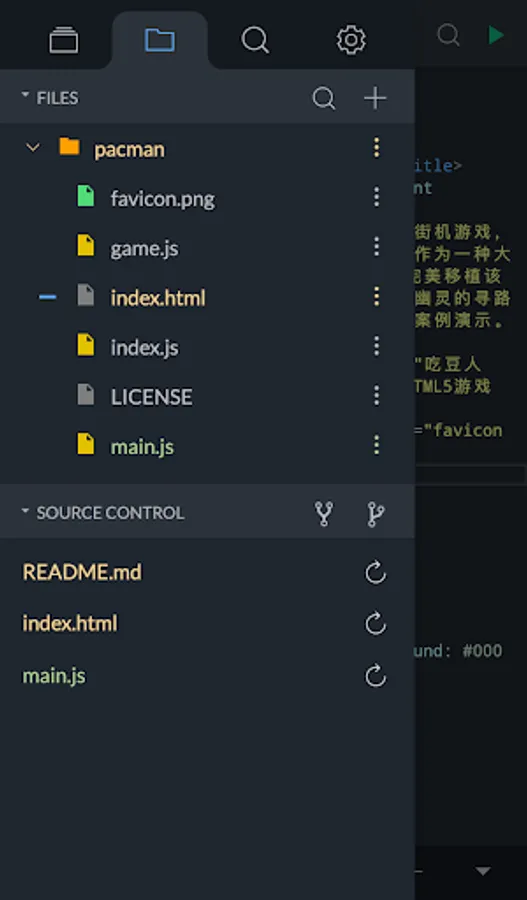
In this app, you can write, edit, and preview code on your Android device with TypeScript autocompletion and syntax analysis. Includes git repository cloning, commits, push functions, and code diff viewing.
AppRecs review analysis
AppRecs rating 4.1. Trustworthiness 77 out of 100. Review manipulation risk 25 out of 100. Based on a review sample analyzed.
★★★★☆
4.1
AppRecs Rating
Ratings breakdown
5 star
61%
4 star
16%
3 star
9%
2 star
3%
1 star
11%
What to know
✓
Low review manipulation risk
25% review manipulation risk
✓
Credible reviews
77% trustworthiness score from analyzed reviews
✓
High user satisfaction
77% of sampled ratings are 4+ stars (4.1★ average)
About Spck Editor / Git Client
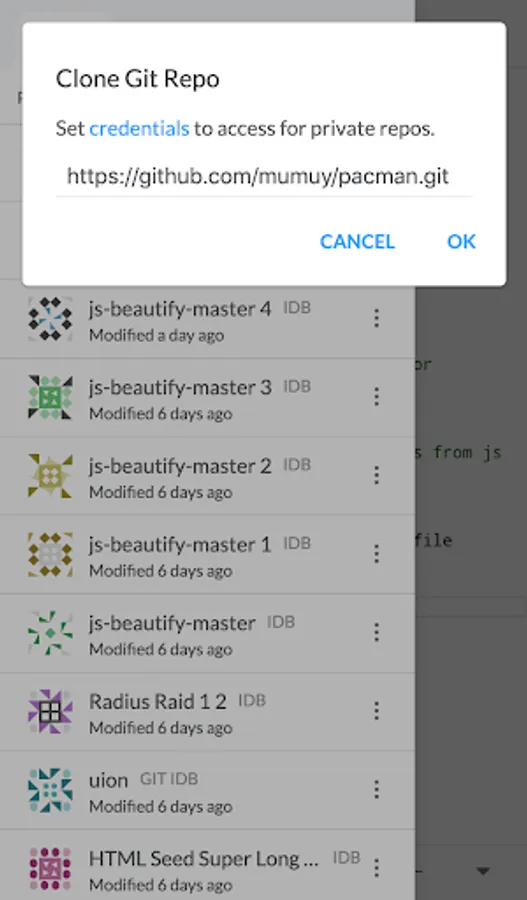
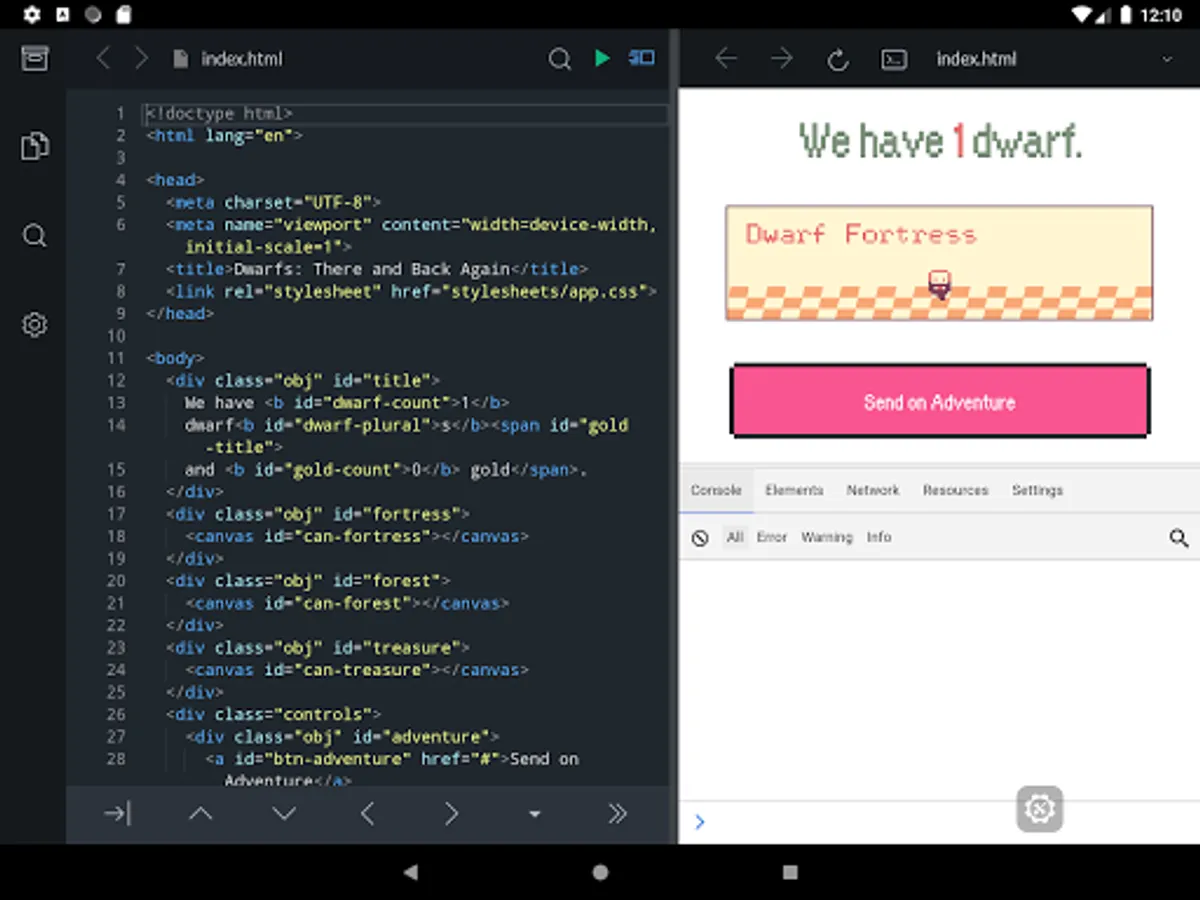
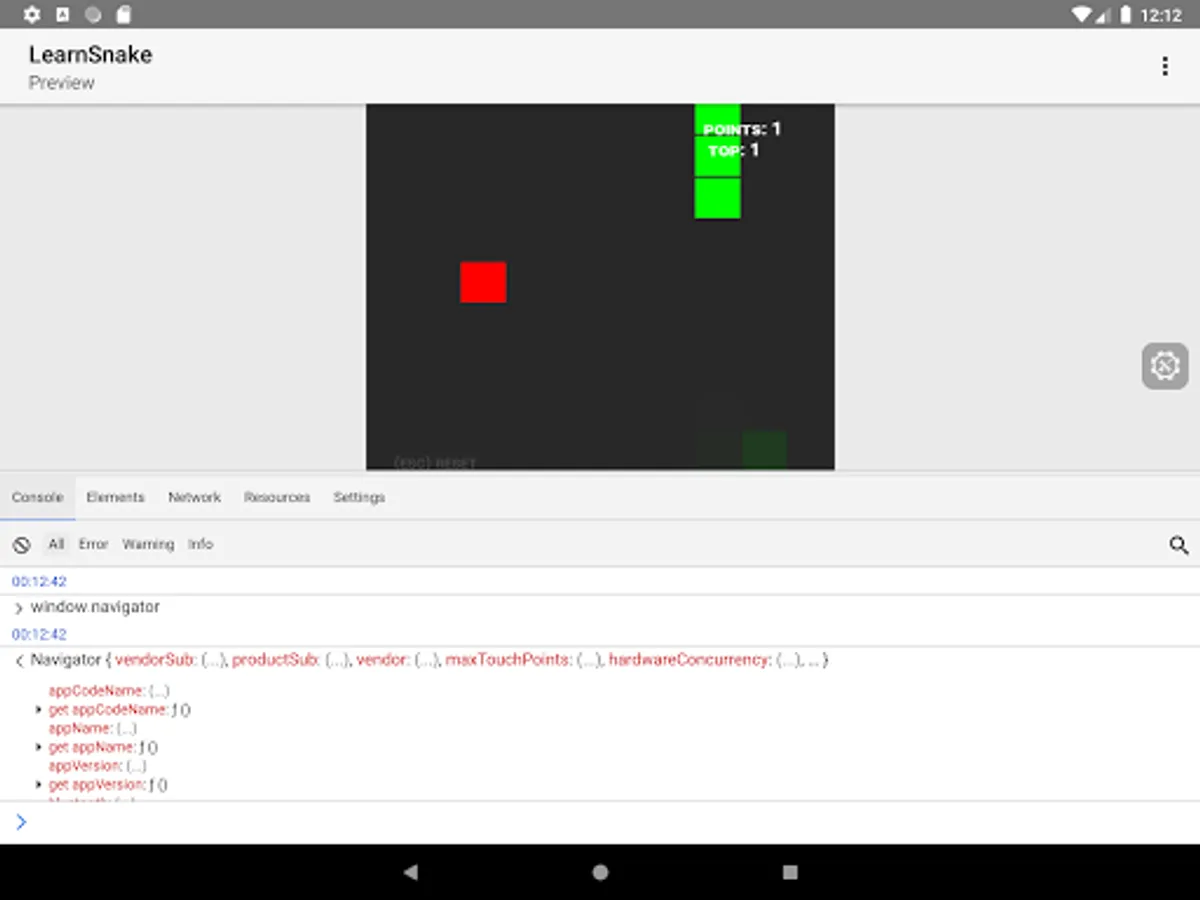
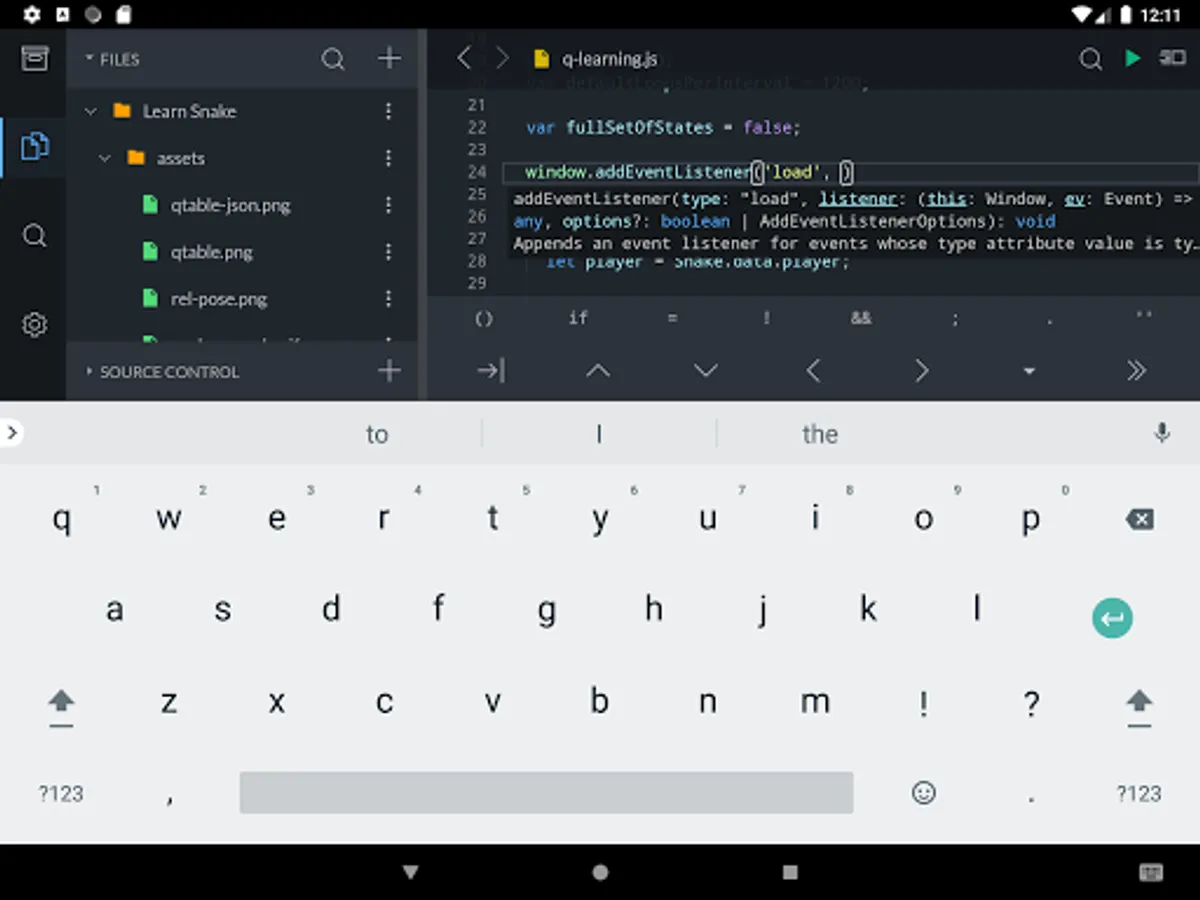
Spck Editor Lite lets you write code on your Android device. Make changes quickly with the power of TypeScript autocompletion, code snippets, and on-screen extra keyboard. Preview HTML files and debug them. Sync your changes with any git repository. Clone from Github/Gitlab/Bitbucket, AWS CodeCommit, Azure DevOps, or more, make commits and push them from your phone.
*Back up your projects before uninstalling the app, otherwise you will likely lose the data! Upgrading/updating the app should be okay.
Features include:
- Clone public or private repos (requires app tokens)
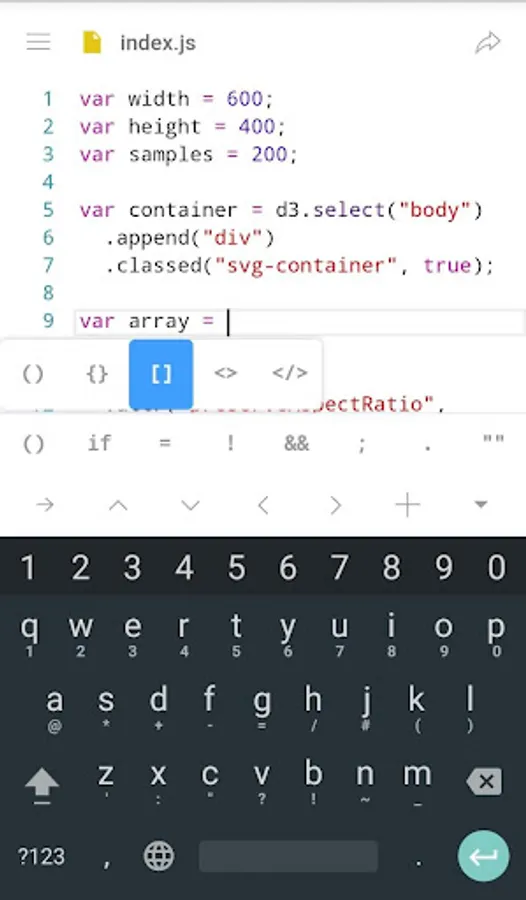
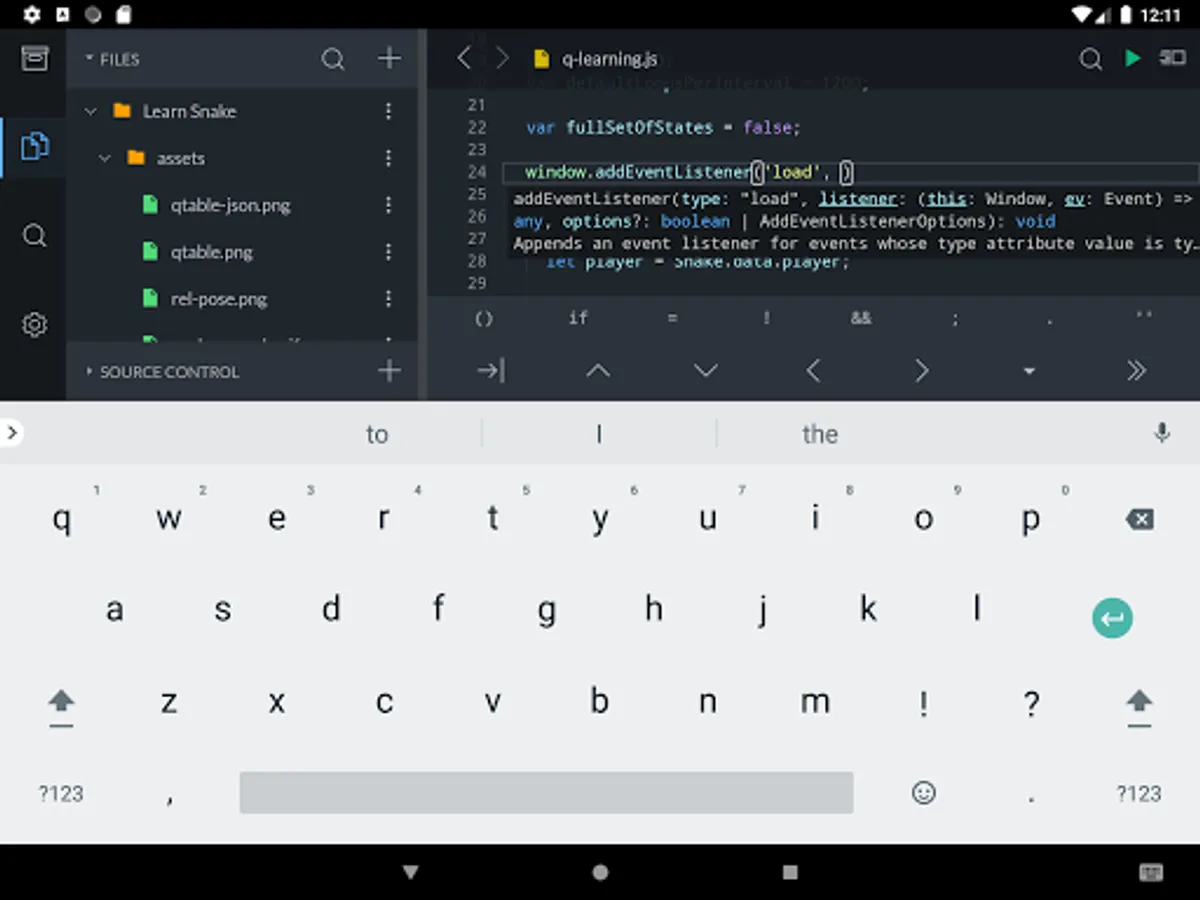
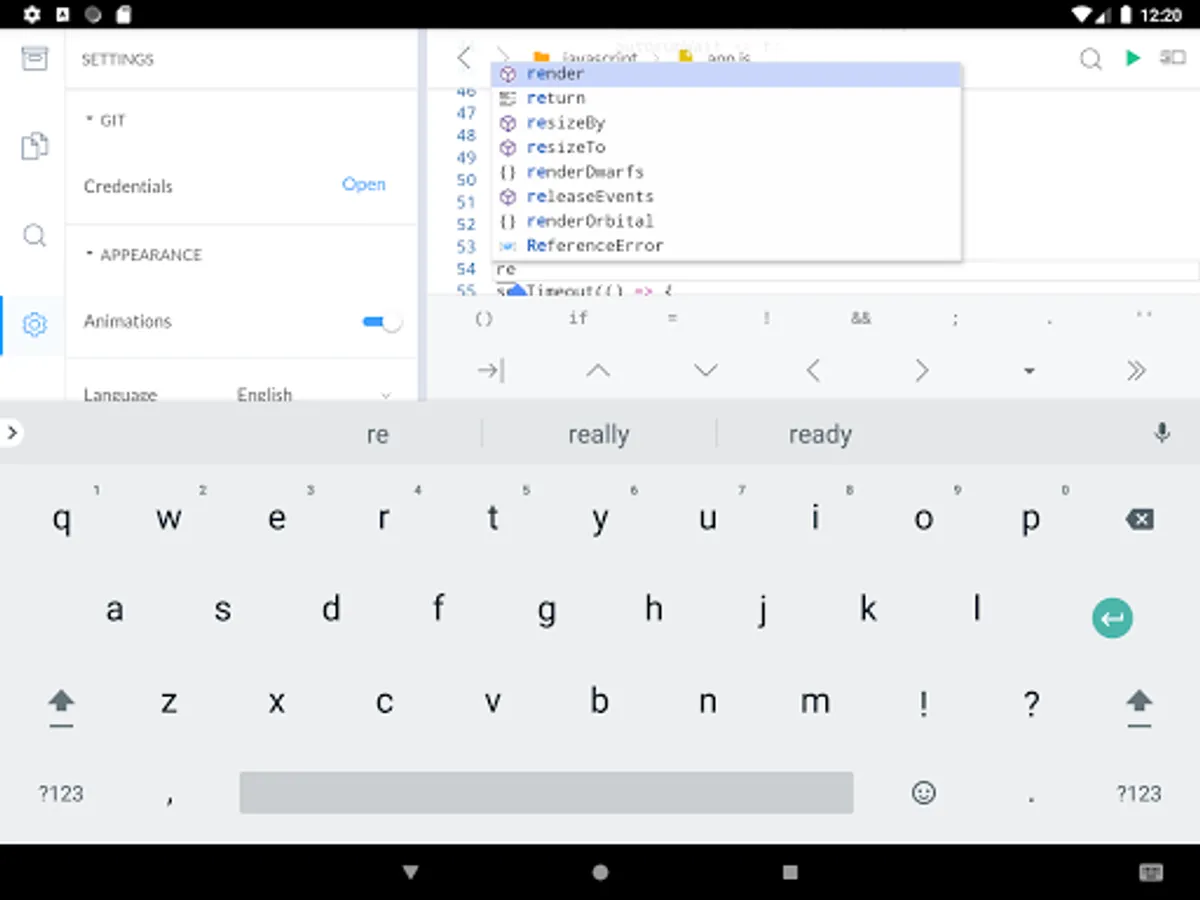
- Quick snippets keyboard for faster code edits
- Git client integration (checkout/pull/push/commit/log)
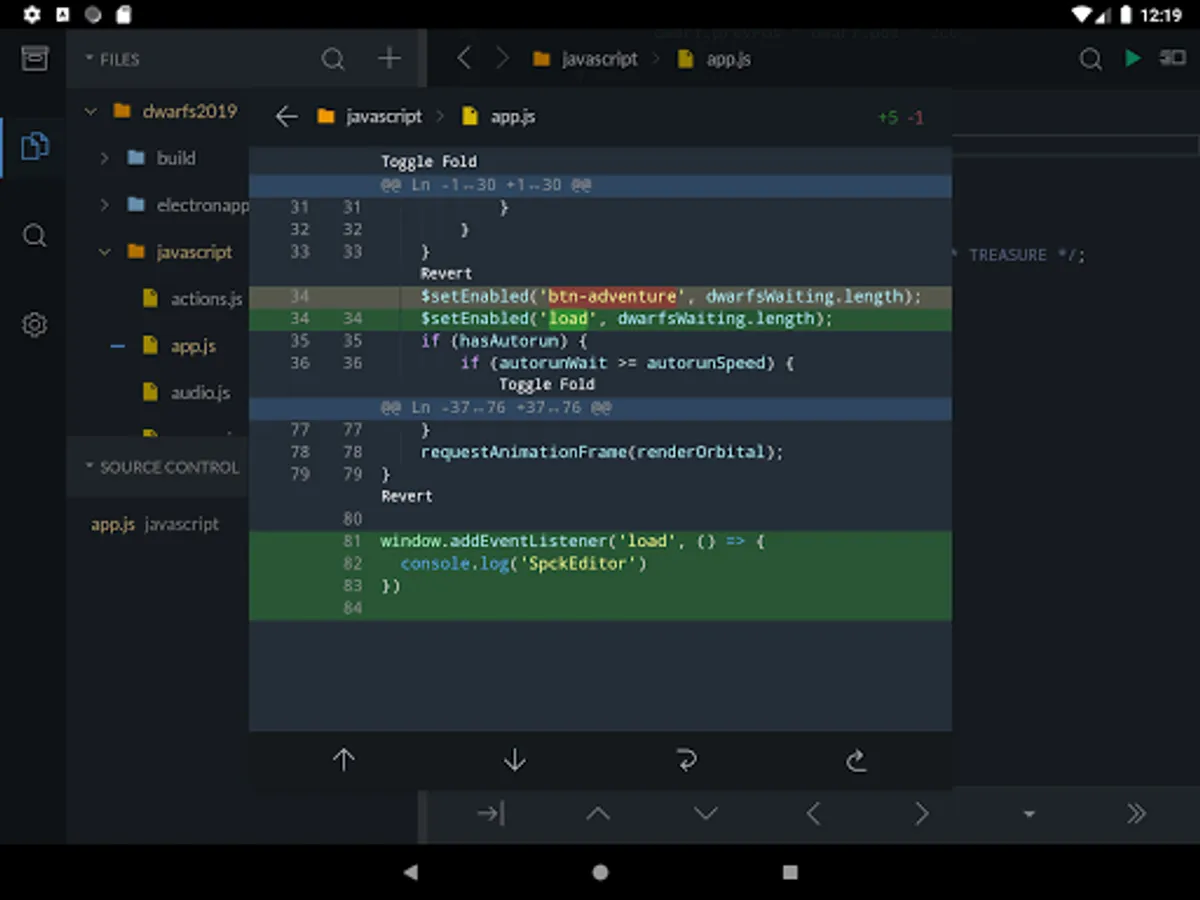
- Diff viewer for git-enabled projects
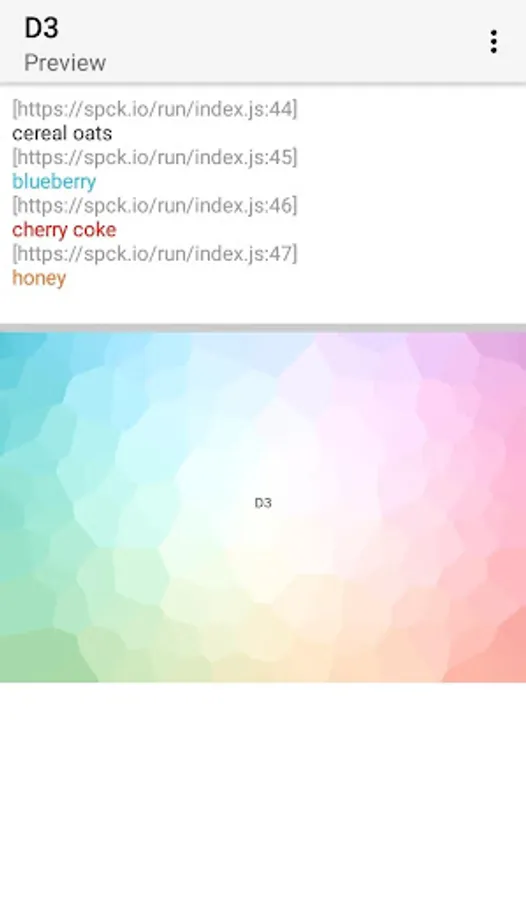
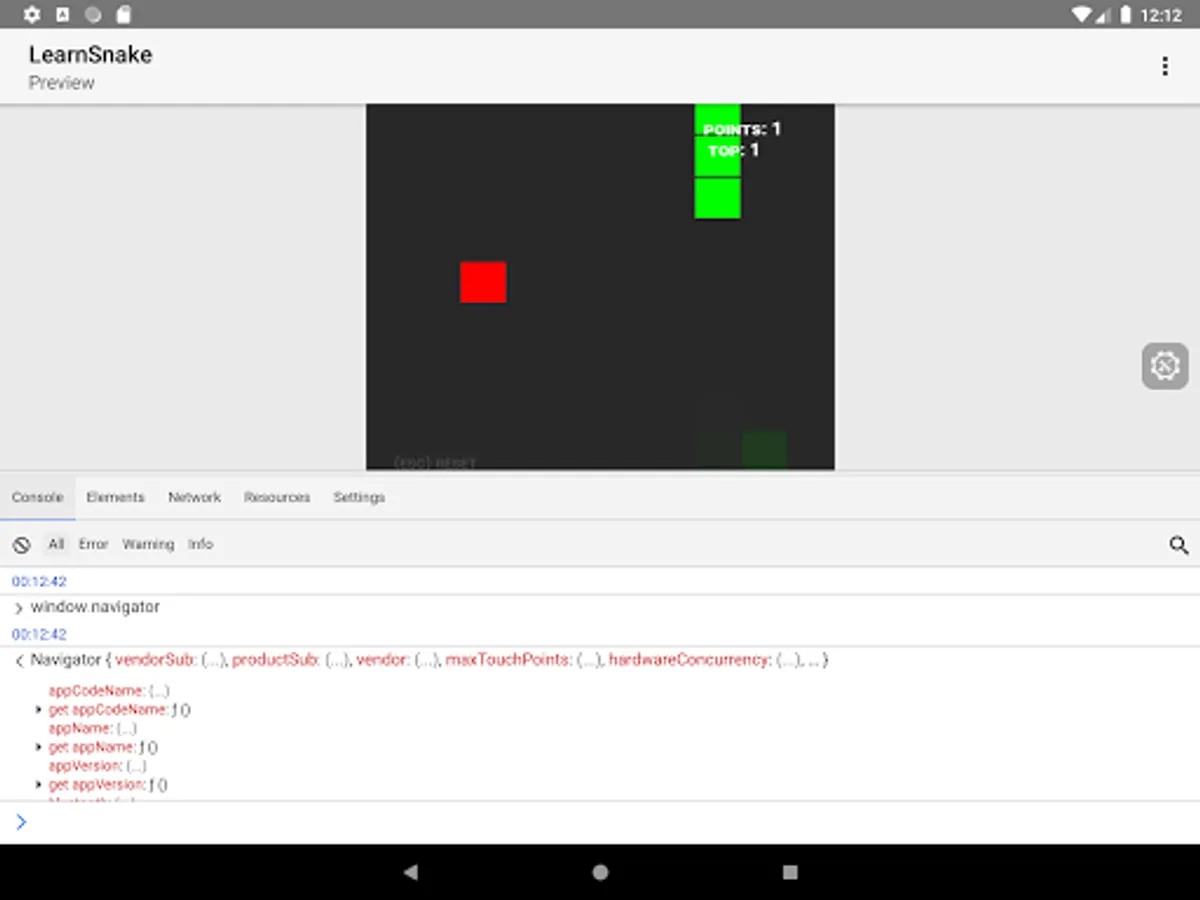
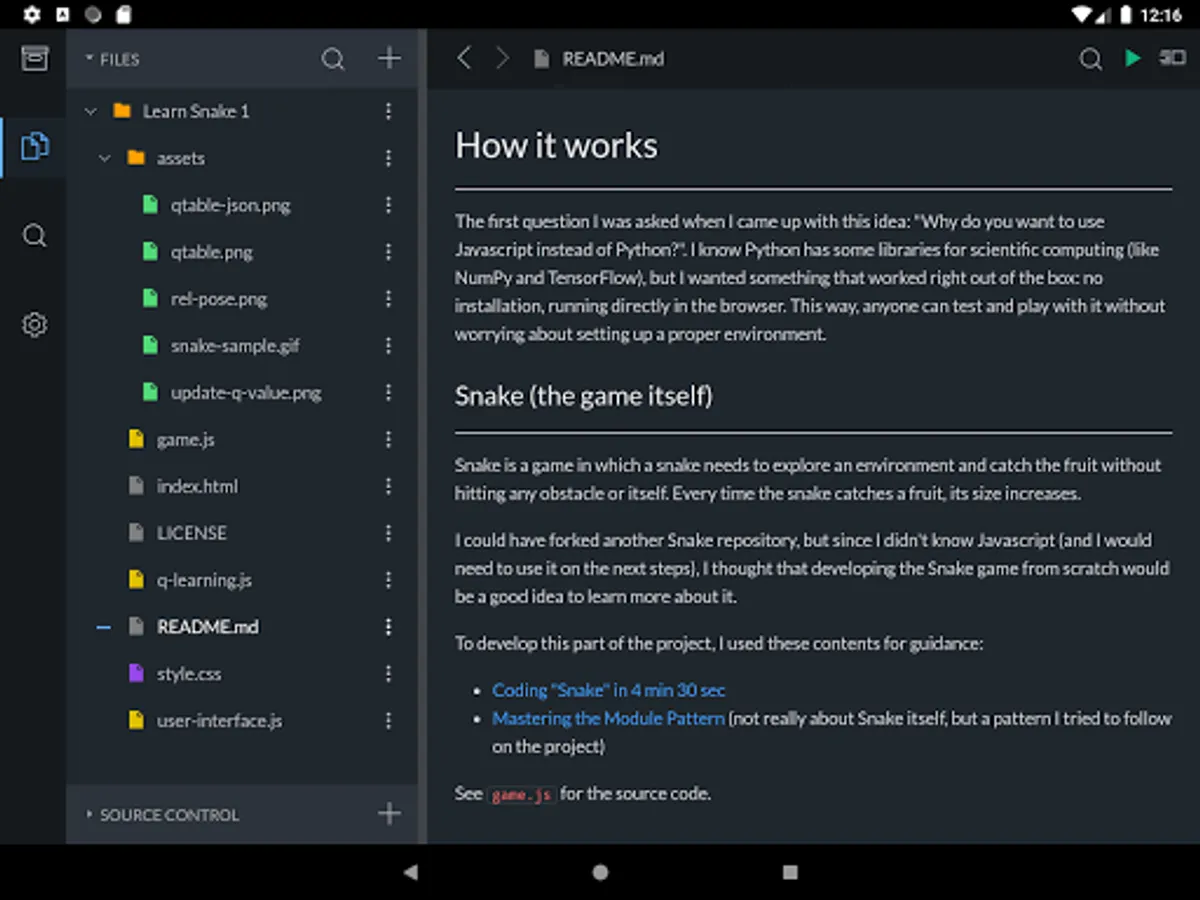
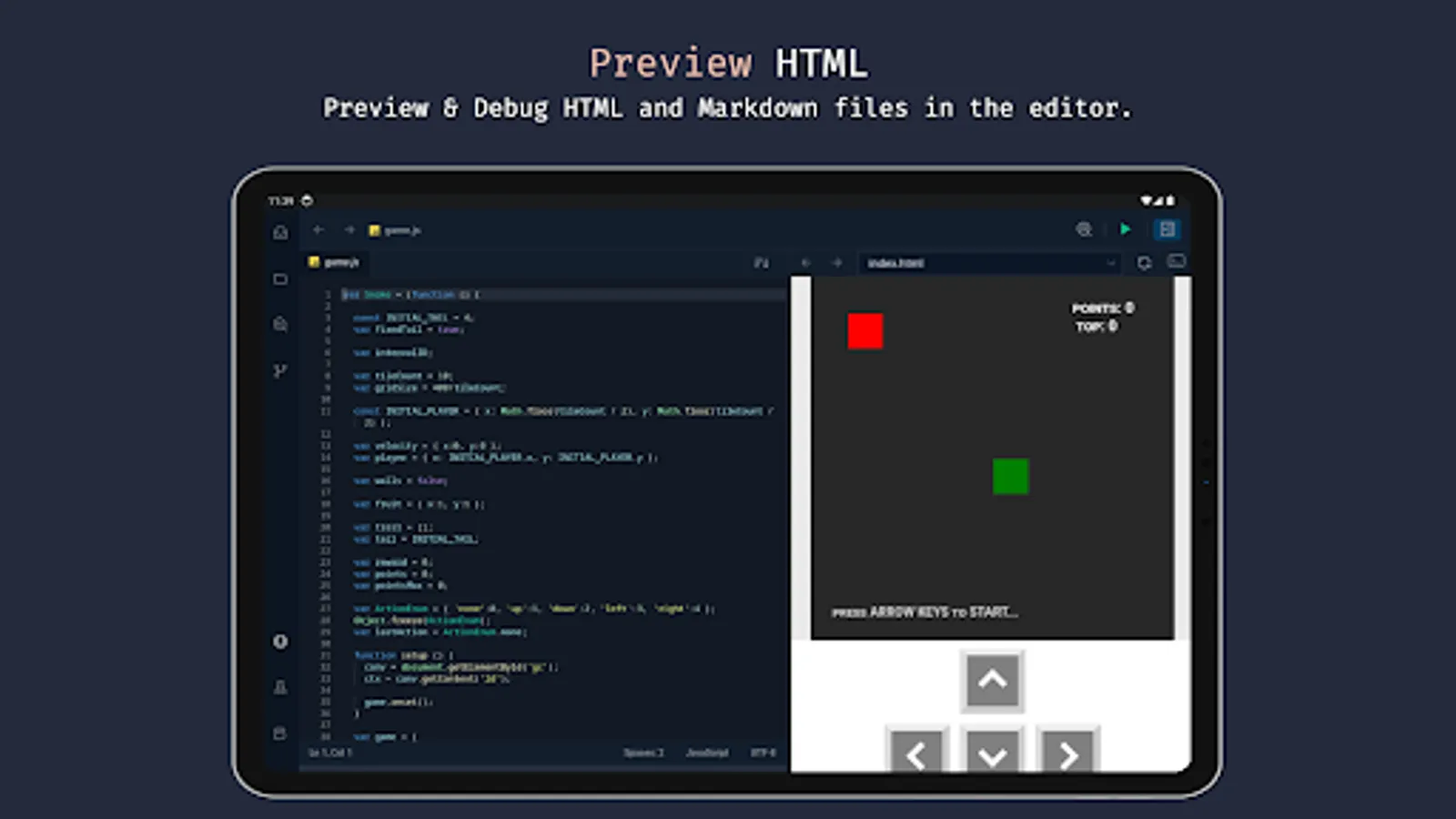
- Preview HTML/Markdown files on your device
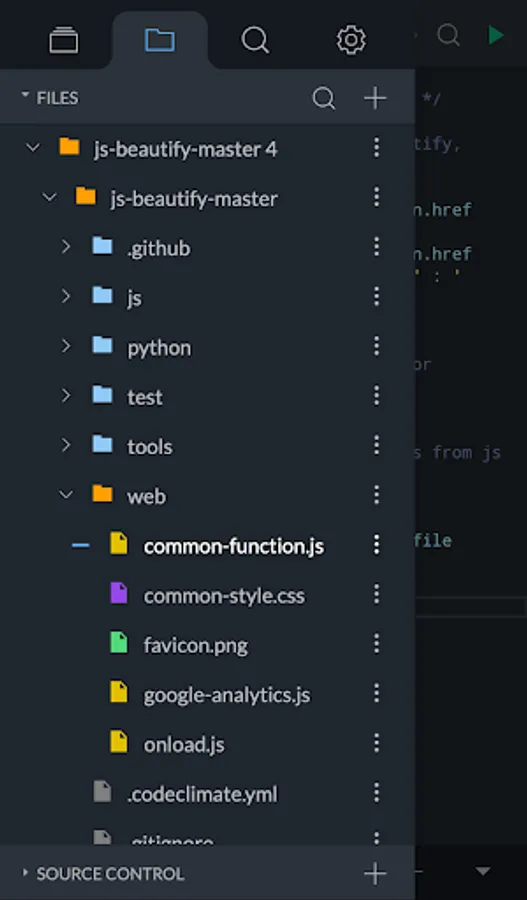
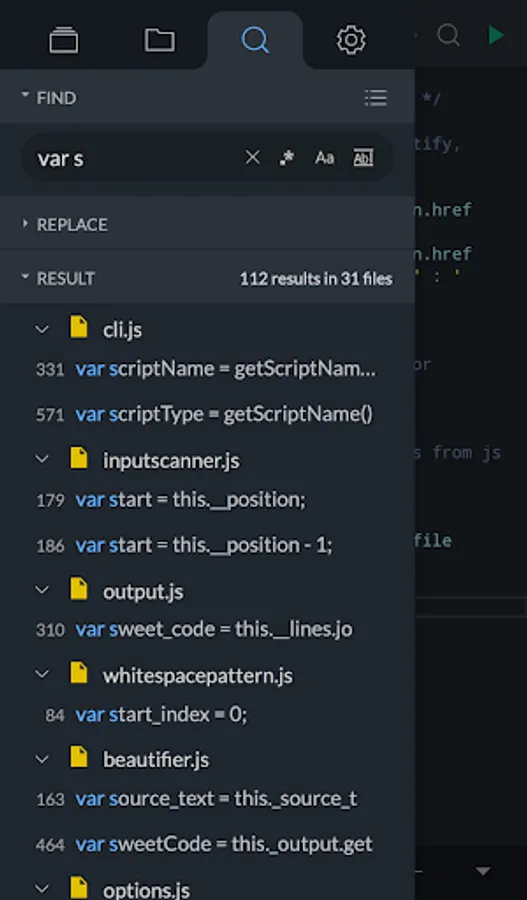
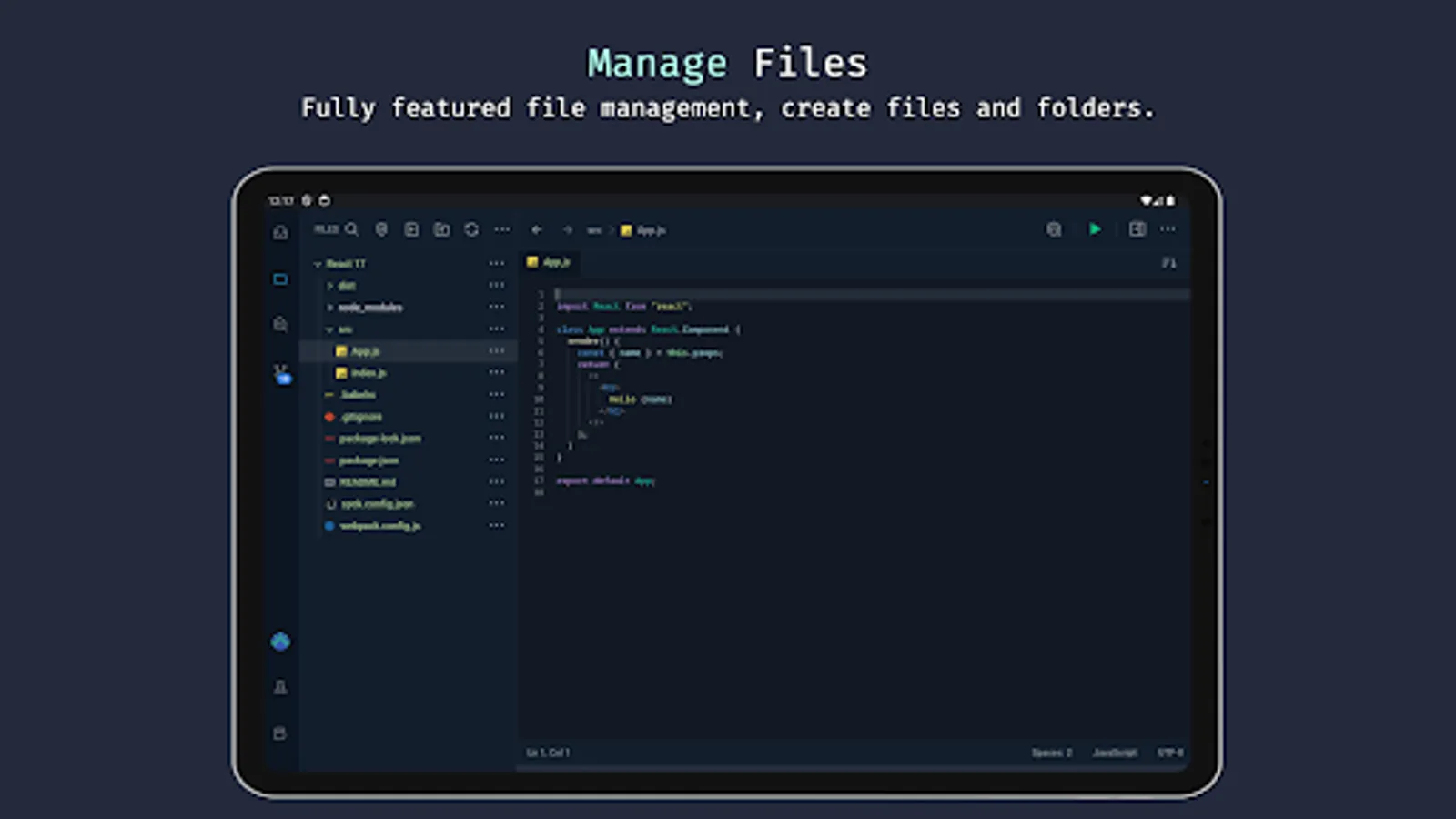
- Project & file searching
- Code syntax analysis and smart auto-completer
- Code completion and context provider
- Auto code-indentation
- Light/dark themes available
- Export/import project/files to zip file
- CSS Color selector
- Cool JavaScript labs to play with
- New: AI code completion and code explanations
Main languages supported:
- JavaScript
- CSS
- HTML
- Markdown
Smart code-hinting support:
- TypeScript, JavaScript, TSX, JSX
- CSS, Less, SCSS
- HTML (with Emmet support)
Other popular languages (Syntax highlighting only):
- Python, Ruby, R, Perl, Julia, Scala, Go
- Java, Scala, Kotlin
- Rust, C, C++, C#
- PHP
- Stylus, CoffeeScript, Pug
- Shell, Batch
- OCaml, ActionScript, Coldfusion, HaXe
+ More...
*Back up your projects before uninstalling the app, otherwise you will likely lose the data! Upgrading/updating the app should be okay.
Features include:
- Clone public or private repos (requires app tokens)
- Quick snippets keyboard for faster code edits
- Git client integration (checkout/pull/push/commit/log)
- Diff viewer for git-enabled projects
- Preview HTML/Markdown files on your device
- Project & file searching
- Code syntax analysis and smart auto-completer
- Code completion and context provider
- Auto code-indentation
- Light/dark themes available
- Export/import project/files to zip file
- CSS Color selector
- Cool JavaScript labs to play with
- New: AI code completion and code explanations
Main languages supported:
- JavaScript
- CSS
- HTML
- Markdown
Smart code-hinting support:
- TypeScript, JavaScript, TSX, JSX
- CSS, Less, SCSS
- HTML (with Emmet support)
Other popular languages (Syntax highlighting only):
- Python, Ruby, R, Perl, Julia, Scala, Go
- Java, Scala, Kotlin
- Rust, C, C++, C#
- PHP
- Stylus, CoffeeScript, Pug
- Shell, Batch
- OCaml, ActionScript, Coldfusion, HaXe
+ More...
Spck Editor / Git Client Screenshots
Tap to Rate:
Reviews for Spck Editor / Git Client
Sony Greenacre
12/30/2025
A great alternative to VSCode thaz does not have a native Android app.
Aqua will purify Corona
12/28/2025
thanks for existing and creating this app