AppRecs review analysis
AppRecs rating . Trustworthiness 82 out of 100. Review manipulation risk 31 out of 100. Based on a review sample analyzed.
★
AppRecs Rating
Ratings breakdown
5 star
58%
4 star
8%
3 star
0%
2 star
8%
1 star
25%
What to know
✓
Credible reviews
82% trustworthiness score from analyzed reviews
✓
Good user ratings
67% positive sampled reviews
About PictoBlox Junior Blocks
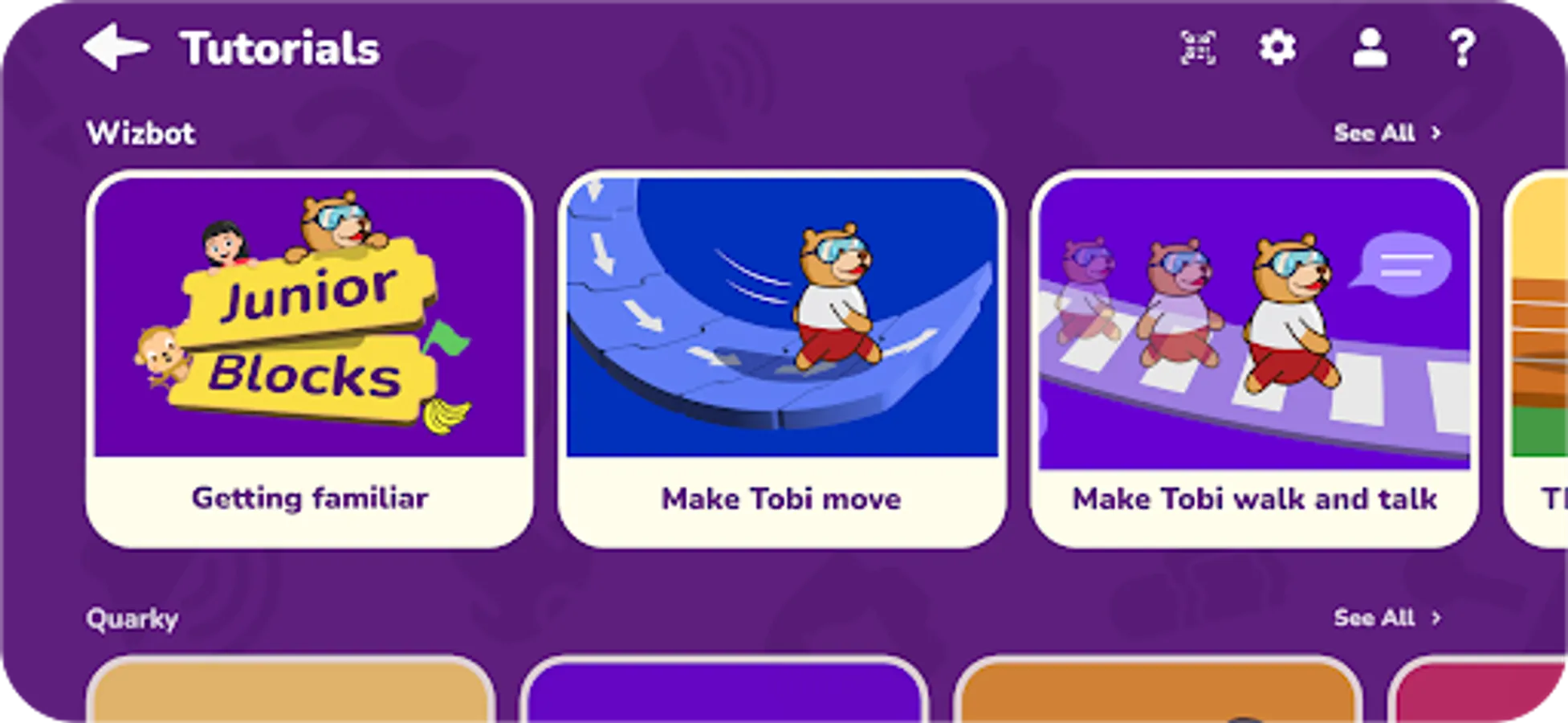
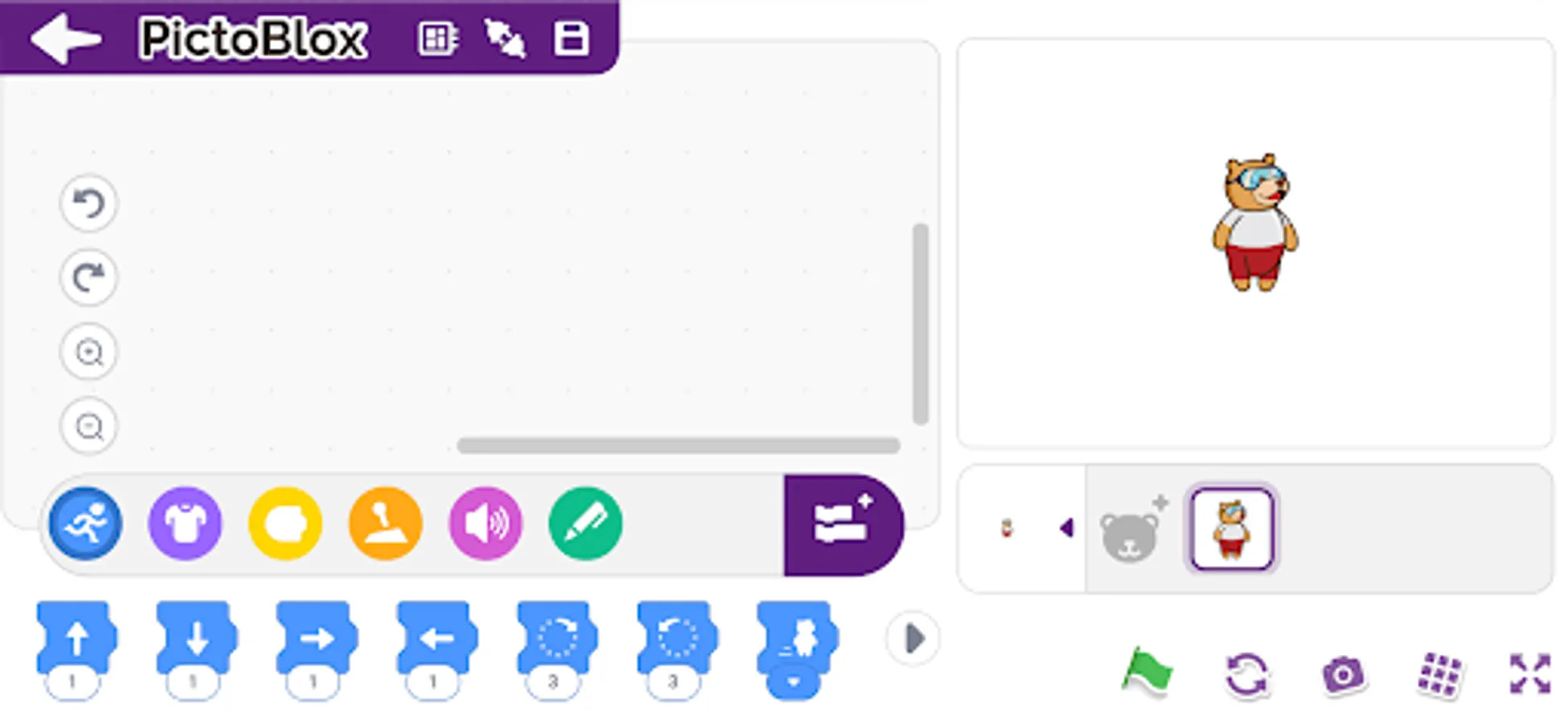
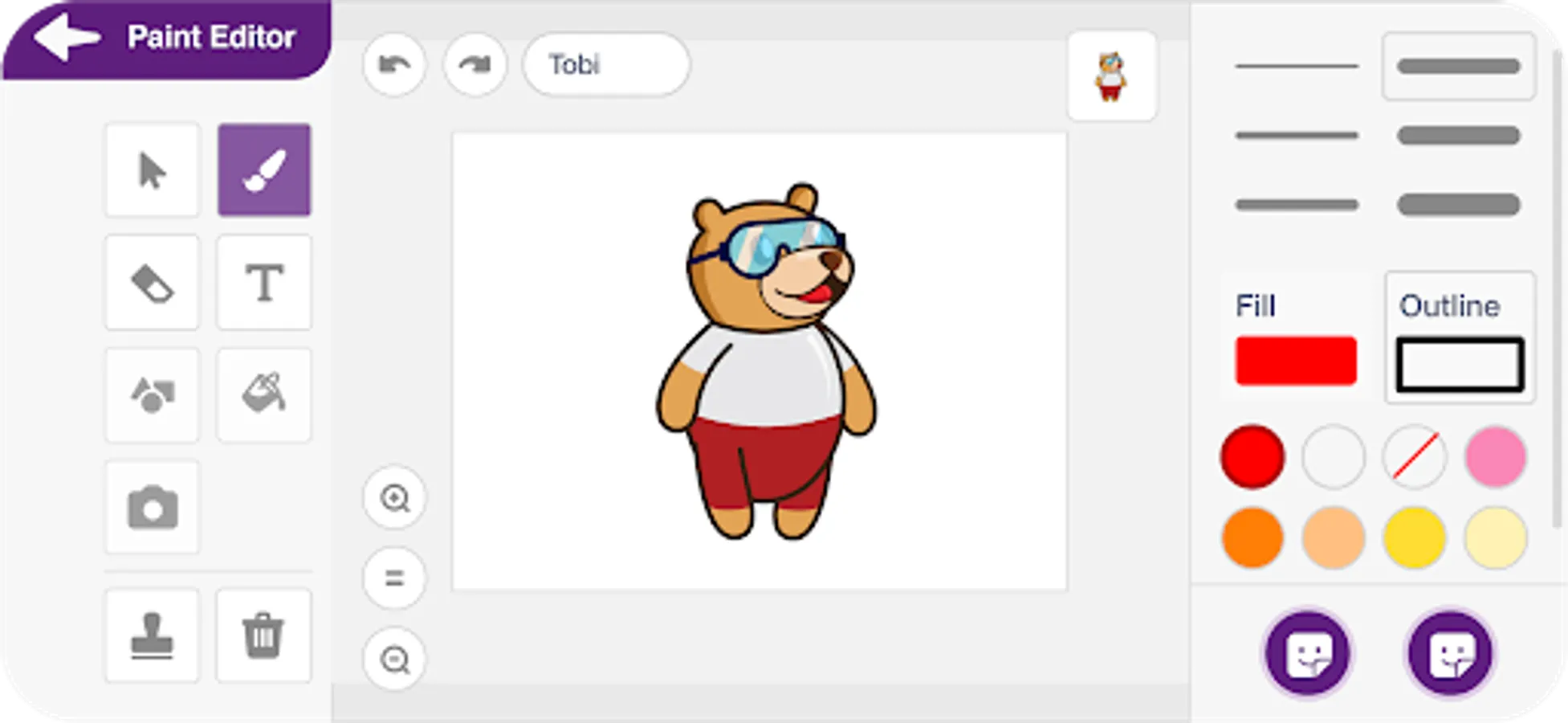
Junior Blocks is a block-based educational coding app for beginners with enhanced hardware-interaction capabilities and emerging technologies such as robotics and AI that make learning to code fun and engaging. Just drag and drop the coding blocks and make cool games, animations, interactive projects, and even control robots the way you want!
♦️ 21st-Century Skills
Junior Blocks opens doors for beginners to learn creative and physical computing engagingly and thus helps in developing must-have skills of today’s technology-driven world such as:
✔️Creativity
✔️Logical reasoning
✔️Critical thinking
✔️Problem-solving
♦️ Coding Skills
With Junior Blocks, kids can learn important coding concepts such as:
✔️Logic
✔️Algorithms
✔️Sequencing
✔️Loops
✔️Conditional statements
♦️AI and ML for Education
Students can learn Artificial Intelligence and Machine Learning concepts such as:
✔️Face and text recognition
✔️Speech Recognition and virtual assistant
✔️AI based games
♦️ Extensions for Making Countless DIY Projects
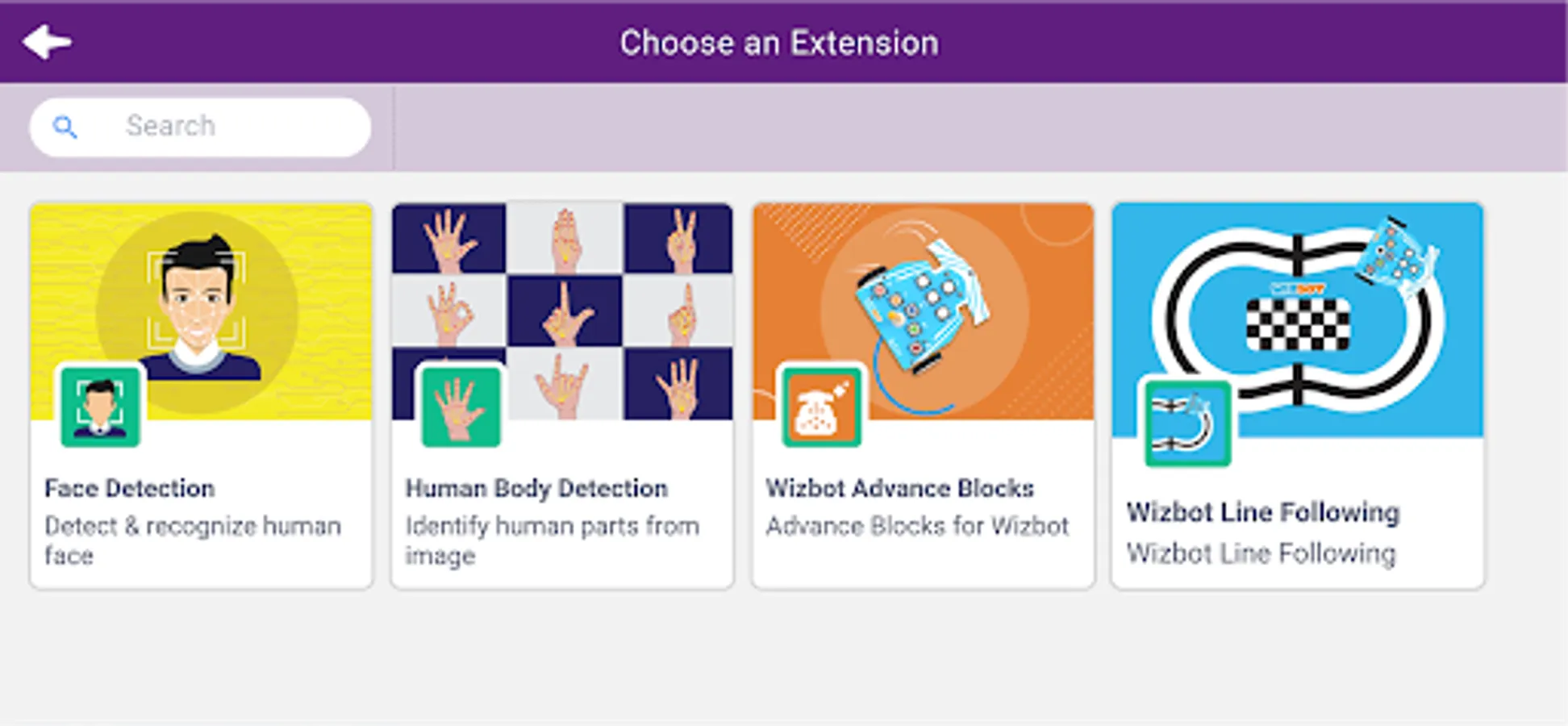
Junior Blocks has dedicated extensions for making fun projects based on AI, Robots, controlling Scratch projects via Bluetooth, programming wheels, sensors, displays, NeoPixel RGB lights, and much more.
Boards Compatible with PictoBlox App:
✔️Quarky
✔️Wizbot
Want to know more about Junior Blocks? Visit: https://thestempedia.com/product/pictoblox
Getting Started with Junior Blocks:
Projects that you can make:https://thestempedia.com/project/
Permissions required for:
Bluetooth: to provide connectivity.
Camera: for taking pictures, videos, face recognition, etc.
Microphone: to send voice commands and use the sound meter.
Storage: to store the images and videos taken.
Location: to use the Location sensor and BLE.
Download Junior Blocks NOW and start the exciting world of coding and AI with these interactive coding blocks.
♦️ 21st-Century Skills
Junior Blocks opens doors for beginners to learn creative and physical computing engagingly and thus helps in developing must-have skills of today’s technology-driven world such as:
✔️Creativity
✔️Logical reasoning
✔️Critical thinking
✔️Problem-solving
♦️ Coding Skills
With Junior Blocks, kids can learn important coding concepts such as:
✔️Logic
✔️Algorithms
✔️Sequencing
✔️Loops
✔️Conditional statements
♦️AI and ML for Education
Students can learn Artificial Intelligence and Machine Learning concepts such as:
✔️Face and text recognition
✔️Speech Recognition and virtual assistant
✔️AI based games
♦️ Extensions for Making Countless DIY Projects
Junior Blocks has dedicated extensions for making fun projects based on AI, Robots, controlling Scratch projects via Bluetooth, programming wheels, sensors, displays, NeoPixel RGB lights, and much more.
Boards Compatible with PictoBlox App:
✔️Quarky
✔️Wizbot
Want to know more about Junior Blocks? Visit: https://thestempedia.com/product/pictoblox
Getting Started with Junior Blocks:
Projects that you can make:https://thestempedia.com/project/
Permissions required for:
Bluetooth: to provide connectivity.
Camera: for taking pictures, videos, face recognition, etc.
Microphone: to send voice commands and use the sound meter.
Storage: to store the images and videos taken.
Location: to use the Location sensor and BLE.
Download Junior Blocks NOW and start the exciting world of coding and AI with these interactive coding blocks.
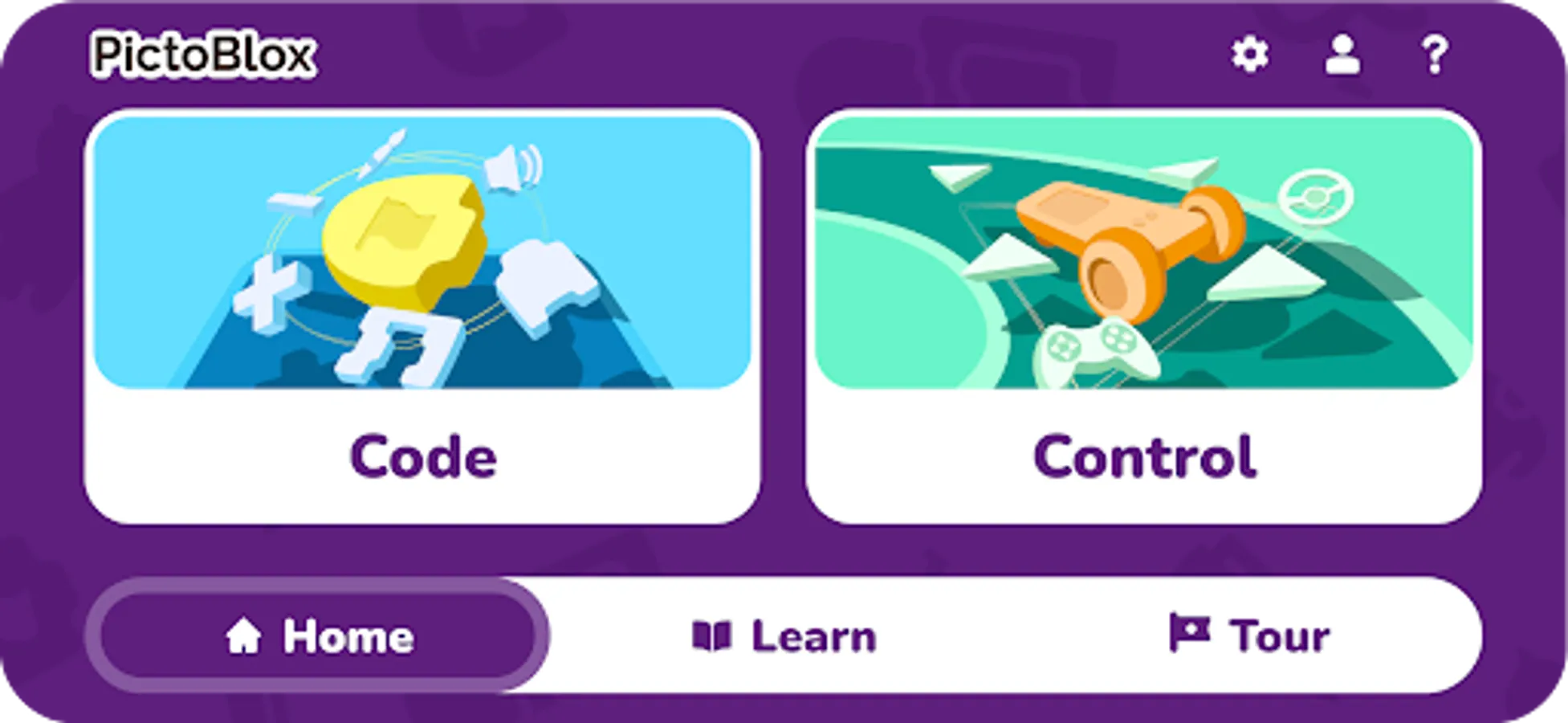
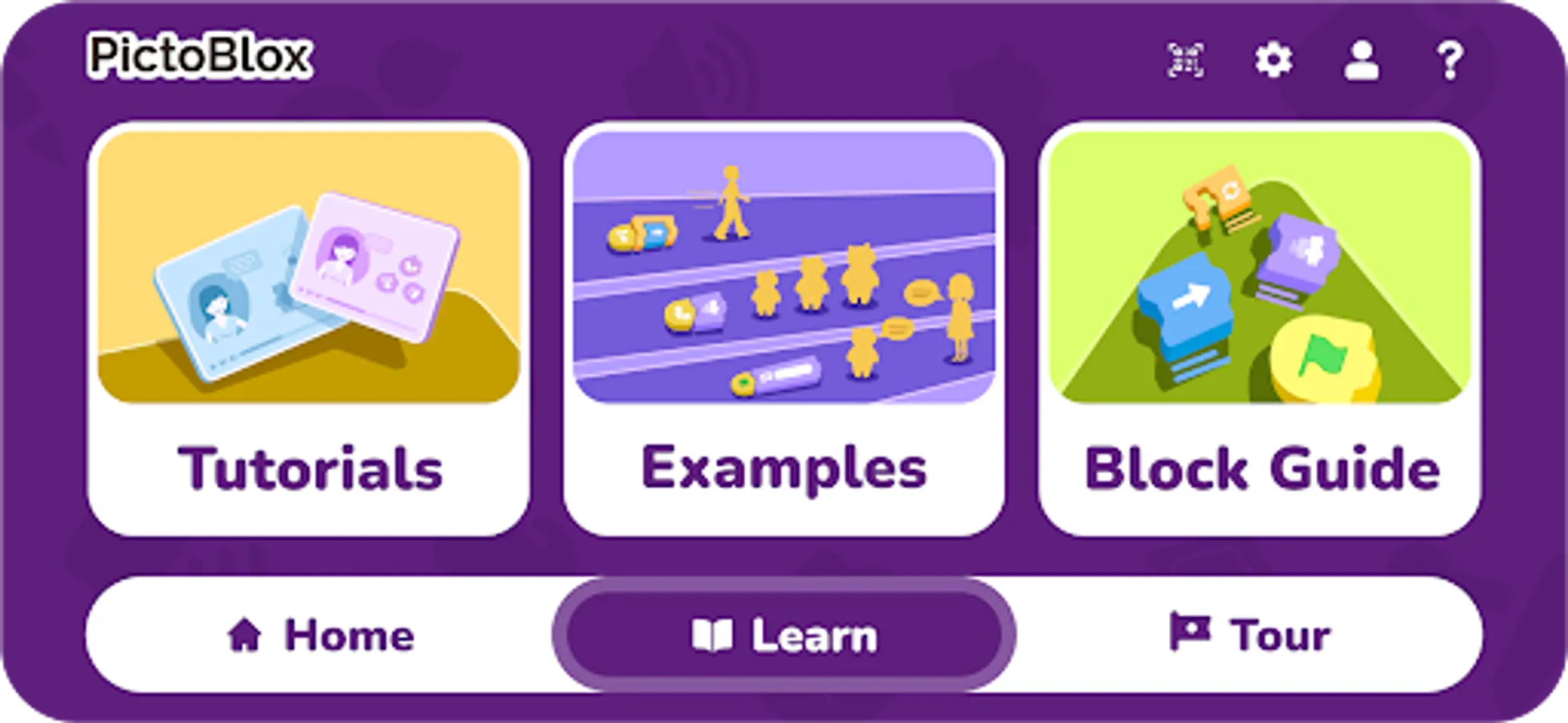
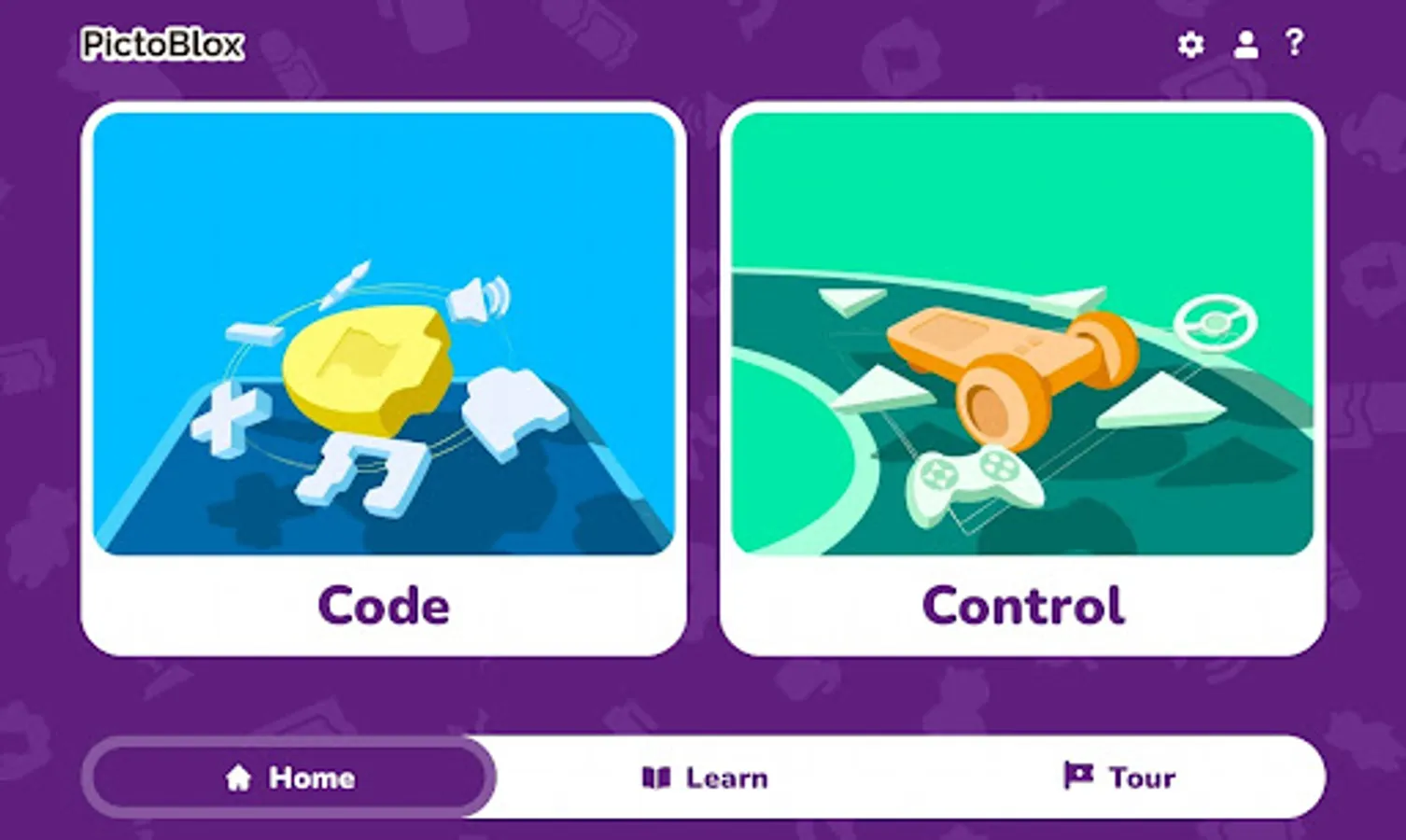
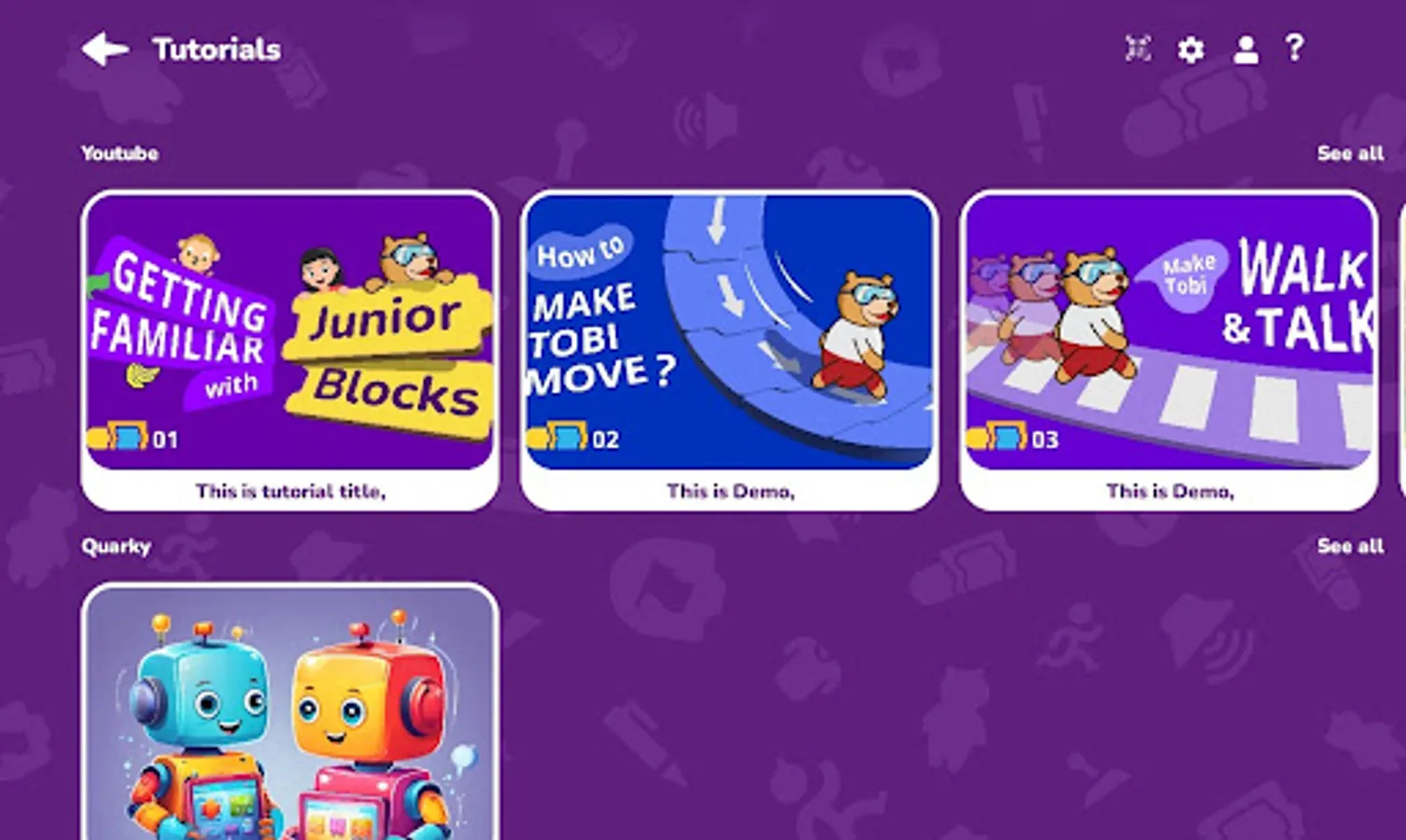
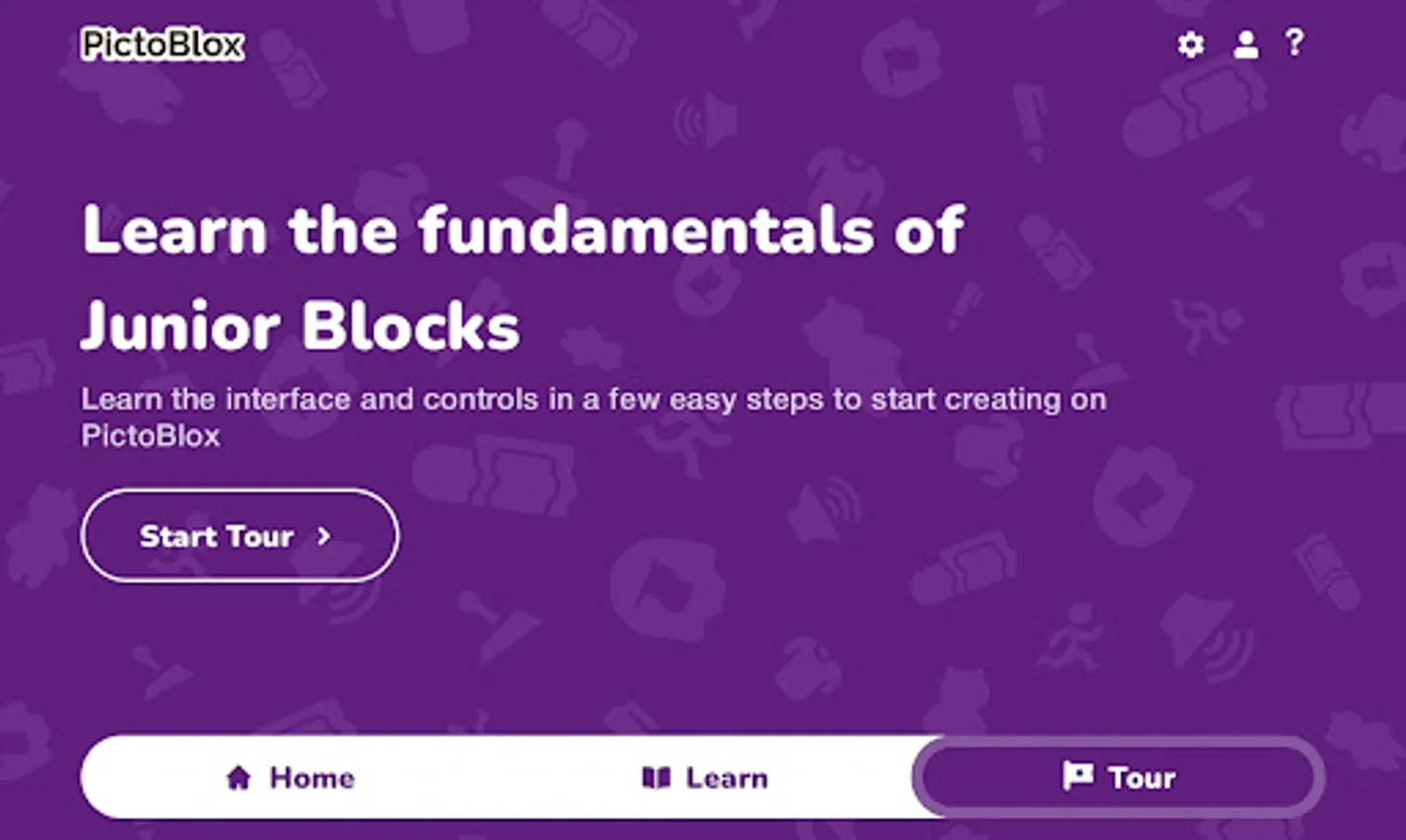
PictoBlox Junior Blocks Screenshots
Tap to Rate:
Reviews for PictoBlox Junior Blocks
indri masinambouw
12/26/2025
great
Jyoti R Shah
10/2/2025
Good for 6 year old kids to learn coding