In this communication app, users can create and customize symbol-based tables and stories for speech assistance. Includes support for over 9,000 ARASAAC images, multiple languages, backup options, and the ability to share content via WhatsApp.
AppRecs review analysis
AppRecs rating 3.6. Trustworthiness 53 out of 100. Review manipulation risk 41 out of 100. Based on a review sample analyzed.
★★★☆☆
3.6
AppRecs Rating
Ratings breakdown
5 star
59%
4 star
3%
3 star
0%
2 star
19%
1 star
19%
What to know
✓
Authentic reviews
Natural distribution, no red flags
⚠
Questionable review patterns
41% review manipulation risk - some review patterns appear unusual
⚠
High negative review ratio
37% of sampled ratings are 1–2 stars
About Aac Talking Tabs
Aac Talking Tabs is a simple augmentative and alternative communication (AAC) device. It can be used for anyone with speech disorder, mostly children but useful for anyone that has this kind of problem.
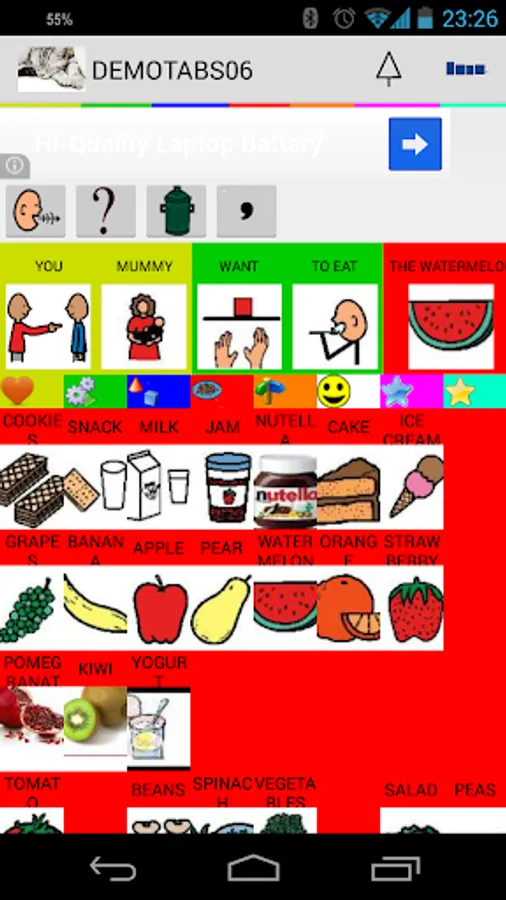
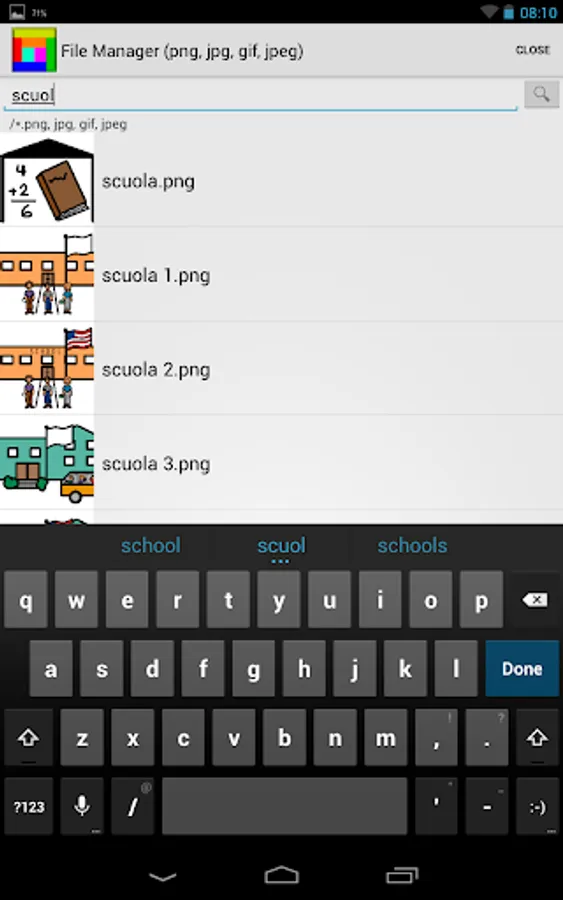
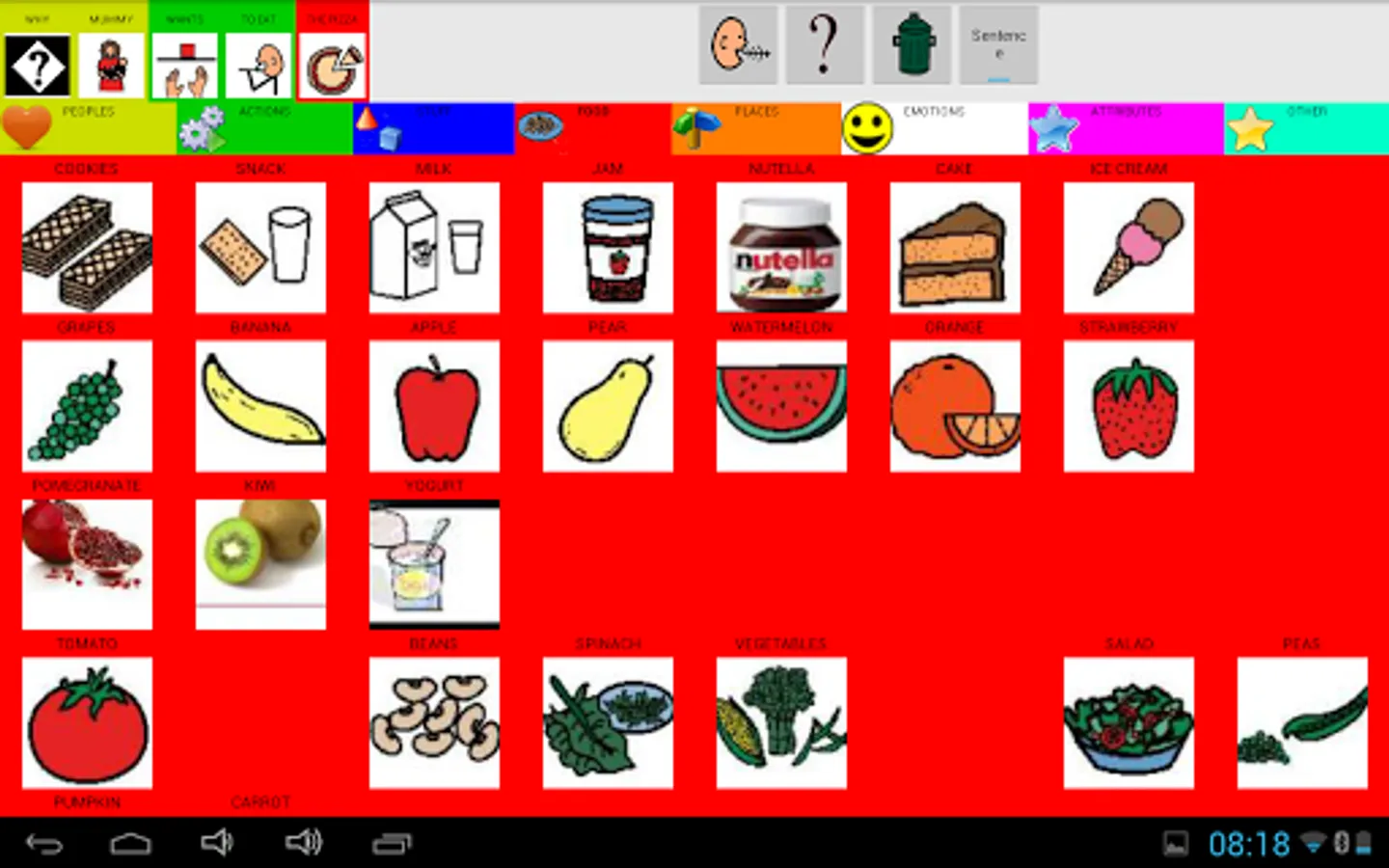
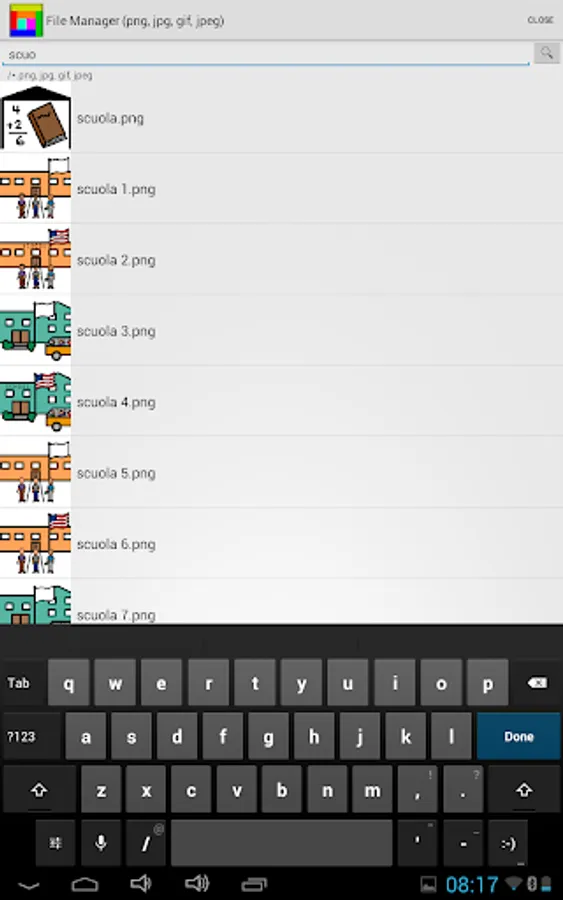
Included with the application now you can use 9000+ ARASAAC images in Italian, English, German, French, Spanish and Portuguese to build your tables and book.
Arasaac Symbols License
Pictographic symbols used are a property of CATEDU(http://catedu.es/arasaac /) under Creative Commonís License and they have been created by Sergio Palao
You can create tables or tales and books as well.
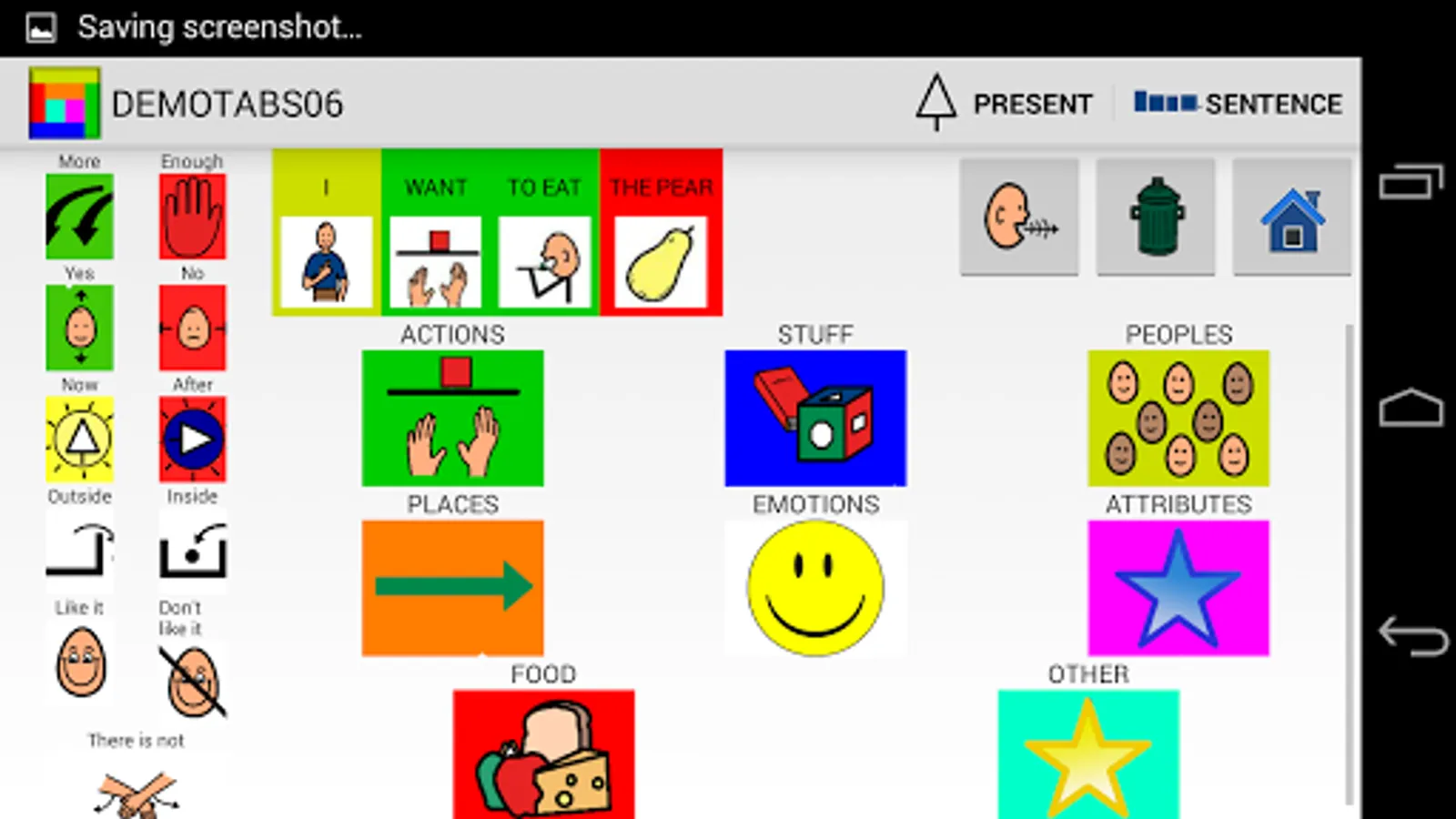
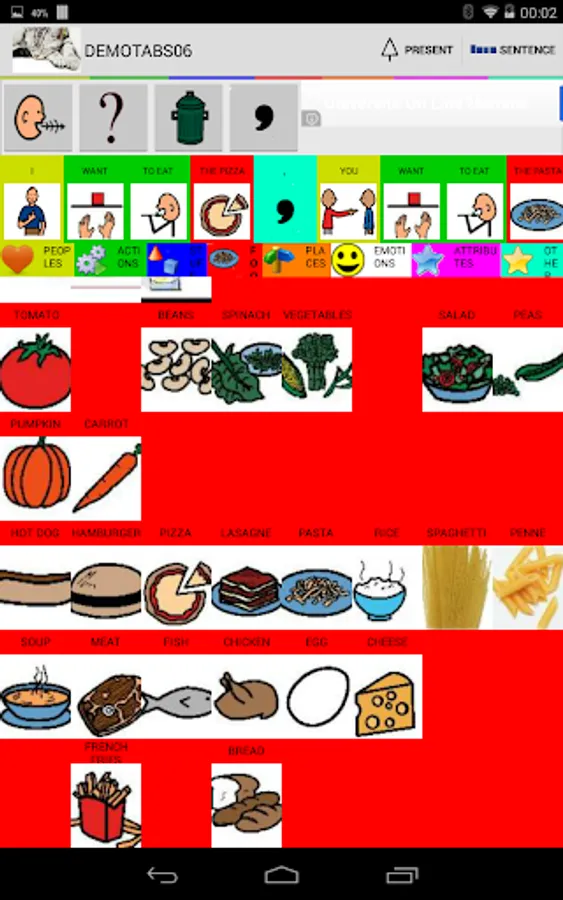
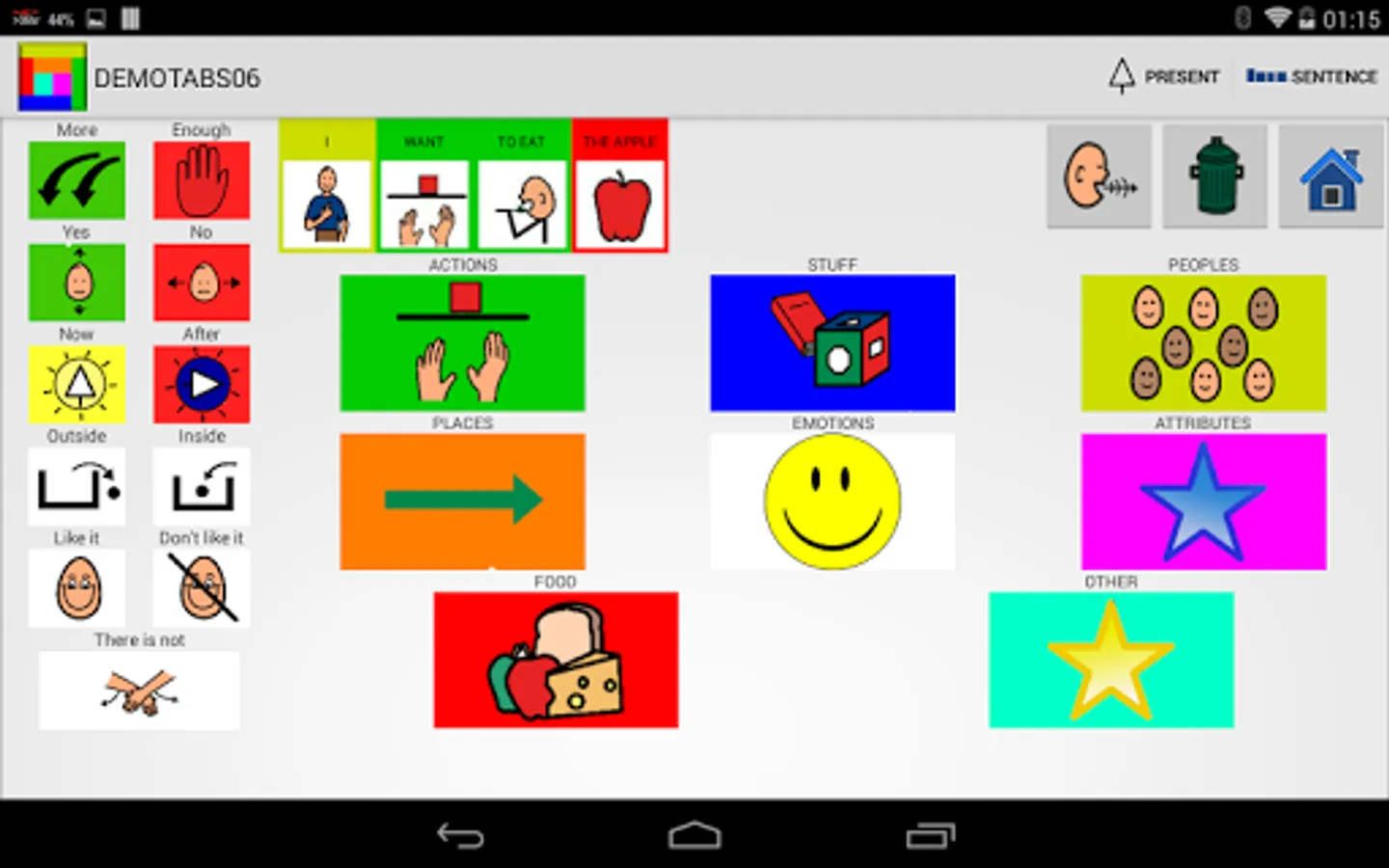
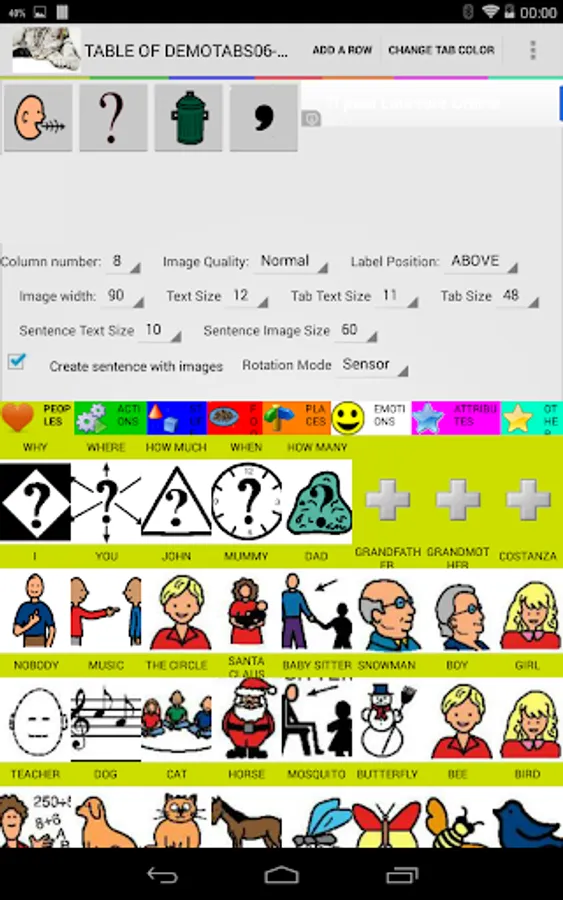
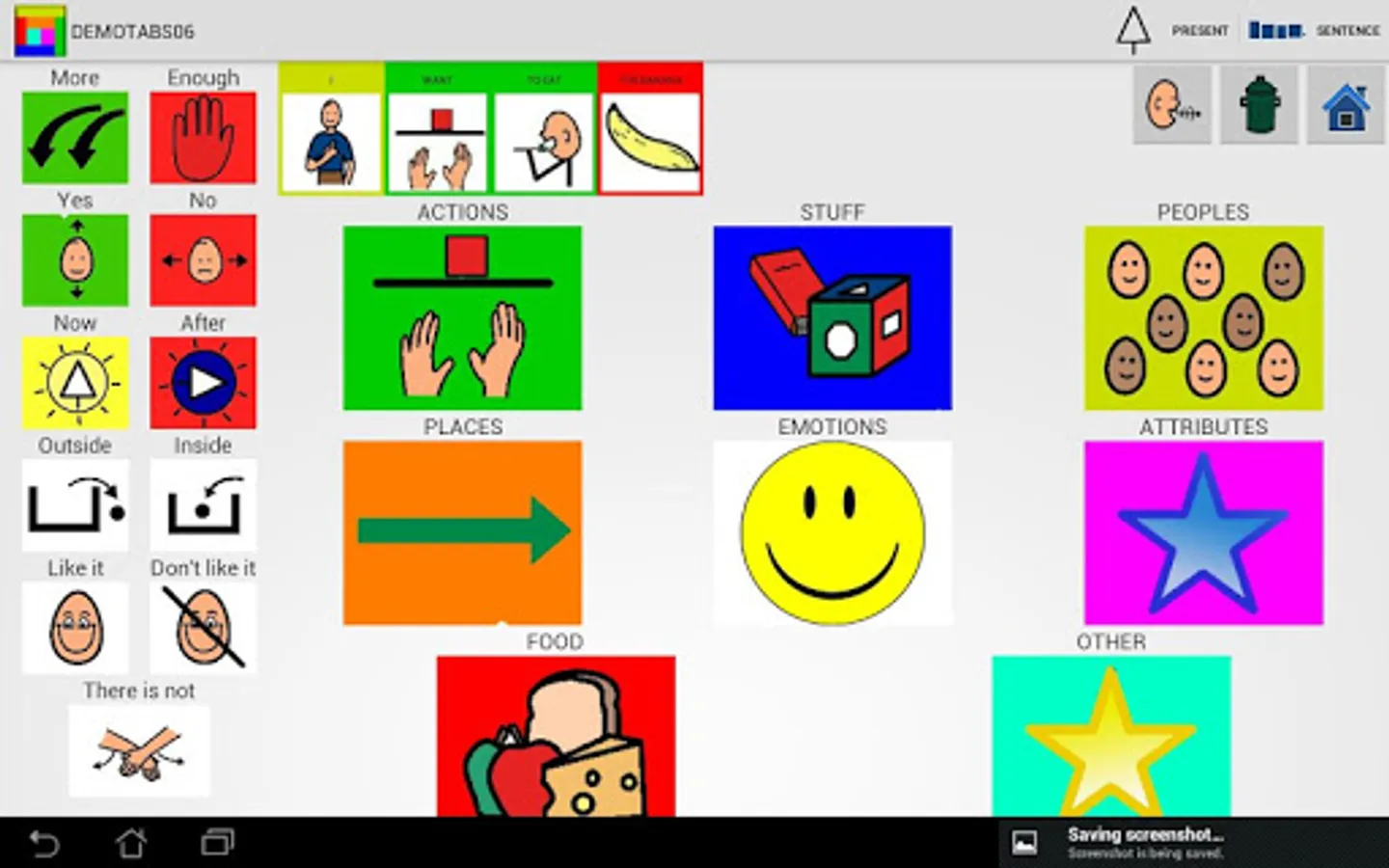
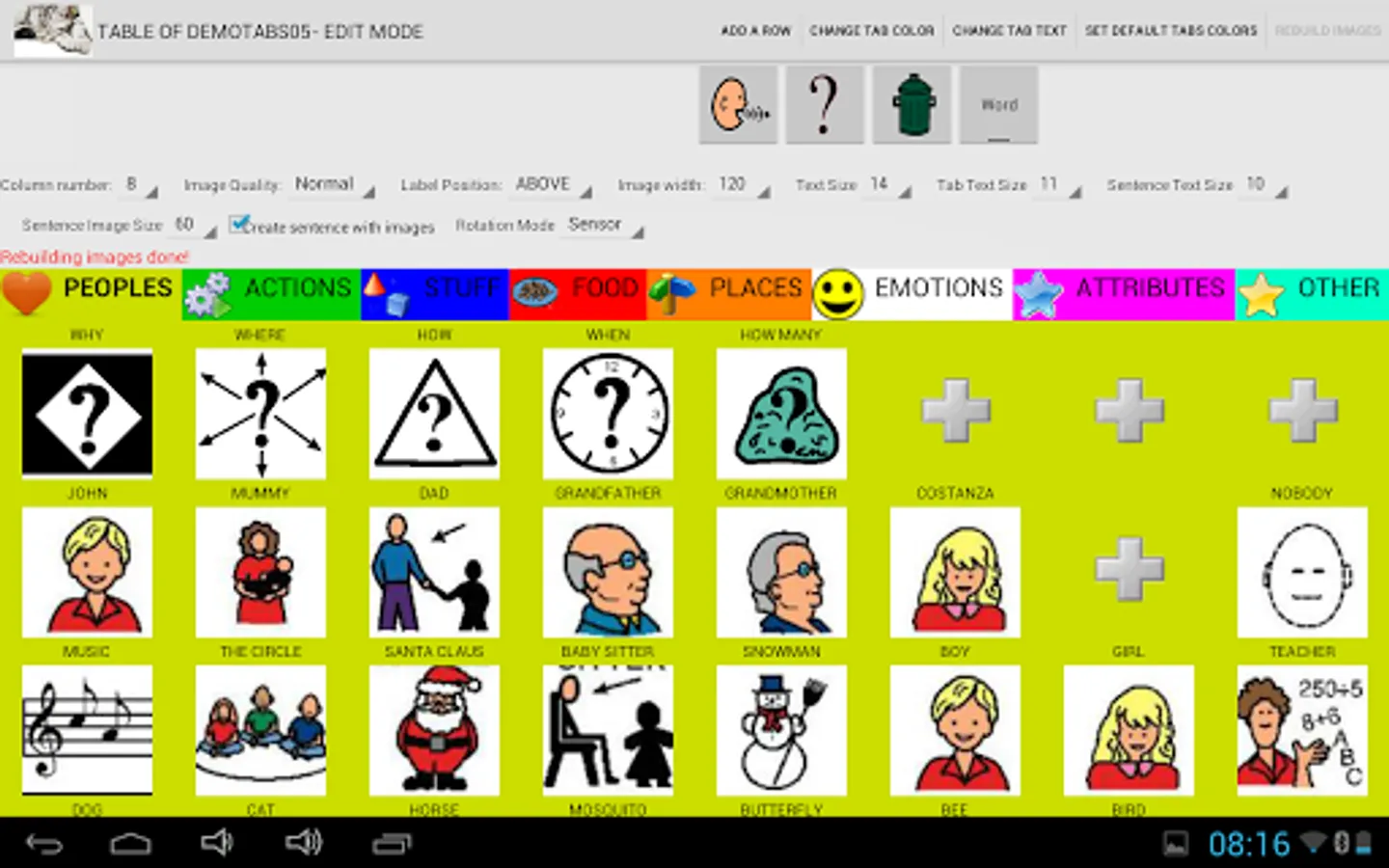
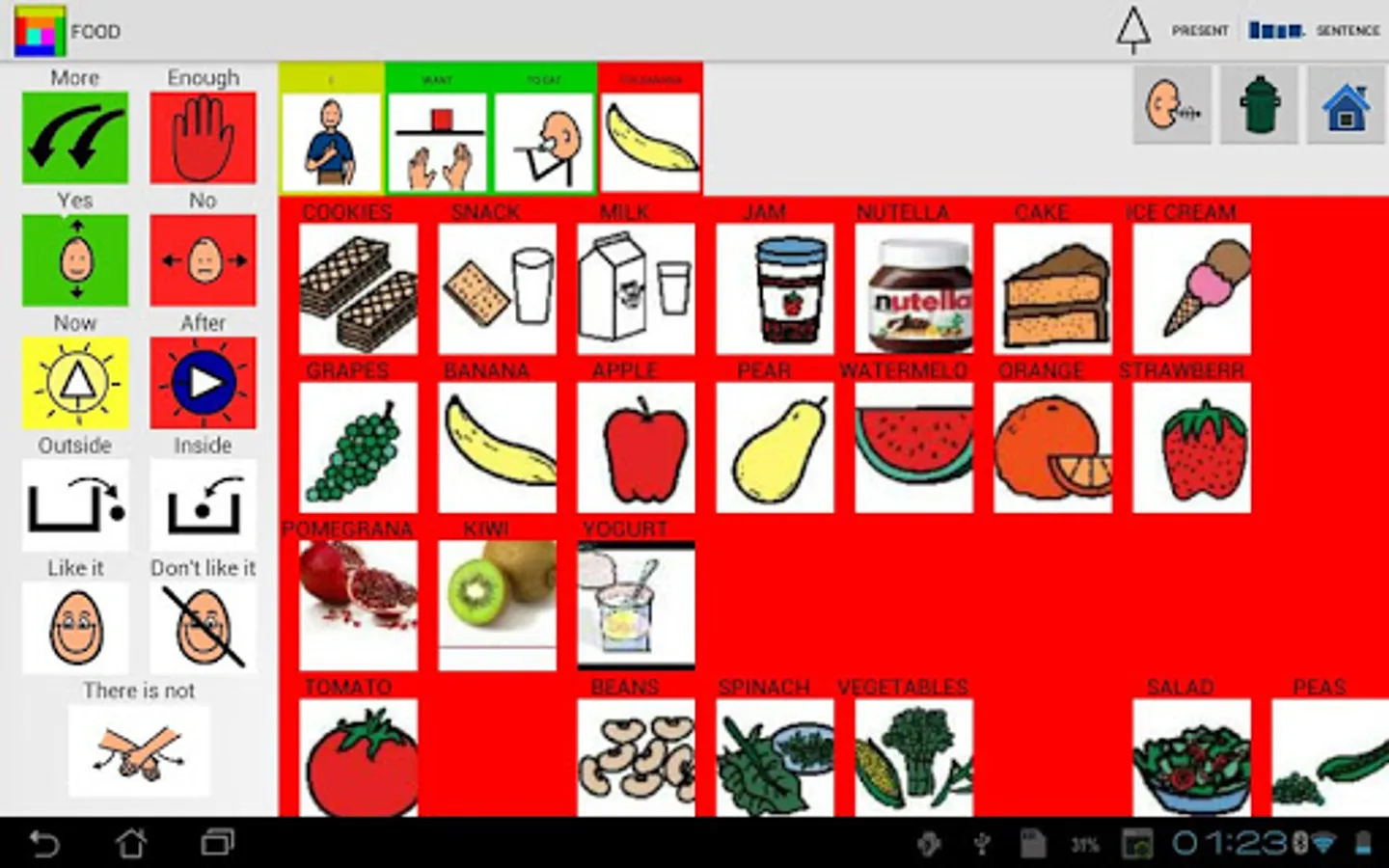
The tables are divided into 8 categories, People, Actions, Emotions, Objects, Food, Places, Adjectives, Other. You can decide to build a simple phrase or tap and talk.
Now you can easily send the sentences with WhatsApp
https://youtu.be/uacG8T07PzE
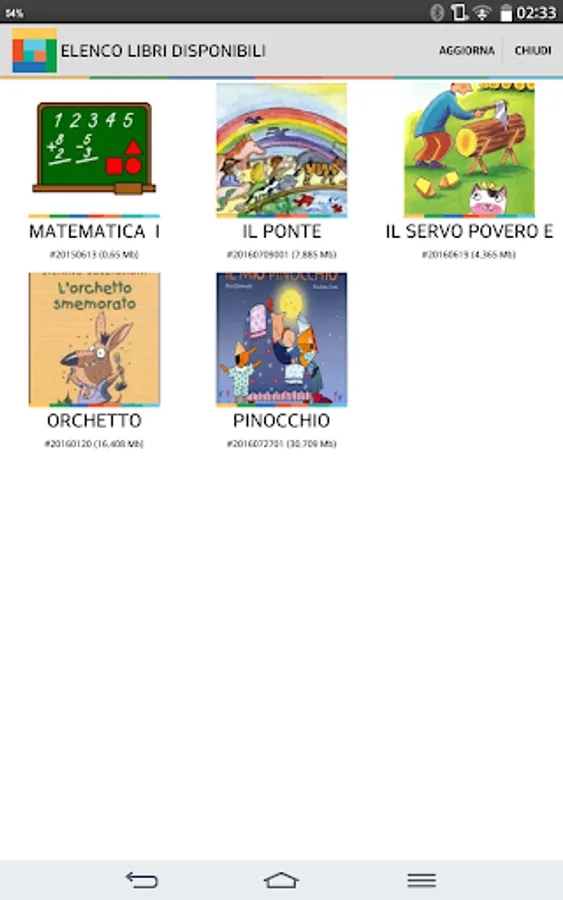
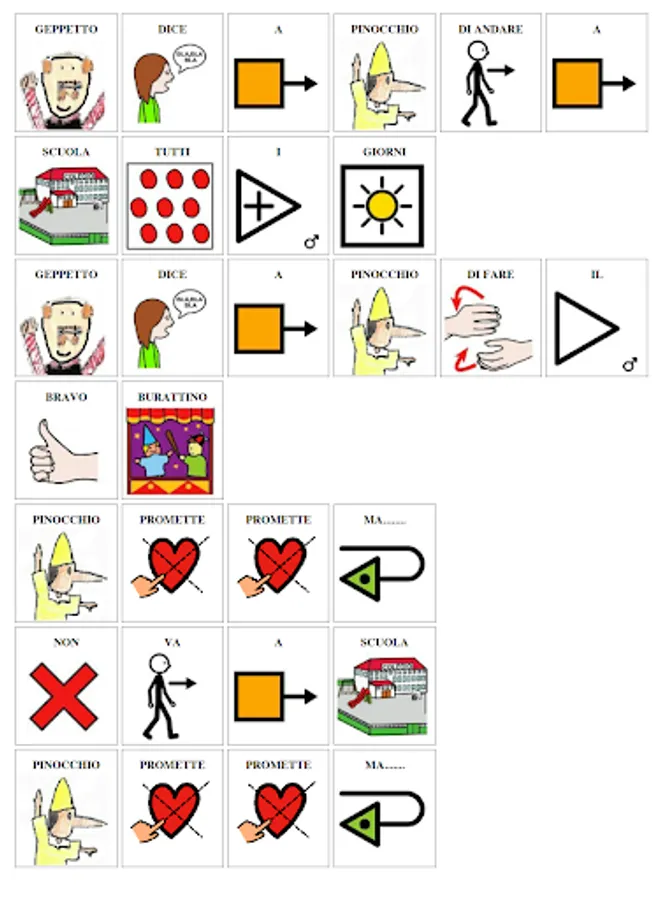
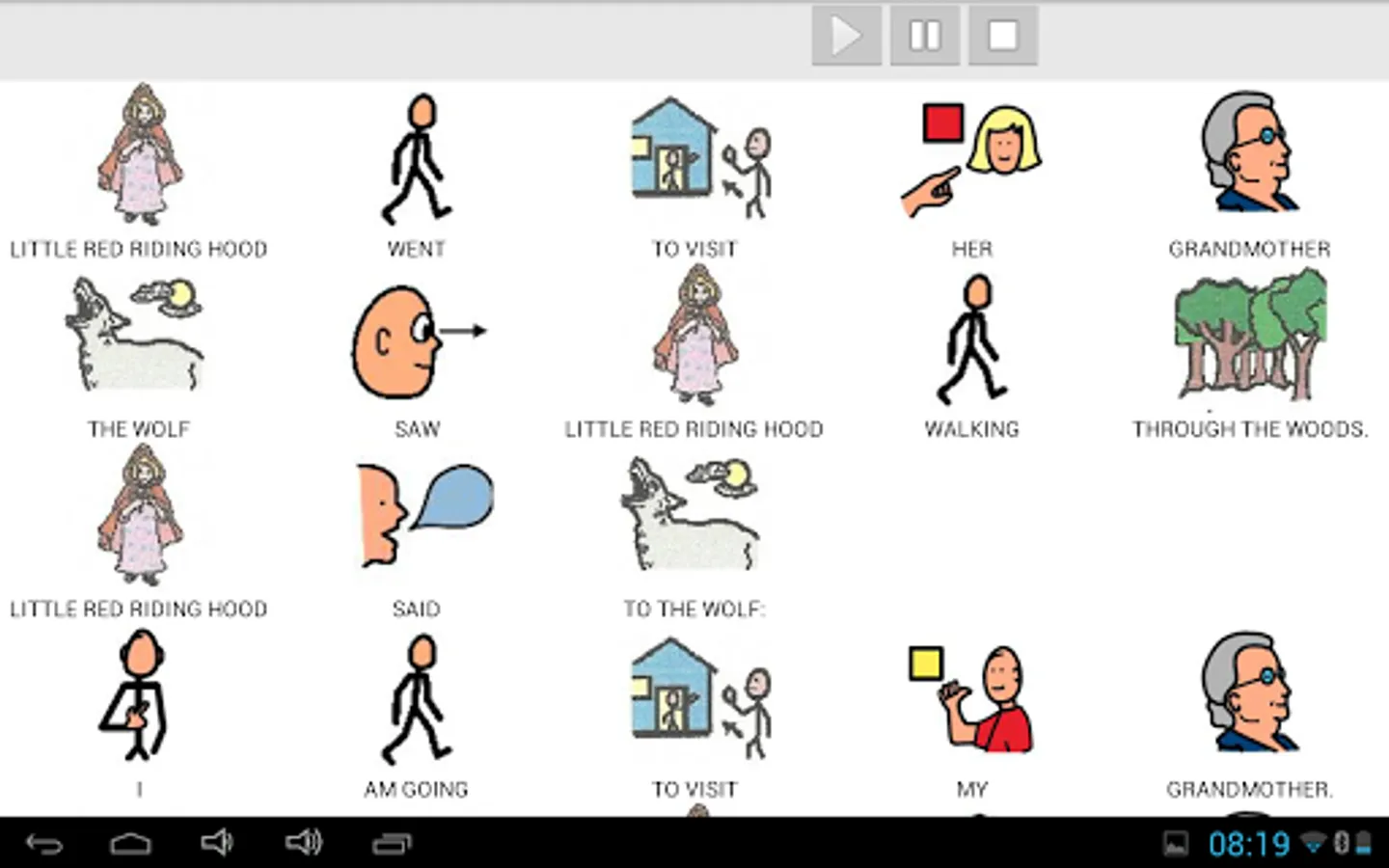
About the Tales, you can choose to let the device to tell the tales or tap each image to listen at your pace.
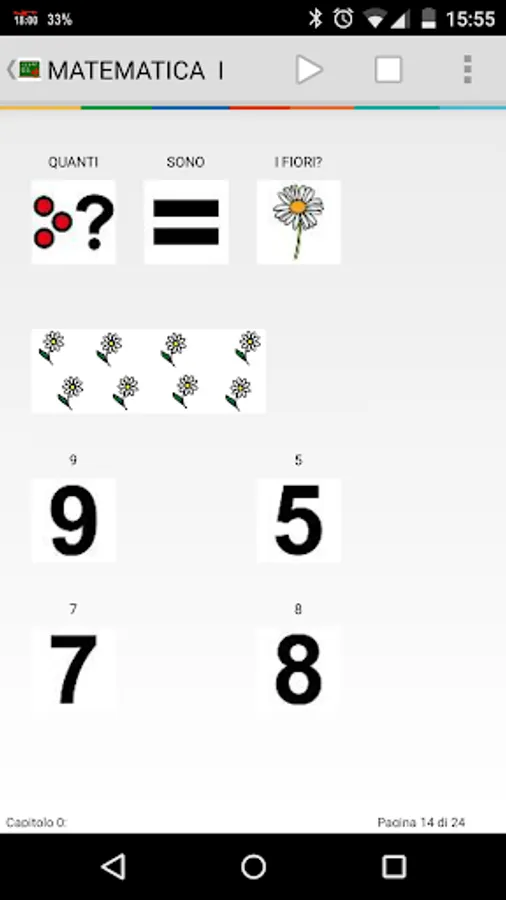
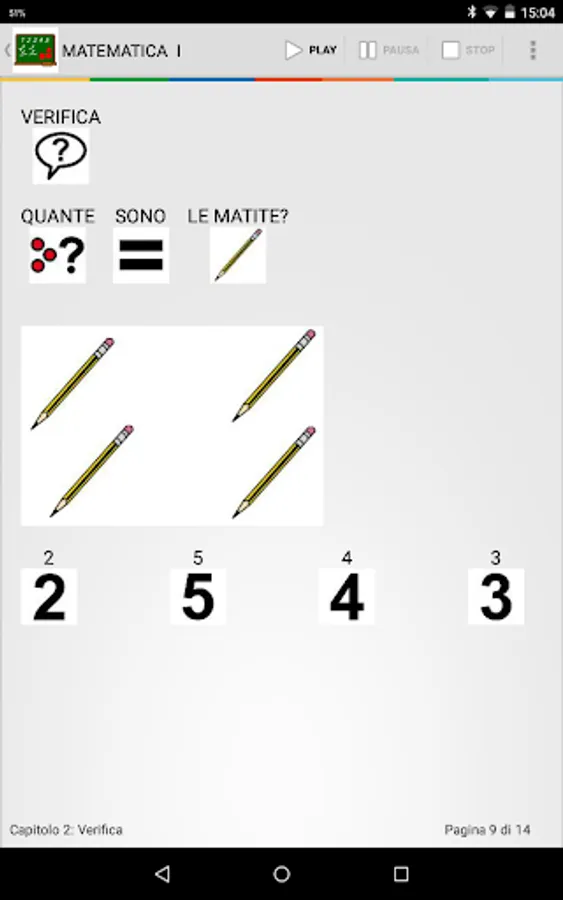
You can write your books and add question and answer to check whether the child has understood what he read. At https://drive.google.com/open?id=0ByaE3Pldz4TybG9ldEJsUENzRWs&authuser=0 you can find an example (in Italian).
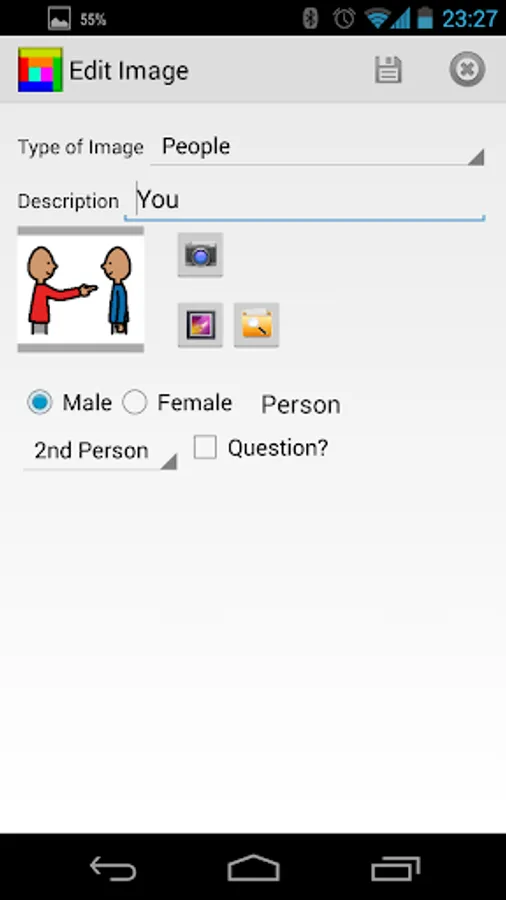
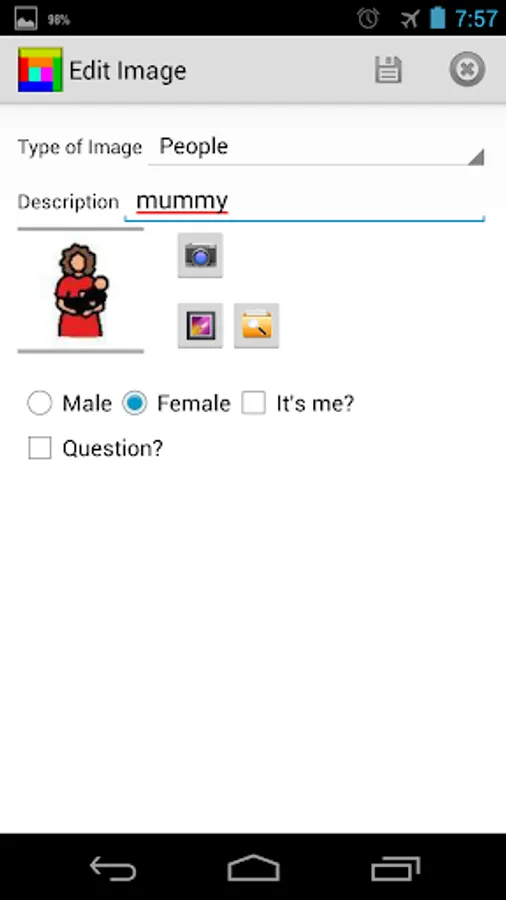
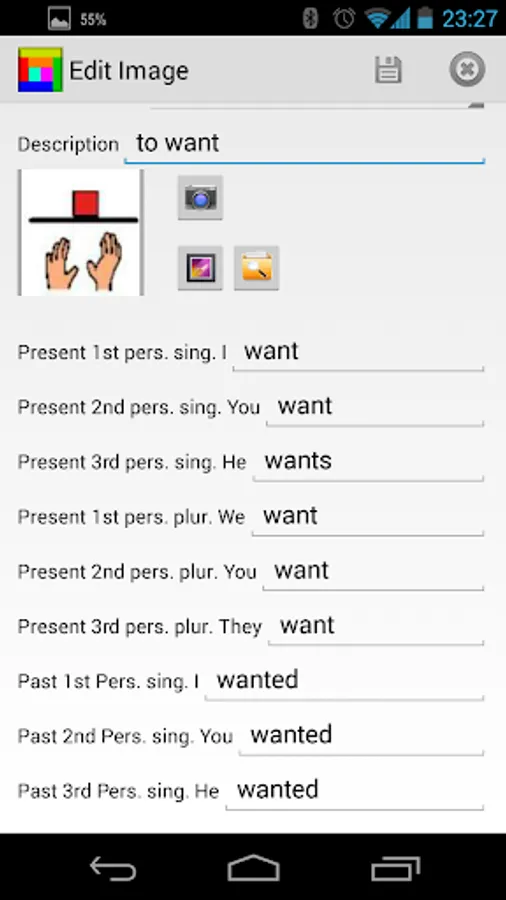
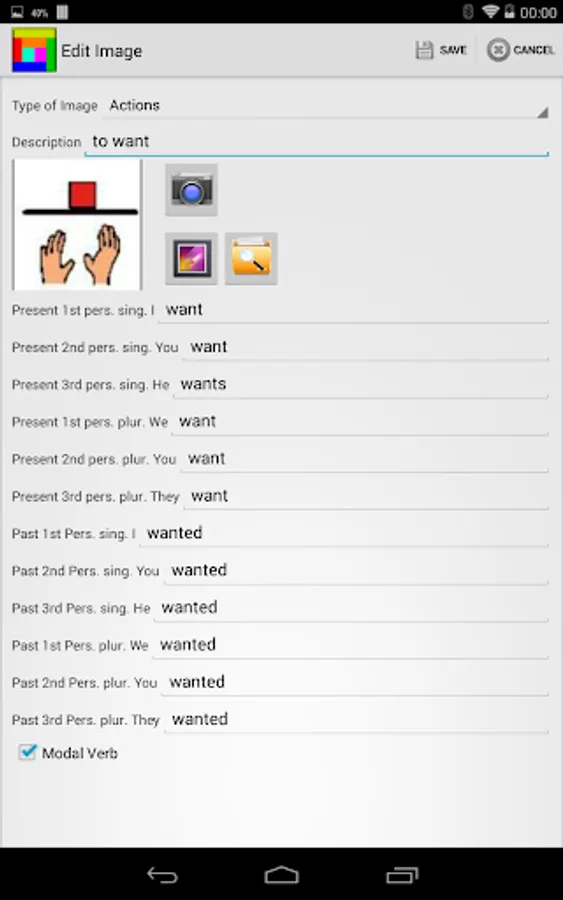
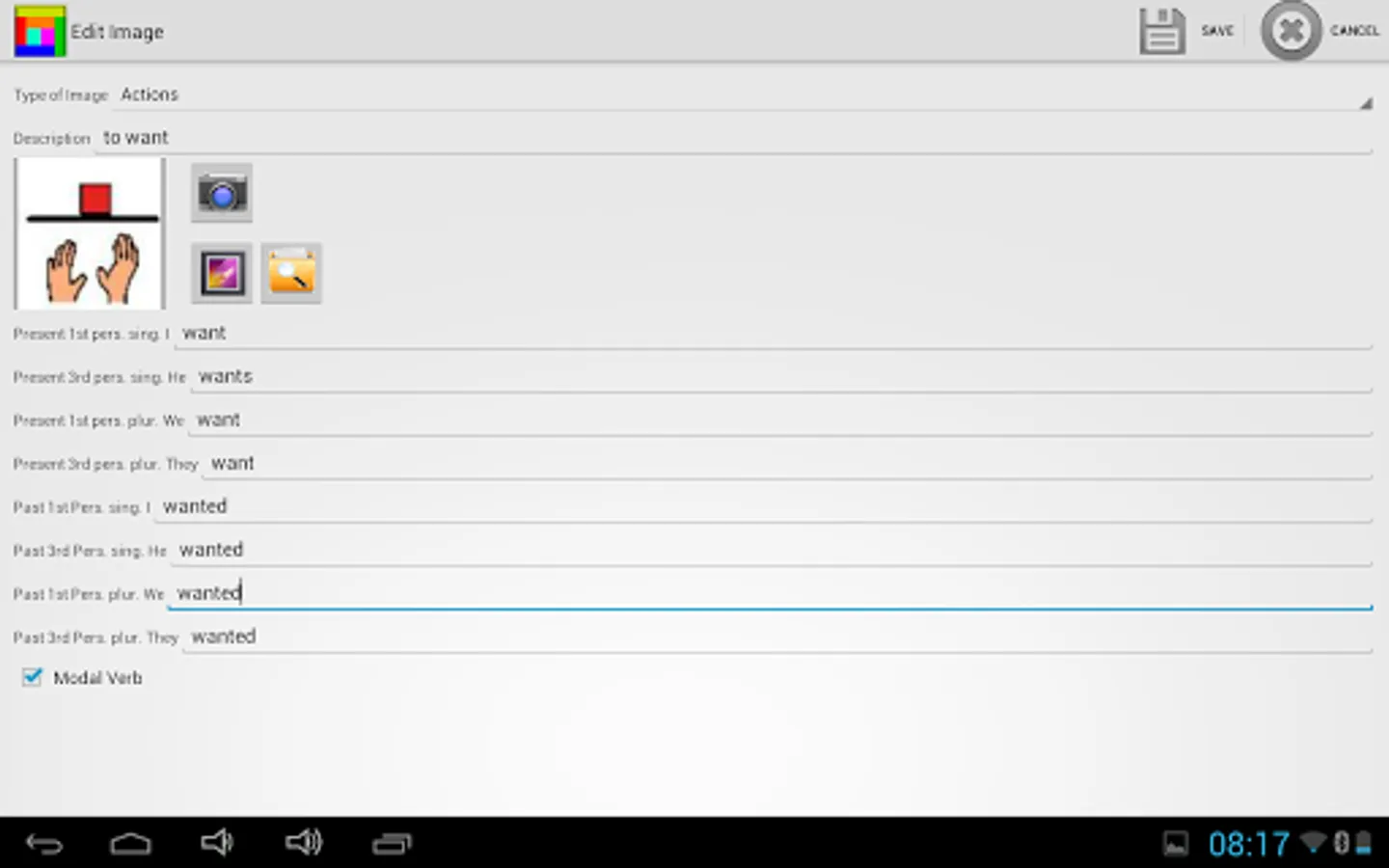
Building tables and tales is very simple. If you chose Edit Mode, you are able to insert delete and modify any images on tables or tales.
You can copy and paste a text to build your book in symbols in few seconds.
New Simple Tabs are available. Switching from Talking tabs to Simple Tabs is easy.
Backup and Restore let you save your work and transfer them to other devices with Aac Talking Tabs.
The application can run from smartphone to tablets.
Note that only on O.S. >=3.x you can use full functionality such as drag and drop
Anyone who like to be a beta tester, just go with your google account to the following address
https://play.google.com/apps/testing/it.ac19.aac
and give your consent
Included with the application now you can use 9000+ ARASAAC images in Italian, English, German, French, Spanish and Portuguese to build your tables and book.
Arasaac Symbols License
Pictographic symbols used are a property of CATEDU(http://catedu.es/arasaac /) under Creative Commonís License and they have been created by Sergio Palao
You can create tables or tales and books as well.
The tables are divided into 8 categories, People, Actions, Emotions, Objects, Food, Places, Adjectives, Other. You can decide to build a simple phrase or tap and talk.
Now you can easily send the sentences with WhatsApp
https://youtu.be/uacG8T07PzE
About the Tales, you can choose to let the device to tell the tales or tap each image to listen at your pace.
You can write your books and add question and answer to check whether the child has understood what he read. At https://drive.google.com/open?id=0ByaE3Pldz4TybG9ldEJsUENzRWs&authuser=0 you can find an example (in Italian).
Building tables and tales is very simple. If you chose Edit Mode, you are able to insert delete and modify any images on tables or tales.
You can copy and paste a text to build your book in symbols in few seconds.
New Simple Tabs are available. Switching from Talking tabs to Simple Tabs is easy.
Backup and Restore let you save your work and transfer them to other devices with Aac Talking Tabs.
The application can run from smartphone to tablets.
Note that only on O.S. >=3.x you can use full functionality such as drag and drop
Anyone who like to be a beta tester, just go with your google account to the following address
https://play.google.com/apps/testing/it.ac19.aac
and give your consent