
Music Sync: PC to Android
Heapsoft
3.4 ★
1K ratings
500,000+
downloads
Free
+ in-app
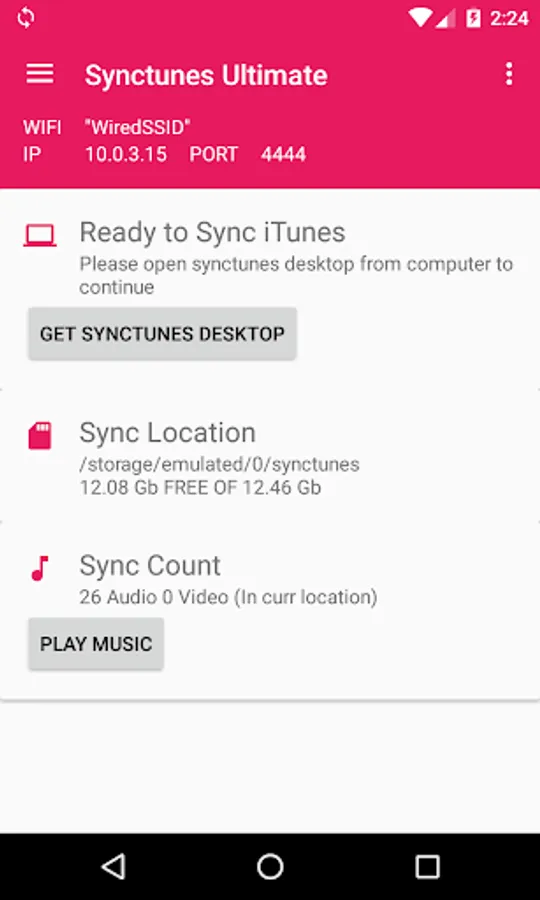
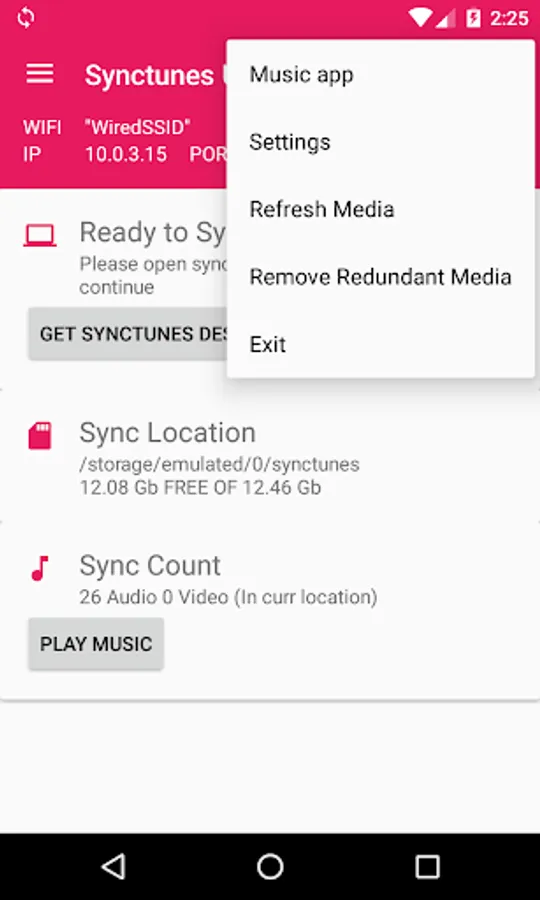
With this app, you can transfer music, podcasts, videos, and playlists from your computer to your Android device over WiFi. Includes features such as automatic detection of new content, playlist preservation, and support for internal and SD card storage.
AppRecs review analysis
AppRecs rating 3.3. Trustworthiness 84 out of 100. Review manipulation risk 26 out of 100. Based on a review sample analyzed.
★★★☆☆
3.3
AppRecs Rating
Ratings breakdown
5 star
47%
4 star
7%
3 star
11%
2 star
9%
1 star
27%
What to know
✓
Low review manipulation risk
26% review manipulation risk
⚠
Pricing complaints
Many low ratings mention paywalls or pricing
⚠
High negative review ratio
36% of sampled ratings are 1–2 stars
About Music Sync: PC to Android
Transfer your music, playlists, podcasts, and videos from your computer to your Android device over WiFi.
Features include:
Sync music, podcasts, and videos from your computer library to Android
Unlimited transfers
Song information such as album art and playlists are synced
Maintains playlist order
Supports internal and SD card storage
Resumes sync if connection breaks
Skips files already synced
Organizes music into folders on your Android device
Detects new music in your library and syncs automatically
Filter tracks to sync by size, length, or date
Computer installation required
A free desktop companion app (Windows or macOS) is needed for syncing. Download at:
👉 http://www.synctunes.net
Note:
DRM-protected content cannot be synced.
Features include:
Sync music, podcasts, and videos from your computer library to Android
Unlimited transfers
Song information such as album art and playlists are synced
Maintains playlist order
Supports internal and SD card storage
Resumes sync if connection breaks
Skips files already synced
Organizes music into folders on your Android device
Detects new music in your library and syncs automatically
Filter tracks to sync by size, length, or date
Computer installation required
A free desktop companion app (Windows or macOS) is needed for syncing. Download at:
👉 http://www.synctunes.net
Note:
DRM-protected content cannot be synced.
Music Sync: PC to Android Screenshots
Tap to Rate:
Reviews for Music Sync: PC to Android
Spencer Calbeck
10/5/2025
if the limit without premium is 100 songs, what's the point of having it at all?
William Man
9/27/2025
Again I originally paid for the app as a one off payment. Now that is invalid and I have to pay again. Terrible service.