Synctunes: iTunes to android
Heapsoft
3.3 ★
22K ratings
5,000,000+
downloads
Free
+ in-app
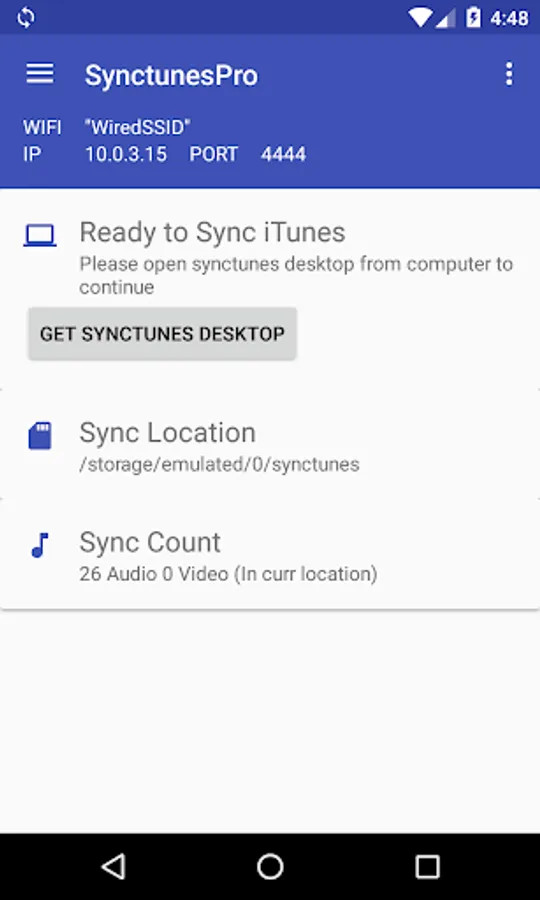
With this app, you can transfer your iTunes library, including playlists and podcasts, from a computer to an Android device over Wi-Fi. Includes wireless synchronization, playlist preservation, and automatic library updates.
AppRecs review analysis
AppRecs rating 3.2. Trustworthiness 83 out of 100. Review manipulation risk 27 out of 100. Based on a review sample analyzed.
★★★☆☆
3.2
AppRecs Rating
Ratings breakdown
5 star
42%
4 star
12%
3 star
10%
2 star
5%
1 star
30%
What to know
✓
Low review manipulation risk
27% review manipulation risk
⚠
Pricing complaints
Many low ratings mention paywalls or pricing
⚠
High negative review ratio
35% of sampled ratings are 1–2 stars
About Synctunes: iTunes to android
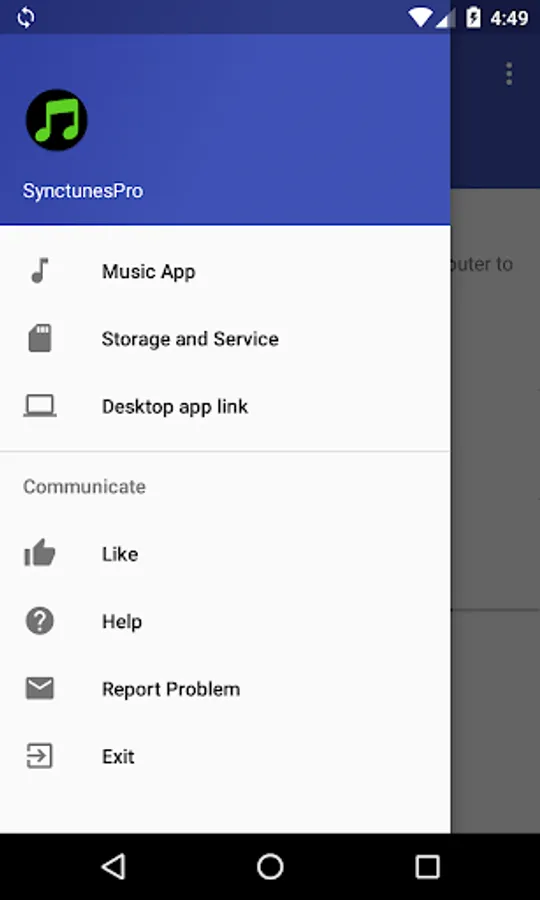
SyncTunes allows you to seamlessly transfer your iTunes or Apple music library from your Windows or Mac computer to your Android device, including playlists, music, and podcasts. With intuitive features and an easy setup, SyncTunes ensures your iTunes content is organized and up-to-date on your Android device.
Key Features:
Wireless Sync: Transfer your iTunes music library from your computer to your Android device over Wi-Fi.
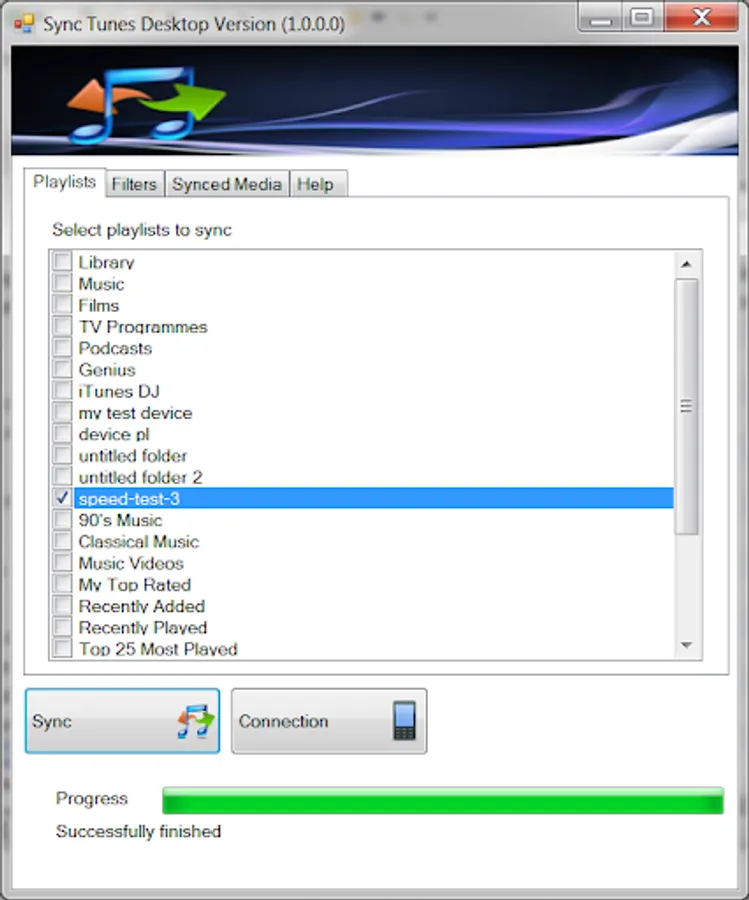
Cross-Platform Compatibility: SyncTunes provides a free Windows or Mac application for easy synchronization.
Preserve iTunes Metadata: Sync your music along with album art, song information, and playlists.
Maintain Playlist Order: iTunes playlists will be synced to your Android device in the same order as they appear in iTunes.
Sync to Internal or SD Card Storage: Choose where to store your music on your Android device.
Resume Interrupted Sync: If the sync process is interrupted, it will automatically resume from where it left off.
Avoid Duplicate Syncs: SyncTunes will not re-sync music that has already been transferred to your Android device.
Automatic Library Updates: Any new music added to your iTunes library is automatically detected and synced to your Android device during the next sync session, without transferring already synced tracks.
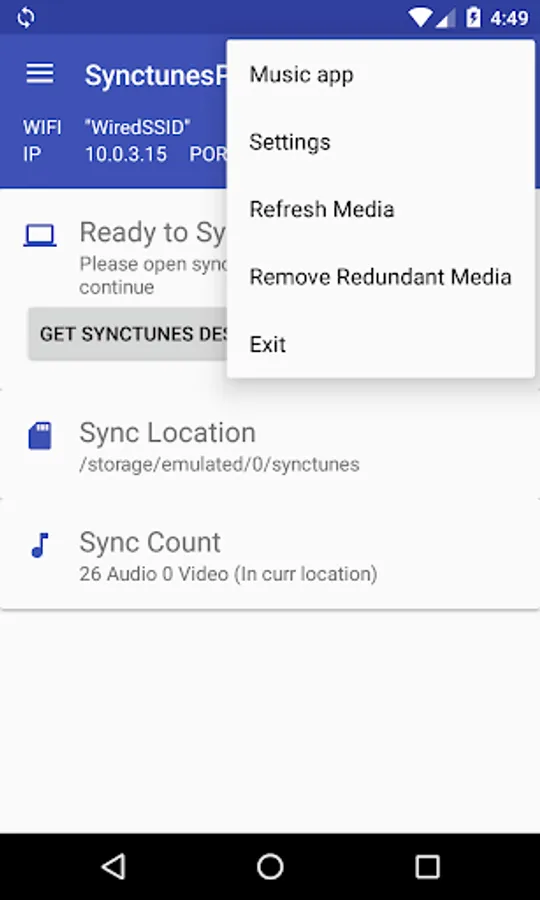
Advanced Filter Options: Customize your sync by filtering music based on parameters such as file size, length, and date.
How to Use:
Install the free SyncTunes app on your Windows or Mac computer.
Follow the easy setup instructions to connect your computer and Android device via Wi-Fi.
Sync your iTunes library, and enjoy your music, playlists, and podcasts on your Android device.
For more detailed setup instructions, visit:
www.synctunes.net
Important Notes:
DRM Protection: Content protected by Digital Rights Management (DRM) cannot be synced to Android.
iTunes and Apple are trademarks of Apple Inc., registered in the U.S. and other countries. SyncTunes is not affiliated with, nor endorsed by, Apple or iTunes.
Key Features:
Wireless Sync: Transfer your iTunes music library from your computer to your Android device over Wi-Fi.
Cross-Platform Compatibility: SyncTunes provides a free Windows or Mac application for easy synchronization.
Preserve iTunes Metadata: Sync your music along with album art, song information, and playlists.
Maintain Playlist Order: iTunes playlists will be synced to your Android device in the same order as they appear in iTunes.
Sync to Internal or SD Card Storage: Choose where to store your music on your Android device.
Resume Interrupted Sync: If the sync process is interrupted, it will automatically resume from where it left off.
Avoid Duplicate Syncs: SyncTunes will not re-sync music that has already been transferred to your Android device.
Automatic Library Updates: Any new music added to your iTunes library is automatically detected and synced to your Android device during the next sync session, without transferring already synced tracks.
Advanced Filter Options: Customize your sync by filtering music based on parameters such as file size, length, and date.
How to Use:
Install the free SyncTunes app on your Windows or Mac computer.
Follow the easy setup instructions to connect your computer and Android device via Wi-Fi.
Sync your iTunes library, and enjoy your music, playlists, and podcasts on your Android device.
For more detailed setup instructions, visit:
www.synctunes.net
Important Notes:
DRM Protection: Content protected by Digital Rights Management (DRM) cannot be synced to Android.
iTunes and Apple are trademarks of Apple Inc., registered in the U.S. and other countries. SyncTunes is not affiliated with, nor endorsed by, Apple or iTunes.
Synctunes: iTunes to android Screenshots
Tap to Rate:
Reviews for Synctunes: iTunes to android
Ernie Welch
12/28/2025
doesn't do anything for you
Jim Dice
10/27/2025
States that I do not itunes. I do not but I do have Apple Music. What I could find is that it works with Apple Music