AppRecs review analysis
AppRecs rating 4.2. Trustworthiness 64 out of 100. Review manipulation risk 47 out of 100. Based on a review sample analyzed.
★★★★☆
4.2
AppRecs Rating
Ratings breakdown
5 star
69%
4 star
8%
3 star
8%
2 star
3%
1 star
12%
What to know
✓
Authentic reviews
Natural distribution, no red flags
⚠
Questionable review patterns
47% review manipulation risk - some review patterns appear unusual
⚠
Review quality concerns
79% of sampled 5-star reviews are very short
About Calculator
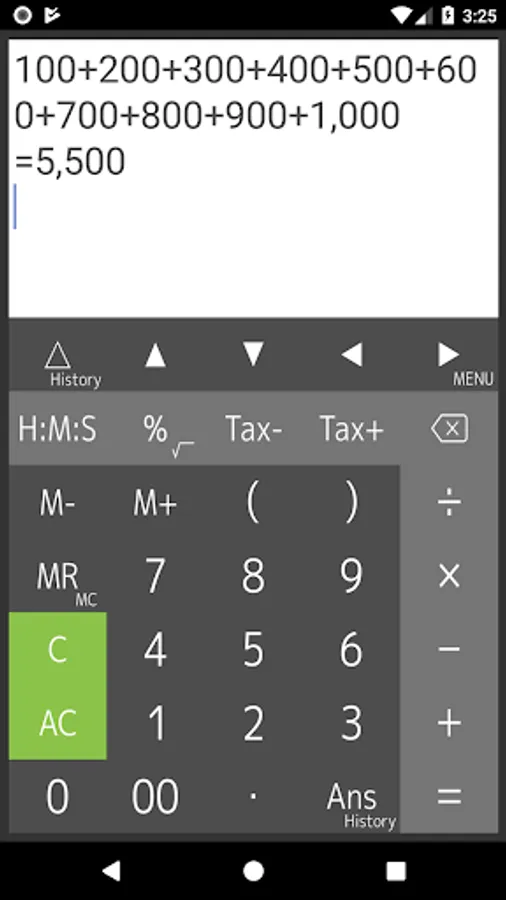
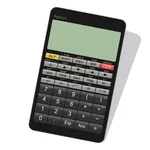
This is calculator app that allows you to display and modify formulas. It allows you to enter formulas while checking them, which prevents you from typing incorrectly or making calculation errors. It is also possible to reuse past formulas to change only certain values to calculate them.
The cursor indicates on the display, and you can tap or press the arrow keys to quickly navigate to where you want to edit. It has a powerful, flexible and intuitive user interface with support for swiping to scroll through formulas and long-tap to copy and paste.
[ Features ]
- Easy operation for editing formulas
- Re-calculation by using history
- Four arithmetic operations, root, percentages, time, tax and parentheses calculations
- Memory, M+, M-, MR, MC
- Scroll up/down lines
- Cut, copy and paste
- Expressions and answer history
- Grouping separator and decimal point
- Various settings (Long tap MENU key)
[ What do you use "Calculator" for ]
- General calculator
- Tax and VAT
- Sales, profit and cost
- Split a payments at restaurant
- Long formulas calculation
- Formula include parenthesis
- Elapsed time, time addition and subtraction, production time, costing from time
[ Four arithmetic operations ]
1 + 2 - 3 × 4 ÷ 5 = 0.6
[ Time calculation ]
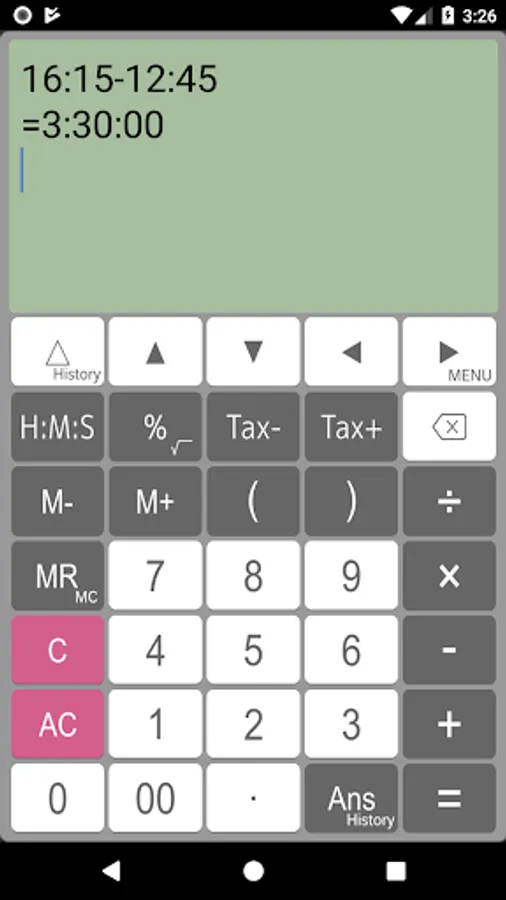
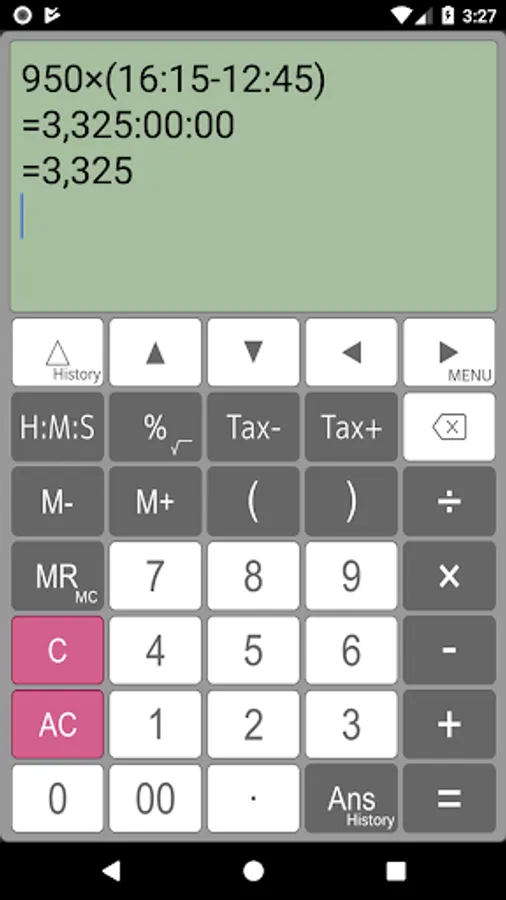
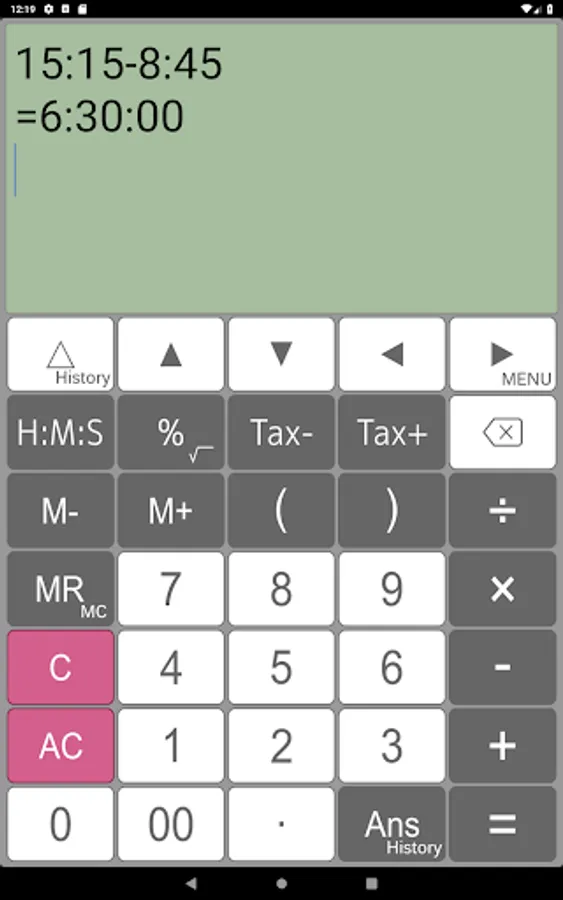
16:15 - 12:45 = 3:30:00
1.5 × (16:15 - 12:45) = 5:15:00
Press [H:M:S] key for changing value after calculation.
=5.25
[ Root calculation (Long press)]
√( 2 × 2) = 2
[ Percentage calculation ]
500 + 20% = 600
500 - 20% = 400
500 × 20% = 100
100 ÷ 500% = 20
[ Tax calculation ]
500 Tax+ = 525
525 Tax- = 500
[ Parenthesis calculation ]
( 1 + 2 ) × ( 3 + 4 ) = 21
( 1 + 2 ) ( 3 + 4 ) ( 5 + 6 ) = 231
[ Display ]
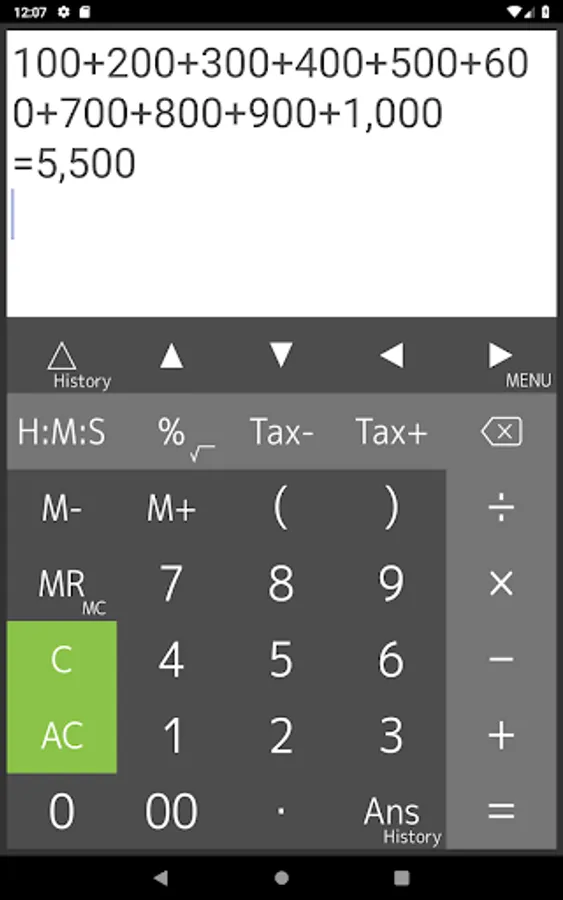
Calculator indicates long expressions on the display. If you may mistake to input expressions, you can correct this expressions easily and quickly using by back space key, arrow keys and C(clear) key.
[ Re-play and history functions ]
Calculator has "Re-play function". It indicates expressions that you inputted in the recently using by △(re-play)key. If you long-press re-play key, expressions history table is available.
[ Last answer and history functions ]
Last answer is that indicates the last calculation result by using Ans key. If you long-press Ans key, a last answer history table is available.
[ Percent calculator ]
If you would like to calculate “20% more $50”, you can input 50+20% and get a result.
[ Tax calculator ]
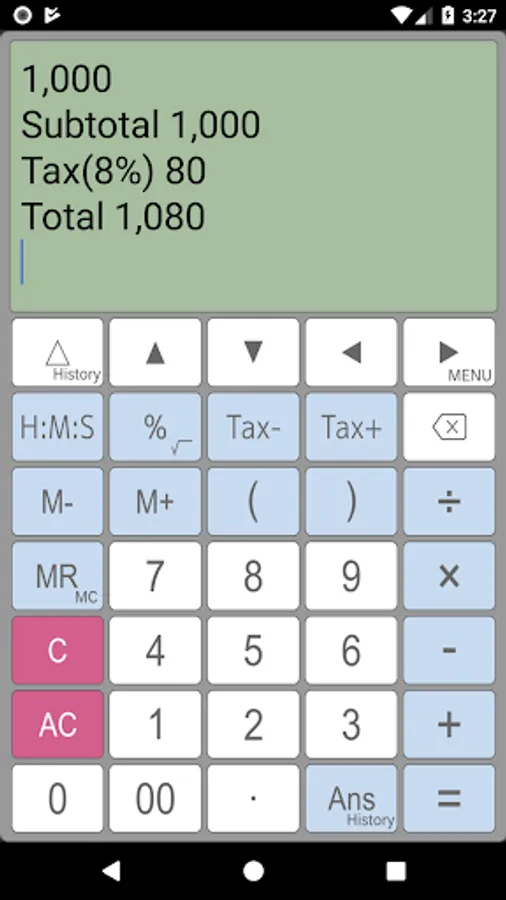
This calculator can store tax rate in the setting. And you can get price including / excluding tax easily and quickly using by Tax+/Tax- keys.
[ Disclaimer ]
Please note in advance that Appsys is not responsible for any damage or lost profits caused by the use of this software, or any claims from third parties.
The cursor indicates on the display, and you can tap or press the arrow keys to quickly navigate to where you want to edit. It has a powerful, flexible and intuitive user interface with support for swiping to scroll through formulas and long-tap to copy and paste.
[ Features ]
- Easy operation for editing formulas
- Re-calculation by using history
- Four arithmetic operations, root, percentages, time, tax and parentheses calculations
- Memory, M+, M-, MR, MC
- Scroll up/down lines
- Cut, copy and paste
- Expressions and answer history
- Grouping separator and decimal point
- Various settings (Long tap MENU key)
[ What do you use "Calculator" for ]
- General calculator
- Tax and VAT
- Sales, profit and cost
- Split a payments at restaurant
- Long formulas calculation
- Formula include parenthesis
- Elapsed time, time addition and subtraction, production time, costing from time
[ Four arithmetic operations ]
1 + 2 - 3 × 4 ÷ 5 = 0.6
[ Time calculation ]
16:15 - 12:45 = 3:30:00
1.5 × (16:15 - 12:45) = 5:15:00
Press [H:M:S] key for changing value after calculation.
=5.25
[ Root calculation (Long press)]
√( 2 × 2) = 2
[ Percentage calculation ]
500 + 20% = 600
500 - 20% = 400
500 × 20% = 100
100 ÷ 500% = 20
[ Tax calculation ]
500 Tax+ = 525
525 Tax- = 500
[ Parenthesis calculation ]
( 1 + 2 ) × ( 3 + 4 ) = 21
( 1 + 2 ) ( 3 + 4 ) ( 5 + 6 ) = 231
[ Display ]
Calculator indicates long expressions on the display. If you may mistake to input expressions, you can correct this expressions easily and quickly using by back space key, arrow keys and C(clear) key.
[ Re-play and history functions ]
Calculator has "Re-play function". It indicates expressions that you inputted in the recently using by △(re-play)key. If you long-press re-play key, expressions history table is available.
[ Last answer and history functions ]
Last answer is that indicates the last calculation result by using Ans key. If you long-press Ans key, a last answer history table is available.
[ Percent calculator ]
If you would like to calculate “20% more $50”, you can input 50+20% and get a result.
[ Tax calculator ]
This calculator can store tax rate in the setting. And you can get price including / excluding tax easily and quickly using by Tax+/Tax- keys.
[ Disclaimer ]
Please note in advance that Appsys is not responsible for any damage or lost profits caused by the use of this software, or any claims from third parties.