□ How to use
1. Let a registered user in the smartphone or PC First.
2. When the user registration is complete, download the app of this Gigafoto, let's login.
3. When you log completed, you will be photograph is seen.
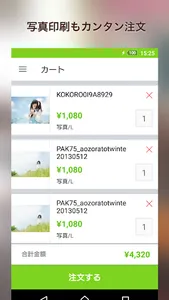
4. Let's purchase by clicking on the desired photo.
Let's be careful because in the photograph there is a purchase deadline.
5. Let's wait for the If we place an order for goods to arrive.
1. Let a registered user in the smartphone or PC First.
2. When the user registration is complete, download the app of this Gigafoto, let's login.
3. When you log completed, you will be photograph is seen.
4. Let's purchase by clicking on the desired photo.
Let's be careful because in the photograph there is a purchase deadline.
5. Let's wait for the If we place an order for goods to arrive.
Show More