
AppRecs review analysis
AppRecs rating . Trustworthiness 55 out of 100. Review manipulation risk 29 out of 100. Based on a review sample analyzed.
★
AppRecs Rating
Ratings breakdown
5 star
100%
4 star
0%
3 star
0%
2 star
0%
1 star
0%
What to know
✓
High user satisfaction
100% of sampled ratings are 5 stars
About Soliton KeyManager V2
*Soliton KeyManager V2 uses the Device Administrator permission.
* Description:
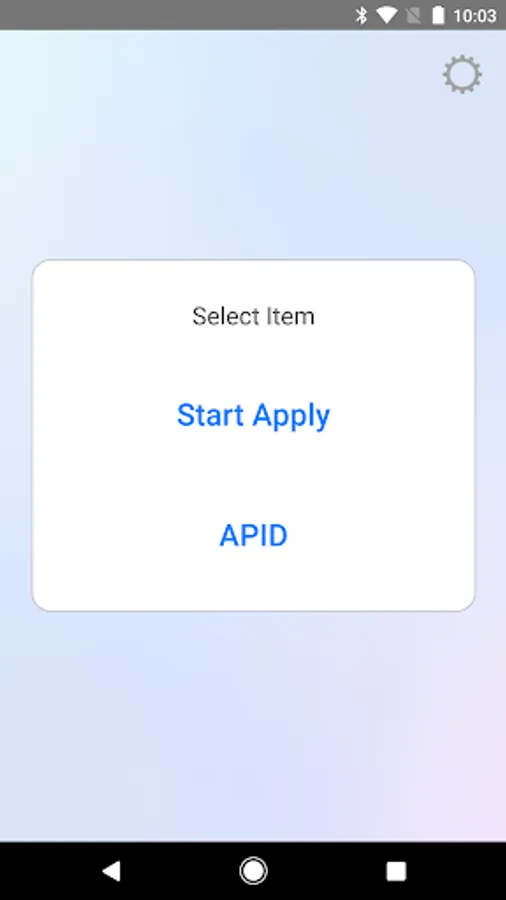
"Soliton KeyManager" is the application to install and manage digital certificate for several applications provided by Soliton.
For example, the installed digital certificate can be used for “Soliton SecureBrowser”, the web browser with several strong security features.
* Features:
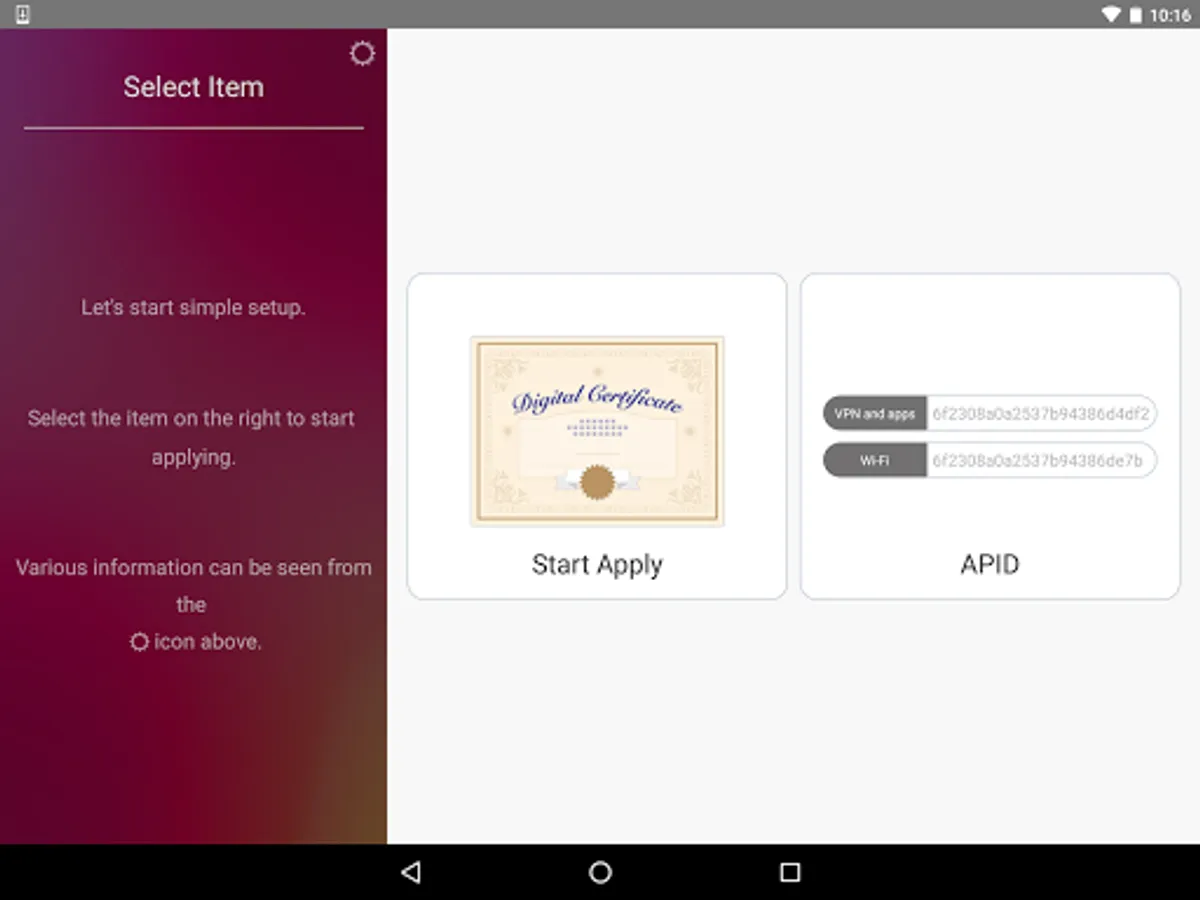
- Digital certificate installation
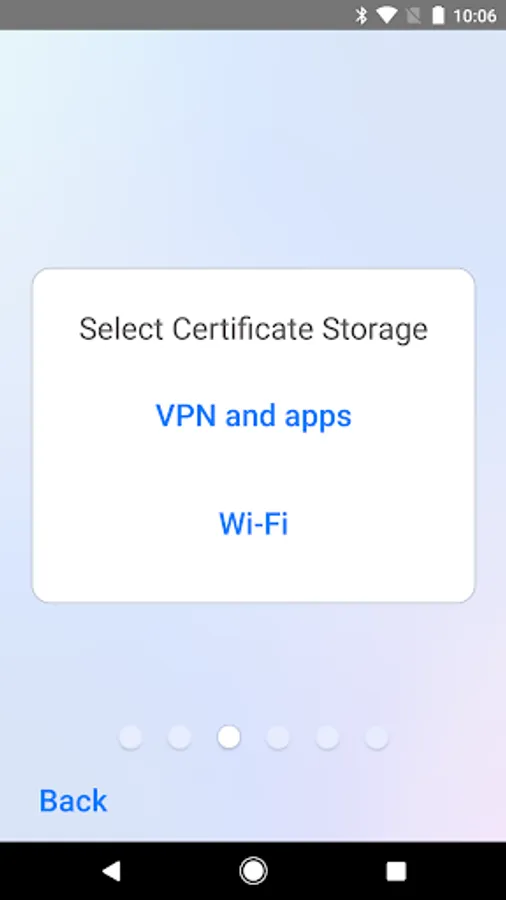
Soliton KeyManager can install digital certificate by any of the following ways:
- Workflow feature of NetAttest EPS-ap,Soliton ID Manager,Soliton OneGate
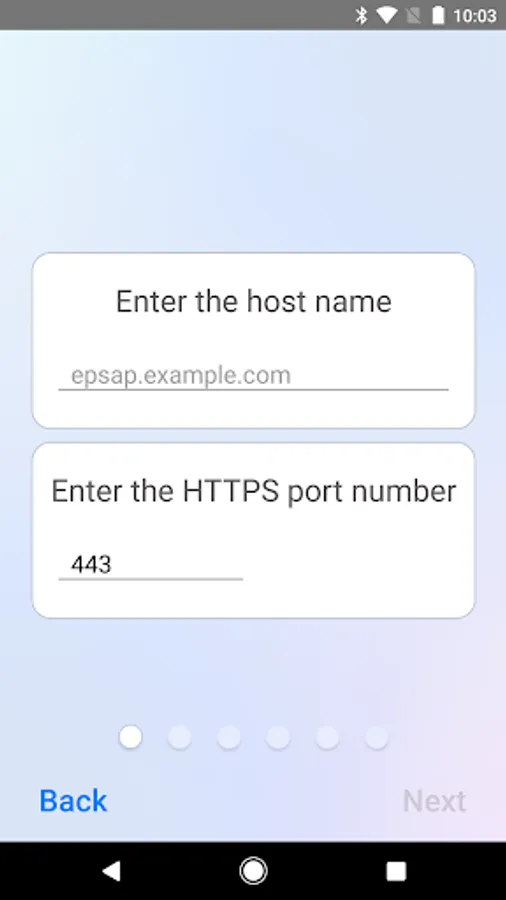
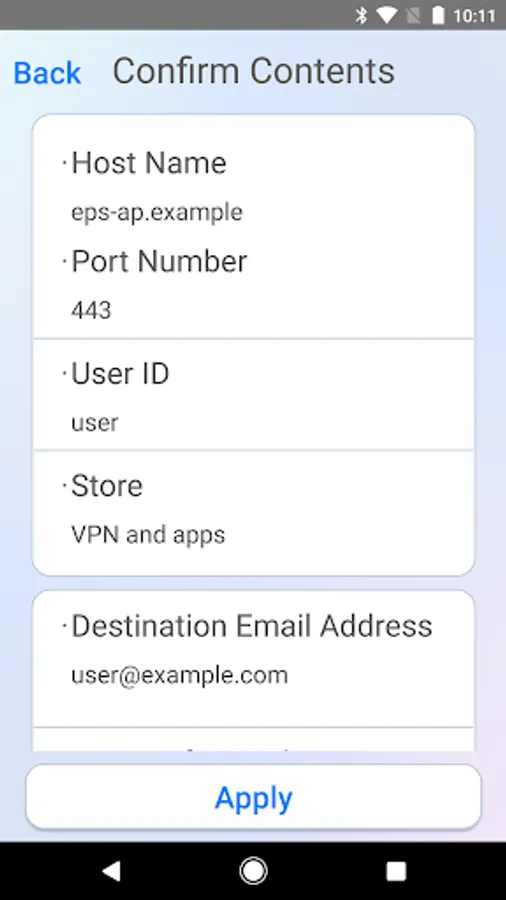
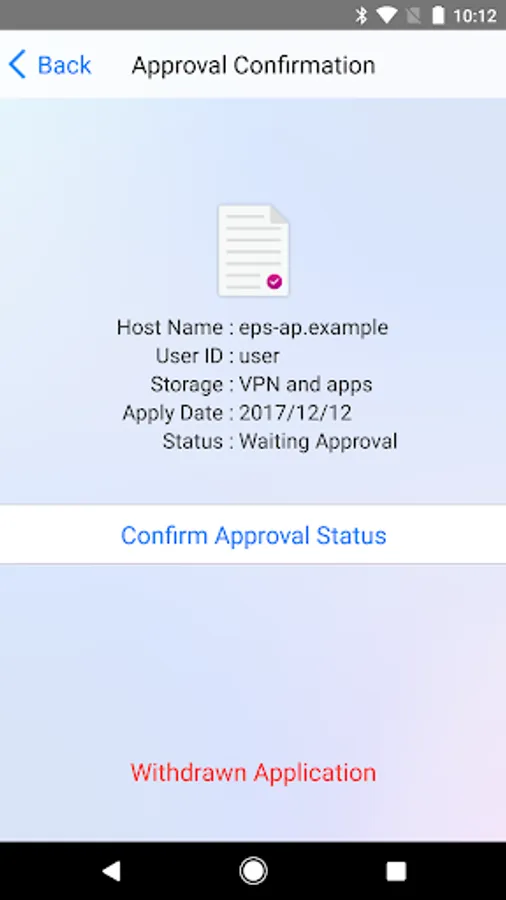
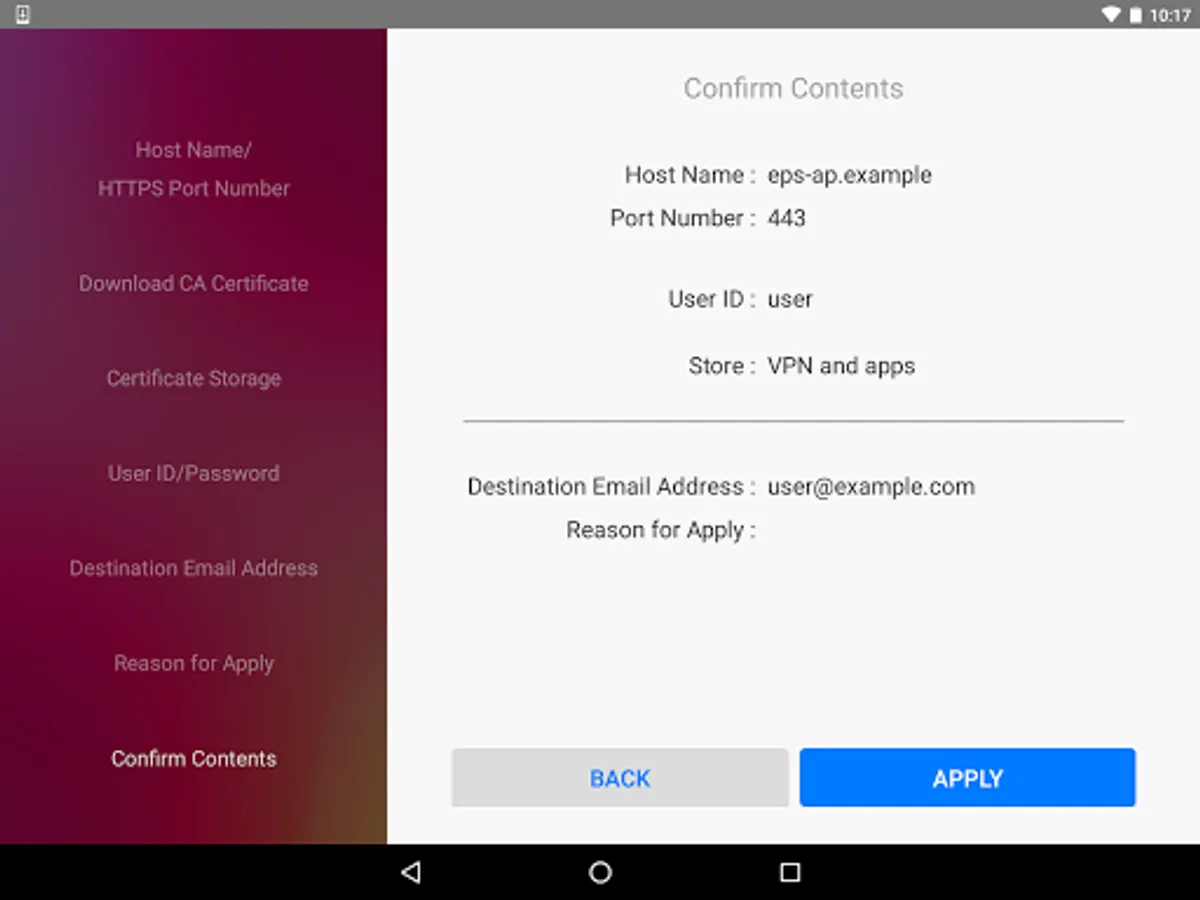
Soliton KeyManager can connect to NetAttest EPS-ap,Soliton IDManager,Soliton OneGate , then it can request and install digital certificate.
* About Android 6.0 Runtime Permission
Soliton KeyManager supports Runtime Permission from Android 6.0. You need to allow "Phone" permissions to use Soliton KeyManager.
【For customers using Android 11 or later】
Due to changes in Android OS specifications, automatic import of CA certificates is no longer possible.
After downloading the CA certificate with KeyManager, tap [Security]-[Encryption & Credentials]-[Certificate Installation]-[CA Certificate] from the [Settings] app,and Install the downloaded CA certificate file.
For the details of Soliton SecureBrowser/Soliton SecureGateway, please visit the website below:
https://www.soliton.co.jp/ssb/
For the details of NetAttest EPS-ap, please visit the website below:
https://www.soliton.co.jp/eps-ap/
By downloading, you agree to the Terms of Use at:
https://www.soliton.co.jp/eula/
* Description:
"Soliton KeyManager" is the application to install and manage digital certificate for several applications provided by Soliton.
For example, the installed digital certificate can be used for “Soliton SecureBrowser”, the web browser with several strong security features.
* Features:
- Digital certificate installation
Soliton KeyManager can install digital certificate by any of the following ways:
- Workflow feature of NetAttest EPS-ap,Soliton ID Manager,Soliton OneGate
Soliton KeyManager can connect to NetAttest EPS-ap,Soliton IDManager,Soliton OneGate , then it can request and install digital certificate.
* About Android 6.0 Runtime Permission
Soliton KeyManager supports Runtime Permission from Android 6.0. You need to allow "Phone" permissions to use Soliton KeyManager.
【For customers using Android 11 or later】
Due to changes in Android OS specifications, automatic import of CA certificates is no longer possible.
After downloading the CA certificate with KeyManager, tap [Security]-[Encryption & Credentials]-[Certificate Installation]-[CA Certificate] from the [Settings] app,and Install the downloaded CA certificate file.
For the details of Soliton SecureBrowser/Soliton SecureGateway, please visit the website below:
https://www.soliton.co.jp/ssb/
For the details of NetAttest EPS-ap, please visit the website below:
https://www.soliton.co.jp/eps-ap/
By downloading, you agree to the Terms of Use at:
https://www.soliton.co.jp/eula/
Soliton KeyManager V2 Screenshots
Tap to Rate:
Reviews for Soliton KeyManager V2
A Google user
3/1/2018
Tell us what you think