
AppRecs review analysis
AppRecs rating . Trustworthiness 74 out of 100. Review manipulation risk 20 out of 100. Based on a review sample analyzed.
★
AppRecs Rating
Ratings breakdown
5 star
50%
4 star
0%
3 star
0%
2 star
50%
1 star
0%
What to know
✓
Low review manipulation risk
20% review manipulation risk
✓
Credible reviews
74% trustworthiness score from analyzed reviews
About Soliton SecureBrowser Pro
* About Android 6.0 Runtime Permission
Soliton SecureBrowser Pro now supports Runtime Permission from Android 6.0. You need to allow "Storage" and "Location" permissions to use Soliton SecureBrowser Pro.
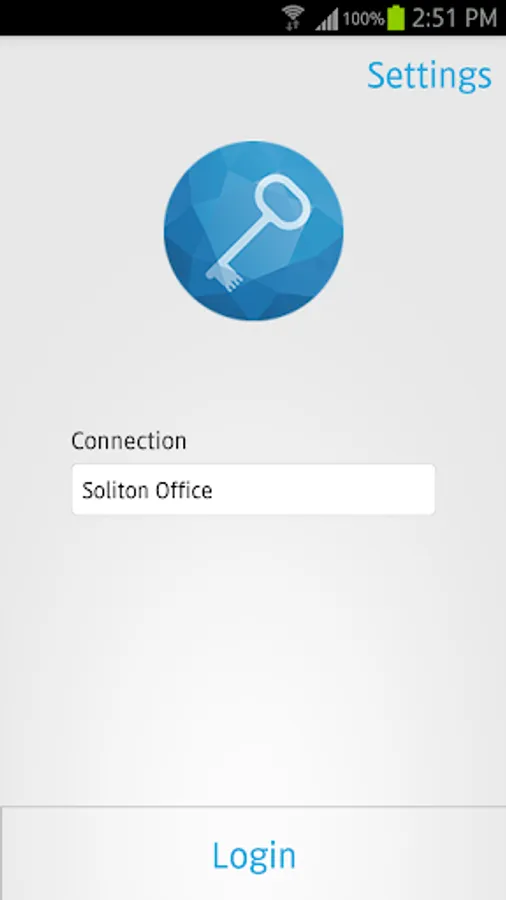
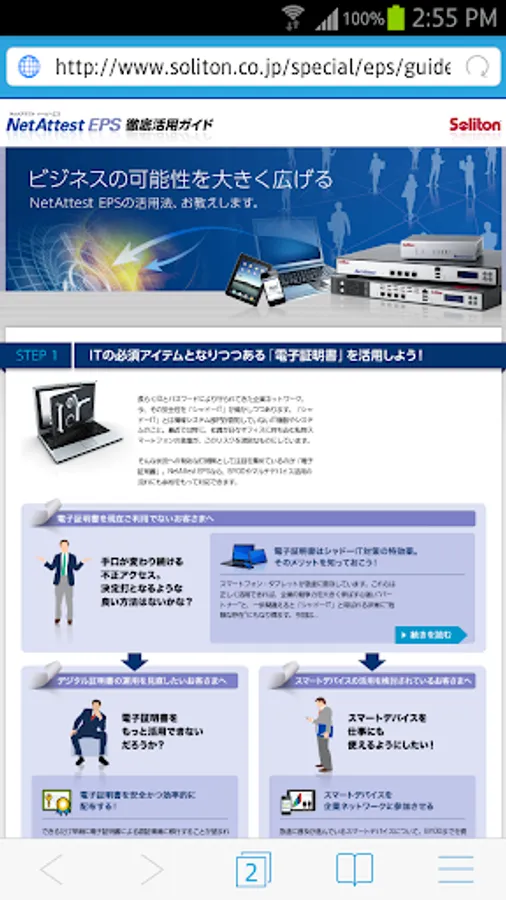
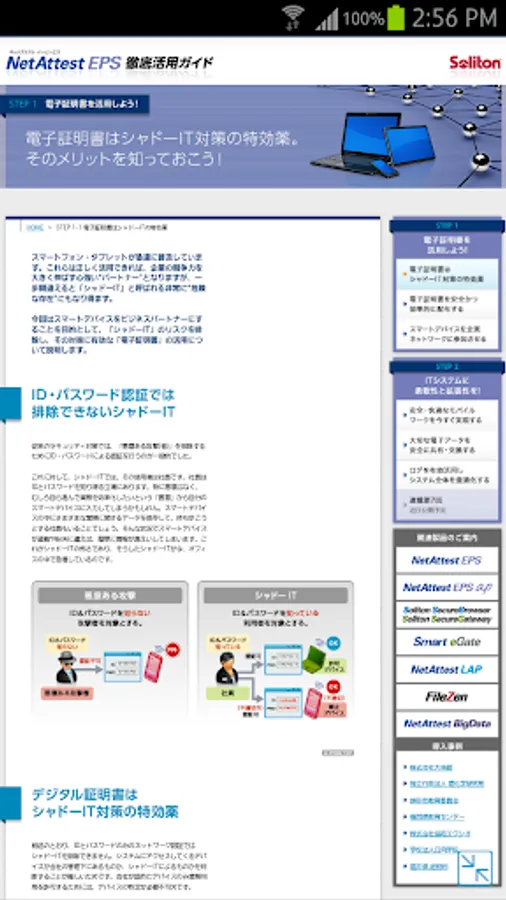
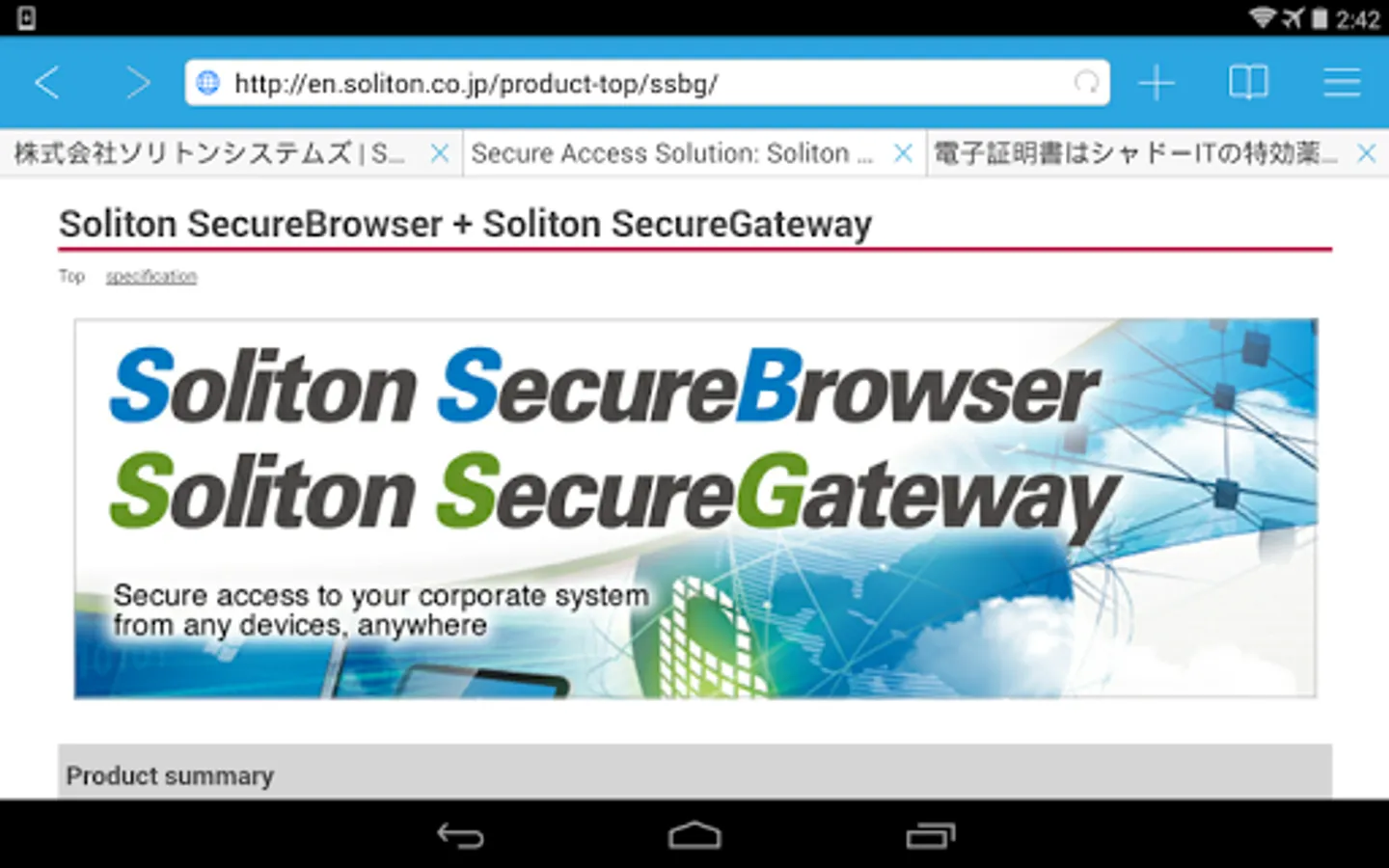
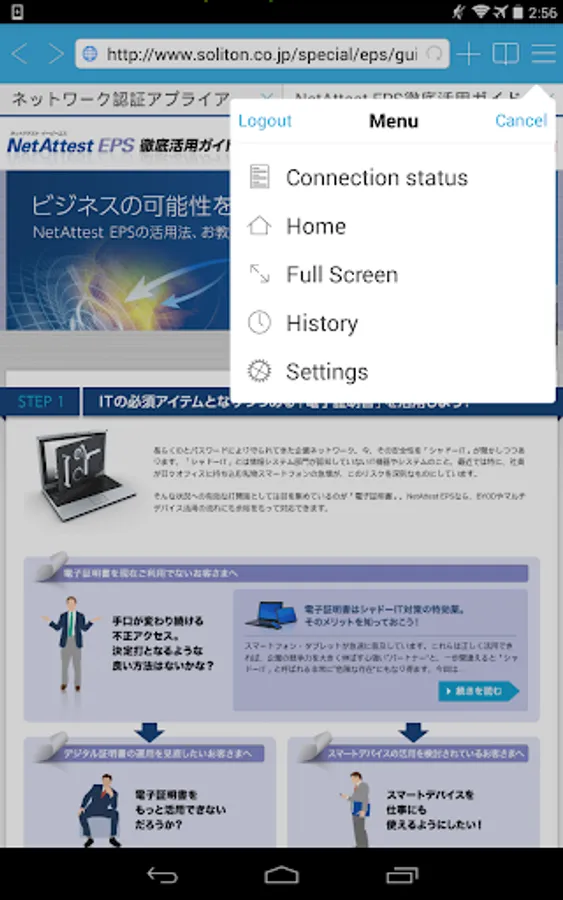
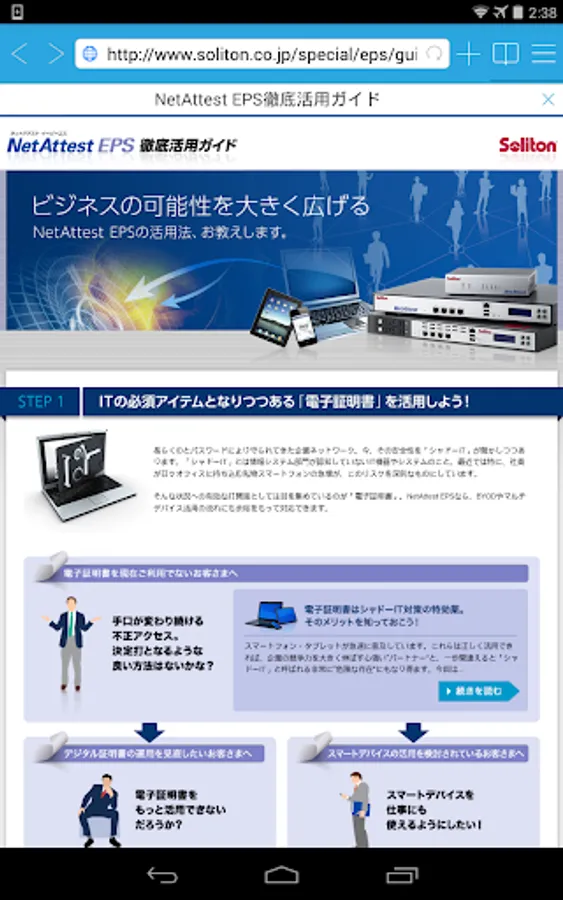
"Soliton SecureBrowser Pro(SSBP)" is the web browser with several strong security features.
It secures connectivity to your corporate web-based applications via "Soliton SecureGateway(SSG)" or Solion's cloud invironment with preventing leakage of sensitive corporate data.
* Features:
- Consolidated access to Enterprise web-based system
Soliton SecureGateway is required to use Soliton SecureBrowser Pro. This feature enables the consolidated access to Enterprise web-based system for IT-GRC.
- Preventing information leakage
Save/Copy/Send the viewed data by Soliton SecureBrowser Pro is prohibited.
Users can access to your corporate web-based applications with using Soliton SecureBrowser Pro/Soliton SecureGateway, but viewed info cannot be pulled out to outside of Soliton SecureBrowser Pro.
- Clearing cache
Cached web pages data is cleared when Soliton SecureBrowser Pro log-out from Soliton SecureGateway.
- Secured connection
Connection between Soliton SecureBrowser Pro and Soliton SecureGateway is encrypted and secured.
- Strong authentication
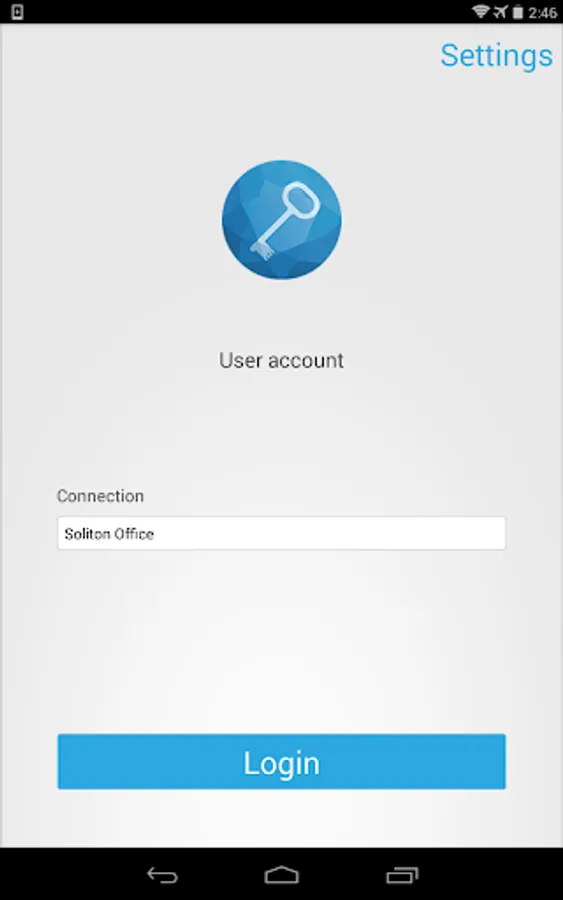
Digital Certificate can be used for Soliton SecureGateway login authentication. Unauthorized Device/User access will be blocked.
- Built-in viewer
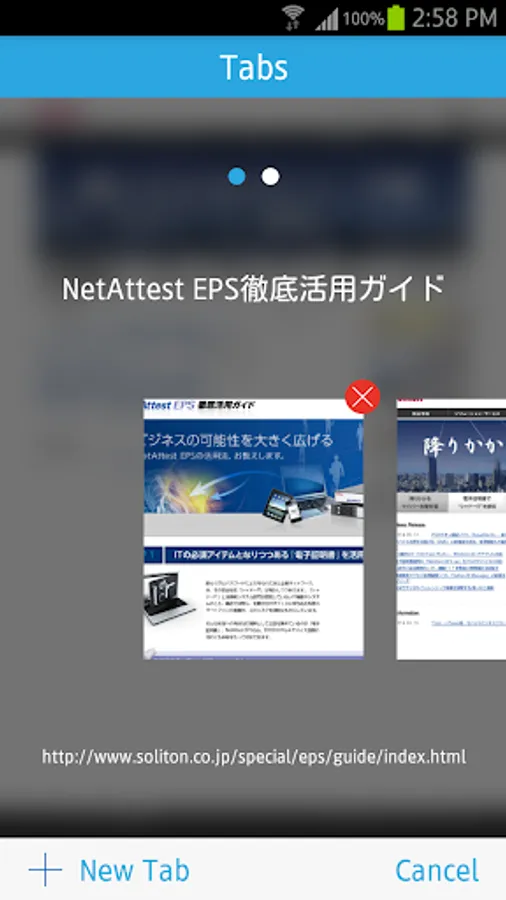
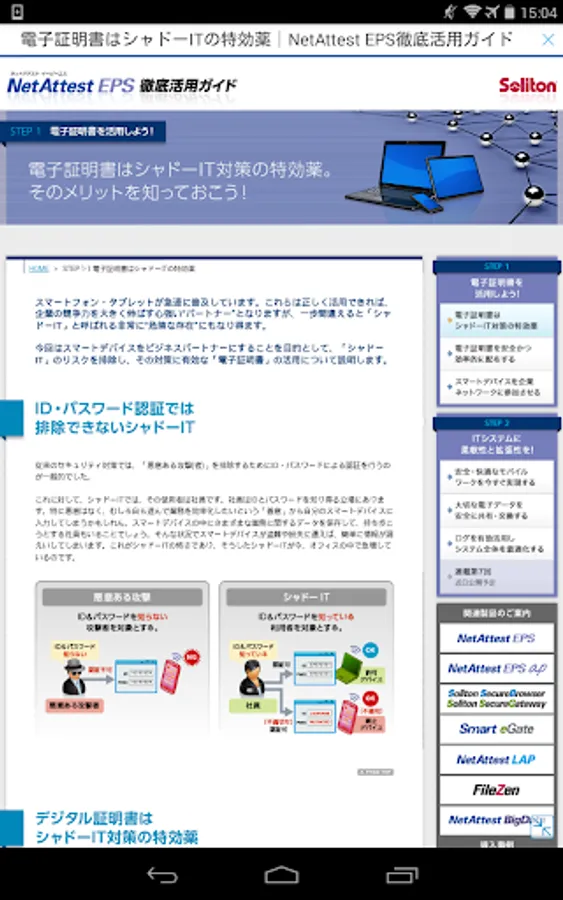
Soliton SecureBrowser Pro has built-in viewer for document files.
* Please be reminded that all of the files are displayed correctly is not guaranteed.
- Set up connectable hours
IT manager can set connectable hours to Soliton SecureGateway.
Users cannot connect to Soliton SecureGateway outside of the designated hours (day of the week and time).
- Bookmark distribution
IT manager can distribute common bookmarks to Soliton SecureBrowser Pro when it connects with Soliton SecureGateway.
- Policy control
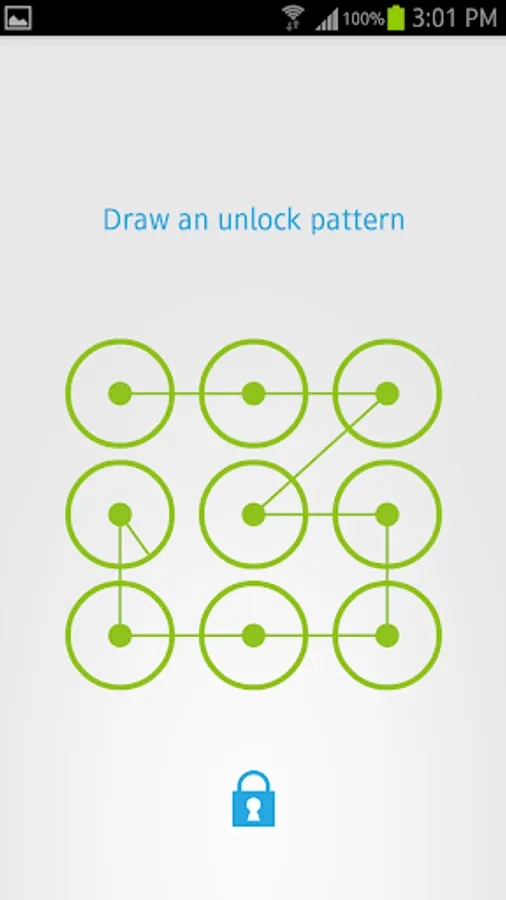
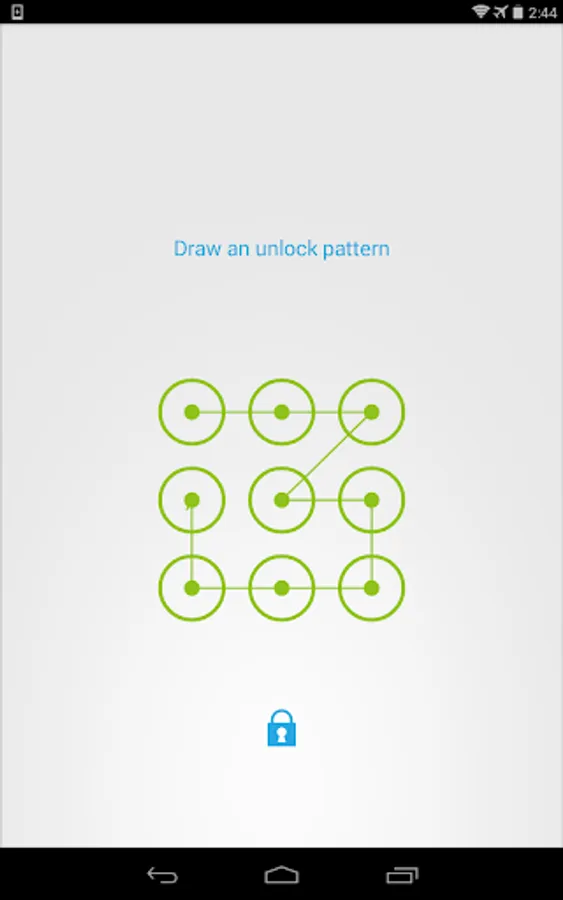
IT manager can control the detailed behavior of Soliton SecureBrowser Pro (e.g. Cache Timeout, Forced Lock Passcode/Pattern …etc.)
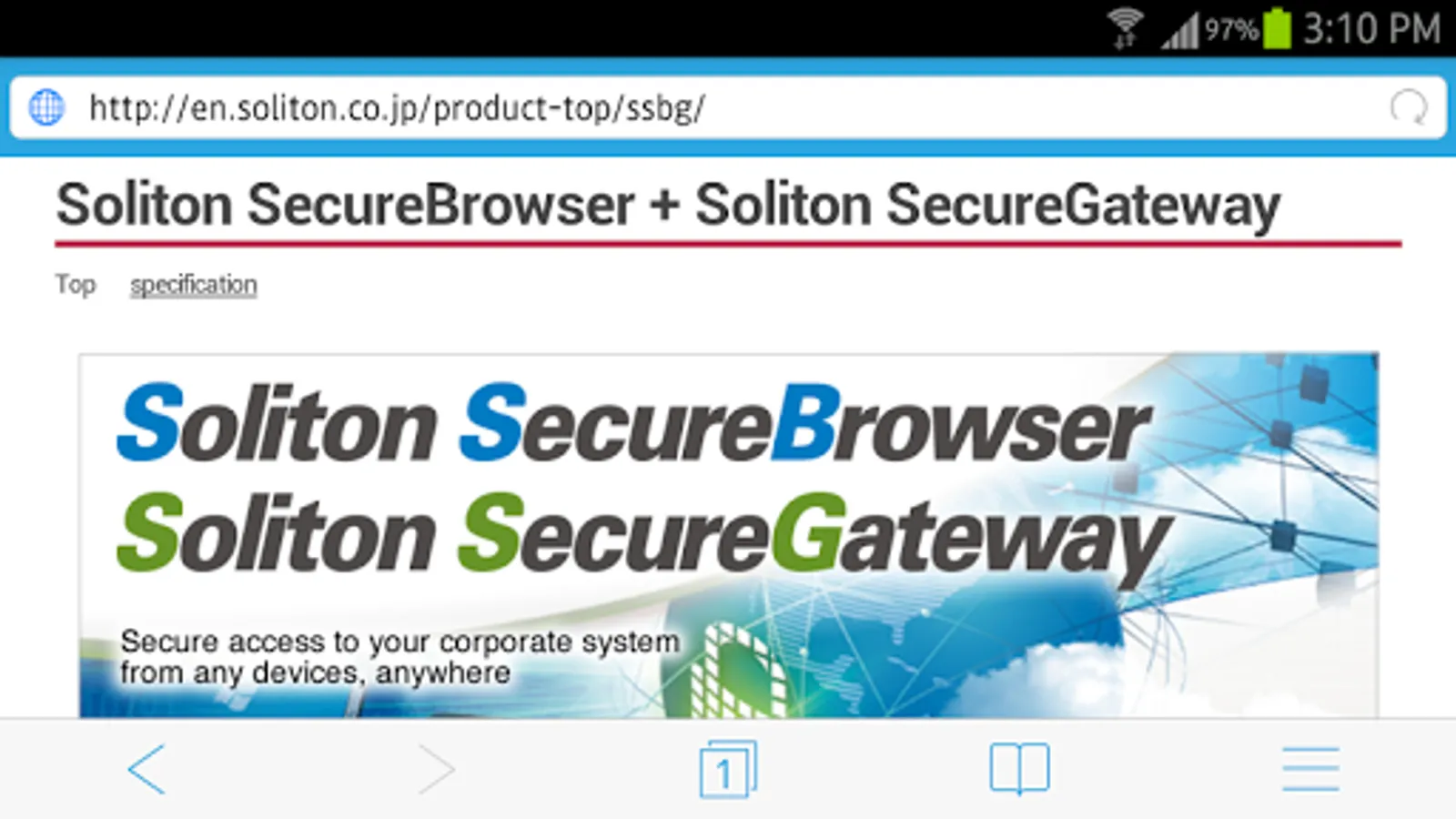
For details please visit Soliton SecureBrowser Pro/Soliton SecureGateway website:
https://solitonsystems.com/products/solution/it-security/securebrowser/
By downloading, you agree to the Terms of Use at:
https://www.soliton.co.jp/eula/
Soliton SecureBrowser Pro now supports Runtime Permission from Android 6.0. You need to allow "Storage" and "Location" permissions to use Soliton SecureBrowser Pro.
"Soliton SecureBrowser Pro(SSBP)" is the web browser with several strong security features.
It secures connectivity to your corporate web-based applications via "Soliton SecureGateway(SSG)" or Solion's cloud invironment with preventing leakage of sensitive corporate data.
* Features:
- Consolidated access to Enterprise web-based system
Soliton SecureGateway is required to use Soliton SecureBrowser Pro. This feature enables the consolidated access to Enterprise web-based system for IT-GRC.
- Preventing information leakage
Save/Copy/Send the viewed data by Soliton SecureBrowser Pro is prohibited.
Users can access to your corporate web-based applications with using Soliton SecureBrowser Pro/Soliton SecureGateway, but viewed info cannot be pulled out to outside of Soliton SecureBrowser Pro.
- Clearing cache
Cached web pages data is cleared when Soliton SecureBrowser Pro log-out from Soliton SecureGateway.
- Secured connection
Connection between Soliton SecureBrowser Pro and Soliton SecureGateway is encrypted and secured.
- Strong authentication
Digital Certificate can be used for Soliton SecureGateway login authentication. Unauthorized Device/User access will be blocked.
- Built-in viewer
Soliton SecureBrowser Pro has built-in viewer for document files.
* Please be reminded that all of the files are displayed correctly is not guaranteed.
- Set up connectable hours
IT manager can set connectable hours to Soliton SecureGateway.
Users cannot connect to Soliton SecureGateway outside of the designated hours (day of the week and time).
- Bookmark distribution
IT manager can distribute common bookmarks to Soliton SecureBrowser Pro when it connects with Soliton SecureGateway.
- Policy control
IT manager can control the detailed behavior of Soliton SecureBrowser Pro (e.g. Cache Timeout, Forced Lock Passcode/Pattern …etc.)
For details please visit Soliton SecureBrowser Pro/Soliton SecureGateway website:
https://solitonsystems.com/products/solution/it-security/securebrowser/
By downloading, you agree to the Terms of Use at:
https://www.soliton.co.jp/eula/
Soliton SecureBrowser Pro Screenshots



Tap to Rate:
Reviews for Soliton SecureBrowser Pro
Broken Halo
2/1/2021
Does not work with Pixel 5
A Google user
6/3/2016
Nice app for business