Sony | Monitor & Control
Sony Corporation
3.9 ★
738 ratings
100,000+
downloads
Free
In this video monitoring app, users can connect Sony supported cameras via wired or wireless methods to control settings and view footage on larger screens. Includes features such as exposure monitoring tools, focus adjustments, and color profile settings.
AppRecs review analysis
AppRecs rating 3.8. Trustworthiness 85 out of 100. Review manipulation risk 21 out of 100. Based on a review sample analyzed.
★★★☆☆
3.8
AppRecs Rating
Ratings breakdown
5 star
60%
4 star
12%
3 star
4%
2 star
4%
1 star
19%
What to know
✓
Low review manipulation risk
21% review manipulation risk
✓
Credible reviews
85% trustworthiness score from analyzed reviews
⚠
Pricing complaints
Many low ratings mention paywalls or pricing
About Sony | Monitor & Control
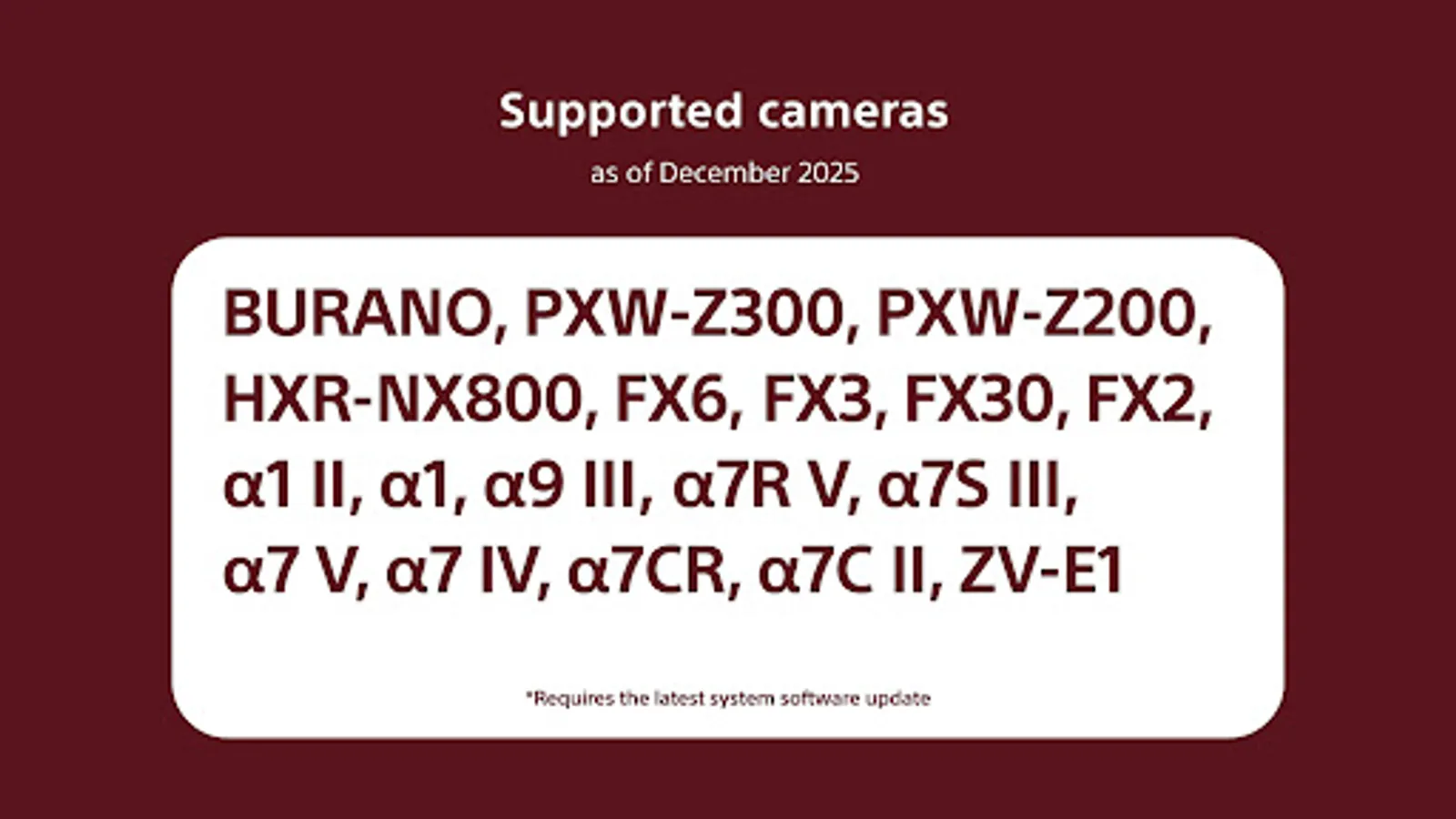
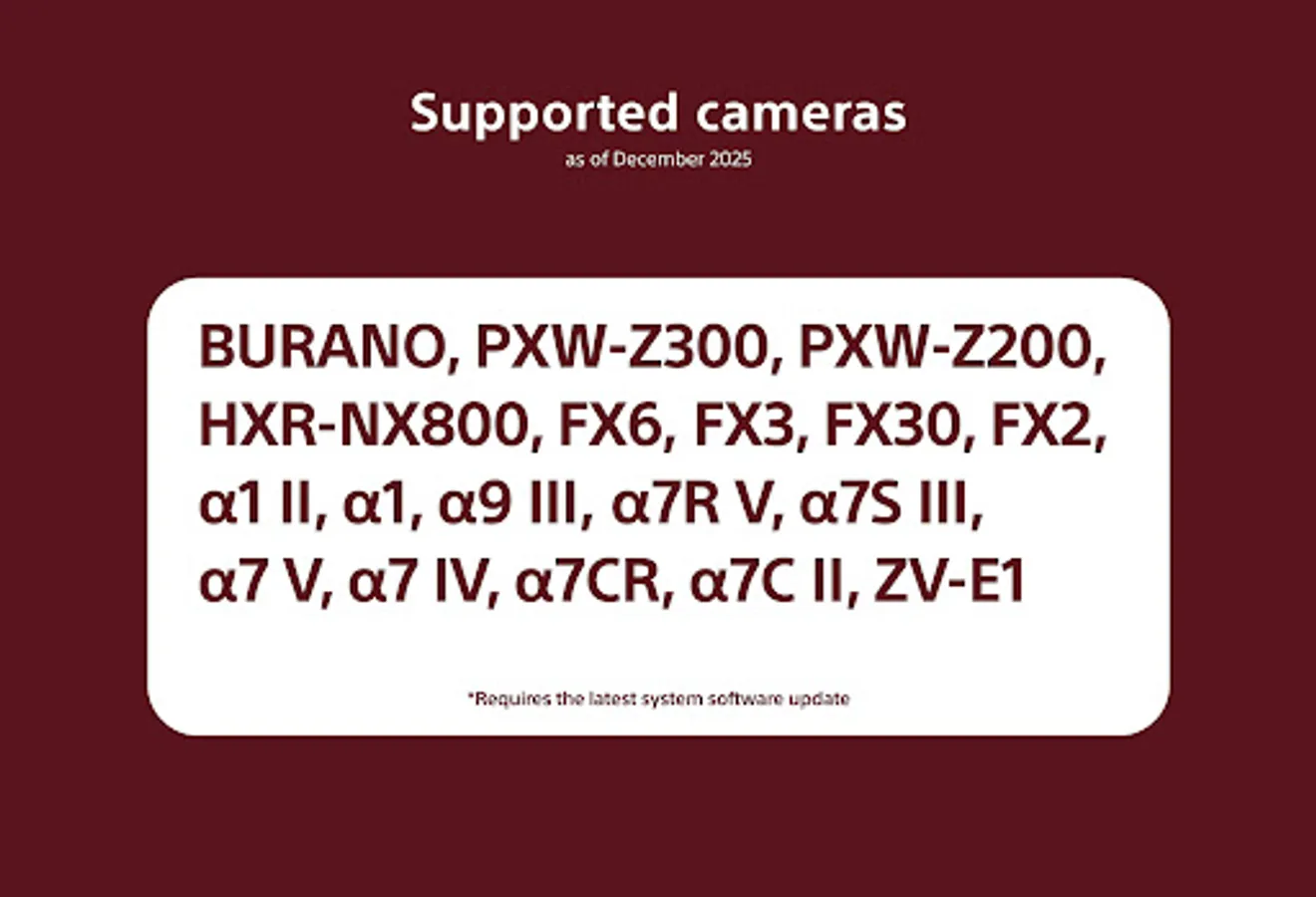
- Supported cameras (as of December 2025):
BURANO, PXW-Z200, HXR-NX800, FX6, FX3, FX2, FX30,α1Ⅱ, α1, α9Ⅲ, α7RⅤ, α7SⅢ, α7 V, α7 Ⅳ, α7CR, α7C II, ZV-E1
*Requires the latest system software.
- Please refer to the Support Page for the connection process and list of supported cameras:
https://www.sony.net/ccmc/help/
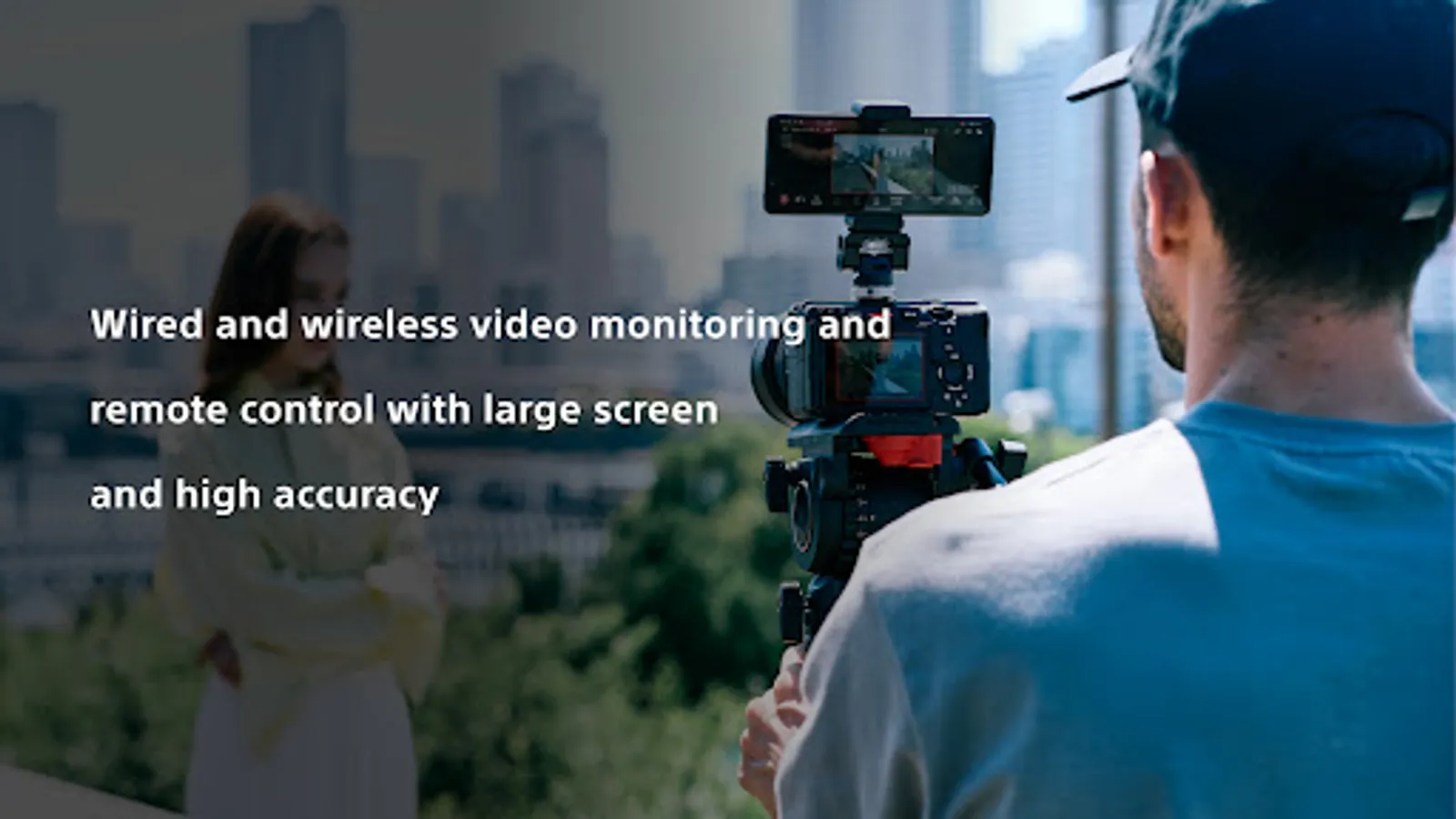
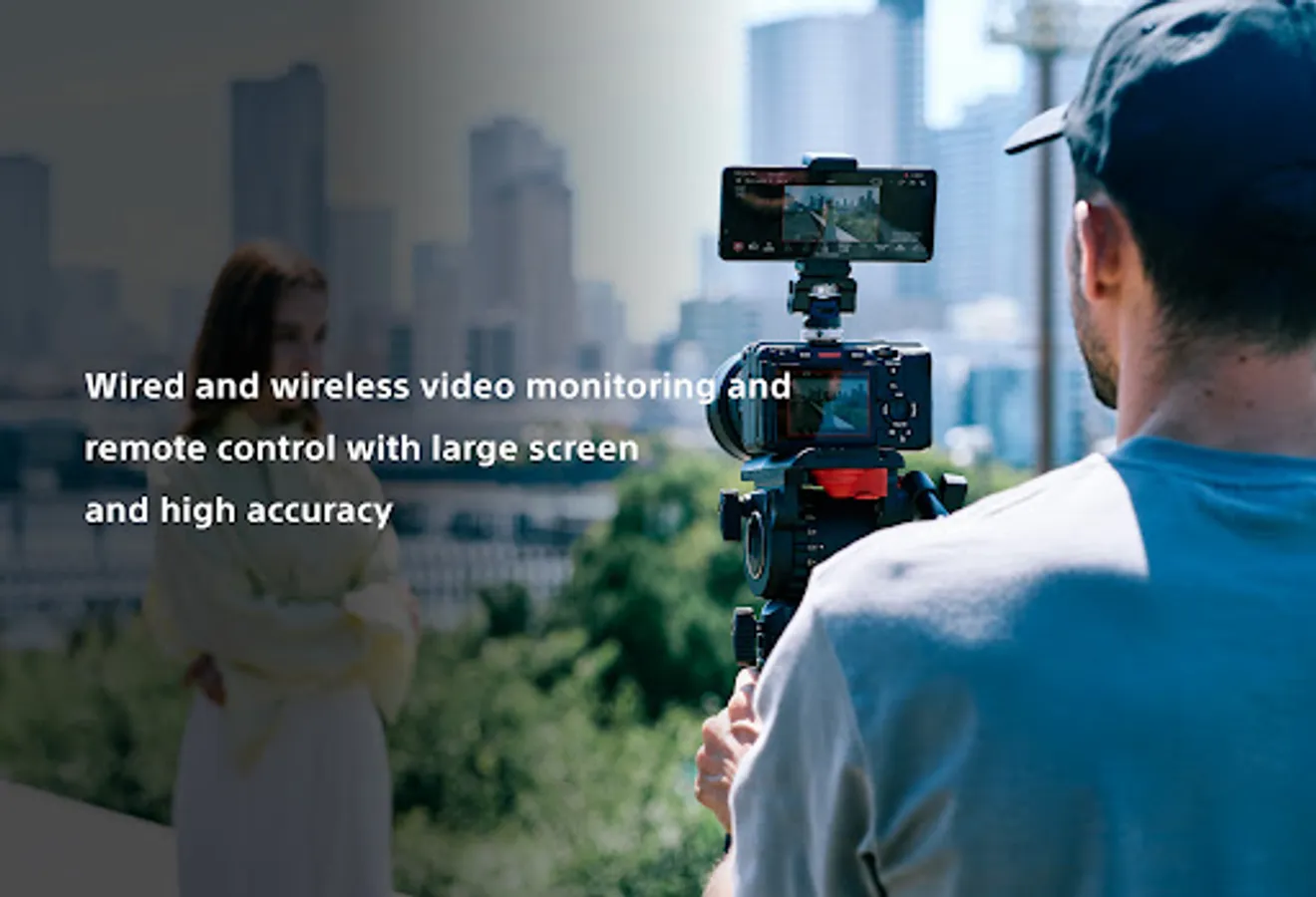
This app for video creators enables wired and wireless video monitoring, as well as high-precision exposure adjustments and focus control to be performed on the large screen of a smartphone, tablet, or Mac.
Features of Monitor & Control
- Highly flexible shooting style
It allows a smartphone, tablet, or Mac to be used as a second monitor and camera settings and operations to be performed from a distance through a wired or wireless connection.
Wired connections ensure a stable connection in places where wireless connection is unstable.
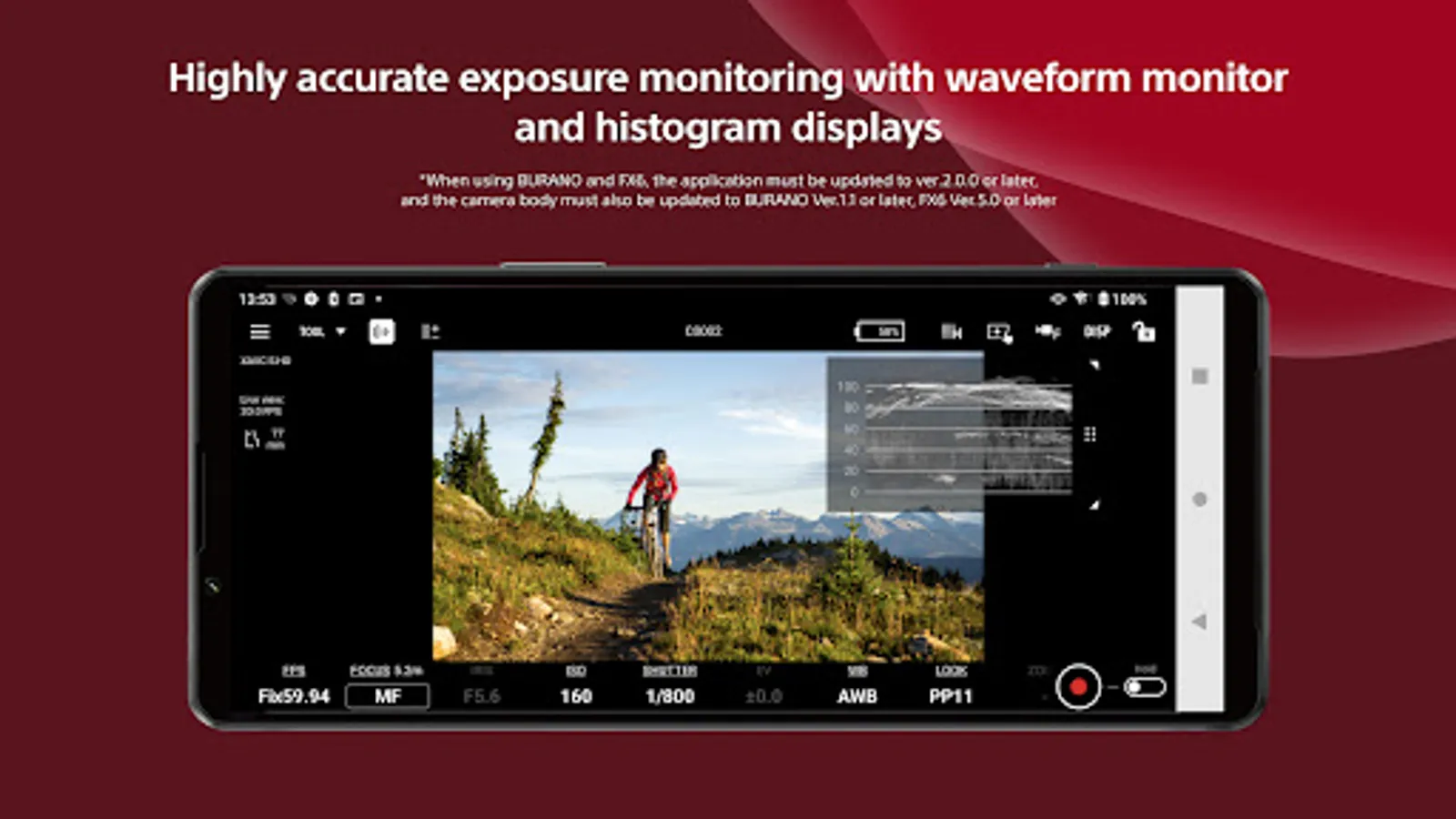
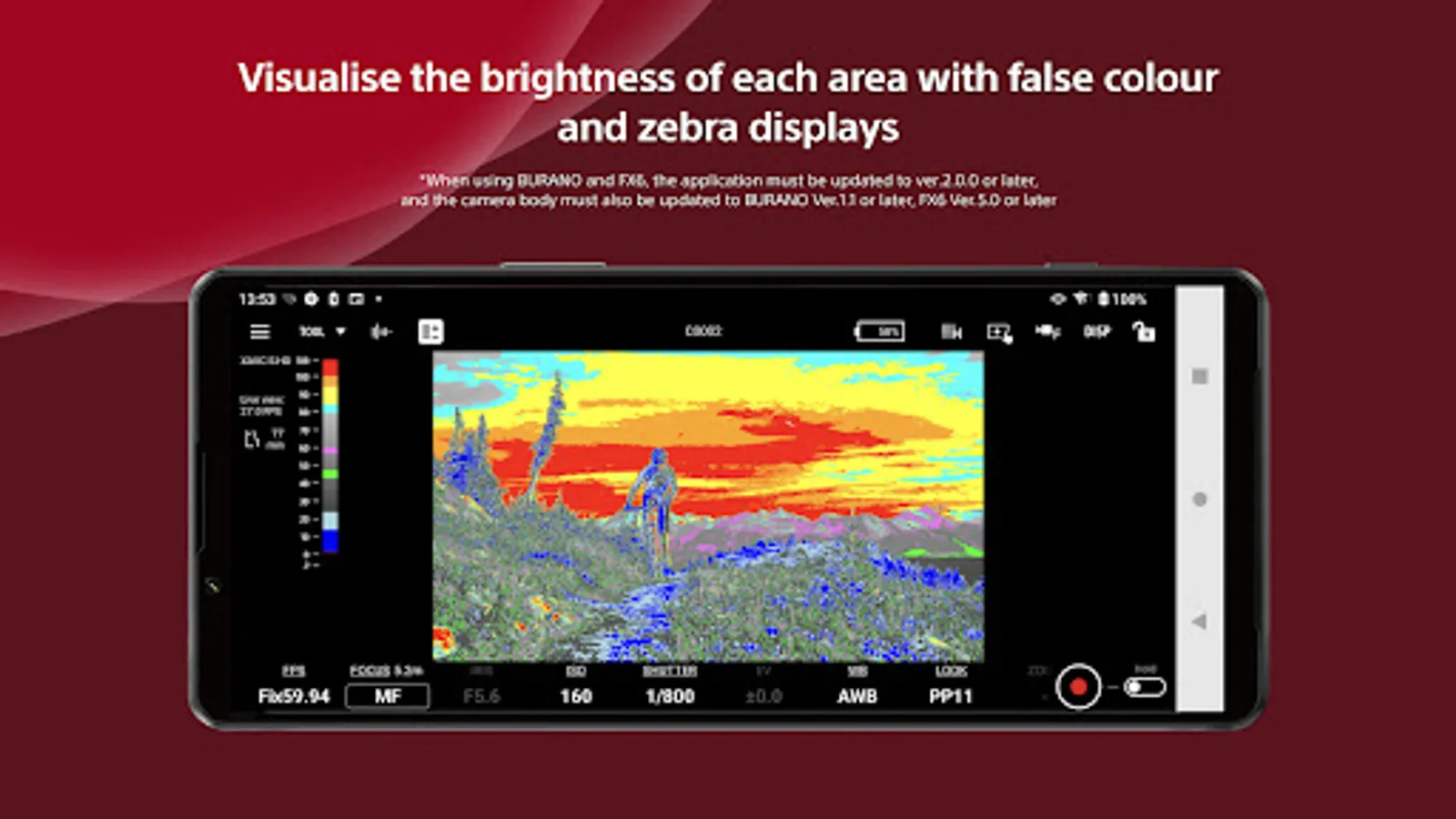
- Supports high-precision exposure monitoring
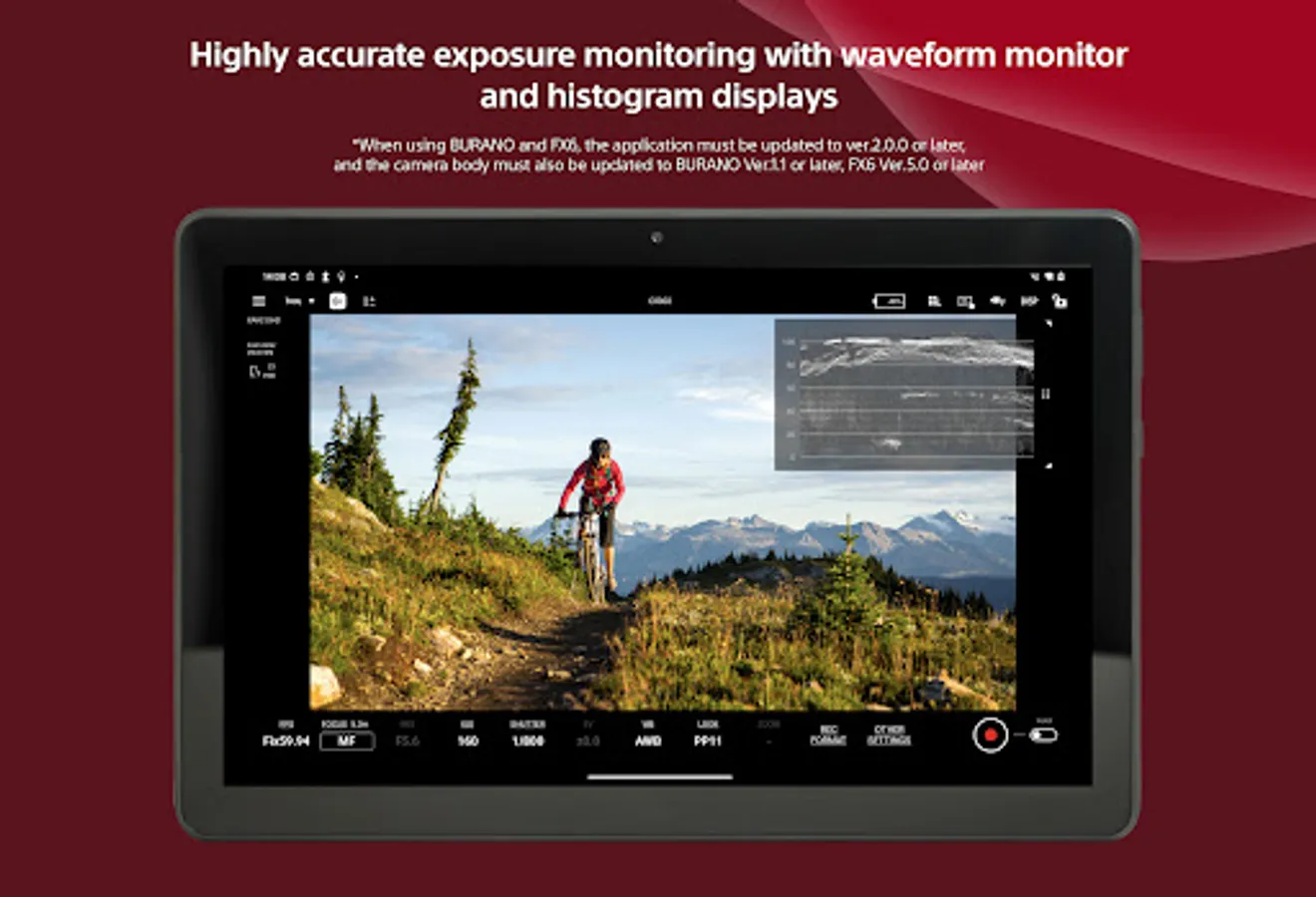
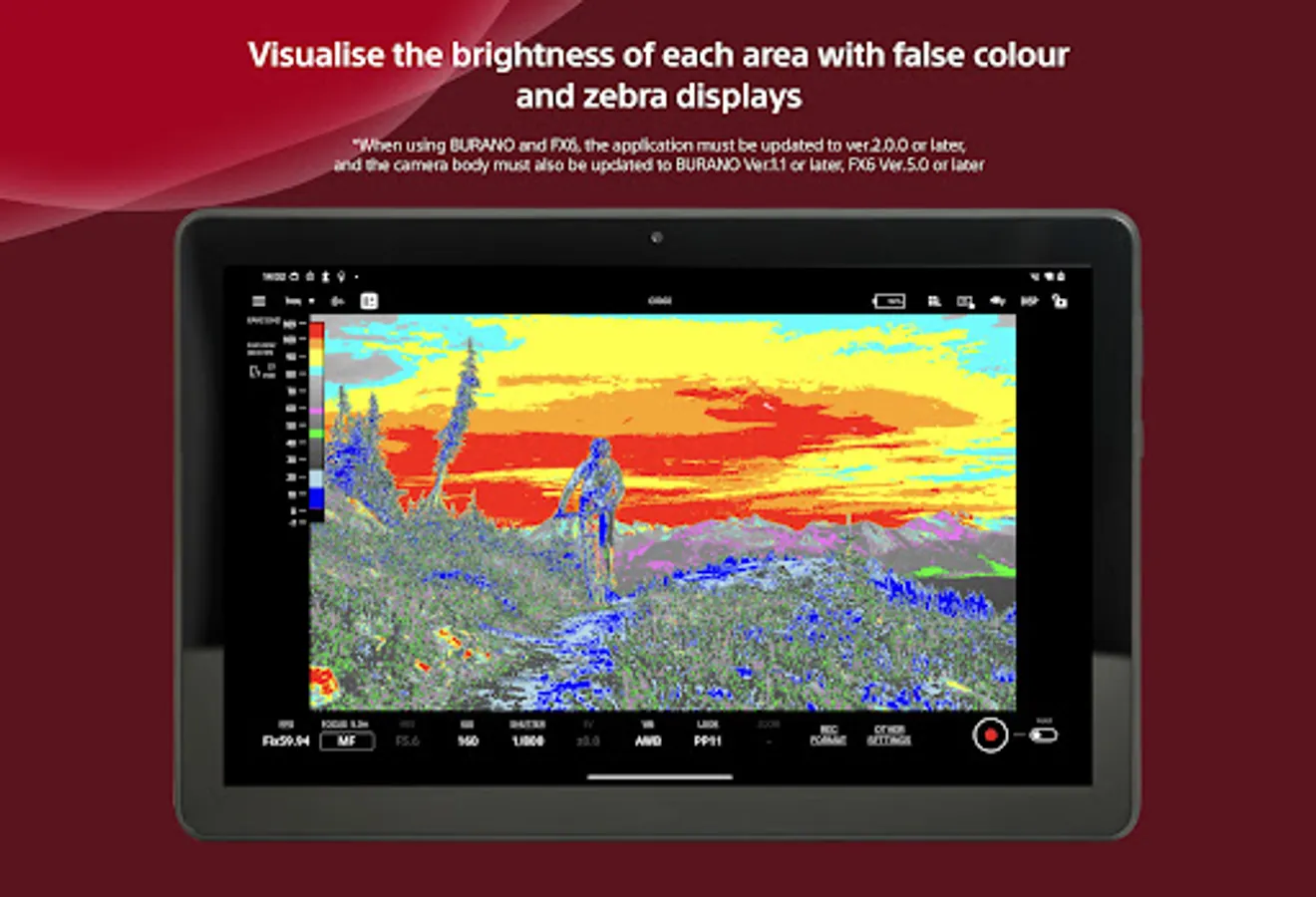
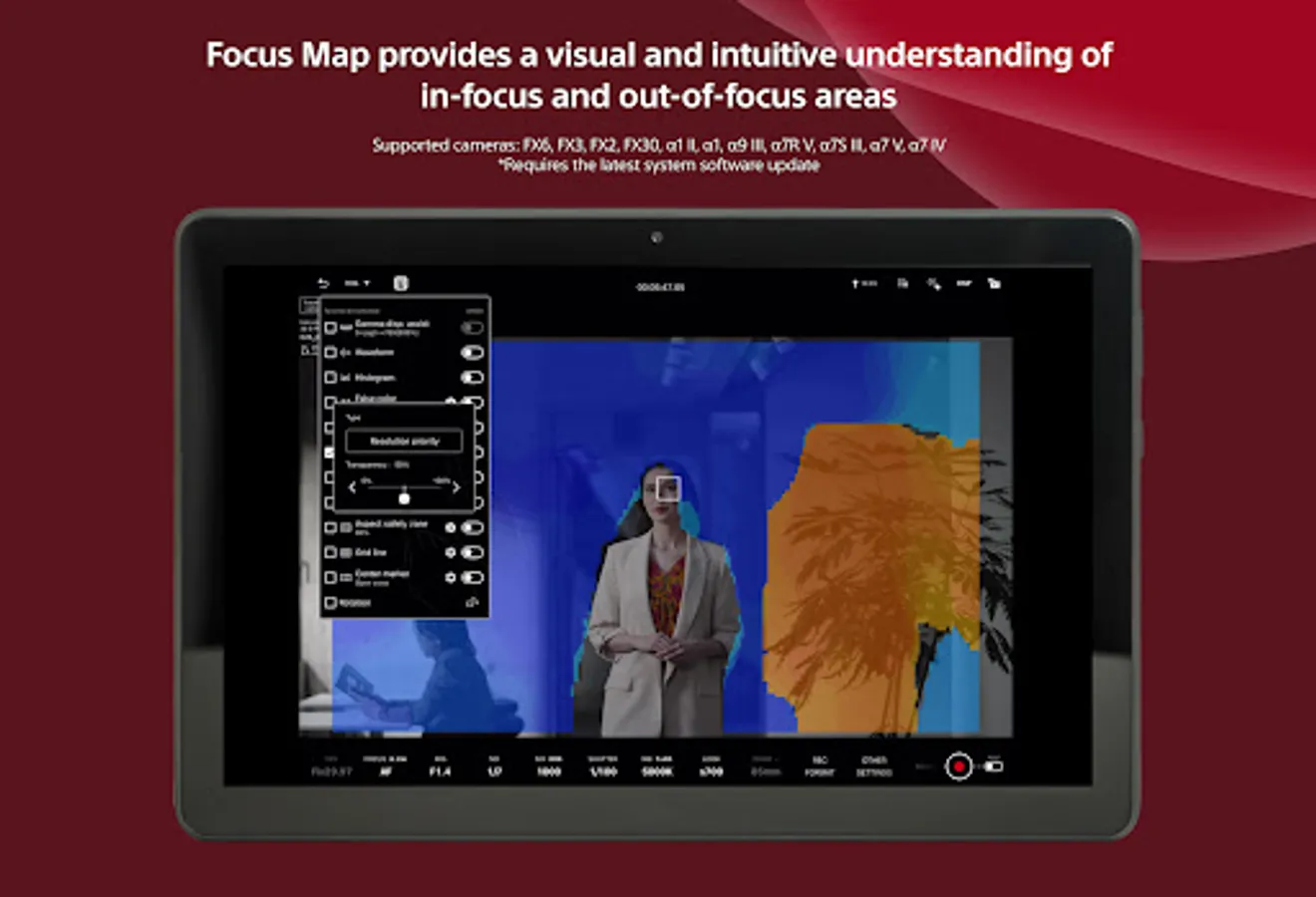
Waveform monitor/false colour/histogram/zebra displays can be checked on the large screen, supporting more accurate exposure control at the video production site.
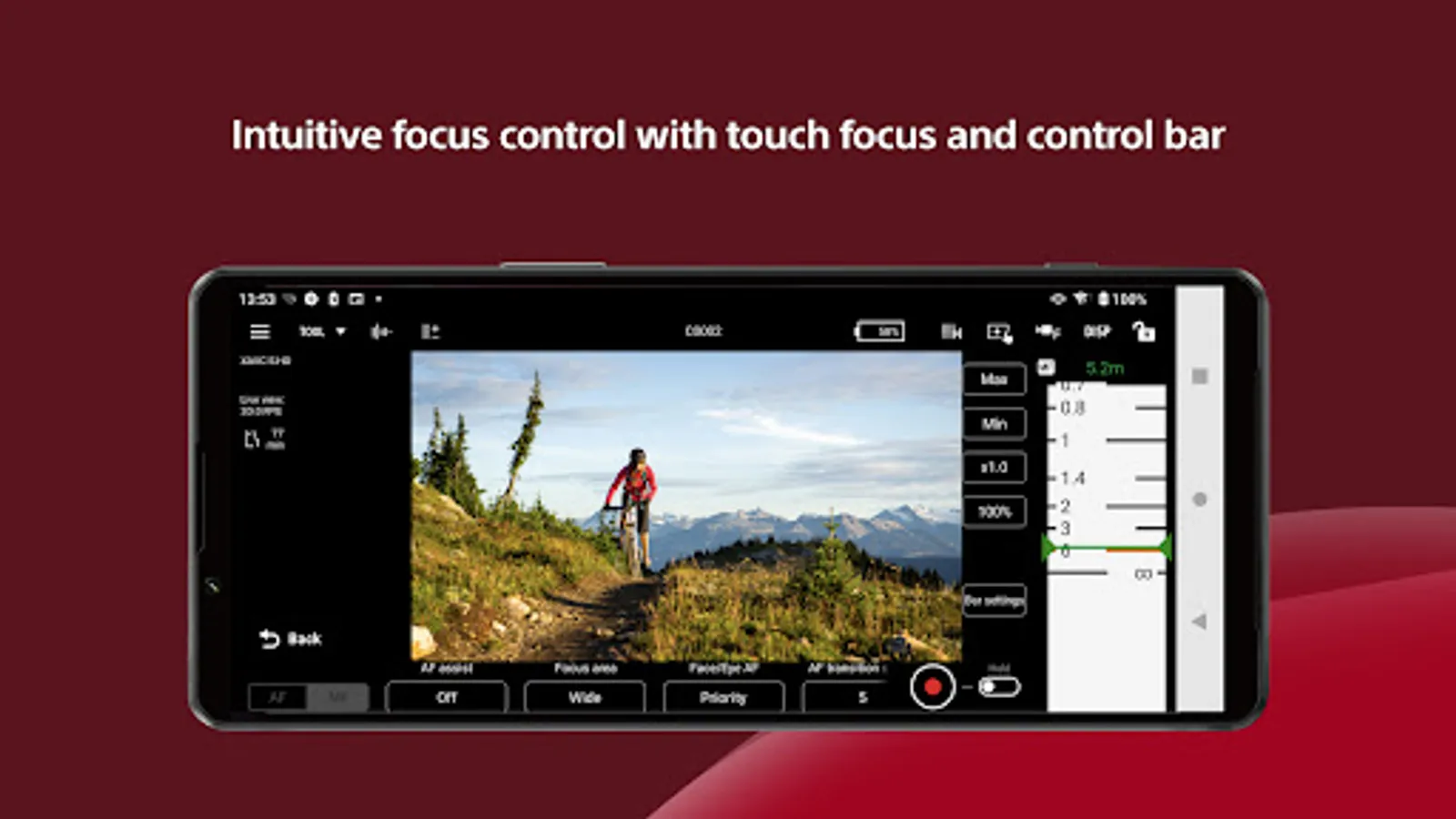
- Intuitive focusing operations
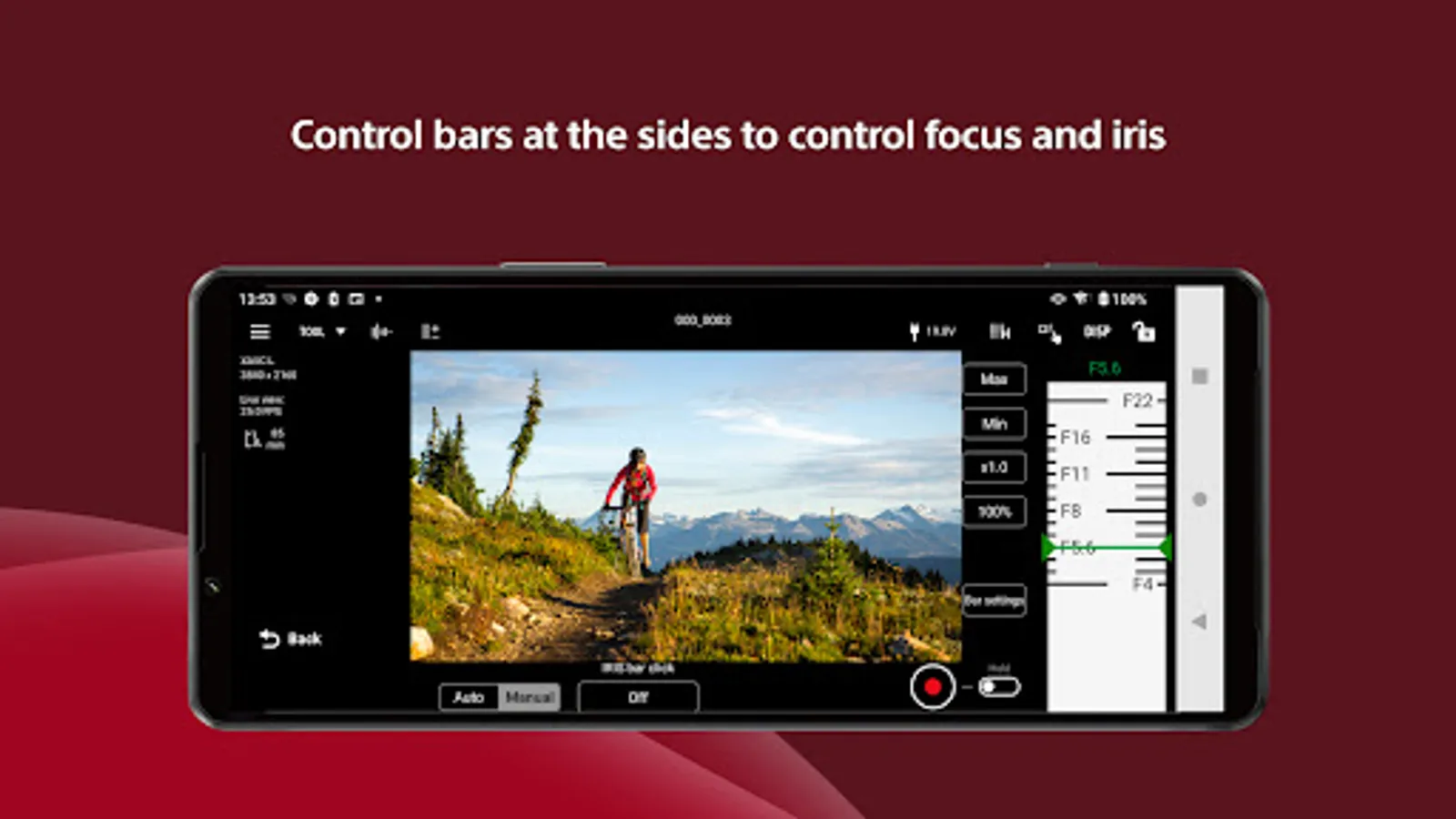
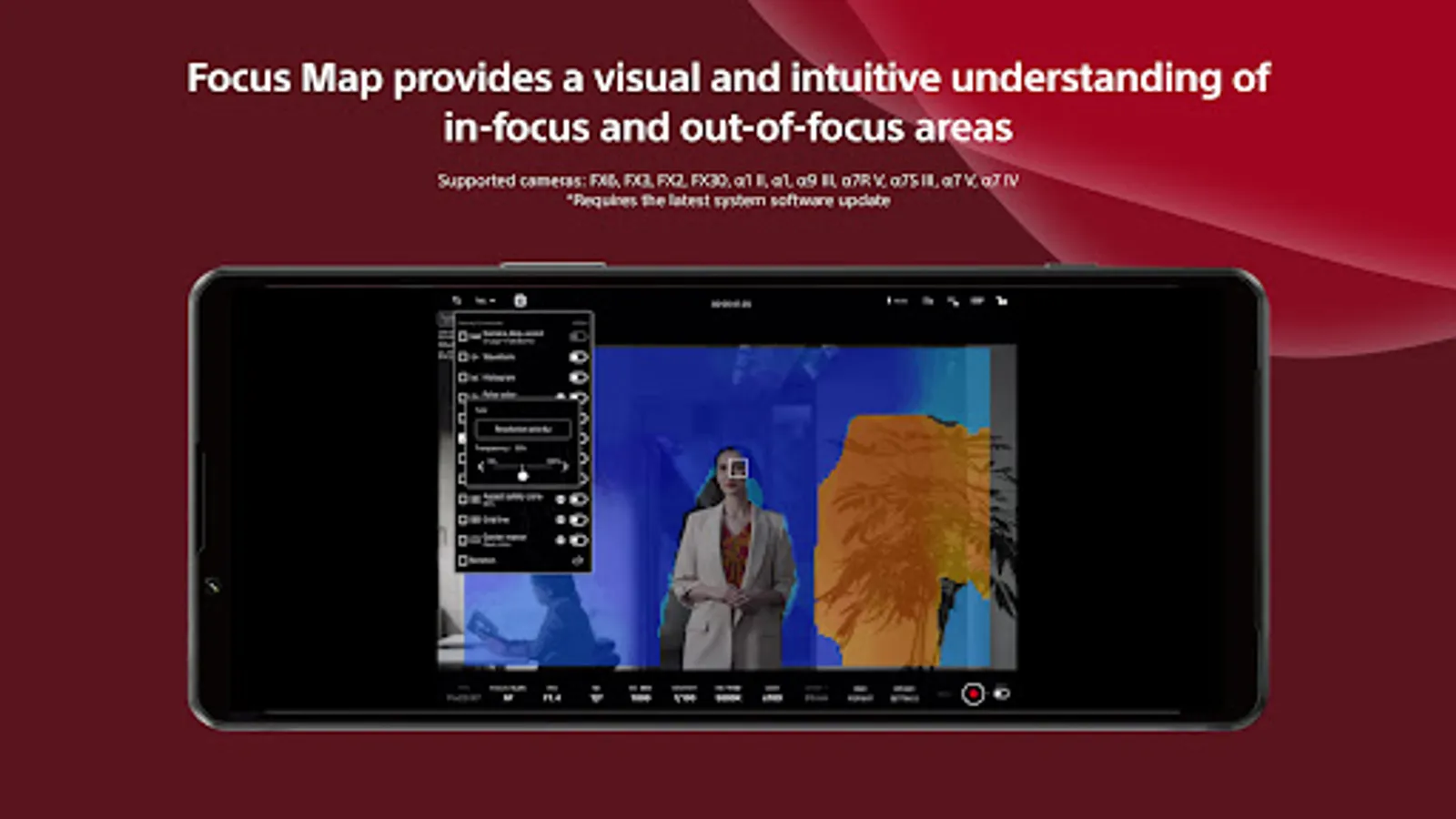
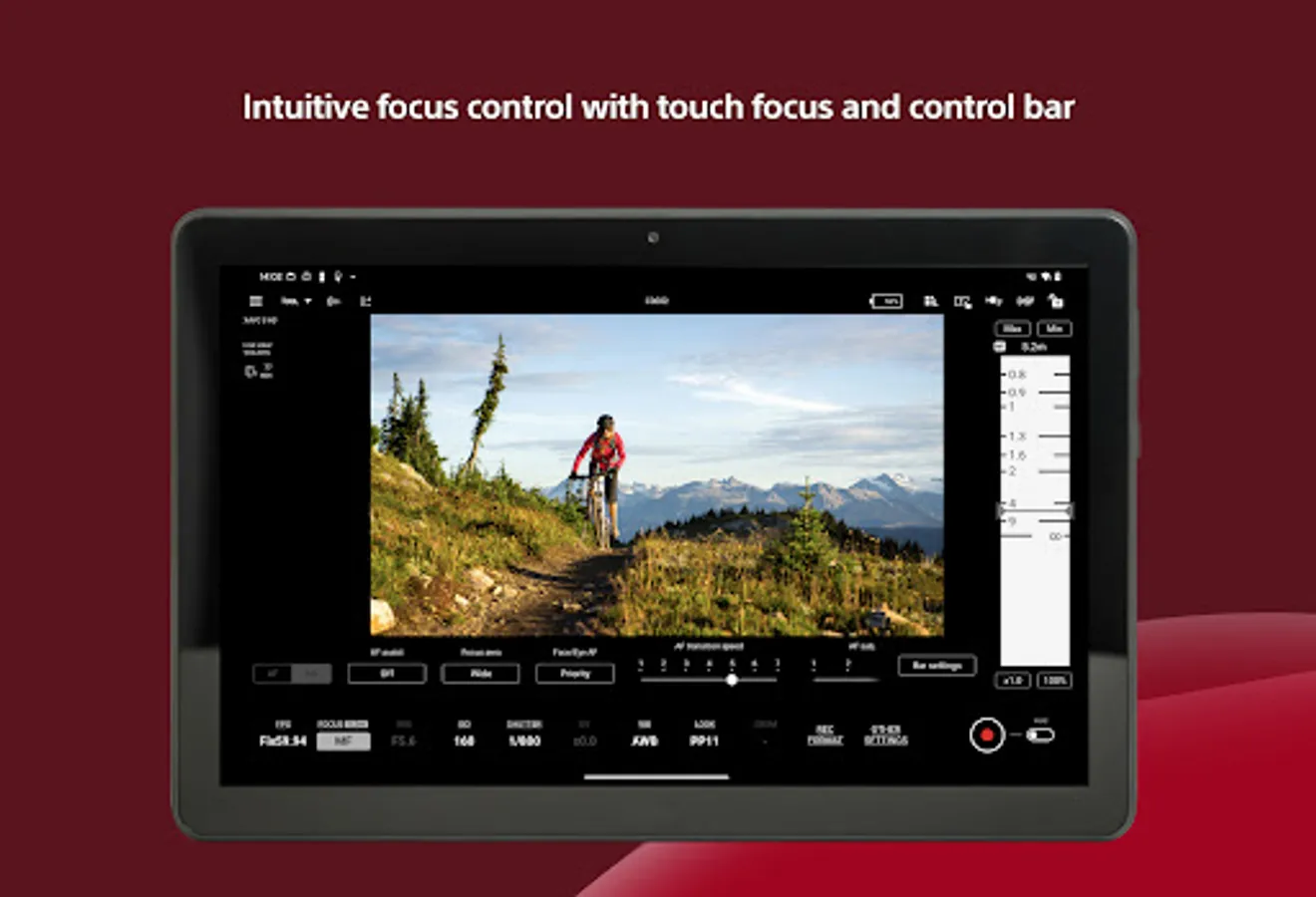
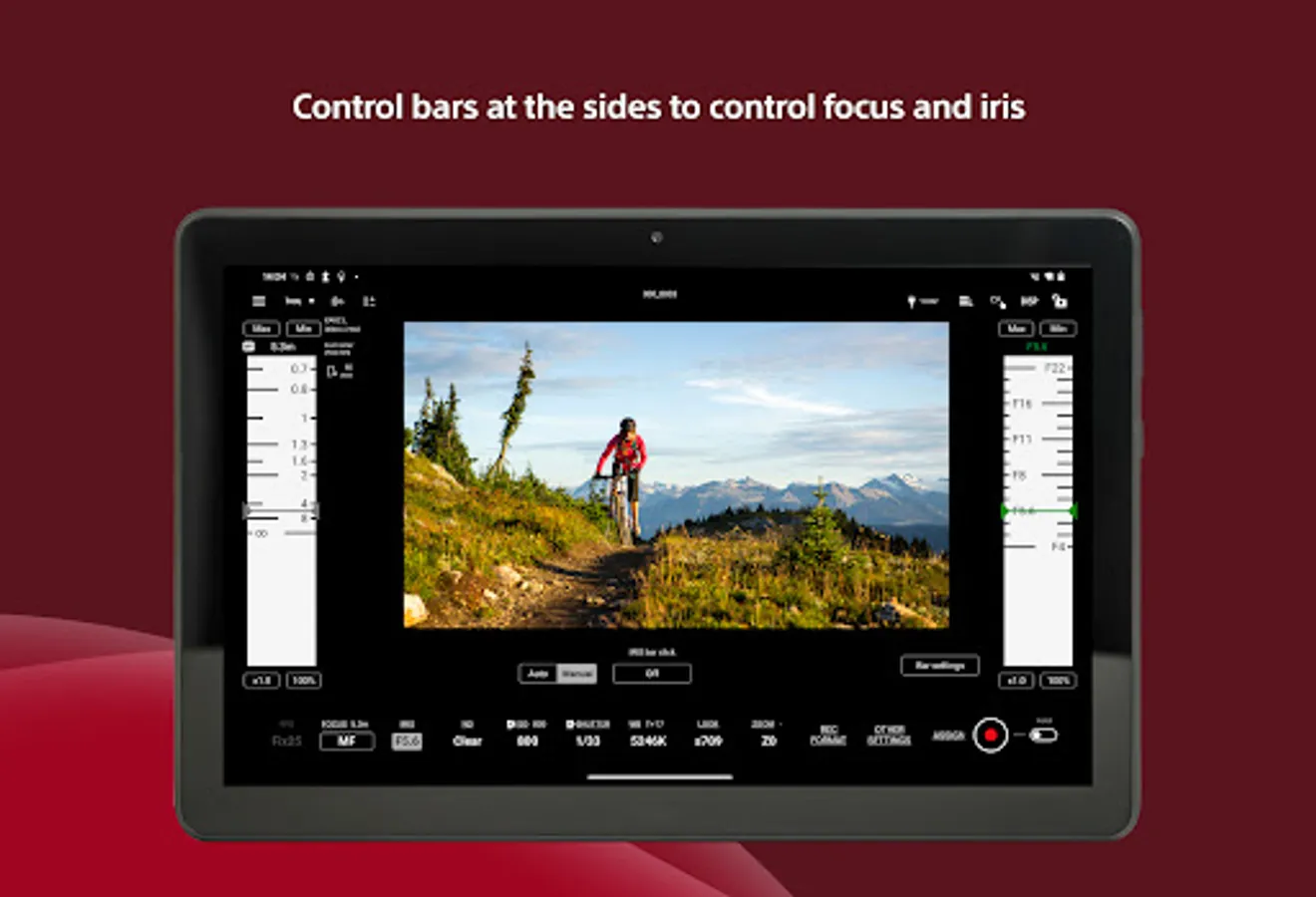
Various focus settings/operations such as touch focusing (operations) and AF sensitivity adjustment (settings) are possible, while intuitive focusing is possible through use of an operation bar on the side of the screen.
- Equipped with a wide range of colour setting functions
Operations such as Picture Profile/scene file settings and LUT switching are possible. While shooting in Log, you can apply LUT and display the image to check the final image.
- Easy-to-use operations that meet the needs of creators
It allows items that are frequently adjusted during shooting (frame rate, sensitivity, shutter speed, ND filter,* look, white balance) to be adjusted on a mobile device. Functions that facilitate shooting, such as switching between shutter speed and angle displays and the display of markers, are provided, as well as a de-squeeze display function compatible with anamorphic lenses.
*If you are using a camera without an ND filter, the ND filter item will be blank.
- Operating environment: Android OS 12 - 16
- Note
This application is not guaranteed to work on all smartphones and tablets.
BURANO, PXW-Z200, HXR-NX800, FX6, FX3, FX2, FX30,α1Ⅱ, α1, α9Ⅲ, α7RⅤ, α7SⅢ, α7 V, α7 Ⅳ, α7CR, α7C II, ZV-E1
*Requires the latest system software.
- Please refer to the Support Page for the connection process and list of supported cameras:
https://www.sony.net/ccmc/help/
This app for video creators enables wired and wireless video monitoring, as well as high-precision exposure adjustments and focus control to be performed on the large screen of a smartphone, tablet, or Mac.
Features of Monitor & Control
- Highly flexible shooting style
It allows a smartphone, tablet, or Mac to be used as a second monitor and camera settings and operations to be performed from a distance through a wired or wireless connection.
Wired connections ensure a stable connection in places where wireless connection is unstable.
- Supports high-precision exposure monitoring
Waveform monitor/false colour/histogram/zebra displays can be checked on the large screen, supporting more accurate exposure control at the video production site.
- Intuitive focusing operations
Various focus settings/operations such as touch focusing (operations) and AF sensitivity adjustment (settings) are possible, while intuitive focusing is possible through use of an operation bar on the side of the screen.
- Equipped with a wide range of colour setting functions
Operations such as Picture Profile/scene file settings and LUT switching are possible. While shooting in Log, you can apply LUT and display the image to check the final image.
- Easy-to-use operations that meet the needs of creators
It allows items that are frequently adjusted during shooting (frame rate, sensitivity, shutter speed, ND filter,* look, white balance) to be adjusted on a mobile device. Functions that facilitate shooting, such as switching between shutter speed and angle displays and the display of markers, are provided, as well as a de-squeeze display function compatible with anamorphic lenses.
*If you are using a camera without an ND filter, the ND filter item will be blank.
- Operating environment: Android OS 12 - 16
- Note
This application is not guaranteed to work on all smartphones and tablets.
Sony | Monitor & Control Screenshots
Tap to Rate:
Reviews for Sony | Monitor & Control
Minh Tuấn Đoàn
12/20/2025
This app DOES NOT SUPPORT the a6700, the camera is so popular and versatile yet it has zero supports from a useful app made by its manufacturer
Hisero Studio
12/10/2025
They have just updated the app for A7V, what about a6700