In this app, you can create and manage Gantt charts with tasks, milestones, and dependencies. Includes collaboration features, memo pad, ToDo list, and PDF export.
AppRecs review analysis
AppRecs rating 2.5. Trustworthiness 75 out of 100. Review manipulation risk 25 out of 100. Based on a review sample analyzed.
★★☆☆☆
2.5
AppRecs Rating
Ratings breakdown
5 star
33%
4 star
0%
3 star
0%
2 star
17%
1 star
50%
What to know
✓
Low review manipulation risk
25% review manipulation risk
⚠
Mixed user feedback
Average 2.5★ rating suggests room for improvement
⚠
High negative review ratio
67% of sampled ratings are 1–2 stars
About Gantt Chart
Create gantt chart(WBS) quickly for your project management.
It is helpful through planning to operation as ToDo list and Memo pad are attached.
Function:
- Create gantt chart with tasks, sub tasks and milestones.
- Draw links which shows the dependency between tasks.
- View the summary table for tasks and links.
- Project files can be shared on the cloud.
- Memo pad and Todo list.
- Create PDF file
Project View:
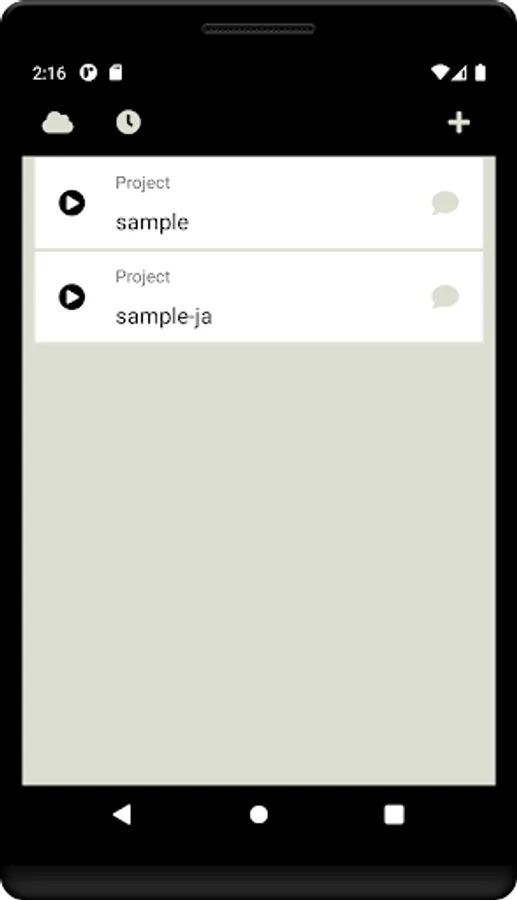
- Top page of this app.
- Open task view by tapping the project.
- Open editing menu by long tapping the project.
- Plus button shows the dialog to create new project.
- Cloud button shows the menus for sharing the project on the cloud.
- Timer button shows the dialog to set the push notification.
Task View:
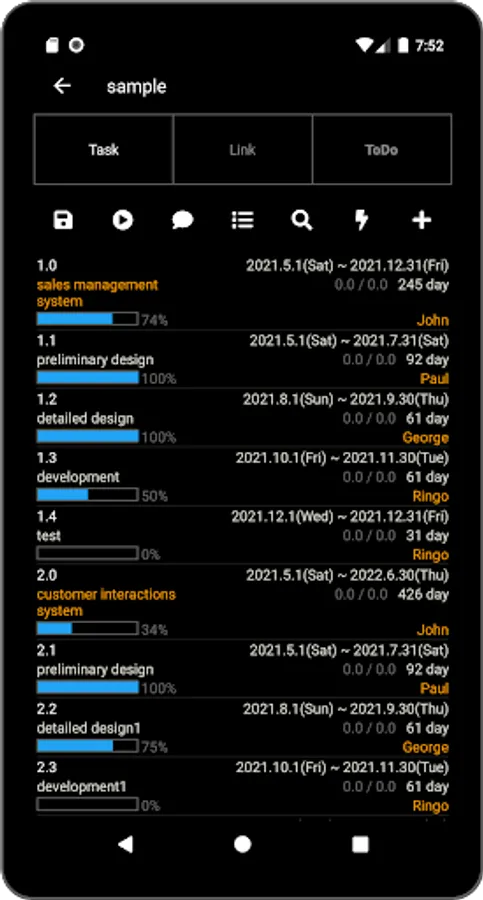
- List the tasks.
- Task type is task, sub-task or milestone.
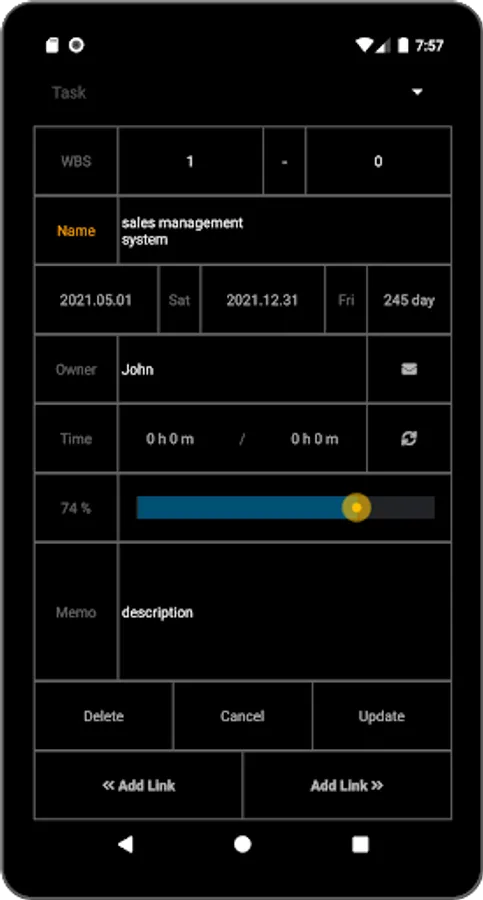
- Open task editor by tapping the task.
- Tasks can be filtered by date, progress and person.
- Auto Sync of the progress is available.
- Save button allows for save, save-as or upload to the cloud.
- Arrow button shows the gantt chart.
Link View:
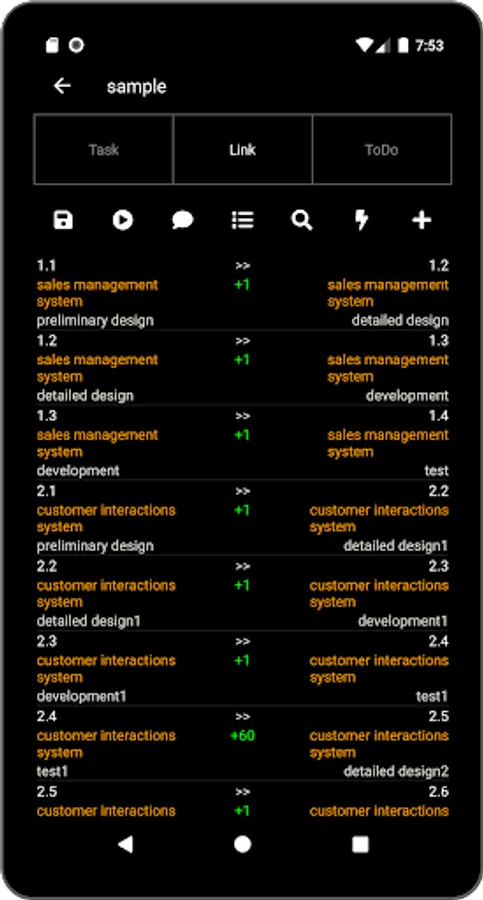
- List the links.
- Invalid link is shown in red color.
- Open link editor by tapping the link.
Todo View:
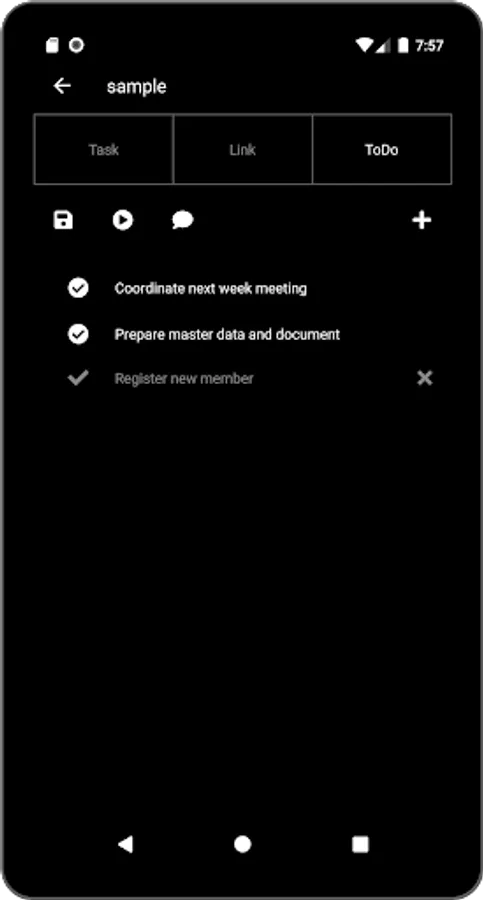
- List the Todo.
- Open the editor by tapping the item.
- Switch the status by tapping the check mark.
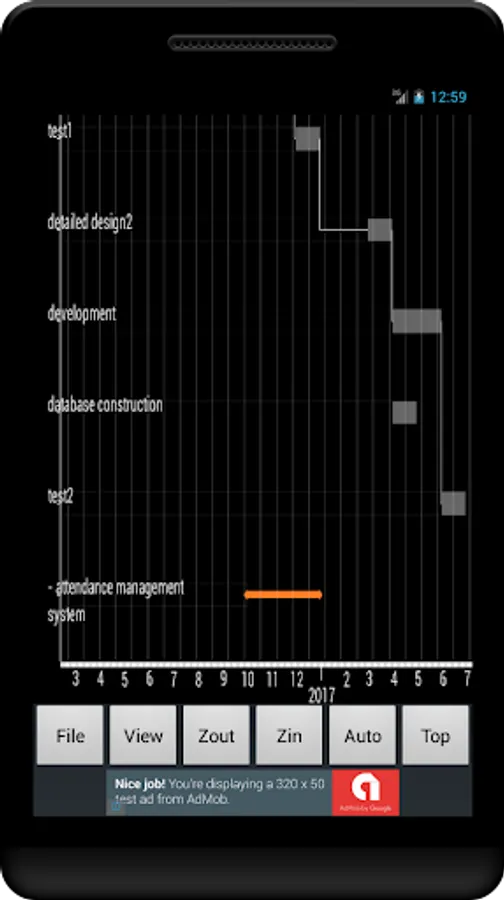
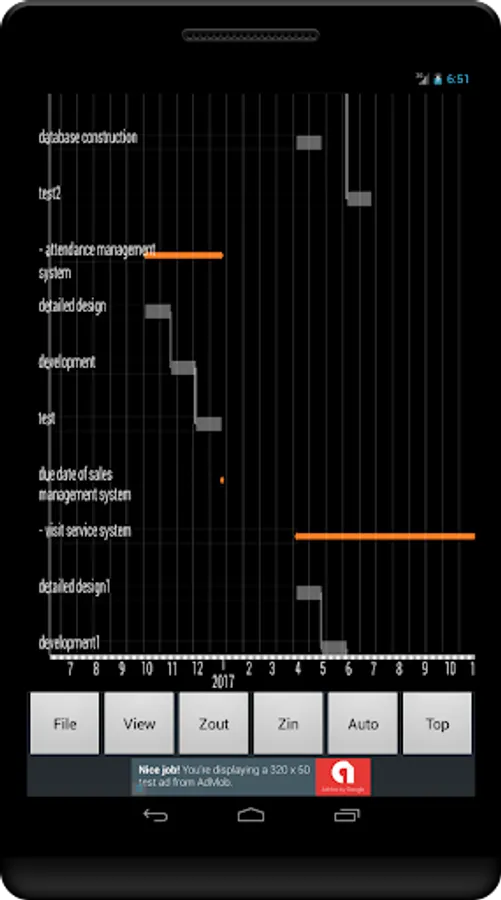
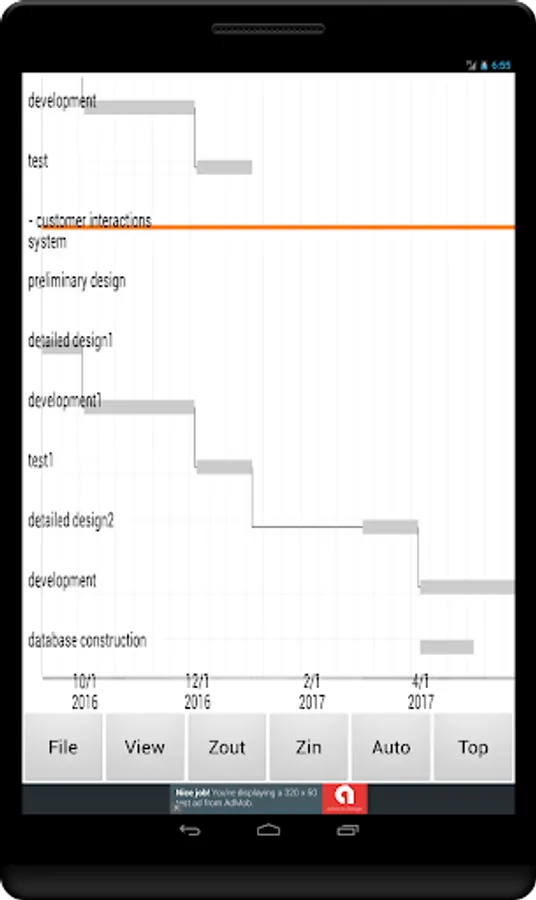
Gantt Chart:
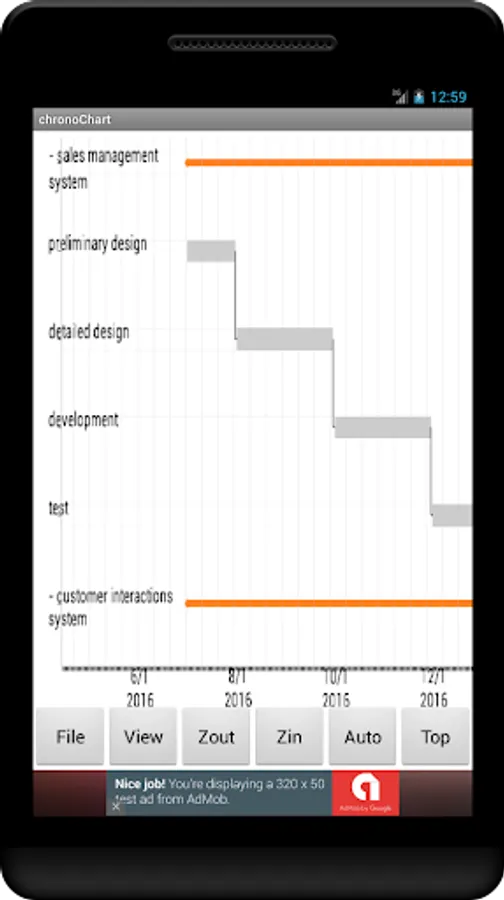
- Move by swiping.
- Zoom in/out button.
- Sub tasks can be fold by tapping the plus mark at left side of the task.
- Task editor opens by tapping the chart.
- Link editor opens by long tapping the chart.
Cloud Service:
- You can share the project with the other users on the cloud.
- Registration is required to accessing the cloud.
Note:
- No advertisement if you pay for the Premium item.
- This app uses the Apache 2.0 license library - AChartEngine.
(http://www.apache.org/licenses/LICENSE-2.0)
It is helpful through planning to operation as ToDo list and Memo pad are attached.
Function:
- Create gantt chart with tasks, sub tasks and milestones.
- Draw links which shows the dependency between tasks.
- View the summary table for tasks and links.
- Project files can be shared on the cloud.
- Memo pad and Todo list.
- Create PDF file
Project View:
- Top page of this app.
- Open task view by tapping the project.
- Open editing menu by long tapping the project.
- Plus button shows the dialog to create new project.
- Cloud button shows the menus for sharing the project on the cloud.
- Timer button shows the dialog to set the push notification.
Task View:
- List the tasks.
- Task type is task, sub-task or milestone.
- Open task editor by tapping the task.
- Tasks can be filtered by date, progress and person.
- Auto Sync of the progress is available.
- Save button allows for save, save-as or upload to the cloud.
- Arrow button shows the gantt chart.
Link View:
- List the links.
- Invalid link is shown in red color.
- Open link editor by tapping the link.
Todo View:
- List the Todo.
- Open the editor by tapping the item.
- Switch the status by tapping the check mark.
Gantt Chart:
- Move by swiping.
- Zoom in/out button.
- Sub tasks can be fold by tapping the plus mark at left side of the task.
- Task editor opens by tapping the chart.
- Link editor opens by long tapping the chart.
Cloud Service:
- You can share the project with the other users on the cloud.
- Registration is required to accessing the cloud.
Note:
- No advertisement if you pay for the Premium item.
- This app uses the Apache 2.0 license library - AChartEngine.
(http://www.apache.org/licenses/LICENSE-2.0)
Gantt Chart Screenshots
Tap to Rate:
Reviews for Gantt Chart
Divo
11/18/2024
Cuando le doy a guardar como pdf no hace nada, no aparece el archivo por ningun lado
Muhammad Satrio
10/16/2023
not working