AppRecs review analysis
AppRecs rating . Trustworthiness 69 out of 100. Review manipulation risk 30 out of 100. Based on a review sample analyzed.
★
AppRecs Rating
Ratings breakdown
5 star
7%
4 star
2%
3 star
5%
2 star
0%
1 star
86%
What to know
✓
Low review manipulation risk
30% review manipulation risk
⚠
Mixed user feedback
Average 1.4★ rating suggests room for improvement
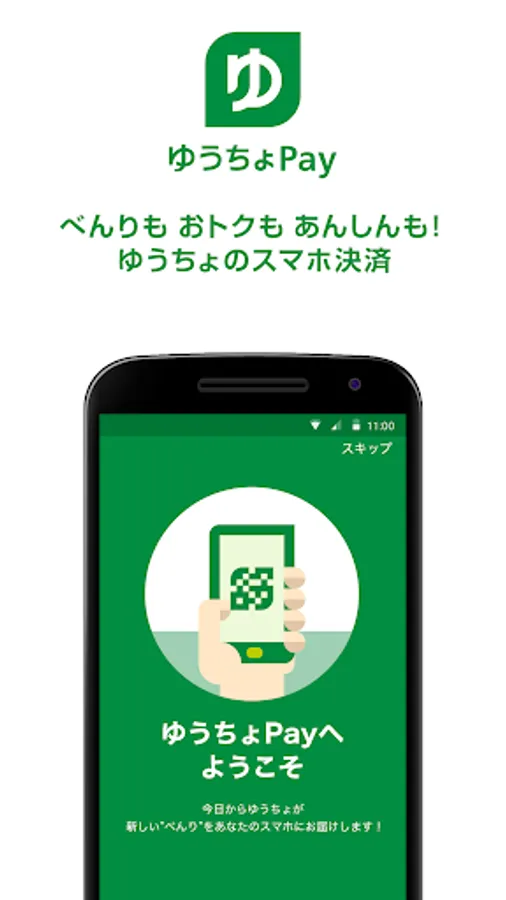
About ゆうちょPay - べんりでおトクなゆうちょのスマホ決済
This is the official smartphone payment app provided by Japan Post Bank.
[Three benefits of Japan Post Pay]
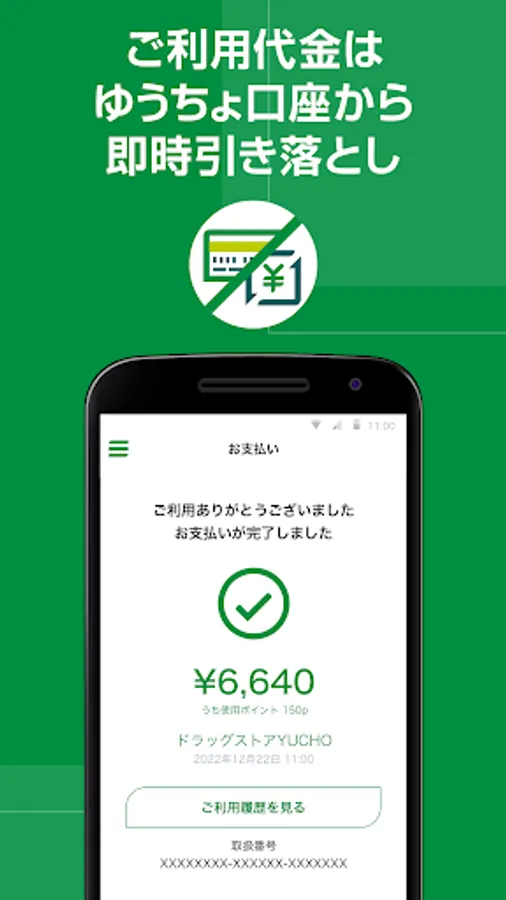
1. Immediate withdrawal from your Japan Post account with no advance charge required!
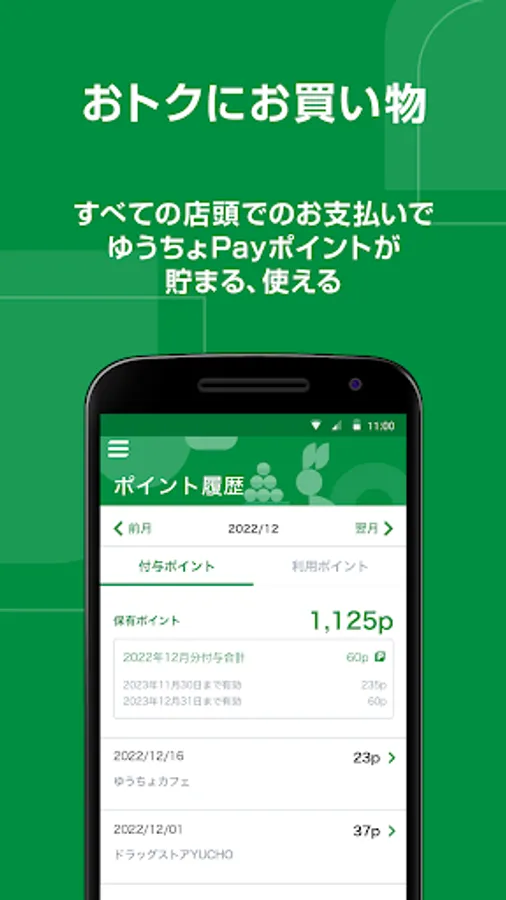
2. Earn points by shopping and using other Japan Post Bank services!
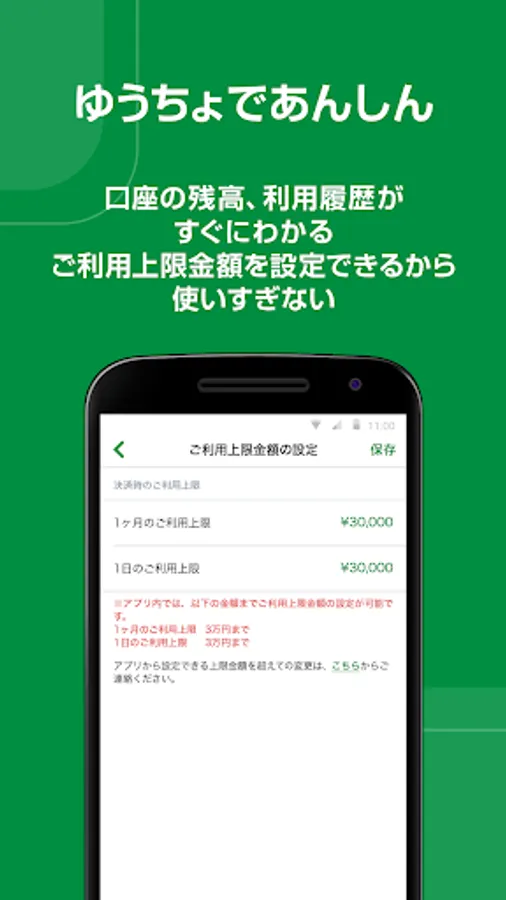
3. You can set a spending limit, so you don't have to worry about overspending!
[Main things you can do with Japan Post Pay]
1.Payment for shopping at stores, food and drinks, etc.
2 Payment of utility charges etc. using payment slip*
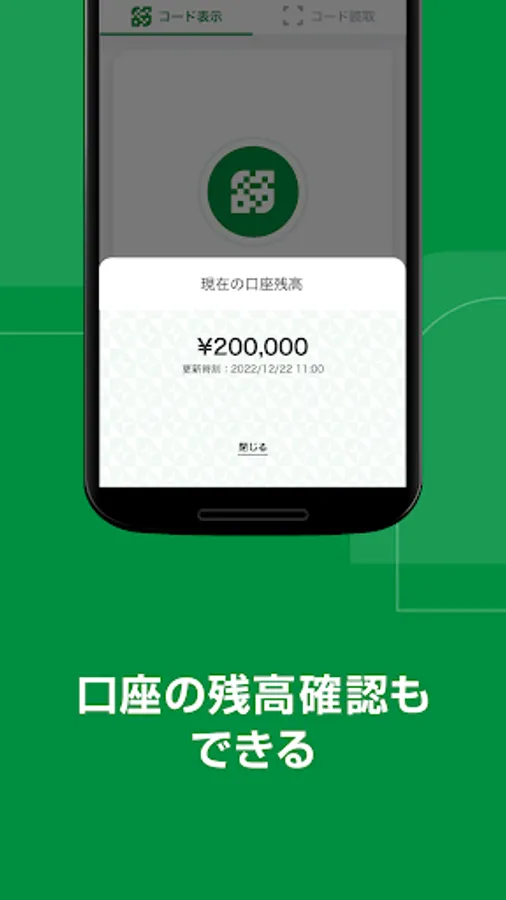
3. Check account balance and usage history
*Limited to eligible payment slips.
[How to use]
When paying at a store with the Japan Post Pay logo, please say "Use Japan Post Pay!"
There are two payment methods as follows.
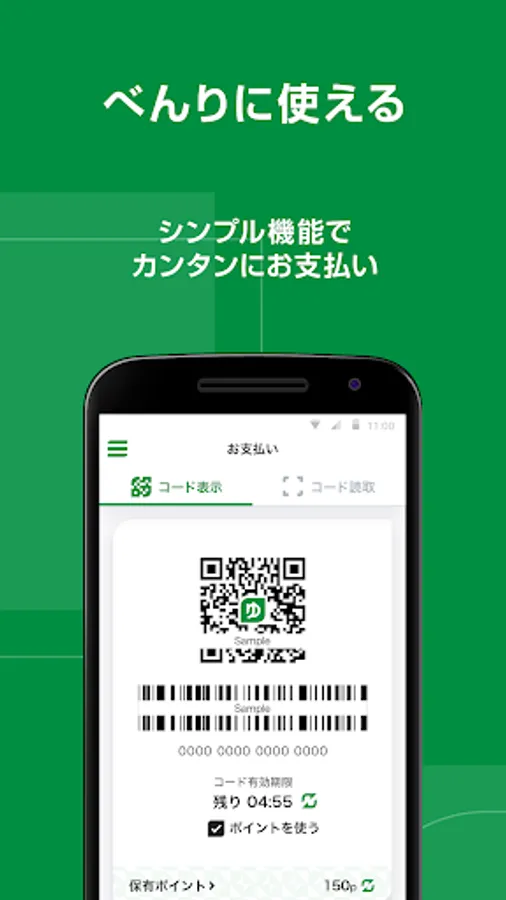
1. The customer displays the code on their smartphone and the store reads it.
① Start the Japan Post Pay app, select code display, and tap the mark in the center
② A code will be displayed, so show it to the shop staff
③ The store reads the code and completes the payment!
2. The store displays the code and the customer reads it with their smartphone.
① Start the Japan Post Pay app and select read code
② Read the code displayed by the store with the activated camera.
③ Check the amount and complete the payment!
[Precautions for use]
・For details, please see the Japan Post Bank website.
[Three benefits of Japan Post Pay]
1. Immediate withdrawal from your Japan Post account with no advance charge required!
2. Earn points by shopping and using other Japan Post Bank services!
3. You can set a spending limit, so you don't have to worry about overspending!
[Main things you can do with Japan Post Pay]
1.Payment for shopping at stores, food and drinks, etc.
2 Payment of utility charges etc. using payment slip*
3. Check account balance and usage history
*Limited to eligible payment slips.
[How to use]
When paying at a store with the Japan Post Pay logo, please say "Use Japan Post Pay!"
There are two payment methods as follows.
1. The customer displays the code on their smartphone and the store reads it.
① Start the Japan Post Pay app, select code display, and tap the mark in the center
② A code will be displayed, so show it to the shop staff
③ The store reads the code and completes the payment!
2. The store displays the code and the customer reads it with their smartphone.
① Start the Japan Post Pay app and select read code
② Read the code displayed by the store with the activated camera.
③ Check the amount and complete the payment!
[Precautions for use]
・For details, please see the Japan Post Bank website.
ゆうちょPay - べんりでおトクなゆうちょのスマホ決済 Screenshots
Tap to Rate:
Reviews for ゆうちょPay - べんりでおトクなゆうちょのスマホ決済
SAEED
10/9/2025
VERY DIFFICULT TO USE
Davide Kleiner
8/21/2025
The app is only available in Japanese, and the developers have blocked screenshots AND the Google lens function. So, you either can read kanji or you can't use the app. A truly inclusive policy.